How we make this list: we compare pricing pages, product documentation and public user reviews. Rankite is independent; if a vendor ever pays for a featured spot, that listing is clearly labeled Partner.
Key takeaways
- Qustodio is the most complete all-rounder, with web filtering, screen time, call monitoring, and location tracking on nearly every platform.
- Bark is the best choice when messaging and social media are the main worry, thanks to AI alerts across dozens of apps.
- Free options exist: Google Family Link and Microsoft Family Safety cost nothing and cover the basics well.
- Most paid plans run $40 to $105 per year for a family, which is modest for year-round coverage of every device.
- No app replaces conversation. The best results come from combining a filter with clear family rules about screen time and online behavior.
Quick comparison
| Tool | Best for | Starting price | Free plan |
|---|
 Qustodio Qustodio | All-round family monitoring | $59.95 per year (Basic, 5 devices) | Yes (limited free plan) |
 Bark Bark | Social media and message safety | $14 per month or $99 per year | Free trial (7 days) |
 Net Nanny Net Nanny | Real-time web filtering | $39.99 per year (1 desktop) | No (14-day money-back) |
 Norton Family Norton Family | Families already using Norton | Included with Norton 360 (from $49.99 first year) | No (60-day money-back) |
 Mobicip Mobicip | Multi-device families on mixed platforms | $7.99 per month | Free trial |
 Aura Aura | Family safety plus identity protection | $10 per month | Free trial (60-day money-back) |
 Google Family Link Google Family Link | Free basics for Android families | $0 | Yes |
 Microsoft Family Safety Microsoft Family Safety | Free basics for Windows households | $0 | Yes |
Is your product missing or out of date?
We review this list regularly. Vendors can request a listing, send updated pricing or ask about featured placement.
The best computer safety software
Starting price$59.95 per year (Basic, 5 devices)
Free planYes (limited free plan)
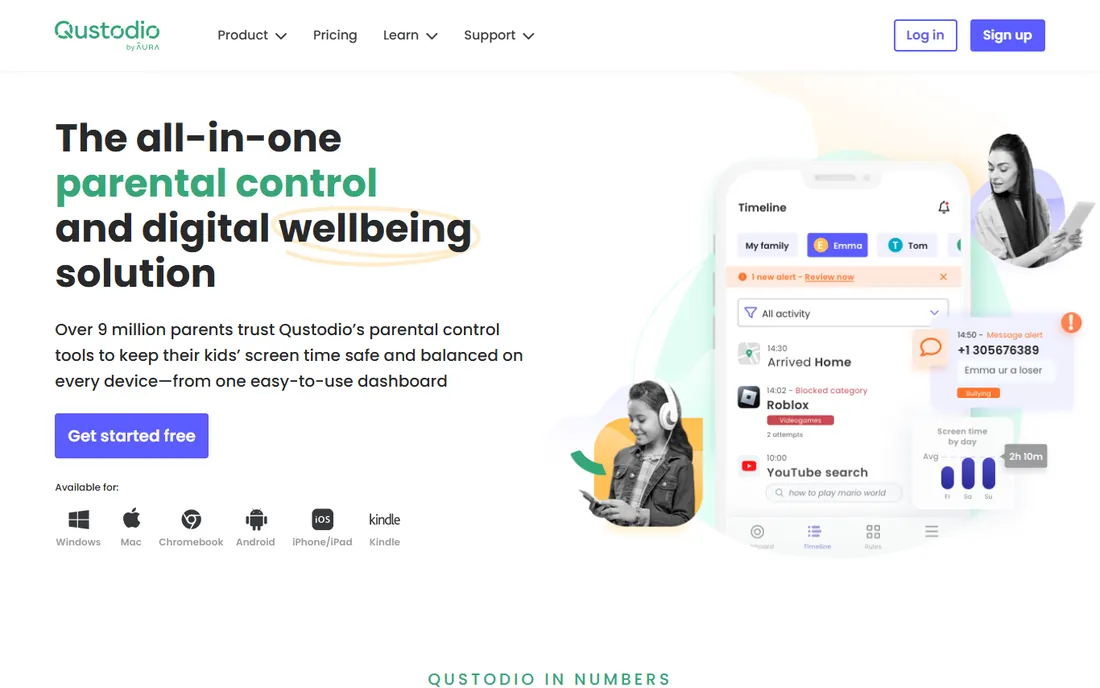
Qustodio is the closest thing to a complete family safety suite in one subscription. Web filtering, app blocking, screen time limits, call and message monitoring, location tracking with geofencing, and YouTube monitoring all live in one dashboard. It runs on more platforms than any competitor here, including Chromebook and Kindle Fire.
What sets it apart is the quality of its reports. Instead of raw logs, parents get daily and weekly summaries showing how time was spent, which apps dominate, and what got blocked. The AI-powered alerts flag concerning activity without requiring parents to read every message. A free plan covers basic protection on one device, which is enough to test it properly.
The honest catch is price and iOS limits. The Complete plan at $104.95 per year for unlimited devices is among the priciest here, and Apple's restrictions mean call and message monitoring on iPhones requires a workaround through a computer. For families with mixed devices, though, nothing else covers as much ground.
What we like- Covers Windows, Mac, Android, iOS, Chromebook, and Kindle
- Detailed activity reports
- Panic button on Android
Watch out for- Premium plans cost more than simpler rivals
- Social monitoring is stronger on Android than iOS
Starting price$14 per month or $99 per year
Free planFree trial (7 days)
Bark takes a different approach from most parental controls: instead of showing parents everything, its AI scans texts, emails, social media, and searches, then sends alerts only when it spots something concerning like bullying, self-harm, or predatory contact. That design respects a teen's privacy while still catching real dangers.
Coverage is broad, with monitoring across more than 30 platforms including Instagram, TikTok, Snapchat, and WhatsApp. One $99-per-year subscription covers every child and device in the family. Bark also sells its own hardware, the Bark Phone and Bark Watch, with monitoring built in and tamper-proof for younger kids who are not ready for a full smartphone.
The tradeoff is that Bark is weaker at old-school web filtering and screen time scheduling than dedicated filter apps. And on iPhones, deep monitoring requires the Bark Sync, a smart charger that scans the device when plugged in. If messaging safety is your top concern, Bark is the pick; if you mainly want to block websites, look elsewhere on this list.
What we like- Monitors 30+ apps and platforms with AI alerts
- One subscription covers unlimited devices
- Bark Phone and Watch for younger kids
Watch out for- Weaker at traditional web filtering than Qustodio or Net Nanny
- IOS monitoring needs the Bark Sync accessory
Starting price$39.99 per year (1 desktop)
Free planNo (14-day money-back)
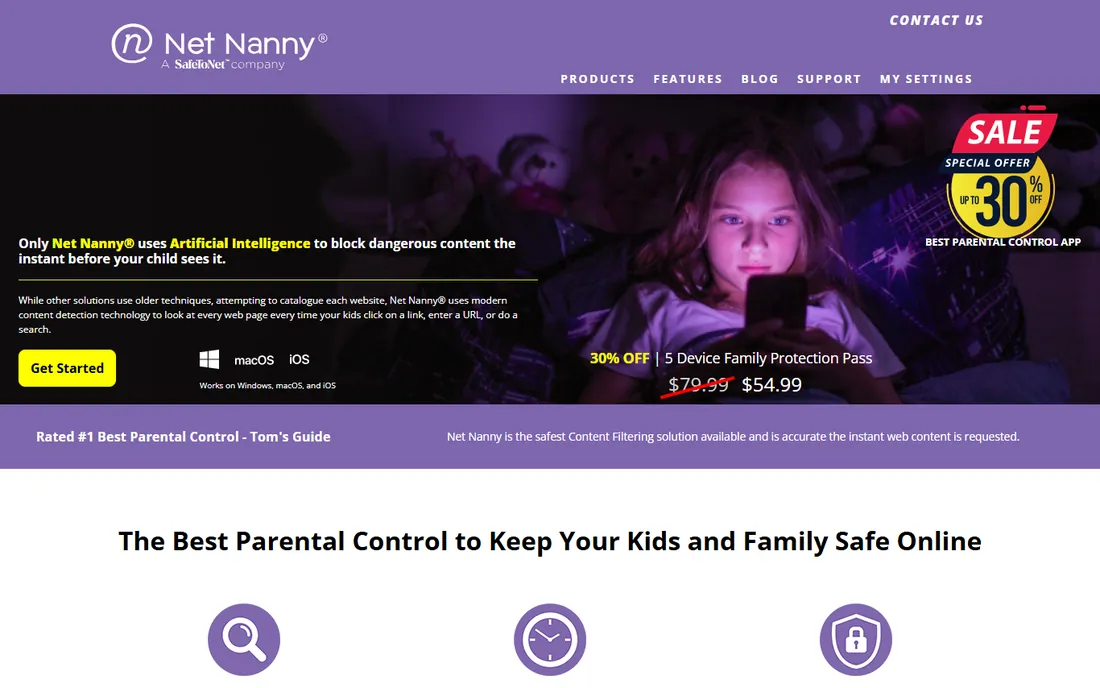
Net Nanny has been filtering the web since 1996, and its core strength is still content filtering. Rather than blocking whole domains, it analyzes page content as it loads and blocks the page if it is inappropriate, which means kids can use most of a site while the bad parts stay hidden. For parents whose main fear is accidental exposure, that precision matters.
Pricing is straightforward: $39.99 per year for one desktop, $54.99 for five devices, or $89.99 for 20 devices, which works out to under $5 per device on the big plan. Screen time scheduling, app blocking, and the Family Feed activity view round out the package.
The catches are real. The current product lineup covers Windows, macOS, and iOS but not Android, which rules out many families. There is no free trial, only a 14-day money-back window on direct purchases. And independent tests found the Family Feed reports take several minutes to update, so this is better for reviewing patterns than watching activity live.
What we like- Filters page content in real time, not just domains
- Long track record since 1996
- Affordable per-device pricing on bigger plans
Watch out for- No Android app on the current lineup
- No free trial, only a return window
- Family Feed reports lag a few minutes
Starting priceIncluded with Norton 360 (from $49.99 first year)
Free planNo (60-day money-back)
Norton Family is the parental control arm of the Norton security brand, and its best feature may be the price: it comes included with Norton 360 Deluxe and higher plans, which start at $49.99 for the first year. If your household already runs Norton antivirus, you get full parental controls without spending another dollar.
The feature set is solid. Web supervision with category filtering, search monitoring, screen time limits, school-time scheduling, and location tracking cover the essentials, and everything is managed from one parent portal. Unlimited devices are included, which suits large families.
The downside is that you cannot buy Norton Family on its own. The interface also shows its age compared to Qustodio or Bark, and the mobile parent app is less polished. If you are not already a Norton customer, buying a whole security suite just for parental controls is hard to justify. But for Norton households, it is an easy win.
What we like- Bundled free with Norton 360 subscriptions
- Strong web supervision and search monitoring
- School-time scheduling
Watch out for- No standalone purchase
- Interface feels dated next to newer apps
- Mobile experience is less polished
Starting price$7.99 per month
Free planFree trial
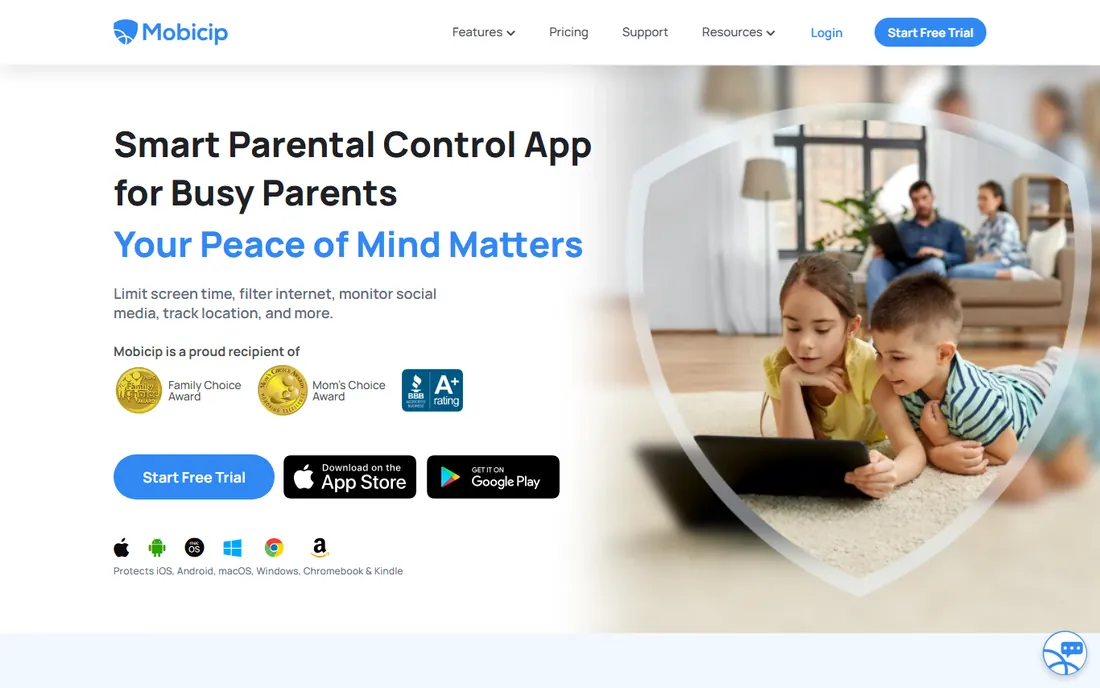
Mobicip positions itself as the bridge between platform-specific tools like Google Family Link and Microsoft Family Safety. Install it on any device, and the same screen time limits, filters, and schedules apply to each child regardless of whether they are on a Windows laptop, an iPhone, or an Android tablet. For mixed-device households, that consistency is the whole pitch.
Features cover the standard set: web filtering, app blocking, screen time management, location tracking, and activity monitoring. Mobicip also leans into collaboration, with goal-setting features meant to motivate kids rather than just restrict them, which some families prefer to pure surveillance.
The catch is pricing structure and scale. At $7.99 per month, a year costs noticeably more than Qustodio's annual Basic plan. Mobicip is also a smaller company with fewer independent reviews, so there is less public evidence about long-term reliability. Still, for families tired of juggling two or three platform tools, one consistent app has real appeal.
What we like- Applies the same rules across any device
- Works on Windows, Mac, Android, and iOS
- Collaborative goal-setting with kids
Watch out for- Monthly billing costs more over a year
- Smaller brand with fewer independent reviews
#6
Aura
Best for: Family safety plus identity protection
Visit aura.com
Starting price$10 per month
Free planFree trial (60-day money-back)
Aura is not a parental control app first. It is an all-in-one digital safety platform that bundles parental controls with identity theft protection, credit monitoring, a VPN, antivirus, and spam call blocking. For parents who want one subscription covering the whole family's online life, that breadth is the argument.
The family features are genuinely good. Parental controls include content filtering, bedtime and focus-time schedules, and a digital wellbeing score that shows how a child's device habits change over time. Safe gaming monitoring watches in-game voice and text chat across more than 200 PC games for cyberbullying and predatory behavior. Every adult on the plan also gets $1 million in identity theft coverage.
The tradeoff is cost and focus. Plans start at $10 per month, which is more than most dedicated parental control apps charge per year equivalent, and the parental controls only come with Family and Kids plans. If you only need to filter websites and set screen time, this is overkill. If you also worry about identity theft and scams, the bundle makes sense.
What we like- Combines parental controls with identity theft protection, VPN, and antivirus
- Cyberbullying alerts for gaming
- $1M identity theft coverage per adult
Watch out for- Parental controls only on Family and Kids plans
- Pricier than dedicated parental control apps
- Identity features may be more than families need
Starting price$0
Free planYes
Google Family Link is the free parental control built into the Google ecosystem, and for Android families it covers the essentials at no cost. Parents can approve or block app downloads, set daily screen time limits and bedtimes, filter content in Google Search and Chrome, and see a child's location, all from the parent's phone.
Because it is built by Google, it fits naturally into Android phones and Chromebooks. There is no subscription, no upsell, and no device limit to worry about. For younger kids whose digital life is mostly apps and YouTube, Family Link plus a conversation about rules is often enough.
The limits are clear. Family Link does not monitor social media messages, does not provide detailed activity reports, and its web filtering is basic compared to paid tools. It is also much less useful outside the Google ecosystem. Treat it as a solid free foundation, and add a paid tool if you need monitoring depth.
What we like- Completely free
- App approval and screen time built in
- Location tracking included
Watch out for- Android and Chromebook focused
- No social media or message monitoring
- Limited web filtering depth
Starting price$0
Free planYes
Microsoft Family Safety is Microsoft's free answer to Family Link, and it shines in Windows and Xbox households. Screen time limits apply across Windows PCs, Xbox consoles, and Android devices signed into the child's Microsoft account. Web filtering runs through Edge, and parents get weekly activity reports by email.
Setup is simple if the family already uses Microsoft accounts: add the child to the family group and the controls follow them across devices. Location sharing is included, and content filters block inappropriate websites and searches. Premium features like drive safety reports come with a Microsoft 365 Family subscription, but the core controls cost nothing.
The catch is ecosystem lock-in. Filtering works through Edge, so a child who installs Chrome bypasses it unless you block the browser. There is no social media or message monitoring at all. Like Family Link, this is a capable free baseline for families already living in its ecosystem, not a replacement for dedicated monitoring tools.
What we like- Free with a Microsoft account
- Screen time across Windows, Xbox, and Android
- Web filtering through Edge
Watch out for- Works best inside the Microsoft ecosystem
- Premium features require Microsoft 365
- No message monitoring
How we chose
We focused on family safety software a parent can buy and set up without IT skills, covering both dedicated parental control apps and free platform tools. We checked current pricing on vendor homepages, read documentation for platform support and feature limits, and weighed public reviews from TechRadar, CNN Underscored, and parent communities on Reddit. We favored tools with clear pricing, broad device coverage, and features matched to real risks like messaging safety and screen time, and we excluded antivirus-only products since those serve a different need.
What to look for in family safety software
Match the tool to your child's age and devices. Young kids mostly need web filtering and screen time limits, which free tools handle well. Teens live in messaging apps and social media, where Bark's AI monitoring or Qustodio's social features matter more than a simple website blocker.
Check platform support before you pay. Parental controls vary wildly between Android and iOS because of Apple's restrictions. If your kids use iPhones, confirm that the features you care about actually work on iOS, since call and message monitoring are often Android-only or need workarounds.
Decide how much visibility you want. Some tools show parents everything; others like Bark only send alerts about concerning activity. Neither approach is wrong, but the choice affects trust at home. Talk with your kids about what the software does and why, especially with teens.
Finally, test the daily experience. A parental control app that is annoying to use will get disabled or ignored. Use the free trial or free plan for a week, try the parent dashboard on your own phone, and see whether the alerts are useful or just noise before committing for a year.
Monitoring vs filtering: what is the difference
Filtering blocks things: websites, apps, categories, and screen time outside allowed hours. It is preventive and works well for younger children. Every tool on this list does some filtering, and the free options do it adequately.
Monitoring watches things: messages, social media, searches, and location, then reports or alerts parents. It is detective and matters more for teens, where the risks are bullying, predators, and mental health warning signs that no website blocker can catch.
Most families need both, in different proportions as kids grow. Start with filtering for young kids, add monitoring as they get phones and social accounts, and scale back as they demonstrate good judgment. The software should adapt to your child, not the other way around.
Frequently asked questions
At what age should I start using parental control software?
Many parents start when a child gets their first connected device, often around age 8 to 10. Begin with filtering and screen time limits for younger kids, then add monitoring features as they gain access to messaging and social media in their early teens.
Can my child bypass parental controls?
Tech-savvy teens can find workarounds for some tools, especially on devices they fully control. Tamper-proof options like the Bark Phone, uninstall protection, and account-level controls make bypassing much harder. No software is unbeatable, which is why combining controls with trust and conversation works best.
Is parental control software legal to use on my child's device?
Yes. Parents have the legal right to monitor their minor children's devices in the US. Tell your kids the software is there, though; secret monitoring damages trust and can backfire if they discover it themselves.
Do parental controls work on iPhones?
They do, but with limits. Apple's privacy rules prevent third-party apps from reading messages and calls the way they can on Android. Tools like Qustodio and Bark offer iOS apps with filtering, screen time, and location, plus workarounds like Bark Sync for deeper monitoring.
How much should I expect to pay?
Free tools like Google Family Link and Microsoft Family Safety cover the basics. Paid apps typically cost $40 to $105 per year for a family, with Bark at $99 per year and Qustodio Complete at $104.95 per year. Hardware options like the Bark Phone cost extra.
Will parental controls slow down my child's device?
Modern parental control apps have minimal performance impact. They run quietly in the background and use little battery. If a device feels sluggish after installation, check the app's battery and data usage settings, but major slowdowns are uncommon with the established tools on this list.
Sources we checked (12)
- https://www.qustodio.com/
- https://www.bark.us/
- https://www.netnanny.com/
- https://norton.com/
- https://mobicip.com/
- https://www.aura.com/
- https://families.google.com/
- https://www.microsoft.com/
- https://www.techradar.com/best/best-parental-control-app-of-year
- https://www.cnn.com/cnn-underscored/reviews/best-parental-control-apps
- https://www.thewispy.com/qustodio-review/
- https://www.topconsumerreviews.com/best-internet-filters/detailed-reviews.php
Is your product missing or out of date?
We review this list regularly. Vendors can request a listing, send updated pricing or ask about featured placement.

Shihab Mia · Founder, Rankite
Shihab has spent more than a decade helping SaaS and e-commerce brands grow through search. He writes Rankite's software buying guides from pricing pages, documentation and public user reviews. More about Shihab.