How we make this list: we compare pricing pages, product documentation and public user reviews. Rankite is independent; if a vendor ever pays for a featured spot, that listing is clearly labeled Partner.
Key takeaways
- Desktop photo editing splits into RAW workflow tools (Lightroom, Capture One, DxO PhotoLab, ON1) and pixel editors (Affinity Photo, Pixelmator Pro, PaintShop Pro).
- The pricing war is real: Affinity Photo is now free under Canva, while Adobe holds the subscription line at $9.99 per month for the Photography plan.
- Perpetual licenses still exist: Capture One, DxO PhotoLab, ON1 Photo RAW and PaintShop Pro sell buy-once options for buyers done with subscriptions.
- Mac-only buyers should shortlist Pixelmator Pro; everyone else gets the widest choice on Windows.
Quick comparison
| Tool | Best for | Starting price | Free plan |
|---|
 Adobe Lightroom Adobe Lightroom | Photographers who want the industry-standard RAW workflow | $9.99/month (Photography plan, annual billing) | Free trial (7 days) |
 Capture One Capture One | Professionals who demand the best RAW color and tethering | See website (subscription or perpetual license) | Free trial |
 Affinity Photo Affinity Photo | Anyone who wants a full Photoshop-class editor free | Free (see website for current terms) | Yes |
 Luminar Neo Luminar Neo | Enthusiasts who want AI to do the heavy lifting | See website (subscription or one-time purchase) | Free trial |
 ON1 Photo RAW ON1 Photo RAW | All-in-one RAW workflow with no subscription required | See website (subscription or perpetual license) | Free trial |
 DxO PhotoLab DxO PhotoLab | Maximum image quality from RAW files | See website (perpetual license) | Free trial |
 Corel PaintShop Pro Corel PaintShop Pro | Windows users who want a buy-once Photoshop alternative | See website (one-time purchase) | Free trial |
 ACDSee Photo Studio ACDSee Photo Studio | Photographers with huge libraries who value browsing speed | See website (subscription or perpetual license) | Free trial |
 Pixelmator Pro Pixelmator Pro | Mac users who want a native editor at a fair one-time price | $49.99 one-time (Mac App Store) | Free trial |
Is your product missing or out of date?
We review this list regularly. Vendors can request a listing, send updated pricing or ask about featured placement.
The best computer photo editing software
Phone apps are fine for filters. Serious editing still happens on a computer, where RAW files, calibrated monitors and precise tools live. Desktop editors fall into two camps: RAW workflow apps that organize and develop thousands of photos, and pixel editors that retouch individual images deeply. The nine below cover both, and the right pick depends on which camp your work lives in.
#1
Adobe Lightroom
Best for: Photographers who want the industry-standard RAW workflow
Visit adobe.com
Starting price$9.99/month (Photography plan, annual billing)
Free planFree trial (7 days)
Lightroom remains the default answer for photographers because of the ecosystem, not just the sliders. The catalog organizes tens of thousands of RAW files, edits sync to the mobile and web apps, and the preset and plugin economy is unmatched. Recent AI additions (subject masking, generative remove, Denoise) are genuinely useful rather than gimmicks.
The subscription is the eternal complaint: $9.99 per month forever, with no buy-once option, and your edits live in a catalog that punishes disorganization. If you shoot RAW regularly and want the tool every tutorial assumes, this is still it. If you edit occasionally, the free and perpetual options below deserve a look.
What we like- The catalog system professionals standardize on, with cloud sync to mobile
- Best-in-class lens profiles and camera support
- Presets, AI masking and Denoise keep improving
Watch out for- Subscription only, no perpetual license
- The catalog can slow down with very large libraries
#2
Capture One
Best for: Professionals who demand the best RAW color and tethering
Visit captureone.com
Starting priceSee website (subscription or perpetual license)
Free planFree trial
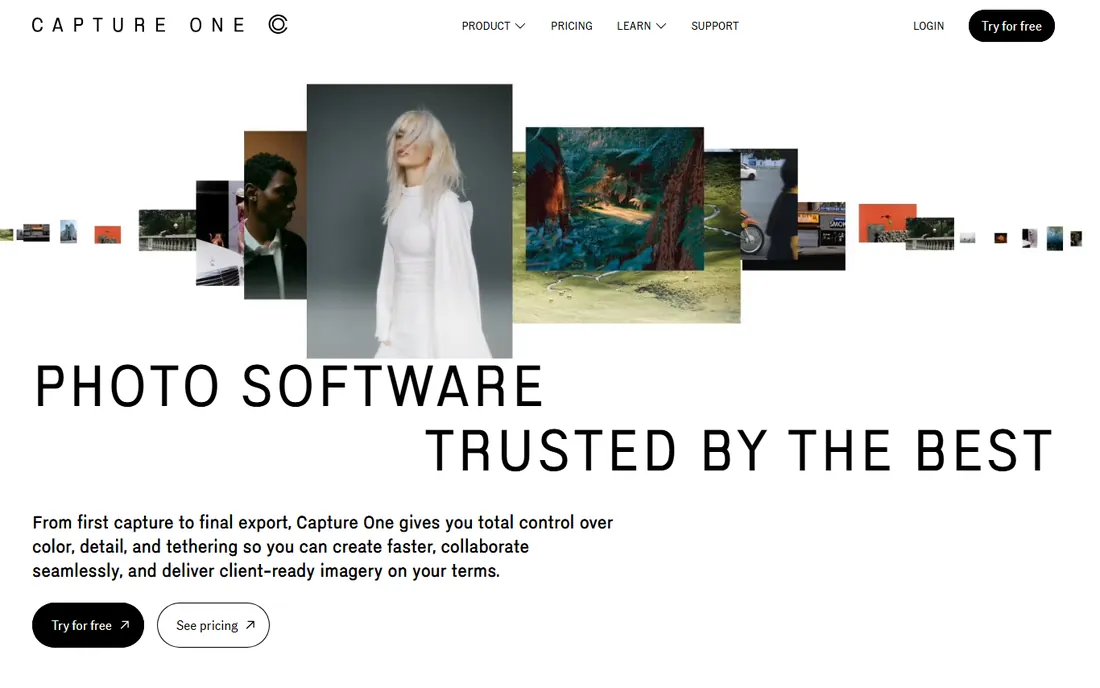
Capture One is the professional's alternative to Lightroom, built around color. Its color editor, skin-tone tools and tethered capture workflow are the reason studio and commercial photographers choose it: what you see on the monitor during the shoot is what you get. RAW rendering, particularly for Fujifilm and Sony files, is widely considered best in class.
It costs more than Lightroom and takes longer to learn, and the community resources are thinner. But the perpetual license option matters to buyers done with subscriptions, and for working pros the color tools pay for themselves. Serious photographers should trial both before committing.
What we like- Color editing and tethered shooting that studio photographers swear by
- Excellent Fuji and Sony RAW rendering
- Perpetual license option for subscription refuseniks
Watch out for- Pricier than Lightroom with a steeper learning curve
- The ecosystem of presets and tutorials is smaller
Starting priceFree (see website for current terms)
Free planYes
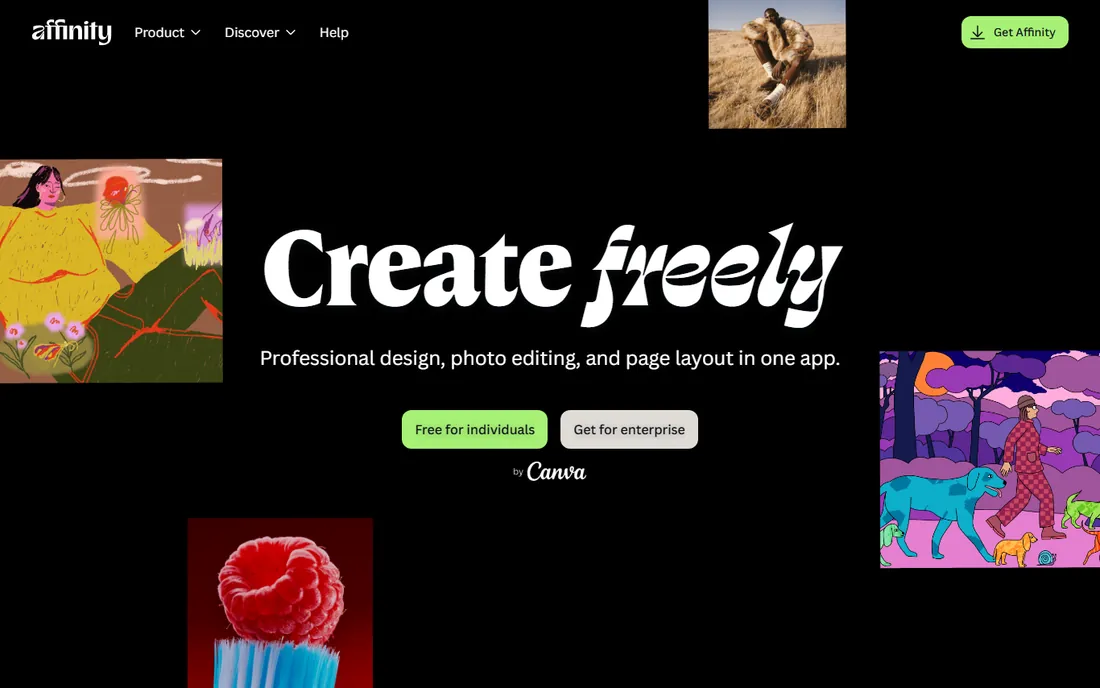
Affinity Photo going free under Canva rewrote this category's value math. It is a genuine Photoshop-class pixel editor: layers, masks, live filters, panorama stitching, HDR merge and focus stacking, with performance that embarrasses heavier apps. For retouching, compositing and graphic work, it does the job that used to cost a subscription.
What it is not is a Lightroom replacement: there is no catalog, no keywording workflow, no cloud sync. Pair it with a free organizer or a RAW app for the full pipeline. As a free pixel editor, though, there is no longer a reason to pirate or to pay for basic retouching.
What we like- Professional pixel editing (layers, masks, frequency separation, HDR) at zero cost
- Fast and native on Mac and Windows
- No subscription and no feature gates
Watch out for- No digital asset management or catalog like Lightroom
- RAW development is weaker than dedicated RAW apps
#4
Luminar Neo
Best for: Enthusiasts who want AI to do the heavy lifting
Visit skylum.com
Starting priceSee website (subscription or one-time purchase)
Free planFree trial
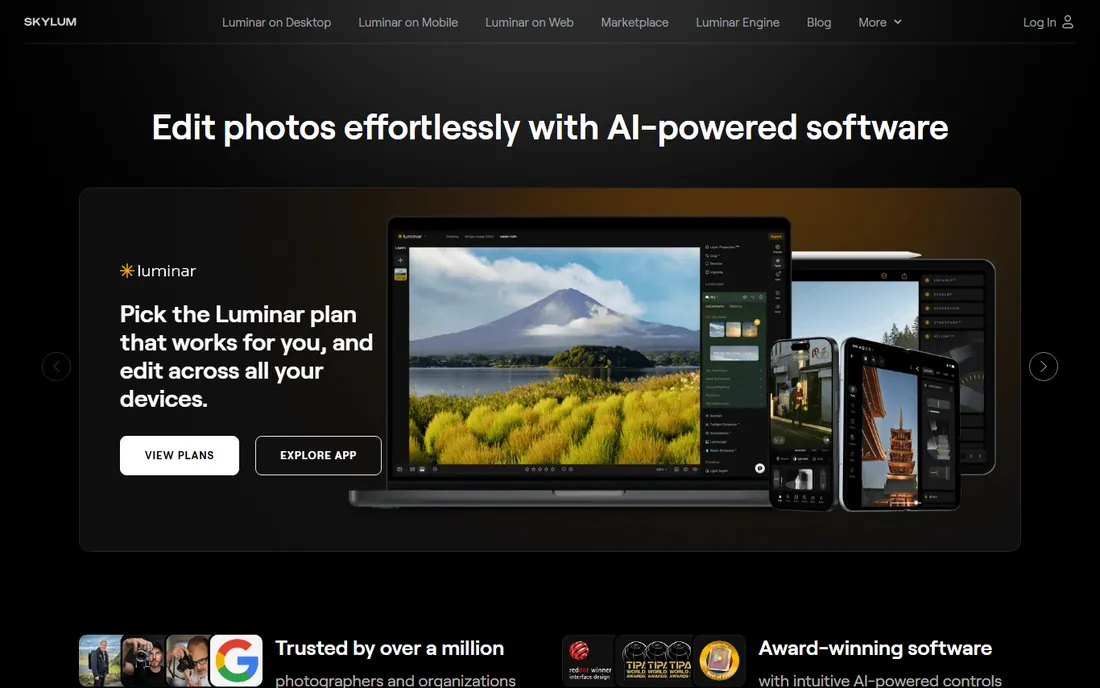
Luminar Neo bets that most photographers would rather have the software do the work. Its AI tools replace skies, relight scenes, remove power lines and enhance portraits in a few clicks, and the results are often startlingly good. For enthusiasts who want impressive results without learning curves, it delivers.
Control-oriented editors will chafe: the AI makes decisions you cannot always override, and fine manual control trails Lightroom and Capture One. Organization features are basic. As a plugin inside an Adobe workflow or a standalone for quick wins, it earns its place; as a sole professional tool, it is thin.
What we like- AI tools (sky replacement, relight, dust removal) that genuinely save time
- Approachable interface for non-experts
- Works as a plugin inside Lightroom and Photoshop
Watch out for- AI-first approach frustrates control-oriented editors
- Catalog and organization lag the leaders
#5
ON1 Photo RAW
Best for: All-in-one RAW workflow with no subscription required
Visit on1.com
Starting priceSee website (subscription or perpetual license)
Free planFree trial
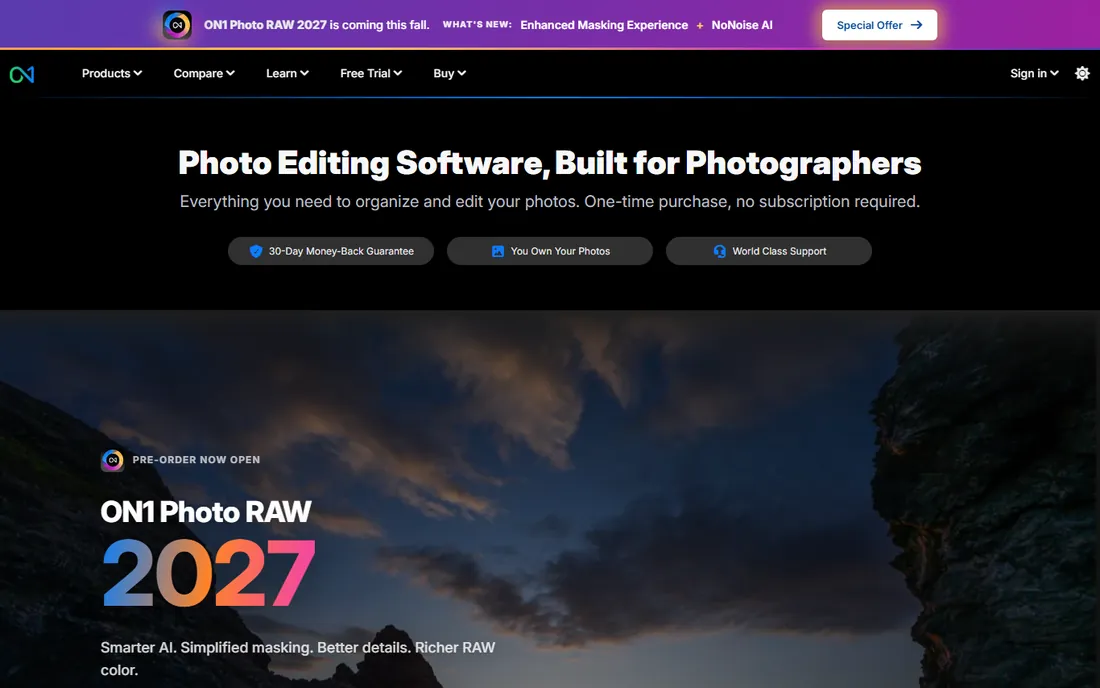
ON1 Photo RAW tries to be the whole pipeline: browse, develop RAW, layer, retouch and add effects without leaving the app or paying a subscription. The perpetual license is the headline for Adobe refugees, and the browse module skips Lightroom's import step, which large-library shooters appreciate.
The app packs in a lot, and it shows: the interface is dense and the learning curve is real. Performance on modest hardware can stutter with the heavier AI features. For photographers who want one buy-once app covering the full workflow, it is the most complete alternative.
What we like- RAW development, layers, effects and portrait tools in one app
- Perpetual license available
- Fast browsing without catalog import delays
Watch out for- Interface density overwhelms beginners
- Performance can lag on older machines
#6
DxO PhotoLab
Best for: Maximum image quality from RAW files
Visit dxo.com
Starting priceSee website (perpetual license)
Free planFree trial
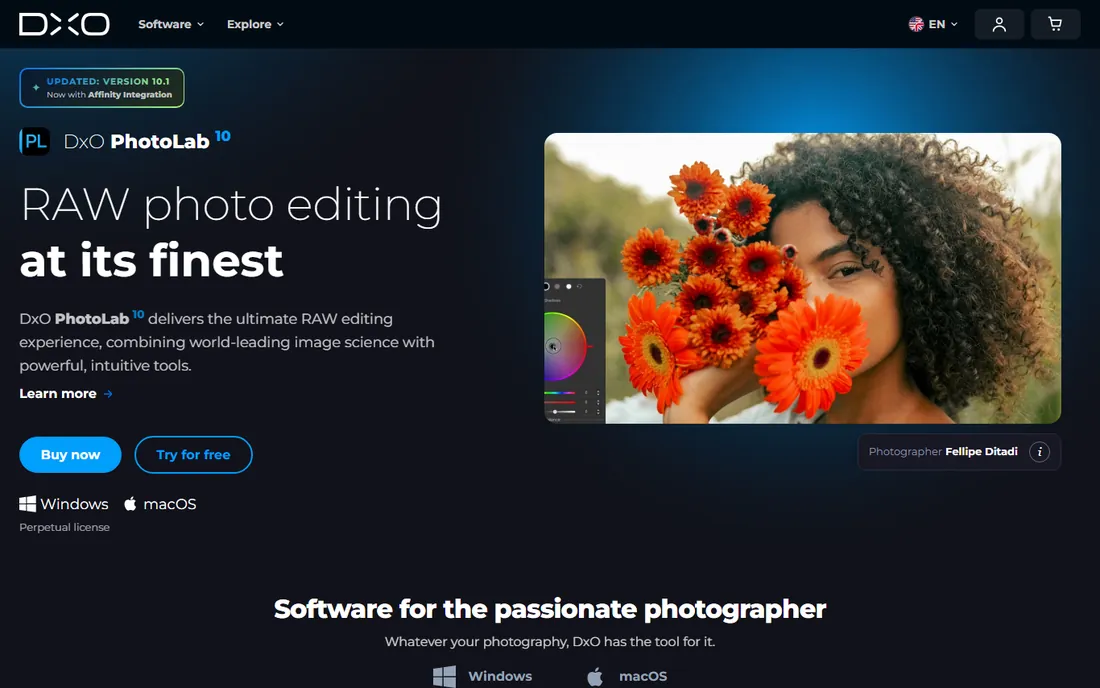
DxO PhotoLab is the image-quality specialist. Its lens correction modules are built from laboratory measurements of specific camera-lens combinations, and its DeepPRIME denoising pulls clean images out of high-ISO files that other converters leave noisy. For photographers who prioritize the file itself over workflow, the output quality is the argument.
There is no catalog, no keywording, no cloud: PhotoLab develops files and hands organization to you. Pair it with a dedicated asset manager or your OS folders. Buyers who pixel-peep will find the quality worth the workflow compromise.
What we like- Lens corrections built from lab-measured profiles, the best in the business
- DeepPRIME denoising recovers high-ISO shots remarkably
- Perpetual license with no subscription
Watch out for- No catalog or asset management
- Workflow assumes you organize elsewhere
#7
Corel PaintShop Pro
Best for: Windows users who want a buy-once Photoshop alternative
Visit corel.com
Starting priceSee website (one-time purchase)
Free planFree trial

PaintShop Pro has been the Windows buy-once alternative for decades, and it keeps that promise: layers, masks, RAW editing, HDR, AI-powered upsampling and portrait tools for one payment. The photography workspace streamlines common edits, and the full editor handles deeper work.
Windows-only is the hard limit, and the community is a fraction of Adobe's or Affinity's. Against free Affinity Photo, the paid license is a tougher sell than it used to be, but buyers who want a traditional buy-once product from an established vendor still have a solid option.
What we like- Full layer-based editing, RAW support and AI tools for a single payment
- Long-established Windows native
- Photography workspace plus graphic design tools
Watch out for- Windows only
- Smaller community and fewer modern tutorials than Adobe or Affinity
#8
ACDSee Photo Studio
Best for: Photographers with huge libraries who value browsing speed
Visit acdsee.com
Starting priceSee website (subscription or perpetual license)
Free planFree trial

ACDSee's superpower is speed: it browses folders of RAW files instantly, with no import or catalog building, which makes culling a wedding or event shoot dramatically faster. The editing tools (develop mode, layered editing, AI features) are genuinely capable, covering most photographers' needs in one app.
The edition lineup (Home, Professional, Ultimate) confuses buyers, and the deepest retouching still belongs to Affinity or Photoshop. For high-volume shooters whose bottleneck is culling and organizing rather than retouching, the speed alone justifies the trial.
What we like- Blazing-fast browsing and culling without import catalogs
- Solid RAW development and layered editing built in
- Good value in perpetual-license form
Watch out for- Editing depth trails the pixel-editor specialists
- The product lineup has confusingly similar editions
#9
Pixelmator Pro
Best for: Mac users who want a native editor at a fair one-time price
Visit pixelmator.com
Starting price$49.99 one-time (Mac App Store)
Free planFree trial
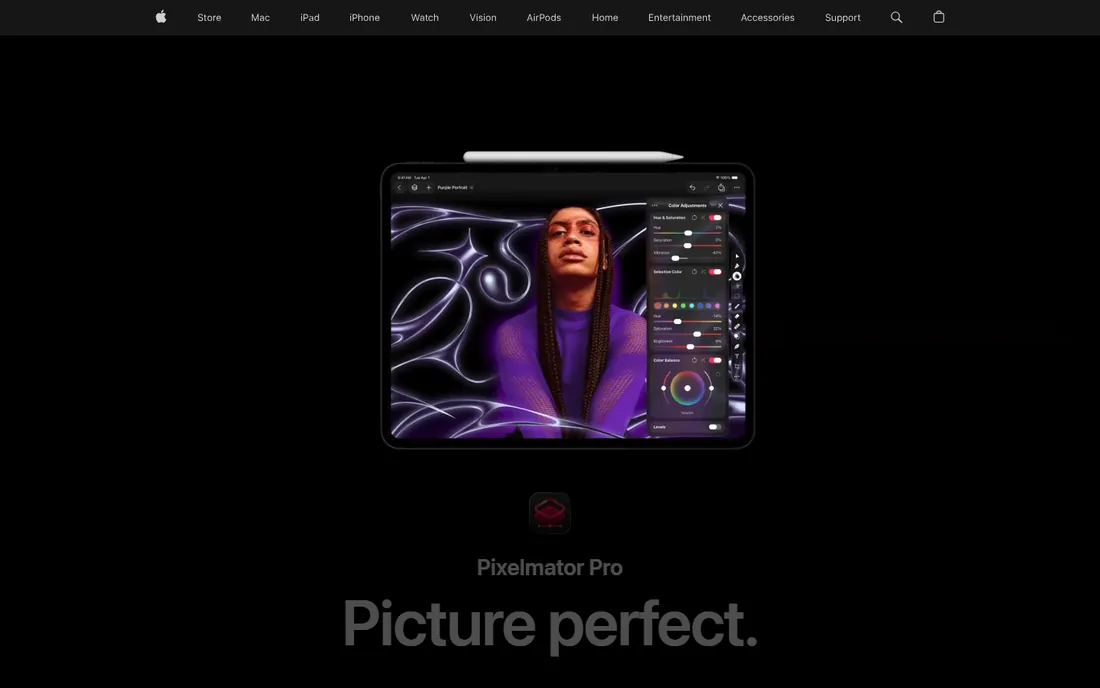
Pixelmator Pro is the Mac user's sweet spot: a genuinely capable pixel editor with a native interface, machine-learning tools (ML Super Resolution, automatic subject selection) and RAW support, for $49.99 once. It is fast, it looks like it belongs on the Mac, and it handles the vast majority of editing tasks.
Mac-only is absolute, and there is no Lightroom-style catalog. Apple acquired the company, which suggests long-term platform integration but also platform lock-in. For Mac photographers who edit images rather than manage libraries, it is the best value on Apple hardware.
What we like- Beautiful Mac-native interface with Core ML-powered tools
- Layers, RAW support and repair tools at a single fair price
- Fast and lightweight
Watch out for- Mac only
- No Windows version and no catalog system
Subscription vs perpetual: the real cost math
Do the arithmetic before choosing a pricing model. Lightroom at $9.99 per month costs $120 per year, $600 over five years, forever. A perpetual license like DxO PhotoLab or ON1 Photo RAW costs a few hundred dollars once, plus optional paid upgrades every year or two. Over five years, perpetual usually wins by hundreds of dollars; subscriptions win on always-current features and cloud services.
The honest question is how often you upgrade. If you buy every new version of a perpetual app, the savings shrink. If you buy once and run it for four years, perpetual wins decisively. And with Affinity Photo now free, the floor has dropped out: casual editors no longer need to pay anything for professional pixel editing. Pay for workflow (Lightroom's catalog, Capture One's color), not for basic editing capability.
RAW workflow vs pixel editing: know which you need
These are different jobs. RAW workflow apps (Lightroom, Capture One, DxO, ON1, ACDSee) develop RAW files, organize libraries and batch-process hundreds of images: the photographer's daily work. Pixel editors (Affinity Photo, Pixelmator Pro, PaintShop Pro) retouch individual images deeply: layers, compositing, restoration, graphic design.
Most photographers need the workflow app first and the pixel editor occasionally. Many buy Photoshop-class power they never use because a tutorial assumed it. Start with the workflow: if your needs stop at developing and organizing, you may never need a pixel editor. If you composite, restore or design, add Affinity Photo (free) or Pixelmator Pro ($49.99) and skip the second subscription.
How we chose
We searched the queries buyers use: photo editing software for pc, best desktop photo editor and Lightroom alternative. We favored established desktop applications over mobile-first apps, checked each vendor's own site for current pricing and plan structure, and compared RAW quality, editing depth and pricing models against professional reviews and practitioner discussion. Where a price could not be verified on the vendor's page we wrote "See website."
Frequently asked questions
What is the best photo editing software for PC?
For RAW workflow, Adobe Lightroom ($9.99/month) or Capture One; for pixel editing, Affinity Photo (free). Most photographers pair a workflow app with a pixel editor rather than choosing one.
Is there a free alternative to Photoshop?
Yes: Affinity Photo is now free and covers professional pixel editing. For RAW workflow, free options are thinner, though trial versions and open-source tools exist.
Should I buy Lightroom or a perpetual license app?
Buy Lightroom if you want the catalog, cloud sync and the biggest tutorial ecosystem. Buy perpetual (Capture One, DxO, ON1) if you want to stop paying monthly and keep your software working regardless.
Do I need a RAW workflow app or just an editor?
If you shoot RAW and process batches of photos, you need the workflow app. If you edit individual images (retouching, compositing, graphics), you need the pixel editor. Many photographers need both.
Is Capture One better than Lightroom?
For color editing, tethering and Fuji/Sony RAW rendering, many professionals prefer Capture One. For catalog management, cloud sync, presets and community resources, Lightroom leads. Trial both with your own files.
Can I edit photos professionally on a Mac without Adobe?
Yes. Pixelmator Pro ($49.99) plus a RAW workflow app covers professional work, and Affinity Photo adds free pixel-editing depth. Many Mac photographers run Adobe-free pipelines.
Sources we checked (9)
- https://www.adobe.com/creativecloud/photography.html
- https://www.captureone.com
- https://www.affinity.studio
- https://www.skylum.com/luminar
- https://www.on1.com/products/photo-raw/
- https://www.dxo.com/dxo-photolab/
- https://www.corel.com/en/paintshop-pro/
- https://www.acdsee.com
- https://www.pixelmator.com/pro/
Is your product missing or out of date?
We review this list regularly. Vendors can request a listing, send updated pricing or ask about featured placement.

Shihab Mia · Founder, Rankite
Shihab has spent more than a decade helping SaaS and e-commerce brands grow through search. He writes Rankite's software buying guides from pricing pages, documentation and public user reviews. More about Shihab.