How we make this list: we compare pricing pages, product documentation and public user reviews. Rankite is independent; if a vendor ever pays for a featured spot, that listing is clearly labeled Partner.
Key takeaways
- Geekbench is the lingua franca of CPU scores: free for personal use, cross-platform, and the number every chip launch gets measured against.
- Cinebench is the free standard for CPU rendering performance, and CrystalDiskMark is the free standard for SSD speed; both cost nothing and both are trusted.
- 3DMark and PCMark 10 are the paid gaming and office benchmarks from UL, worth it if you review hardware or buy fleets of PCs.
- Novabench and UserBenchmark give quick whole-system scores for free, but their simplicity limits how much the numbers tell you.
Quick comparison
| Tool | Best for | Starting price | Free plan |
|---|
 Geekbench 7 Geekbench 7 | cross-platform CPU and GPU scores | Free (personal use) | Yes |
 Maxon Cinebench Maxon Cinebench | free CPU rendering benchmark | Free | Yes |
 PassMark PerformanceTest PassMark PerformanceTest | whole-system testing with a huge comparison database | See website | Free trial |
 3DMark 3DMark | gaming GPU and system benchmarks | See website | Free trial |
 CrystalDiskMark CrystalDiskMark | free SSD and disk speed testing | Free | Yes |
 Novabench Novabench | quick free whole-system scores | Free (personal use) | Yes |
 PCMark 10 PCMark 10 | office and productivity PC benchmarks | $29.99 | No |
 AIDA64 AIDA64 | diagnostics plus benchmarks for enthusiasts | See website | Free trial |
 UserBenchmark UserBenchmark | free crowd-sourced component comparisons | Free | Yes |
 Unigine Superposition Unigine Superposition | free GPU stress test and benchmark | Free | Yes |
Is your product missing or out of date?
We review this list regularly. Vendors can request a listing, send updated pricing or ask about featured placement.
The best computer benchmarking software
When Apple started shipping M-series chips, one number dominated every launch article: the Geekbench score. The pattern repeated with the M5 and M6 launches in 2026, reported through Geekbench results on MacRumors and AppleInsider within days of the first leaks. Benchmarks are how the industry talks about performance, and the tools below are the ones worth listening to.
Starting priceFree (personal use)
Free planYes
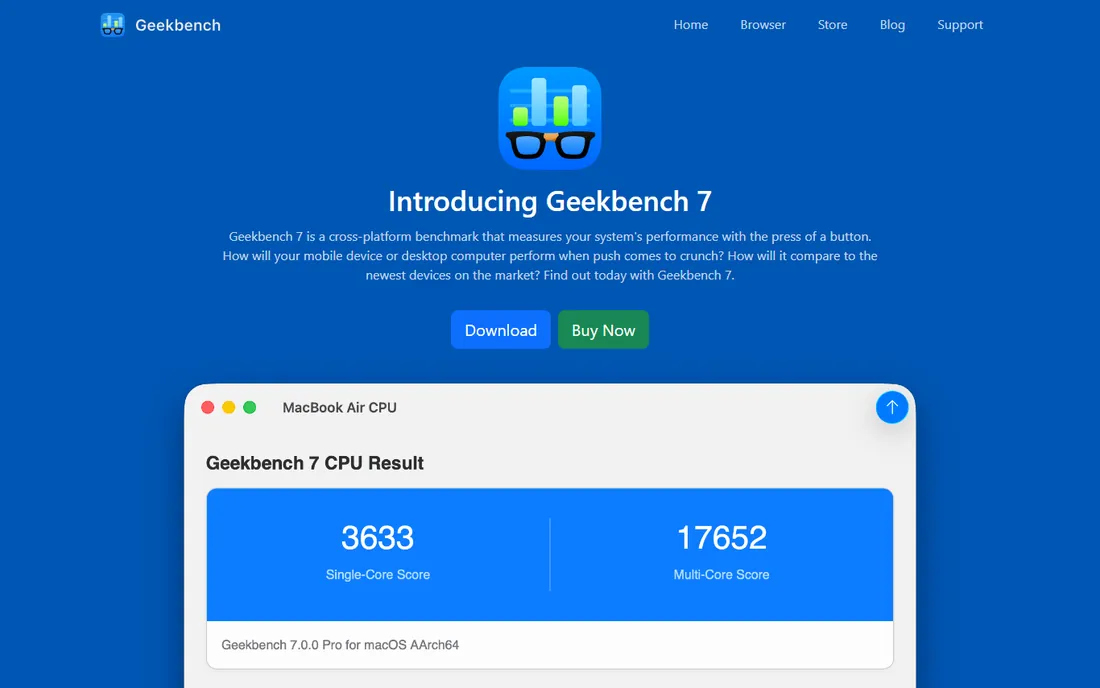
Geekbench is the benchmark people quote. Primate Labs' tool runs the same workloads on phones, laptops, and desktops, producing the single-core and multi-core CPU scores and GPU compute scores that launch coverage is built on. Version 7, released in July 2026, added AI and machine learning workloads, RAW image processing, and video effects that reflect how people actually use computers now. The public result browser lets you compare your machine against thousands of others in seconds.
The trade-offs are modest. Free personal users have to upload results online to run the benchmark, which privacy-minded users should know. A single score can never capture everything a machine does well or badly. And the paid Pro version, with command-line automation and offline result management, is really for IT departments and reviewers. For everyone else, the free version answers the only question that matters: how fast is this thing compared to everything else.
What we like- Runs on Windows, Mac, Linux, iOS, and Android
- Single score everyone understands
- Huge public result database for comparison
Watch out for- Free users must upload results to run it
- One number hides a lot of detail
- Pro features target commercial users
Starting priceFree
Free planYes

Cinebench is the standard answer to the question "is my CPU actually fast." It renders a scene with Maxon's Cinema 4D engine and reports how quickly your processor chews through it, with separate single-core and multi-core scores. Because rendering scales almost perfectly with cores, it is the purest test of multi-threaded CPU performance available, and it costs nothing. Reviewers, overclockers, and system builders have used it for decades.
Understand its limits. It measures one workload, 3D rendering, and tells you nothing about gaming, disk speed, or everyday responsiveness. A quick run will not expose thermal throttling on a thin laptop; for that you need sustained tests. And scores reset meaning with each major version, so only compare Cinebench 2024 scores with other Cinebench 2024 scores. Within those limits, it is the most honest free CPU test there is.
What we like- Completely free
- Tests real Cinema 4D rendering performance
- Multi-core scaling shows what your CPU really does
Watch out for- It only measures rendering, nothing else
- Short runs do not test sustained thermals
- Scores are not comparable across major versions
#3
PassMark PerformanceTest
Best for: whole-system testing with a huge comparison database
Visit passmark.com
Starting priceSee website
Free planFree trial
PassMark's PerformanceTest is the benchmark IT departments buy. One suite tests the processor, 2D and 3D graphics, memory, and disk, then rolls the results into an overall PassMark rating you can compare against millions of submitted results in their database. For businesses buying fleets of PCs or validating hardware, that database is the product as much as the tests.
The catch is that the free tools have caught up for most personal uses. Geekbench covers CPU, CrystalDiskMark covers disks, and 3DMark covers gaming GPUs, all free or cheaper. PerformanceTest earns its price when you need one standardized suite, one report format, and one database across an organization. For a single home PC, start with the free options on this list.
What we like- Tests CPU, GPU, disk, and memory in one suite
- The comparison database holds millions of submitted results
- Long track record with IT buyers
Watch out for- Paid software in a world of free alternatives
- The interface feels dated
- Some tests matter more to buyers than to real-world use
Starting priceSee website
Free planFree trial
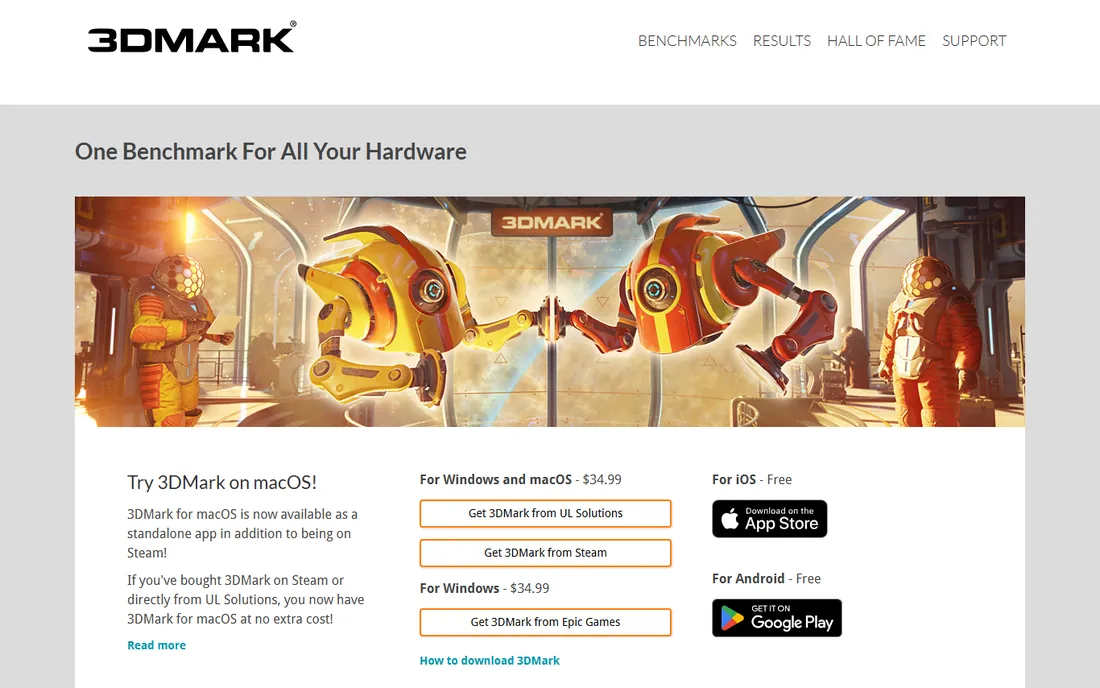
If Geekbench is the CPU benchmark people quote, 3DMark is the GPU equivalent. UL's suite runs a series of increasingly demanding 3D scenes, including ray tracing and upscaling tests, and produces scores that gamers and reviewers use to compare graphics cards. The test scenes are genuinely demanding, which is the point: a benchmark that every card maxes out tells you nothing. New tests arrive with new GPU features, so it stays relevant.
The limitations are about scope and cost. The full version is paid software, typically bought on Steam, and the free demo only runs basic tests. It measures gaming graphics performance, not office productivity or rendering. And GPU scores swing with driver versions and settings, so compare carefully. For gamers, overclockers, and reviewers, it is the reference. For everyone else, it is optional.
What we like- The standard for gaming graphics performance
- Tests ray tracing, DLSS, and modern GPU features
- Beautiful, demanding test scenes
Watch out for- Paid, with the free demo limited
- Focused on gaming, not productivity
- Scores depend heavily on drivers and settings
Starting priceFree
Free planYes

Every SSD review you have ever read used CrystalDiskMark. It measures sequential and random read and write speeds, which is exactly what determines whether a drive feels fast, and it does it in seconds with a download under a few megabytes. The numbers it produces are the ones manufacturers quote and reviewers verify. It is free, open source, and has been maintained for years.
It does one thing. If you want CPU or GPU numbers, look elsewhere on this list. Results also depend on test settings like queue depth and thread count, so compare like with like. But for the specific question "is this SSD performing as advertised," there is no better free answer, and most technicians keep it on a USB stick next to their other utilities.
What we like- The standard for sequential and random disk speeds
- Free and open source
- Tiny download, runs in seconds
Watch out for- Measures only storage, nothing else
- Results vary with test settings
- The interface is spartan
Starting priceFree (personal use)
Free planYes
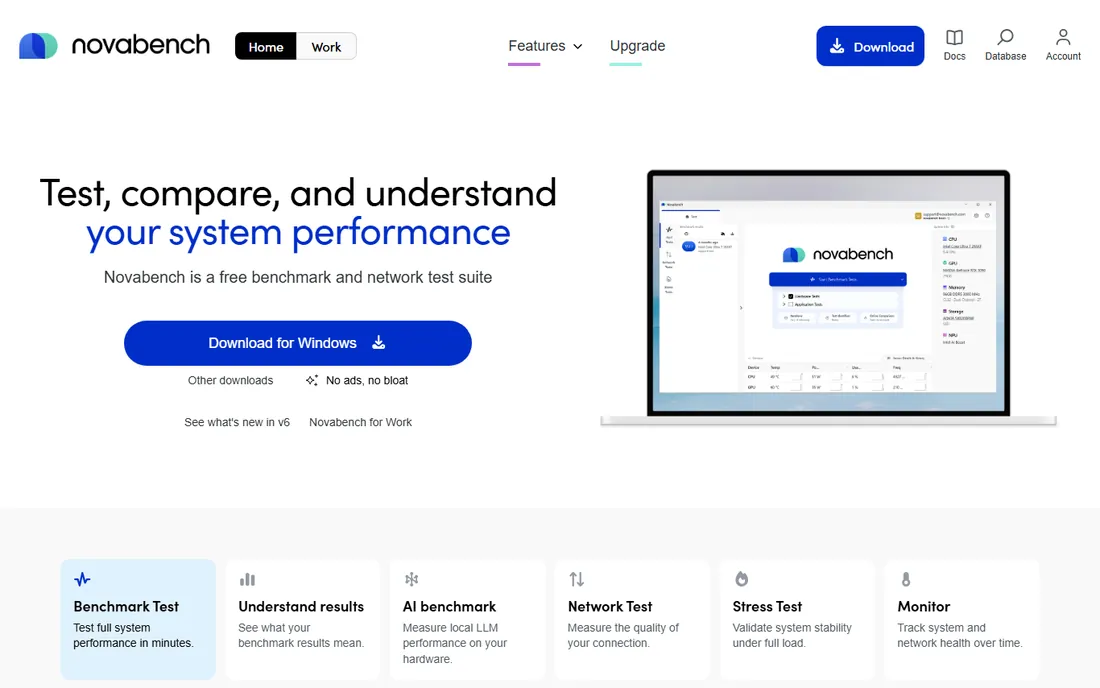
Novabench is the quick health check. One run tests your CPU, GPU, RAM, and disk, then gives you an overall score you can compare against other users online. It is free for personal and non-commercial use, it runs on Windows and Mac, and the whole thing takes a few minutes. For someone wondering whether their five-year-old laptop is the problem, it gives a useful answer fast.
The simplicity is also the limit. The tests are less sophisticated than Geekbench or 3DMark, and power users will want more detail. A paid Pro license adds a portable version, temperature tracking, scheduled benchmarking, and command-line access. Think of Novabench as triage: fast, free, and good enough to tell you which component to investigate with a deeper tool.
What we like- Free for personal use
- Tests CPU, GPU, RAM, and disk in one run
- Online comparison with other submitted results
Watch out for- Simpler tests than the paid suites
- The free version lacks temperature tracking and scheduling
- Small team, slower updates
Starting price$29.99
Free planNo
PCMark 10 is UL Solutions' benchmark for the other 90% of computing: office applications, web browsing, video conferencing, and everyday multitasking. Instead of synthetic math loops, it runs traces of real applications, which makes its scores meaningful for anyone buying business laptops or office desktops in bulk. At $29.99 as a one-time purchase, it is priced for reviewers and IT buyers rather than subscribers.
The trade-offs mirror its focus. There is no free tier, so casual users should start with Novabench or Geekbench. It will not tell you much about gaming or 3D rendering performance. And the workload set evolves slowly. But when the question is "which laptop should our company buy," PCMark 10 is the benchmark the industry uses to answer it.
What we like- Tests real office tasks, not synthetic loops
- The standard for business PC reviews
- Priced for one-time purchase
Watch out for- No free tier
- Focused on productivity, not gaming or creation
- Newer workloads arrive slowly
Starting priceSee website
Free planFree trial
AIDA64 Extreme, from Hungary's FinalWire, is two tools in one: the most detailed hardware detection utility on Windows, and a solid set of CPU, memory, cache, and disk benchmarks. Overclockers and technicians live in it because it tells you everything about the machine and then stress-tests it. The sensor monitoring, with support for external displays and logging, is genuinely best in class.
It is paid software after a trial period, and it is Windows-only, which limits its audience. The interface is dense with two decades of features. But if you want one application that identifies every component, benchmarks the subsystems, and monitors temperatures under load, AIDA64 is the one the enthusiast community standardized on years ago.
What we like- Exhaustive hardware detection alongside benchmarks
- CPU, memory, and disk tests in one app
- The enthusiast standard for system info
Watch out for- Paid after the trial
- Windows only
- The interface packs in a lot and shows it
Starting priceFree
Free planYes
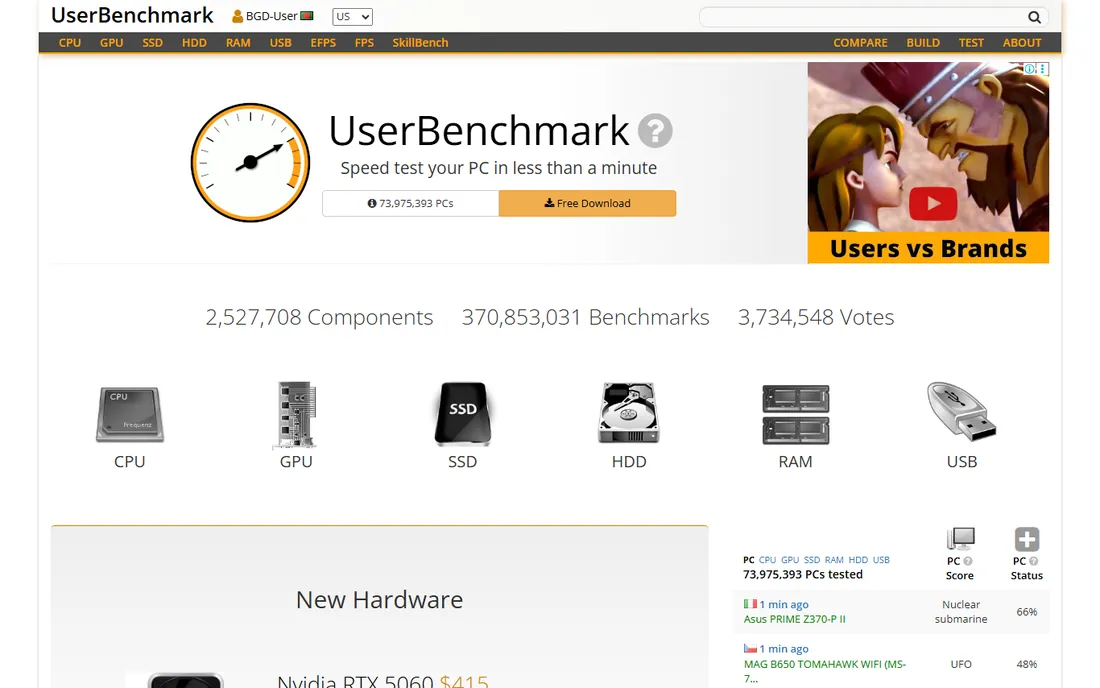
UserBenchmark runs a free benchmark on your PC and compares each component against its database of millions of user-submitted results. For upgrade questions, "is my GPU holding back my CPU" or "which of these two SSDs is faster in practice," the component-level comparisons are genuinely useful, and the price is right.
The caveats are well documented. Critics have long questioned its scoring methodology and weighting choices, and the site's editorial voice is aggressive about which products it favors. Treat it as one data point among several, not as gospel. Run it alongside Geekbench or 3DMark, compare the stories, and you will get a fuller picture than any single benchmark gives.
What we like- Free
- Enormous database of real-user results
- Component-level comparisons are genuinely useful for upgrades
Watch out for- The scoring methodology draws criticism
- The site pushes its own opinions hard
- Results depend on user-submitted data quality
#10
Unigine Superposition
Best for: free GPU stress test and benchmark
Visit unigine.com
Starting priceFree
Free planYes

Unigine's Superposition is the free GPU benchmark that overclockers actually respect. Based on the Unigine 2 engine, it renders a detailed scene with dynamic lighting that pushes graphics cards hard, and it doubles as a stability test: if your overclock survives Superposition, it will survive anything. Leaderboards let you compare against other systems, and the basic benchmark is free.
It is a GPU specialist, so pair it with a CPU benchmark for the full picture. Some advanced features sit behind the paid Advanced edition. And while reviewers respect it, 3DMark scores remain the more widely quoted currency. For free GPU testing with real teeth, though, Superposition is the best option that costs nothing.
What we like- Free
- Extremely demanding GPU benchmark
- Doubles as a stability and thermal stress test
Watch out for- Focused on GPU only
- The free version lacks some advanced features
- Less widely quoted than 3DMark scores
How we chose
We checked that every tool on this list exists and is actively maintained in 2026, using vendor sites, current release information, and documentation. Prices come from vendor pages where published: UL Solutions lists PCMark 10 at $29.99 on its benchmark site, and Geekbench's free-for-personal-use tier is documented by Primate Labs' own materials. Where pricing sits behind a store or quote process we could not verify directly, we say so. We favored tools with real user bases and public result databases over obscure utilities.
Common benchmarking mistakes
Benchmarks are easy to run and easy to misread. These are the errors we see most.
Comparing scores across versions
A Cinebench R23 score and a Cinebench 2024 score are not comparable. Neither are Geekbench 6 and Geekbench 7 scores. Vendors change workloads between major versions, which resets the scale. Always compare scores from the same version of the same benchmark, and check the version before quoting a number you found online.
Running once and calling it done
Background tasks, thermal throttling, and driver states all move scores. Run any benchmark at least three times, close other applications first, and let the machine cool between runs on a laptop. If the three runs disagree wildly, something is wrong with the test conditions, not necessarily the hardware.
Trusting a single number
No single benchmark describes a whole computer. A machine can have a great Geekbench CPU score and a terrible disk, and feel slow every day. That is why suites exist: run a CPU test, a GPU test, and a disk test before concluding anything. UserBenchmark-style aggregators help, but verify surprising results with a second tool.
Benchmarking the wrong thing
Gamers need 3DMark, not PCMark 10. Office buyers need PCMark 10, not Cinebench. Video editors need rendering and disk tests, not synthetic CPU loops. Match the benchmark to the workload you actually care about, or the numbers will be technically correct and practically useless.
Choosing benchmarks you can actually trust
A trustworthy benchmark has three properties: it measures a real workload, it is widely used enough that scores are comparable, and its methodology is public. Geekbench, Cinebench, 3DMark, PCMark 10, and CrystalDiskMark all clear that bar, which is why reviewers and IT buyers keep using them.
Free versus paid matters less than most people think. The free tools on this list, Geekbench, Cinebench, CrystalDiskMark, Novabench, and Superposition, cover CPU, GPU, and disk testing at zero cost. The paid tools earn their price in specific jobs: 3DMark for gaming GPU reviews, PCMark 10 for office fleet buying, PerformanceTest for standardized IT reporting, AIDA64 for deep diagnostics. Buy the paid tool when the job requires its database or its report format, not before.
Finally, remember what benchmarks cannot tell you. They measure performance, not reliability, not build quality, not keyboard feel, not support. Use them to narrow the field, then read real reviews for everything else.
Frequently asked questions
What is a good Geekbench score in 2026?
It depends on the device class and the version. Phone scores, laptop scores, and desktop scores live on different scales, and Geekbench 7 reset the scale from version 6. Compare your score against the same device class in Primate Labs' public result browser rather than chasing an absolute number.
Are free benchmarks accurate?
The reputable ones are. Geekbench, Cinebench, and CrystalDiskMark are free and widely trusted because their methodologies are public and their results are reproducible. Free does not mean inferior here; it usually means the vendor makes money elsewhere, like Maxon selling Cinema 4D or Primate Labs selling Pro licenses.
How often should I benchmark my PC?
Benchmark when something changes: a new machine, an upgrade, a driver update, or a suspected problem. There is no value in weekly benchmarking a healthy PC. One baseline when the machine is new, then re-test when you have a reason, is the right cadence.
Why do my scores differ from reviews?
Cooling, power settings, background tasks, driver versions, and even room temperature move scores. Laptops throttle under sustained load, so a thin ultrabook will score lower than a desktop with the same chip. Match the test conditions, same version, same settings, plugged in, cooled down, before worrying.
Can benchmarks damage my computer?
Normal benchmarking is safe; it just runs the hardware hard for a few minutes. Stress tests and overclocking-oriented tools like Superposition push thermals higher, so watch temperatures on machines with poor cooling. If a machine crashes during a benchmark, that usually reveals an existing problem rather than causing one.
Sources we checked (14)
- https://www.geekbench.com/
- https://maxon.net/
- https://www.passmark.com/
- https://www.3dmark.com/
- https://crystalmark.info/en/
- https://novabench.com/
- https://www.aida64.com/
- https://www.userbenchmark.com/
- https://unigine.com/
- https://www.primatelabs.com/
- https://appleinsider.com/articles/26/07/23/new-geekbench-7-benchmark-adds-ai-workloads-better-reflects-2026-computer-use-cases
- https://www.macrumors.com/2023/02/14/primate-labs-geekbench-6/
- https://www.downloadcrew.com/article/35320/novabench
- https://www.aida64.com/news/finalwire-releases-aida64-v400
Is your product missing or out of date?
We review this list regularly. Vendors can request a listing, send updated pricing or ask about featured placement.

Shihab Mia · Founder, Rankite
Shihab has spent more than a decade helping SaaS and e-commerce brands grow through search. He writes Rankite's software buying guides from pricing pages, documentation and public user reviews. More about Shihab.