How we make this list: we compare pricing pages, product documentation and public user reviews. Rankite is independent; if a vendor ever pays for a featured spot, that listing is clearly labeled Partner.
Key takeaways
- Cinebench is the free standard for CPU testing, and CrystalDiskMark is the free standard for SSD speeds.
- 3DMark remains the go-to GPU benchmark, with a free Steam demo covering the most popular tests.
- Geekbench 6 is the best cross-platform pick, comparing phones, Macs and PCs on one scale.
- PassMark PerformanceTest and AIDA64 suit testers who want deep system data and huge comparison databases.
Quick comparison
Is your product missing or out of date?
We review this list regularly. Vendors can request a listing, send updated pricing or ask about featured placement.
Starting priceFree
Free planYes

Maxon's Cinebench is the benchmark CPU reviewers cite, because it renders a real 3D scene with the Cinema 4D engine instead of running synthetic math loops. You get single-core and multi-core scores that translate directly to rendering, encoding and compilation workloads, and the results database lets you compare your chip against thousands of others.
It is completely free on Windows, macOS and Linux. The main limitation is scope: it measures CPU rendering and nothing else, so pair it with a GPU benchmark for a full picture. For answering "is my CPU performing as it should," nothing is more trusted.
What we like- Industry-standard scores reviewers quote
- Tests single and multi-core
- Free on Windows, Mac and Linux
Watch out for- CPU-only, says nothing about gaming
- Newer versions need a decent download
Starting priceSee website
Free planYes
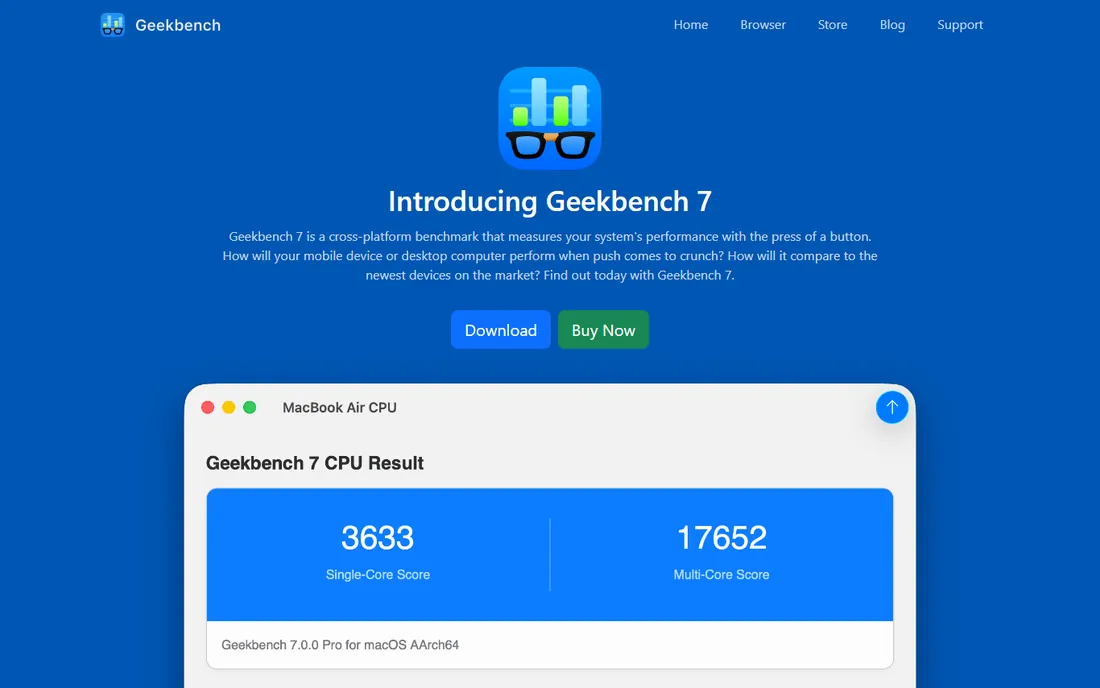
Geekbench 6's superpower is its cross-platform scale: the same test runs on an Android phone, a MacBook and a gaming PC, with results comparable across all of them. It covers CPU single and multi-core, GPU compute via Vulkan and Metal, and newer AI and machine learning workloads, with over 18 million results in its online browser.
The free version suits personal use; a paid Pro license unlocks command-line automation and commercial use. Critics note that some sub-tests favor particular chip designs, so treat close scores as ties. For cross-device comparisons, nothing else comes close.
What we like- Runs on phones, tablets, Macs and PCs
- Huge online result database
- Tests CPU, GPU compute and AI workloads
Watch out for- Some workloads favor certain architectures
- Free version has limits for commercial use
Starting priceSee website
Free planFree trial
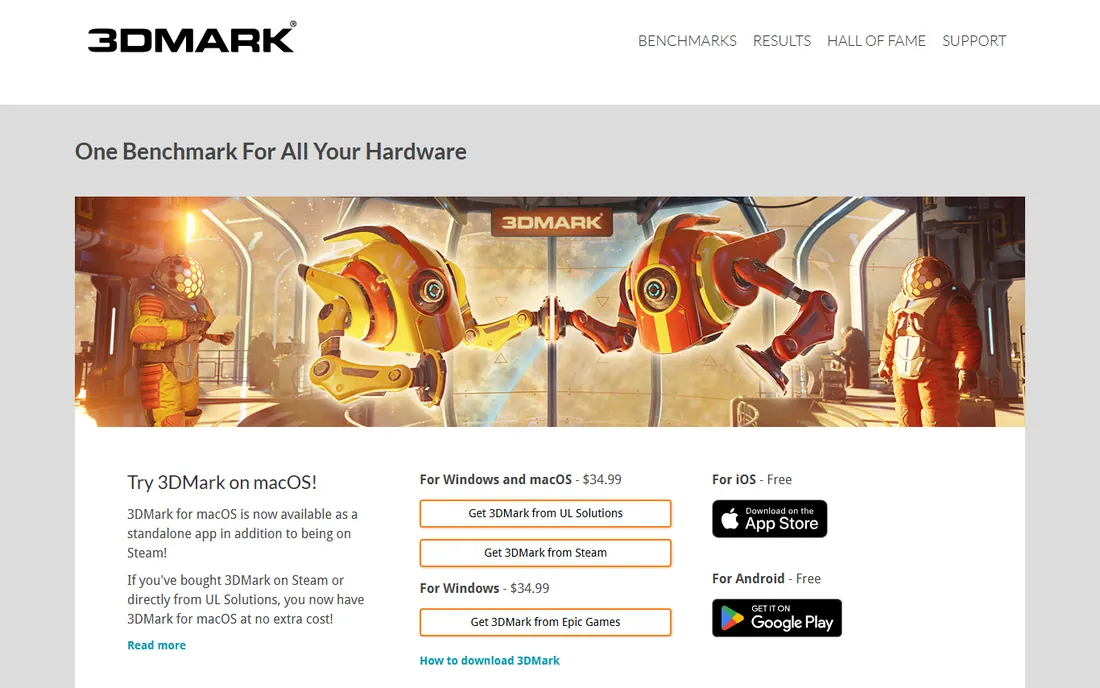
3DMark has been the gamer's benchmark for decades, and the current suite covers everything from classic Fire Strike to Time Spy and ray-tracing-heavy Speed Way. A free demo on Steam includes the most popular tests with online result comparison, which is enough for most users checking a new GPU or verifying an overclock.
The paid version adds stress testing, custom runs and the full test library. Most people do not need it. Run the free Time Spy test, compare against identical hardware online, and you will know within minutes whether your graphics card is performing as expected.
What we like- The standard GPU test suite
- Time Spy, Fire Strike and ray tracing tests
- Massive comparison database
Watch out for- Full version is paid
- Windows-focused with limited Mac support
Starting priceSee website
Free planFree trial
While 3DMark tests gaming, PCMark 10 tests everything else: web browsing, video calls, document work, photo editing and content creation, using traces of real applications. The result is a score that reflects how fast a PC feels in daily use rather than in a game engine. Laptop reviewers rely on its battery benchmark.
It is paid software from UL, the same company behind 3DMark, with a free demo available on Steam. Gamers can skip it, but for office PCs, ultrabooks and workstations, it answers the question benchmarks should answer: how fast does this feel to use.
What we like- Tests reflect actual office and creative workflows
- Battery life testing on laptops
- Clear scoring
Watch out for- Paid software
- Less useful for pure gaming rigs
Starting priceSee website
Free planFree trial
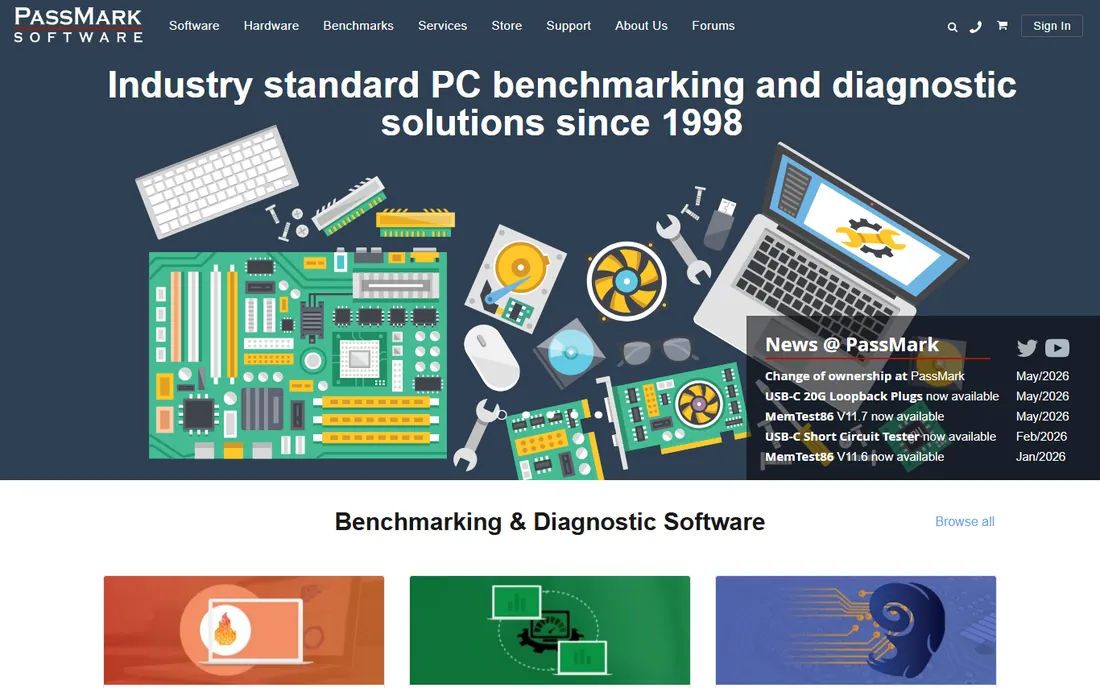
PassMark PerformanceTest breaks your system into scored components, CPU, 2D and 3D graphics, memory, disk, and rolls them into an overall PassMark rating you can compare against over a million submitted systems. The test depth is unmatched for the price, with encryption, compression, physics and integer math suites.
The interface looks like it time-traveled from 2010, and the evaluation version limits some features. But the comparison database is the real product: wondering whether your five-year-old CPU is worth replacing becomes a data-driven decision instead of a guess.
What we like- 28+ CPU tests plus GPU, disk and memory
- Huge comparison charts
- Offline testing
Watch out for- Dated interface
- Full results need the paid version
Starting priceFree
Free planYes

Every SSD review quotes CrystalDiskMark numbers, and for good reason: it is free, open source, and measures exactly what matters for storage, sequential read/write and random 4K performance. Run it before and after an SSD upgrade and the difference is quantified in seconds.
It tests storage and nothing else, and settings like test size and queue depth change the numbers, so compare like with like. For verifying that a new NVMe drive hits its advertised speeds, or that an old SATA SSD is the bottleneck, it is the definitive free tool.
What we like- Free and open source
- The standard for sequential and random I/O
- Quick to run
Watch out for- Drive speeds only
- Results vary with test settings
Starting priceSee website
Free planYes
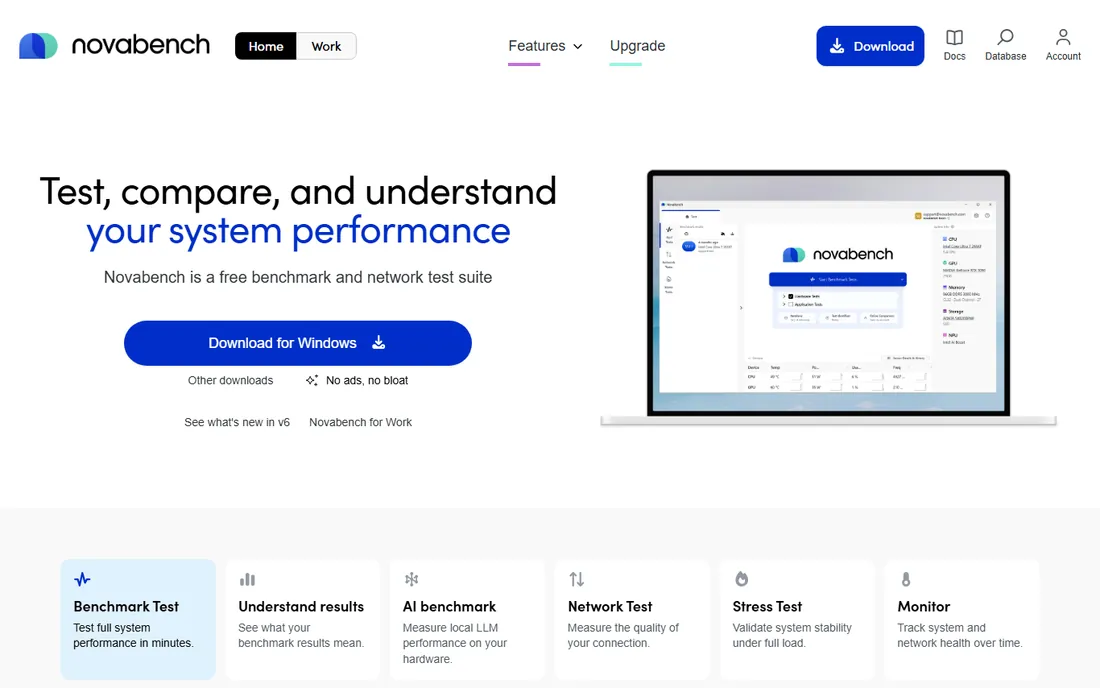
Novabench is the benchmark for people who do not want to learn benchmarking: one click tests CPU, GPU, RAM and disk, produces an overall score, and compares it online. It is free, quick, and far more approachable than the specialist tools on this list.
Depth is the trade. It will not tell you why a score is low the way PassMark's component breakdowns do, and serious overclockers will outgrow it. But as a first check when a PC feels slow, or a before-and-after for an upgrade, its simplicity is exactly right.
What we like- Free and fast
- Tests CPU, GPU, RAM and disk in one run
- Online comparison
Watch out for- Less depth than specialist tools
- Pro features need payment
Starting priceSee website
Free planFree trial
AIDA64 is primarily a system information and diagnostics tool that happens to include solid benchmarks for CPU, FPU, memory and storage. Technicians love it because the same program that identifies an unknown motherboard can stress-test it and log sensor data during the run. The 30-day trial is fully functional.
After the trial it is paid software, which is hard to justify for benchmarking alone when Cinebench and CrystalDiskMark are free. Its value is the bundle: if you also need hardware auditing, stability testing and sensor monitoring, AIDA64 replaces several tools.
What we like- Exhaustive hardware detection
- CPU, memory and disk benchmarks
- 30-day trial
Watch out for- Paid after trial
- Interface is dense
Starting priceFree
Free planYes
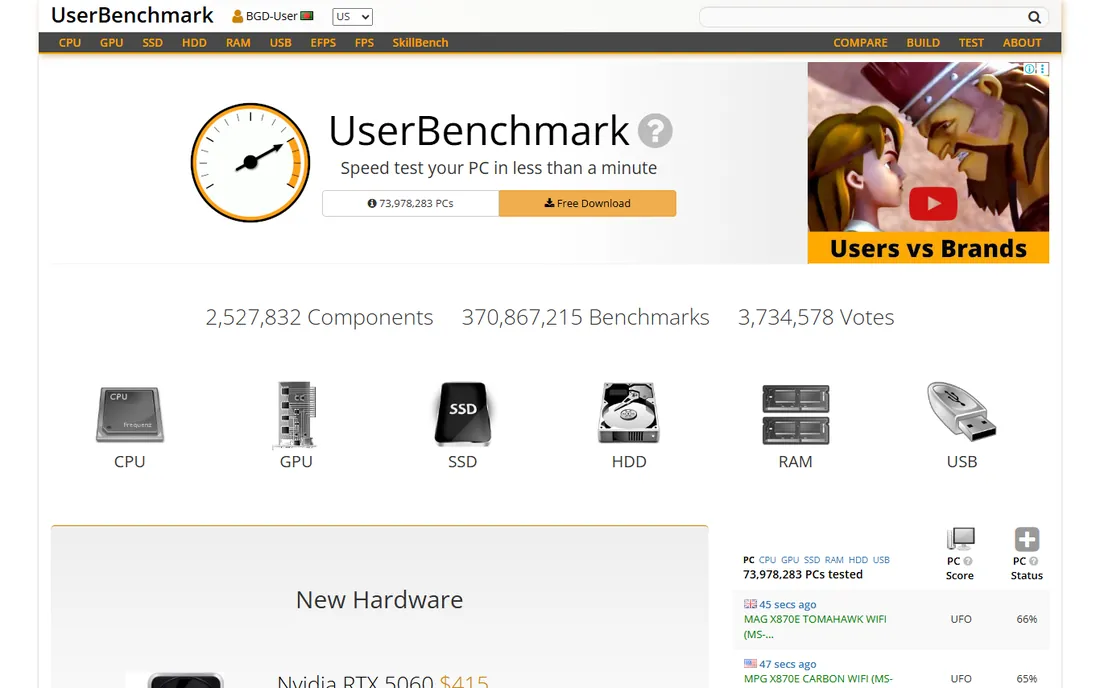
UserBenchmark runs a free test of your CPU, GPU, SSD, RAM and USB, then compares each part against thousands of identical components and flags anything underperforming. For spotting a misconfigured drive or throttling CPU in minutes, it is genuinely useful.
The caveats are well documented: its scoring methodology and component recommendations have drawn sustained criticism from the hardware press for bias. Use it as a quick diagnostic, not as the final word on which parts to buy. The raw percentile comparisons remain handy.
What we like- Free and quick
- Huge user-submitted database
- Identifies underperforming parts
Watch out for- Controversial scoring and editorializing
- Windows only
Starting priceFree
Free planYes
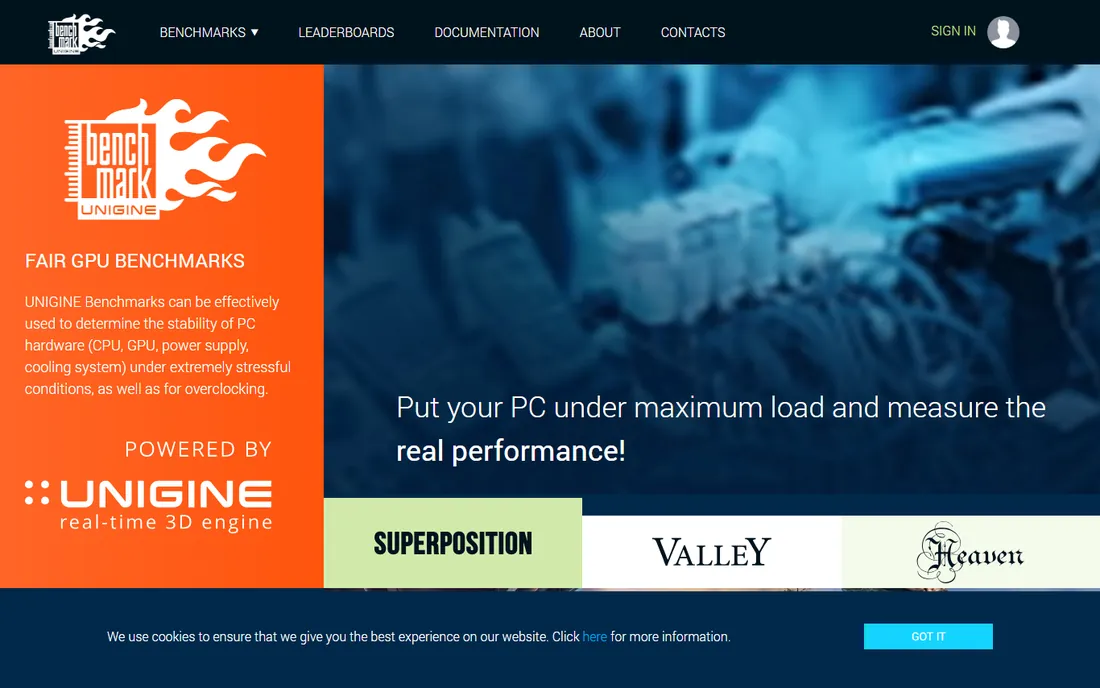
Unigine's Superposition benchmark renders a gorgeous, demanding scene that pushes graphics cards hard while looking like a tech demo. It monitors GPU clocks and temperatures during the run, making it useful for stability testing overclocks as well as scoring. The basic edition is free.
It has not received major updates as frequently as 3DMark, and its comparison database is smaller. But as a free visual stress test that doubles as a stability check, it remains a favorite for verifying that a GPU stays cool and stable under sustained load.
What we like- Stunning visuals that actually stress the GPU
- Monitors clocks and temps
- Free basic edition
Watch out for- Not updated as often as 3DMark
- Smaller comparison database
Which benchmark for which question
Match the tool to the question you are actually asking. "Is my CPU fast?" is Cinebench or Geekbench. "Is my graphics card performing?" is 3DMark or Superposition. "Is my SSD slow?" is CrystalDiskMark. "Is my whole PC healthy?" is Novabench, UserBenchmark or PCMark 10. "How does my phone compare to my laptop?" is Geekbench alone.
Run benchmarks with background apps closed, laptops plugged in, and drivers updated; otherwise you are measuring your multitasking, not your hardware. And compare scores only against identical hardware and identical test versions, since scores are not comparable across versions.
A note on synthetic versus real
Benchmarks measure specific workloads, not your experience. A high Cinebench score does not make web browsing feel faster, and a low UserBenchmark percentile does not mean a part is broken. Use benchmarks to verify health and compare options, then judge real performance by the apps you actually run.
How we compared them
We selected benchmarks covering CPU, GPU, storage and full-system testing, prioritizing tools with large comparison databases and active maintenance. We checked vendor sites and 2026 hardware-press roundups for pricing and features. We did not run our own benchmark passes.
Frequently asked questions
What is the best free benchmark software?
Cinebench for CPU, CrystalDiskMark for SSDs, and the free 3DMark demo on Steam for GPUs. Together they cover the three components that matter most, all at zero cost.
Is UserBenchmark reliable?
Its percentile comparisons against identical hardware are useful diagnostics. Its overall scoring and buying recommendations have been widely criticized, so treat those with skepticism.
How do I benchmark my gaming PC?
Run 3DMark Time Spy for the GPU, Cinebench for the CPU, and CrystalDiskMark for the SSD. That trio covers gaming performance, and all three have free options.
What is a good Geekbench 6 score?
It depends on the device class. Compare your score against the same chip in Geekbench's online browser rather than chasing an absolute number; within 5% of the median for your hardware is normal.
Do benchmarks damage hardware?
No, when run normally. Stress tests raise temperatures, which is their purpose, but modern CPUs and GPUs throttle or shut down before damage. Keep cooling adequate and do not run stress tests on a machine with known cooling problems.
Why do my scores differ from reviews?
Background apps, power settings, thermals, driver versions and even Windows updates all move scores. Close background software, plug in laptops, and run the test a few times before concluding something is wrong.
Sources we checked (12)
- https://www.maxon.net/
- https://www.geekbench.com/
- https://www.3dmark.com/
- https://www.pcmark.com/
- https://www.passmark.com/
- https://crystalmark.info/
- https://novabench.com/
- https://www.aida64.com/
- https://www.userbenchmark.com/
- https://benchmark.unigine.com/
- https://www.engadget.com/2277106/simple-benchmark-test-pc-performance/
- https://www.pcworld.com/article/394927/best-benchmarking-software-for-pc.html
Is your product missing or out of date?
We review this list regularly. Vendors can request a listing, send updated pricing or ask about featured placement.

Shihab Mia · Founder, Rankite
Shihab has spent more than a decade helping SaaS and e-commerce brands grow through search. He writes Rankite's software buying guides from pricing pages, documentation and public user reviews. More about Shihab.
 Cinebench
 Geekbench
 3DMark
 PCMark 10
 PassMark PerformanceTest
 CrystalDiskMark
 Novabench
 AIDA64
 UserBenchmark
 Unigine Superposition