How we make this list: we compare pricing pages, product documentation and public user reviews. Rankite is independent; if a vendor ever pays for a featured spot, that listing is clearly labeled Partner.
Key takeaways
- Want free and fully capable: 7-Zip (open source) and PeaZip (portable, 200+ formats) handle nearly everything the paid tools do, including password-protected archives.
- WinRAR ($29 one-time) is still the only archiver that can create RAR files, and its famous 40-day trial never actually locks you out.
- PowerArchiver ($22.95 one-time, perpetual) undercuts WinZip ($34.95) on price while offering business features like MSI deployment and Office add-ins.
- On Windows 11, NanaZip gives you 7-Zip's engine with a modern interface and proper context-menu support, free.
Quick comparison
| Tool | Best for | Starting price | Free plan |
|---|
 WinRAR WinRAR | Windows users who need to create RAR archives | $29 one-time (single-user license, excl. VAT) | Free trial (40 days) |
 7-Zip 7-Zip | Anyone who wants free, proven compression with no strings | Free | Yes (free and open source, LGPL) |
 WinZip WinZip | Users who want a polished commercial archiver | $34.95 | Free trial (21 days) |
 Bandizip Bandizip | Fast everyday archiving on Windows and Mac | Free (Standard); Professional $30 one-time | Yes (free Standard edition) |
 PeaZip PeaZip | Portable archiving across Windows, Mac and Linux | Free | Yes (free and open source, LGPLv3) |
 PowerArchiver PowerArchiver | Businesses that want a perpetual license and admin features | $22.95 one-time (Standard license) | Free trial (30 days) |
 NanaZip NanaZip | Windows 10 and 11 users who want a modern 7-Zip | Free | Yes (free and open source) |
 Zipware Zipware | Simple free archiving, including older Windows machines | Free | Yes (freeware for personal and commercial use) |
 Express Zip Express Zip | Beginners who want a guided, wizard-driven interface | See website (Express Zip Plus sold through NCH's store) | Yes (free for non-commercial use) |
Is your product missing or out of date?
We review this list regularly. Vendors can request a listing, send updated pricing or ask about featured placement.
The best compression software
Every Windows PC eventually faces the same moment: a download arrives as a RAR or 7z file and nothing on the system will open it. The built-in Windows extractor handles plain ZIP, and nothing else. These nine archivers cover the whole market, from free open-source workhorses to paid tools with business features, with the real prices attached.
Starting price$29 one-time (single-user license, excl. VAT)
Free planFree trial (40 days)
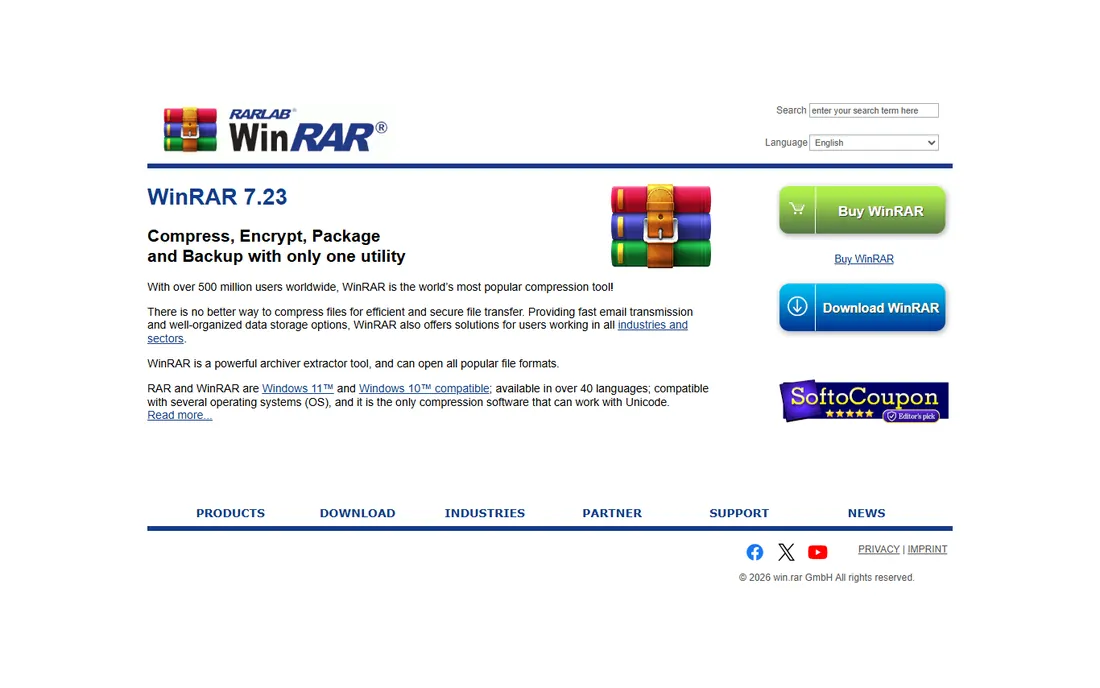
WinRAR has sold the same promise since 1995: it opens everything and it is the one tool that writes RAR. The RAR5 format still compresses certain file types better than ZIP, and WinRAR's recovery-record feature can repair damaged archives that other tools give up on. Multi-volume archives, self-extracting EXEs and solid archiving all work exactly as they have for years.
The commercial model is the famous one. The official shop lists a single-user license at $29 with volume discounts down to $6 per seat at 500+ users. The 40-day trial displays a purchase reminder and then keeps working indefinitely, which is why most home users never pay. Businesses should still buy licenses: the trial is for evaluation, and the multi-user pricing is reasonable for what you get.
What we like- The only archiver that creates RAR and RAR5 archives
- Strong AES-256 encryption with archive repair tools
- Tiny installer and decades of format compatibility
Watch out for- Windows-only for the full GUI (Mac and Linux get command-line tools)
- The interface looks dated next to modern alternatives
#2
7-Zip
Best for: Anyone who wants free, proven compression with no strings
Visit 7-zip.org
Starting priceFree
Free planYes (free and open source, LGPL)
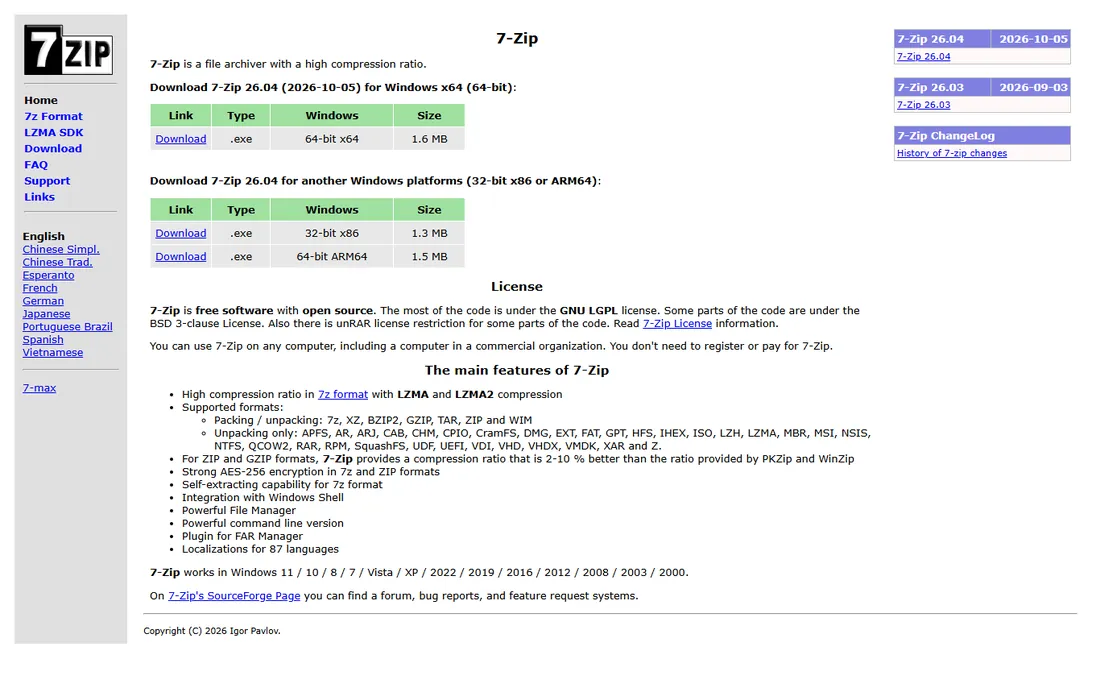
7-Zip is the default recommendation for a reason. It is free software in the full sense: open source, no ads, no trial countdown, no feature-limited editions. The 7z format with LZMA2 compression routinely beats ZIP on size, and 7-Zip opens RAR, ISO, TAR, GZ and dozens of other formats. For most people, on most days, this is the only archiver they will ever need.
The trade-offs are cosmetic and platform-related. The file manager looks like it escaped from 2004, and the official builds target Windows only. If those bother you, NanaZip below is literally 7-Zip's engine in a modern Windows shell. Under the hood, though, nothing here is compromised: encryption, multi-volume archives and self-extracting archives all work.
What we like- Completely free for any use, including commercial
- The 7z format delivers top-tier compression ratios
- Integrates into the Windows right-click menu
Watch out for- The interface is plain and utilitarian
- No official macOS or Linux GUI (community ports fill the gap)
#3
WinZip
Best for: Users who want a polished commercial archiver
Visit winzip.com
Starting price$34.95
Free planFree trial (21 days)
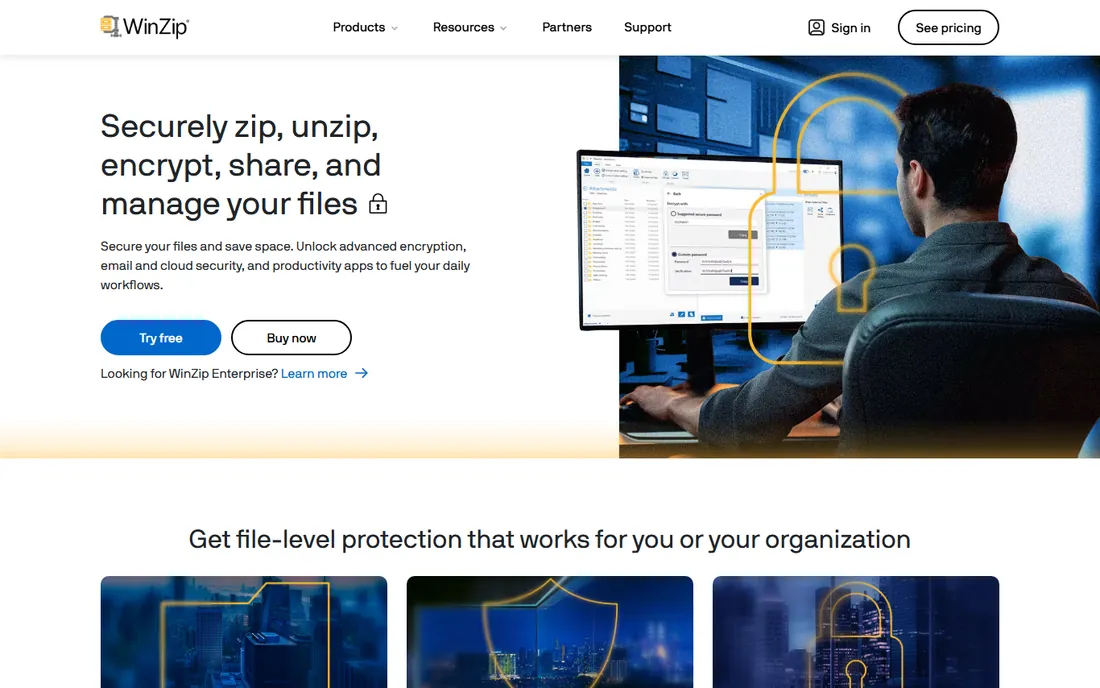
WinZip invented the category back in 1991 and still sells on polish. The current version leans into secure sharing: zip, encrypt and send files through cloud services without leaving the app. PDF conversion, watermarking and file management tools sit alongside the archiving, which makes it feel like a small productivity suite rather than a bare compressor.
The price is the friction. WinZip's own site lists $34.95 with a 21-day trial, and its pricing has moved toward recurring payments over the years. PowerArchiver's homepage directly compares its $22.95 perpetual license against WinZip's recurring cost, which tells you where the competitive pressure is. If you live in the cloud and want the smoothest sharing workflow, WinZip earns its price. If you just compress files, the free tools do the job.
What we like- Clean modern interface with strong cloud integration (Dropbox, Google Drive, OneDrive)
- Good encryption and file-sharing workflows
- Available on Windows, Mac, iOS and Android
Watch out for- Annual-style pricing costs more over time than one-time competitors
- The free trial is short at 21 days
Starting priceFree (Standard); Professional $30 one-time
Free planYes (free Standard edition)
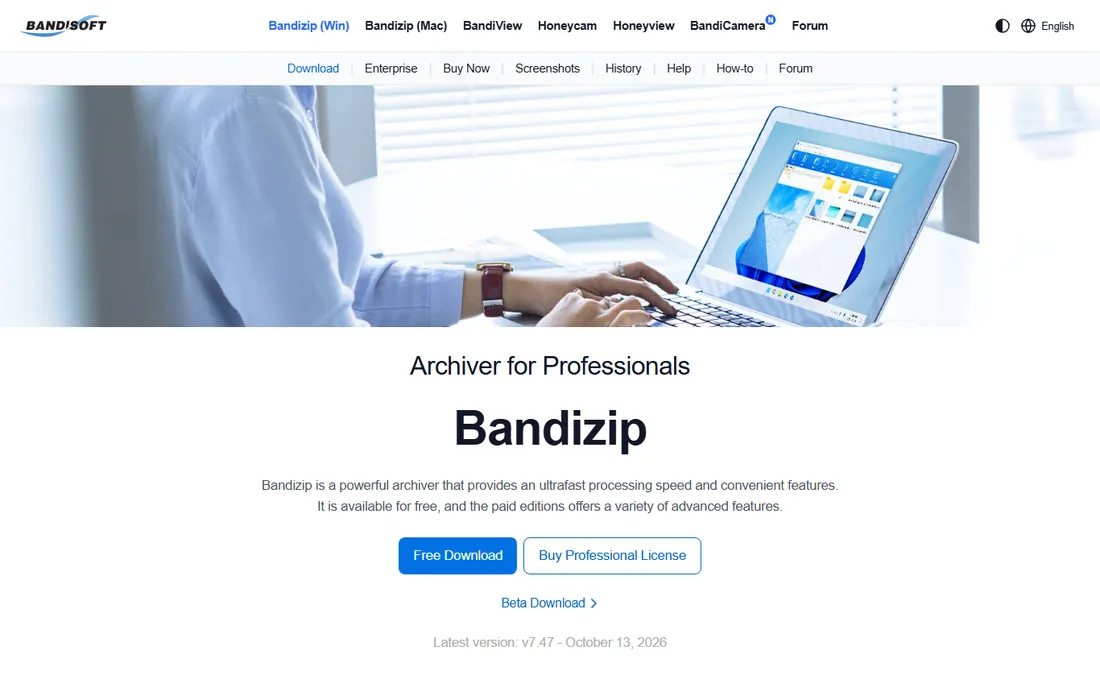
Bandizip built its reputation on speed. Multi-core compression makes it noticeably quicker than 7-Zip on large archives, and the interface is the friendliest of the free options. It handles ZIP, 7Z, RAR extraction and a long list of formats, with drag-and-drop extraction and in-archive image preview.
Bandisoft's official edition comparison lays out the deal plainly: Standard is free, Professional is $30 for a single user with a permanent license, and Enterprise is $20 per PC. The paid tiers remove ads and add the password manager, archive repair and anti-malware scanning. The free version is genuinely usable for daily extraction; pay the $30 once if the ads annoy you or you want the extra tools.
What we like- Very fast multi-core compression
- Clean modern interface
- Professional edition is a one-time $30 purchase with a permanent license
Watch out for- The free Standard edition shows ads
- Advanced features (password manager, archive repair) require the paid edition
Starting priceFree
Free planYes (free and open source, LGPLv3)
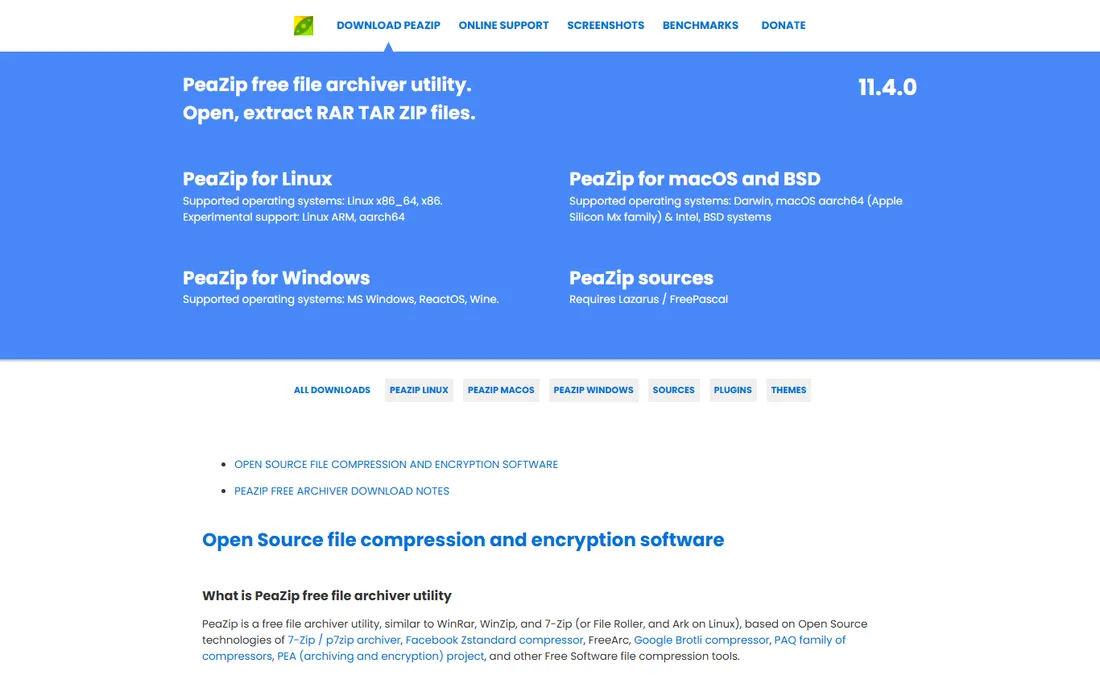
PeaZip is the archiver for people who live on multiple machines. It runs natively on Windows, macOS and Linux with the same interface everywhere, and the portable build runs from a flash drive without touching the registry. Under the hood it combines 7-Zip, Zstandard, Brotli and other open engines, and it can convert between archive formats directly.
Security gets unusual attention here: two-factor encryption (password plus keyfile), secure file deletion, file hashing and checksum tools are all built in. The project is open source under LGPLv3 and free for commercial use. The one hard limit is RAR creation, which needs WinRAR present because of RAR licensing. Everything else, PeaZip does itself.
What we like- Runs portably from a USB drive with no installation
- 200+ supported formats with strong encryption options
- Exports GUI tasks as command-line scripts
Watch out for- The interface packs in a lot and can overwhelm newcomers
- RAR creation requires WinRAR installed (a licensing limitation, not a bug)
Starting price$22.95 one-time (Standard license)
Free planFree trial (30 days)
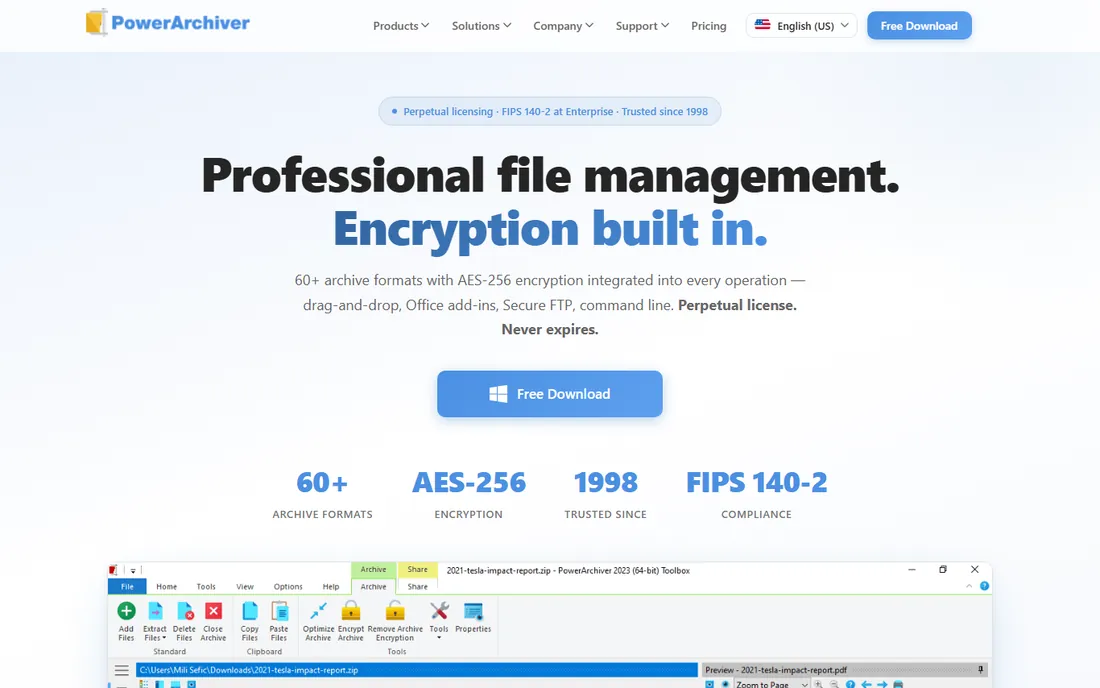
PowerArchiver pitches itself directly at WinZip defectors, and its homepage makes the math explicit: a $22.95 perpetual Standard license against WinZip's recurring pricing, with an Enterprise tier at $59.95. For that you get 60+ archive formats, a proprietary compression codec, Outlook/Excel/Word add-ins, secure FTP and VSS-aware backup of locked files.
The 30-day trial opens every paid feature with no obligation, which is the right way to evaluate it. Home users get a capable archiver cheaper than WinZip; IT departments get silent installs, group policy lockdown and FIPS 140-2 compliance at the Enterprise tier. It is the most business-serious tool on this list.
What we like- Perpetual license that never expires
- 60+ formats with AES-256 encryption
- Business features like MSI deployment, Office add-ins and command-line tools
Watch out for- Smaller community than WinRAR or 7-Zip, so fewer tutorials
- The interface carries a lot of options that home users will never touch
#7
NanaZip
Best for: Windows 10 and 11 users who want a modern 7-Zip
Visit nanazip.org
Starting priceFree
Free planYes (free and open source)
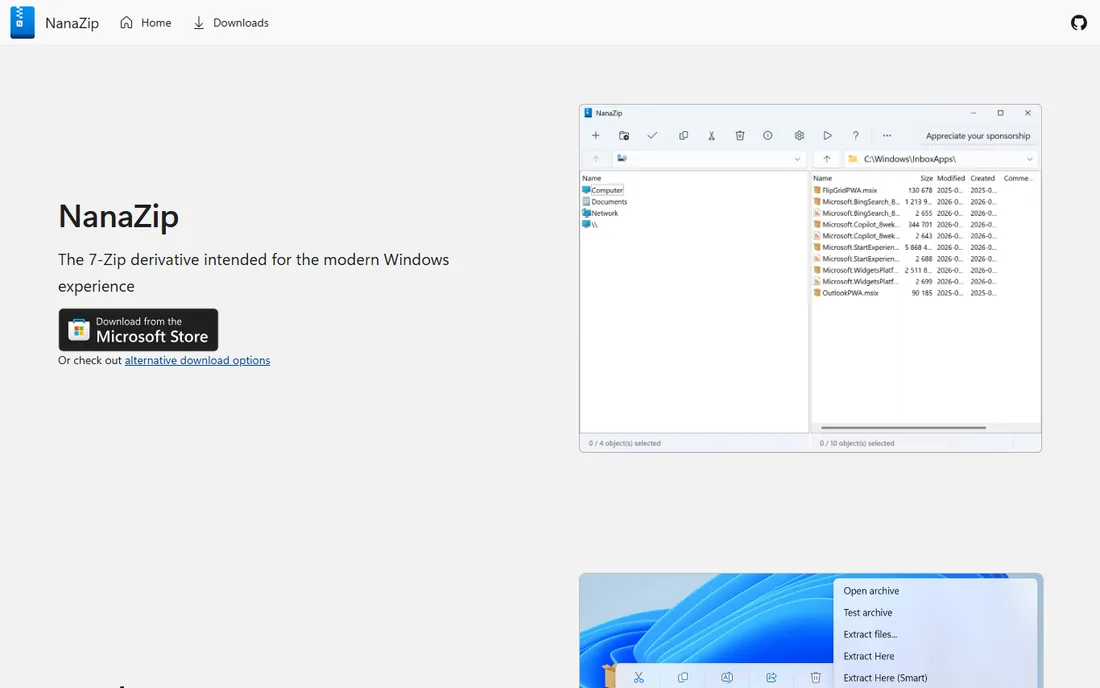
NanaZip exists because 7-Zip's interface never modernized. It is a fork of 7-Zip's source code, rebuilt with dark mode, Mica effects and the new Windows 11 right-click menu that the original 7-Zip never adopted. Underneath, it is the same trusted compression engine, plus extras like Zstandard, Brotli and additional hash algorithms.
Distribution is modern too: it installs as an MSIX package through the Microsoft Store or GitHub releases. If you like 7-Zip's results but wince at its 2000s-era window, this is the upgrade. Everything that makes 7-Zip good, the compression ratios, the format support, the price of zero, carries over untouched.
What we like- 7-Zip's proven engine with a Fluent-style modern interface
- Proper Windows 11 context-menu integration
- Extra formats like Zstandard on top of 7-Zip's set
Watch out for- Windows-only
- Inherits 7-Zip's lack of RAR creation
#8
Zipware
Best for: Simple free archiving, including older Windows machines
Visit zipware.org
Starting priceFree
Free planYes (freeware for personal and commercial use)
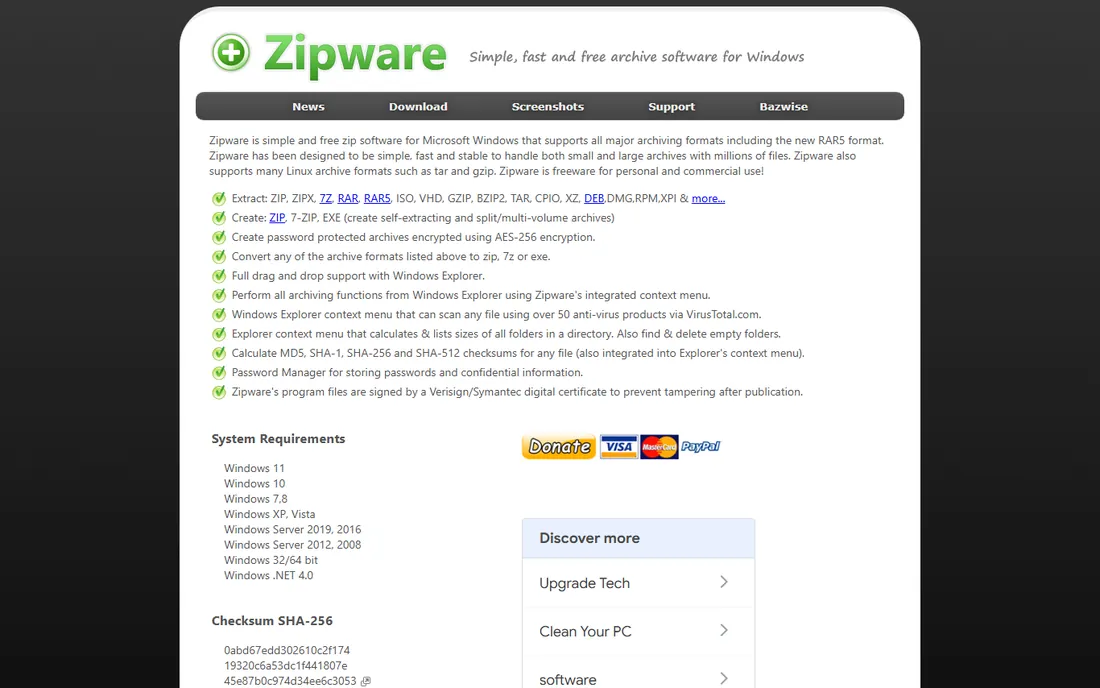
Zipware is the quiet freeware pick. The official site states plainly that it is free for personal and commercial use with no limitations, and the whole program is a 3.3 MB download. It extracts ZIP, 7Z, RAR5, ISO and more, creates ZIP and 7Z archives with AES-256 encryption, and converts between formats. The VirusTotal context-menu scan is a genuinely useful extra.
Honesty requires the caveat: version 1.6 dates to October 2018. It still works fine on Windows 11, but an archiver that has not been updated in eight years will not gain new formats or security hardening. For basic extraction on any Windows machine, including old ones, it remains a solid zero-cost choice.
What we like- Completely free with no ads or upsells, even for business use
- Tiny 3.3 MB download that runs on Windows XP through 11
- Can scan archives with VirusTotal from the context menu
Watch out for- Last updated in 2018, so no new features or format additions since
- Windows-only with a basic interface
Starting priceSee website (Express Zip Plus sold through NCH's store)
Free planYes (free for non-commercial use)
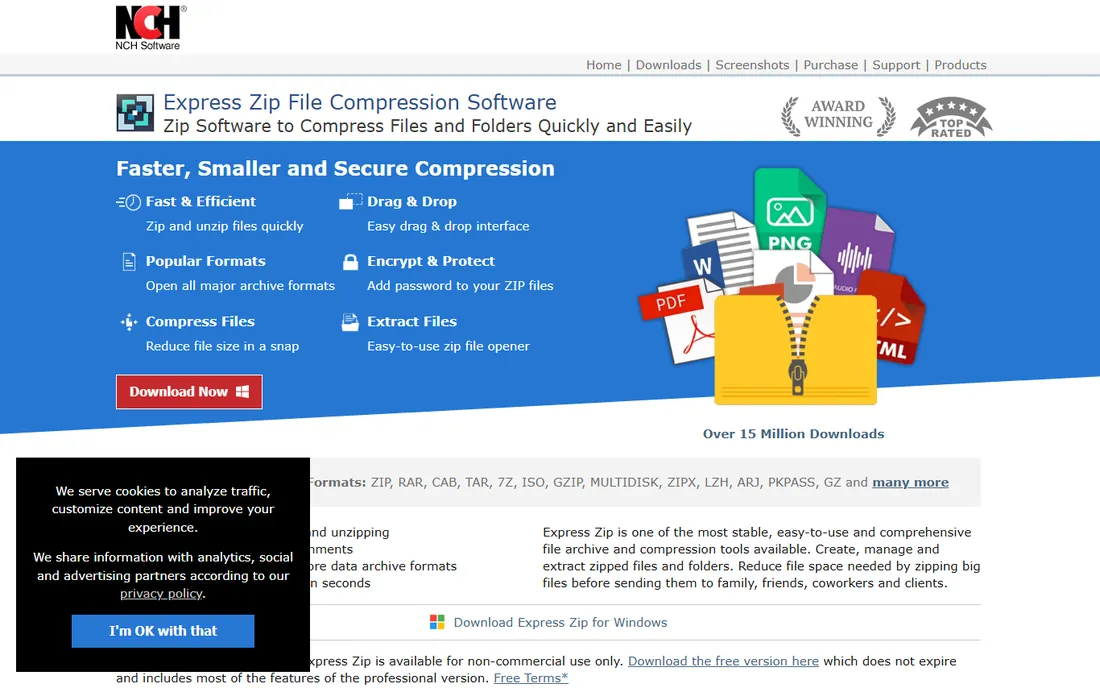
Express Zip comes from NCH Software, a long-running Australian utility vendor, and it shows in the design: big buttons, step-by-step wizards and plain-language labels. It creates and extracts ZIP plus opens RAR, CAB, TAR, 7Z and ISO, converts other formats to ZIP, splits large archives for email and can burn archives to CD or DVD for offline backup.
The free version covers non-commercial use and does not expire. Businesses need Express Zip Plus, sold through NCH's own store. NCH's pricing changes often enough that the only reliable number is the one on their checkout page, so check it directly. For a beginner who finds 7-Zip intimidating, the hand-holding interface is the selling point.
What we like- Wizard-driven interface that walks new users through each task
- Converts archives between formats and burns backups to disc
- Available for Windows and Mac
Watch out for- The free edition is for non-commercial use only
- The Plus edition price is only shown at checkout
What to check before you pick an archiver
Start with formats. Every tool here opens ZIP, but RAR creation belongs to WinRAR alone, and only some tools write 7Z. If your work involves receiving RAR files from clients or vendors, any free extractor covers you. If you need to produce RAR archives, WinRAR is not optional.
Next, look at encryption. AES-256 is the standard you want for password-protected archives; the older ZipCrypto method is weak and every tool on this list offers AES. Check whether the tool encrypts filenames too, which keeps the archive's contents private, not just the files.
Then the price model. One-time licenses (WinRAR $29, Bandizip Pro $30, PowerArchiver $22.95) cost less over three years than anything subscription-shaped. Free tools cost nothing but may show ads (Bandizip Standard) or stop updating (Zipware). Match the model to how long you will use it.
Finally, the platform details: Windows context-menu integration saves more time than any feature list, macOS and Linux users should favor PeaZip or Keka-style tools over Windows-only picks, and portable builds matter if you work across machines. A 30-day trial is enough to test all of this before paying.
Free vs paid: where the money actually goes
The free archivers on this list are not demos. 7-Zip, PeaZip, NanaZip and LMMS-style open-source tools do the core job, compressing and extracting, as well as anything paid. What paid tools sell is convenience and business packaging: WinZip's cloud sharing, PowerArchiver's MSI deployment and Office add-ins, Bandizip's ad-free speed.
For home use, the honest answer is that a free tool plus WinRAR's endless trial covers every scenario. The $29 WinRAR license buys a clear conscience and removes the nag screen; the $30 Bandizip Pro buys speed and no ads. Neither buys better compression than 7-Zip's free 7z format.
Businesses have a different calculation. Per-seat licensing, silent deployment, encryption compliance and support contracts are what IT pays for, and that is where PowerArchiver's perpetual $22.95 license and WinRAR's volume pricing (down to $6 per seat) make sense. Zipware's free-for-commercial-use license is the budget exception worth knowing about.
How we chose
We started with the searches buyers actually run: compression software, file archiver, zip software and WinRAR alternatives. For each candidate we opened the vendor's own site, confirmed the current price or free terms on official pages, checked platform support and format coverage, and compared notes against practitioner discussion on Reddit and reviews on G2 and Capterra. Where a vendor did not publish a price, we wrote "See website" rather than repeating a third-party estimate.
Frequently asked questions
Do I actually have to pay for WinRAR after 40 days?
No, in practice. The trial reminder appears and the program keeps working with full functionality. The $29 license is technically required for continued use, and businesses should pay it, but home users have famously ignored the nag screen for decades.
What is the best free alternative to WinRAR?
7-Zip. It is open source, handles every common format except RAR creation, and compresses better than ZIP in most tests. PeaZip is the pick if you want a portable app that runs on Mac and Linux too.
Can free tools open RAR files?
Yes. 7-Zip, PeaZip, Bandizip, NanaZip and Zipware all extract RAR and RAR5 archives. What they cannot do is create new RAR archives. Only WinRAR (and its command-line RAR tool) writes the RAR format, because it is proprietary.
Which format should I use: ZIP, 7Z or RAR?
ZIP for maximum compatibility, since every operating system opens it natively. 7Z for the smallest file sizes when everyone involved has a modern archiver. RAR when you need recovery records or you are sharing with people who already use WinRAR.
Are free archivers safe to download?
Yes, if you use the official sites. 7-Zip's real home is 7-zip.org, PeaZip's is peazip.github.io, and copycat domains have served malware in the past. Download pages linked from the vendor's own site are the only ones to trust.
Does Windows 11 still need a third-party archiver?
For anything beyond basic ZIP files, yes. Windows 11 added native support for a few more formats, but RAR, 7z and password-protected archives still need a dedicated tool. NanaZip slots into the new Windows 11 context menu better than the alternatives.
Sources we checked (10)
- https://www.win-rar.com/
- https://www.7-zip.org/
- https://www.winzip.com/
- https://www.bandisoft.com/bandizip/
- https://es.bandisoft.com/bandizip/help/edition-comparison/
- https://peazip.github.io/
- https://powerarchiver.com/
- https://nanazip.org/
- https://zipware.org/
- https://nchsoftware.com/zip/
Is your product missing or out of date?
We review this list regularly. Vendors can request a listing, send updated pricing or ask about featured placement.

Shihab Mia · Founder, Rankite
Shihab has spent more than a decade helping SaaS and e-commerce brands grow through search. He writes Rankite's software buying guides from pricing pages, documentation and public user reviews. More about Shihab.