How we make this list: we compare pricing pages, product documentation and public user reviews. Rankite is independent; if a vendor ever pays for a featured spot, that listing is clearly labeled Partner.
Key takeaways
- Octoparse and ParseHub are the classic no-code visual scrapers, but their paid tiers are expensive for what is mostly a convenience layer, so test the free tiers hard before committing.
- Zyte and Scrape.do are the developer-friendly middle ground, with usage-based pricing that stays cheap until your volume grows.
- Browse AI and Axiom.ai are the best picks when the job is monitoring changes on specific pages rather than one-time extraction.
- Import.io is the managed-service option for teams that want someone else to build and maintain the scrapers entirely.
- WebScraper.io's free Chrome extension remains the fastest way to test whether a scraping project is worth paying for.
Quick comparison
| Tool | Best for | Starting price | Free plan |
|---|
 Octoparse Octoparse | visual no-code scraping with templates | See website | Free trial |
 ParseHub ParseHub | desktop visual scraping projects | See website | Yes |
 Import.io Import.io | fully managed scraping services | See website | See website |
 Zyte Zyte | developer scraping API | See website | Free trial |
 WebScraper.io WebScraper.io | browser-based extraction | See website | Yes |
 Scrape.do Scrape.do | budget-friendly scraping API | See website | Free trial |
 Hexomatic Hexomatic | scraping inside automation workflows | See website | Free trial |
 Browse AI Browse AI | page monitoring bots | See website | Free trial |
 Axiom.ai Axiom.ai | browser automation scraping | See website | Free trial |
Is your product missing or out of date?
We review this list regularly. Vendors can request a listing, send updated pricing or ask about featured placement.
Starting priceSee website
Free planFree trial
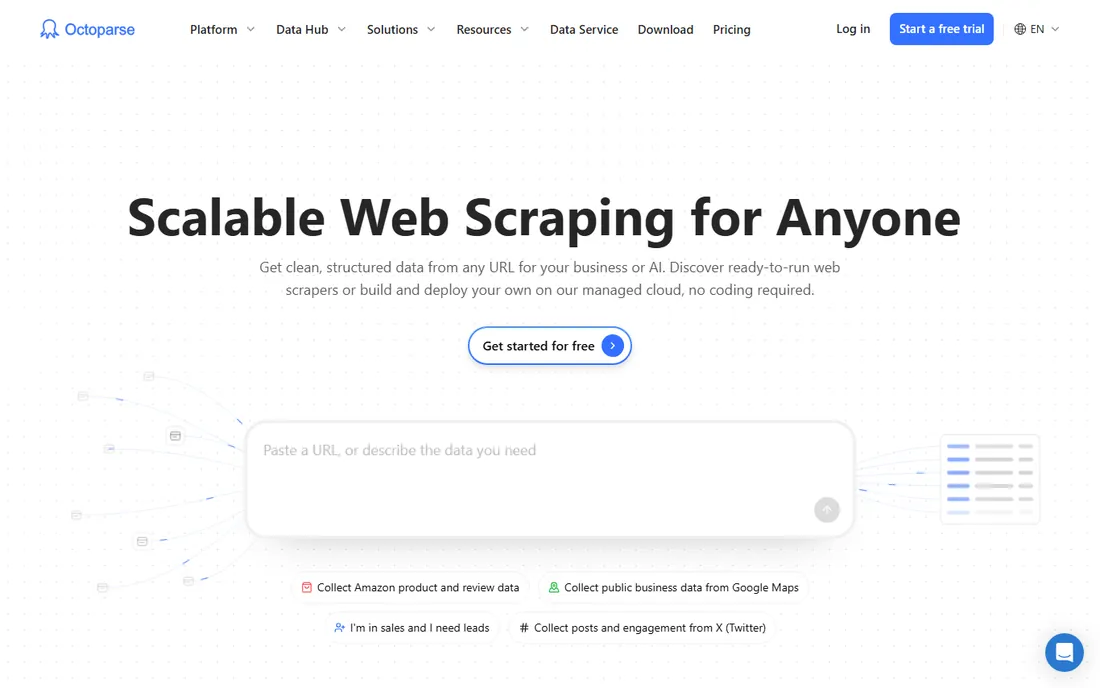
Octoparse is the reference point for no-code scraping. You open a page, click the data you want, and it builds the extraction workflow, including pagination and AJAX-loaded content. Its template library covers many common targets, so a standard job like pulling listings from a directory site can start from a template instead of a blank project.
The pricing is the sticking point. Paid plans run well above budget API tools, and the free tier limits tasks and rows enough that serious work needs a subscription. Octoparse earns its price when a non-developer runs recurring extraction jobs. If you have a developer, an API tool at a fraction of the cost will do the same job.
What we like- True point-and-click workflow builder
- Large template library for common sites
- Cloud scheduling and proxy rotation included on paid plans
Watch out for- Paid plans are pricey relative to API tools
- The desktop app can feel heavy on older machines
Starting priceSee website
Free planYes
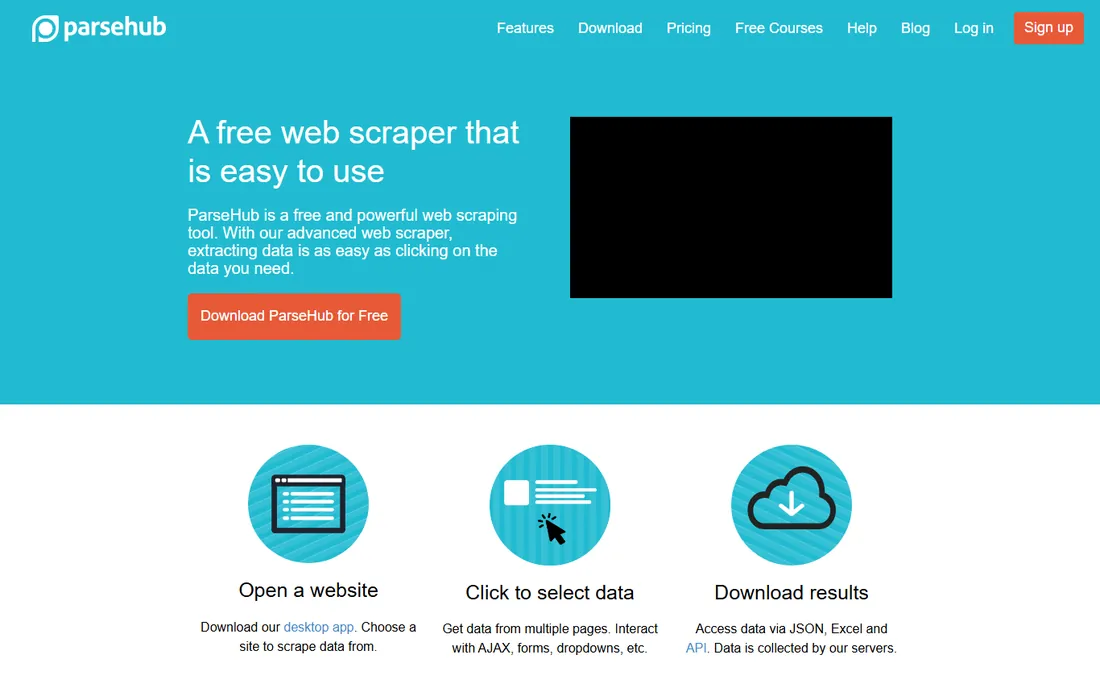
ParseHub takes a desktop-app approach to visual scraping. You build projects by selecting data on the page, and it handles the hard cases: AJAX, JavaScript rendering and sites behind logins. The REST API lets you trigger runs and pull results programmatically, which makes it a workable middle ground for teams that want visual building with some automation.
The weaknesses are real. There is no built-in proxy network, so scraping at any scale means managing your own IPs. The interface has barely changed in years, and the free tier is limited enough that it serves mostly as an extended trial. It suits research-style projects on difficult sites more than high-volume production pipelines.
What we like- Handles complex JavaScript and login-protected sites
- REST API for triggering jobs
- Every user starts on the free plan
Watch out for- Desktop-first workflow feels dated
- No native proxy support, you bring your own
- Auto-pagination is limited
Starting priceSee website
Free planSee website
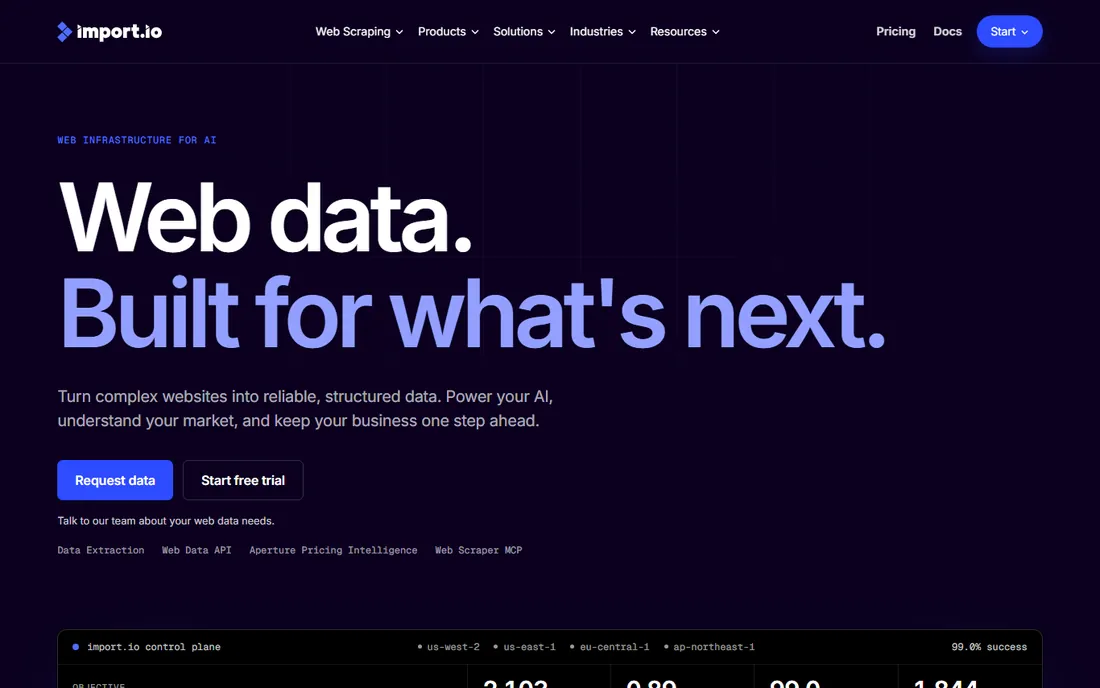
Import.io sells the outcome, not the tool. You describe the data you need, and their team builds, runs and maintains the scrapers, delivering clean data on a schedule. For companies that need reliable data feeds but have no scraping expertise in-house, that removes the entire category of problems this article is about.
The price of that convenience is opacity and cost. Pricing is quote-based and aimed at business contracts, not self-serve signups. You also give up control: when a target site changes, you wait on their team instead of fixing it yourself. Choose Import.io when data reliability matters more than cost or control.
What we like- Managed service builds and maintains scrapers for you
- Strong on data quality and delivery SLAs
- Good fit for non-technical teams with recurring data needs
Watch out for- Quote-based enterprise pricing
- Less control over scraper logic than DIY tools
Starting priceSee website
Free planFree trial
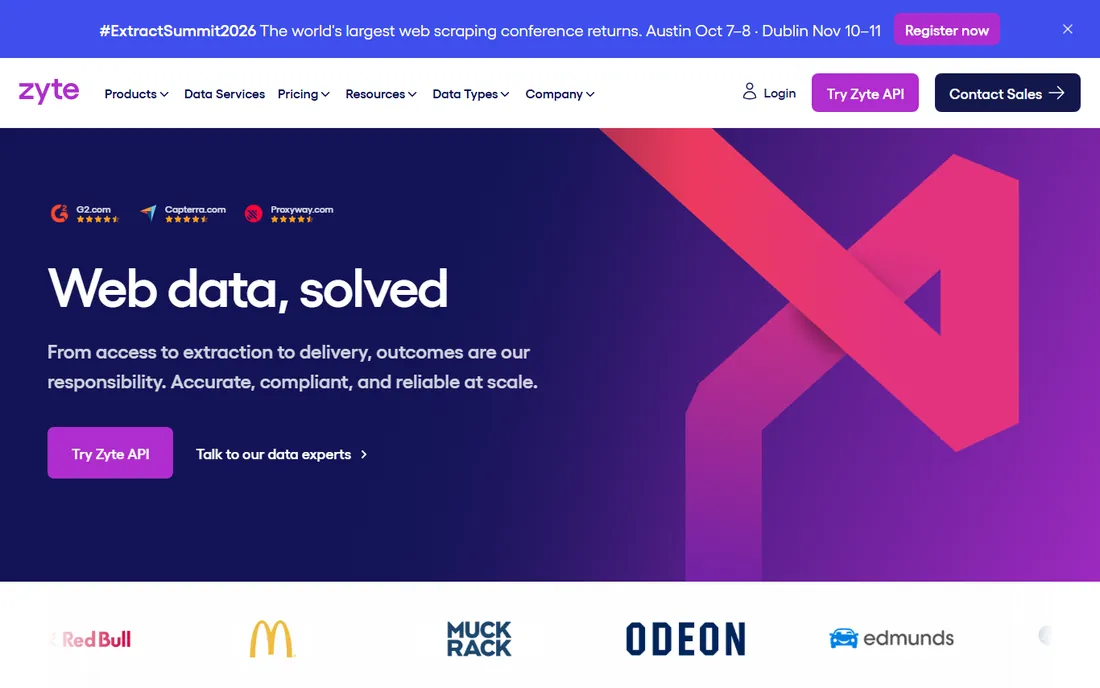
Zyte grew out of the Scrapy project, and it shows in the developer experience. Its API handles proxies, retries and ban detection automatically, so your code sends requests and receives pages without the infrastructure work. Pay-as-you-go pricing means small projects cost almost nothing, which makes it easy to prototype.
This is firmly a developer tool. There is no visual builder and no monitoring dashboard, so non-technical teams should look elsewhere. Browser-rendered requests cost more than plain HTTP ones, so JavaScript-heavy targets raise the bill. For engineering teams that want scraping as a reliable utility, Zyte is one of the cleanest options available.
What we like- Automatic proxy and anti-bot handling for developers
- Pay-as-you-go pricing from very low volumes
- Mature tooling from the Scrapy ecosystem
Watch out for- HTTP-level API only, browser rendering costs more
- Requires real development skills
Starting priceSee website
Free planYes
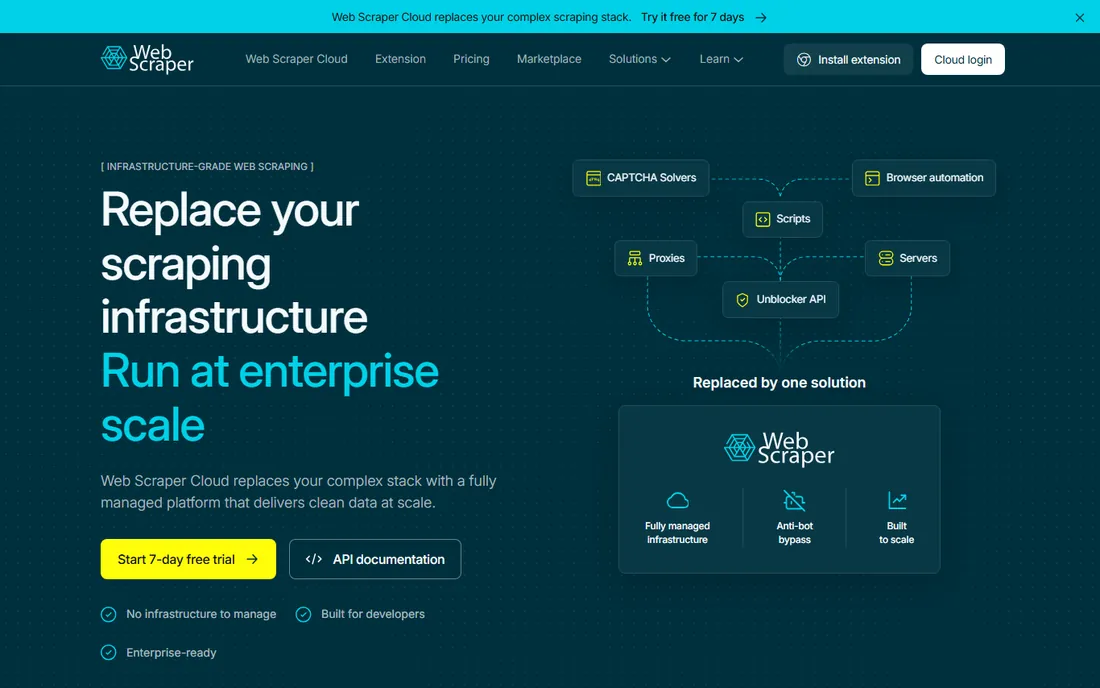
WebScraper.io starts as a free Chrome extension, and that is its superpower for evaluation. You define a sitemap by clicking elements, run it in your browser, and export CSV or JSON. Because it runs in your own browser session, it sidesteps simple bot detection that blocks datacenter scrapers.
The free extension is genuinely useful for one-off jobs, but it runs on your machine and your time. Recurring or large jobs need the cloud platform, which adds scheduling, proxies and scale at a subscription price. Use the extension to prove the project is worth it, then decide whether the cloud plan or a different tool fits the production version.
What we like- Free Chrome extension that runs entirely in the browser
- Gentle learning curve for sitemaps
- Cloud plans add scheduling and scale
Watch out for- Extension runs locally and ties up your machine
- Complex sites need the paid cloud crawler
Starting priceSee website
Free planFree trial
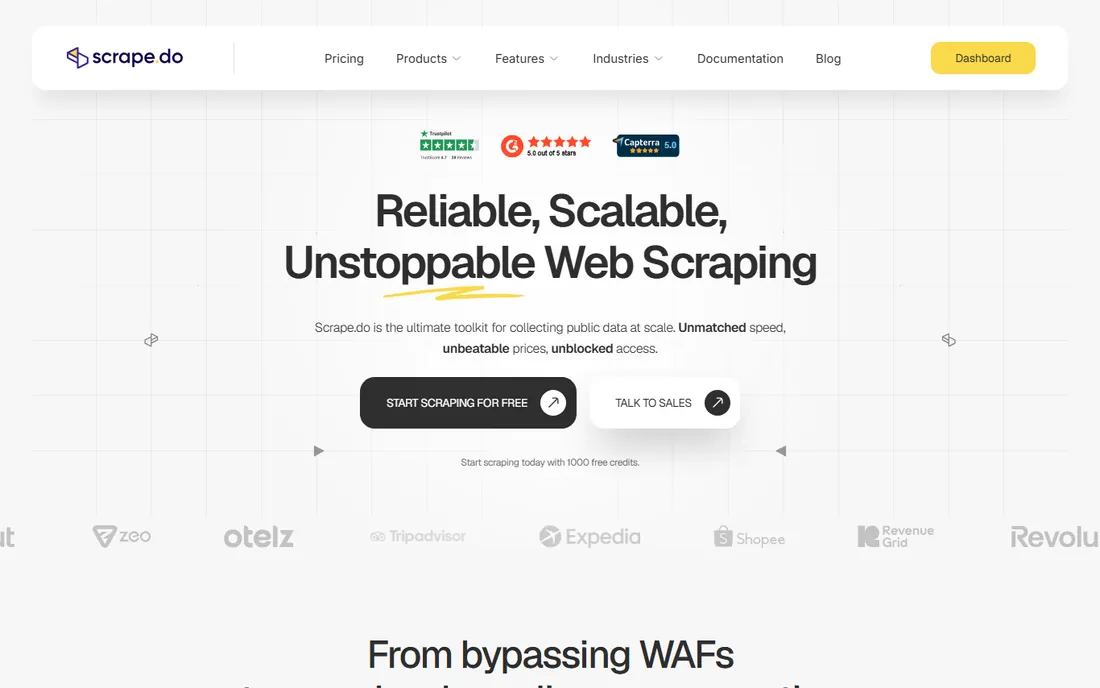
Scrape.do is the value pick among scraping APIs. Independent 2026 benchmarks put its success rates near the top of the market while its per-request cost sits well below the big names. The API is simple: send a URL, get back rendered HTML or structured output, with proxies and CAPTCHA handling included.
The trade-off is ecosystem. You will not find the template libraries of Octoparse or the community of Apify. Documentation and support are thinner than at larger vendors. For developers who know what they are doing and want reliable fetching at a low price, that is an acceptable trade. For teams that need hand-holding, pay more for a bigger platform.
What we like- Strong success rates on hard targets for the price
- Simple credit-based pricing
- Fast response times in independent benchmarks
Watch out for- Smaller company than the market leaders
- Fewer prebuilt integrations and templates
Starting priceSee website
Free planFree trial
Hexomatic treats scraping as one step in a bigger workflow. You can scrape a list of sites, enrich the data with contact finders or AI processing, and push results to sheets or CRMs, all in one no-code flow. For lead generation and research workflows, that combination replaces two or three separate tools.
It is not the deepest scraper on this list. Complex JavaScript sites and heavy anti-bot protection are outside its comfort zone, and credits get consumed by every step in a workflow, which complicates cost estimates. Pick Hexomatic when the job is a repeatable research workflow, not when it is pure extraction at scale.
What we like- Combines scraping with 100+ automation recipes
- No-code workflow builder chains extraction with enrichment
- Affordable entry plans
Watch out for- Not a pure scraper, depth of extraction trails dedicated tools
- Credit consumption across recipes is hard to forecast
Starting priceSee website
Free planFree trial
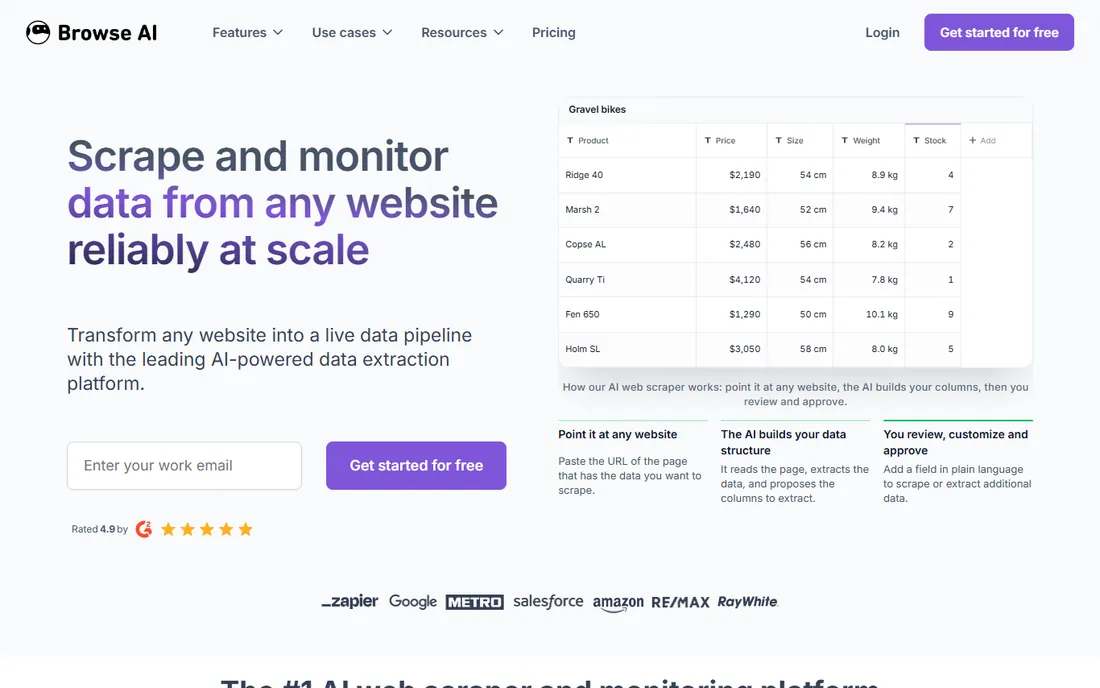
Browse AI reframes scraping as monitoring. You train a "robot" on a page in a couple of minutes, schedule it, and get alerted when the data changes. For tracking competitor pages, job listings, or product availability across many URLs, the bulk-run feature scales one robot to thousands of pages.
The pricing model needs attention: credits are consumed based on pages or rows, whichever costs more, and large monitoring jobs can burn through allowances faster than expected. Sites with aggressive CAPTCHAs will also break the bots. It is the right tool for change monitoring on cooperative sites, the wrong one for adversarial scraping.
What we like- Train a bot by clicking, then it monitors the page for changes
- Bulk runs across thousands of pages
- Spreadsheet-friendly output
Watch out for- Credit model based on pages or rows can surprise new users
- CAPTCHA-heavy sites break bots
Starting priceSee website
Free planFree trial
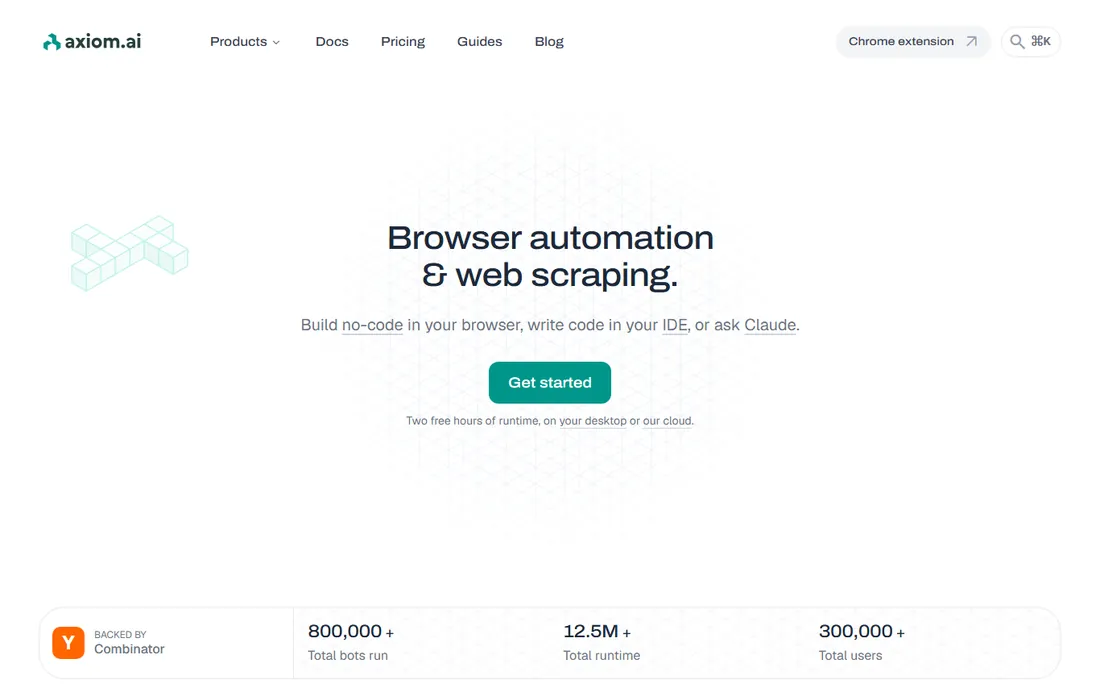
Axiom.ai automates a real browser, which means it can do what APIs cannot: log in, click through multi-step flows, and scrape sites that only work in a full browser session. You build bots with a no-code recorder, schedule them, and collect the data. For internal dashboards, supplier portals and sites behind authentication, that capability matters more than raw speed.
Browser automation is inherently slower and more fragile than API requests. A site redesign can break a recorded bot, and debugging takes patience. Axiom fits teams scraping authenticated or interactive sites on a schedule. For public pages at high volume, an API tool will be faster and cheaper.
What we like- No-code browser automation that handles logins and multi-step flows
- Runs on a schedule in the cloud
- Generous free tier for small jobs
Watch out for- Browser-based runs are slower than API scraping
- Complex bots take real time to build and debug
What to check before you buy
Match the tool to your team's skills first. A visual tool like Octoparse or ParseHub fits analysts and marketers. An API like Zyte or Scrape.do needs developers. A managed service like Import.io needs neither, but costs more. The wrong skill match is the most common reason scraping projects stall.
Then test against your real targets. Every vendor claims to handle JavaScript and anti-bot protection; few handle your specific sites equally well. Run a trial against the actual pages you need, at the volume you need, and measure success rates yourself. A tool that scores 99 percent on a benchmark's test set can still fail on your supplier's portal.
Finally, model the billing. Credits, pages, rows, requests, compute units: every tool meters differently. Take one month of realistic usage, map it onto the pricing page, and include overages. The tool with the lowest headline price is rarely the cheapest at your actual volume.
How we chose
We evaluated tools on breadth of capability: extraction, scheduling, proxy handling, exports and maintenance, since "comprehensive" means covering the whole job. We checked each vendor's pricing page for current plans, read documentation for rendering and anti-bot features, and weighed independent 2026 benchmark data on success rates and response times. We read G2, Capterra and Reddit reviews for real-world reliability, and we favored tools that serve small and mid-size US companies, not only enterprise contracts.
The mistake most teams make
Teams buy for the demo and pay for the edge cases. The demo always works on a cooperative site. The edge cases are where money goes: the retailer that deploys a new bot defense, the login flow that changes, the JavaScript framework that breaks your selectors. Before you commit to any tool, ask what happens when a target fights back, and who fixes it.
The second mistake is underestimating maintenance. Selector-based scrapers break when sites redesign. API tools absorb some of that, managed services absorb all of it, and the price difference between those tiers is really a maintenance budget. Be honest about how much maintenance your team can do, and buy the tier that matches.
The third mistake is ignoring data quality. A scraper that returns 99 percent of pages with 5 percent garbage fields is worse than a slower tool with clean output. Check field accuracy, not just page success rates, during your trial.
Frequently asked questions
What is the best web scraping tool for beginners?
Octoparse and WebScraper.io are the friendliest starting points. Octoparse offers a full visual builder with templates, while WebScraper.io's free Chrome extension lets you test ideas with zero setup. Both let a non-developer go from a target page to a CSV in an afternoon.
Can these tools handle JavaScript-heavy websites?
Most can, but the methods differ. Visual tools and browser automation render pages like a real browser. APIs like Zyte and Scrape.do offer browser rendering as a premium option. Test your specific sites during the trial, because JavaScript handling varies more between tools than marketing pages suggest.
How much does a comprehensive scraping tool cost?
It ranges from free (WebScraper.io extension, free tiers) to tens of dollars a month for API tools at low volume, to hundreds for visual platforms like Octoparse and ParseHub. Managed services like Import.io are quote-based and aimed at business budgets. Your volume and target difficulty decide the real number.
Do I need to worry about getting blocked?
Yes, for any recurring scraping at volume. All the tools here include some proxy or anti-bot handling, but no tool is unblockable. Keep request rates reasonable, respect robots.txt, and use the tool's built-in rotation rather than hammering a site from one IP.
Is web scraping legal?
Scraping publicly available data is generally legal in the US, but it depends on what you collect, how you access it, and what you do with it. Avoid personal data, do not bypass logins you have no right to use, and respect terms of service. Get legal advice before building a business process on scraped data.
What is the difference between a scraper and a monitoring tool?
A scraper extracts data, usually on demand or on a schedule you define. A monitoring tool like Browse AI watches pages and alerts you to changes. Many tools do both, but pick based on your real job: one-time or scheduled extraction favors scrapers, while ongoing change detection favors monitoring features.
Sources we checked (6)
- https://www.parsehub.com/pricing
- https://github.com/unnup2/web-scraping-comparison/blob/HEAD/README.md
- https://albato.com/blog/publications/best-no-code-web-scrapers-for-online-businesses
- https://www.rapidseedbox.com/blog/web-scraping-tools
- https://omidsaffari.com/blog/best-web-scraping-tools
- https://www.webharvy.com/articles/best-web-scraping-software.html
Is your product missing or out of date?
We review this list regularly. Vendors can request a listing, send updated pricing or ask about featured placement.

Shihab Mia · Founder, Rankite
Shihab has spent more than a decade helping SaaS and e-commerce brands grow through search. He writes Rankite's software buying guides from pricing pages, documentation and public user reviews. More about Shihab.