How we make this list: we compare pricing pages, product documentation and public user reviews. Ratings come from G2, Capterra or Trustpilot, with the date we checked them.
Key takeaways
- 1Password Business and Bitwarden Teams are the safest shortlist for most companies, for opposite reasons: polish versus price and openness.
- Keeper suits regulated and larger teams that need detailed auditing, while Dashlane suits teams that want dark web monitoring in one place.
- A password manager only helps if adoption is high, so admin ease, browser support and mobile apps matter as much as encryption claims.
- Check SSO, SCIM provisioning and offboarding before you buy, because those controls decide how cleanly a leaver loses access.
Quick comparison
Is your product missing or out of date?
We review this list regularly. Vendors can request a listing, send updated pricing or ask about featured placement.
The best company password managers
Starting price$7.99 per user/month
Free planFree trial
1Password Business is the easiest team rollout on this list for non-technical managers. Shared vaults, role-based permissions and a clear admin console make onboarding and offboarding straightforward. Watchtower flags weak, reused and breached passwords, which gives managers a concrete list to work through.
The price is the main objection. At $7.99 per user per month, a 50-person team pays far more than with Bitwarden. For many companies, the time saved on support and training justifies the gap. For a cost-sensitive team, it may not.
What we like- Clean admin console
- Watchtower breach alerts
- Travel Mode for border crossings
Watch out for- Higher price than Bitwarden and Keeper
- No free team tier
Starting price$4.00 per user/month
Free planYes
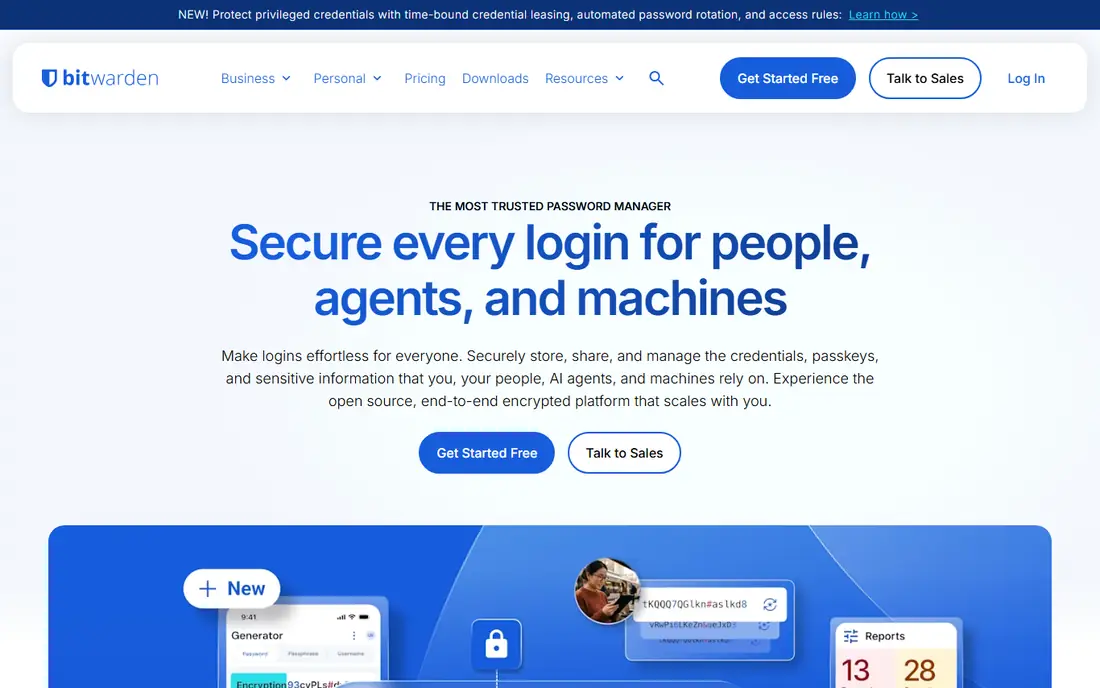
Bitwarden Teams is the value pick, and the open source model is a real advantage for security-minded buyers. The code can be inspected, the product has been audited, and the Teams plan covers unlimited sharing, collections and API access. A free individual tier also helps staff build good habits at home.
The interface is functional rather than polished, and some admin features sit in the Enterprise plan. Teams that need SSO and directory sync should price Enterprise at $5 per user per month, not Teams. Even at that price, Bitwarden remains cheaper than 1Password.
What we like- Open source and independently audited
- Low team price
- Self-hosting option
Watch out for- Interface is plainer than 1Password
- Enterprise SSO needs the higher tier
Starting price$3.75 per user/month
Free planFree trial
Keeper Business suits companies that need to show auditors who accessed what and when. Its admin controls, reporting and zero-knowledge design support regulated industries and larger teams. The starting price of $3.75 per user per month is competitive for that level of control.
Small teams may find the console busier than 1Password, and some add-ons sit on higher tiers. If your main need is simple sharing for ten people, Keeper may be more control than you need. If compliance reporting is a requirement, it moves to the top of the list.
What we like- Detailed auditing and reporting
- Zero-knowledge architecture
- Strong compliance posture
Watch out for- Interface can feel busy for small teams
- Advanced features add cost
Starting price$8.00 per user/month
Free planFree trial
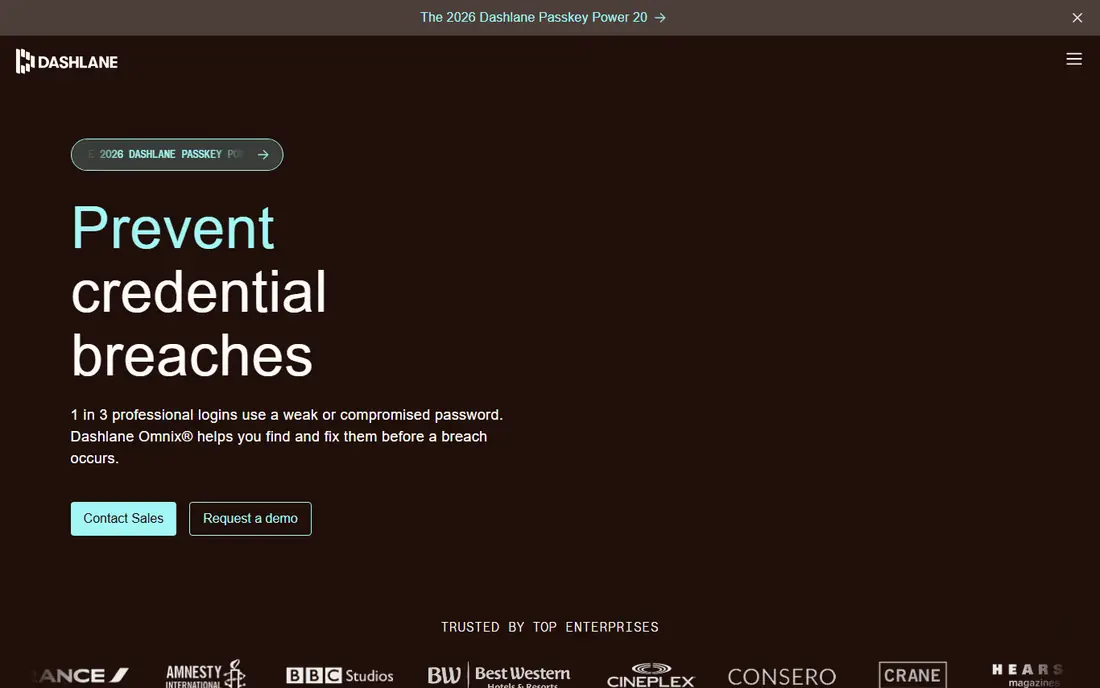
Dashlane Business combines password storage with dark web monitoring and, on some plans, a VPN. That bundle appeals to teams that want one vendor for credential protection and breach alerts. The interface is clean, and onboarding is straightforward for staff who have never used a vault.
Price is the weakness. At $8 per user per month, Dashlane costs twice as much as Bitwarden Teams. Companies that already provide a VPN, or that do not need one, pay for a feature they will not use. Compare the bundle against separate tools before committing.
What we like- Dark web monitoring
- Clean interface
- Built-in VPN on some plans
Watch out for- Highest team price on this list
- VPN value varies by company policy
Starting price$4.00 per user/month
Free planFree trial
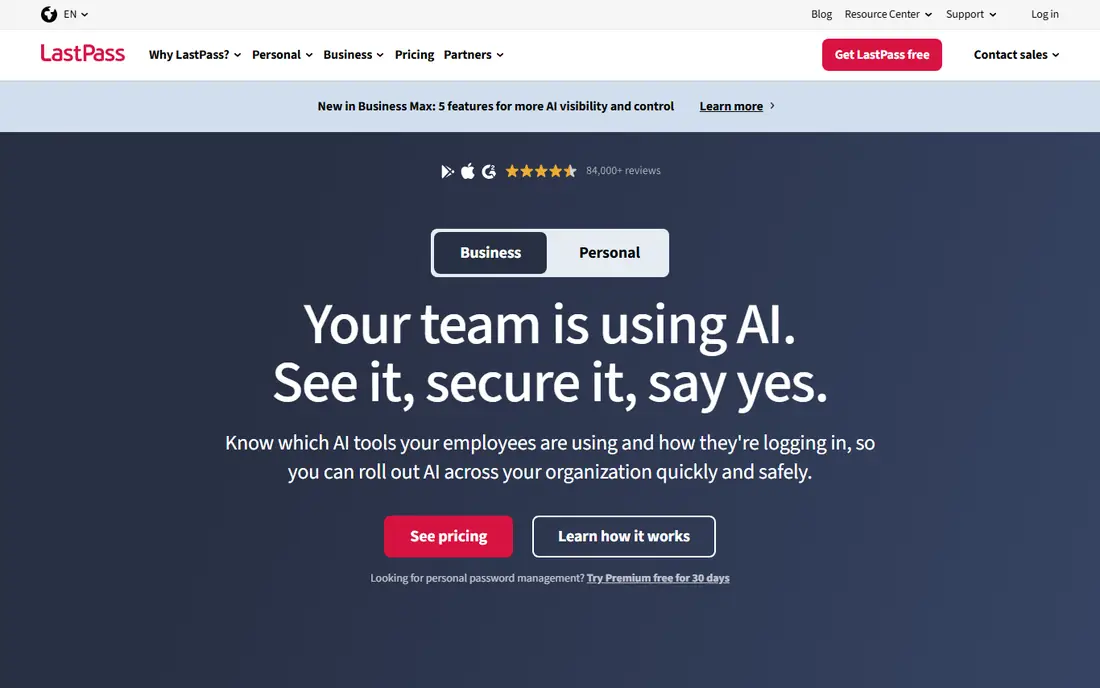
LastPass Teams remains familiar to many IT managers, with admin policies, shared folders and directory integration. The Teams price of $4 per user per month is competitive, and the product works across browsers and devices. For a team already on LastPass, staying put avoids a migration.
Trust is the issue. LastPass has disclosed security incidents in recent years, including a breach that exposed encrypted vaults. Some companies accept that history and move on, while others choose 1Password or Bitwarden for a cleaner record. That judgement call belongs to the buyer, not the vendor.
What we like- Familiar interface
- Admin policies
- Active Directory integration
Watch out for- Past security incidents damaged trust
- Some features need higher tiers
Starting priceSee website
Free planFree trial
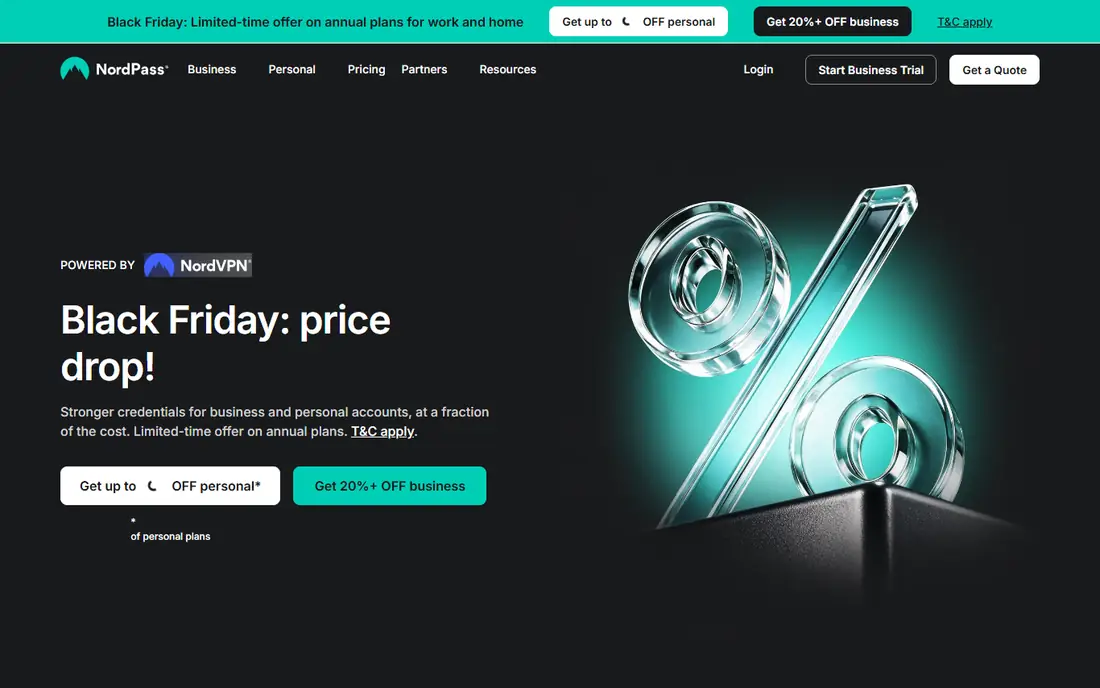
NordPass Business is a good fit for teams that want a simple vault without a complex admin project. Setup is quick, sharing is straightforward, and the apps cover the main browsers and mobile platforms. Zero-knowledge encryption means NordPass cannot read stored passwords.
Admin depth is thinner than Keeper or 1Password Business, and pricing varies with promotions, so verify the business rate on the pricing page before budgeting. For a small team that needs shared vaults and basic controls, NordPass is enough. For a regulated team, look higher up this list.
What we like- Simple setup
- Zero-knowledge encryption
- Good browser and mobile apps
Watch out for- Business pricing changes with promotions
- Admin depth is thinner than Keeper
Starting priceSee website
Free planYes
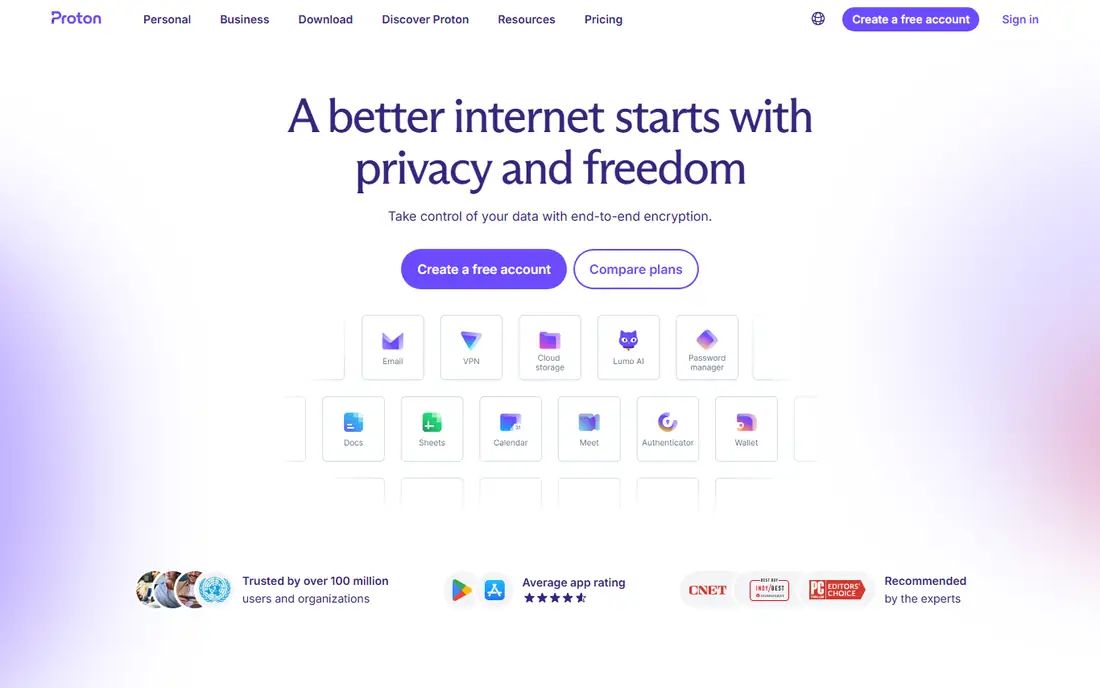
Proton Pass Business suits teams that already value privacy and may use other Proton products. The free individual tier is generous, with unlimited devices and logins, which helps adoption. End-to-end encryption and a privacy-first company structure appeal to teams that distrust data-hungry vendors.
Business admin features are newer than those from 1Password, Bitwarden and Keeper, so large teams should test SSO, provisioning and reporting before rollout. For a small privacy-focused team, Proton Pass is a strong choice. For a large enterprise, the admin gap matters more.
What we like- Strong privacy posture
- Generous free individual tier
- End-to-end encryption
Watch out for- Business admin features are newer than rivals
- Ecosystem fit matters

#8Zoho Vault
Best for: Zoho-centred teams4.4/5 on
G2 (78 reviews, checked Oct 2026)
Visit zoho.com
Starting priceSee website
Free planYes
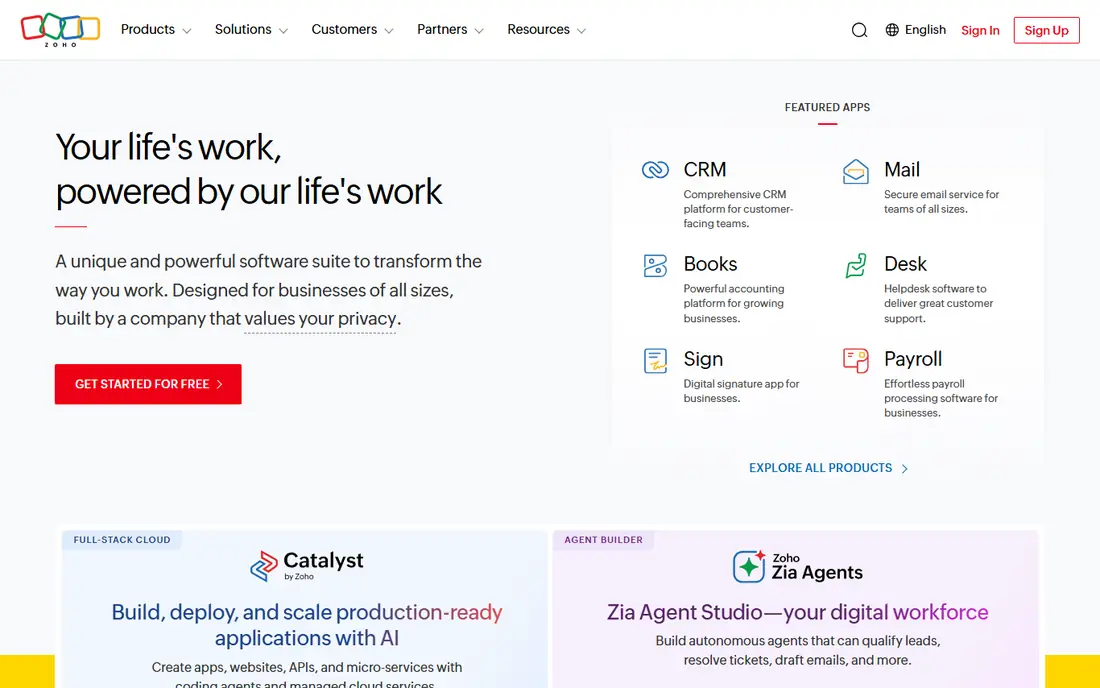
Zoho Vault makes sense for companies already running Zoho for CRM, mail or workplace tools. Password sharing, user management and auditing sit inside a familiar Zoho account structure, and pricing is competitive. A free tier helps individuals start without a purchase order.
Outside the Zoho ecosystem, the appeal drops. Teams on Google Workspace or Microsoft 365 may get smoother provisioning from 1Password or Bitwarden. Judge Zoho Vault on your existing stack, not on price alone.
What we like- Good value inside Zoho
- Password sharing and auditing
- Free tier for individuals
Watch out for- Best value only for Zoho users
- Interface is functional rather than polished
How we chose
We compared business password managers using vendor pricing pages, documentation, feature lists and public reviews on G2, Capterra and Reddit. We favoured products with business plans, admin controls, SSO or directory options, and a clear security model. Prices shown are business starting rates we could verify from published listings; where a rate was unclear or promotion-dependent, we wrote See website. Products were excluded when we could not confirm a current business plan or an official homepage.
Rolling out a password manager without a revolt
Start with a pilot group, not the whole company. Pick one department, migrate its shared logins, and fix browser and mobile issues before a wider rollout. Staff adopt tools that work on the first day, and they resist tools that block a login during a busy week. A pilot gives you real feedback while the stakes are low.
Controls that matter after day one
Set a policy for shared vaults, naming, and who can create them. Require multi-factor authentication for the vault itself, and turn on breach alerts so weak passwords are visible. Most important, test offboarding: when a person leaves, their access to shared vaults should end in one step, and shared passwords should be rotated where needed. A vault that is easy to join but hard to leave is a security risk.
Passkeys and the password transition
Passkeys are gradually replacing passwords on many sites, and most managers on this list now support them. That does not remove the need for a vault, because many business systems still use passwords, API keys and shared secrets. Choose a manager with clear passkey support, but judge it on password, secret and admin handling today. The transition will take years, not months.
Review vaults every quarter
Shared vaults grow messy without review. Once a quarter, check who has access to each vault, remove former contractors and staff who changed roles, and rotate passwords for shared services such as social accounts and hosting. Delete vaults for projects that ended, after confirming no active service still uses those logins. A short quarterly review prevents a vault from becoming a list of stale access that no one owns. Keep the review notes with the access record, so the next review starts from a clean list.
Frequently asked questions
What is a business password manager?
It is a shared vault where a company stores logins, secrets and secure notes, with admin controls for sharing, permissions and offboarding. Unlike a personal vault, a business plan adds team vaults, reporting and provisioning. It reduces password reuse and makes leaver access easier to remove.
Is 1Password or Bitwarden better for a small company?
1Password is easier to roll out and support, while Bitwarden is cheaper and open source. A small team with limited IT time often values 1Password polish, while a technical team often prefers Bitwarden value. Both are sound choices, so test both with a pilot group.
Do password managers work with SSO?
Most business plans support SSO, and higher tiers add SCIM provisioning for automatic user creation and removal. Check your identity provider, such as Entra ID, Google Workspace or Okta, before buying. SSO reduces password sprawl, but the vault still needs its own strong authentication.
Can a password manager be hacked?
No system is immune, but a zero-knowledge vault means the vendor stores encrypted data it cannot read. The main risks are a weak master password, missing multi-factor authentication and phishing. Use a strong master password, turn on multi-factor authentication and train staff to spot phishing pages.
How do I move from another password manager?
Most managers offer import from CSV or directly from a rival vault. Export from the old vault, import into the new one, then check shared vaults and permissions. Rotate the most sensitive shared passwords after migration, and delete the old vault only after the new one is confirmed working.
Should employees get a family plan too?
Many business plans include a free family plan for staff, including 1Password Business. That benefit improves security at home, which reduces reuse at work. It is a low-cost way to raise adoption, and it is worth asking about during procurement.
Sources we checked (11)
- https://1password.com
- https://bitwarden.com
- https://www.keepersecurity.com
- https://www.dashlane.com
- https://www.lastpass.com
- https://nordpass.com
- https://proton.me
- https://www.zoho.com
- https://www.praveentechworld.com/blog/best-password-managers-in-2026-security-features-and-pricing-compared
- https://mkceo.com/articles/cybersecurity/top-5-password-managers-small-business.html
- https://learn.g2.com/best-password-manager
Is your product missing or out of date?
We review this list regularly. Vendors can request a listing, send updated pricing or ask about featured placement.

Shihab Mia · Founder, Rankite
Shihab has 5+ years in B2B and SaaS SEO. He writes Rankite's software buying guides from pricing pages, documentation and public user reviews. More about Shihab.
 1Password Business
 Bitwarden Teams
 Keeper Business
 Dashlane Business
 LastPass Teams
 NordPass Business
 Proton Pass Business