How we make this list: we compare pricing pages, product documentation and public user reviews. Rankite is independent; if a vendor ever pays for a featured spot, that listing is clearly labeled Partner.
Key takeaways
- A password generator without a password manager is half a solution; generate and store in the same app whenever possible.
- Bitwarden and KeePass give you strong generation plus full management for free, with no trial clock.
- 1Password and Dashlane charge for the privilege but add the polish, family sharing and breach monitoring that free tools skip.
- Norton Password Generator is the best no-signup option when you need one strong password right now.
- LastPass still works fine as a generator, but its breach history means security-conscious buyers should look at the alternatives first.
Here is the uncomfortable truth about password generators: the generator is the easy part. Any app can spit out a random string. The hard part is what happens next. If you generate a 20-character password and then save it in a notes app, email it to yourself, or reuse it with one letter changed, the generator did nothing for you. The best password generator app is the one that creates strong passwords and immediately stores them somewhere safe, fills them in for you, and warns you when one leaks. That is why most of the tools on this list are password managers with excellent generators built in, plus one standalone generator for quick jobs.
Quick comparison
| Tool | Best for | Starting price | Free plan |
|---|
 Bitwarden Bitwarden | free generation plus full management | Free | Yes |
 1Password 1Password | polished family and team vaults | See website | Free trial (14 days) |
 Dashlane Dashlane | generator with VPN and dark web extras | See website | Free trial (14 days) |
 NordPass NordPass | simple generator from the Nord family | See website | Yes |
 KeePass KeePass | offline, self-controlled vaults | Free | Yes |
 RoboForm RoboForm | affordable generator with form filling | See website | Yes |
 LastPass LastPass | familiar generator with autofill | See website | Yes |
 Norton Password Generator Norton Password Generator | one-off passwords with no signup | Free | Yes |
Is your product missing or out of date?
We review this list regularly. Vendors can request a listing, send updated pricing or ask about featured placement.
The best password generator apps
Starting priceFree
Free planYes
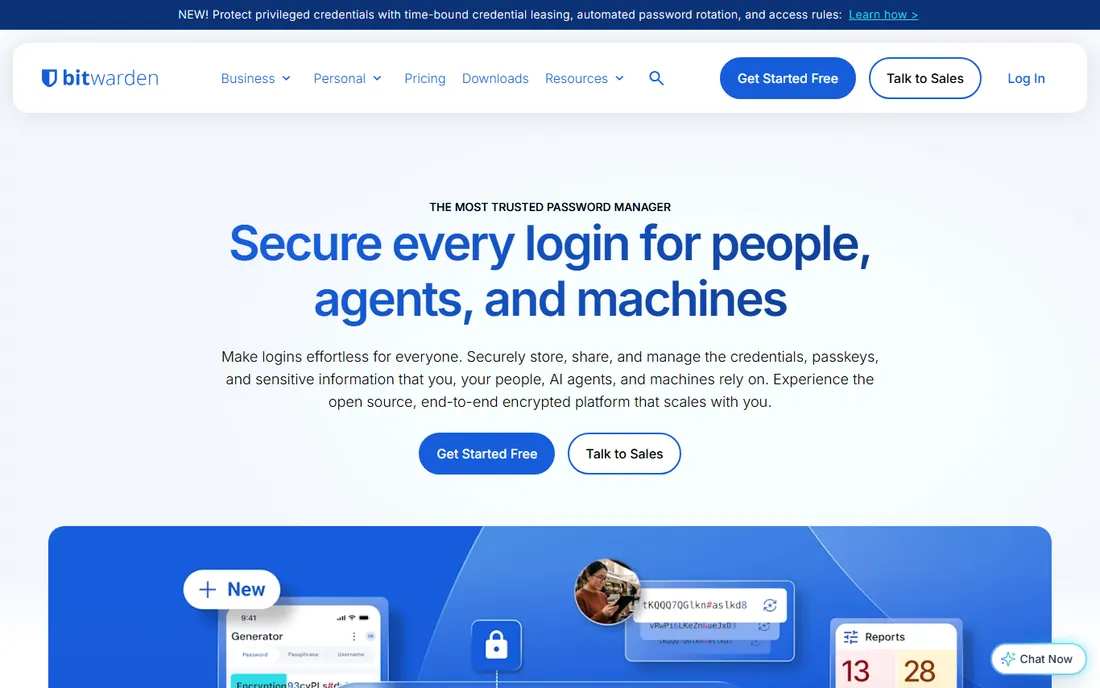
Start here if you want to pay nothing. Bitwarden's free plan includes the password generator, unlimited password storage, and syncing across all your devices, which is more than most paid competitors offer at their entry tier. The generator lets you tune length, character types, minimum numbers and special characters, or switch to memorable passphrases of random words. Everything is end-to-end encrypted with AES-256, and the code is open source with published yearly audits.
The trade-offs are cosmetic and minor. The apps look utilitarian, and a few conveniences like the TOTP authenticator and file attachments sit behind the cheap premium tier. But for the core job, generate strong passwords and store them safely on every device, the free tier is complete. It is the default recommendation for individuals and small teams that want real security without a subscription.
What we like- Full-featured free tier with unlimited devices
- Open source and independently audited
- Built-in generator with length, character and passphrase options
Watch out for- Interface is functional rather than beautiful
- Premium features like emergency access cost extra
- Setup takes more clicks than slicker rivals
Starting priceSee website
Free planFree trial (14 days)
If Bitwarden is the sensible free pick, 1Password is the premium experience people pay for happily. The generator is woven into everything: creating a login in the browser extension suggests a strong password automatically, saves it, and files it in the right vault. Watchtower continuously audits your vault for weak, reused or compromised passwords and tells you exactly which ones to fix. The unique Secret Key, a long random code stored only on your devices, means even 1Password's servers cannot decrypt your vault.
There is no free plan, just a 14-day trial, so this is a paid commitment from the start. Families get strong value from shared vaults with permission controls, and frequent travelers like Travel Mode, which removes sensitive vaults from devices at border crossings. If you want the most polished password workflow and do not mind paying for it, this is the one.
What we like- Secret Key adds a second layer beyond the master password
- Watchtower flags weak, reused and breached passwords
- Excellent family sharing and travel mode
Watch out for- No free tier, only a 14-day trial
- Secret Key setup confuses some beginners
- Based in Canada, which privacy purists note
Starting priceSee website
Free planFree trial (14 days)
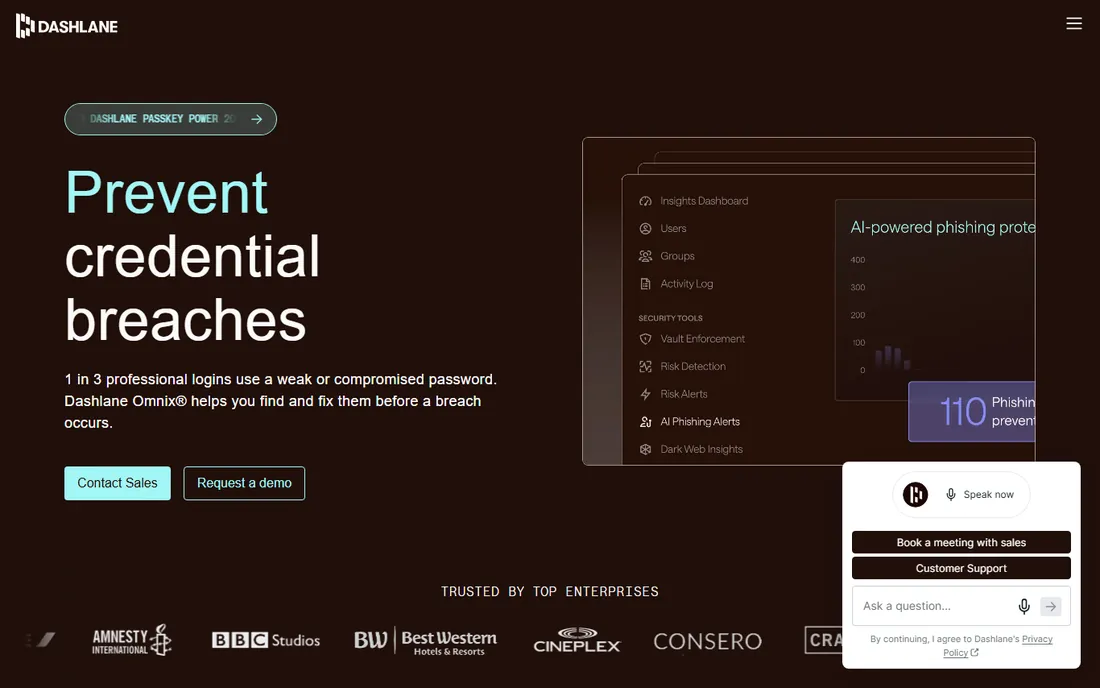
Dashlane sells more than password generation. Personal plans include a Hotspot Shield VPN and real-time dark web monitoring alongside the vault and generator, positioning it as an all-in-one security bundle. The standout feature is the automatic password changer, which can rotate passwords on supported sites with one click instead of making you do it manually. Generation options cover length, characters and pronounceable passwords, and the apps are among the most approachable in the category.
Whether the bundle is worth it depends on what you already pay for. If you own a VPN subscription and never look at dark web alerts, you are paying Dashlane for duplicates. The free tier exists but is restricted enough that most people will hit its limits quickly. For buyers who want one subscription covering passwords, VPN and breach alerts with genuinely good support, the price starts to make sense.
What we like- Bundles a VPN and dark web monitoring with personal plans
- Automatic password changer works with many popular sites
- Live chat support
Watch out for- Pricier than most rivals
- Free tier is limited
- The extras duplicate tools many people already own
Starting priceSee website
Free planYes
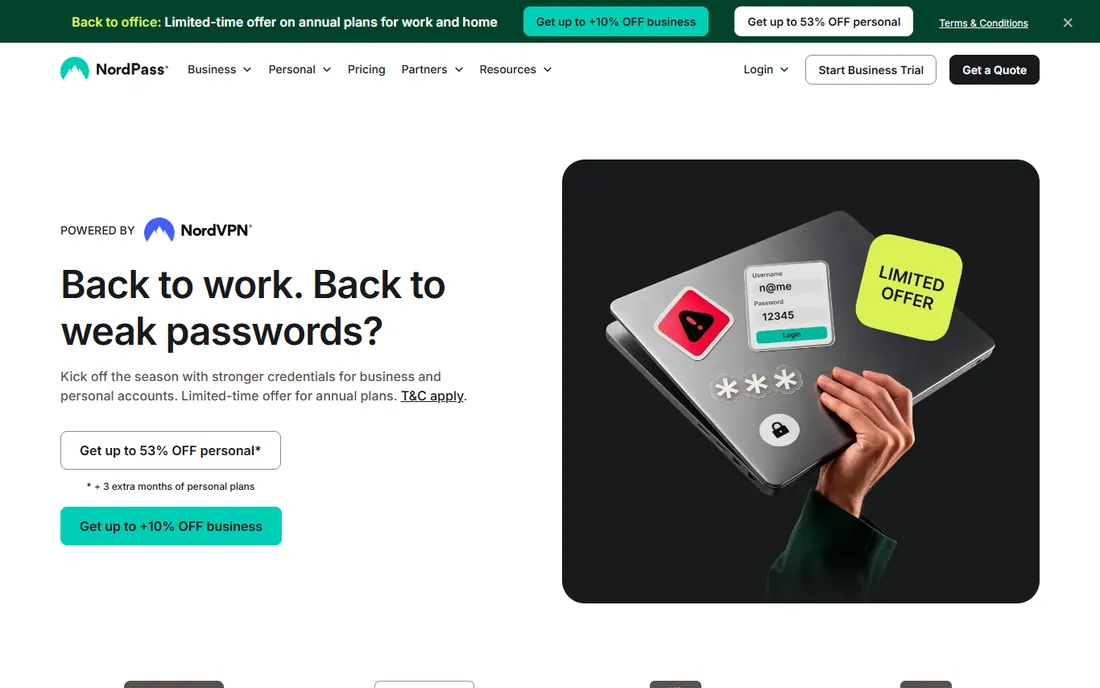
From the company behind NordVPN, NordPass brings the same straightforward design philosophy to passwords. The generator creates strong random passwords and memorable passphrases, autofill works smoothly through the browser extensions, and newer features like passkey storage and email masking (which hides your real address when signing up for services) show the product is still evolving. It uses modern XChaCha20 encryption and has passed independent security audits.
The free plan is genuinely useful but has one decisive limit: a single device. The moment you want passwords on both your phone and laptop, you need Premium. That makes NordPass a good free trial of the experience and a reasonable paid pick, especially for households already in the Nord ecosystem, but a poor long-term free choice compared with Bitwarden.
What we like- Clean, modern apps across all platforms
- XChaCha20 encryption with zero-knowledge architecture
- Passkey support and email masking
Watch out for- Free plan limited to one device
- Not open source
- Advanced features like Password Health need the paid tier
Starting priceFree
Free planYes
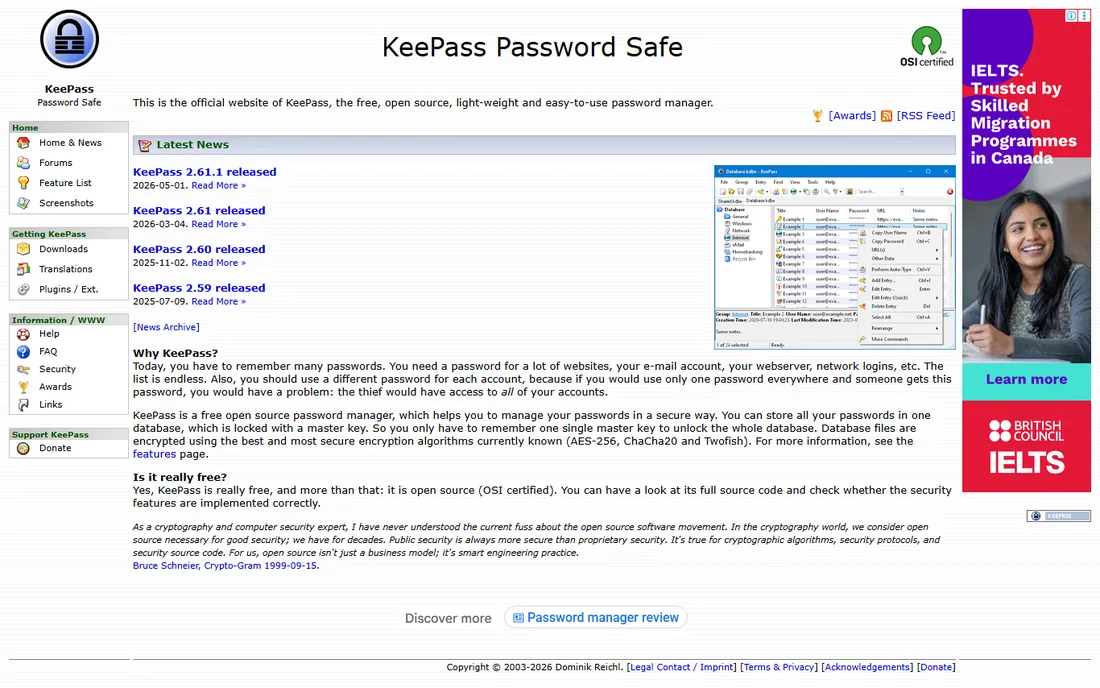
KeePass is for people who do not want their passwords on anyone else's server, period. Your vault is an encrypted file on your own machine, protected by a master password, key file, or both. The built-in password generator is highly configurable, with profiles for different password policies, and the plugin ecosystem adds everything from browser integration to automatic database syncing. It has been around since 2003 with very few security issues in its history.
The price of that control is convenience. There is no built-in cloud sync; if you want your vault on your phone, you sync the file yourself through Dropbox, Syncthing or similar, and mobile apps are third-party ports like KeePassDX or KeePassium. Download only from the official site and verify checksums, because fake KeePass installers with malware have circulated. For the technically comfortable who value sovereignty over polish, nothing else fits.
What we like- Completely free and open source
- Your vault never touches anyone's cloud unless you put it there
- Huge plugin ecosystem
Watch out for- No official sync, you arrange it yourself
- Interface is dated
- Mobile experience depends on third-party ports
Starting priceSee website
Free planYes
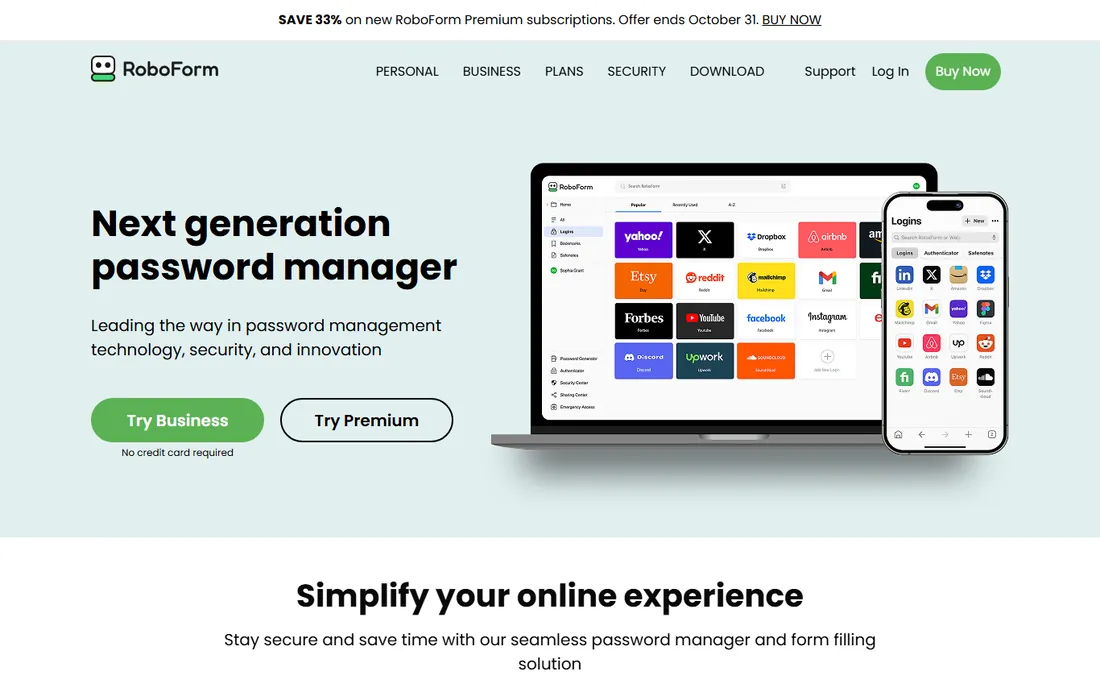
RoboForm has been generating and filling passwords since 1999, and its age shows in the best way: the form filling is still superb, handling complex logins, registrations and payment forms that trip up newer tools. The generator supports passwords up to 512 characters, which is overkill in the most reassuring way. Premium pricing undercuts nearly every competitor, making it the cheapest way to get unlimited devices, secure sharing and emergency access.
The free plan covers the basics on one device, which is enough to evaluate the workflow. Downsides are mostly about modernity: the design lags behind 1Password and NordPass, and sharing only works with other RoboForm users. But if your priority is a low annual cost for a proven, audited password manager with an excellent generator, the value argument is strong.
What we like- Among the cheapest premium plans in the category
- Best-in-class form filling beyond just passwords
- No device limits on paid plans
Watch out for- Interface feels old-fashioned
- Password sharing only works between RoboForm users
- Smaller company with fewer third-party integrations
Starting priceSee website
Free planYes
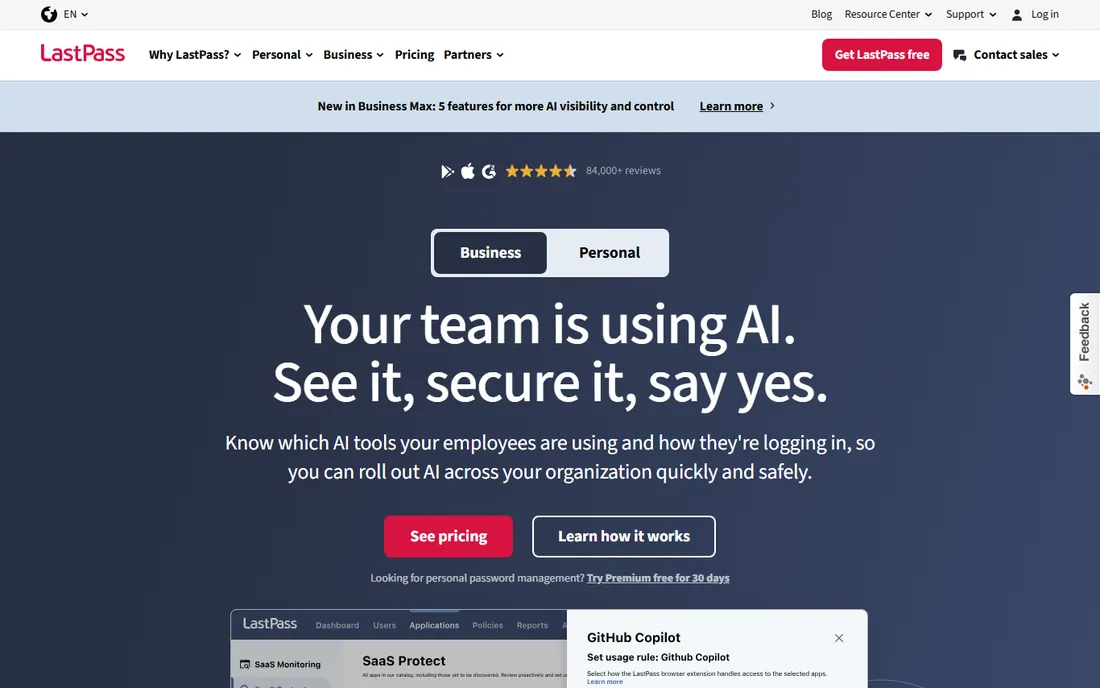
LastPass deserves an honest entry because the product itself still works well. The browser extension generates strong passwords directly in signup forms with controls for length and character types, captures new logins automatically, and the Security Dashboard flags weak and reused passwords. The free tier covers the essentials, and paid plans add dark web monitoring and more sharing options.
The problem is not features but history. Between 2011 and 2022 LastPass suffered significant security incidents, culminating in a late-2022 breach where attackers obtained copies of customer vault backups, with some fields unencrypted. Many security professionals advised users to change every stored password and switch providers. If you already use LastPass, at minimum enable multifactor authentication and rotate critical passwords. New buyers choosing today have equally good options without the baggage.
What we like- Generator built into the browser extension with granular controls
- Security Dashboard checks password health
- Wide platform and browser support
Watch out for- Serious breach history including exposed vault backups
- Free tier limits device types
- Trust damage lingers among security professionals
Starting priceFree
Free planYes
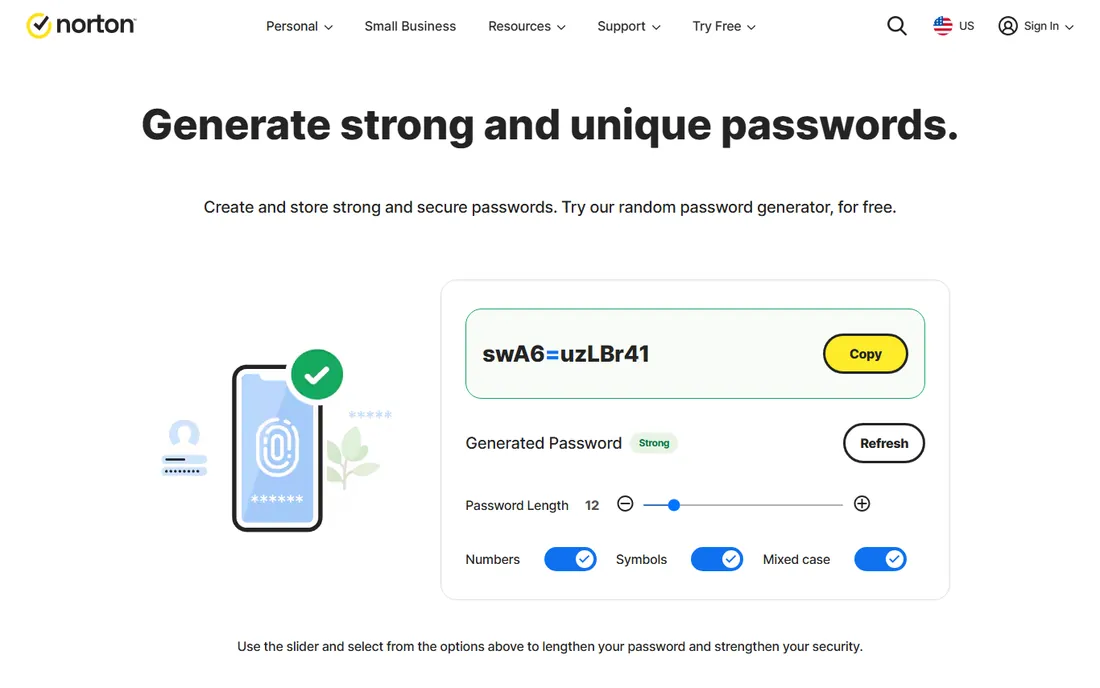
Sometimes you just need one strong password right now, without installing anything or creating an account. Norton's free online generator does exactly that: set the length, pick your character options, and copy the result. It runs in the browser, costs nothing, and comes from a company whose name most buyers already associate with security software.
Understand its limits and it is genuinely useful. A generator that does not store is only a stopgap; paste that password into a real manager immediately or you have solved nothing. The options are simpler than what Bitwarden or 1Password offer, with no passphrase mode or profiles. Use it for the quick job, then graduate to one of the managers above for the other ninety-nine passwords in your life.
What we like- Free with no account required
- Adjustable length and character options
- From a recognized security brand
Watch out for- Generates but does not store, you need a manager anyway
- Customization is basic
- Upsells Norton Password Manager
What to look for before you buy
The generator itself matters less than the system around it. Every tool here makes strong random passwords, so compare what happens after generation: does it save automatically, sync to your phone, fill logins without copy-paste, and warn you about breaches? A beautiful generator attached to a vault you never open is worthless. Prioritize autofill quality and sync reliability over generation options you will set once and forget.
Check the free tier against your actual device count. Bitwarden and KeePass sync everywhere for free. NordPass and RoboForm restrict free use to one device, and 1Password and Dashlane offer only trials. Count the devices you log in from daily, phones included, before assuming the free tier covers you.
Finally, weigh trust deliberately. A password manager holds the keys to your entire digital life, so breach history, audit transparency and business model all matter. Open-source tools with published audits earn trust through transparency. Closed-source tools earn it through track record, which is exactly why LastPass's history belongs in your decision. The cheapest option is not the best option when the product guards your bank login.
Frequently asked questions
What makes a password strong?
Length matters more than complexity. A long password of 16 or more random characters, or a passphrase of five or six random words, resists guessing far better than a short password with symbols. Uniqueness matters just as much: a strong password reused across ten sites falls with the weakest of them. Generate a unique one per site and let a manager remember them.
Are online password generators safe to use?
Reputable ones generate passwords locally in your browser without sending them anywhere, which is safe. Stick to generators from known security companies, like the Norton tool listed here or the web generators inside Bitwarden and LastPass. Avoid random generator sites covered in ads, and never use a generator on a page that asks you to create an account just to copy the result.
Should I use a passphrase or a random password?
Both work when done right. Random passwords maximize strength per character and suit managers that fill them automatically. Passphrases of random words are easier to type and remember, which helps for the few passwords you must memorize, like your manager's master password or your device PIN. Most generators on this list offer both modes.
Is it safe to store passwords in a password manager?
Yes, with a reputable one. Your vault is encrypted on your device with a key derived from your master password before it ever syncs, so the provider cannot read it. Use a long, unique master password, turn on multifactor authentication for the vault itself, and keep a written backup of the master password somewhere physically safe.
What should I do if my password manager is breached?
Change your master password immediately, enable multifactor authentication if you had not, and rotate passwords starting with email, banking and other high-value accounts. Check whether the breach exposed encrypted vaults or plaintext data; encrypted vaults with a strong master password remain practically safe, while exposed unencrypted fields need immediate rotation. This is the LastPass lesson: your master password strength is your last line of defense.
Can I share passwords safely with family or a team?
Yes, through the manager's sharing features, never by text or email. 1Password, Bitwarden, Dashlane and NordPass all offer shared vaults or secure sharing where the recipient gets access without seeing the plaintext. Set permissions carefully, remove access when someone leaves, and use family plans rather than sharing one login, which defeats the purpose.
Generator settings that actually matter
Most people open the generator, accept the defaults, and move on, which is fine because the defaults are usually good. But three settings deserve your attention. First, length: set it to at least 16 characters for important accounts, 20 or more for anything financial. Length is the single biggest lever on password strength, and modern sites accept long passwords without complaint.
Second, the character set. Include uppercase, lowercase, numbers and symbols unless a specific site restricts them, which still happens on older banking portals. If a site rejects your generated password, do not weaken your global settings; create a one-off password for that site instead.
Third, consider passphrases for the handful of passwords you type by hand. Your password manager's master password, your laptop login, and your phone PIN are worth memorizing, and five random words beat a short complex string for both strength and recall. Write the master password on paper and store it physically; a password manager you cannot open helps no one.
How we chose
We treated this as a systems problem, not a features checklist. We evaluated each tool's generator alongside its vault, sync, autofill and breach-monitoring capabilities, because a generator only matters inside a workflow people actually use. We checked vendor product pages, documentation and independent reviews, and we weighted free-tier completeness and security track record heavily. We excluded pure novelty generators and tools without a credible security story. We did not test the software hands-on, and no vendor paid for placement.
Sources we checked (8)
- https://bitwarden.com
- https://1password.com/
- https://www.dashlane.com/
- https://nordpass.com/
- https://keepass.info/
- https://www.roboform.com/
- https://www.lastpass.com
- https://us.norton.com/feature/password-generator
Is your product missing or out of date?
We review this list regularly. Vendors can request a listing, send updated pricing or ask about featured placement.

Shihab Mia · Founder, Rankite
Shihab has spent more than a decade helping SaaS and e-commerce brands grow through search. He writes Rankite's software buying guides from pricing pages, documentation and public user reviews. More about Shihab.