How we make this list: we compare pricing pages, product documentation and public user reviews. Rankite is independent; if a vendor ever pays for a featured spot, that listing is clearly labeled Partner.
Key takeaways
- If budget decides, start with Zoho Vault or NordPass. Both start under $2 per user per month, though Zoho's value is strongest inside the Zoho suite and NordPass Teams requires a 10-seat pack.
- 1Password and Dashlane's Omnix are the polished picks at $8 to $9 per user per month. You pay for admin depth, automated provisioning, and support quality.
- Bitwarden and Proton Pass are the open-source options. Bitwarden fits IT teams that may want self-hosting; Proton Pass fits privacy-first companies that prefer Swiss jurisdiction.
- Keeper stretches into privileged access management, so it can cover both employee vaults and infrastructure credentials. Business pricing is quote-based, so get the full module list priced in writing before you commit.
Quick comparison
| Tool | Best for | Starting price | Free plan |
|---|
 1Password 1Password | Mid-size companies that want polished admin controls | $8.99 per user/month (billed annually) | Free trial (14 days) |
 Bitwarden Bitwarden | Budget teams that want open source | $4 per user/month (billed annually) | Yes |
 Keeper Keeper | Organizations wanting PAM-style controls in one tool | See website | Free trial |
 Dashlane Dashlane | Credential security beyond the password vault | $8 per user/month (billed annually) | Free trial (14 days) |
 NordPass NordPass | Small teams wanting the lowest per-seat price | $1.79 per user/month (billed annually) | Yes |
 Proton Pass Proton Pass | Privacy-focused teams that want open source | $1.99 per user/month (billed annually) | Yes |
 Zoho Vault Zoho Vault | Zoho shops and IT teams on tight budgets | $0.90 per user/month (billed annually) | Yes |
Is your product missing or out of date?
We review this list regularly. Vendors can request a listing, send updated pricing or ask about featured placement.
Starting price$8.99 per user/month (billed annually)
Free planFree trial (14 days)
For companies between 50 and 500 employees, 1Password is the default shortlist entry. The admin console gives IT real control: custom vault permissions per team, detailed activity logs, and SCIM provisioning that creates and deactivates accounts automatically when people join or leave. Setup typically takes an afternoon for a small IT team, and the 14-day trial is long enough to run a pilot with one department before rolling out company-wide.
The catch is cost, and it moved in the wrong direction this year. Business now starts at $8.99 per user per month on annual billing after an early-2026 increase, and there is no free tier, so a 200-person rollout runs about $21,600 a year before add-ons. Smaller companies can start with the Teams Starter Pack at $24.95 per month flat for up to 10 users. If your compliance needs include advanced reporting, confirm which tier covers it, because some audit features sit above Business.
What we like- Mature admin console with granular vault permissions
- Automated provisioning through Okta, Entra ID, and Google Workspace
- Polished apps on every major platform
Watch out for- No free tier for businesses
- Business plan price rose in early 2026
Starting price$4 per user/month (billed annually)
Free planYes
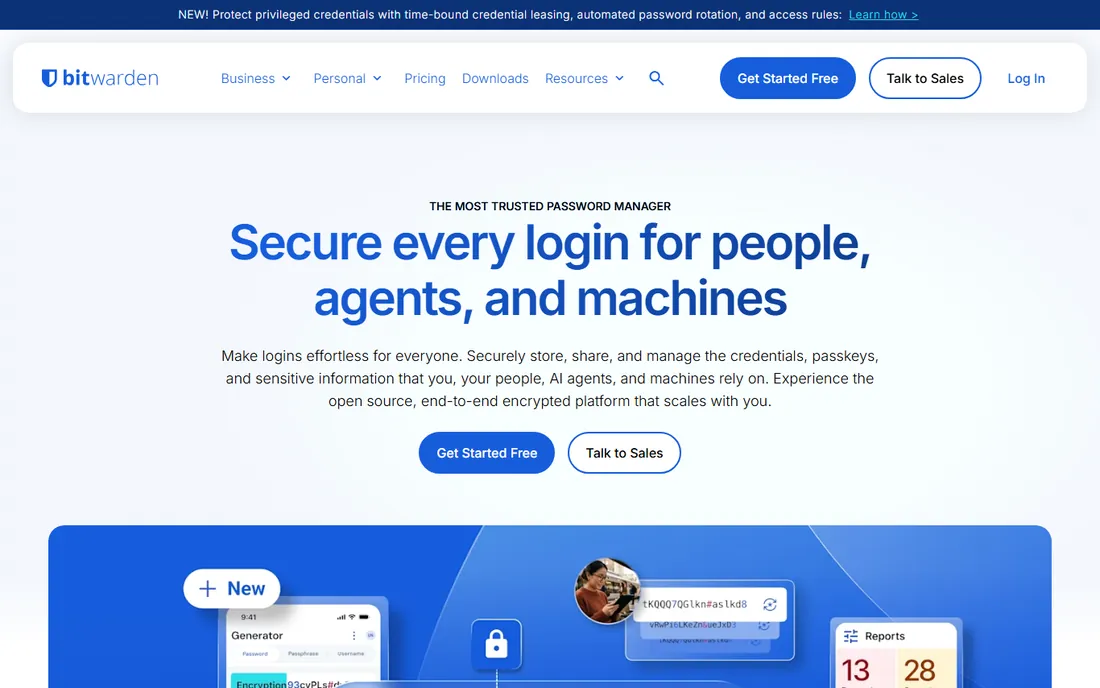
Bitwarden proves that open source and enterprise-ready are not opposites. The Teams plan starts at $4 per user per month on annual billing, roughly half the price of 1Password Business, and the code is public with third-party security audits that anyone can read. For regulated industries, the self-hosted option keeps vault data inside your own infrastructure, which simplifies data residency conversations.
The trade is polish and packaging. The apps work reliably but feel plain next to 1Password or Dashlane, and features like advanced SSO policies sit in the $6 per user Enterprise tier rather than Teams. Support is competent but not white-glove; expect documentation and ticket queues rather than a dedicated rep at this price. For IT-led teams that value transparency and cost control over hand-holding, it is the rational pick.
What we like- Open-source codebase with independent security audits
- Teams plan undercuts most rivals
- Self-hosting option for regulated industries
Watch out for- Interface feels utilitarian next to 1Password
- Advanced SSO policies require the Enterprise tier
Starting priceSee website
Free planFree trial
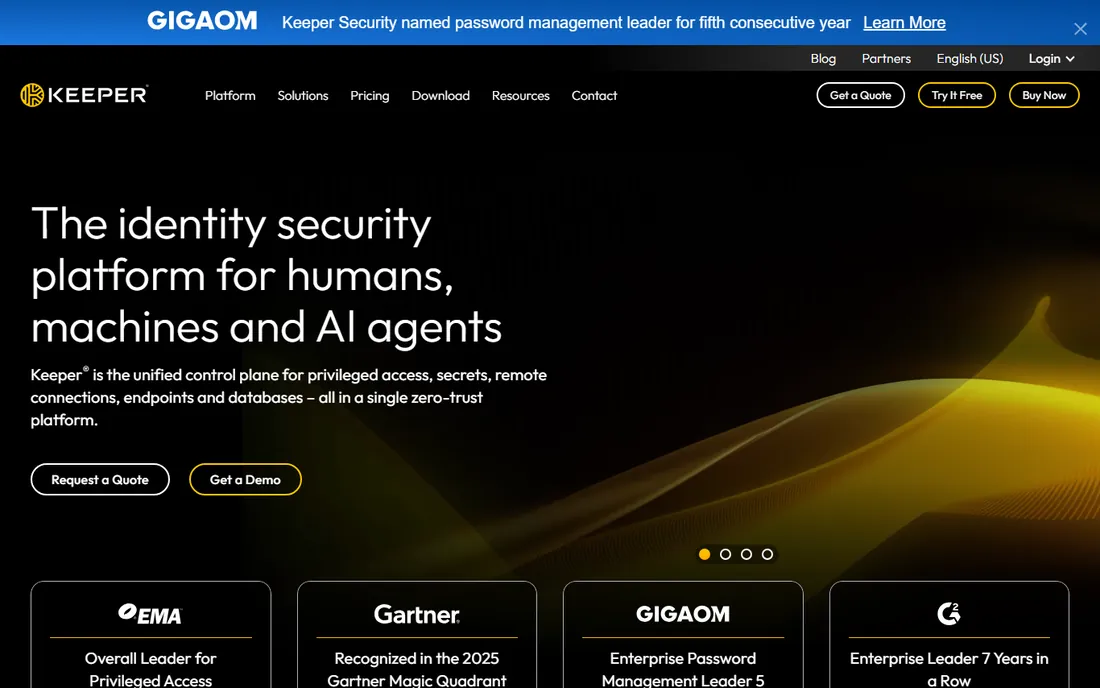
Keeper is the only tool on this list that credibly covers both employee passwords and privileged infrastructure access. Beyond vaults you get secure messaging, encrypted file storage, and privileged access features that compete with point PAM products. The admin console is genuinely deep: role-based access down to the record level, tamper-proof audit logs, and compliance coverage that satisfies most enterprise security reviews.
The honest catch is pricing opacity. Keeper moved business pricing to a quote-based model, so you cannot budget from a public price list, and the modules that make it attractive (privileged access, secure messaging) can inflate the final number well past the base vault cost. That does not make it a bad deal, but it makes comparison shopping painful. Run a structured trial, list every module you need, and get the full bundle priced in writing before you sign.
What we like- Deep admin controls with role-based permissions
- Encrypted messaging and secure file storage included
- Strong compliance certifications including SOC 2 and ISO 27001
Watch out for- Business pricing is quote-based and hard to compare
- Add-on modules can push the real cost well above the base
Starting price$8 per user/month (billed annually)
Free planFree trial (14 days)
Dashlane spent 2026 rebuilding its business product as Omnix, and buyers should evaluate it as a current product rather than relying on older reviews. Omnix Password Management starts at $8 per user per month on annual billing, and the platform now watches for credential risk in the browser: phishing detection, compromised password alerts, and dark web monitoring sit alongside the vault itself. The admin dashboard scores your organization's password health, which gives IT a concrete number to improve quarter over quarter.
Two caveats deserve attention. The rebrand means reviews and comparisons from before 2026 may describe a different product, so verify every feature against the current Omnix pages. And there is no free tier anymore; the consumer free plan was discontinued, leaving a 14-day trial as the only way to test before paying. For companies that want the vault plus active threat monitoring in one contract, the bundle is coherent.
What we like- Omnix platform adds phishing detection and dark web monitoring
- Clean admin dashboard with organization-wide security scoring
- Strong browser extension
Watch out for- Business line rebranded to Omnix, which complicates comparisons
- No free tier since the consumer free plan ended
Starting price$1.79 per user/month (billed annually)
Free planYes
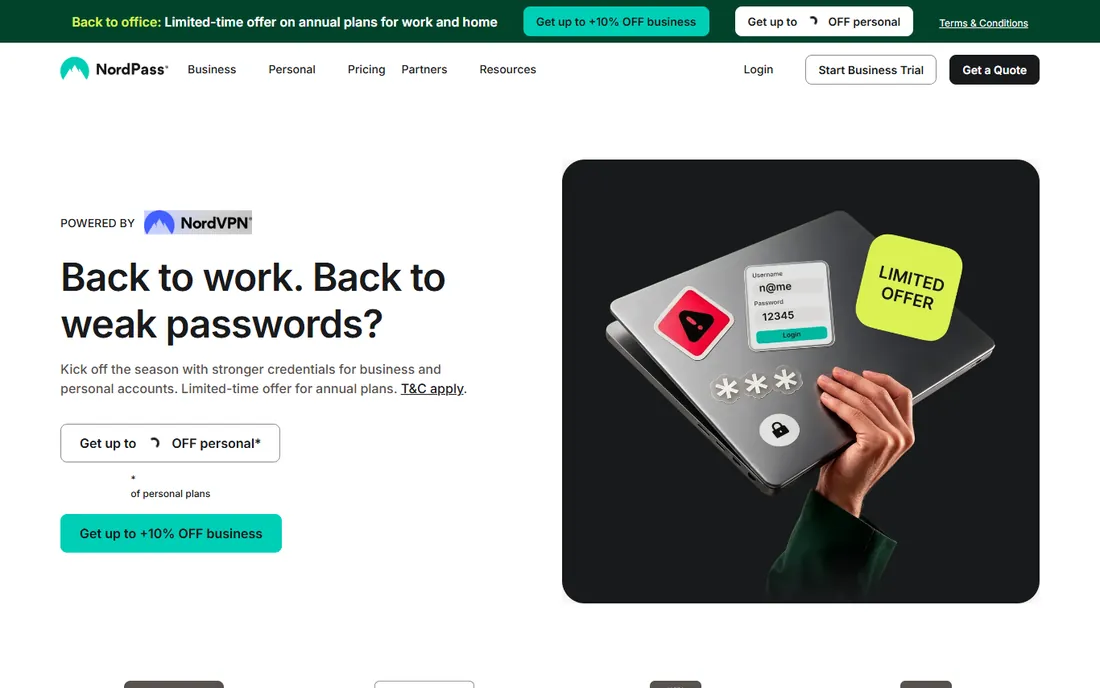
At $1.79 per user per month on annual billing, NordPass undercuts every other business plan here by a wide margin. You still get modern XChaCha20 encryption, a zero-knowledge architecture, passkey support, and a data breach scanner that alerts you when company credentials appear in leaks. It comes from the Nord Security team, so the security pedigree is credible and the apps are polished.
Read the packaging fine print before you celebrate. The Teams plan is sold as a 10-seat pack, so a five-person company pays for seats it does not use, and the free tier allows only one active session at a time, which makes it useless for anyone switching between phone and laptop. Admin controls are also thinner than 1Password or Keeper; this is a vault first and an IT management platform second. For small teams that need cheap, competent credential storage, the math works.
What we like- Cheapest business entry point on this list
- Modern XChaCha20 encryption with zero-knowledge architecture
- Data breach scanner included
Watch out for- Teams plan is sold as a 10-seat pack
- Free tier allows only one active session at a time
#6
Proton Pass
Best for: Privacy-focused teams that want open source
Visit proton.me
Starting price$1.99 per user/month (billed annually)
Free planYes
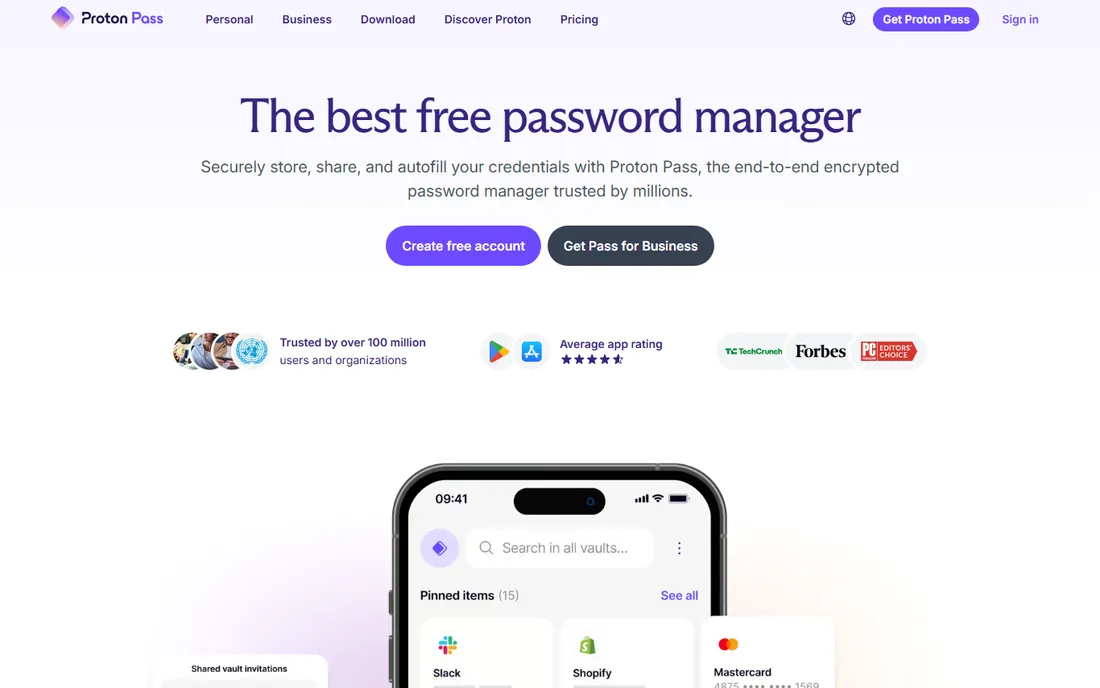
If your company treats privacy as a requirement rather than a marketing line, Proton Pass deserves the first look. The code is fully open source, the company operates under Swiss privacy law, and the free plan is genuinely generous: unlimited logins, unlimited devices, passkey support, and 10 hide-my-email aliases with no credit card required. The Essentials business plan starts at $1.99 per user per month on annual billing with a three-user minimum, and paid tiers add unlimited aliases, a built-in 2FA authenticator, and dark web monitoring.
The honest catch is enterprise maturity. Proton's business admin features are newer than 1Password's or Keeper's, and large-scale provisioning stories are thinner in public reviews. SSO and security policies exist, but verify they cover your identity provider during the 14-day trial. For privacy-first companies under a few hundred employees, it is a strong fit; for heavily regulated enterprises with complex provisioning needs, test the admin story hard before committing.
What we like- Fully open-source under Swiss jurisdiction
- Generous free plan with unlimited devices
- Built-in hide-my-email aliases
Watch out for- Business admin features are newer and less proven at scale
- Admin console lags dedicated enterprise tools
#7
Zoho Vault
Best for: Zoho shops and IT teams on tight budgets
Visit zoho.com
Starting price$0.90 per user/month (billed annually)
Free planYes
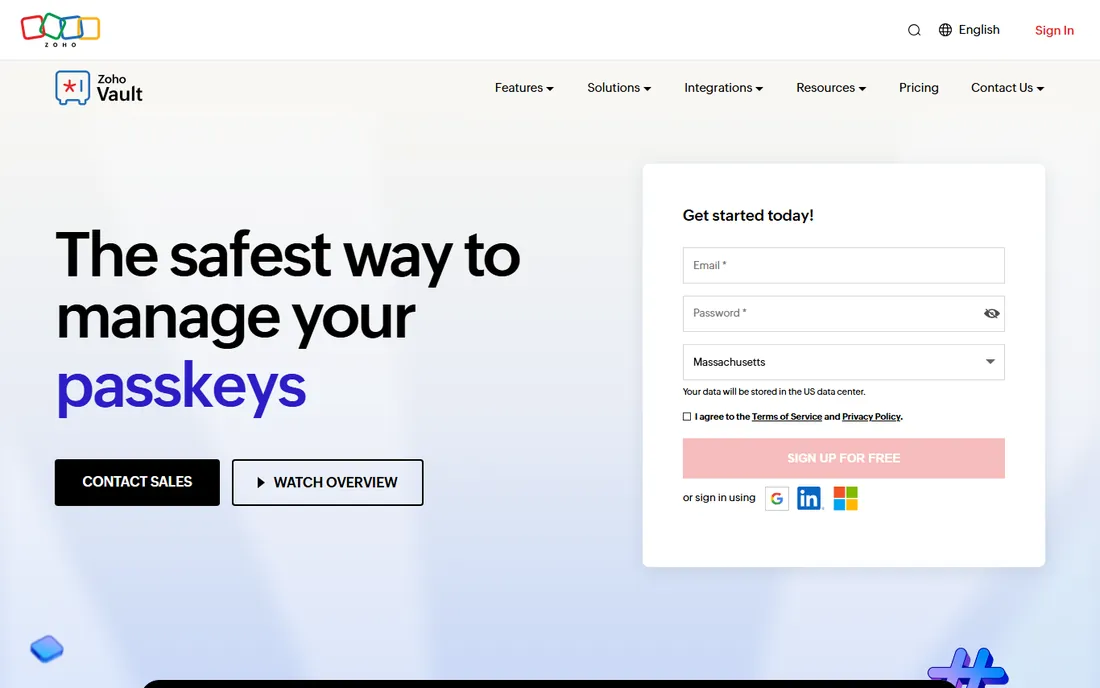
Zoho Vault makes an uncomfortable argument for its rivals: competent password management does not need to cost $8 a seat. The Standard plan starts at $0.90 per user per month on annual billing, and the free personal plan covers unlimited passwords with sharing, role-based access, and audit logs. The platform uses AES-256 encryption with a zero-knowledge architecture, and business users get a 15-day free trial with no credit card required.
The value concentrates inside the Zoho ecosystem. If your company already runs Zoho Workplace or Zoho One, Vault slots in naturally with single sign-on across the suite and per-user costs that barely register in the IT budget. Outside Zoho, the case is weaker: the interface is functional rather than polished, and advanced features like privileged session controls live in the Professional ($4.50) and Enterprise ($7.20) tiers. For cost-driven IT teams, especially Zoho customers, it is difficult to beat on value.
What we like- Lowest paid entry price in this roundup
- Deep integration with the Zoho suite
- Free personal plan covers unlimited passwords
Watch out for- Best value only inside the Zoho ecosystem
- Interface polish trails the leaders
What to evaluate before you sign
Start with provisioning, because it decides whether the tool reduces IT work or adds to it. Confirm SCIM support for your identity provider (Okta, Entra ID, Google Workspace) so accounts are created and deactivated automatically. Without it, every hire and departure becomes a manual vault task, and departures are where credentials leak.
Next, inspect the admin visibility. You want tamper-proof audit logs, password health scoring across the organization, and alerts for weak, reused, or compromised credentials. Then check the sharing model: teams should be able to share credentials without copying them into chat threads or spreadsheets, and admins should be able to revoke access instantly. Ask specifically about offboarding, because a clean deprovisioning flow matters more than any feature demo. Finally, confirm data export. You should be able to take your vault data with you in a standard format; any vendor that makes export difficult is telling you about the renewal negotiation in advance.
How business password pricing actually works
Per-seat annual billing is the norm, and the headline number rarely tells the whole story. Minimums matter: NordPass Teams requires a 10-seat pack, Proton Pass Essentials has a three-user minimum, and Zoho Vault Professional requires at least five users. A headline of $1.79 per seat means little if you are forced to buy ten seats for a team of six.
Watch for movement. 1Password raised Business to $8.99 per user per month in early 2026, a reminder to cap annual uplifts in the contract. Keeper went quote-based for business plans, which means budgeting requires a sales conversation and the final number depends on which modules you select. Trials are standard across the board (14 days for most, 15 for Zoho Vault), but a trial tests the product, not the procurement; get the renewal terms, the overage policy for extra seats, and the data export process in writing before the pilot ends.
Rollout mistakes that waste the license spend
The most expensive mistake is buying seats before single sign-on is configured. Without SSO and SCIM, IT provisions every account by hand, adoption stalls, and half the company keeps passwords in a shared spreadsheet while you pay for licenses they never open. Configure provisioning first, then buy.
The second mistake is skipping the pilot. Roll out to one department for two weeks, measure how many employees actually install the browser extension and mobile app, and fix the friction before going company-wide. The third is neglecting policy: a vault without a master password standard and mandatory 2FA on the vault itself just centralizes the risk. Set the policy on day one. Finally, plan for shared accounts. Every company has credentials that five people need (social media, vendor portals, the Wi-Fi-adjacent odds and ends); decide who owns each shared vault before migration day, or the migration never finishes.
How we chose
We did not test-drive these products with live company data, and you should be skeptical of anyone who claims hands-on testing across seven enterprise security tools. Instead we worked from primary sources: each vendor's pricing page and documentation, feature lists, integration directories, and practitioner reviews on G2, Capterra, and Reddit. We verified that every product is sold today under its current name (including Dashlane's 2026 rebrand of its business line to Omnix), that business pricing is current as of October 2026, and that each tool fits companies from roughly 20 to 5,000 employees. Prices come from vendor pricing pages; where a vendor moved to quote-based pricing, we say so instead of guessing.
Frequently asked questions
What is the difference between a personal and a business password manager?
A business password manager adds centralized administration: IT can provision and deactivate accounts, enforce password policies, view audit logs, and share credentials across teams without exposing them. Personal plans lack the admin console, SSO integration, and compliance reporting that companies need. If more than a handful of employees share access to company accounts, you need the business tier.
How much should a business password manager cost per user?
In 2026, expect $1 to $9 per user per month on annual billing. Budget options (Zoho Vault, NordPass) sit under $2; mid-tier open-source picks (Bitwarden, Proton Pass) run $2 to $6; polished enterprise tools (1Password, Dashlane Omnix) run $8 to $9. Keeper is quote-based. Multiply by headcount and add 10 to 15 percent for growth seats before comparing totals.
Do password managers replace single sign-on?
No, they complement it. SSO covers the apps that support it; the password manager covers everything else (vendor portals, shared accounts, legacy systems) and gives employees one place for credentials SSO misses. The best setups use both: SSO as the front door and the vault for everything behind the side doors.
Is it safe to store company passwords in the cloud?
The tools on this list use zero-knowledge encryption, which means the vendor cannot read your vault even if it wanted to; only your master password decrypts the data. That architecture, plus independent audits and certifications like SOC 2, is why cloud vaults are standard at large companies. The real risk is a weak master password or missing 2FA on the vault, both of which are policy problems, not product problems.
What happens to passwords when an employee leaves?
With SCIM provisioning tied to your identity provider, deactivating the employee's account automatically revokes their vault access. Shared credentials they had access to should be rotated, since they may have seen or copied them. This is the main operational reason to buy a business tier instead of reimbursing personal plans.
Can we self-host a business password manager?
Bitwarden offers a self-hosted option that keeps vault data inside your own infrastructure, which suits regulated industries with strict data residency rules. The other tools here are cloud-only. Self-hosting trades subscription simplicity for operational responsibility: you handle backups, upgrades, and availability.
Sources we checked (8)
- https://1password.com/
- https://bitwarden.com/
- https://www.keepersecurity.com/
- https://dashlane.com/
- https://nordpass.com/
- https://proton.me/pass
- https://www.zoho.com/vault/
- https://support.dashlane.com/hc/en-us/articles/28441432309906-How-can-I-protect-myself-from-phishing
Is your product missing or out of date?
We review this list regularly. Vendors can request a listing, send updated pricing or ask about featured placement.

Shihab Mia · Founder, Rankite
Shihab has spent more than a decade helping SaaS and e-commerce brands grow through search. He writes Rankite's software buying guides from pricing pages, documentation and public user reviews. More about Shihab.