How we make this list: we compare pricing pages, product documentation and public user reviews. Rankite is independent; if a vendor ever pays for a featured spot, that listing is clearly labeled Partner.
Key takeaways
- Small teams on Microsoft 365 get the cheapest real upgrade from Microsoft Defender for Office 365 at $2 per user per month, since it bolts directly onto the mailboxes they already pay for.
- Coro is the simplest way for a non-technical team to cover email plus endpoint security in one bill, starting at $9.50 per user per month.
- Proofpoint Essentials and Mimecast remain the enterprise defaults, one for pure threat defense and the other when you also need continuity and archiving.
- If your team already runs Fortinet gear, FortiMail is the natural add-on; if you want API-based protection without a gateway, look at Abnormal AI or Check Point Harmony.
- Almost every vendor in this category prices by quote, so shortlist three and compare trial results before signing an annual contract.
Quick comparison
Is your product missing or out of date?
We review this list regularly. Vendors can request a listing, send updated pricing or ask about featured placement.
The best best email security software
How many of your employees would click a fake invoice email from someone pretending to be the CEO? That is the question that decides whether you need a dedicated email security product at all. The built-in filters in Microsoft 365 and Google Workspace catch obvious spam, but business email compromise, QR code phishing, and vendor impersonation routinely sail past them.
The second question is how much complexity you can absorb. A 200-person manufacturer with no security team needs something that installs itself and stays quiet. A regulated firm with compliance audits needs policy controls, journaling, and reports it can hand to an auditor. Buying the wrong tier in either direction costs money and leaves gaps.
This list covers both ends. You will find lightweight gateways priced for small business, all-in-one platforms that fold email into a wider security stack, and the enterprise names that protect the inboxes of the largest companies in the world. Every price below came from the vendor's own pricing page or, where vendors publish no price, is marked accordingly.
Starting priceSee website
Free planFree trial

Proofpoint Essentials exists for the same reason Proofpoint sells to half the Fortune 100: phishing is a volume business and the same threat intel protects a 40-person law firm as well as it protects a bank. Essentials packages URL Defense, attachment sandboxing, and BEC controls into an admin console that does not require a security engineer to operate.
The feature most buyers notice first is time-of-click link analysis. URLs get rewritten and checked when the recipient clicks, not just when the message arrives, which catches pages that only turn malicious hours after delivery. The trade-off is user friction. Some employees dislike the rewritten links and the occasional interstitial warning page.
Pricing is the real friction point. Proofpoint Essentials is sold through partners and resellers, so there is no public per-user price to compare against. Expect it to land above budget gateways like SpamTitan but below a full enterprise Proofpoint bundle. If you already buy IT through an MSP, ask them for a quote first. They usually get better pricing than a direct call.
What we like- Proven URL and attachment defense
- BEC detection tuned for smaller teams
- Simplified admin controls
Watch out for- Link rewriting can annoy users
- Final price usually set by a reseller, not published
Starting priceSee website
Free planNo
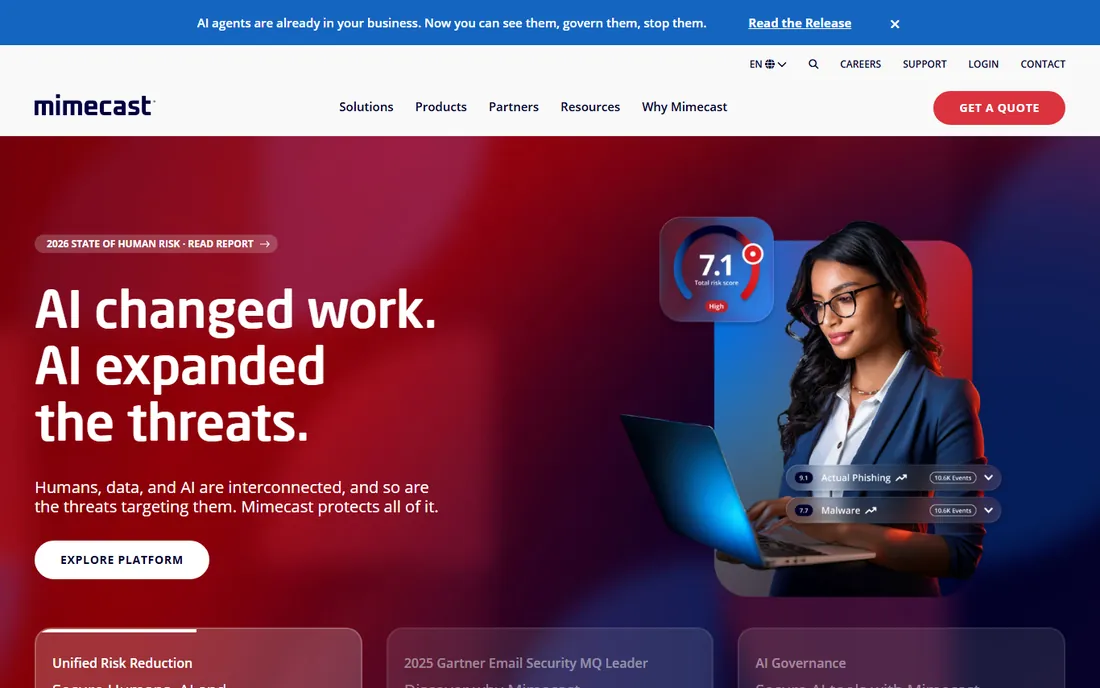
Mimecast is the choice when email is genuinely business critical. If your mail server goes down, Mimecast keeps users sending and receiving through its own infrastructure, then replays everything back when service returns. That continuity story, combined with phishing and malware protection, is why it has stayed an enterprise favorite for years.
On the security side, Mimecast watches URLs at time of click and detonates attachments in a sandbox before delivery. Impersonation protection flags lookalike domains and display-name spoofing aimed at executives and finance staff. Policy-based encryption and archiving round out the compliance side, which matters for firms with retention obligations.
The catch is packaging. Mimecast sells in bundles with different feature sets, and you need a sales conversation to find out which bundle your requirements map to. Smaller teams often find the onboarding project longer than expected, since policies, journaling, and archive retention need to be designed upfront. Plan for professional services time in the budget.
What we like- Combines security, continuity and archiving in one platform
- Strong impersonation defense
- Mature admin tooling
Watch out for- Quote-only pricing with package tiers
- Initial setup is heavy for small teams

#3
Check Point Harmony Email & Collaboration
Best for: API-based cloud-first protection
Visit checkpoint.com
Starting priceSee website
Free planFree trial

Check Point took a different architectural bet than the gateway vendors. Harmony Email & Collaboration connects to Microsoft 365 or Google Workspace through APIs, scans messages after delivery, and pulls threats from inboxes automatically. You never touch MX records or reroute mail, which means deployment is closer to an afternoon than a project.
That same API approach extends the coverage beyond email. Malicious files and links in Teams chats, SharePoint libraries, and OneDrive folders get the same treatment, which closes a gap that gateway-only tools leave open. Check Point's threat intelligence, fed by its research division, updates detection continuously rather than waiting for signature updates.
Licensing is where buyers get confused. Check Point sells through its Infinity platform with multiple packages and tiers, and figuring out which tier unlocks the DLP or collaboration features you need takes a careful read of the datasheet. Start with the trial in monitor-only mode for a week to see what it would catch before you commit to a tier.
What we like- No mail-flow changes needed
- Covers Teams, SharePoint and OneDrive too
- Strong AI phishing detection
Watch out for- Complex licensing structure
- Some advanced features locked behind higher tiers
Starting priceSee website
Free planFree trial
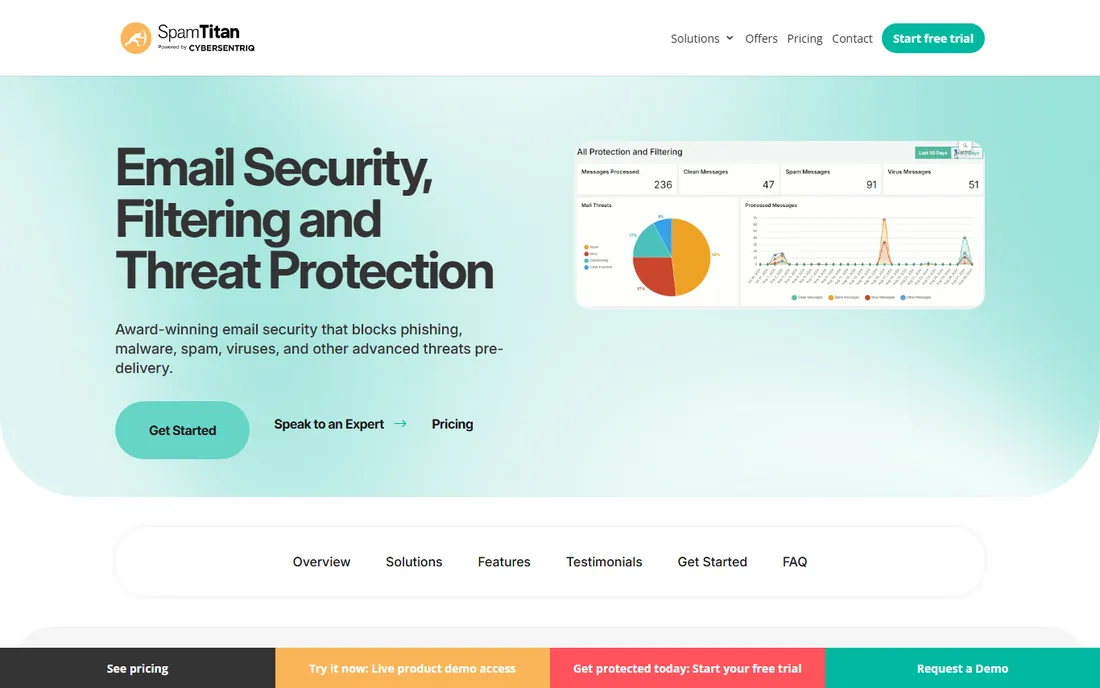
SpamTitan is the value pick in this category and has been for years. It is a traditional secure email gateway: mail routes through SpamTitan's filters first, which strip spam, phishing, and malware before anything reaches the inbox. For a small business that just wants cleaner inboxes without an enterprise bill, that formula still works.
The product punches above its price on the threat side. Attachments get detonated in a Bitdefender-powered sandbox, and there is dedicated CEO impersonation protection, which is the exact attack that empties small business bank accounts. Setup is genuinely fast, and it can run in the cloud or on your own hardware if you need data to stay local.
What you give up is depth in the admin console. Reporting and forensic detail lag behind Proofpoint and Mimecast, so if your auditor wants per-message verdict histories going back a year, verify that before buying. Also note that alias addresses can count as separate users in licensing, so check how your domain's addresses map to the seat count.
What we like- Transparent per-user bundles
- Quick cloud deployment
- Bitdefender-powered attachment sandboxing
Watch out for- Reporting is basic compared to premium tools
- Occasional false positives need admin tuning
Starting price$9.50 per user/month (Essentials Suite)
Free planFree trial
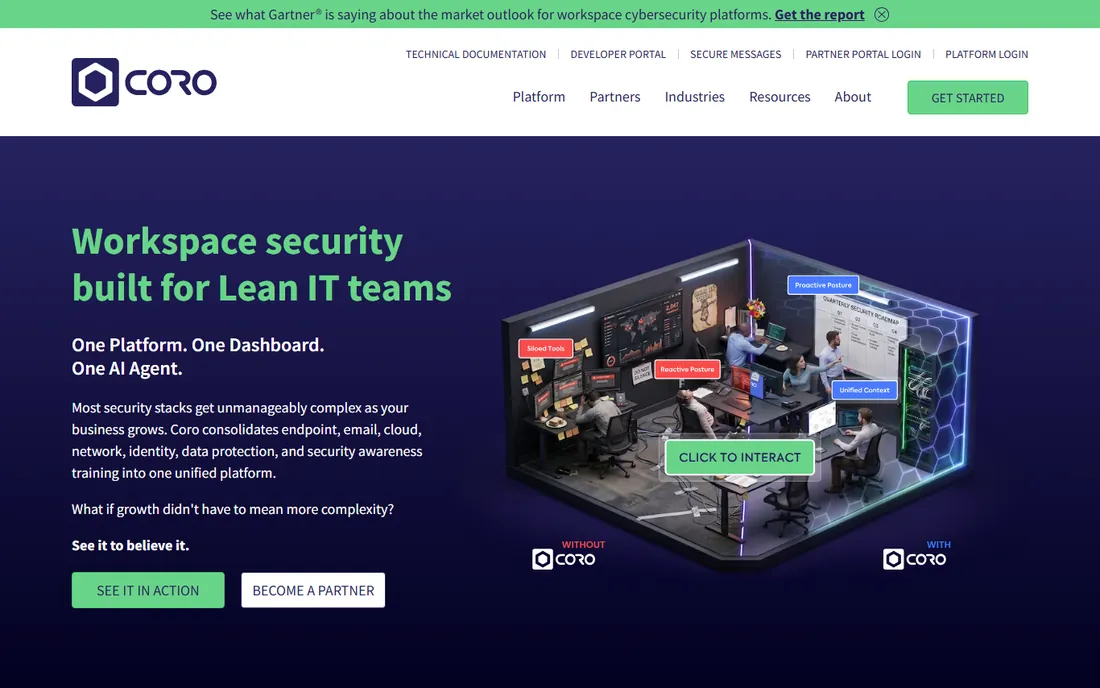
Coro is not really an email security product. It is a whole security department sold as software, and email protection is one module inside it. That positioning is exactly why small businesses buy it. Instead of a gateway vendor, an endpoint vendor, and a backup vendor, you get one console, one agent, and one invoice.
The email module handles phishing and malware detection for Microsoft 365 and Google Workspace, with automatic remediation that pulls malicious messages out of inboxes without an admin clicking anything. Coro also bundles phishing simulation and security awareness training, which addresses the human side that no filter fully solves.
Pricing is refreshingly public. The Essentials Suite starts at $9.50 per user per month and covers endpoints, email, and cloud apps together. The Complete Suite adds the rest of the modules and is priced on request, with a managed option where Coro's team watches the alerts for you. The honest trade-off: if you want deeply configurable mail-flow rules, a dedicated gateway still gives you more knobs.
What we like- One bill covers email, endpoint and cloud apps
- Simple admin console
- Automated remediation
Watch out for- Less granular email controls than gateway specialists
- Email module cannot be bought alone cheaply
Starting priceSee website
Free planFree trial
Barracuda has been filtering email since before cloud email existed, and Email Protection is the modern packaging of that experience. The platform layers AI-based phishing detection, impersonation defense, and account takeover monitoring on top of traditional spam and malware filtering.
What separates Barracuda from single-purpose gateways is the bundle. Email encryption, data loss prevention, and cloud-to-cloud backup sit in the same family, so a team worried about both incoming attacks and outgoing data leaks can cover both without a second vendor. For Microsoft 365 shops, the backup piece is worth pricing out separately. Losing a mailbox to ransomware with no backup is a different disaster.
Barracuda sells in three tiers, Advance, Premium, and Premium Plus, and only a quote tells you where your requirements land. Independent comparisons put Premium around $12 per user per month, which sits well above budget gateways. Negotiate the tier based on the features you will actually use, because the higher plans add capability many small teams never touch.
What we like- AI-based phishing and impersonation defense
- Includes email encryption and DLP
- Cloud backup and archiving available
Watch out for- Pricing on request with three tiers to decode
- Account takeover features need the higher plan
Starting priceSee website
Free planNo
Abnormal AI built its reputation on a simple observation: signature-based filters miss attacks they have never seen, but the behavior of a compromised account looks different from a legitimate one. Its platform learns how each user, vendor, and executive normally communicates, then flags anomalies such as a supplier suddenly asking for a wire transfer.
Because it works through APIs rather than as a gateway, there is no mail rerouting and very little policy tuning. Threats that land in inboxes get remediated automatically, pulled back even after delivery, which matters for attacks like internal account compromise where the message comes from a trusted sender.
The audience is clearly mid-market and enterprise. Pricing is quote-only and positioned at the premium end, and the product assumes you have a security team that wants behavioral analytics, not a small business that wants spam gone. If your main problem is credential phishing against executives, shortlist it alongside Proofpoint. If your main problem is spam volume, you are paying for a race car to drive to the grocery store.
What we like- Behavioral AI catches novel attacks with no signatures
- Post-delivery remediation
- Minimal admin overhead
Watch out for- Enterprise pricing with no public rates
- Overkill for basic spam filtering needs

#8
Microsoft Defender for Office 365
Best for: Microsoft 365 shops adding phishing defense
Visit microsoft.com
Starting price$2.00 per user/month (paid yearly, Plan 1)
Free planFree trial
If your company already lives in Microsoft 365, Defender for Office 365 is the path of least resistance. Plan 1 costs $2 per user per month on an annual commitment and adds Safe Links, Safe Attachments, and anti-phishing policies directly inside Exchange Online. There is no gateway to configure and no second console to learn.
The value depends on which plan you pick. Plan 1 covers the essentials: link rewriting with time-of-click checks, attachment detonation, and impersonation protection. Plan 2 at $5 per user per month adds automated investigation and response, threat hunting tools, and attack simulation training. For a company with an IT generalist rather than a security analyst, Plan 1 is usually the sweet spot.
The limitation is scope. Defender protects Microsoft 365 mail, Teams, SharePoint, and OneDrive, and it does that well, but it does not cover Google Workspace or give you the vendor-neutral threat intel that a Proofpoint or Mimecast provides. It also will not help with email continuity if Microsoft itself has an outage.
What we like- Native integration, nothing to route or install
- Safe Links and Safe Attachments included
- Cheapest real upgrade
Watch out for- Plan 2 features cost more than double
- Tied to the Microsoft ecosystem
Starting priceSee website
Free planFree trial
IRONSCALES pairs automated phishing defense with the human layer. Its platform detects and remediates phishing messages in employee inboxes, and its phishing simulation module trains the same employees to report what slips through. When one customer reports a phishing email, that intelligence feeds detection for everyone else on the platform.
The remediation workflow is the practical draw. Suspected messages get quarantined and investigated with minimal admin clicks, and the reporting button in Outlook turns every employee into a sensor. For IT teams that spend hours each week chasing phishing reports, that automation is the whole pitch.
Pricing is quote-based and aimed at the mid-market, so very small teams may find it heavier than they need. The product also assumes Microsoft 365 or Google Workspace; it is not a generic gateway for on-premises mail servers. Run the trial with your actual phishing simulation list to see whether the training content fits your workforce before negotiating.
What we like- Crowd-sourced threat sharing across customers
- Phishing simulation built in
- Fast incident response workflows
Watch out for- Quote-only pricing
- Interface can feel busy for first-time admins
The oldest email security products are gateways. Mail physically routes through them before reaching your server, which gives them total control over filtering but requires MX record changes, failover planning, and policy tuning. Newer products connect through APIs and clean up threats after delivery, which is easier to deploy but means a malicious message briefly exists in the inbox.
Neither architecture is strictly better. Gateways give admins more control and work with any mail server, including on-premises Exchange. API tools deploy in an afternoon and extend naturally into Teams, SharePoint, and Drive. The pricing difference you see reflects positioning more than technology: API-native vendors like Abnormal AI target enterprises with behavioral analytics, while gateway veterans like SpamTitan compete on value.
For most small businesses, the decision is simpler than vendors make it sound. If you run Microsoft 365 and just want better protection, start with Defender Plan 1 and add a dedicated product only if the trial data shows gaps. If you run Google Workspace, an API tool like IRONSCALES or Check Point Harmony avoids the mail-routing project entirely.
What to check before you sign up
Start with a 30-day trial on your real mail flow, not a demo tenant. Send yourself the current crop of phishing lures your industry receives, including QR code phishing and fake DocuSign or QuickBooks emails, and see which ones land. Count false positives too. A filter that catches everything but quarantines real invoices will cost you more in support tickets than it saves in risk.
Read the seat math carefully before you sign. Some vendors count every alias as a user, some require minimum seat counts, and most discount steeply at annual commitment while penalizing monthly billing. If you have seasonal staff or shared mailboxes, ask in writing how those are counted, because that is where surprise invoices come from.
Check contract terms around data and exit. Email security vendors process every message your company sends, so confirm where logs are stored, how long they are retained, and whether you can export your configuration and quarantine history if you leave. A one-year contract with a clean export path is fine. A three-year contract with no export is a trap.
Finally, confirm support hours and response times in the plan you are actually buying. Several vendors advertise 24/7 support but reserve phone support or fast SLAs for higher tiers. If you are the person who will get the 2 a.m. call when mail stops flowing, you want to know exactly which number to dial before the emergency.
How we built this shortlist
We started with the vendors that appear most often in buyer shortlists and public review categories: Proofpoint, Mimecast, Barracuda, Check Point, and Microsoft, plus the value and mid-market names reviewers mention, such as SpamTitan, Coro, Abnormal AI, and IRONSCALES. We reviewed current pricing pages, product documentation, and public review summaries on G2, Capterra, and SourceForge to confirm what each product actually does and what it costs.
Pricing below comes from the vendor's own published pricing page wherever one exists. Vendors that sell only through quotes or partners are marked as See website rather than guessed at. We did not run hands-on tests or lab evaluations; this guide is built from documentation, published pricing, and aggregated user feedback. Recheck the pricing page before you buy, because email security vendors change bundles and tiers frequently.
Frequently asked questions
Do I need email security software if I use Microsoft 365?
Microsoft 365 includes baseline filtering, and it stops most commodity spam. It misses a meaningful share of targeted phishing, business email compromise, and QR code attacks, which is why Microsoft itself sells Defender for Office 365 as an add-on. If your company handles wire transfers or stores customer data, the baseline is not enough on its own.
What is the difference between a secure email gateway and API-based email security?
A gateway sits in the mail path and filters messages before they reach your server, which requires changing your MX records. API-based tools connect to your cloud mailbox and scan messages after delivery, then remove threats automatically. Gateways give more control and work with on-premises mail; API tools deploy faster and usually cover collaboration apps too.
How much should a small business pay for email security?
Budget gateways start around $1 to $2 per user per month, all-in-one platforms like Coro start near $9.50, and dedicated enterprise tools typically run $4 to $12 or more per user per month through quotes. Most 25 to 100 person companies land between $2 and $6 per user per month for solid protection.
Can email security software stop business email compromise?
Good BEC protection combines several signals: display-name spoofing detection, lookalike domain checks, behavioral analysis of how executives and vendors normally write, and policies that flag payment instruction changes. No product stops every BEC attempt, so pair the software with a verification rule that any changed payment details get confirmed by phone.
Will email security software slow down email delivery?
Modern cloud gateways add seconds, not minutes, to delivery for most messages. Sandboxing attachments can add a short delay on files that need detonation. If your business depends on instant delivery for time-sensitive messages, test with your real mail flow during the trial and check the vendor's SLA for delivery times.
Is a free trial enough to evaluate an email security tool?
A 30-day trial on your live mail flow is usually enough to measure catch rates and false positives, which are the two numbers that matter. Make sure the trial includes the tier you would actually buy, since some vendors trial the premium plan and quote you the standard one. Get the quoted price in writing before the trial ends so the renewal number is not a surprise.
Sources we checked (11)
- https://www.microsoft.com/microsoft-365/security/office-365-defender
- https://www.coro.net/pricing
- https://www.g2.com/products/coro-cybersecurity/pricing
- https://www.proofpoint.com/us/products/email-security-and-protection/email-essentials
- https://www.mimecast.com/products/email-security/
- https://www.checkpoint.com/harmony/email-security/
- https://www.spamtitan.com/email-protection/
- https://www.barracuda.com/products/email-protection
- https://abnormal.ai/platform/
- https://ironscales.com/platform/
- http://esecurityplanet.com/products/best-email-security-software/
Is your product missing or out of date?
We review this list regularly. Vendors can request a listing, send updated pricing or ask about featured placement.

Shihab Mia · Founder, Rankite
Shihab has spent more than a decade helping SaaS and e-commerce brands grow through search. He writes Rankite's software buying guides from pricing pages, documentation and public user reviews. More about Shihab.
 Proofpoint Essentials
 Mimecast
 SpamTitan
 Coro
Coro Barracuda Email Protection
 Abnormal AI
 IRONSCALES