How we make this list: we compare pricing pages, product documentation and public user reviews. Rankite is independent; if a vendor ever pays for a featured spot, that listing is clearly labeled Partner.
Key takeaways
- Bitwarden gives full cross-platform sync on its free plan, which makes it the default pick when price matters most.
- 1Password is the polish leader, with Travel Mode and Watchtower, but it raised individual pricing in 2026 and offers no free tier.
- Proton Pass pairs a genuinely useful free tier with built-in hide-my-email aliases, the standout feature for privacy-first buyers.
- Dashlane and LastPass now sit at the expensive end of the market, so they only earn their price for teams that need their admin tooling.
- Families sharing one account should start with Bitwarden or 1Password, since both handle shared vaults without fuss.
Quick comparison
| Tool | Best for | Starting price | Free plan |
|---|
 Bitwarden Bitwarden | full sync on a free plan | $1.65 per month (billed annually, $19.80 per year) | Yes |
 1Password 1Password | polished apps and Travel Mode | $2.99 per month (billed annually; renews at $3.99) | No |
 Dashlane Dashlane | bundled VPN and dark web monitoring | $4.99 per month (billed annually) | No |
 NordPass NordPass | simple UI with XChaCha20 encryption | $1.49 per month (2-year plan) | Yes |
 Proton Pass Proton Pass | privacy plus built-in email aliases | $2.49 per month (billed annually) | Yes |
 Keeper Keeper | business-grade admin controls | See website | Yes |
 LastPass LastPass | a familiar name with one-device free tier | $3 per month (billed annually) | Yes |
 RoboForm RoboForm | strong form filling on older browsers | $2.49 per month (billed annually) | Yes |
 Enpass Enpass | offline-first vaults you control | $1.99 per month (billed annually) | Yes |
Is your product missing or out of date?
We review this list regularly. Vendors can request a listing, send updated pricing or ask about featured placement.
Starting price$1.65 per month (billed annually, $19.80 per year)
Free planYes
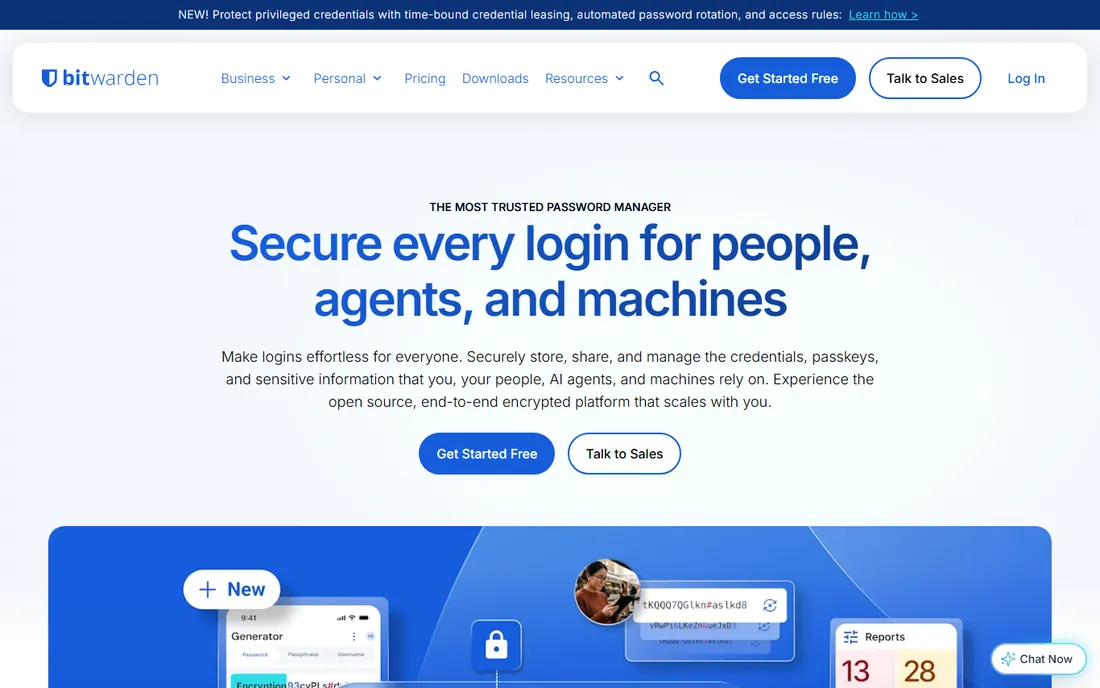
Bitwarden is the one password manager that treats its free plan as a finished product rather than a demo. You get unlimited passwords, unlimited devices, sync across Windows, macOS, Linux, iOS, Android and every major browser, plus passkey support, all without paying. The code is open source and has been through independent security audits, which is why it shows up in nearly every security-conscious comparison.
Premium costs $1.65 per month on annual billing, up from the long-standing $9.99 per year after a price change in early 2026. It adds a built-in authenticator for two-factor codes, 1 GB of encrypted file storage, emergency access for a trusted contact, and deeper vault-health reports. Even at the new price, it undercuts almost everything on this list. The honest catch is fit and finish: the apps look utilitarian next to 1Password, and autofill occasionally misses a field that a pricier rival catches on the first try. If you want maximum security per dollar, though, this is where the list starts.
What we like- Open source and independently audited
- Unlimited devices and sync on the free plan
- One of the cheapest paid tiers in the category
Watch out for- The interface is plain compared to 1Password
- Autofill can need a second attempt on some sites
Starting price$2.99 per month (billed annually; renews at $3.99)
Free planNo
Nobody buys 1Password because it is cheap. People buy it because the apps feel considered on every platform and because of two features nobody else does as well. Travel Mode removes vaults you mark as travel-safe when you cross a border, so a device search reveals nothing sensitive. Watchtower continuously scores your saved logins for weak, reused or breached passwords and nudges you to fix them.
Individual plans start at $2.99 per month on annual billing for new customers, moving to $3.99 at renewal after the 2026 increase. That is steep next to Bitwarden, and there is no free tier to fall back on, just a 14-day trial. What you get for the money is consistency: the browser extension, desktop apps and mobile apps all behave the same, family sharing is genuinely easy, and business plans add the admin controls IT teams expect. If your threat model includes travel or you manage logins for a household, the premium is defensible. For a single user on a budget, it is not.
What we like- Travel Mode for border crossings
- Watchtower flags weak and breached logins
- Family plans share vaults cleanly
Watch out for- No free tier at all, only a 14-day trial
- The 2026 price rise puts it near the top of the market
Starting price$4.99 per month (billed annually)
Free planNo
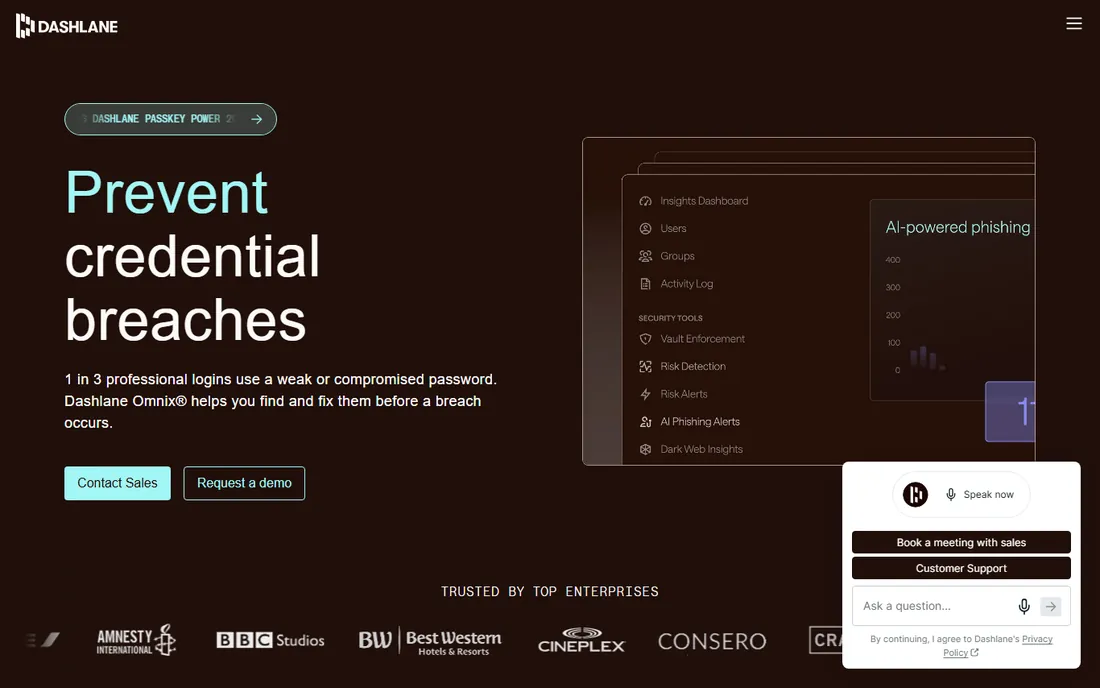
Dashlane stopped being just a password manager a while ago and became a small security bundle. The Premium plan wraps the vault in dark web monitoring, a Hotspot Shield VPN and real-time phishing alerts, which makes it feel closer to a cybersecurity package than a login tool. Autofill and password sharing both work well across platforms, and the password health dashboard gives clear, actionable advice instead of raw scores.
The catch is the price and the direction of travel. At $4.99 per month on annual billing, Dashlane costs more than double Proton Pass Plus, and the free tier was discontinued in September 2025, so there is no try-before-you-buy beyond the 30-day money-back guarantee. That math works if you would pay separately for a VPN and breach monitoring anyway. If you only want a vault, you are paying for a bundle you may never open.
What we like- Includes a Hotspot Shield VPN and dark web monitoring
- Password health dashboard is genuinely useful
- Works on unlimited devices
Watch out for- One of the priciest consumer plans here
- The free tier was discontinued in September 2025
Starting price$1.49 per month (2-year plan)
Free planYes
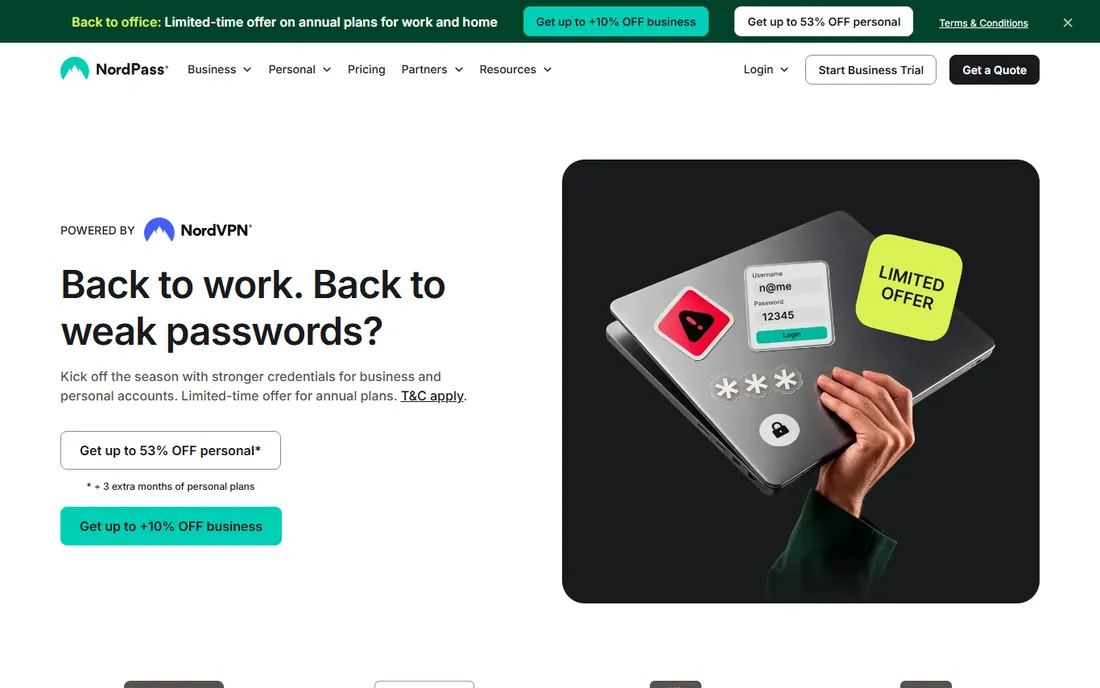
NordPass reads like a NordVPN product, because it is one. It launched in 2019 and brought the same emphasis on approachable design to password management, using XChaCha20 encryption that the company positions as resistant to future computing advances. The apps are uncluttered, passkeys work across platforms, and the paid plans include a data breach scanner that watches for your credentials in known leaks.
Pricing is aggressive on longer commitments: $1.49 per month on the two-year plan, rising to $1.99 on the one-year plan. The free tier exists but only covers a single device, which kneecaps the whole point of a cross-platform manager for anyone with a phone and a laptop. Integrations with other tools are thinner than 1Password's, and document storage is basic. Still, for a household that wants something easy and cheap, NordPass is an honest value pick.
What we like- Modern XChaCha20 encryption
- Clean apps that beginners grasp quickly
- Data breach scanner included on paid plans
Watch out for- The free tier is limited to one device
- A younger product with fewer integrations than 1Password
#5
Proton Pass
Best for: privacy plus built-in email aliases
Visit proton.me
Starting price$2.49 per month (billed annually)
Free planYes
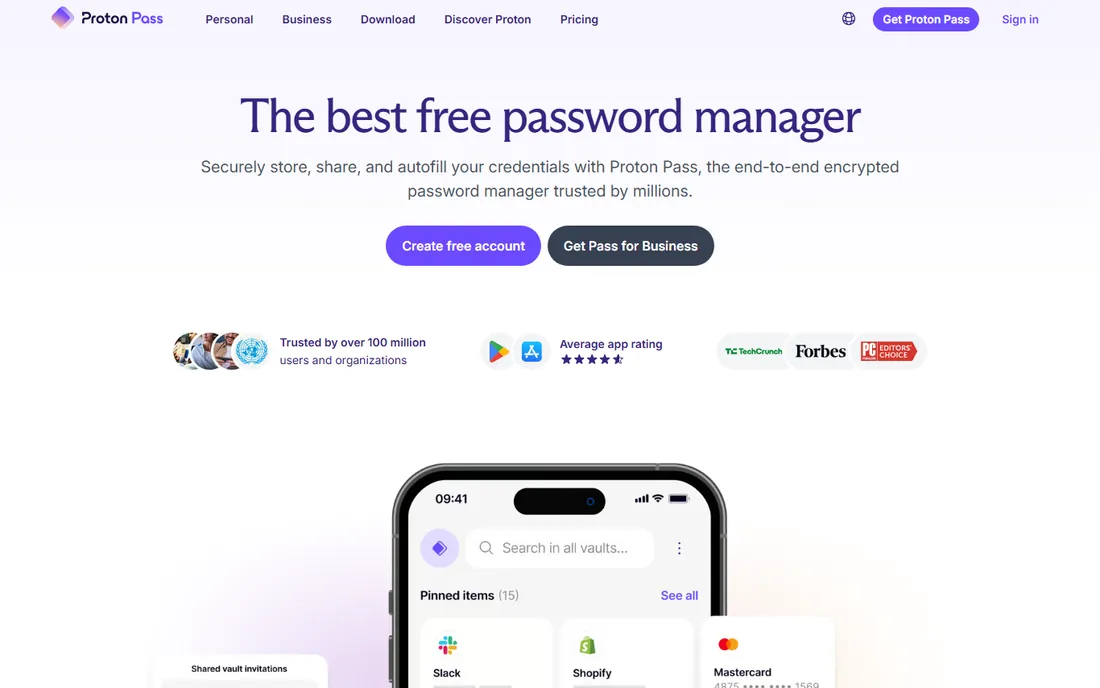
If you already use Proton Mail or Proton VPN, Proton Pass is nearly free money. Even on its own, it is one of the strongest free tiers in the category: unlimited logins, notes and credit cards, unlimited devices, passkeys everywhere, plus 10 hide-my-email aliases that forward to your real inbox. The aliases are the killer feature. Sign up for a newsletter with a masked address and you can spot exactly who leaked your data when spam arrives.
Pass Plus costs $2.49 per month on annual billing and adds unlimited aliases, a built-in two-factor authenticator, secure vault sharing, dark web monitoring and emergency access. It is open source and based in Switzerland, which matters to buyers who think about jurisdiction. The honest catch is maturity: the feature set is thinner than 1Password's, vault organization options are simpler, and paying monthly instead of annually nearly doubles the cost. For privacy-minded shoppers who want a free plan they can live on, this is the one to beat.
What we like- Unlimited logins and devices on the free plan
- Built-in hide-my-email aliases (10 free, unlimited paid)
- Open source under Swiss jurisdiction
Watch out for- The feature set is thinner than 1Password's
- Monthly billing at $4.99 is steep
Starting priceSee website
Free planYes
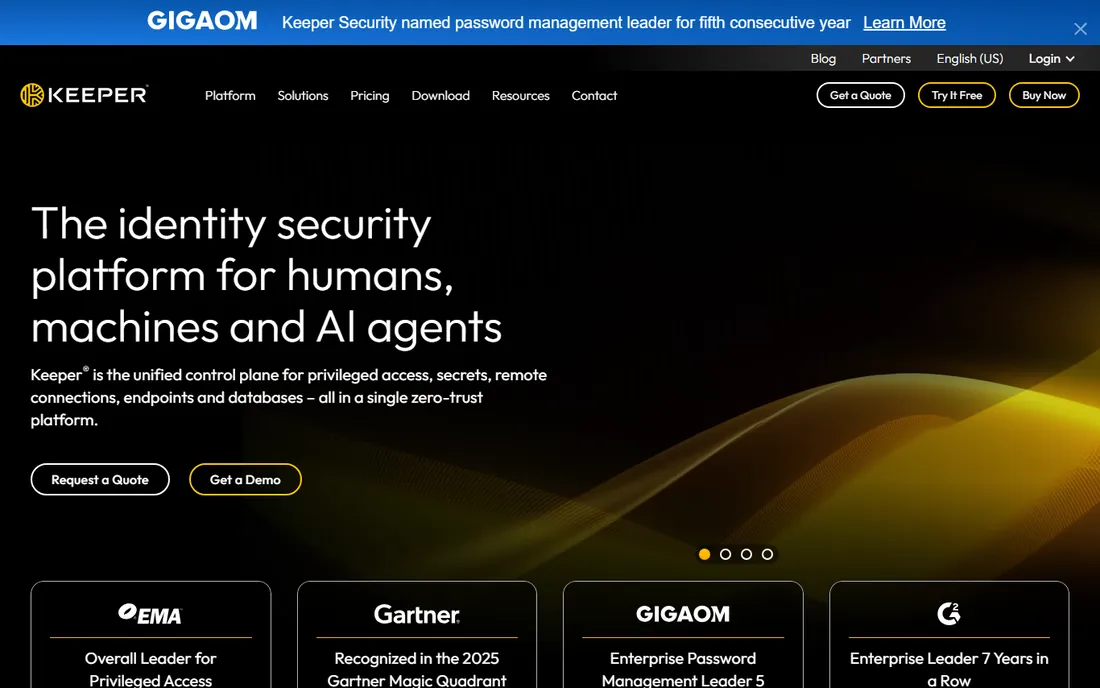
Keeper sells to IT departments first and consumers second, and it shows. The admin console covers role-based access, enforced policies, detailed activity logs and compliance reporting, with SOC 2 and ISO certifications that regulated industries ask for by name. On the consumer side you get the expected vault, a secure messenger for sharing credentials, and encrypted file storage, all working across desktop and mobile.
For a small business that needs to prove it controls credential access, Keeper is a serious option. For an individual, the value is murkier: the product's strength is administration, not the daily autofill experience, and the interface feels dated next to 1Password or Proton Pass. Note that Keeper's homepage was not reachable for direct verification during research, so check current pricing on their site before committing.
What we like- Deep admin console with role-based access
- SOC 2 and ISO compliance certifications
- Secure file and photo storage built in
Watch out for- Consumer pricing is hard to verify on the public site
- The admin depth is overkill for a single user
Starting price$3 per month (billed annually)
Free planYes
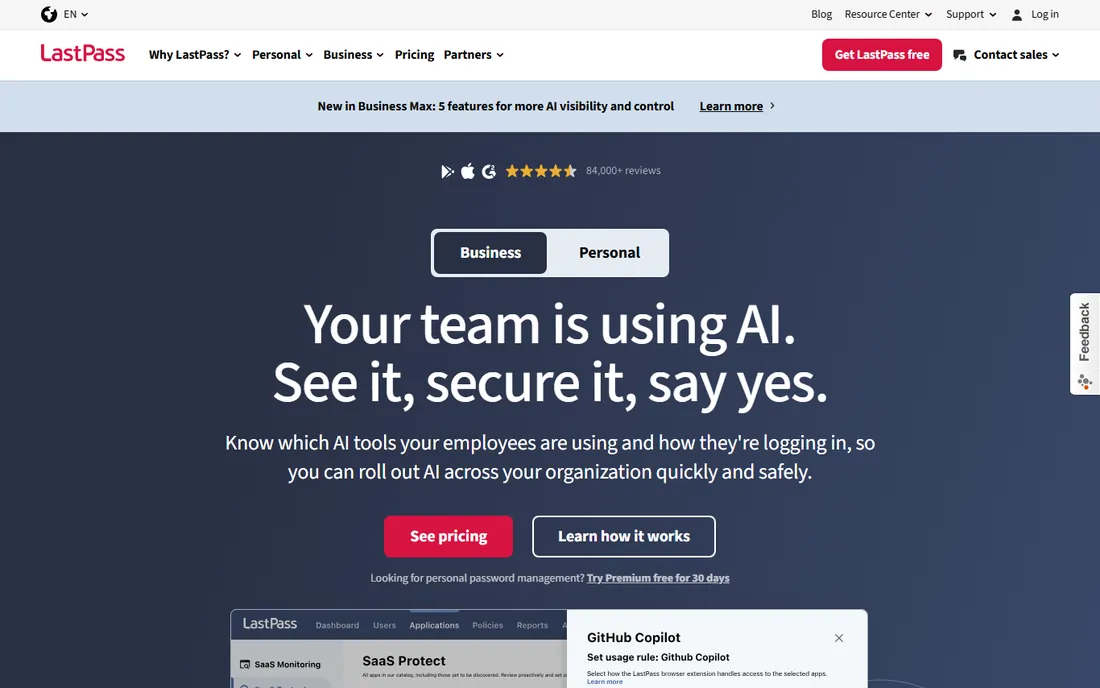
LastPass is the cautionary tale everyone else cites. It pioneered the consumer password manager, and millions of people still have their logins in it. Premium costs $3 per month on annual billing and covers unlimited devices, with family plans available. The apps work on every major platform and browser, emergency access is straightforward, and the onboarding flow is one of the friendliest for non-technical users.
The honest catch is trust. The 2022 breach, in which attackers accessed encrypted vault backups, damaged the company's reputation in a way discounts have not repaired. Since then, competitors with cleaner records charge the same or less: Bitwarden Premium is far cheaper, and Proton Pass Plus is $2.49 per month with a stronger privacy story. The free tier is also limited to one device type, phone or computer but not both. LastPass remains usable and familiar, but in 2026 it is hard to recommend over the alternatives unless you are already settled in and switching feels like more work than it is.
What we like- One of the most recognized brands in the category
- Wide platform and browser support
- Emergency access for trusted contacts
Watch out for- The 2022 security incident still shadows the brand
- The free tier covers only one device type
Starting price$2.49 per month (billed annually)
Free planYes
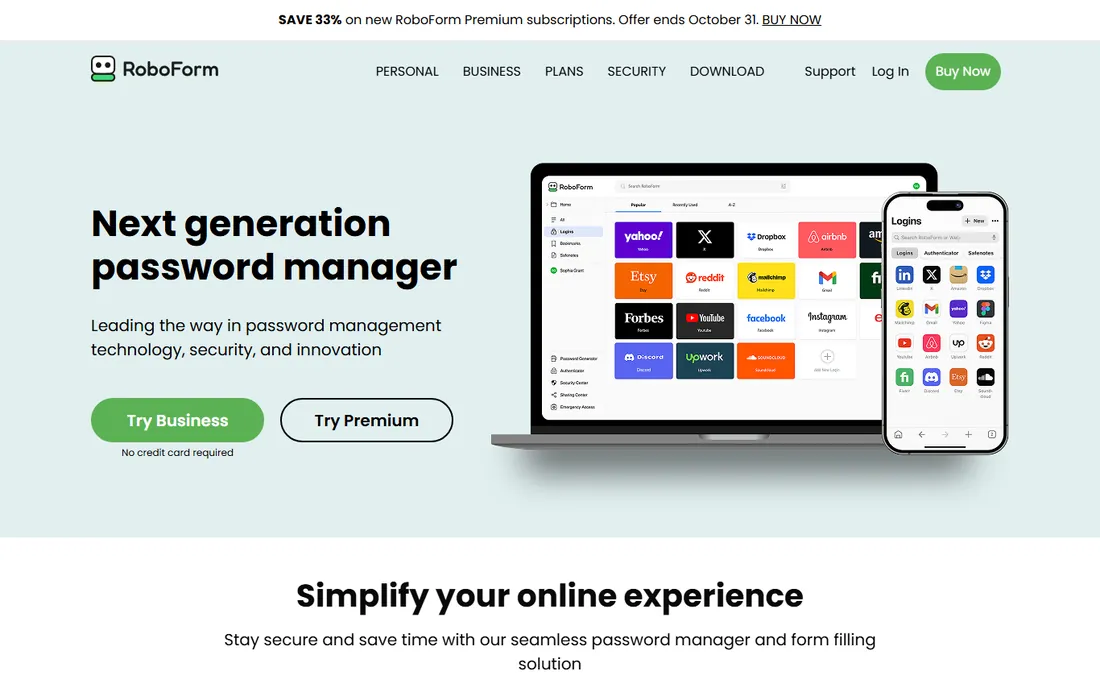
RoboForm has been around since 2000, and it shows in the best way and the worst way. The best way: its form filling is genuinely excellent, handling long registration forms and checkout pages that trip up newer tools, and it still supports older browsers that the bigger vendors quietly abandoned. The worst way: the apps look like they were designed a decade ago, and the whole experience feels utilitarian next to Dashlane or 1Password.
Everywhere, the paid plan, costs $2.49 per month on annual billing and adds sync across all devices, cloud backup and priority support. The free tier works on a single device, which is enough to test the form filling but not to live on. RoboForm suits a specific buyer: someone who fills in a lot of web forms, values function over fashion, and wants a small annual bill. Everyone else will find the interface a hard sell.
What we like- Excellent automatic form filling
- Supports browsers the bigger names dropped
- Affordable family pricing
Watch out for- The interface feels dated
- The free tier is limited to a single device
Starting price$1.99 per month (billed annually)
Free planYes
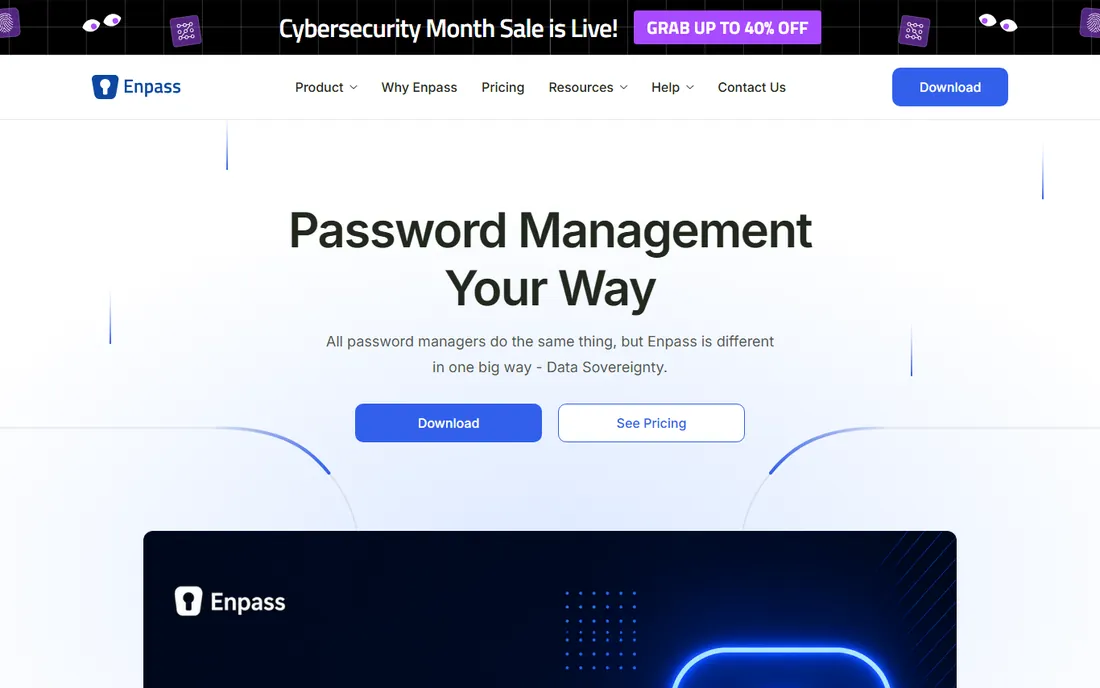
Enpass is the odd one out on this list: your encrypted vault lives wherever you put it, your own Dropbox, iCloud, Google Drive or WebDAV server, rather than on Enpass infrastructure. For buyers who are uncomfortable with a vendor holding even encrypted copies of their passwords, that architecture is the whole pitch. The desktop apps are strong, it works fully offline, and it supports passkeys and biometric sign-in across platforms.
The trade is convenience. Because there is no Enpass cloud, you set up sync yourself, and sharing a vault with a partner or colleague takes more steps than in 1Password or Bitwarden. Premium costs $1.99 per month on annual billing and adds unlimited items, multiple vaults and priority support, while the free tier caps you at 25 items. If you want a password manager with no vendor cloud in the middle, this is the most practical option. If you want zero setup friction, pick Bitwarden instead.
What we like- Your data syncs through your own cloud, not Enpass servers
- Works fully offline
- The free tier covers 25 items
Watch out for- Initial setup asks more of you than cloud-first rivals
- Sharing vaults is clunkier
How much should you pay for a password manager
The sweet spot for an individual in 2026 is $20 to $40 per year. That band covers Bitwarden Premium at $19.80, Proton Pass Plus at about $30 and Enpass at about $24, all of which give a single user everything they need. Paying more only makes sense for a specific reason: a family plan that covers five or six people, Travel Mode from 1Password, or a VPN bundle from Dashlane that replaces a separate subscription.
Start with the free tier before spending anything. Bitwarden and Proton Pass both offer free plans with unlimited devices and sync, which is enough to run your whole digital life. If you hit a wall, it will be a specific feature, an authenticator, breach monitoring, family sharing, and that tells you exactly which paid plan to buy. Never pay for a year upfront until you have used the app on every device you own for at least two weeks. A password manager that annoys you on your phone will not survive the year, whatever the discount.
How we chose
We did not run hands-on trials for this guide. We compared each vendor's current pricing pages and plan documentation, checked feature lists for cross-platform coverage (Windows, macOS, iOS, Android and browser extensions), and read public reviews on G2, Capterra and Reddit for recurring complaints about autofill, sync and support. We weighted three things above all: whether the free tier is actually usable across devices, whether the paid price matches the feature set, and whether the company's recent security history gives a buyer reason to trust it. Tools that only shine on one platform were cut, since the topic is cross-platform managers.
Frequently asked questions
Is a free password manager safe enough?
Yes, provided it comes from a reputable vendor with a real business model. Bitwarden and Proton Pass both use strong encryption on their free tiers, and both have been independently audited. The free plans limit advanced features, not security. What you should avoid is a free manager from an unknown company with no visible revenue, since you are trusting it with everything.
What happened with LastPass, and should I still use it?
In 2022, attackers accessed LastPass systems and obtained encrypted vault backups, forcing many users to change stored passwords. The company has since made security changes, and the product still works well. Whether you stay is a judgment call: rivals with cleaner recent records now cost the same or less, so new buyers have little reason to choose it.
Do password managers work when I am offline?
Most do, with limits. Apps like 1Password, Bitwarden and Enpass keep a local copy of your vault, so you can view and copy passwords without internet. Adding or editing entries usually syncs once you are back online. Browser-only setups are the exception, so install the desktop or mobile app if offline access matters to you.
What is the difference between a password manager and my browser's saved passwords?
Browser password storage is convenient but shallow: it lacks secure sharing, cross-browser portability, breach monitoring and strong generators. A dedicated manager works across all your browsers and devices, lets you share logins safely with family or colleagues, and warns you about reused or exposed passwords. If you use more than one browser or device, the dedicated tool is worth it.
Can I switch password managers later without losing everything?
Yes. Every tool on this list exports to CSV and imports from the common formats, so moving from one to another takes minutes once you know the steps. Export from the old vault, import into the new one, verify a few critical logins, then delete the old vault. Do the export on a trusted device and delete the CSV file afterward.
Sources we checked (13)
- https://bitwarden.com
- https://1password.com
- https://www.dashlane.com
- https://nordpass.com
- https://proton.me/pass
- https://www.keepersecurity.com
- https://lastpass.com/
- https://roboform.com
- https://enpass.io/
- https://security.org/password-manager/proton-pass/
- https://www.cyberinsider.com/password-manager/reviews/proton-pass/
- https://password-manager.cybernews.com/proton-pass-vs-1password/
- https://builtineu.eu/blog/proton-pass-review-2026
Is your product missing or out of date?
We review this list regularly. Vendors can request a listing, send updated pricing or ask about featured placement.

Shihab Mia · Founder, Rankite
Shihab has spent more than a decade helping SaaS and e-commerce brands grow through search. He writes Rankite's software buying guides from pricing pages, documentation and public user reviews. More about Shihab.