How we make this list: we compare pricing pages, product documentation and public user reviews. Rankite is independent; if a vendor ever pays for a featured spot, that listing is clearly labeled Partner.
Key takeaways
- Bitwarden is the best free password manager: unlimited passwords on unlimited devices at $0, with Premium at just $10/year.
- 1Password at $3.99/month and Dashlane at $4.99/month are the polished paid picks; 1Password suits teams, Dashlane bundles a VPN.
- Dashlane killed its free plan in September 2025, and LastPass still limits free users to one device type, so read the free-tier limits before committing.
- For small businesses, Keeper Business at $3.75 per user/month and Zoho Vault Standard at $1 per user/month are the value plays.
Quick comparison
| Tool | Best for | Starting price | Free plan |
|---|
 1Password 1Password | Teams that want polish and control | $3.99 per month (Individual, billed annually) | Free trial |
 Bitwarden Bitwarden | Free unlimited passwords and open source | $10 per year (Premium) | Yes |
 Dashlane Dashlane | VPN bundle and phishing alerts | $4.99 per month (Premium, billed annually) | Free trial |
 NordPass NordPass | Value pick for individuals | $1.99 per month (Premium, 1-year plan) | Yes |
 Keeper Keeper | Compliance-heavy businesses | $2.92 per month (Personal, billed annually) | Yes |
 LastPass LastPass | Familiar pick with a free tier | $3 per month (Premium, billed annually) | Yes |
 RoboForm RoboForm | Cheap unlimited-device plans | $2.49 per month (Premium, billed annually) | Yes |
 Proton Pass Proton Pass | Privacy fans and alias lovers | $2.49 per month (Pass Plus, billed annually) | Yes |
 Enpass Enpass | One-time license and own-cloud sync | $1.99 per month (Premium, billed annually) | Yes |
 Zoho Vault Zoho Vault | Zoho shops and tiny team budgets | $1 per user/month (Standard, billed monthly) | Yes |
Is your product missing or out of date?
We review this list regularly. Vendors can request a listing, send updated pricing or ask about featured placement.
The best password manager software
Starting price$3.99 per month (Individual, billed annually)
Free planFree trial
1Password is the premium answer to the password management question. The apps are the smoothest to use across Windows, Mac, mobile, and browsers, and the unique Secret Key (a 128-bit code stored on your devices) adds a layer of account protection most rivals skip. Watchtower flags weak, reused, and breached passwords without selling it as an add-on.
Pricing is annual billing: Individual at $3.99 per month, Families at $5.99 per month for 5 users, Business at $7.99 per user per month. A 14-day free trial covers evaluation, but there is no permanent free tier, which is the main reason budget buyers look elsewhere. New customers sometimes get a first-year promotional rate.
The catch is cost at scale. Business at $7.99 per seat is the priciest mainstream team plan here, and the Families cap of 5 users is tighter than Bitwarden's 6 or Dashlane's 10. Teams that value the polished admin experience will pay it gladly; everyone else should run the numbers.
What we like- Most polished apps in the category
- Secret Key adds account protection
- Strong business features with SSO and audit logs
Watch out for- No free tier at any level
- Families plan covers only 5 users
Starting price$10 per year (Premium)
Free planYes
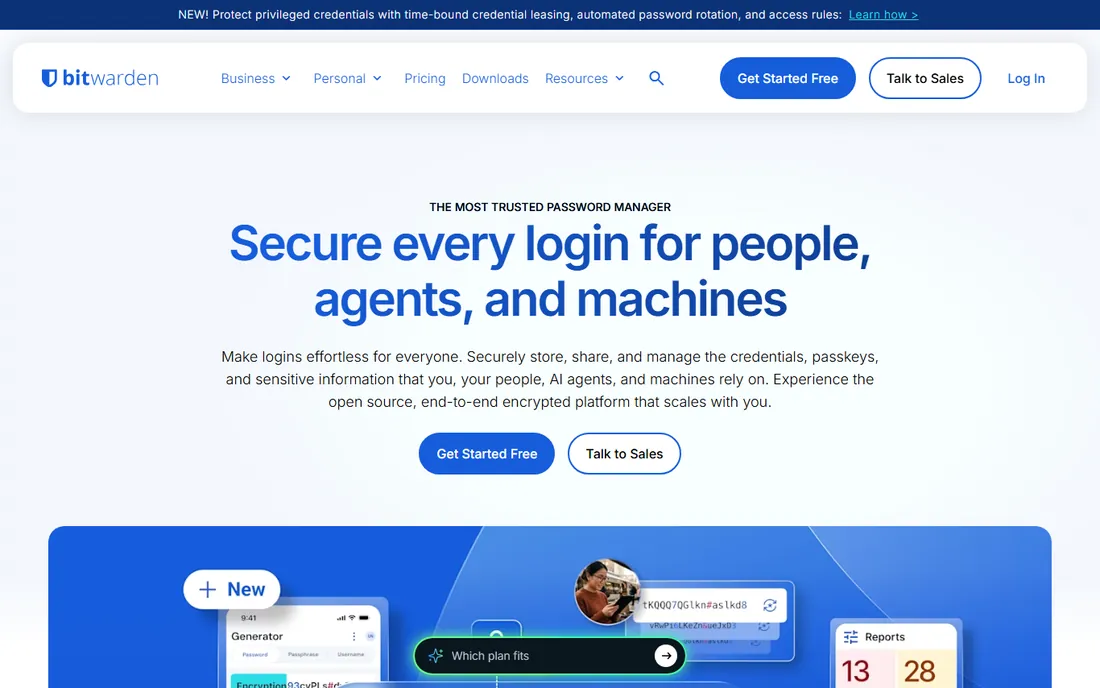
If the question is what is the best password manager app for the money, Bitwarden wins the value argument. The free tier includes unlimited passwords, unlimited devices, and passkey support forever, with no payment required. That is not a trial or a teaser; it is the full core product.
Premium costs $10 per year and adds a TOTP authenticator, 1 GB of encrypted file storage, emergency access, and health reports. Families is $40 per year for 6 users. Business tiers run $4 and $6 per user per month for Teams and Enterprise. The code is open source, the audits are public, and you can self-host the server if you want full control.
Bitwarden's weakness is polish. The apps work well but feel utilitarian next to 1Password, and free users get email support only. For most buyers, though, those are aesthetic complaints about software that costs nothing.
What we like- Free tier has unlimited passwords on unlimited devices
- Open source and independently audited
- Self-hosting option
Watch out for- Interface is less polished than 1Password or Dashlane
- Support is email-only for free users
Starting price$4.99 per month (Premium, billed annually)
Free planFree trial
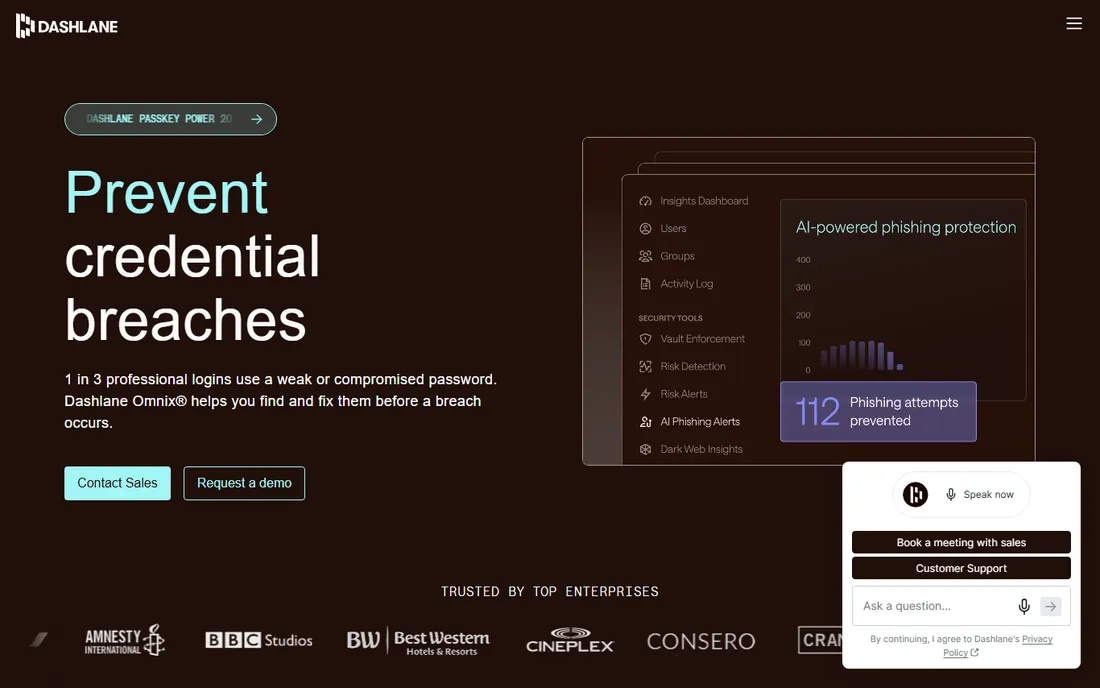
Dashlane pitches itself as more than a password vault. Premium at $4.99 per month includes unlimited passwords on unlimited devices, dark web monitoring, and a bundled Hotspot Shield VPN, which would cost $5 to $10 per month on its own. The 2026 Omnix tier adds AI-driven phishing protection for businesses.
The big change to know: Dashlane retired its free plan in September 2025. New users now get a Premium trial and must pay to continue. Friends and Family at $7.49 per month covers 10 users, which is generous. Business pricing spans roughly $4 to $8 per user per month depending on tier.
Dashlane makes sense if you would buy a VPN anyway. If you would not, Bitwarden or NordPass deliver the password half cheaper. Also note there is no monthly billing on personal plans; Premium commits you to a full year upfront.
What we like- Bundled Hotspot Shield VPN
- Real-time phishing alerts
- Strong dark web monitoring
Watch out for- Free plan discontinued in September 2025
- No monthly billing option on personal plans
Starting price$1.99 per month (Premium, 1-year plan)
Free planYes
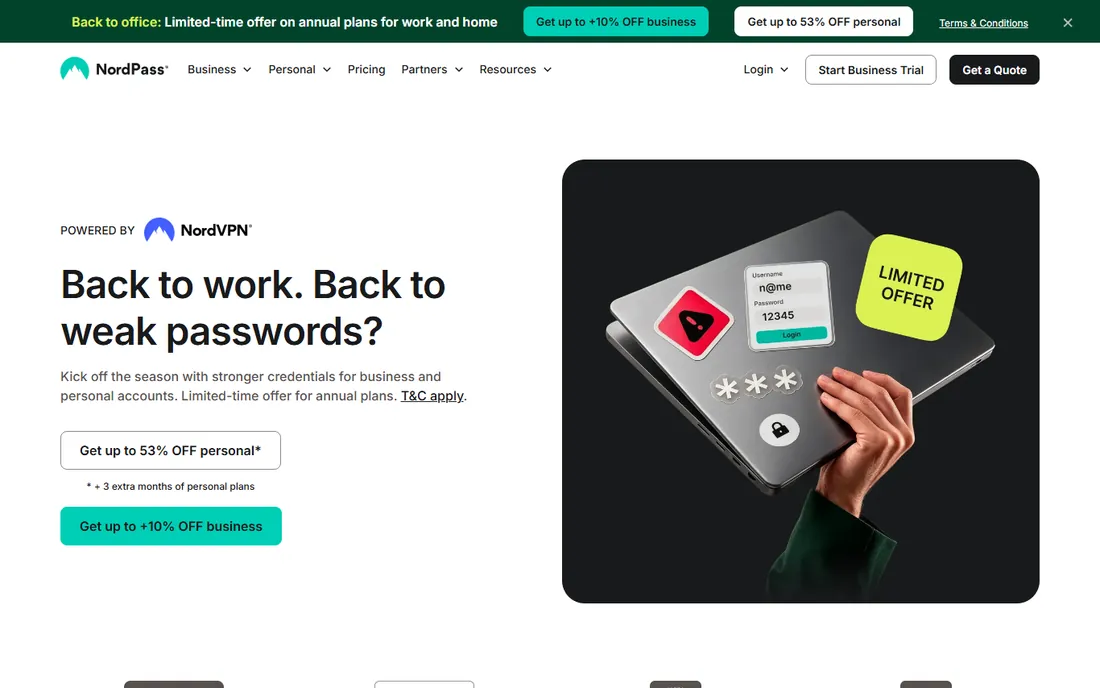
NordPass is the best password protection app for buyers who want modern apps at a low price. It uses XChaCha20 encryption, supports passkeys, and includes email masking and a data breach scanner on paid plans. The design is closer to 1Password's polish than Bitwarden's utilitarianism.
Premium costs $1.99 per month on the one-year plan, with deeper discounts on two-year terms. Family at $3.69 per month covers 6 vaults. The free tier includes unlimited passwords but only one active device at a time, which makes it a trial in practice. NordVPN Plus, Complete, and Prime subscribers get NordPass Premium included.
Watch renewal pricing. Like most Nord products, the first-term discount is steep and the renewal is not. Set a reminder before the term ends, and the value story stays strong.
What we like- Clean modern apps with XChaCha20 encryption
- Among the cheapest paid plans
- Included free with NordVPN Plus
Watch out for- Free tier limited to one active device at a time
- Renewal prices jump above first-year promos
Starting price$2.92 per month (Personal, billed annually)
Free planYes
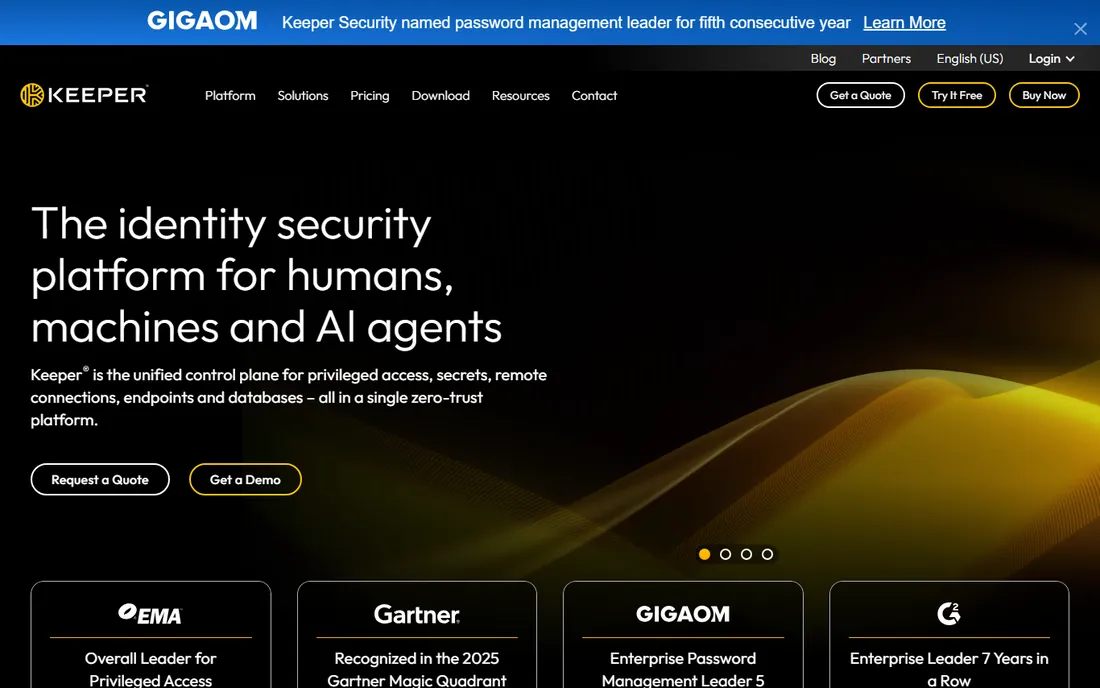
Keeper is the password manager that compliance officers pick. FedRAMP authorization, FIPS 140-2 validation, SOC 2, and ISO 27001 make it the default for government-adjacent and regulated industries, and KeeperPAM extends it into privileged access management. Business at $3.75 per user per month is less than half of 1Password's per-seat price, and every business user gets a free family plan.
Personal plans start at $2.92 per month ($34.99 per year), with Family covering 5 vaults. The free tier exists but is narrow: 10 records on one mobile device. Keeper offers 50% off for students and 30% off for military and medical workers.
The nickel-and-diming is real. BreachWatch dark web monitoring costs $19.99 per year extra, and secure file storage is a separate add-on. Budget the add-ons before comparing prices, since 1Password and Dashlane include equivalents.
What we like- FedRAMP and FIPS compliance
- KeeperPAM for privileged access
- Business plan includes free family plans for employees
Watch out for- Dark web monitoring is a paid add-on
- Free tier is limited to 10 records on one mobile device
Starting price$3 per month (Premium, billed annually)
Free planYes
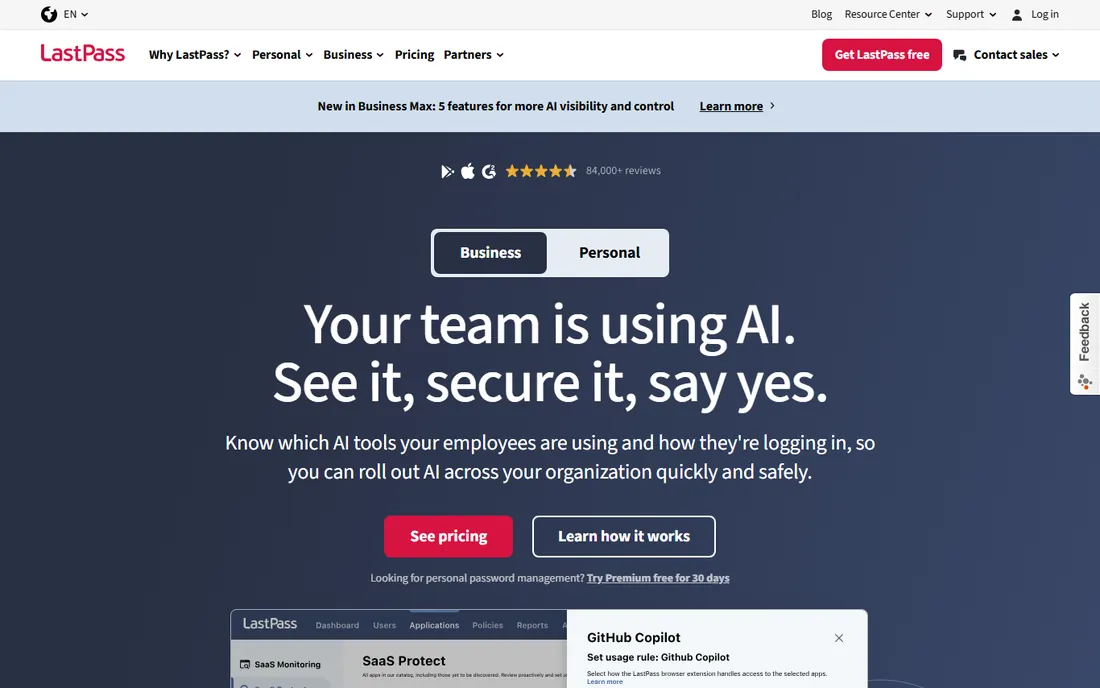
LastPass is the name most non-technical buyers recognize. The free tier stores unlimited passwords with autofill and dark web monitoring, and Premium at $3 per month adds unlimited devices, 1 GB of encrypted storage, and emergency access. Families at $4 per month covers 6 users, one of the best family values in the category. Teams starts at $4 per user per month.
The free tier's device-type limit matters: mobile or desktop, not both. Most people need both, which pushes them to Premium. The harder issue is history. The December 2022 breach exposed encrypted vaults, and security-conscious buyers have not forgotten. LastPass says it rebuilt its security infrastructure since, but trust recovers slowly.
If your team already uses LastPass and is happy, switching costs are real. If you are choosing fresh, Bitwarden and Proton Pass offer similar free tiers with cleaner recent security records.
What we like- Well-known interface millions already use
- Free tier stores unlimited passwords
- Families at $4 per month is strong value
Watch out for- Free tier limited to one device type
- The 2022 breach still affects trust
Starting price$2.49 per month (Premium, billed annually)
Free planYes
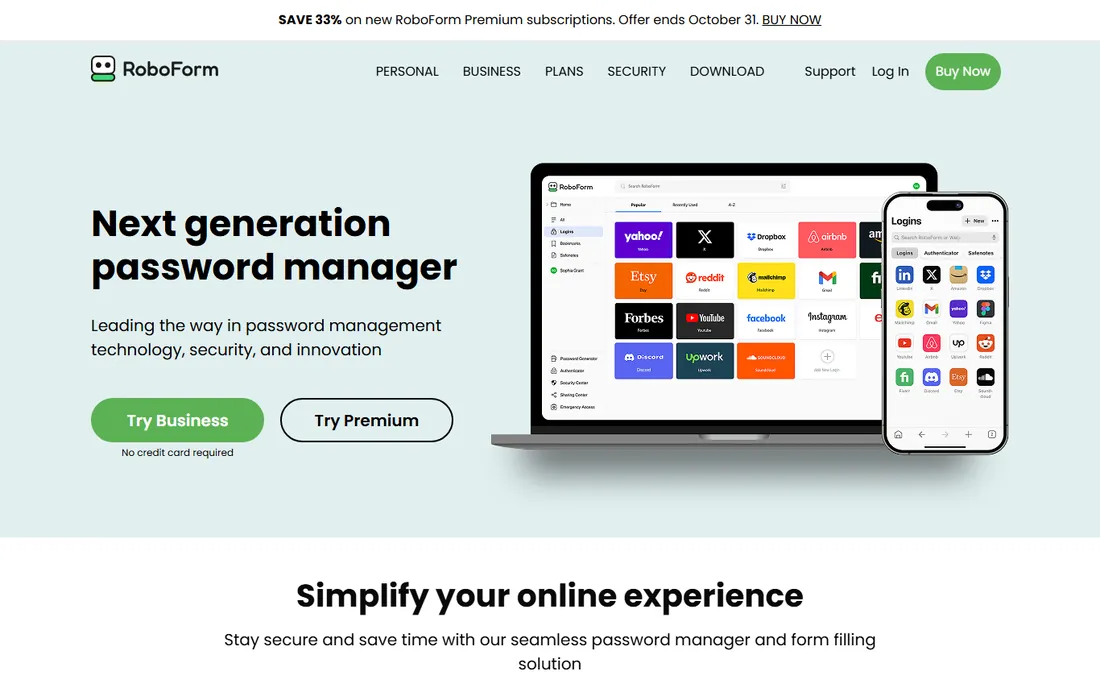
RoboForm has been filling forms since before password managers were a category, and it still does it better than almost anyone. Premium at $2.49 per month billed annually ($29.88 per year, with first-year promos cheaper) covers unlimited devices, cloud sync, secure sharing, emergency access, and a built-in TOTP authenticator. Family at $3.98 per month covers 5 premium accounts. The free tier stores unlimited passwords but only on one device with no sync.
RoboForm Everywhere's price undercuts nearly everything here, and the feature list is complete: breach monitoring, passwordless sign-in, advanced 2FA options, plus 24/7 priority support. Business plans start at $39.95 per user per year with admin controls and SSO.
The trade is the look. The apps work fine but feel a generation behind 1Password and NordPass. If you care about price per feature more than aesthetics, RoboForm is hard to beat.
What we like- Cheapest unlimited-device plans
- Excellent form filling
- 24/7 priority support on paid plans
Watch out for- Interface looks dated
- Free tier limited to one device without sync
Starting price$2.49 per month (Pass Plus, billed annually)
Free planYes
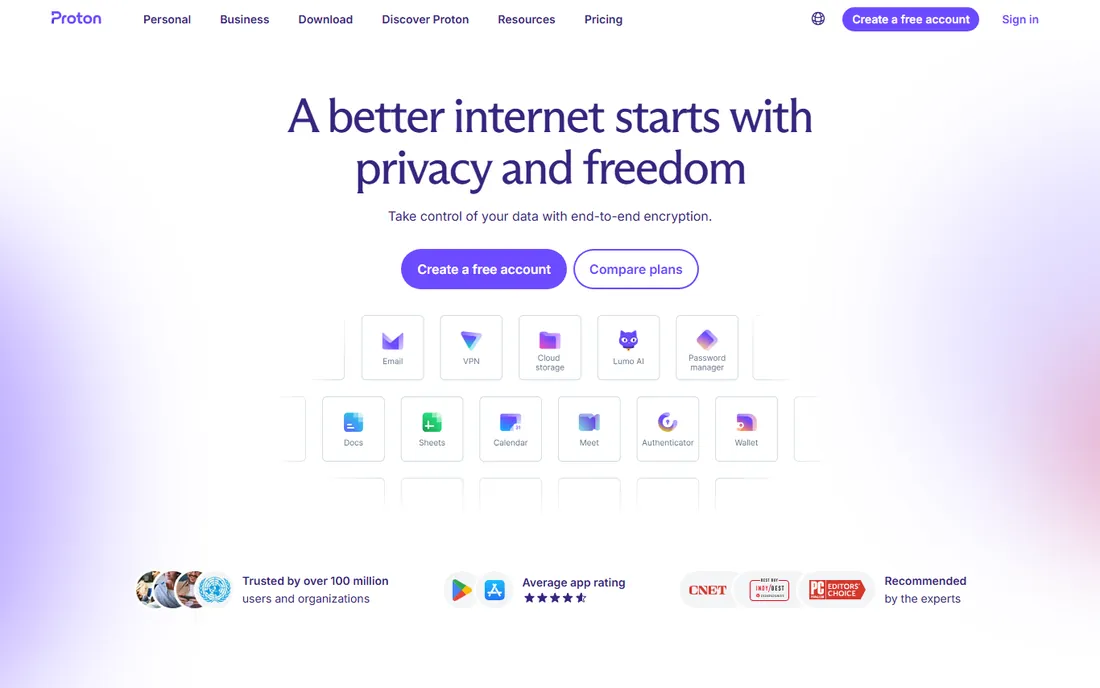
Proton Pass is the privacy purist's pick. It is open source, based in Switzerland, and the free tier is genuinely usable: unlimited passwords, unlimited devices, passkey support, and 10 hide-my-email aliases. That last feature is the standout: generate a unique email alias for every signup so no site ever sees your real address.
Pass Plus at $2.49 per month billed annually adds unlimited aliases, a built-in 2FA authenticator, dark web monitoring, and secure sharing. Pass Family at $4.19 per month covers 6 users. Proton Unlimited at $9.99 per month bundles Pass with Mail, VPN, Drive, and Calendar, which is excellent value if you use the ecosystem.
Proton Pass launched in 2023, so some advanced features like travel mode and fine-grained enterprise controls are still catching up. The apps are browser-extension-first on desktop. For personal privacy, it is one of the strongest options available.
What we like- Generous free tier with unlimited passwords and devices
- Unlimited hide-my-email aliases on paid plans
- Swiss jurisdiction and open source
Watch out for- Younger product with fewer advanced features
- No standalone desktop app yet
Starting price$1.99 per month (Premium, billed annually)
Free planYes
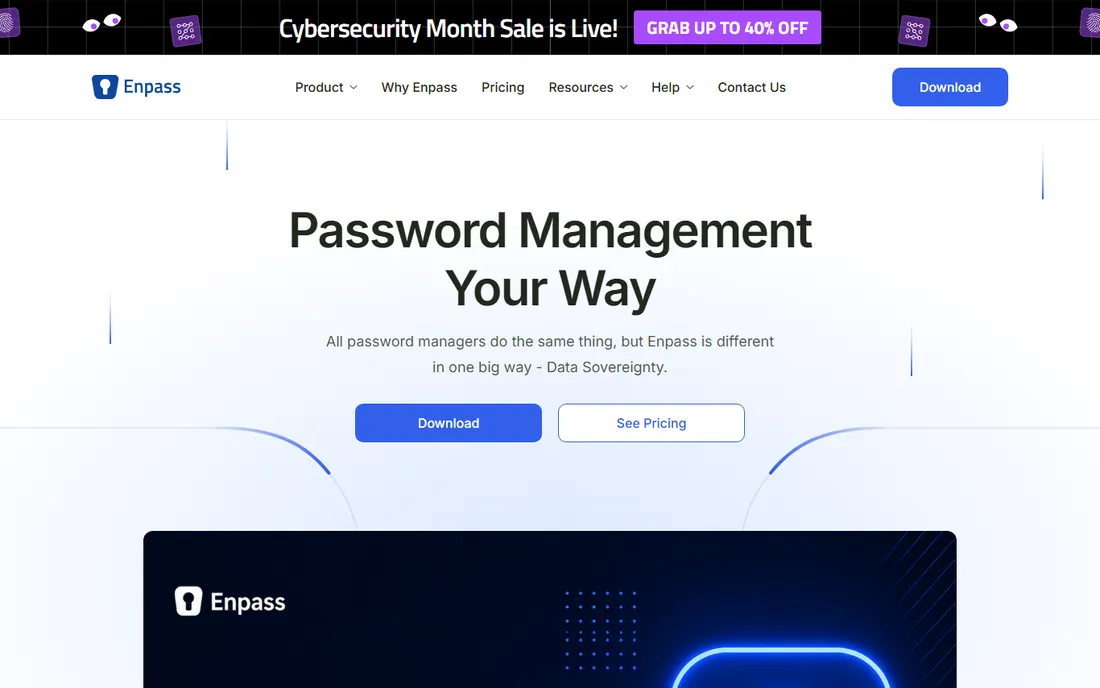
Enpass takes a different approach to where your vault lives. Instead of storing it on company servers, Enpass syncs through your own cloud: Google Drive, Dropbox, iCloud, OneDrive, Nextcloud, or local Wi-Fi. Your data never sits on Enpass infrastructure, which removes an entire class of breach risk.
Premium costs $1.99 per month billed annually ($23.99 per year), Family $3.99 per month for 6 users, and a one-time lifetime license sells for $99.99. The free plan is unlimited on desktop but caps mobile at 25 items, so most phone users will pay. Business Standard at $1.99 per user per month is among the cheapest team options.
The catch is setup effort. Choosing and connecting your own sync service is more work than signing into a cloud account, and troubleshooting sync falls partly on you. For buyers who want data sovereignty, that trade is the point.
What we like- Data stays on your own cloud or device, not Enpass servers
- One-time lifetime license available
- Strong offline support
Watch out for- Free mobile plan caps at 25 items
- Sync setup is more work than cloud-native rivals
#10
Zoho Vault
Best for: Zoho shops and tiny team budgets
Visit zoho.com
Starting price$1 per user/month (Standard, billed monthly)
Free planYes
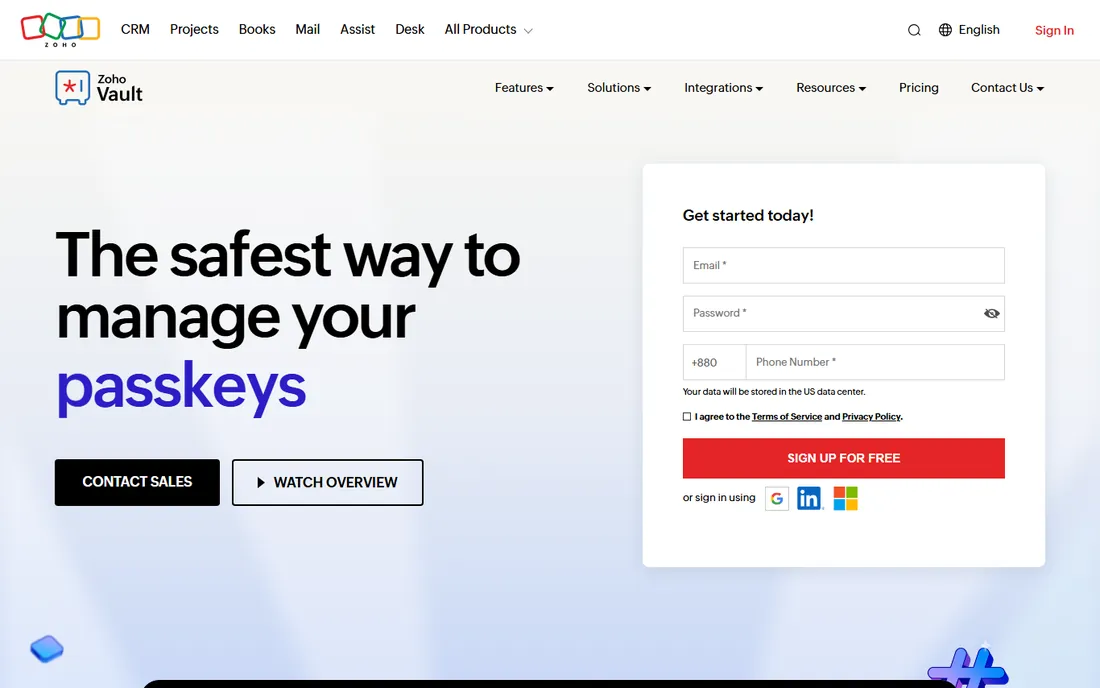
Zoho Vault is the budget champion for teams already in the Zoho ecosystem. The free edition gives individuals unlimited passwords across all devices with 2FA and offline access. Standard at $1 per user per month ($0.90 annual) adds secure sharing, an admin panel, and Google Workspace and Microsoft 365 integration. Professional at $4 per user per month adds groups and audit logs.
For a five-person team, Vault costs about $5 per month where 1Password Business would cost $40. The 15-day free trial covers all paid tiers with no credit card. Integrations with Zoho Mail, Desk, and Projects make it a natural fit for Zoho shops.
The limits are ecosystem depth and minimums. Professional and Enterprise need at least 5 users, and third-party integrations lag behind 1Password or Bitwarden. If you live in Zoho, those matter less.
What we like- Free for individuals with unlimited passwords
- Standard at $1 per user/month is the cheapest team plan
- Deep Zoho ecosystem integration
Watch out for- Professional and Enterprise require 5-user minimums
- Fewer third-party integrations than mainstream rivals
How we chose
We verified every product is still sold in 2026 and read each vendor's own pricing page, since this category changes prices and free tiers frequently. Prices above come from vendor pages and current 2026 reviews, with promotional first-year rates noted where they differ from renewals. Public reviews on G2, Capterra, and Reddit shaped the pros and cons, and we weighted real buyer factors like free-tier limits, per-seat pricing, compliance certifications, and data storage models. No hands-on testing was done.
What to check before you buy a password manager
Read the free tier limits first, because they vary wildly. Bitwarden and Proton Pass give you unlimited passwords on unlimited devices for free. LastPass and NordPass restrict free users to one device or device type. Dashlane has no free tier at all since September 2025. If a free plan is your strategy, the fine print decides.
For teams, check per-seat math and minimums. Zoho Vault's $1 per user per month looks unbeatable until you see Professional needs 5 users. 1Password's Teams Starter Pack caps at 10 users before Business pricing kicks in. Bitwarden Teams at $4 per user per month and Keeper Business at $3.75 per user per month are the mid-range benchmarks.
Think about where your vault lives and who can see it. Most managers store encrypted vaults on company servers with zero-knowledge architecture. Enpass and Bitwarden's self-hosting option keep data on infrastructure you control. If compliance or privacy law shapes your choice, certifications like Keeper's FedRAMP or Proton's Swiss jurisdiction matter more than feature lists.
Free vs paid: the real trade-offs
The free tier in password management is good enough that many people never pay. Bitwarden, Proton Pass, and Zoho Vault all store unlimited passwords across all devices for free, which covers the core job completely. Paying buys extras: authenticator apps, breach monitoring, file storage, emergency access, and sharing.
The paid plans cluster between $2 and $5 per month for individuals. NordPass at $1.99 and Enpass at $1.99 per month undercut 1Password at $3.99 and Dashlane at $4.99, with Bitwarden Premium at $10 per year undercutting everyone. For individuals, the differences are features and polish, not security; every tool here uses strong encryption with a zero-knowledge design.
For families and teams, do the per-person math. Dashlane's 10-user family plan at $7.49 per month beats 1Password's 5-user plan at $5.99 on headcount. For businesses, Zoho Vault and Keeper win on price, 1Password wins on admin polish, and Bitwarden wins on open-source transparency. Pick the axis your company cares about.
Frequently asked questions
What is the best free password manager?
Bitwarden has the best free tier: unlimited passwords, unlimited devices, and passkey support at no cost. Proton Pass is a close second with unlimited devices and 10 email aliases. Zoho Vault also gives individuals unlimited passwords for free.
Are password managers safe?
Yes. The reputable managers here use AES-256 encryption with a zero-knowledge design, meaning the vendor cannot read your vault even if their servers are breached. Your main job is choosing a strong master password and turning on two-factor authentication.
What happened with the LastPass breach?
In December 2022, LastPass disclosed that attackers stole encrypted password vaults along with unencrypted metadata like website URLs. Users with strong master passwords were largely protected, but the incident damaged trust. LastPass says it has since rebuilt its security infrastructure.
Should I use my browser's built-in password manager?
Browser managers from Chrome, Safari, and Edge are better than reusing passwords, but dedicated managers do more: cross-browser sync, secure sharing, breach monitoring, and emergency access. If all your passwords live in one browser, switching devices or browsers gets painful.
How do I switch password managers?
Export your vault from the old manager as a CSV, import it into the new one, then delete the export file securely. Every tool on this list supports import from the others. After importing, verify a few logins work, turn on two-factor authentication, and set up emergency access.
Sources we checked (17)
- https://1password.com
- https://toolradar.com/tools/1password/pricing
- https://bitwarden.com
- https://www.saasworthy.com/product/zoho-vault/pricing
- https://www.dashlane.com
- https://nubiapage.com/dashlane-review-2026-login-extension-pricing-careers-app/
- https://nordpass.com
- https://password-manager.cybernews.com/nordpass-review/nordpass-pricing/
- https://www.keepersecurity.com
- https://www.techradar.com/versus/1password-vs-keeper
- https://lastpass.com/
- https://costbench.com/software/password-management/lastpass/
- https://roboform.com/
- https://proton.me
- https://cyberinsider.com/password-manager/reviews/proton-pass/
- https://enpass.io/
- https://www.zoho.com/vault/
Is your product missing or out of date?
We review this list regularly. Vendors can request a listing, send updated pricing or ask about featured placement.

Shihab Mia · Founder, Rankite
Shihab has spent more than a decade helping SaaS and e-commerce brands grow through search. He writes Rankite's software buying guides from pricing pages, documentation and public user reviews. More about Shihab.