How we make this list: we compare pricing pages, product documentation and public user reviews. Rankite is independent; if a vendor ever pays for a featured spot, that listing is clearly labeled Partner.
Key takeaways
- Canva and Adobe Express are the best all-rounders, combining collage layouts with full design tools on generous free plans.
- BeFunky, Fotor and FotoJet are dedicated collage and photo editing tools that stay simple.
- PicCollage and PhotoGrid lead on mobile, for collages made on the phone.
- Picsart adds AI creative tools for users who want more than layouts.
- piZap is the quick free option for casual collages without an account.
Collage maker software arranges photos into grids, freestyle layouts and social-ready graphics. Some are full design platforms where collage is one feature; others do collages and little else. Match the tool to whether you collage occasionally or design daily.
Quick comparison
| Tool | Best for | Starting price | Free plan |
|---|
 Canva Canva | Best all-round design with collages | See website | Yes |
 Adobe Express Adobe Express | Adobe-quality quick design | See website | Yes |
 BeFunky BeFunky | Dedicated collage maker | See website | Yes |
 Fotor Fotor | Collage plus photo editing | See website | Yes |
 FotoJet FotoJet | Simple online collages | See website | Yes |
 PicCollage PicCollage | Mobile collages | See website | Yes |
 PhotoGrid PhotoGrid | Mobile collage and AI editing | See website | Yes |
 Picsart Picsart | AI creative platform | See website | Yes |
 piZap piZap | Quick free collages | See website | Yes |
Is your product missing or out of date?
We review this list regularly. Vendors can request a listing, send updated pricing or ask about featured placement.
The best collage maker software
Starting priceSee website
Free planYes
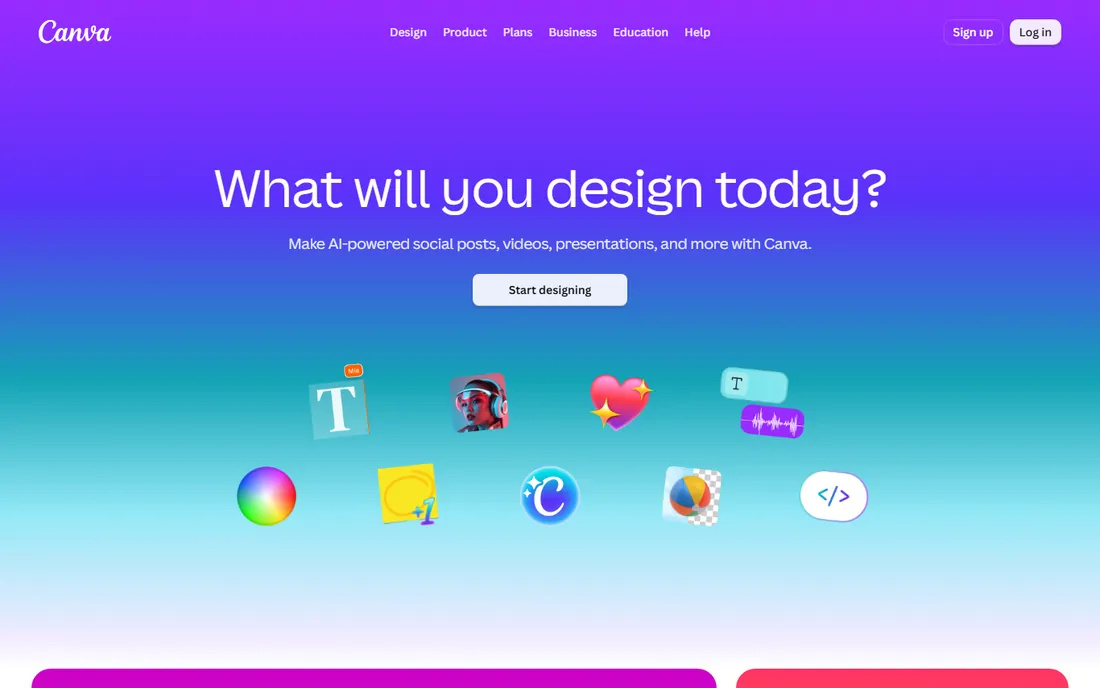
Canva's collage templates are just the start: grids, photo books, social posts and presentations all live in one editor with drag-and-drop simplicity. The free plan covers most casual collage needs.
Heavy users hit stock photo and background-remover paywalls. For collages inside broader design work, nothing matches the template depth.
Canva users should build a brand kit early: colors, fonts and logos saved once, applied everywhere. The template search rewards specific keywords, so describe the use case precisely. Download print projects as PDF print quality, not the default.
What we like- Huge template library
- Generous free plan
- Collage plus full design suite
Watch out for- Free stock limits
- Advanced features need Pro
Starting priceSee website
Free planYes
Adobe Express brings Adobe's fonts, stock and polish to quick collage and social design. Templates resize across formats, and the free plan handles everyday needs.
Template variety trails Canva. Users already in Adobe's world get the most value from the integration.
Adobe Express users in the Adobe ecosystem should connect their Creative Cloud libraries for smooth asset sharing. The quick-action tools handle background removal and resizing well. It is the fastest path from idea to social post.
What we like- Adobe fonts and stock
- Quick social-size collages
- Free tier solid
Watch out for- Less template depth than Canva
- Adobe ecosystem upsells
Starting priceSee website
Free planYes
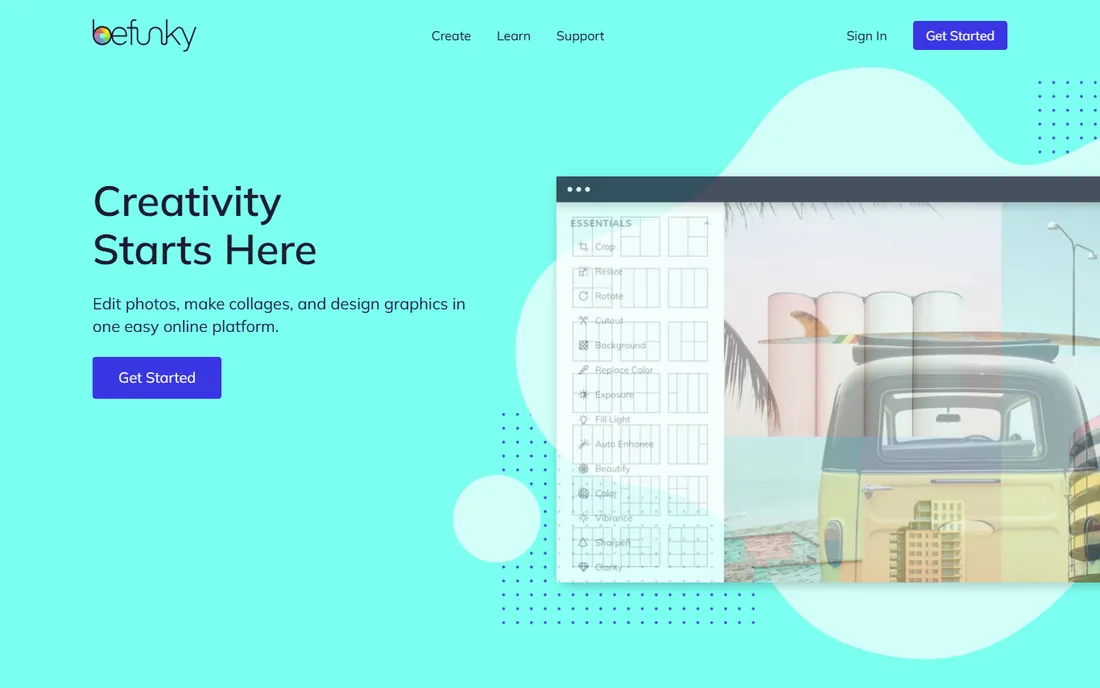
BeFunky has made collages its core for years: grid layouts, funky templates and a capable photo editor in one browser tab. Beginners get good results fast.
The design feels older than Canva or Express. For a dedicated, no-fuss collage tool, it remains reliable.
BeFunky users should start from the collage wizard rather than a blank canvas; the layouts do the design work. The photo editor handles touch-ups before collaging. Batch processing saves real time for sellers with many products.
What we like- Collage-first tool
- Easy layouts
- Photo editor included
Watch out for- Dated interface
- Premium needed for best features
Starting priceSee website
Free planYes
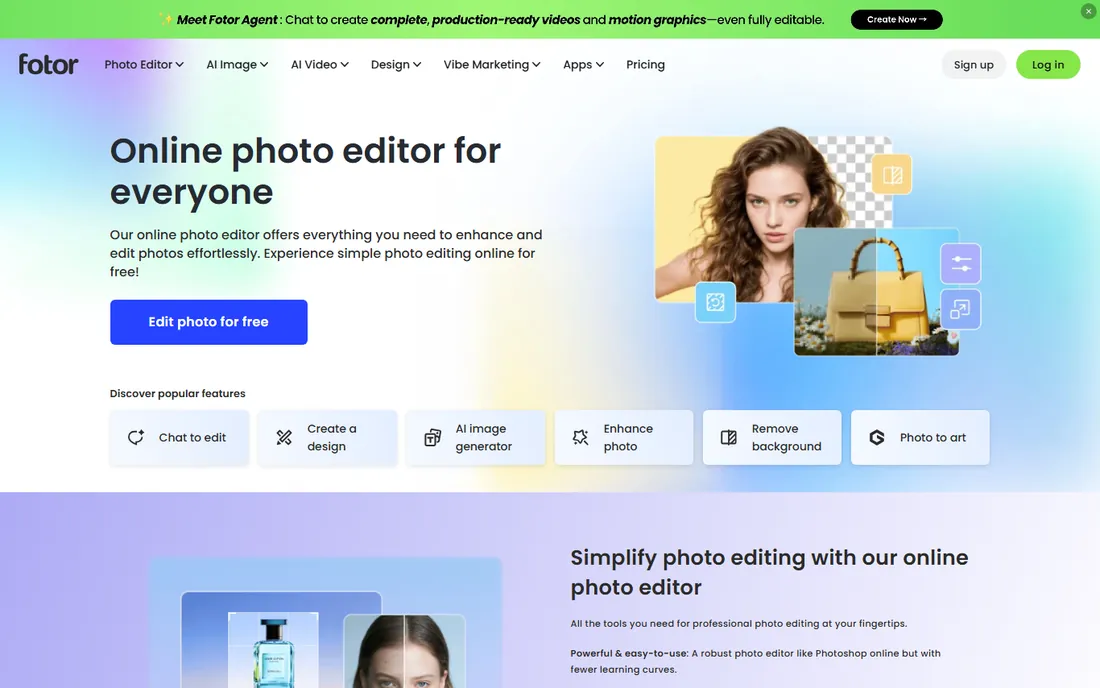
Fotor combines collage layouts with photo editing and newer AI tools: enhancement, background removal and object erasing. Batch collage creation suits sellers and marketers.
Free users navigate ads and upgrade prompts. As an all-in-one browser editor with collage strengths, it is versatile.
Fotor users should try the AI tools on a copy of their photos first; enhancement results vary. The collage templates cover the common layouts well. Free users get solid value if they tolerate the upsells.
What we like- Collage maker plus AI photo tools
- Batch processing
- Free tier usable
Watch out for- Ads and upsells on free plan
- Interface busy
Starting priceSee website
Free planYes
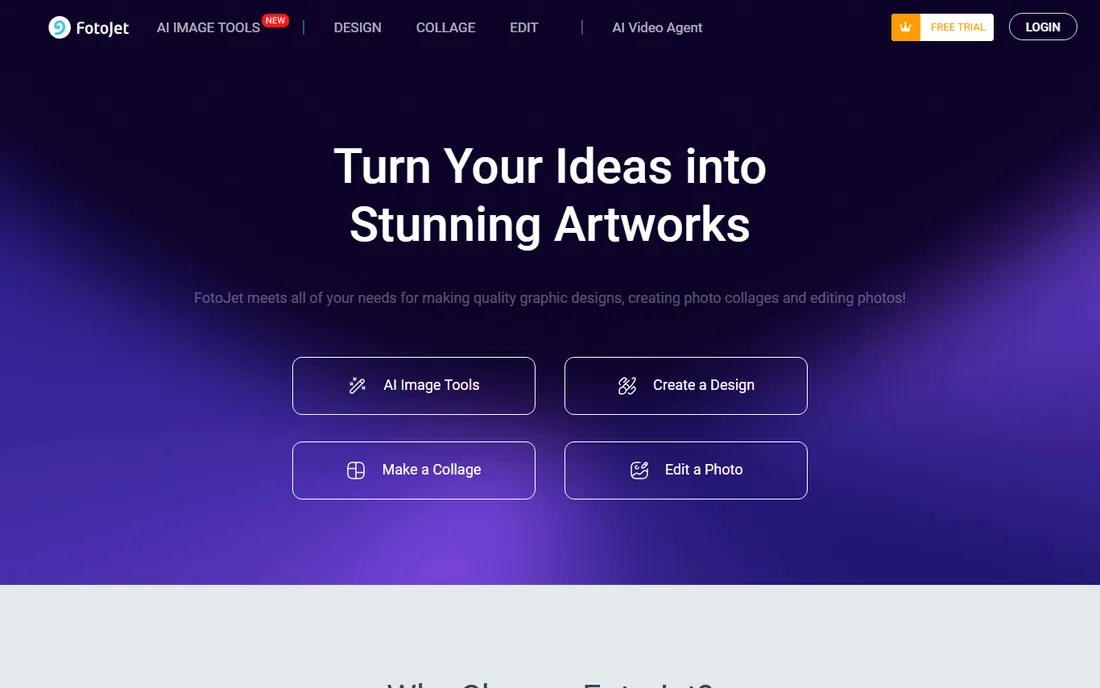
FotoJet does online collages without ceremony: pick a layout, drop in photos, download. The learning curve is essentially zero.
Template depth is modest next to Canva. For quick collages without signing up, the simplicity wins.
FotoJet users wanting speed should bookmark the collage maker directly and skip the homepage tour. The no-account start is ideal for one-off projects. For repeated work, the premium templates save design time.
What we like- Straightforward collage grids
- No account needed to start
- Quick results
Watch out for- Smaller template set
- Premium for full access
Starting priceSee website
Free planYes
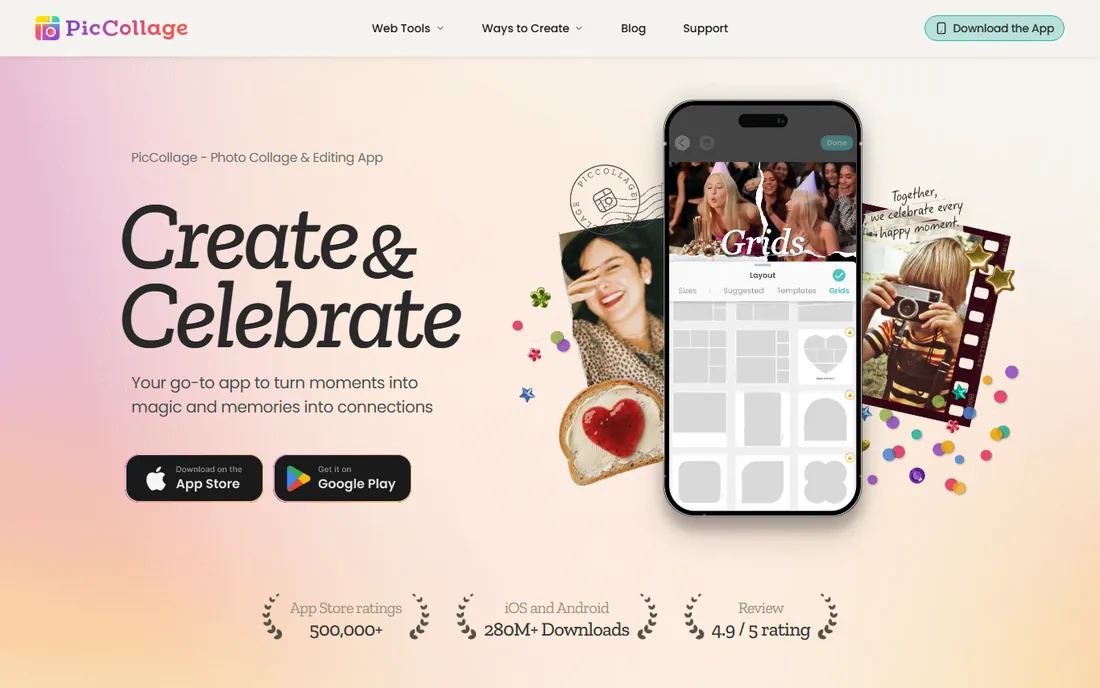
PicCollage is built for phones: freestyle photo arrangements, stickers, backgrounds and greeting-card formats, all touch-optimized. Social sharing is one tap.
Free exports carry watermarks, removable via subscription. For mobile-first collage makers, it is the most fun option.
PicCollage mobile users should allow photo library access for the smoothest experience. The freestyle mode rewards experimentation; the grid mode rewards speed. Share directly to social apps to preserve quality.
What we like- Excellent mobile app
- Freestyle collages
- Greeting card formats
Watch out for- Watermarks on free exports
- Desktop experience thinner
Starting priceSee website
Free planYes
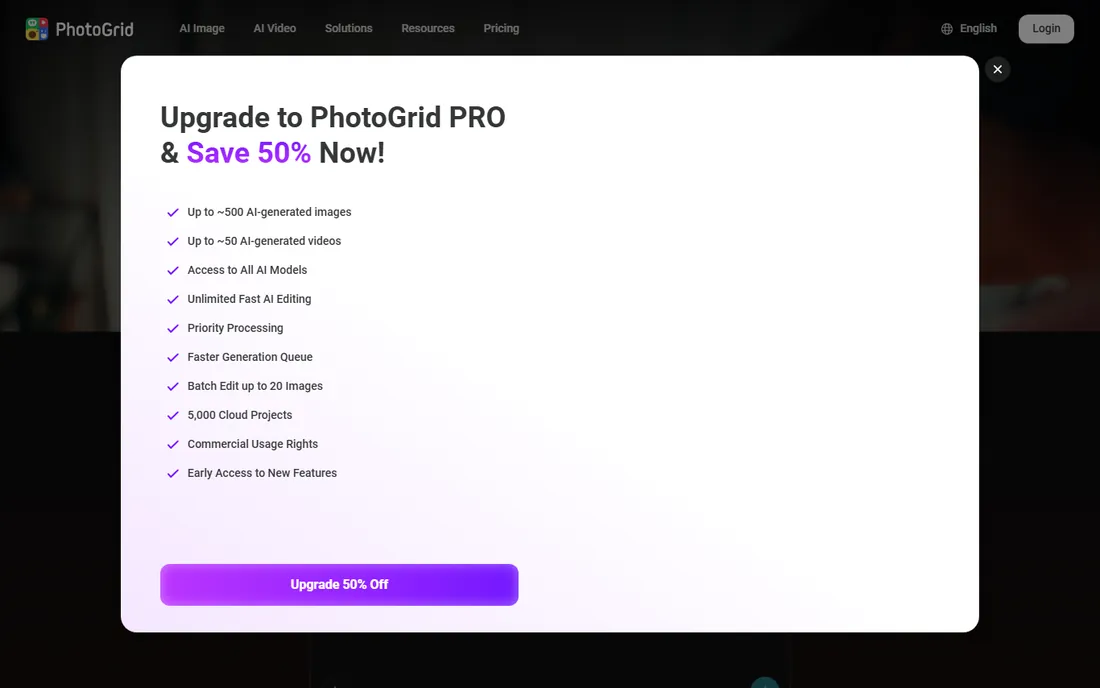
PhotoGrid pairs classic collage grids with AI editing: enhancement, filters and video collage on mobile. The grid templates are plentiful and stylish.
Premium features need the subscription. Mobile users who collage often get a polished, regularly updated app.
PhotoGrid users should explore the video collage feature; it differentiates the app from static competitors. The AI enhancement improves phone photos noticeably. Regular updates keep the template library fresh.
What we like- Strong mobile collage grids
- AI photo tools
- Video collages
Watch out for- Subscription for premium features
- Android/iOS focus
Starting priceSee website
Free planYes
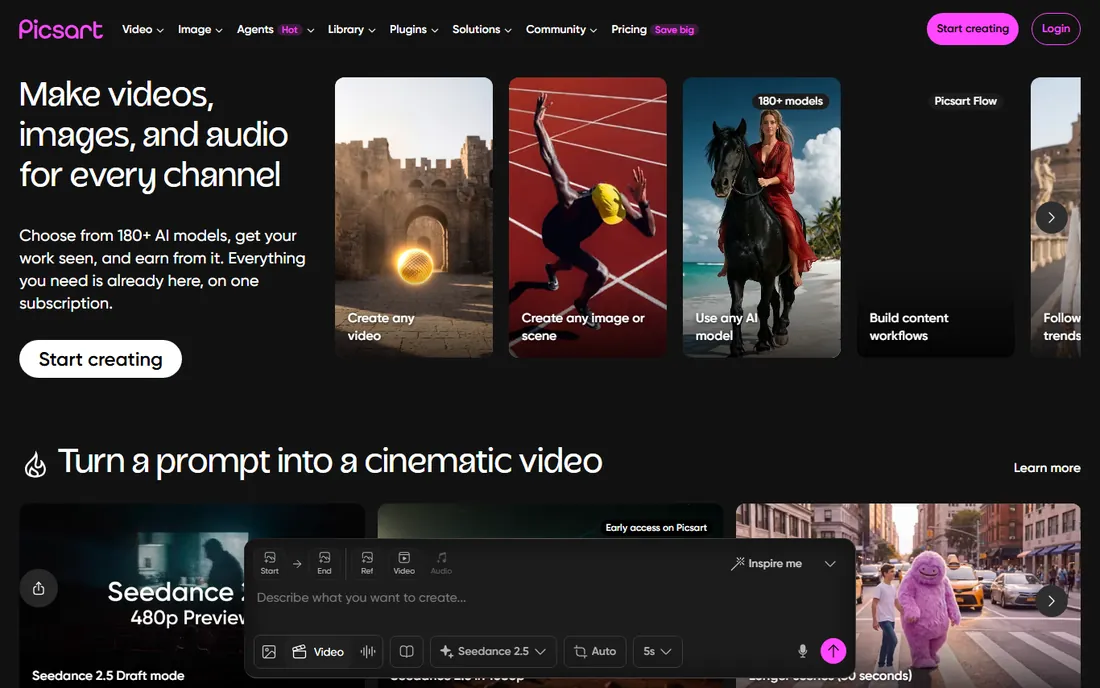
Picsart is a creative platform where collage sits alongside AI image generation, stickers, effects and a massive community. Creative users get far more than layouts.
The breadth means constant upsells. For playful, effect-heavy collages with AI assistance, it stands apart.
Picsart users should embrace the community aspect: remixing others' creations teaches techniques fast. The AI tools generate backgrounds and effects worth trying. Manage the subscription carefully if the upsells multiply.
What we like- AI image tools beyond collage
- Huge creative community
- Stickers and effects
Watch out for- Subscription push
- Collage is one feature among many
Starting priceSee website
Free planYes
piZap is the quick free stop: collages, memes and basic photo editing in the browser without accounts or fuss. Casual users get results in minutes.
Expect basics, not brilliance. For one-off collages with zero commitment, it does the job.
piZap users should not expect advanced features; the value is pure speed. It is perfect for quick memes and casual collages. For anything important, graduate to Canva's free tier.
What we like- Free and fast
- No learning curve
- Collage plus memes and editor
Watch out for- Basic feature set
- Dated feel
How we chose
We verified each vendor's homepage and kept tools with real collage-making capability, from design platforms to dedicated apps. We excluded pure photo editors without collage layouts. Free plan status comes from vendor sites.
What to get right before you buy
Decide mobile versus desktop. Phone-first makers should choose PicCollage or PhotoGrid; desktop designers get more from Canva or Express.
Check export quality. Free tiers sometimes limit resolution or add watermarks; confirm exports meet your needs before investing time.
Consider the broader toolkit. If you also make social posts and presentations, a platform like Canva beats a collage-only tool.
Frequently asked questions
What is the best free collage maker?
Canva's free plan offers the most collage templates; piZap and FotoJet are the simplest no-signup options. PicCollage leads on mobile.
Can I make collages on my phone?
Yes. PicCollage, PhotoGrid and Picsart are mobile-first, and Canva and Adobe Express have strong mobile apps.
Do free collage makers add watermarks?
Some do on free exports, notably mobile apps. Canva, Adobe Express and browser tools generally export clean at usable quality.
What size should a collage be for Instagram?
1080 by 1080 pixels for square posts; 1080 by 1350 for portrait. Most tools offer one-click social sizes.
Can I print photo collages?
Yes, export at the highest resolution available and use a print service. Desktop tools generally offer better print-quality exports than mobile apps.
Which collage maker is best for businesses?
Canva or Adobe Express: brand kits, team features and templates beyond collages justify them for business use.
Collage design basics that make yours look professional
Good collages follow a few simple rules. First, pick a focal photo: one image should dominate, with supporting photos smaller. Collages where every photo fights for attention look chaotic. Choose the strongest image and build around it.
Second, mind the gaps and alignment. Consistent spacing between photos looks intentional; random gaps look accidental. Most tools snap photos to grids automatically, so let them. Freestyle layouts need more care, not less.
Third, limit the photo count. Three to six photos usually beat twelve; each additional image shrinks the others and dilutes impact. If you have more photos worth sharing, make two collages instead of one crowded one.
Fourth, keep colors harmonious. Photos with wildly different color temperatures clash; most editors offer filters that unify the palette. A single filter across all photos creates cohesion instantly. Watch skin tones especially, since bad filters show there first.
Finally, export at the right size for the destination. Social posts need 1080 pixels on the short edge; prints need far more. Exporting small and scaling up produces blur. Check the export settings before downloading, because the default is not always the best quality. These five habits separate professional-looking collages from amateur ones regardless of which tool you use.
Printing your collages
Digital collages deserve good prints. Start with resolution: aim for 300 DPI at the final print size, which means large export dimensions. A collage that looks sharp on screen can print blurry if exported small. Check pixel dimensions before ordering prints.
Choose the right print service for the purpose. Drugstore prints suit casual gifts; dedicated photo labs produce better color and paper for anything you will frame. Canvas and metal prints need higher resolution than paper. Match the service to the importance of the piece.
Calibrate expectations for color. Screens display brighter, more saturated color than prints reproduce. Slightly muted prints are normal, not defective. If color accuracy matters, order a small test print before committing to large sizes.
Consider the paper finish deliberately. Glossy prints pop but show fingerprints; matte finishes look sophisticated and handle light better; lustre splits the difference. Most labs offer finish options, and the choice changes the feel significantly.
Finally, protect the originals. Keep the high-resolution exports archived, not just the social-media versions. Years later, you may want to reprint larger or differently. Storage is cheap; lost resolution is permanent.
Collage apps versus desktop editors
Mobile collage apps and desktop editors serve different needs. Mobile apps win on speed and convenience: create and share from the phone in minutes. They suit social media content, quick gifts and casual projects. The touch interface makes arrangement intuitive.
Desktop editors win on precision and print quality. Fine alignment, high-resolution exports and advanced retouching need the bigger screen and fuller toolset. Anything destined for large prints or professional use deserves the desktop.
Many creators use both: rough assembly on mobile, refinement on desktop. Cloud-synced projects make the handoff painless. Start where the inspiration strikes, finish where the quality demands.
Consider the learning investment. Mobile apps take minutes to learn; desktop editors take hours but reward the effort for frequent creators. Match the tool depth to how often you create. Weekly creators justify the desktop learning curve; occasional creators do not need it.
Finally, watch the subscription sprawl. One collage app, one editor and one storage service is plenty. Audit annually and cancel what you stopped using. The best setup is the smallest one that covers your real workflow.
Sources we checked (9)
- https://www.canva.com/
- https://express.adobe.com/
- https://www.befunky.com/
- https://www.fotor.com/
- https://www.fotojet.com/
- https://piccollage.com/
- https://www.photogrid.app/en/
- https://picsart.com/
- https://www.pizap.com/
Is your product missing or out of date?
We review this list regularly. Vendors can request a listing, send updated pricing or ask about featured placement.

Shihab Mia · Founder, Rankite
Shihab has spent more than a decade helping SaaS and e-commerce brands grow through search. He writes Rankite's software buying guides from pricing pages, documentation and public user reviews. More about Shihab.