How we make this list: we compare pricing pages, product documentation and public user reviews. Rankite is independent; if a vendor ever pays for a featured spot, that listing is clearly labeled Partner.
Key takeaways
- Google Drive, OneDrive and iCloud win by default: you already have one with your phone or office suite, and the integration is the feature.
- Dropbox remains the best pure syncing experience, especially for teams sharing large files across platforms.
- pCloud, Sync.com and Tresorit compete on privacy: client-side encryption and lifetime plans for the security-conscious.
- Backblaze is backup, not sync: the cheapest way to protect everything, but not a Dropbox replacement.
Quick comparison
| Tool | Best for | Starting price | Free plan |
|---|
 Google Drive Google Drive | Anyone in the Google ecosystem | See website | Free tier |
 Dropbox Dropbox | Reliable cross-platform file sync | See website | Free tier |
 OneDrive OneDrive | Microsoft 365 subscribers | See website | Free tier |
 Box Box | Businesses needing governance with storage | See website | Free tier |
 iCloud iCloud | Apple device households | See website | Free tier |
 pCloud pCloud | Lifetime plans and privacy options | See website | Free tier |
 Sync.com Sync.com | Zero-knowledge privacy by default | See website | Free tier |
 Tresorit Tresorit | Businesses needing encrypted storage | See website | Free trial |
 Egnyte Egnyte | Businesses with hybrid storage needs | See website | Free trial |
 Backblaze Backblaze | Unlimited backup of your computer | See website | Free trial |
Is your product missing or out of date?
We review this list regularly. Vendors can request a listing, send updated pricing or ask about featured placement.
The best cloud storage software
Starting priceSee website
Free planFree tier
Google Drive is the default for billions because it comes with Google accounts: 15GB free, deep integration with Docs, Sheets and Gmail, and the best real-time collaboration in the business. For teams living in Google Workspace, it is not a choice but a given.
Privacy-conscious users note Google's data practices, and the desktop sync client is functional rather than excellent. But for collaboration-first storage at Google's scale, nothing matches the integration.
What we like- 15GB free
- Tight integration with Gmail and Google Docs
- Best collaboration features
Watch out for- Privacy concerns for some
- Desktop sync is adequate not great
Starting priceSee website
Free planFree tier
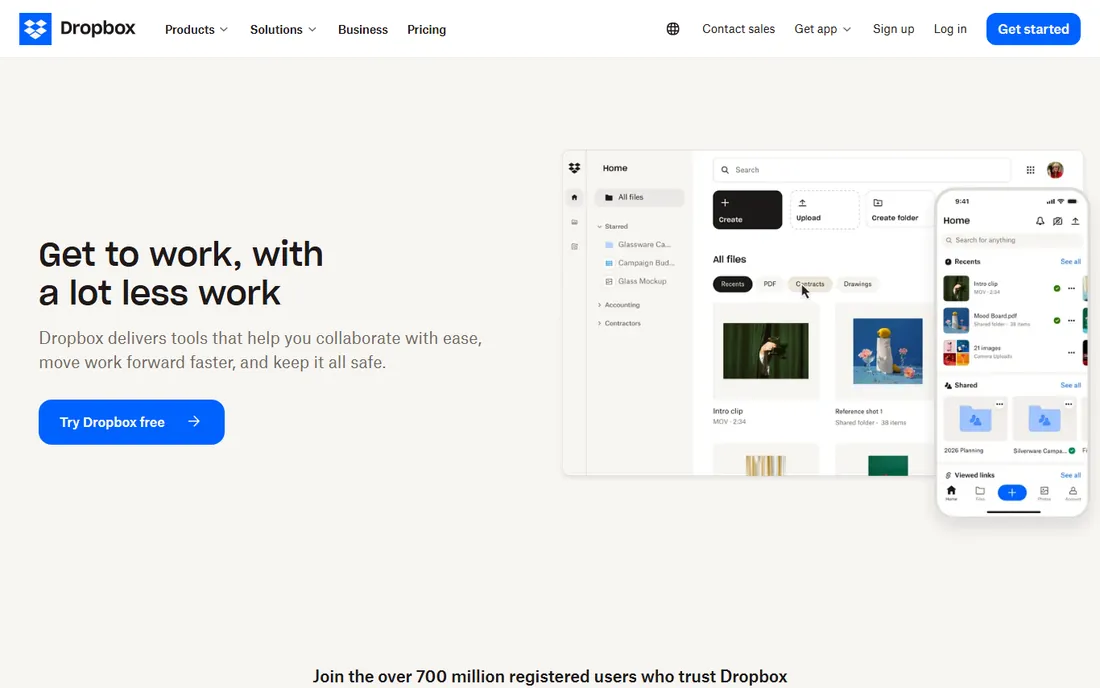
Dropbox invented this category and still syncs better than anyone: fast, reliable, conflict-smart sync across every platform. Creative teams share massive files through it daily. The integrations with every productivity tool make it the Switzerland of storage.
The price per gigabyte is high compared to Google and Microsoft bundles, and the free tier is stingy. But for teams where sync reliability is the job, Dropbox earns its premium.
What we like- Syncing just works everywhere
- Great shared folders
- Strong third-party integrations
Watch out for- Expensive per gigabyte
- Free tier is small
Starting priceSee website
Free planFree tier
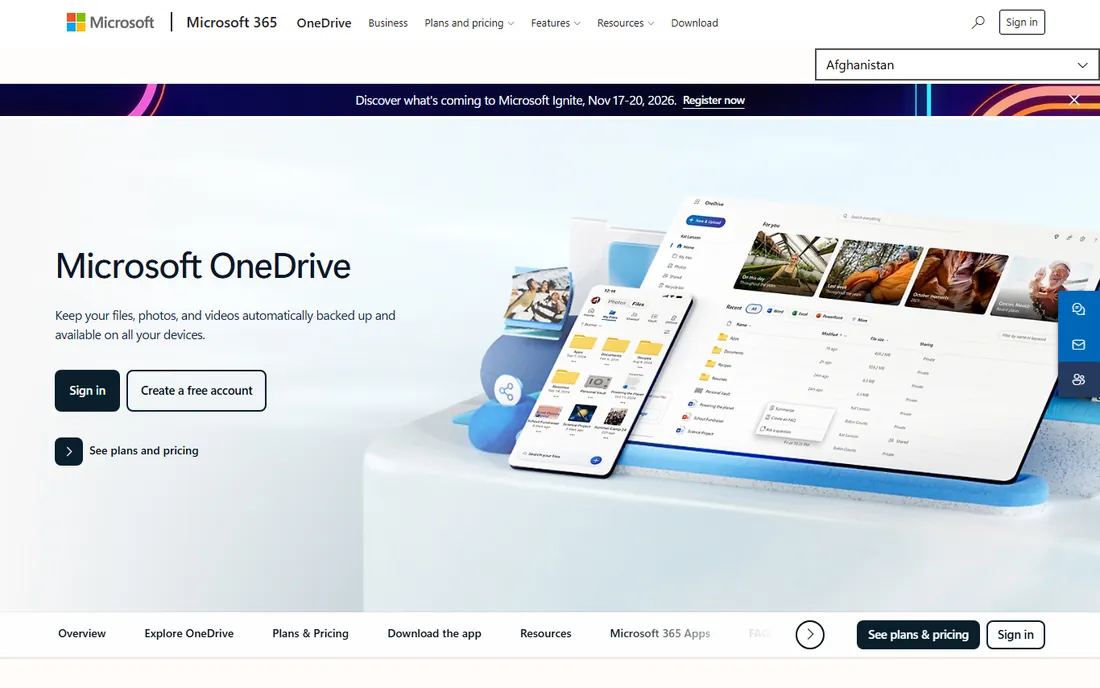
OneDrive comes with Microsoft 365, which most businesses already buy: 1TB per user makes separate storage spending pointless. Office integration is native, and the value equation is unbeatable for subscribers.
The sync client has a history of quirks, though it has improved. Outside the Microsoft ecosystem the appeal fades. But if you pay for Microsoft 365, you already own excellent cloud storage.
What we like- Included with Microsoft 365
- 1TB with subscription
- Deep Office integration
Watch out for- Sync quirks persist
- Best inside Microsoft ecosystem
#4
Box
Best for: Businesses needing governance with storage
Visit box.com
Starting priceSee website
Free planFree tier
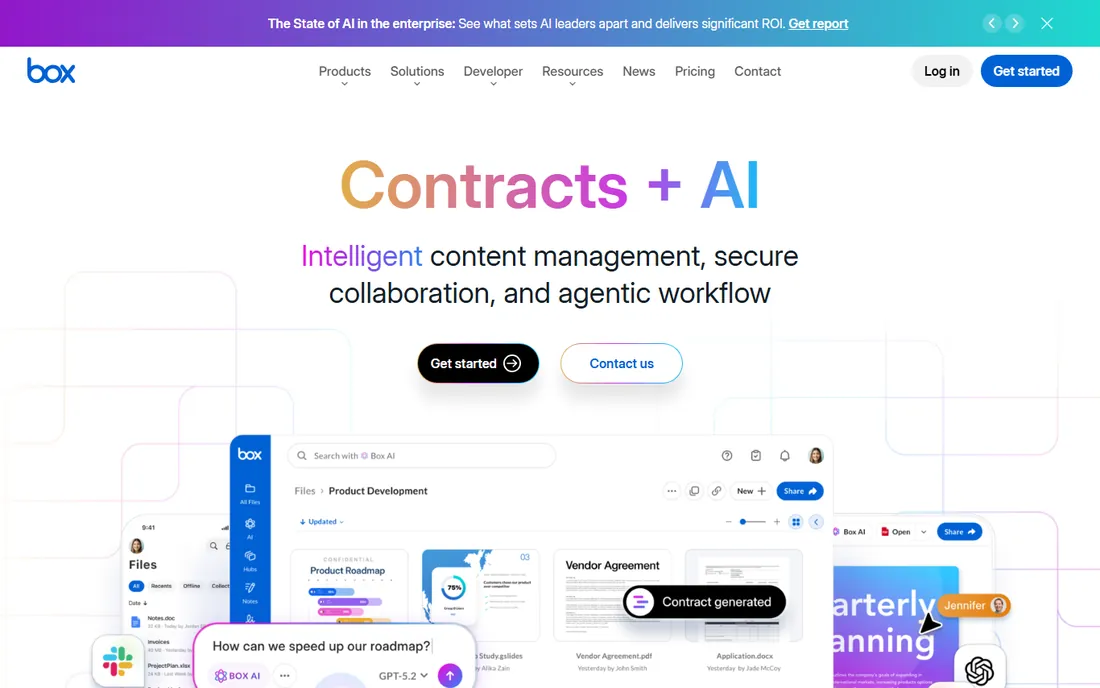
Box is cloud storage for grown-up businesses: the sharing and collaboration people like, under the security, compliance and admin controls IT requires. Regulated industries and large teams standardize on it.
Personal users should look elsewhere; the pricing and positioning are business-first. But for companies needing storage with governance, Box is the modern enterprise choice.
What we like- Enterprise security and compliance
- Great collaboration
- Huge integration ecosystem
Watch out for- Priced for business
- Overkill for personal use
Starting priceSee website
Free planFree tier
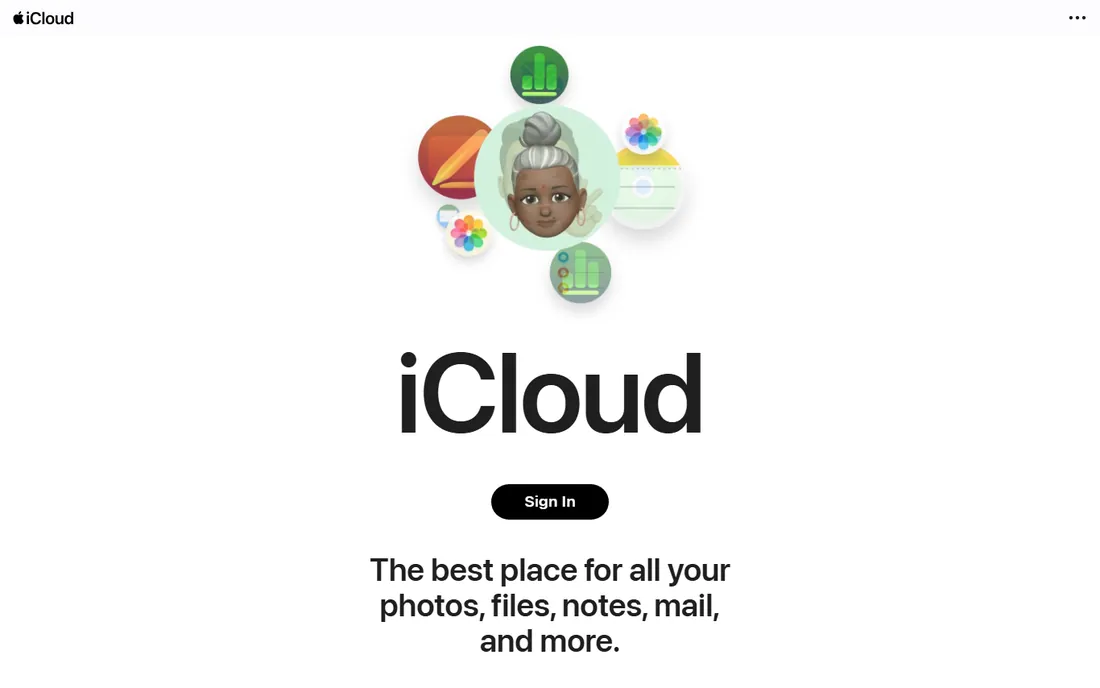
iCloud is the storage Apple users do not think about: photos, backups and files sync across iPhone, iPad and Mac invisibly. The paid tiers are cheap, and family sharing spreads the cost.
Windows and Android support exists but feels second-class, and 5GB free fills fast. But for all-Apple households, the deep integration beats every feature list.
What we like- Invisible on Apple devices
- Cheap storage tiers
- Family sharing
Watch out for- Weak on Windows and Android
- 5GB free is tight
Starting priceSee website
Free planFree tier
pCloud's headline is lifetime plans: pay once for storage forever, a radical alternative to subscriptions. The optional Crypto folder adds client-side encryption for the privacy-minded. Media streaming from storage works well.
The encryption add-on costs extra, which feels like privacy should not. But for users tired of subscriptions who want their files in Switzerland-based storage, pCloud's model is unique.
What we like- One-time lifetime plans
- Optional client-side encryption
- Good media playback
Watch out for- Encryption costs extra
- Smaller company
Starting priceSee website
Free planFree tier
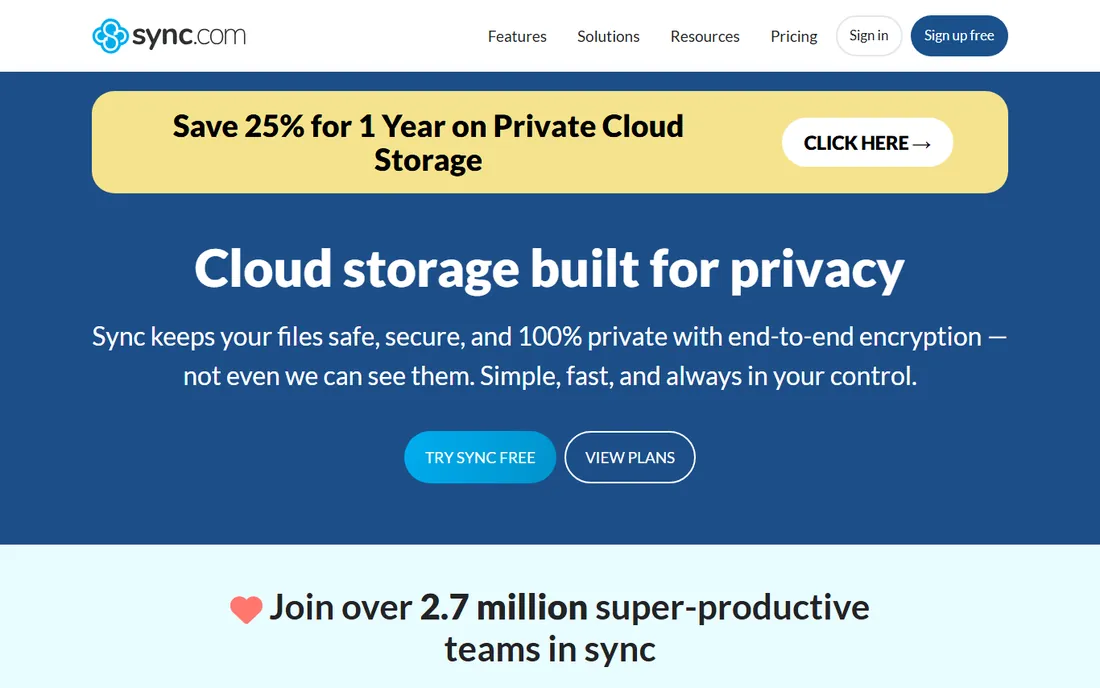
Sync.com encrypts everything client-side by default: the company cannot read your files, period. Canadian jurisdiction adds privacy-friendly legal protection. Plans are affordable, and the free tier is usable.
Encryption has a speed cost, and the integration ecosystem is smaller. But for users whose threat model includes the storage provider itself, Sync.com's zero-knowledge design is the answer.
What we like- End-to-end encryption standard
- Canadian privacy laws
- Affordable plans
Watch out for- Slower sync than Dropbox
- Fewer integrations
Starting priceSee website
Free planFree trial
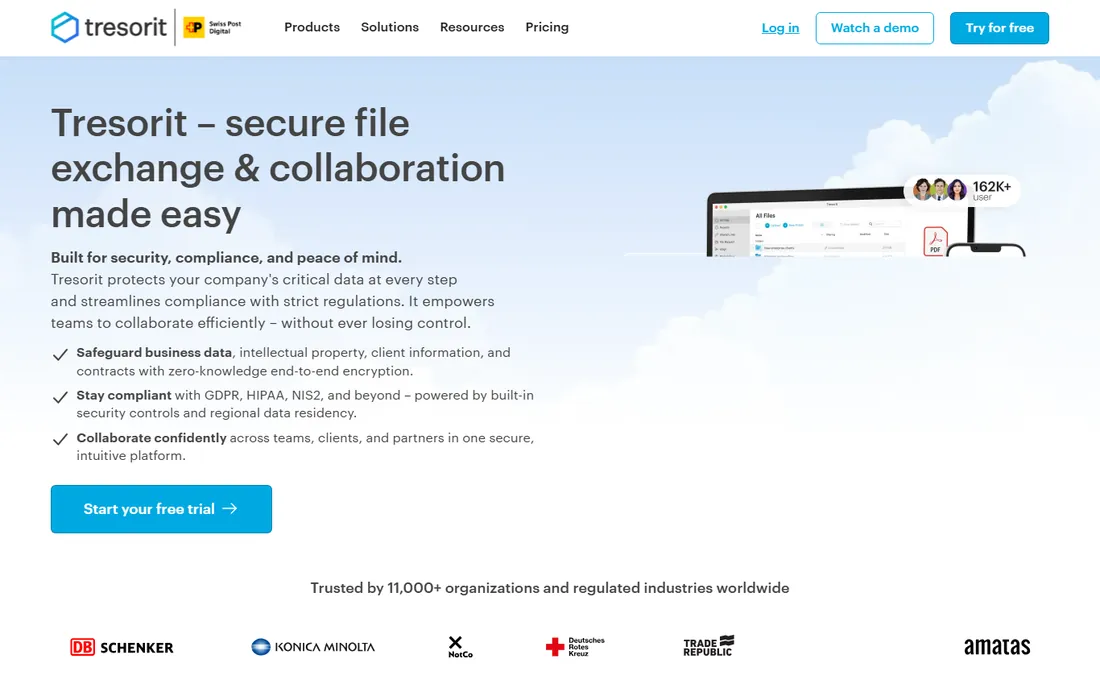
Tresorit brings zero-knowledge encryption to business storage: enterprise features, compliance certifications and admin controls with client-side encryption throughout. Regulated businesses get security without sacrificing usability.
The premium pricing reflects the positioning. But for firms where client confidentiality is the business, law, finance, healthcare, Tresorit's encryption story justifies the cost.
What we like- End-to-end encrypted business storage
- Strong compliance credentials
- Swiss heritage
Watch out for- Premium pricing
- Less collaboration flash than Box
Starting priceSee website
Free planFree trial
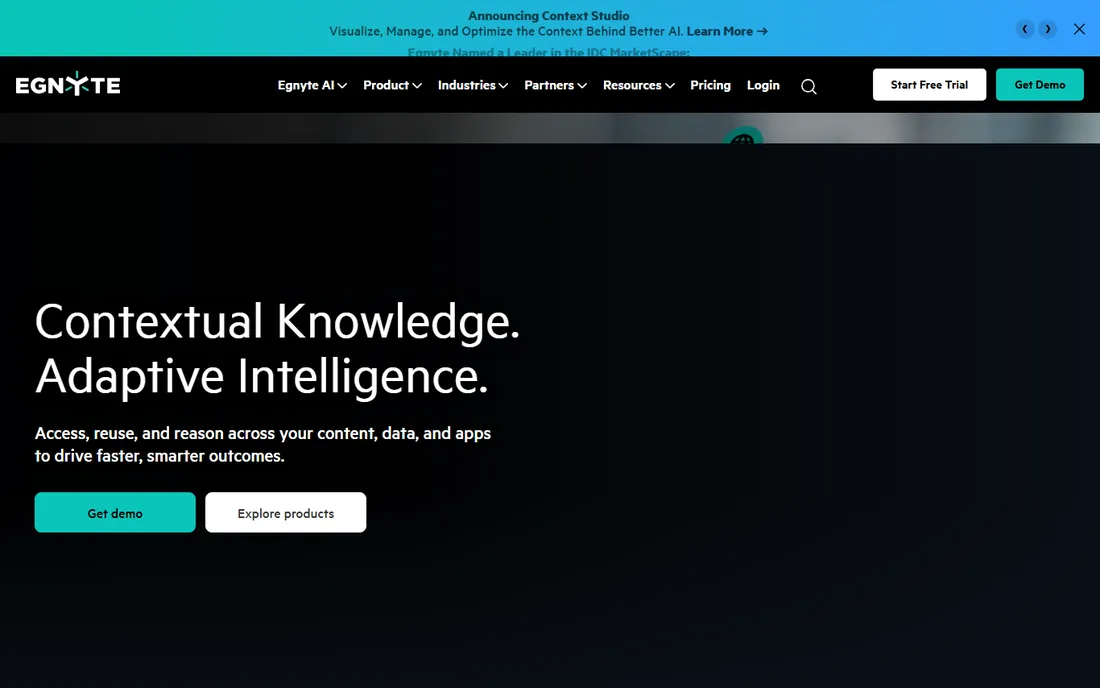
Egnyte's hybrid architecture suits businesses with real infrastructure: local storage for speed, cloud for access, one governance layer over both. Architecture firms, media companies and distributed businesses with big files benefit most.
Consumer simplicity is not the goal. But businesses outgrowing pure-cloud storage will find Egnyte's hybrid model matches reality.
What we like- Hybrid cloud and on-premises
- Strong governance
- Good for large files
Watch out for- Business-only positioning
- Less simple than consumer tools
Starting priceSee website
Free planFree trial
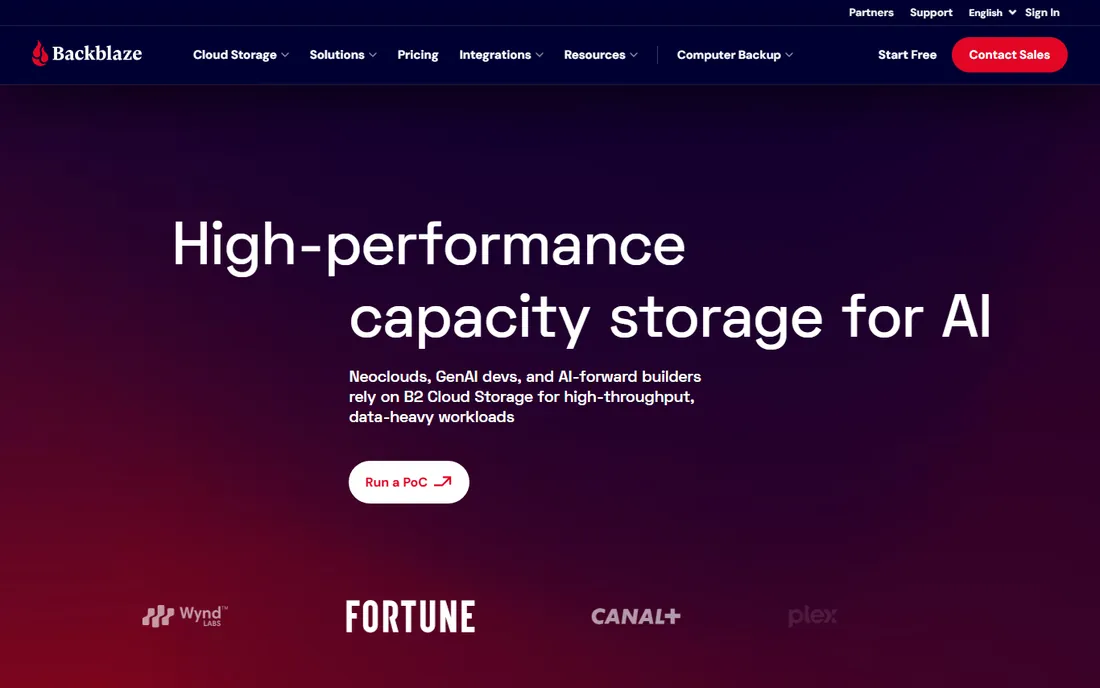
Backblaze is backup, not Dropbox: unlimited automatic backup of your computer for a flat price. When the laptop dies, everything restores. The B2 cloud storage serves developers needing S3-compatible object storage cheaply.
Do not buy it for file sharing or collaboration. But as the cheapest comprehensive backup for individuals and the B2 storage for builders, it is outstanding value.
What we like- Unlimited backup for one low price
- Set-and-forget
- B2 cloud storage for developers
Watch out for- Backup, not sync
- File sharing is not the point
Sync versus backup versus privacy
Three different jobs get conflated. Sync (Dropbox, Drive) keeps files current across devices. Backup (Backblaze) protects against loss. Privacy-focused storage (Sync.com, Tresorit, pCloud Crypto) protects against snooping. Most people need sync plus backup; the privacy-conscious add encryption.
The practical setup: use the sync tool in your ecosystem for daily work, run Backblaze or equivalent for backup, and move truly sensitive files to encrypted storage. No single tool does all three jobs best.
How we chose
We compared services on storage value, sync reliability, collaboration features, security and privacy, platform support and pricing models. We verified each vendor's homepage and current positioning, reviewed user feedback on tech forums, G2 and review sites, and distinguished sync, backup and privacy use cases. We did not run long-term reliability tests.
Organizing files so you can actually find them
Storage is cheap; finding things is expensive. The folder structure that works is shallow and consistent: a top level by function or project, one level down by year or client, and files named so they sort usefully. Deep nesting, more than three or four levels, is where files go to die.
Name files like you will search for them later, because you will. Include the date in YYYY-MM-DD format at the start or end, use descriptive names instead of "final_final_v2," and pick a convention the whole team follows. A naming convention document takes an hour to write and saves hundreds of hours of searching.
Separate working files from archives. Active projects live in the synced folders everyone accesses; completed work moves to an archive location on a schedule, quarterly works for most teams. Archives stay searchable but stop cluttering daily navigation. Without this discipline, every shared drive becomes an archaeological dig within two years.
Control sharing sprawl. Every shared link is a future security question: who has access to what, and is it still appropriate? Review sharing permissions quarterly, expire links on sensitive documents, and default to the most restrictive sharing that still lets people work. The breach you prevent is the one where a former contractor still had access to everything.
Finally, remember the 3-2-1 rule for anything irreplaceable: three copies, on two different media, with one off-site. Cloud storage counts as the off-site copy, not as the only copy, for data you cannot afford to lose.
Cloud storage mistakes to avoid
The most dangerous is treating sync as backup. If ransomware encrypts your local files, the sync client faithfully uploads the encrypted versions. If you delete a file, the deletion syncs everywhere. Real backup means versioned, separate copies with retention; sync alone is not a safety net.
Second is sharing sprawl. Links accumulate: shared with former employees, old clients, anyone with the link. Audit sharing permissions quarterly and expire what is no longer needed. Every forgotten share is a future incident report.
Third is no naming convention. "Final_v2_reallyfinal.pdf" multiplied across a team wastes hours weekly in searching and confusion. Agree on naming rules once, document them where everyone sees them, and enforce gently but consistently.
Fourth is ignoring the free tier limits until they hit. Running out of space mid-project forces panicked upgrades or deletions. Monitor usage, forecast growth, and plan the paid tier before the ceiling arrives.
Finally, keeping everything forever in the active workspace. Completed projects should archive on a schedule, keeping daily storage fast and searchable. An archive policy, what moves, when, and where, prevents the slow slide into an unnavigable mess that makes every search an excavation.
Frequently asked questions
How much cloud storage do I need?
Most individuals use under 100GB; photos are the main driver. Businesses should estimate per-user with growth. Start with your current usage plus 50 percent headroom.
Is free cloud storage enough?
Google's 15GB and Microsoft's bundled 1TB cover many users. Dropbox's 2GB free rarely suffices. Audit your actual usage before paying.
Which is most private?
Sync.com and Tresorit offer zero-knowledge encryption by default. pCloud offers it as a paid add-on. The big three (Google, Microsoft, Apple) can access your data under legal process.
Can I use multiple services?
Yes, and many do: OneDrive for work, iCloud for photos, Dropbox for sharing. Just keep track of what lives where, or the fragmentation defeats the purpose.
What happens if I stop paying?
Most services read-only your files or give a grace period to download. Paid storage is a subscription like any other: budget for it ongoing or keep local copies.
Is lifetime storage a good deal?
pCloud's lifetime plans pay off if the company survives and you use the storage for years. It is a bet on the vendor's longevity; diversify important data regardless.
Sources we checked (10)
- https://drive.google.com/
- https://www.dropbox.com/
- https://onedrive.com/
- https://www.box.com/
- https://www.icloud.com/
- https://www.pcloud.com/
- https://www.sync.com/
- https://www.tresorit.com/
- https://www.egnyte.com/
- https://www.backblaze.com/
Is your product missing or out of date?
We review this list regularly. Vendors can request a listing, send updated pricing or ask about featured placement.

Shihab Mia · Founder, Rankite
Shihab has spent more than a decade helping SaaS and e-commerce brands grow through search. He writes Rankite's software buying guides from pricing pages, documentation and public user reviews. More about Shihab.