How we make this list: we compare pricing pages, product documentation and public user reviews. Rankite is independent; if a vendor ever pays for a featured spot, that listing is clearly labeled Partner.
Key takeaways
- Vantage is the cheapest credible entry point for startups: a free Starter tier up to $2,500 in tracked spend and paid plans from $30 a month.
- Kubecost remains the standard for Kubernetes cost allocation, with a genuinely free Foundations tier up to 250 cores and paid tiers for governance and support.
- nOps and ProsperOps charge against delivered savings rather than a seat count, so the fee only makes sense when the savings are real.
- CloudZero leads on unit economics and AI spend attribution, but it is quote-only and aimed at teams with a procurement process.
- Infracost, Finout, and North.cloud cover newer cost centers: Infracost estimates costs before deployment from Terraform, while Finout and North track AI and SaaS spend alongside cloud bills.
Quick comparison
| Tool | Best for | Starting price | Free plan |
|---|
 Vantage Vantage | startups wanting self-serve cloud cost visibility | $30/month (Pro, up to $7,500 tracked spend) | Yes (Starter, free up to $2,500 tracked spend) |
 Kubecost Kubecost | Kubernetes cost allocation and optimization | See website (free Foundations tier; paid tiers quote-based) | Yes (Foundations, up to 250 cores) |
 nOps nOps | automated AWS cost optimization | See website (pricing tied to delivered savings) | No (free trial) |
 CloudZero CloudZero | unit economics and AI spend attribution | See website (custom quote) | No |
 Finout Finout | enterprise FinOps with AI cost tracking | $1,000/month (Business, up to $500K yearly cloud spend) | No (free trial) |
 Harness Cloud Cost Management Harness Cloud Cost Management | DevOps teams already on Harness | See website (Free tier; paid modules by quotation) | Yes (Free Forever tier) |
 Infracost Infracost | cost estimates from Terraform before deployment | $250/month (Starter, 10,000 runs) | Yes (CI/CD tier, 1,000 runs per month) |
 North.cloud North.cloud | cloud plus AI plus data spend in one view | Free; Starter $199/month (up to $75K monthly spend) | Yes (free tier with full visibility) |
 Economize Economize | budget FinOps with a generous free tier | Free; Professional $249/month (up to $250K monthly spend) | Yes (free plan covers up to $100,000 monthly cloud spend) |
 ProsperOps ProsperOps | automated commitment and savings plan management | Share of verified savings (no savings, no fee) | No (free trial) |
Is your product missing or out of date?
We review this list regularly. Vendors can request a listing, send updated pricing or ask about featured placement.
The biggest shift in 2026 is that FinOps is no longer only about the cloud bill. The 2026 State of FinOps report found that 98 percent of organizations now manage AI spend, up from 63 percent in 2025. Token-level AI billing, GPU capacity, and agent-loop overhead are structurally different from cloud billing, so vendors have started building AI cost management as a distinct discipline. CloudZero launched agentic FinOps capabilities in December 2025 and a Financial Control Plane for AI in May 2026, and peers like Finout now track GPU utilization and AI spend alongside infrastructure.
The second shift is conversational cost intelligence. Instead of dashboards only, platforms now ship AI assistants that answer natural-language questions about spend: nOps has a FinOps Agent, Finout has FinOps Agents and an MCP server, Vantage has a FinOps Agent for console and Slack. The market itself keeps growing: analysts put the Cloud FinOps market at roughly $17 billion in 2026. And the FinOps Foundation's FOCUS 1.3 specification, released in December 2025 with support from AWS, Google Cloud, Microsoft, and Oracle, is standardizing billing data across providers, which makes multi-cloud cost comparison more reliable.
For buyers, the category splits into three jobs: visibility and allocation (Vantage, CloudZero, Finout, North.cloud, Economize), Kubernetes-specific cost control (Kubecost), and automated optimization where the tool acts, not just reports (nOps, ProsperOps, Harness CCM, Infracost).
#1
Vantage
Best for: startups wanting self-serve cloud cost visibility
Visit vantage.sh
Starting price$30/month (Pro, up to $7,500 tracked spend)
Free planYes (Starter, free up to $2,500 tracked spend)
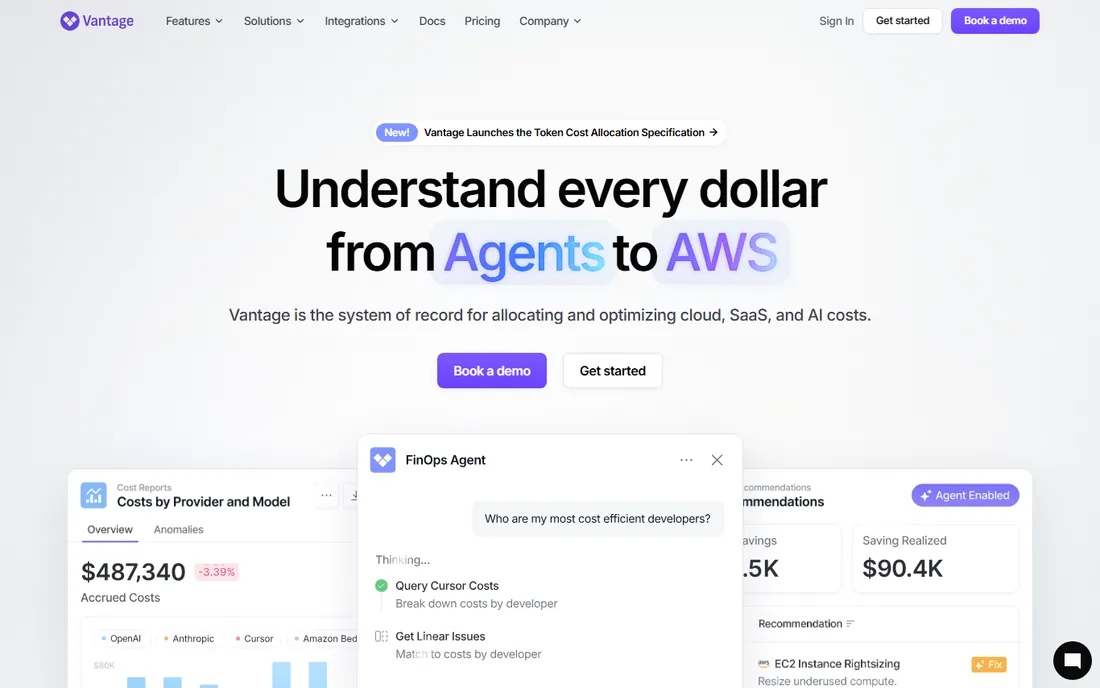
Vantage is the friendliest on-ramp in this list. The Starter tier is genuinely free for up to $2,500 in monthly tracked spend with 3 users, and Pro at $30 a month covers up to $7,500 with 5 users. Business at $200 a month covers up to $20,000 with 10 users. No per-seat math, no percentage of savings, no sales conversation for the published tiers. For a startup or mid-size team whose main pain is the cloud bill, it is the cheapest credible way to get showback, budgets, and anomaly detection.
Still, the Autopilot feature for AWS Savings Plans management can pay for the subscription several times over on its own.
What we like- Flat spend-band pricing with no per-seat charges
- Self-serve signup with no sales call
- Terraform provider and API for engineers
Watch out for- Self-serve tiers cap out at $20,000 tracked spend
- Cost data can lag infrastructure changes by about a day
Starting priceSee website (free Foundations tier; paid tiers quote-based)
Free planYes (Foundations, up to 250 cores)
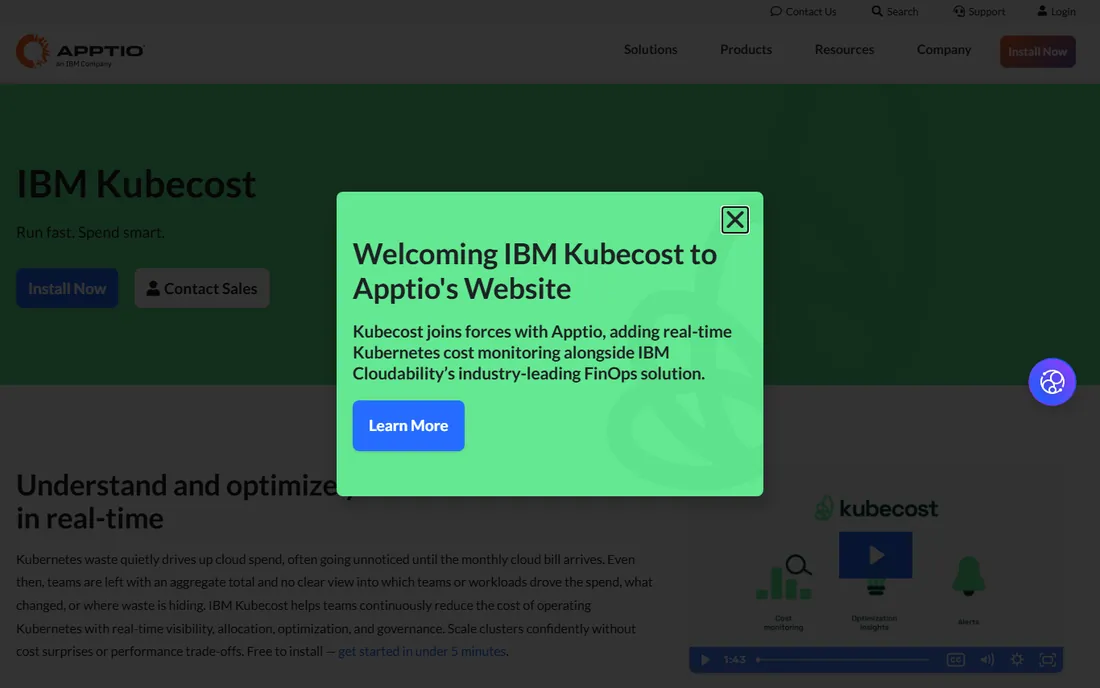
Kubecost is the standard answer when the question is "what is this Kubernetes cluster costing us." The free Foundations tier covers unlimited clusters up to 250 combined cores with cost allocation, monitoring, multi-cluster support, and 15-day retention. That is a real product, not a demo. The commercial product, now part of IBM's Apptio portfolio, adds savings recommendations, request-sizing automation, anomaly detection, budget governance, and enterprise controls like SSO and audit logs.
For platform teams running Kubernetes at any real scale, Kubecost's allocation accuracy justifies the evaluation effort.
What we like- Free tier is genuinely useful with unlimited clusters
- Pod-level allocation and request-sizing recommendations
- IBM ownership eases enterprise procurement
Watch out for- Paid pricing requires a quote
- V3 free tier caps at $100,000 managed spend per rolling 30 days
Starting priceSee website (pricing tied to delivered savings)
Free planNo (free trial)
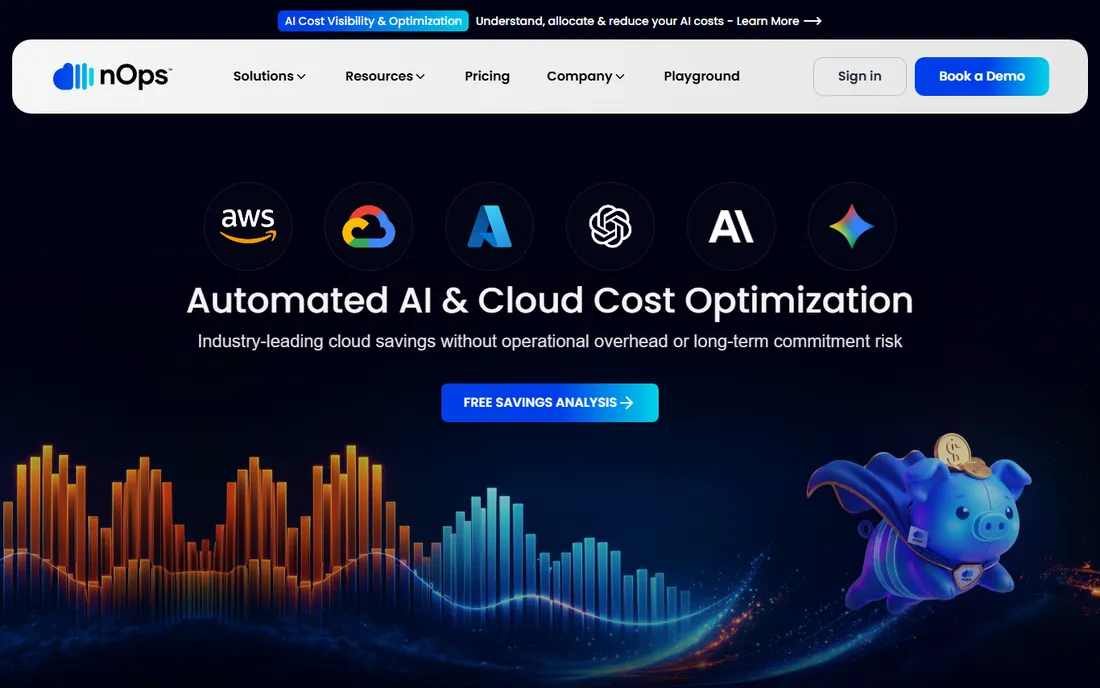
nOps acts where most tools only advise. It continuously rightsizes EC2, RDS, and EKS resources, manages Reserved Instances and Savings Plans automatically, runs eligible workloads on spot, and claims 100 percent commitment utilization. That automation is the pitch: instead of a dashboard of recommendations nobody implements, the platform makes the changes. Pricing is tied to delivered savings, so you pay for results rather than seats.
For AWS-heavy teams that know they are over-provisioned but lack the engineering hours to fix it, nOps is the most automated option in this roundup.
What we like- Automates rightsizing, spot, and commitment management instead of just recommending
- FinOps AI agent for natural-language queries
- Rated number one in cloud cost management on G2
Watch out for- AWS-first with multi-cloud as visibility only
- Savings-based pricing needs careful modeling against your volume
Starting priceSee website (custom quote)
Free planNo
CloudZero is the enterprise answer to the question "what does each customer cost us." Its allocation engine distributes shared costs across workloads, teams, products, and features, and the AnyCost model normalizes non-cloud spend like Snowflake, Datadog, OpenAI, and GitHub Copilot into the same dimensional framework. With AI spend now a first-class line item, that unified view is the core selling point. Agentic FinOps features and the AI Financial Control Plane put it ahead on the conversational and AI-cost front.
If your finance team needs cost-per-customer reporting across cloud, SaaS, and AI spend, CloudZero is purpose-built for it. If you need self-serve visibility this week, Vantage or Finout will serve you faster.
What we like- Strongest cost-per-customer and per-feature allocation
- AI spend from OpenAI, Anthropic, and others tracked in the same framework
- Hourly granularity with streaming telemetry
Watch out for- No public pricing and no self-serve path
- Setup complexity draws reviewer criticism
Starting price$1,000/month (Business, up to $500K yearly cloud spend)
Free planNo (free trial)
Finout positions as the enterprise-grade FinOps platform with predictable pricing. Business at $1,000 a month covers up to $500,000 in yearly cloud spend, Pro at $2,000 a month covers up to $2 million, and Enterprise is custom above that. No per-seat charges, no share-of-savings fees, no feature gates between tiers. The allocation engine handles multi-cloud, Kubernetes, SaaS, and AI spend, with CostGuard aggregating recommendations across AWS, Azure, GCP, Kubernetes, and Snowflake.
FinOps Agents and an MCP server cover the agentic-AI trend. Teams with $500K-plus cloud spend and AI workloads should put it on the shortlist.
What we like- Flat fee by committed spend tier with no per-seat or savings fees
- AI cost support across OpenAI, Anthropic, Bedrock, and Copilot
- Patented virtual tagging
Watch out for- $1,000 a month entry excludes small teams
- Free trial length is not published
#6
Harness Cloud Cost Management
Best for: DevOps teams already on Harness
Visit harness.io
Starting priceSee website (Free tier; paid modules by quotation)
Free planYes (Free Forever tier)
Harness CCM makes the most sense if your team already deploys through Harness. It brings cloud cost visibility, governance-as-code, and automated waste reduction into the same platform as CI/CD, so cost awareness sits inside deployment workflows rather than in a separate finance tool. The Free Forever tier gives smaller teams real visibility with documented usage limits, and the paid tiers are quoted.
But for DevOps teams, seeing pipeline costs and deployment-driven spend changes in the same UI where you ship code is a genuine advantage.
What we like- Free tier with clearly documented limits
- Cost insights tied to CI/CD pipelines and deployments
- Cloud AutoStopping cuts idle resource costs automatically
Watch out for- Best value requires being in the Harness ecosystem
- Paid CCM pricing is quote-based
Starting price$250/month (Starter, 10,000 runs)
Free planYes (CI/CD tier, 1,000 runs per month)
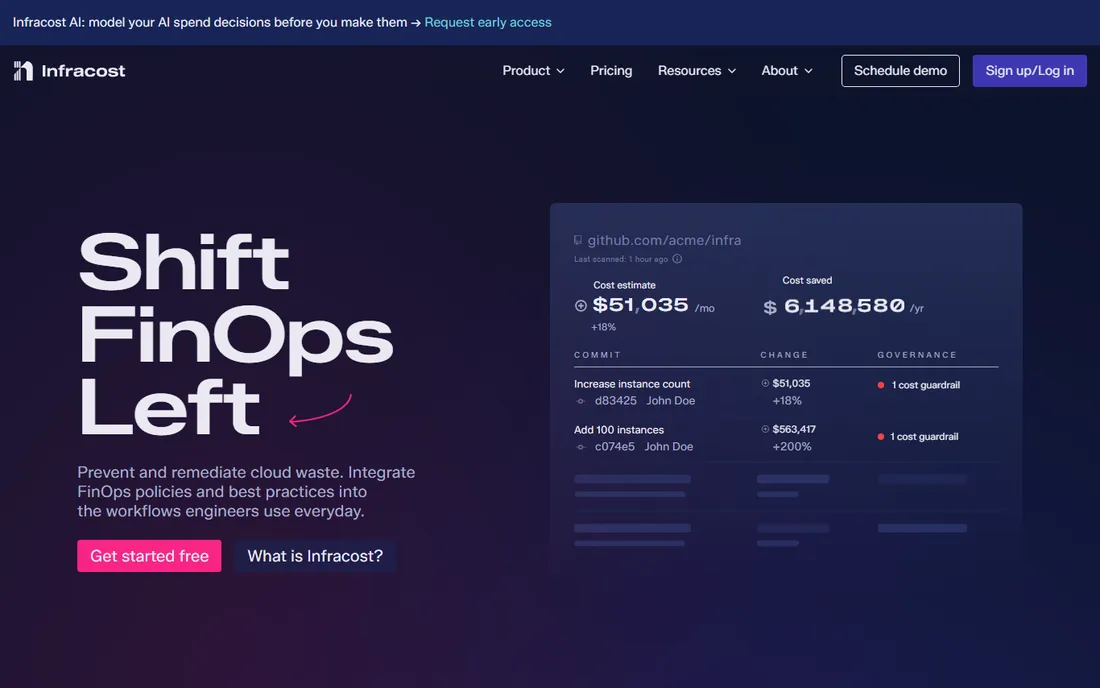
Infracost attacks cloud costs before they exist. It estimates the cost impact of Terraform, CloudFormation, and CDK changes directly in pull requests, so engineers see the dollar impact of a bigger instance type during code review. The free CI/CD tier covers 1,000 runs a month, Starter at $250 a month covers 10,000 runs with email support, and Cloud at $1,000 a month adds FinOps policies, cost guardrails, issue explorer, autofix workflows, and visibility dashboards.
If most of your infrastructure is not in code yet, fix that before evaluating Infracost.
What we like- Shifts cost awareness into pull requests where decisions are made
- Open-source CLI with a free tier
- Guardrails and autofix workflows on Cloud tier
Watch out for- Focused on estimation, not ongoing billing analytics
- Limited value if infrastructure is not defined in code
Starting priceFree; Starter $199/month (up to $75K monthly spend)
Free planYes (free tier with full visibility)
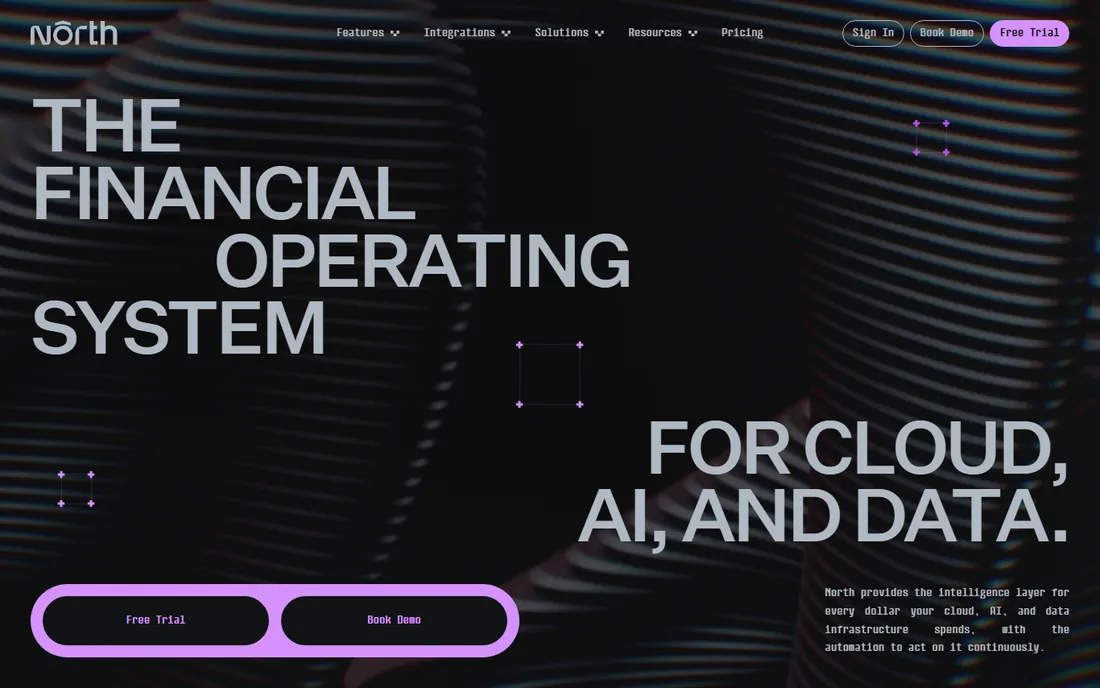
North.cloud aims to be the financial operating system for cloud, AI, and data spend. The free tier at $0 a month gives full visibility with cost analysis, anomaly detection, rightsizing, and GreenOps. Starter at $199 a month covers teams managing up to $75,000 a month in cloud spend, and Premier at $1,399 a month covers $75,000 and up. It natively brings in OpenAI, Anthropic, and Snowflake spend alongside AWS, GCP, and Azure.
Watch the automation fees: Autobot takes 3.5 percent of commitment cost on Starter and Flexbot takes 25 percent of savings, dropping on Premier. For teams whose cloud and AI bills are converging, North's unified view at a published price is worth a look, though you should verify maturity against your compliance requirements before committing.
What we like- Free tier includes full visibility with anomaly detection and rightsizing
- Published pricing with clear spend bands
- AI and data integrations beyond the big three clouds
Watch out for- Younger vendor with a smaller review base
- Automation fees add a percentage on commitment and savings
Starting priceFree; Professional $249/month (up to $250K monthly spend)
Free planYes (free plan covers up to $100,000 monthly cloud spend)
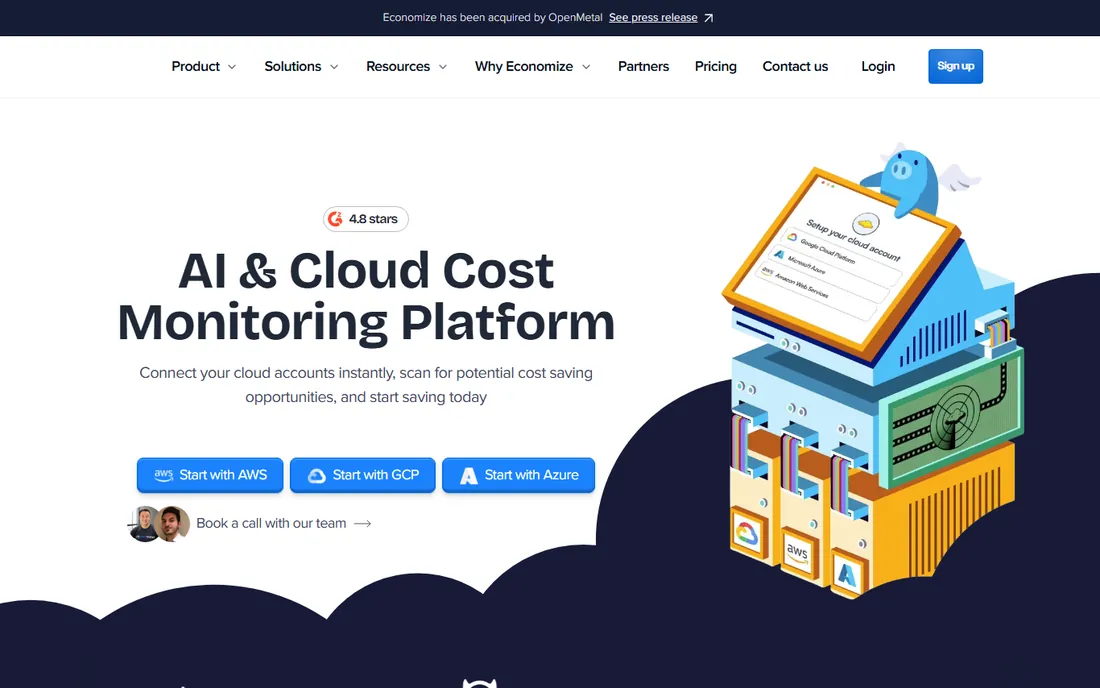
Economize's free plan covers up to $100,000 in monthly cloud spend, which dwarfs Vantage's $2,500 free cap and makes it the most generous free offering here for production use. The Professional plan at $249 a month covers up to $250,000 in monthly spend with multi-account support and custom reports. It is a straightforward visibility and allocation tool with a clean interface that teams adopt quickly.
For cost-conscious teams that need credible cloud cost visibility and allocation without enterprise budgets, Economize is the value pick. Verify which features are gated before assuming the free plan covers your needs.
What we like- Free plan is the most generous in this list by spend cap
- Clean UI with quick onboarding
- Strong multi-cloud support out of the box
Watch out for- Advanced AI features and support require upgrading
- Smaller vendor with less ecosystem depth
Starting priceShare of verified savings (no savings, no fee)
Free planNo (free trial)
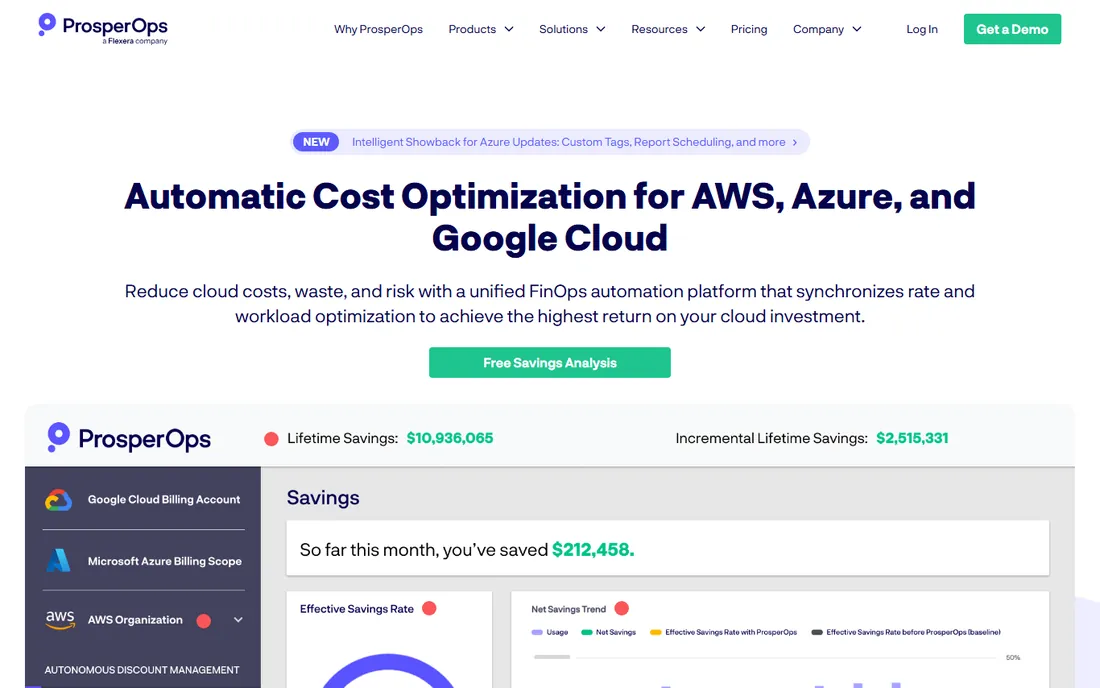
ProsperOps does one thing with depth: it continuously manages your Reserved Instances, Savings Plans, and Committed Use Discounts across AWS, Azure, and Google Cloud, adjusting the commitment portfolio in real time based on actual usage. Now a Flexera company, it targets a 45 percent plus effective savings rate, and its scheduler automates resource state changes to kill idle waste. Pricing is performance-based: a percentage of verified savings, with no fee if no savings are delivered.
The honest framing is that ProsperOps is rate optimization, not a full FinOps platform. It will not allocate costs to teams or forecast your budget. Pair it with a visibility tool for the complete picture. For teams whose main problem is leaving discount money on the table because commitment management is manual, the no-savings-no-fee model makes the trial essentially risk-free.
What we like- Fully automated commitment management across AWS, Azure, and GCP
- Targets 45 percent plus effective savings rate
- No fee when no savings are delivered
Watch out for- Narrow scope focused on rate optimization, not full FinOps
- Pricing percentage needs verification against your discount levels
How we assembled this shortlist
We verified every published price on the vendor's own pricing page and noted where pricing is quote-only rather than inventing numbers. We read 2026 industry coverage from the FinOps Foundation, Ramp's FinOps tools guide, Next Move Strategy Consulting, and Precedence Research to track this year's shifts: agentic AI FinOps, AI spend as a distinct category, and the FOCUS 1.3 billing standard. We cross-checked reviewer feedback on G2 and Capterra for setup effort, allocation accuracy, and support quality. We balanced enterprise platforms like CloudZero and Finout against self-serve options like Vantage and Economize, and included specialists for Kubernetes, shift-left estimation, and commitment automation rather than ranking by feature count.
What to verify before you commit
The pricing model matters more than the sticker price in this category. Vantage and Finout charge flat fees by spend band, which is predictable but means you pay the same whether the tool saves you money or not. nOps, ProsperOps, and North.cloud's automation take a share of savings or commitments, which aligns incentives but costs more when your bill grows. CloudZero, Kubecost's paid tiers, and Harness CCM are custom quotes, so budget for a procurement cycle and negotiate multi-year terms if you can.
Data freshness and allocation accuracy
Ask how current the cost data is. Bill-first tools like Vantage and CloudZero lag the cluster by hours to a day because they work from billing data. In-cluster tools like Kubecost are minutes-fresh. Also ask how shared costs like idle capacity are allocated: CloudZero's proportional allocation by request, Kubecost's namespace-level allocation, and Vantage's virtual tagging all answer differently, and finance teams care about which answer they get.
AI and GPU spend coverage
If your team runs AI workloads, verify that the tool tracks token-based AI spend and GPU utilization, not just cloud infrastructure. CloudZero, Finout, North.cloud, and nOps all claim AI cost coverage in 2026. The 2026 State of FinOps found that 98 percent of organizations manage AI spend, so a tool that cannot attribute LLM and GPU costs is already behind.
Tagging and FOCUS compliance
Cost allocation lives or dies on tagging. Ask whether the tool enforces tagging compliance automatically and whether it supports the FOCUS 1.3 billing specification, which AWS, Google Cloud, Microsoft, and Oracle pledged to support in late 2025. FOCUS-normalized data makes multi-cloud comparison and vendor switching materially easier.
Trial scope and implementation effort
FinOps tools take time to show value because they need billing data history. Use trials to test your hardest cost questions, not the demo dashboards: can it allocate your actual untagged spend, can it explain last month's spike, can it produce a budget variance report your CFO accepts? Native tools from AWS, Azure, and GCP are free and worth exhausting first; they lack automation but cover the basics.
Pricing models in cloud cost management
There are four pricing models in this market, and each has a trap. Flat spend-band tiers (Vantage, Finout, Economize, North.cloud) are the easiest to budget but charge the same whether you save money or not, and the band ceilings force upgrades when spend spikes. Percentage-of-savings models (nOps, ProsperOps) align vendor incentives with your savings but take a cut that grows with your bill. Custom quotes (CloudZero, Kubecost Enterprise, Harness) hide the price until late in the sales process, which favors teams with experienced procurement staff. Free and open-source (Kubecost Foundations, Infracost CLI, OpenCost) cost nothing in licensing but move the cost to your team's time for deployment and maintenance. Match the model to your spend level: free tiers and flat bands under $50K a month, savings-share or flat bands in the middle, custom enterprise contracts above a few million a year.
Frequently asked questions
What is a cloud cost management tool?
A cloud cost management tool connects to your cloud billing data and turns it into actionable insight: which teams, products, or workloads drive spend, where waste hides, and how to forecast the bill. FinOps platforms add budgeting, anomaly detection, commitment management, and increasingly AI spend tracking. Some tools go further and automate the fixes, like rightsizing or buying commitments.
How much do cloud cost management tools cost?
Prices range from free to several thousand a month. Self-serve tools start at $30 a month with Vantage or free with Economize and North.cloud's free tier. Mid-market platforms run $199 to $2,000 a month with North.cloud, Infracost, and Finout. Enterprise tools like CloudZero are custom quotes, and savings-based tools like nOps and ProsperOps charge a percentage of delivered savings.
Which cloud cost management tool has a free plan?
Vantage offers a free Starter tier up to $2,500 in tracked spend. Kubecost's free Foundations tier covers up to 250 cores. North.cloud has a free tier with full visibility. Economize's free plan covers up to $100,000 in monthly cloud spend. Infracost has a free CI/CD tier with 1,000 runs a month, and Harness CCM has a Free Forever tier.
What is the difference between FinOps tools and native cloud billing tools?
Native tools like AWS Cost Explorer and Azure Cost Management are free and built into the provider, but they lack automation, multi-cloud support, and deep allocation. Third-party FinOps tools add automated optimization, cross-provider normalization through standards like FOCUS 1.3, anomaly detection, and increasingly AI and GPU spend tracking.
How do AI workloads change cloud cost management?
AI workloads add token-based billing, GPU capacity costs, and agent-loop overhead that traditional cloud tools were not built to track. The 2026 State of FinOps found 98 percent of organizations now manage AI spend. Tools like CloudZero, Finout, North.cloud, and nOps now attribute LLM and GPU costs alongside infrastructure spend.
Should I choose a savings-based or flat-fee pricing model?
Savings-based pricing from nOps and ProsperOps means you only pay when the tool delivers, which is attractive if you are confident there is waste to cut. Flat fees from Vantage, Finout, and Economize are predictable regardless of savings. Model both against your expected spend: savings-share fees grow with your bill, while flat fees stay fixed as volume rises.
Sources we checked (15)
- https://vantage.sh/pricing
- https://www.kubecost.com/pricing
- https://www.nops.io/pricing
- https://www.cloudzero.com/pricing
- https://www.finout.io/pricing
- https://www.harness.io/pricing
- https://infracost.io/pricing
- https://north.cloud/pricing
- https://economize.cloud/pricing
- https://www.prosperops.com/pricing
- https://www.nextmsc.com/report/cloud-finops-market-ic3314
- https://www.precedenceresearch.com/cloud-finops-market
- https://www.webpronews.com/finops-interrogated-six-pivotal-questions-reshaping-cloud-spend-in-2026/
- https://ramp.com/blog/finops-tools
- https://www.g2.com/products/finout/pricing
Is your product missing or out of date?
We review this list regularly. Vendors can request a listing, send updated pricing or ask about featured placement.

Shihab Mia · Founder, Rankite
Shihab has spent more than a decade helping SaaS and e-commerce brands grow through search. He writes Rankite's software buying guides from pricing pages, documentation and public user reviews. More about Shihab.