How we make this list: we compare pricing pages, product documentation and public user reviews. Rankite is independent; if a vendor ever pays for a featured spot, that listing is clearly labeled Partner.
Key takeaways
- Yodeck and Play Digital Signage both start at $8 per screen per month, and both let you run one screen free, which makes them the safest way to test digital signage before spending anything.
- PosterBooking is the only mainstream option with a free tier that covers up to 10 screens, a practical fit for a small shop or cafe with a handful of displays.
- Xibo is the only open-source option here. Self-hosting is free forever, but you trade the monthly fee for server work and maintenance.
- If you run 20 or more screens across locations, ScreenCloud and TelemetryTV justify their cost with centralized management, device health monitoring, and user roles that keep local staff from breaking things.
- Almost every tool caches content locally, so screens keep playing when the internet drops. Check how long the offline cache lasts before you commit.
Quick comparison
| Tool | Best for | Starting price | Free plan |
|---|
 Yodeck Yodeck | small businesses testing signage on a budget | $8/screen/month | Yes (1 screen free) |
 OptiSigns OptiSigns | offices and restaurants that want drag-and-drop | $10/screen/month | Yes (up to 3 screens) |
 ScreenCloud ScreenCloud | franchises and multi-location brands | $20/screen/month (billed annually) | Free trial (14 days) |
 TelemetryTV TelemetryTV | data dashboards and operations teams | $8/device/month | Free trial |
 Rise Vision Rise Vision | schools and nonprofits | $12/display/month | Free trial |
 NoviSign NoviSign | interactive kiosks and touch displays | $14/screen/month (billed annually) | Free trial (30 days) |
 PosterBooking PosterBooking | tight budgets and small shops | Free (up to 10 screens); paid from $52/month | Yes (up to 10 screens) |
 Xibo Xibo | IT teams that prefer to self-host | Free (self-hosted); Xibo Cloud from $4.90/display/month | Yes (self-hosted) |
 Play Digital Signage Play Digital Signage | lean teams that want simple cloud signage | $8/screen/month | Yes (first screen free) |
Is your product missing or out of date?
We review this list regularly. Vendors can request a listing, send updated pricing or ask about featured placement.
The best cloud-based signage software for business
#1
Yodeck
Best for: small businesses testing signage on a budget
Visit yodeck.com
Starting price$8/screen/month
Free planYes (1 screen free)
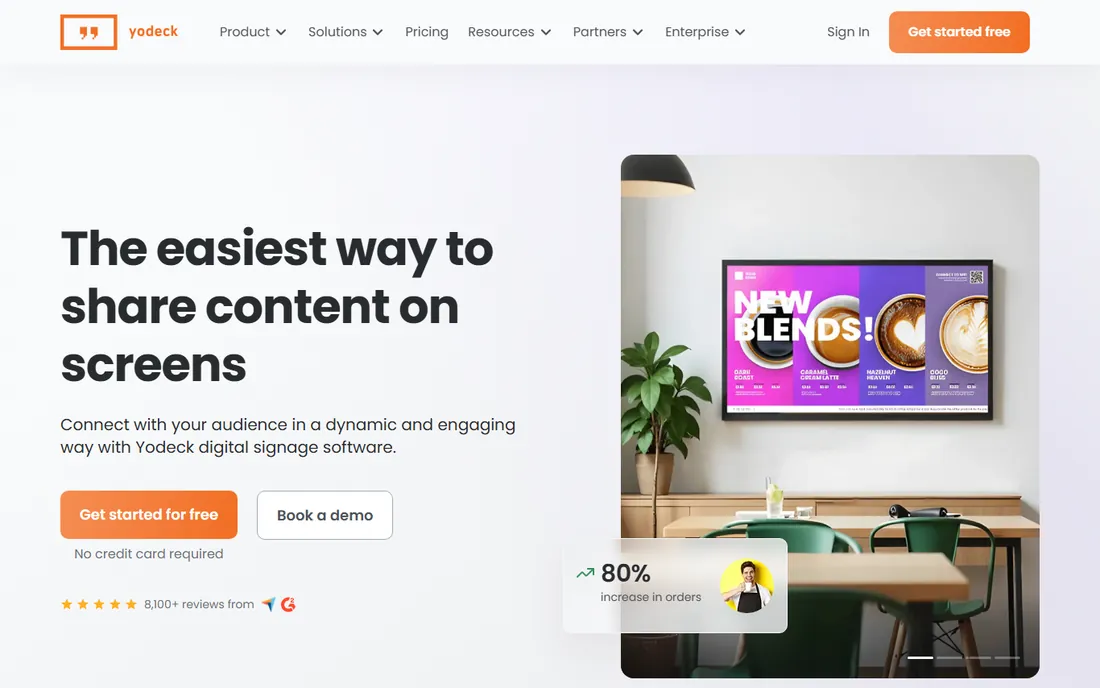
Yodeck is the tool most small businesses should try first. The free tier covers one screen with full features, so you can put a display in your lobby this week and pay nothing while you decide whether digital signage earns its keep. The company sells its own small player boxes, which removes the usual guessing about which stick or mini PC will work.
At $8 per screen per month, the paid plans stay affordable as you grow. Playlists, scheduling, and screen monitoring all work from the web dashboard. The trade-off is ecosystem depth. If you need deep integrations with workplace tools or advanced audience analytics, bigger platforms cover more ground. For menus, announcements, and promotions, Yodeck does the job without the enterprise price tag.
What we like- One screen free forever with no credit card
- Plug-and-play player hardware you can buy once
- Remote screen management from any browser
Watch out for- Fewer native integrations than larger rivals
- Advanced playlist rules take some learning
Starting price$10/screen/month
Free planYes (up to 3 screens)
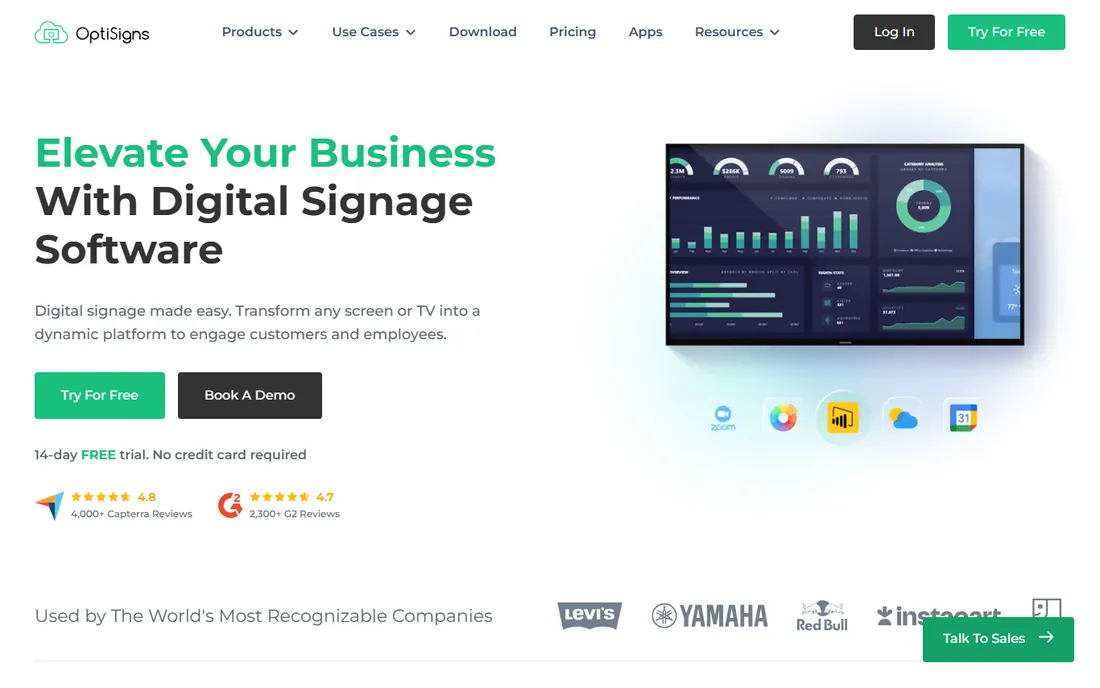
OptiSigns wins on ease of use. The drag-and-drop designer feels like building a slide deck, and the template library covers menus, schedules, and announcements out of the box. Because it runs on Amazon Fire TV sticks, the hardware cost per screen can be under $40, which changes the math for a restaurant that wants a display at every register.
The free tier covers three screens, which is enough for a real trial in a small venue. Paid plans start at $10 per screen per month. Some capabilities, like advanced proof-of-play reporting and deeper integrations, sit on higher tiers, so check the plan comparison before you assume everything is included. For non-technical teams that want pretty screens fast, it is one of the friendliest options here.
What we like- Beginner-friendly designer with ready templates
- Runs on cheap Fire TV sticks
- Large library of app integrations
Watch out for- Higher tiers needed for advanced features
- Support speed varies on the basic plan
Starting price$20/screen/month (billed annually)
Free planFree trial (14 days)
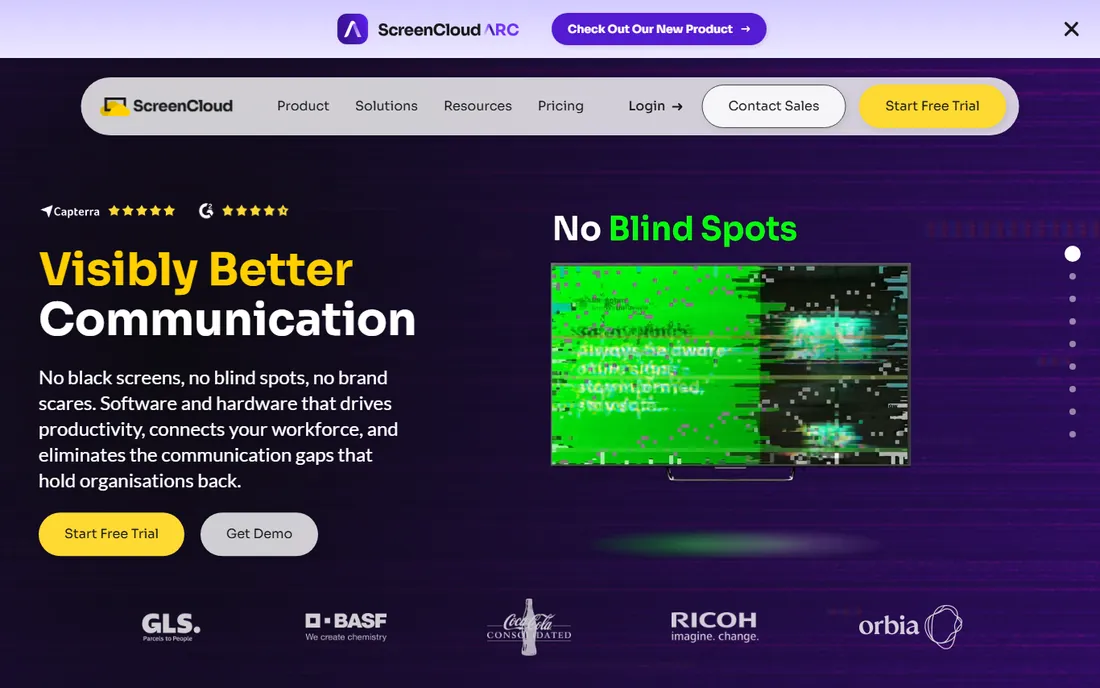
ScreenCloud is built for organizations with many locations and many people touching the content. The platform handles scheduling across time zones, lets headquarters lock down brand templates while local managers edit only their own details, and supports single sign-on for larger teams. That control is exactly what franchises need and exactly what small shops do not.
The $20 per screen per month price (billed annually) reflects that positioning. A 14-day free trial lets you test the full product before talking to sales. Watch the add-ons: certain apps and integrations carry extra fees, so the per-screen price is a floor, not a ceiling. If you run a handful of screens, cheaper tools will serve you. If you run fifty across three states, ScreenCloud's management features start to pay for themselves.
What we like- Polished content creation tools
- Works across screens, tablets, and video walls
- Granular user roles and SSO
Watch out for- Highest per-screen price in this list
- Some apps and channels cost extra
Starting price$8/device/month
Free planFree trial
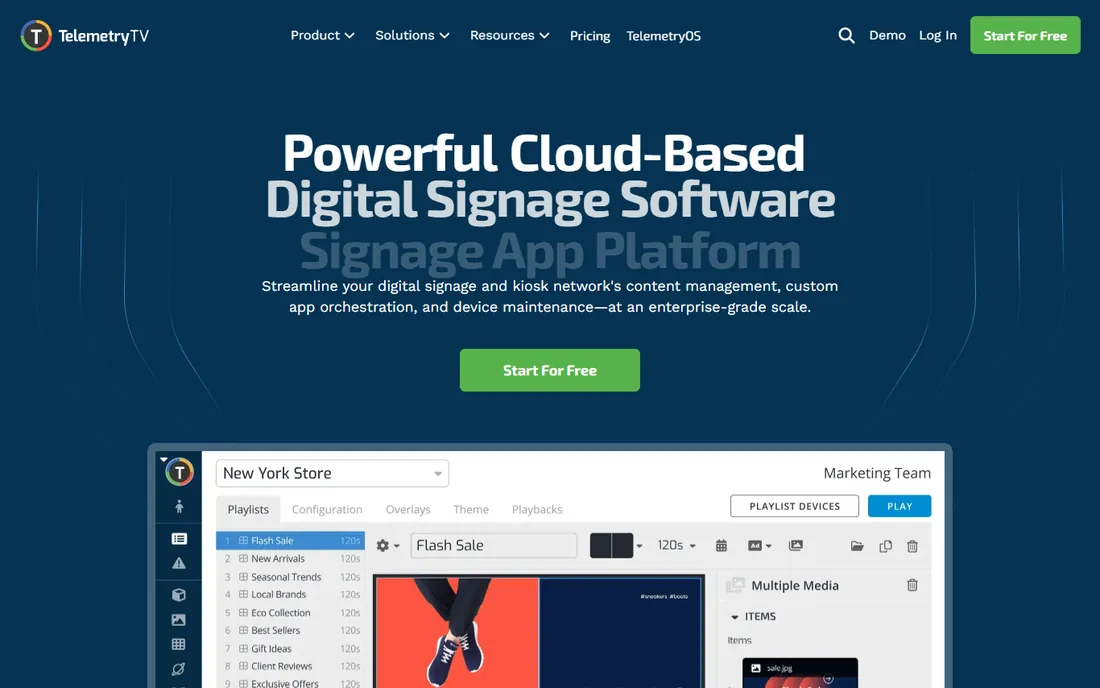
TelemetryTV treats your screens as live dashboards first and marketing displays second. It connects to data sources and renders charts, metrics, and KPI boards that update in real time, which makes it a natural fit for operations centers, warehouses, and sales floors where the numbers matter more than the branding. Device monitoring tells you when a screen goes dark before a customer notices.
The entry price of $8 per device per month is competitive, but the product rewards users who invest time in learning it. The board builder is powerful rather than pretty, and teams without a technical person may take longer to get polished results. If your main need is showing live data reliably, that trade is worth it. If you mostly need attractive promotional slides, simpler tools will get you there faster.
What we like- Strong data visualization and dashboard boards
- Device health monitoring and alerts
- Flexible layouts for mixed content
Watch out for- Learning curve for non-technical users
- Design polish lags behind marketing-focused rivals
Starting price$12/display/month
Free planFree trial
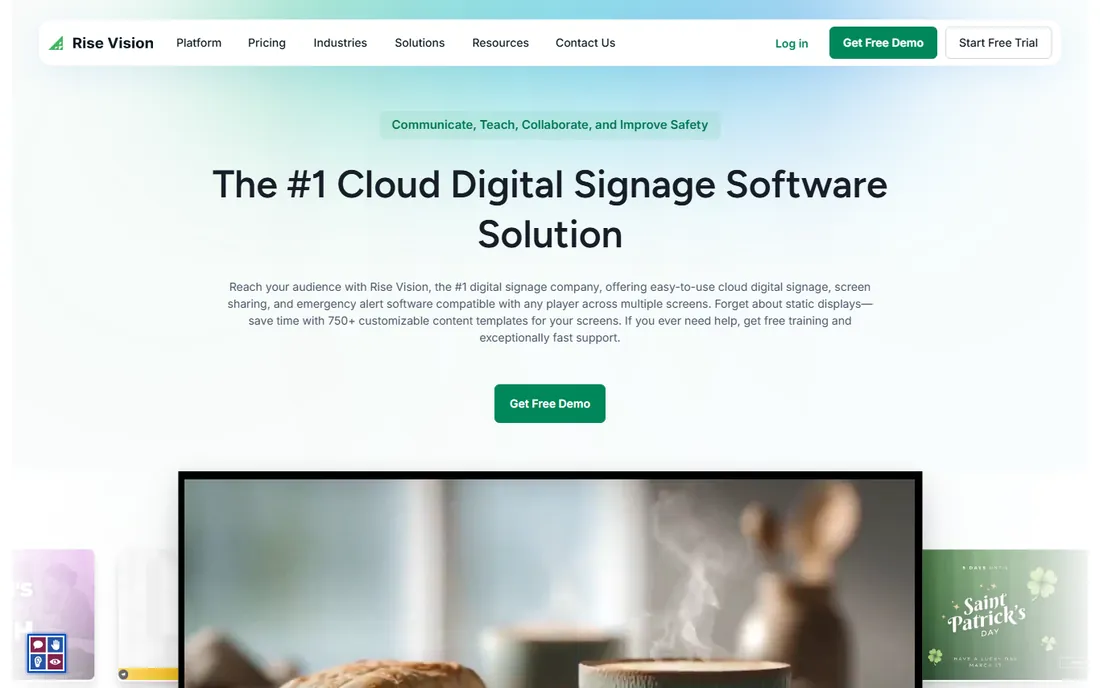
Rise Vision has served schools for years, and it shows in the details. Templates for class schedules, lunch menus, emergency alerts, and event boards are built in, and the scheduling tools are simple enough for office staff rather than IT. A dedicated K-12 plan brings the price down to $11 per display per month for qualifying institutions.
The product is less flashy than its competitors. The interface looks its age, and the integration catalog is thinner. But schools and nonprofits rarely need the fanciest animations; they need something affordable that a secretary can update at 7 a.m. Rise Vision delivers that. Organizations outside education can use it too, though the value proposition is strongest where budgets are tight and users are non-technical.
What we like- Education-focused templates and widgets
- Simple scheduling anyone can learn
- Discounted K-12 pricing
Watch out for- Interface feels dated next to newer rivals
- Smaller integration library
Starting price$14/screen/month (billed annually)
Free planFree trial (30 days)
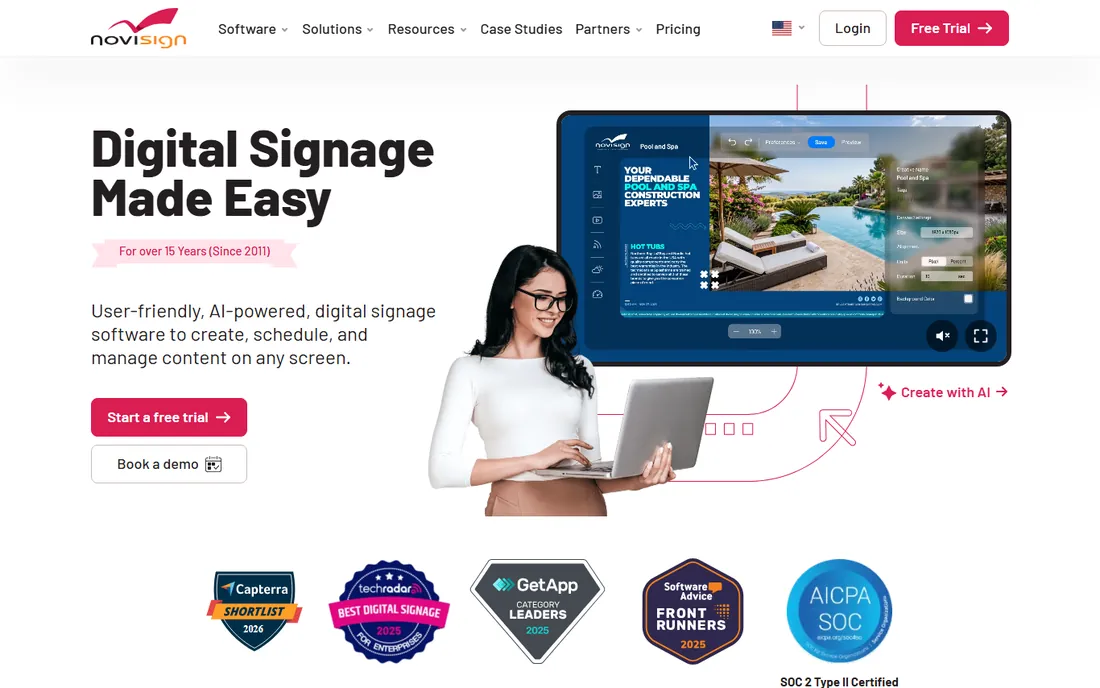
NoviSign stands out where touch matters. Many signage tools treat interactivity as an afterthought; NoviSign supports touchscreens, kiosks, and interactive widgets as core features. Retailers building product finders, clinics building check-in kiosks, and real estate offices building listing browsers get tools designed for that job rather than bolted on.
The 30-day free trial is generous and gives you time to build something real. Paid plans start at $14 per screen per month on annual billing. The drag-and-drop builder is capable but not the simplest here, so expect a learning period. The mobile companion app gets mixed reviews, which matters if your team updates content from phones. For interactive use cases, though, few tools in this price range compete.
What we like- Drag-and-drop builder with useful widgets
- Touch and interactive kiosk support
- White-label options for resellers
Watch out for- Companion mobile app quality is uneven
- Onboarding takes real effort
Starting priceFree (up to 10 screens); paid from $52/month
Free planYes (up to 10 screens)
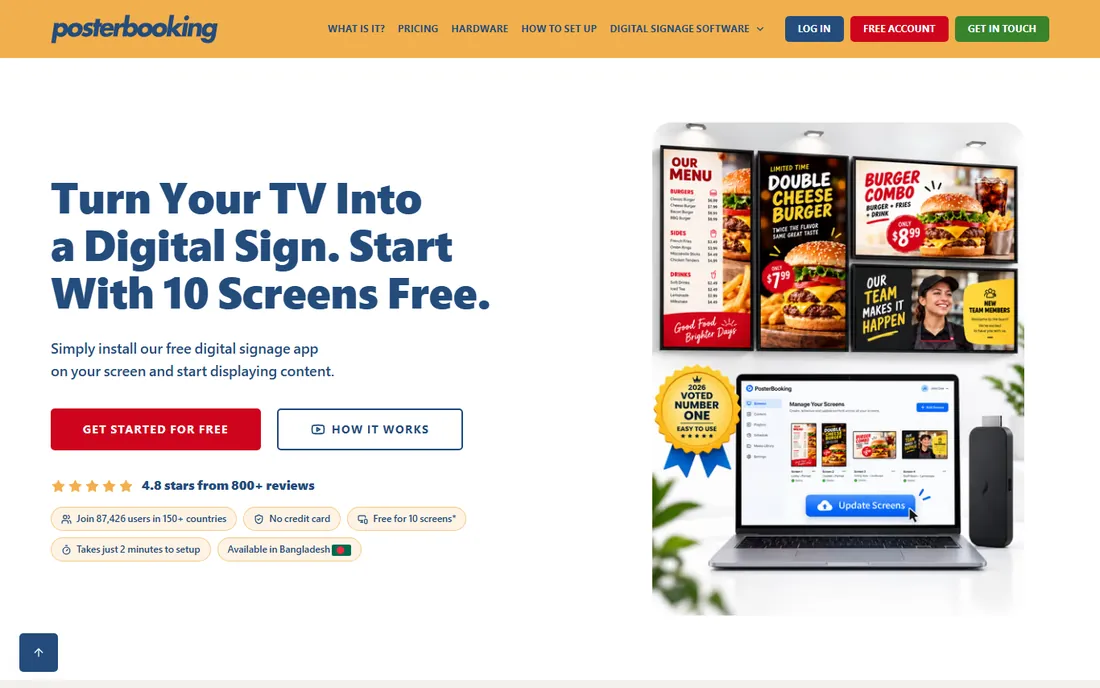
PosterBooking's free plan is the most generous in this guide: up to 10 screens, free, with no expiration. For a cafe with two menu boards, a gym with four class-schedule displays, or a retail shop with a window screen, the free tier may be all you ever need. Setup is genuinely quick, and image slideshows plus basic layouts cover the most common use cases.
The catch is depth. The design tools are simpler than paid rivals, and the integration list is short. A paid plan at $52 per month for 10 screens removes the limits and adds features, which is still cheap by industry standards. If your content needs are modest and your budget is near zero, start here. You can always migrate to a richer platform later if you outgrow it.
What we like- Free tier covers 10 screens with no time limit
- Setup takes minutes
- Fine for slideshows and image playlists
Watch out for- Design tools are basic on the free tier
- Limited third-party integrations
Starting priceFree (self-hosted); Xibo Cloud from $4.90/display/month
Free planYes (self-hosted)
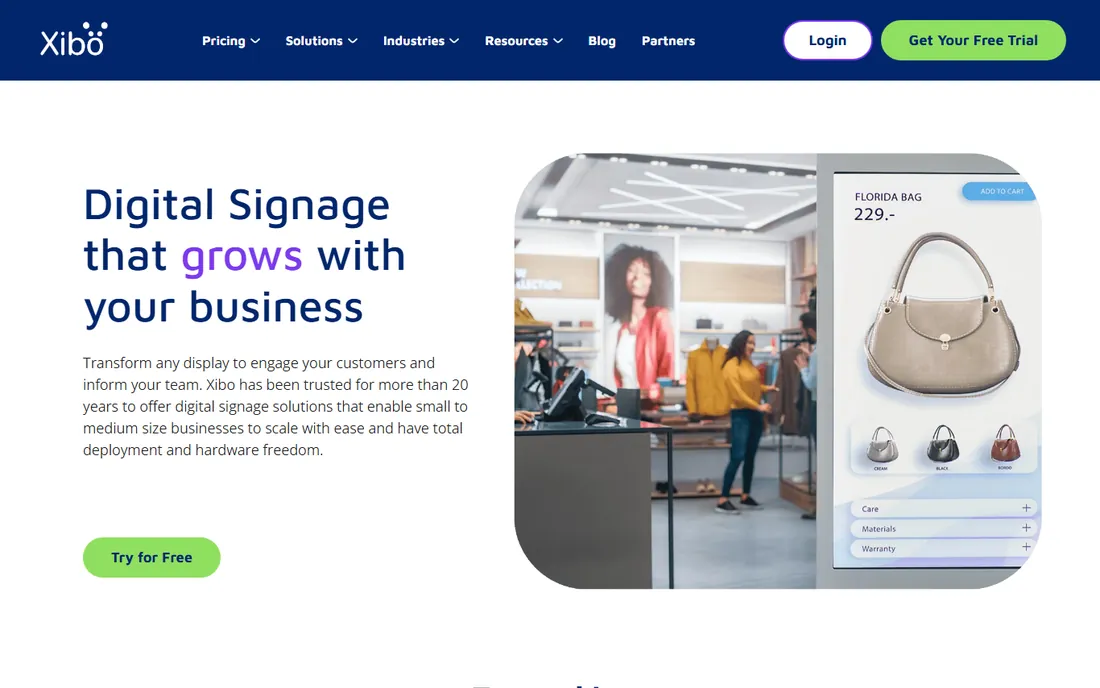
Xibo is the only open-source digital signage platform with real staying power. The self-hosted version is free with no screen limits and no per-user fees, which makes it attractive for organizations with in-house IT and strict data policies. You own the server, the database, and the content, so nothing about your signage depends on a vendor's uptime or pricing changes.
That freedom comes with responsibility. Installing, updating, and securing Xibo is real systems work, and troubleshooting falls on your team. If that sounds fine, Xibo Cloud removes the server burden starting at $4.90 per display per month, which undercuts most SaaS rivals. Teams without technical staff should pick the cloud version or a different tool entirely. Teams with it get enterprise-grade signage for a fraction of the cost.
What we like- Open source under AGPLv3 with no license fees
- Full control of your data and infrastructure
- No per-user charges
Watch out for- Requires technical skill to install and maintain
- Setup is slower than SaaS alternatives
Starting price$8/screen/month
Free planYes (first screen free)
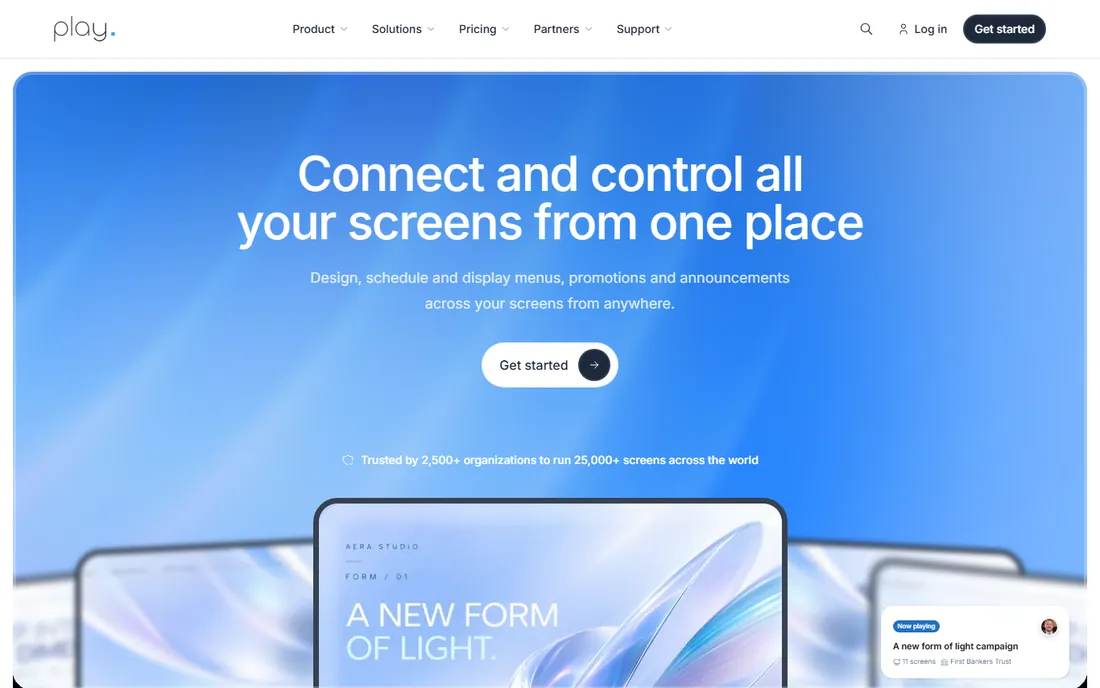
Play Digital Signage keeps things deliberately simple. You sign up, connect a player or a smart TV app, upload content, and your screens are live the same day. The unusual free offer, one screen free forever in exchange for a review, makes it easy to run a permanent pilot with no budget approval needed.
The $8 per screen per month Essential plan matches Yodeck's price, and the two compete for the same buyer: small teams that want signage working today, not a project. Play's template library is smaller than OptiSigns or ScreenCloud, and large enterprises will miss advanced user roles and reporting. But support gets consistently good marks, and for straightforward cloud signage it does exactly what it promises.
What we like- First screen free forever after leaving a review
- Fast deployment with no hardware lock-in
- Responsive customer support
Watch out for- Smaller template library than bigger rivals
- Fewer enterprise management features
How we chose
We opened the homepage and pricing page of each vendor on 2026-10-14 and recorded the starting price and free-tier terms exactly as published. We read product documentation to confirm hardware requirements, offline playback behavior, and plan limits, then checked public reviews on G2, Capterra, and Reddit for recurring complaints about support quality, hidden fees, and reliability. We favored tools with transparent per-screen pricing and skipped vendors that hide all pricing behind a sales call. No vendor paid for placement, and we did not run hands-on trials of the players.
What to check before you buy
Price per screen is only one part of the decision. These are the details that cause regret later.
Hardware and players
Some tools require their own player boxes, some run on $40 streaming sticks, and some install as apps on commercial smart TVs. Add the hardware cost per screen to the software subscription before comparing. A $20 per screen platform that runs on hardware you already own can be cheaper than an $8 platform that needs a $150 player at every location.
Offline playback
Almost every cloud tool caches content on the player, but the details differ. Check how much storage the player has, how long scheduled content keeps playing without internet, and whether you get an alert when a screen goes offline. A lobby display that freezes on a black screen during an outage is worse than no display at all.
Content tools and permissions
If one person creates content, any decent designer will do. If ten people across five locations create content, you need templates they cannot break, approval workflows, and user roles. This is where the price gap between simple tools and platforms like ScreenCloud comes from. Be honest about who will actually update the screens.
Contract terms
Most vendors bill annually for the advertised price and monthly at a premium. Ask about minimum screen counts, contract length, and what happens to your content if you cancel. Export your layouts and media regularly so a pricing change never holds your screens hostage.
What a screen really costs per month
Vendors advertise per-screen prices, but the true monthly cost per display has three parts: the software subscription, the hardware amortized over its life, and your time. A $10 per screen subscription on a $40 stick replaced every three years costs roughly $11 per month before your time. A $20 subscription on existing smart TVs costs $20 plus whatever hours go into content.
Free tiers change the picture for small deployments. PosterBooking's free 10-screen tier, Yodeck's free single screen, and Xibo's free self-hosting mean a business with a few displays can spend nothing on software. The costs that remain are hardware and the hours someone spends making slides look good. Budget for both. Content nobody updates is the most common reason signage projects fail, and no software fixes that.
Frequently asked questions
Do I need special hardware to run cloud signage software?
Usually not. Most tools run on inexpensive streaming sticks, mini PCs, or apps built into commercial smart TVs. Some vendors sell their own player boxes, which simplify setup but add upfront cost. Check the vendor's supported hardware list before buying displays.
Can I manage screens in different locations from one account?
Yes, that is the core promise of cloud-based signage. You group screens by location, push different content to each group, and schedule by time zone. Higher-priced platforms add user roles so local managers can edit only their own screens.
How many screens can I run on the free plans?
It varies widely. PosterBooking allows 10 screens free, OptiSigns allows 3, and Yodeck and Play Digital Signage allow 1. Xibo's self-hosted version has no screen limit at all. Free tiers sometimes restrict templates or integrations, so read the plan details.
What happens to my screens if the internet goes down?
Content already downloaded to the player keeps playing from the local cache. You lose the ability to push updates and see screen status until the connection returns. Ask each vendor how long the offline cache lasts and whether players alert you when they go dark.
Is per-screen pricing negotiable at scale?
Often. Published prices assume small deployments. Once you pass 25 to 50 screens, most vendors will discuss volume discounts or annual agreements. Get competing quotes and ask specifically about multi-year pricing before signing.
Sources we checked (9)
- https://www.yodeck.com/
- https://www.optisigns.com/
- https://screencloud.com/
- https://telemetrytv.com/
- https://www.risevision.com/
- https://novisign.com/
- https://posterbooking.com/
- https://xibosignage.com/
- https://playsignage.com/
Is your product missing or out of date?
We review this list regularly. Vendors can request a listing, send updated pricing or ask about featured placement.

Shihab Mia · Founder, Rankite
Shihab has spent more than a decade helping SaaS and e-commerce brands grow through search. He writes Rankite's software buying guides from pricing pages, documentation and public user reviews. More about Shihab.