How we make this list: we compare pricing pages, product documentation and public user reviews. Rankite is independent; if a vendor ever pays for a featured spot, that listing is clearly labeled Partner.
Key takeaways
- For PCs and Macs, Backblaze, Carbonite and IDrive offer set-and-forget cloud backup at consumer-friendly prices.
- CrashPlan and Acronis cover endpoints, servers and Microsoft 365 in one platform for small and mid-size businesses.
- Veeam, Datto and Axcient serve IT teams and MSPs with full backup plus disaster recovery, including server virtualization and failover.
- Almost nobody publishes backup pricing except consumer tiers; business plans are quote-based or through partners.
Quick comparison
| Tool | Best for | Starting price | Free plan |
|---|
 Backblaze Backblaze | unlimited PC and Mac backup | See website | No |
 Carbonite Carbonite | simple unlimited PC backup | $6.40/month (billed annually) | No |
 IDrive IDrive | multi-device backup on one account | See website | No |
 Acronis Acronis | backup plus cybersecurity in one agent | See website | Free trial |
 CrashPlan CrashPlan | endpoint, server and SaaS backup | See website | No |
 Veeam Veeam | enterprise backup and recovery | See website | No |
 Datto Datto | MSPs delivering backup as a service | See website | No |
 Axcient Axcient | MSPs wanting chain-free BCDR | See website | Free trial |
Is your product missing or out of date?
We review this list regularly. Vendors can request a listing, send updated pricing or ask about featured placement.
The best cloud backup software
Starting priceSee website
Free planNo
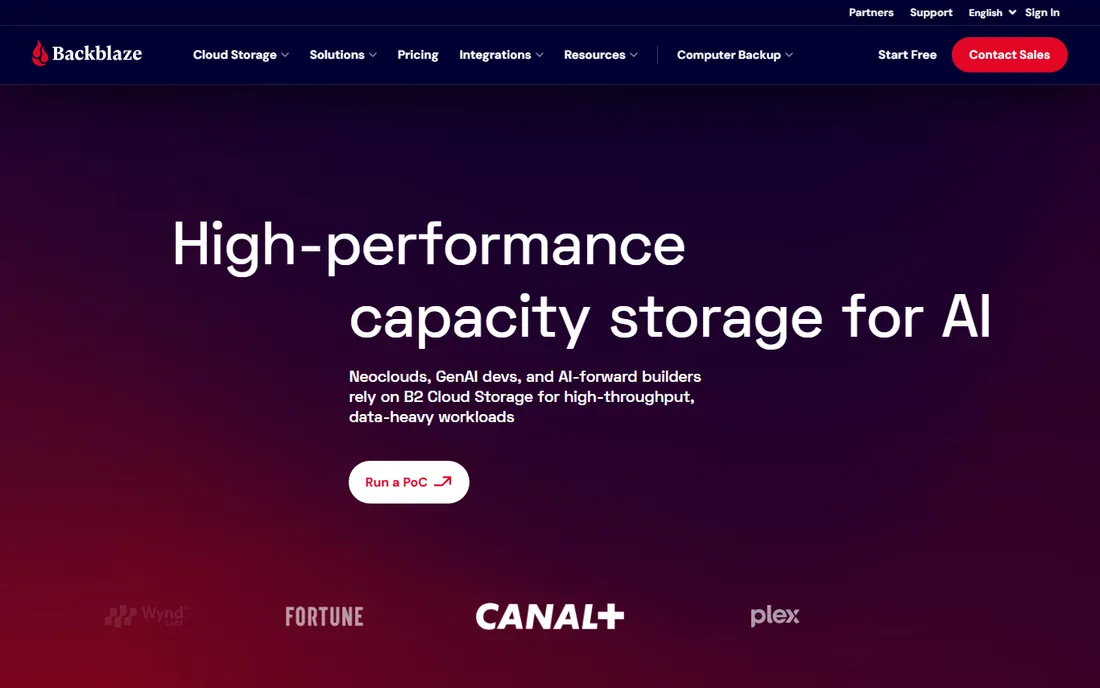
Backblaze Computer Backup is the closest thing to set-and-forget backup: install it, and it continuously backs up everything except system and temporary files, with no storage cap and no throttling. The price stays flat regardless of how much data you have, which makes it popular with photographers, videographers and anyone with terabytes of media.
For IT teams, Backblaze Groups manage multiple computers centrally, and B2 cloud storage works as a cheap off-site target for server backup tools including Veeam. The honest catch is licensing: it is per computer, so a fleet of 50 machines needs 50 licenses, and teams that need long version history or centralized admin may outgrow the simplicity.
What we like- Unlimited storage per computer
- Famously simple setup
- B2 object storage integrates with many backup tools
Watch out for- One computer per license
- Advanced features (extended version history) cost extra
Starting price$6.40/month (billed annually)
Free planNo
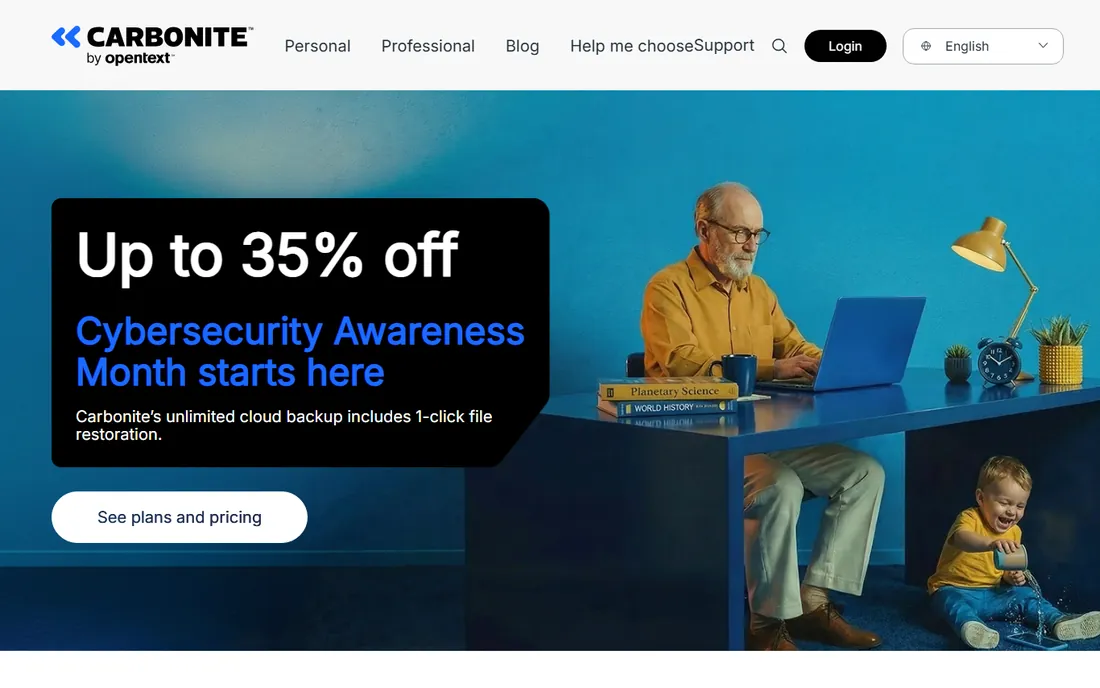
Carbonite (now an OpenText company) has been doing unlimited PC backup since the mid-2000s, and the formula is unchanged: pick a plan, install the app, and your files back up automatically with 256-bit encryption in transit and at rest. The Basic plan covers one computer, while Plus adds external hard drive backup and automatic video backup.
Current pricing lists Basic at $6.40/month billed annually ($76.79 for the first year on promotion). Small businesses can step up to business plans with server backup and managed policies. The catch is the per-computer model: households with three machines pay three times, and at that point multi-device plans like IDrive's start looking cheaper.
What we like- Unlimited cloud backup storage
- Automatic and encrypted
- 256-bit encryption
- Current plans start at $6.40/month billed annually
Watch out for- One computer per plan
- Advanced features reserved for higher tiers
Starting priceSee website
Free planNo
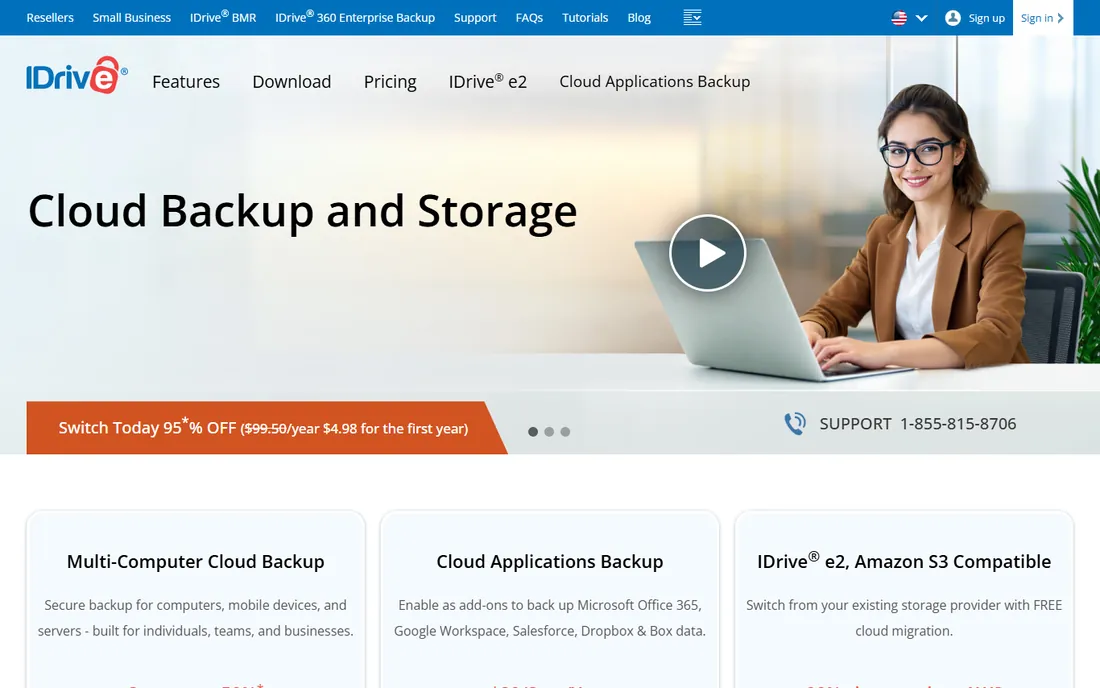
IDrive's pitch is one account, every device: PCs, Macs, phones, tablets, servers and NAS units all back up into a single plan priced on storage, not device count. That makes it the cheapest option for families or small offices with many machines. It keeps 30 versions of every file, offers true archiving so deleted files stay in the backup, and lets you set a private encryption key IDrive never sees.
The IDrive Express service ships a physical drive for the first backup or a large restore, sidestepping slow uploads. The catch is polish: the apps and web interface lag behind Backblaze and Carbonite in design, and some users report slower upload speeds. If you value price and flexibility over polish, it is hard to beat.
What we like- One account backs up unlimited devices
- 30 file versions retained
- Private encryption key option
- Express physical seeding and restore
Watch out for- Interface feels dated
- Large first backups need Express drive service
Starting priceSee website
Free planFree trial
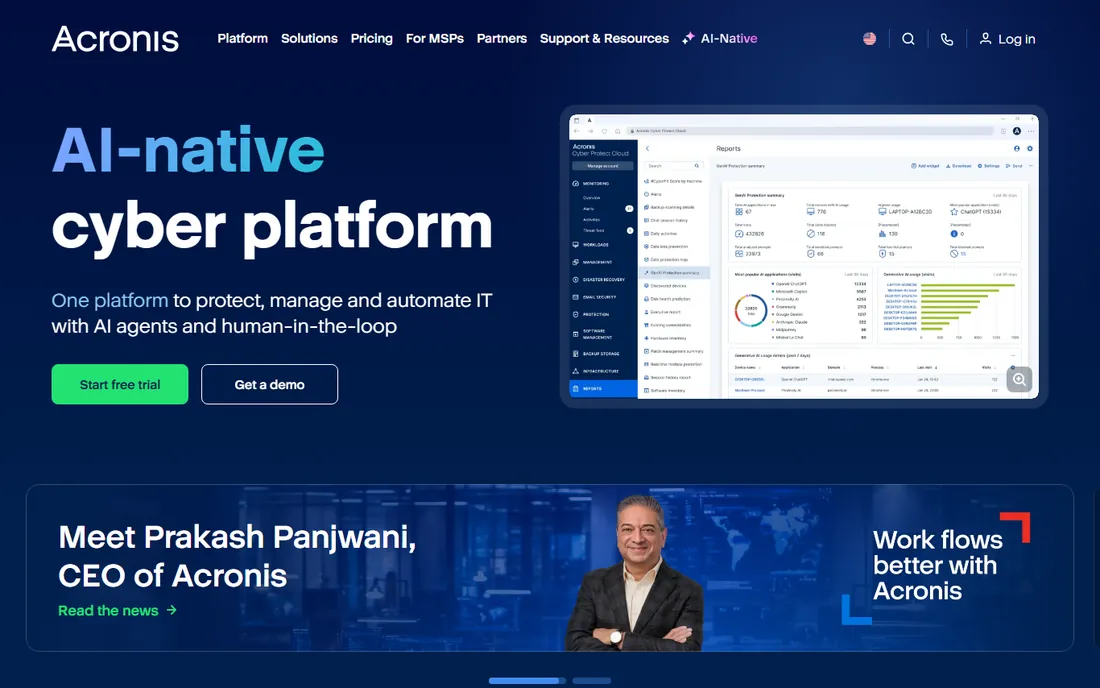
Acronis Cyber Protect merges backup with cybersecurity: one agent handles imaging backup, next-gen antivirus, vulnerability assessment, patch management and URL filtering. That integration is the point. Ransomware that encrypts your files gets blocked by the same platform that holds the clean backups, and recovery restores from a known-good point.
The company serves 21,000+ service providers and 750,000+ businesses, mostly through MSP partners, though Cyber Protect Home Office covers consumers. In 2026 Acronis is pushing an "AI-native cyber platform" with agentic automation. The catch is that small businesses usually buy through an MSP rather than directly, and the platform's breadth is overkill if all you need is file backup.
What we like- Single agent for backup, antivirus, patching and EDR
- Strong MSP ecosystem
- AI-native platform direction
Watch out for- Business pricing is quote-based
- Breadth means complexity for simple needs
Starting priceSee website
Free planNo
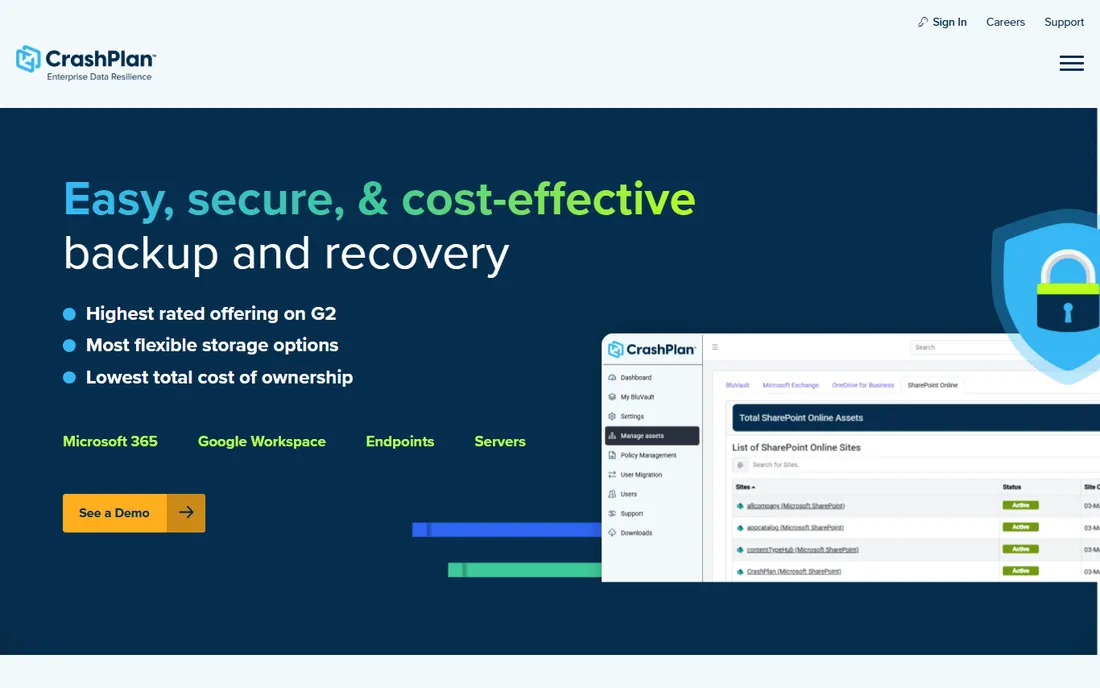
CrashPlan (formerly Code42) focuses on data resilience for organizations: automatic continuous backup of endpoints and servers, plus cloud-to-cloud backup for Microsoft 365 and Google Workspace, in one platform. Unlimited versioning and point-in-time recovery mean ransomware or accidental deletion is a restore, not a crisis.
A differentiator is storage flexibility: use CrashPlan's cloud, bring your own Azure storage, or even pool unused OneDrive storage. The catch is the product lineup. CrashPlan is consolidating Classic Endpoint and the newer Platform products, and accounts can end up with two admin consoles. New buyers should confirm which console they will live in before signing.
What we like- Continuous automatic backup with unlimited versioning
- Covers endpoints, servers, Microsoft 365 and Google Workspace
- BYO storage options
Watch out for- No free tier
- Admin console split between Classic and Platform products
Starting priceSee website
Free planNo
Veeam is the default backup platform for virtualized and hybrid-cloud environments, protecting 450,000+ customers including most of the Global 2000. The Veeam Data Platform covers virtual machines, physical servers, cloud workloads, Kubernetes and SaaS, with instant VM recovery, immutable backups and automated malware scanning before restore.
In 2026 Veeam extended into data security posture management and AI governance, positioning backup as the foundation of the data layer. The catch is that Veeam is an enterprise platform sold through partners with quote-based pricing. It also assumes real IT staff: configuring backup repositories, immutability and recovery orchestration is not a weekend project.
What we like- Market-leading virtual and cloud backup
- Strong ransomware recovery features
- Massive partner ecosystem
Watch out for- Enterprise pricing and complexity
- Overkill for simple file backup
Starting priceSee website
Free planNo
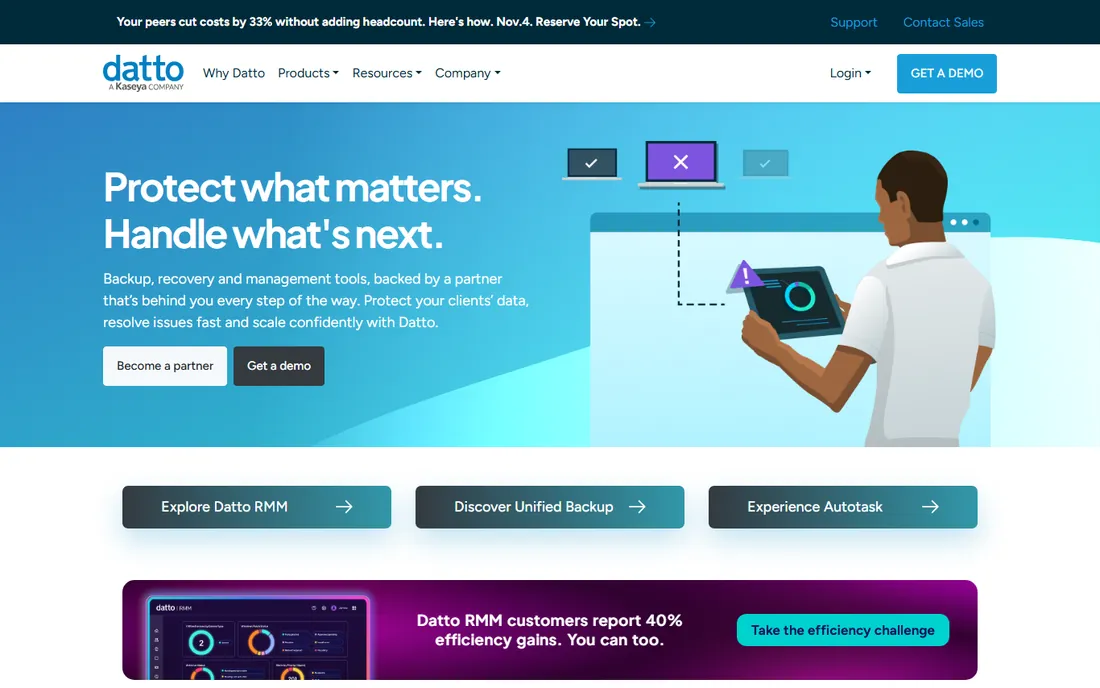
Datto (a Kaseya company) builds backup for managed service providers. Its BCDR appliances take local snapshots and replicate to the Datto Cloud, and when a server dies, the MSP can spin up a virtualized copy in the cloud within minutes. Datto Unified Backup extends the same model to endpoints, SaaS apps and Azure.
The BackupIQ technology and the RMM/PSA integrations (Autotask, IT Glue) make it a complete managed-service stack. The catch for buyers: Datto does not sell direct. You get it through an MSP, which is the right model for companies that want backup managed for them, but not for DIY IT teams that want to buy software licenses.
What we like- Purpose-built for MSPs with multi-tenant management
- Appliance plus cloud BCDR
- Instant virtualization for fast recovery
Watch out for- Sold through MSP partners, not directly to end users
- Ecosystem lock-in with Kaseya
Starting priceSee website
Free planFree trial
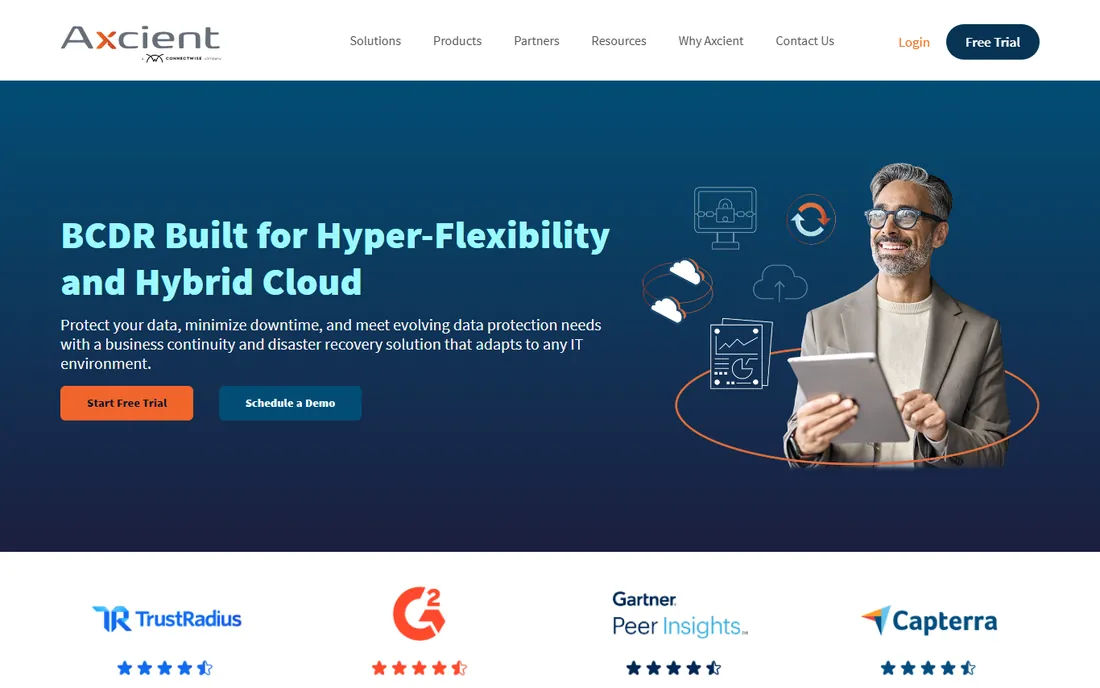
Axcient's x360 platform gives MSPs backup and disaster recovery built on "chain-free" technology: every recovery point is independent, so there is no incremental chain to corrupt and no re-seeding after failures. Pooled storage at a flat fee avoids the surprise overages that plague per-device pricing.
The x360 suite covers BCDR (x360Recover), Microsoft 365 and Google Workspace backup (x360Cloud), and secure file sync (x360Sync). The catch is channel: like Datto, Axcient sells through MSP partners. It also has a smaller partner ecosystem than the giants, so integrations with your existing RMM or PSA deserve a check before committing.
What we like- Chain-free backup technology eliminates broken backup chains
- Flat-fee pooled storage
- X360 platform covers BCDR, SaaS backup and file sync
Watch out for- MSP-channel sales
- Smaller ecosystem than Datto or Veeam
How we chose
We compared platforms using vendor documentation and pricing pages, analyst coverage, and public reviews on G2, Capterra and Reddit sysadmin communities. We weighted recovery capabilities (not just backup), ransomware resilience features, ease of management, MSP and SMB fit, and pricing transparency. We did not perform hands-on testing; all assessments reflect publicly available information as of October 2026.
Choosing backup by what you are protecting
Match the tool to the workload. Individual computers: Backblaze, Carbonite or IDrive. Endpoints plus SaaS across a small company: CrashPlan or Acronis. Virtualized servers and hybrid cloud: Veeam. And if you are an MSP, or a business that wants an MSP to own backup entirely, Datto and Axcient are the two purpose-built options.
The 3-2-1 rule still applies
Three copies of your data, on two types of media, with one copy off-site. Cloud backup is usually the off-site copy, not the whole strategy. Keep a local backup too (an external drive or NAS) for fast restores, because downloading terabytes from the cloud takes time no matter how good the service is.
Test your restores
A backup you have never restored from is a hope, not a plan. Once a quarter, restore a few files and confirm they open. Once a year, do a full disaster-recovery test if you have servers. Every vendor on this list can restore; the failures happen when nobody checked that the backups were actually running.
Ransomware changed what backup must do
Modern backup is judged on recovery, not storage. Look for immutability (backups that cannot be encrypted or deleted by an attacker), anomaly detection that flags unusual backup changes, and clean-room restore that scans backups for malware before recovery. Also confirm the 3-2-1 basics: air-gapped or offline copies, tested restores, and documented recovery-time objectives. A backup platform without these is a 2015 product in a 2026 threat world.
Frequently asked questions
What is cloud backup software?
Cloud backup software copies data from your computers, servers or SaaS apps to secure off-site data centers over the internet. If hardware fails, files are deleted, or ransomware strikes, you restore from the cloud copy instead of losing the data.
How is cloud backup different from cloud storage?
Cloud storage (Google Drive, Dropbox) syncs your current files across devices; if ransomware encrypts a file, the encrypted version syncs everywhere. Cloud backup keeps historical versions and point-in-time snapshots, so you can roll back to before the damage.
How much does cloud backup cost?
Consumer PC backup typically runs $6-10 per month per computer with unlimited storage. Business endpoint backup is usually priced per device per month, while server and enterprise backup is quote-based. MSP-delivered backup is bundled into a monthly managed-services fee.
What is the 3-2-1 backup rule?
Keep three copies of your data, on two different types of media, with one copy off-site. Cloud backup usually serves as the off-site copy. The rule protects against the failure modes that take out a single location or a single device.
Does cloud backup protect against ransomware?
It does when it keeps immutable, versioned copies. Look for backups that cannot be modified or deleted by an attacker, plus the ability to restore files as they existed before the infection. Test restores regularly; an untested backup is not protection.
How long does the first backup take?
The initial backup transfers everything and can take days on a typical home connection. Most vendors offer a seeding service (shipping a physical drive) for multi-terabyte first backups. After that, only changed data uploads, which usually finishes in minutes.
Sources we checked (8)
- https://acronis.com/
- https://backblaze.com/
- https://www.carbonite.com/
- https://idrive.com/
- https://crashplan.com/
- https://www.veeam.com/
- https://www.datto.com/
- https://axcient.com/
Is your product missing or out of date?
We review this list regularly. Vendors can request a listing, send updated pricing or ask about featured placement.

Shihab Mia · Founder, Rankite
Shihab has spent more than a decade helping SaaS and e-commerce brands grow through search. He writes Rankite's software buying guides from pricing pages, documentation and public user reviews. More about Shihab.