How we make this list: we compare pricing pages, product documentation and public user reviews. Rankite is independent; if a vendor ever pays for a featured spot, that listing is clearly labeled Partner.
Key takeaways
- bltn is the most complete digital bulletin platform, turning one weekly workflow into print, text, email and social output.
- ChurchRaise offers free core tools for digital bulletins with a stable link and QR code, ideal for small churches.
- Tithe.ly Loop ($19/month) suits churches already using Tithe.ly for giving and church management.
- Sharefaith ($49/month) bundles bulletin templates with a huge library of church graphics, websites and curriculum.
- Canva's free tier remains the simplest DIY option for printed bulletins on a zero budget.
Quick comparison
| Tool | Best for | Starting price | Free plan |
|---|
 bltn bltn | Digital bulletins across every channel | See website | Free trial |
 ChurchRaise ChurchRaise | Free digital bulletins for small churches | Free | Yes |
 Tithe.ly Loop Tithe.ly Loop | Churches already on Tithe.ly | $19 per month (after 14-day trial) | Free trial (14 days) |
 Sharefaith Sharefaith | Bulletin templates plus media library | $49 per month (billed annually) | No |
 Bulletin Builder Bulletin Builder | Orthodox parishes | See website | No |
 ChurchArt Online ChurchArt Online | Bulletin art and covers | See website | No |
 Canva Canva | Free DIY bulletin design | Free | Yes |
 Adobe Express Adobe Express | Quick bulletin layouts | See website | Yes |
Is your product missing or out of date?
We review this list regularly. Vendors can request a listing, send updated pricing or ask about featured placement.
Print bulletins are becoming digital bulletins
The weekly bulletin used to be a folded piece of paper. Now it is often a link, a QR code in the pew, or a text message, sometimes alongside the print version. The tools below split between digital-first platforms (bltn, ChurchRaise, Tithe.ly Loop) and design resources for traditional bulletins (Sharefaith, ChurchArt, Canva). Most churches end up needing a bit of both.
#1
bltn
Best for: Digital bulletins across every channel
Visit bltn.io
Starting priceSee website
Free planFree trial
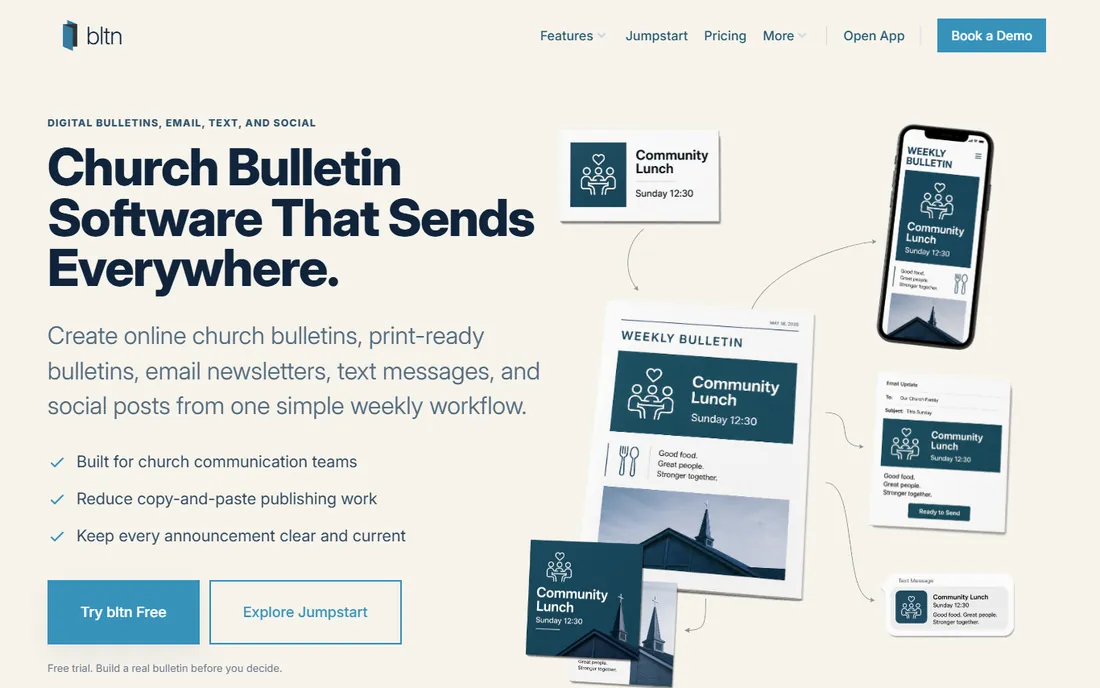
bltn keeps the Sunday bulletin as the source of truth, then helps you publish it everywhere: print-ready versions, digital bulletins sent by text or email, and social posts, all from one weekly workflow. For communication teams tired of copy-pasting announcements into five channels, that single-source model is the whole pitch, and millions of sent bulletins back it up.
The honest catch is cost structure: pricing scales with subscriber count, plus extra for text messaging and email volume. A large church can find the bill climbing. Small teams should price it against their actual congregation size before committing.
Setup is straightforward for a team: import your announcement list, pick a template that matches your print and digital formats, and publish from the same editor each week. Limits show up in two places: the subscriber-based pricing tiers and the separate texting credits, so a church that wants heavy SMS outreach pays on two axes. Integrations cover the usual church stack, including Planning Center and major ChMS tools, which keeps event details in sync. Support quality is solid for a niche product, with onboarding help for new teams and email support on paid plans. The weekly rhythm is the real product here: once the template is built, the bulletin mostly assembles itself.
What we like- One workflow feeds print, text, email and social
- Built for church comms teams
- 3.5M+ bulletins sent
Watch out for- Pricing based on subscribers can get expensive
- Texting costs add up
Starting priceFree
Free planYes
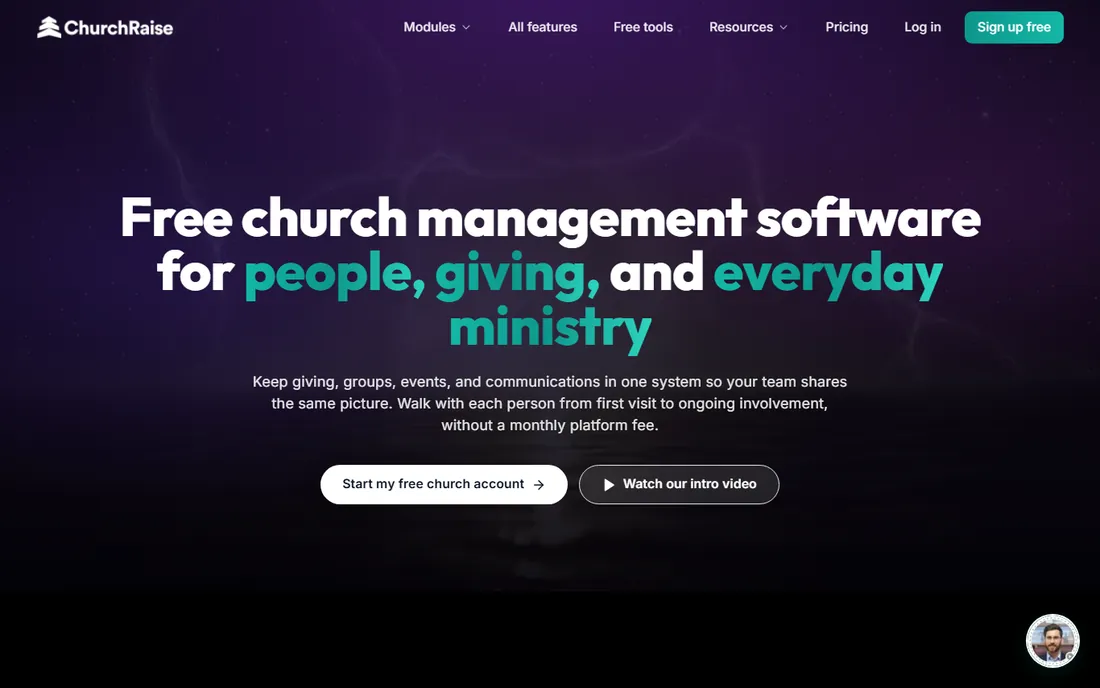
ChurchRaise offers free core tools for digital church bulletins: build announcements, prayers, events and sermon notes in a simple editor, share one stable link or QR code, and update next week without sending a new file. Past bulletins stay archived. No app required, and it works on any phone.
It is a newer entrant, so the long-term track record is thinner than bltn's, and power features will presumably cost. But for a small church that wants a digital bulletin this Sunday at zero cost, it is the easiest yes on this list.
Setup takes minutes: create the bulletin in the editor, add announcements, prayers, events and sermon notes, then share the stable link or print the QR code for the pews. The stable link is the smart part, since next week's update reuses the same URL instead of asking everyone to re-scan. Limits are honest at the free price: the track record is short, the feature set is narrower than bltn's, and any serious automation will presumably sit behind a paid tier. Integrations are minimal right now, which is fine because the product is deliberately simple. Support is email-based and small-team, so expect personal but not instant replies.
What we like- Free core tools
- One stable link with QR code
- Works on any phone with no app
Watch out for- Newer platform with a smaller track record
- Advanced features likely paid
Starting price$19 per month (after 14-day trial)
Free planFree trial (14 days)
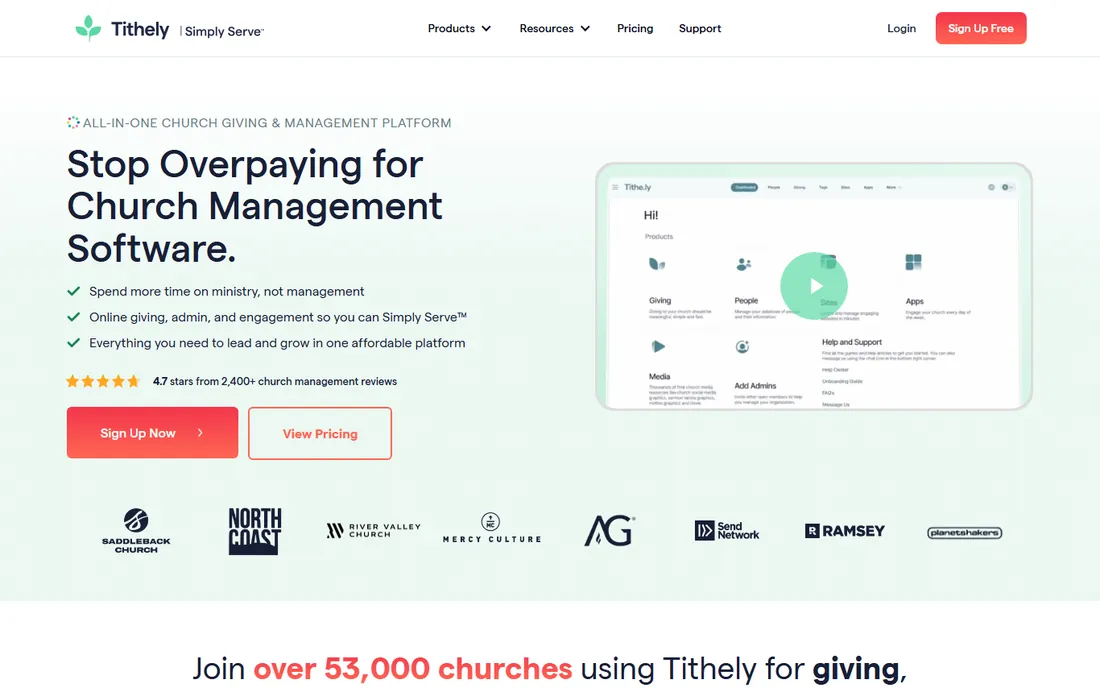
Tithe.ly Loop is the digital bulletin add-on for the Tithe.ly platform: drag-and-drop sections, pre-built templates, real-time preview, and deep ties to Tithe.ly's giving, events and church management tools. After a 14-day trial, it costs $19 a month with email support.
The limitation is viewing: bulletins are digital-only, seen on phones, tablets or computers, which leaves out members without smartphones. And it makes most sense inside the Tithe.ly ecosystem. For Tithe.ly churches, though, it is the natural choice.
Setup is near-instant if you already run Tithe.ly: connect your account, pull in events and giving links, and publish from the drag-and-drop builder. The 14-day trial is short, so use it to build a real bulletin and check how it looks on a phone before the $19 billing starts. Limits are clear: bulletins are digital-only with no print path, and outside the Tithe.ly ecosystem much of the value evaporates. Integrations are the point, with giving, events and people data flowing from the ChMS into the bulletin. Support runs through Tithe.ly's email support, which churches on the platform already know.
What we like- Drag-and-drop bulletin builder
- Integrates with Tithe.ly giving and ChMS
- Simple pricing
Watch out for- Digital-only viewing
- Less useful outside the Tithe.ly ecosystem
Starting price$49 per month (billed annually)
Free planNo
Sharefaith is the veteran church media company: bulletin templates and covers backed by a library of 60,000+ worship graphics, plus church websites, mobile apps, Sunday school curriculum and presentation software in one $49-a-month membership. If your church needs the whole media package, the bundle value is strong.
If you only need bulletins, you are paying for a lot of extras. The membership model also means the price never drops to zero. It fits churches that will use the website, graphics and curriculum alongside the bulletin tools.
Setup means joining the membership and browsing: bulletin templates and covers are organized by season and theme, and the graphics library plugs into the presentation and website tools in the bundle. Limits are about focus: this is a media bundle first, so the bulletin builder itself is simpler than a dedicated platform's. Annual billing locks the $49 rate, and there is no free tier to fall back on. Integrations matter if you use the whole bundle, since the website, app and curriculum share the same media library. Support has a long track record with churches, including phone and chat options that volunteers appreciate. Price it as a media department subscription, not as bulletin software, and the math usually works.
What we like- 60,000+ church graphics and bulletin covers
- Bundles website, app and curriculum
- Long track record
Watch out for- $49 a month is a lot for bulletins alone
- The bundle includes things you may not need
Starting priceSee website
Free planNo
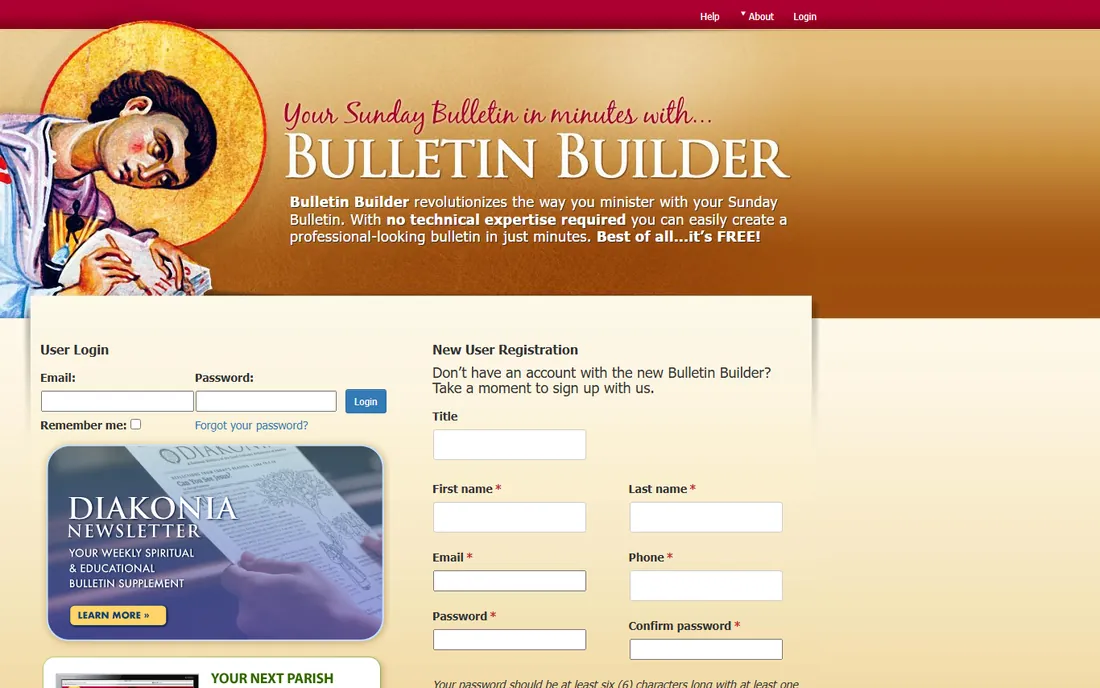
Bulletin Builder is a niche tool done well: it generates the Sunday bulletin automatically with content matched to the Orthodox liturgical calendar for any American Orthodox jurisdiction, with customization and multi-user collaboration so the priest, council and ministry leaders can all contribute.
It is explicitly Orthodox; other traditions should look elsewhere. But for its audience, the liturgical awareness saves hours every single week, which generic tools cannot match.
Setup maps your parish to its jurisdiction once, then the liturgical calendar does the heavy lifting: readings, hymns and commemorations land in the bulletin automatically each week. Multi-user collaboration is built for parish life, with roles for the priest, parish council and ministry leaders contributing their own sections. Limits are by design: everything is Orthodox, so other traditions get nothing from it. Integrations are minimal, since the product is self-contained by intent. Support is niche and personal, the kind of small-team help where the developers know the liturgical calendar as well as you do.
What we like- Purpose-built for Orthodox liturgy
- Auto-generates weekly bulletins
- Multi-user collaboration
Watch out for- Orthodox-specific content
- Not suited to other traditions
Starting priceSee website
Free planNo
ChurchArt Online supplies what many bulletins lack: professional, church-specific artwork and bulletin covers from a library built over decades. If your bulletin looks tired, the art is usually the problem, and this is the fastest fix.
It is an art subscription, not bulletin software; you still lay out the bulletin in Word, Publisher or Canva. Pair it with a free design tool for the complete package at modest cost.
Setup is a subscription and a download library: browse by season, theme or scripture, download covers and art, and drop them into Word, Publisher or Canva. Limits are honest, it is an art library, so layout, text and announcement management stay in your hands. There is no integration to speak of, though the files work with any design tool that accepts standard image formats. Support is the standard subscription help desk, adequate for downloads and account questions. The value question is simple: if your bulletin content is good but looks tired, fresh covers and art fix that faster than any software feature.
What we like- Huge library of church-specific art and bulletin covers
- Long publishing history
Watch out for- Art library, not a bulletin builder
- Subscription for images alone
Starting priceFree
Free planYes
Canva's free tier is enough to design a complete weekly bulletin: text, images, layouts, exported for print or screen. Volunteers learn it in an afternoon, and the brand kit on paid plans keeps bulletins consistent week to week.
There are no church-specific features: no lectionary integration, no announcement workflows. You are building the template yourself. For churches with a willing volunteer and zero budget, it is the practical answer.
Setup is instant and free: start from a bulletin template, set your church's fonts and colors once, and duplicate the design each week. The brand kit on paid plans keeps every week's bulletin visually consistent without effort. Limits are about process, not design: there is no lectionary feed, no announcement workflow, and every week starts from last week's file with manual edits. Integrations cover the practical side, with direct export to print services and easy sharing to email and social. Support is the standard help center plus a huge template community, which suits volunteers who learn by example.
What we like- Free tier covers full bulletin design
- Easy for volunteers
- Print and digital export
Watch out for- No church-specific workflows
- You build the template yourself
Starting priceSee website
Free planYes
Adobe Express offers quick, good-looking bulletin layouts with better typography than most free tools, plus brand controls that keep every week's bulletin visually consistent. The free tier handles the basics well.
Like Canva, it knows nothing about church workflows. Choose between the two on which editor your volunteers prefer; functionally they solve the same problem.
Setup mirrors Canva's: pick a template, set brand colors and fonts, and reuse the layout weekly. The typography edge is real, with finer control over text styling than most free tools offer. Limits match Canva's: no church-specific workflows, no liturgical awareness, and premium features sit behind the subscription. Integrations favor the Adobe ecosystem, with easy handoff to other Creative Cloud tools if your church ever outgrows templates. Support is Adobe's standard help system, which is thorough if not church-specific. Pick it if your volunteer already lives in Adobe's world; pick Canva if they do not.
What we like- Good templates and typography
- Free tier is capable
- Brand controls
Watch out for- Fewer church-specific resources than Sharefaith
- Premium features need subscription
Digital, print, or both?
Survey your congregation before deciding. If most members carry smartphones, a digital bulletin via bltn, ChurchRaise or Tithe.ly Loop saves printing costs and stays current all week. If a meaningful share does not, keep the print version. Many churches run both: print for Sunday morning, digital for the week.
The cost question usually settles it: printing a few hundred bulletins every Sunday runs $50 to $150 a month in paper and toner, which makes a digital tool at $19 a month look cheap, while a free tool like ChurchRaise or Canva beats both. The hybrid workflow many churches land on is simple: keep a short print bulletin for Sunday morning with the order of service, and put announcements, prayer requests and event details on the digital version where they can be updated all week. That split also respects the congregation's range: regulars who plan their week from the bulletin get the live link, while visitors and members without smartphones still get paper in hand.
How we chose
We compared bulletin tools cited in 2026 church technology roundups, verifying pricing against vendor pages and official announcements. We weighted ease of weekly use, print and digital output, cost and church-specific features. We did not produce test bulletins in each tool. We excluded generic church management suites without a real bulletin function, and priced subscriber-based digital platforms against mid-size church scenarios so the cost comparisons reflect reality.
Frequently asked questions
How much should a church pay for bulletin software?
From zero (Canva, ChurchRaise's free tools) to $19 a month (Tithe.ly Loop) to $49 a month (Sharefaith's bundle). Digital platforms with texting can cost more at scale. Start free and upgrade when the workflow proves itself. Add texting costs separately if you plan SMS distribution; those credits are priced apart from the subscription on most platforms. A realistic first-year budget for a mid-size church is $250 to $700, depending on whether you keep print.
Can we just email a PDF instead?
You can, but PDFs are hard to read on phones and go stale the moment something changes. Digital bulletin platforms keep one live link updated all week, which is why churches are switching.
Do digital bulletins work for older members?
Partially. The most successful churches keep a print version for those who want it while moving everyone else to digital. Do not force a single format on a multigenerational congregation. A practical tip: print the QR code large on the back of the print bulletin with one sentence of instruction, and ask an usher to help the curious after service. Adoption follows assistance.
What should a weekly bulletin include?
The order of service, announcements, prayer requests, upcoming events, giving information and contact details. The best bulletins are short; if everything is urgent, nothing is.
How long does it take to make a bulletin each week?
With a template and a digital tool, 30 to 60 minutes once the workflow is established. The first few weeks take longer while you build the template and train contributors.
Sources we checked (8)
- https://www.bltn.io/
- https://www.churchraise.ai/
- https://www.tithe.ly/
- https://www.sharefaith.com/
- https://www.bulletinbuilder.org/
- https://www.churchart.com/
- https://www.canva.com/
- https://www.adobe.com/
Is your product missing or out of date?
We review this list regularly. Vendors can request a listing, send updated pricing or ask about featured placement.

Shihab Mia · Founder, Rankite
Shihab has spent more than a decade helping SaaS and e-commerce brands grow through search. He writes Rankite's software buying guides from pricing pages, documentation and public user reviews. More about Shihab.