How we make this list: we compare pricing pages, product documentation and public user reviews. Rankite is independent; if a vendor ever pays for a featured spot, that listing is clearly labeled Partner.
Quick comparison
| Tool | Best for | Starting price | Free plan |
|---|
 Toon Boom Harmony Toon Boom Harmony | Studios, freelancers and students doing professional 2D animation production | $30/month (Essentials); $77/month (Advanced); $139/month (Premium) | 14-day free trial |
 Moho Moho | Animators who want the strongest 2D rigging system without a subscription | See website (perpetual license) | No permanent free plan |
 OpenToonz OpenToonz | Traditional animators who want a free, production-proven 2D tool | Free ($0, open source) | Yes, completely free for commercial and non-commercial use |
 Adobe Animate Adobe Animate | Web designers and animators producing interactive content in the Adobe ecosystem | See website (Creative Cloud subscription) | No permanent free plan |
 Cartoon Animator Cartoon Animator | Beginners and content creators turning images into animated characters quickly | See website (perpetual license) | See website (trial available) |
 Vyond Vyond | Businesses and educators making explainer, training and marketing videos | See website (subscription) | 14-day free trial |
 Blender Blender | 2D animators who want Grease Pencil inside a free complete 3D suite | Free ($0, open source) | Yes, completely free |
 TVPaint Animation TVPaint Animation | Traditional animators who want digital drawing to feel like paper | See website (one-time purchase) | No permanent free plan |
Is your product missing or out of date?
We review this list regularly. Vendors can request a listing, send updated pricing or ask about featured placement.
Key takeaways
- Toon Boom Harmony ($30 to $139/month across three editions) is the broadcast-industry standard for 2D production, with a 14-day trial.
- Moho (perpetual license, now from Lost Marble) and Cartoon Animator (perpetual license from Reallusion) are the best subscription-free options for rigged character animation.
- OpenToonz and Blender's Grease Pencil are both completely free and production-capable, the former for traditional workflows, the latter for 2D-in-3D.
- TVPaint Animation (one-time purchase) is the pick for animators who want digital drawing to feel like paper.
- Vyond is a different animal: an AI-assisted business video platform for training and marketing videos, not a cartoon production tool.
The best cartoon animation software
#1
Toon Boom Harmony
Best for: Studios, freelancers and students doing professional 2D animation production
Visit toonboom.com
Starting price$30/month (Essentials); $77/month (Advanced); $139/month (Premium)
Free plan14-day free trial
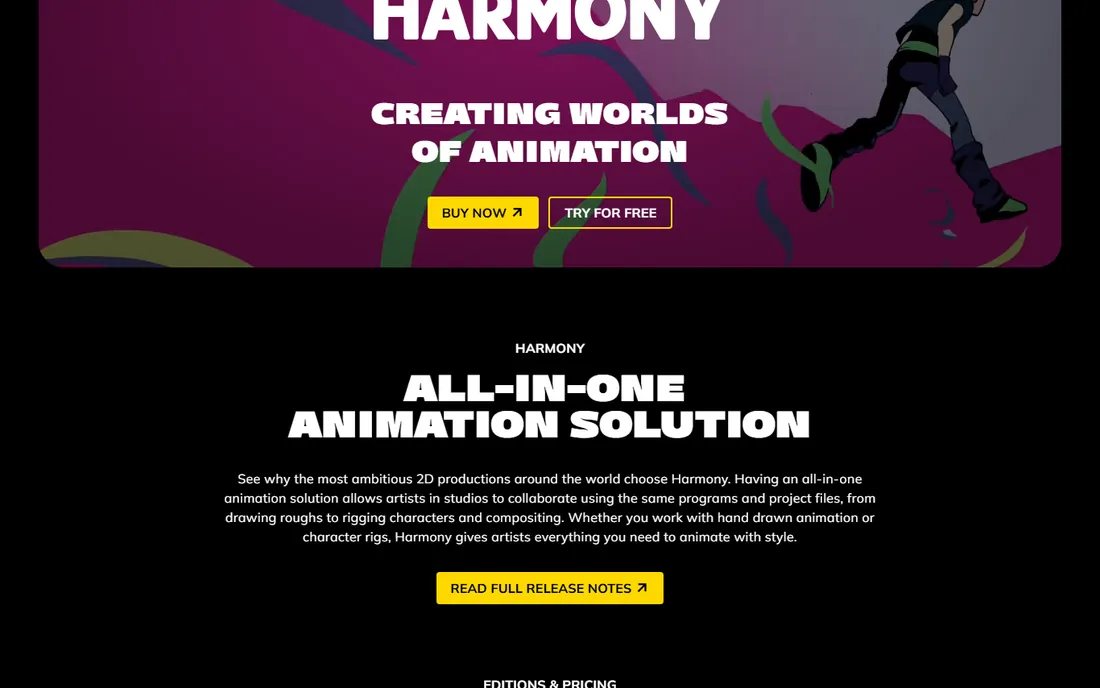
Toon Boom Harmony is the software behind a large share of professional 2D animation: Disney Television Animation, Bento Box, Toei Animation and Xilam all use it. It handles both traditional paperless frame-by-frame animation and sophisticated cut-out rigs with deformers, plus compositing and effects in the same application. The three editions map to real needs: Essentials for enthusiasts learning the craft, Advanced for professional paperless animation, Premium for studios doing complex rigged productions.
Pricing is published and subscription-based, starting at $30 per month for Essentials. The 14-day trial is the full product, so you can judge the workflow before paying. If your goal is a career in 2D animation, Harmony is the name employers expect on a resume.
What we like- The industry standard for 2D animation, used by major studios worldwide
- Covers the full pipeline from rough drawing to compositing
- Three editions scale from hobbyist to studio
- Strong drawing and rigging toolsets
Watch out for- Premium pricing is steep for hobbyists
- The interface takes time to master
- Annual billing needed for the best rates
Starting priceSee website (perpetual license)
Free planNo permanent free plan
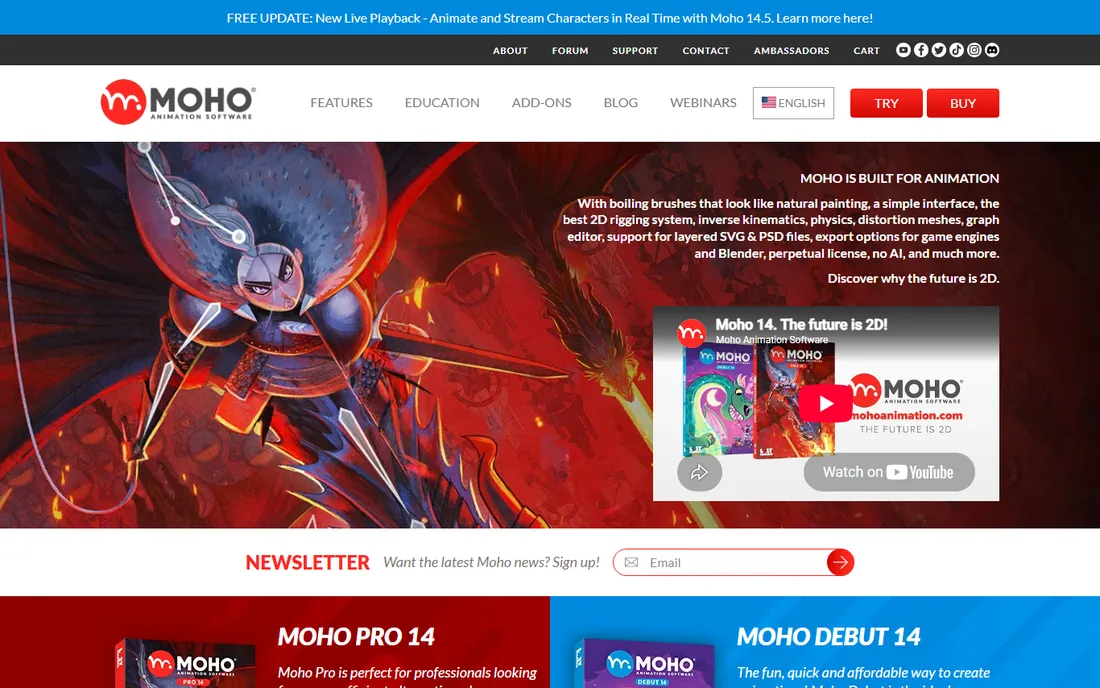
Moho (formerly sold by Smith Micro, now developed by Lost Marble) has one of the most loyal followings in 2D animation, and the reason is rigging. Its bone system with smart bones, pin bones, physics and automatic squash and stretch lets small teams produce fluid character animation fast: Cartoon Saloon used it on The Breadwinner and My Father's Dragon. Version 14.5 adds real-time puppet control with a webcam and game controller, plus magnetic onion skins and a rebuilt paint bucket.
The commercial model is the appeal for independents: a perpetual license, no subscription, no AI features forced into the workflow. Check the current price on the Lost Marble store before buying, since it is not listed on the product page. For cut-out and rigged character work on a budget, Moho is hard to beat.
What we like- Perpetual license with no subscription
- Widely praised bone rigging with smart bones, squash and stretch
- Current version 14.5 adds real-time character control via webcam
- Used by Cartoon Saloon on feature films
Watch out for- Price not published on the homepage
- Smaller ecosystem than Toon Boom or Adobe
- Drawing tools trail dedicated illustration apps
Starting priceFree ($0, open source)
Free planYes, completely free for commercial and non-commercial use
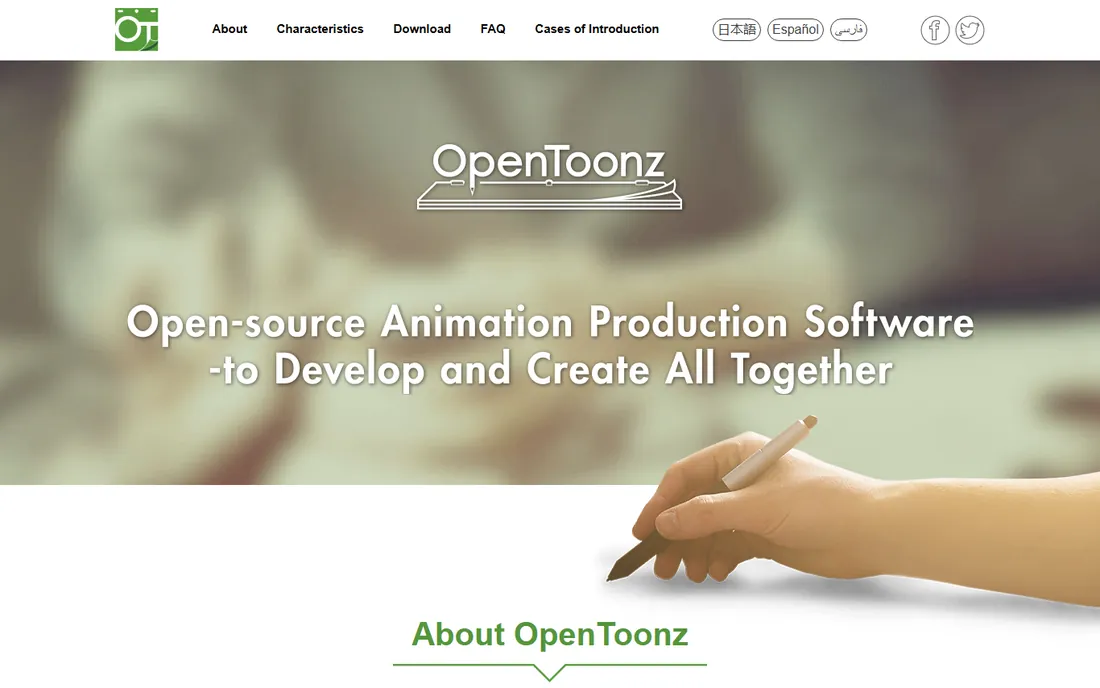
OpenToonz is the open-source version of Toonz, the software Studio Ghibli customized and used for years on films from Princess Mononoke onward. Dwango released it as open source in cooperation with Digital Video and Ghibli, and it remains a genuine production tool: scanning for paper animation, digital painting, compositing with a node tree, and both xsheet and timeline interfaces.
It is completely free, including for commercial projects, under an open-source license. The trade-off is polish: the interface shows its production-tool roots and learning resources are sparser than for commercial rivals. For traditional frame-by-frame animators on a zero budget, nothing else free comes close to this pedigree.
What we like- Based on Toonz, customized by Studio Ghibli and used on its films
- Free for commercial work
- Raster and vector workflows with xsheet and timeline
- GTS scanning tool for paper drawings
Watch out for- Interface feels dated and idiosyncratic
- Documentation is thin
- Community support rather than a help desk
- Windows and macOS only
#4
Adobe Animate
Best for: Web designers and animators producing interactive content in the Adobe ecosystem
Visit adobe.com
Starting priceSee website (Creative Cloud subscription)
Free planNo permanent free plan
Adobe Animate is the descendant of Flash, rebuilt for the modern web. Its strength is interactive animation: banner ads, game assets, eLearning content and web cartoons that respond to clicks and touch, exported to HTML5 Canvas, WebGL or video. Character animation tools cover lip-sync, walk cycles and rigged puppets, and assets flow in from Photoshop and Illustrator.
It is sold only as part of Creative Cloud, so the price depends on whether you already subscribe: for existing subscribers it is effectively free, for everyone else it is a monthly commitment. Check Adobe's current plan pricing on their site. Choose Animate when the deliverable is interactive or web-based; choose Harmony or TVPaint when it is a film.
What we like- Purpose-built for web and interactive animation with HTML5 Canvas and WebGL export
- Character rigging plus frame-by-frame tools
- Tight integration with Photoshop and Illustrator
- Huge tutorial library
Watch out for- Subscription-only through Creative Cloud
- Overkill if you only need video output
- Less suited to broadcast cartoon production than Harmony
#5
Cartoon Animator
Best for: Beginners and content creators turning images into animated characters quickly
Visit reallusion.com
Starting priceSee website (perpetual license)
Free planSee website (trial available)
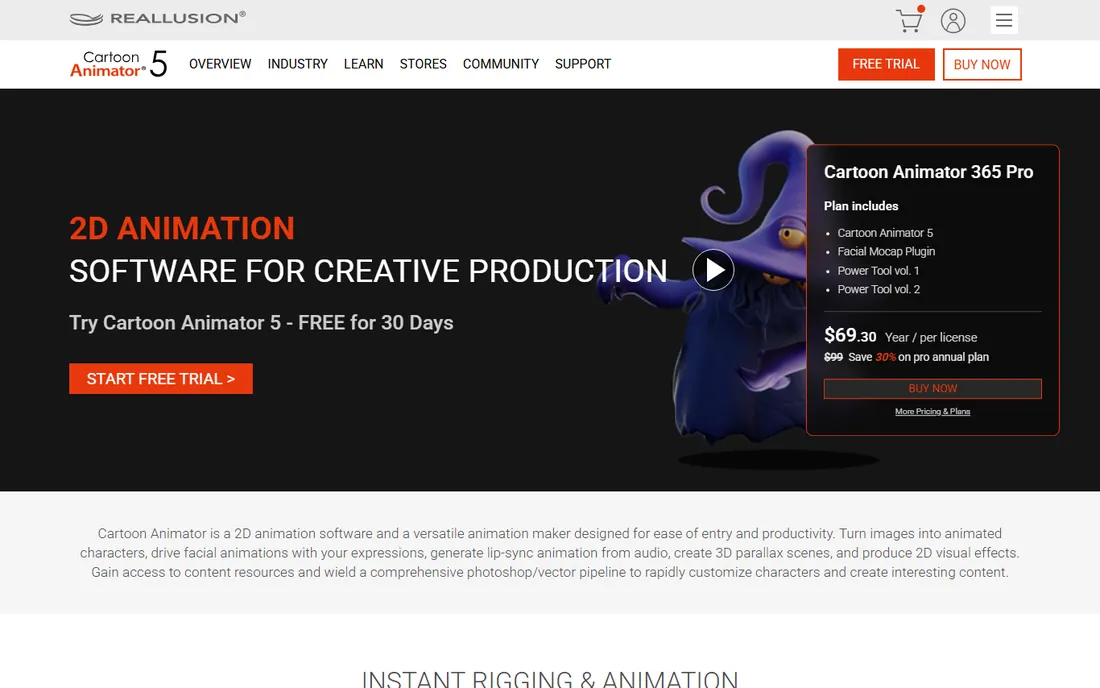
Cartoon Animator 5 (current release 5.3) by Reallusion is built for speed of entry. Import a photo or illustration, and the software rigs it into an animatable character with 360-degree head turns; facial motion capture drives expressions from your webcam, and lip-sync generates from audio automatically. Elastic motion effects, free-form deformation and a 3D parallax camera round out a toolkit aimed at YouTubers, educators, marketers and hobbyists.
It is the least intimidating serious 2D tool here, and the perpetual license means no ongoing payments. The flip side is ceiling: fine, expressive character acting still belongs to Harmony, Moho or TVPaint. Check Reallusion's store for current pricing and the trial. If your goal is finished cartoons this week rather than animation mastery, start here.
What we like- Easiest entry point on this list: photos become talking characters in minutes
- 360-degree head creation and auto lip-sync from audio
- 2D motion capture with webcam
- Perpetual license, no subscription
Watch out for- Less control than Harmony or Moho for refined animation
- Pricing not published on the product page
- Content packs cost extra
#6
Vyond
Best for: Businesses and educators making explainer, training and marketing videos
Visit vyond.com
Starting priceSee website (subscription)
Free plan14-day free trial
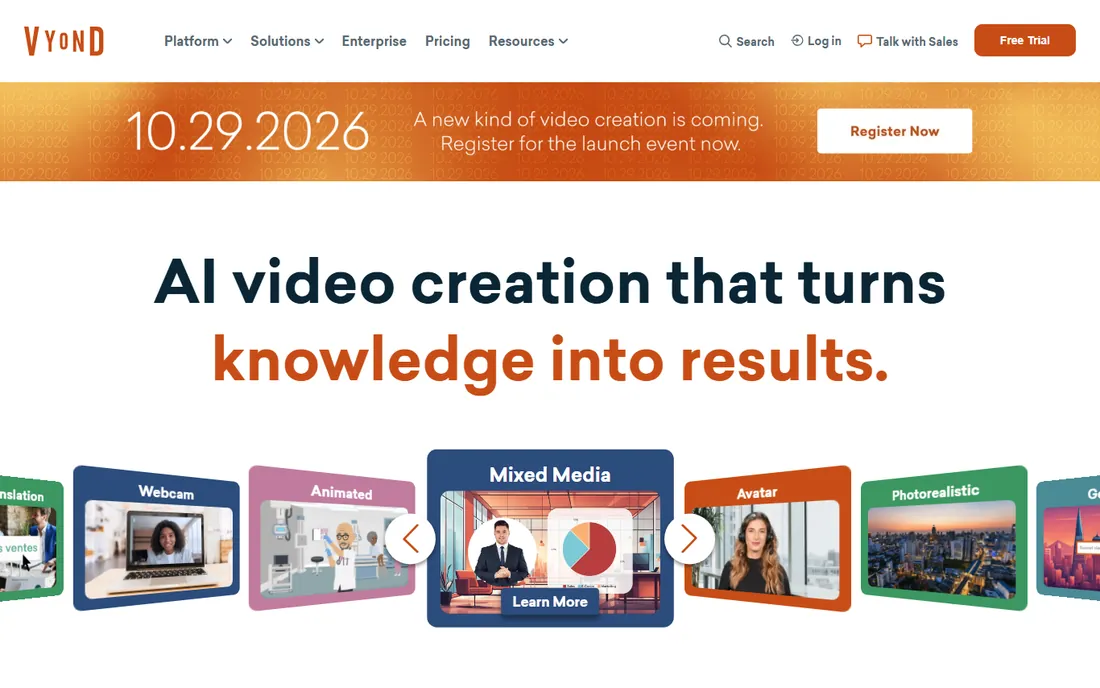
Vyond is the odd one out: it is not for making cartoons as art, but for making animated videos as business communication. The platform offers templates, drag-and-drop characters and scenes, and now AI features that turn text or documents into videos with AI avatars. L&D departments, HR teams and marketers use it for training modules, explainers and internal comms.
Pricing is subscription-based with a 14-day trial; check the Vyond site for current plan prices, which changed in recent years. Do not buy Vyond expecting a cartoon production tool. Buy it when the job is "we need a training video by Friday and nobody here animates."
What we like- Template-driven: professional-looking animated videos without animation skills
- AI text-to-video and AI avatars in the current platform
- Huge library of characters, props and scenes
- Built for L&D, HR and marketing teams
Watch out for- Subscription pricing not published on the homepage
- Not a tool for original cartoon artistry
- Character styles are recognizable as Vyond
- Output capped by template logic
#7
Blender
Best for: 2D animators who want Grease Pencil inside a free complete 3D suite
Visit blender.org
Starting priceFree ($0, open source)
Free planYes, completely free
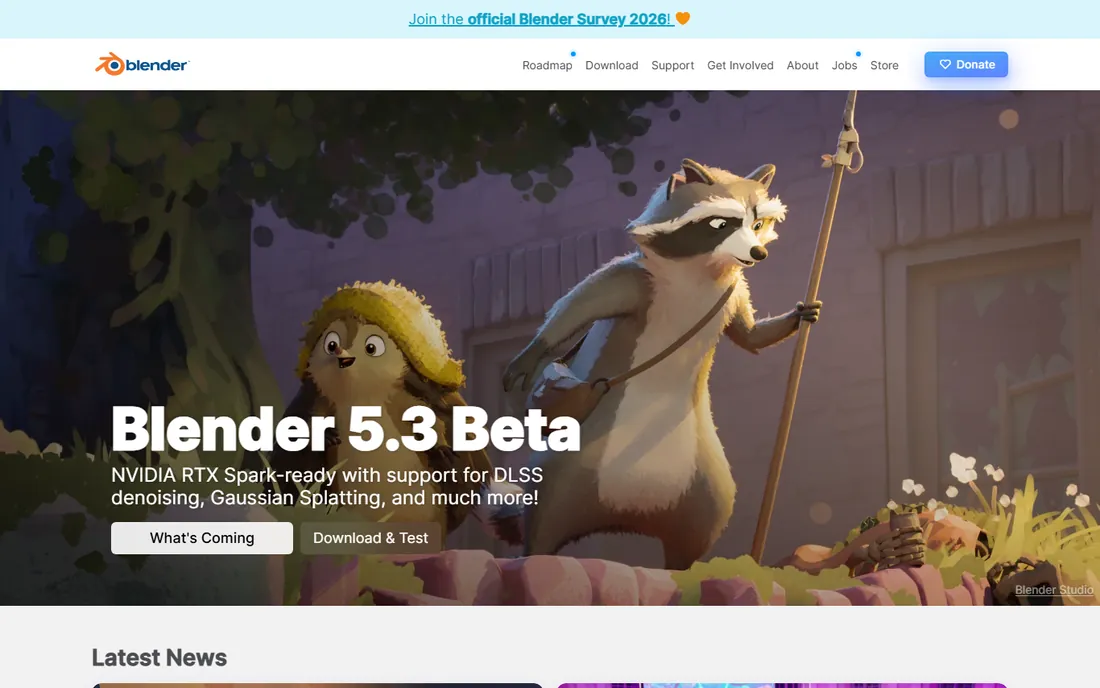
Blender's Grease Pencil lets you draw 2D animation directly in the 3D viewport, with onion skinning, layers, sculptable strokes and full animation support, and then composite those drawings with 3D scenes. Short films have been made this way, and the 2D/3D hybrid look is genuinely distinctive.
Because it is Blender, the price is zero and the surrounding toolset (modeling, rendering, video editing) costs nothing extra. The cost is complexity: you are learning a full 3D suite to do 2D work. For artists who already use Blender, or who want the 2D/3D hybrid style, Grease Pencil is the best free option after OpenToonz.
What we like- Grease Pencil is a full 2D animation system living in 3D space
- Free with no restrictions
- Combine 2D characters with 3D environments
- Massive community and tutorials
- Runs on Windows, macOS and Linux
Watch out for- 2D workflow sits inside a complex 3D application
- Less specialized than Harmony or TVPaint for pure 2D
- Interface learning curve
#8
TVPaint Animation
Best for: Traditional animators who want digital drawing to feel like paper
Visit tvpaint.com
Starting priceSee website (one-time purchase)
Free planNo permanent free plan
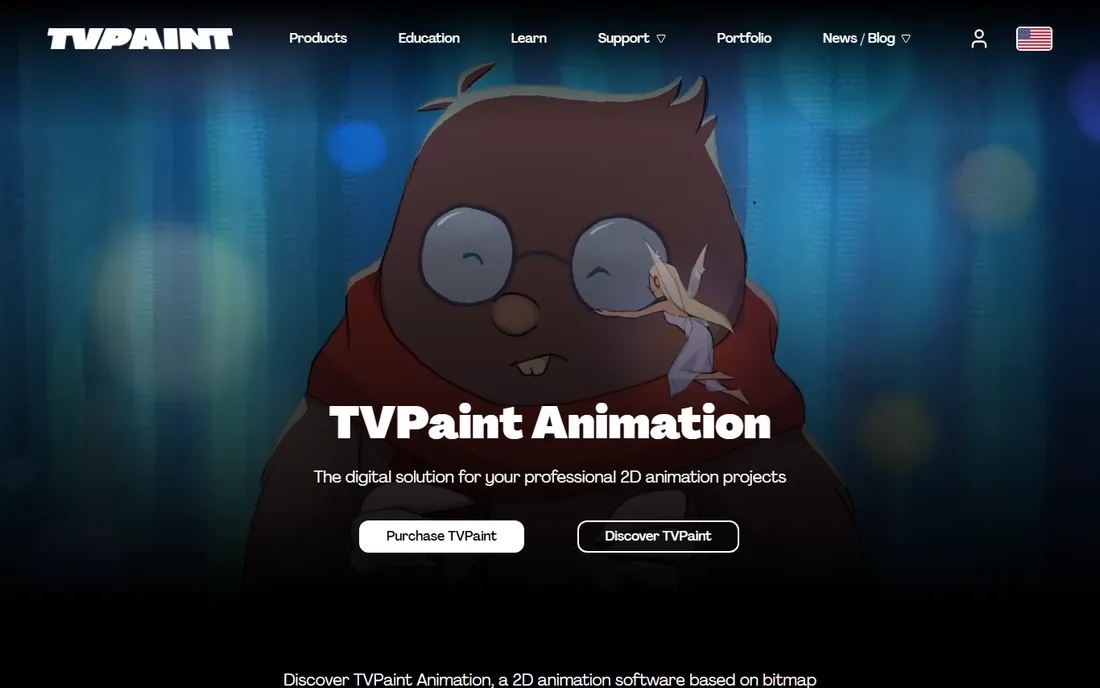
TVPaint Animation is built on bitmap technology rather than vectors, which is exactly why traditional animators love it: the drawing experience, brushes and textures feel like real media on paper. It covers the full traditional pipeline with a light table, scan cleaner, storyboarding tools (Professional), CTG smart coloring and a 2D camera.
It is sold as a one-time purchase in Standard and Professional editions, with educational pricing for students and schools. Check the TVPaint store for current prices. If your heart is in hand-drawn animation and vectors feel wrong, this is your software.
What we like- Bitmap-based drawing that feels closest to traditional media
- One-time purchase, no subscription
- Standard and Professional editions
- Taught in major animation schools and used by studios worldwide
Watch out for- Price not published on the homepage
- Bitmap approach means resolution-dependent artwork
- Smaller user community than Toon Boom
How to choose cartoon animation software
Start by naming the deliverable. A broadcast series or short film points to Toon Boom Harmony, TVPaint or Moho. Web banners, games and interactive content point to Adobe Animate. A training video due Friday points to Vyond. A YouTube channel with animated characters points to Cartoon Animator. The wrong tool for the job wastes more money than the price difference between tools.
Next, decide between rigged and hand-drawn animation. Rigged (cut-out) animation builds a puppet once and poses it: faster for series work and business videos, and the strength of Moho, Cartoon Animator and Vyond. Frame-by-frame draws every pose: more expressive, more labor, and the domain of TVPaint, OpenToonz and Harmony's traditional toolset. Harmony and Blender cover both.
Then weigh the pricing model against your timeline. Subscriptions (Harmony, Animate, Vyond) suit ongoing professional work. Perpetual licenses (Moho, Cartoon Animator, TVPaint) suit independents who dislike recurring bills. Free tools (OpenToonz, Blender) suit learners, students and zero-budget productions. Run every trial available before paying: all the paid tools here offer one except where noted.
Rigged vs. frame-by-frame: which style fits your project?
Rigged animation, sometimes called cut-out animation, works like a digital puppet: you draw or import character parts once, attach them to bones, and then pose the rig. Moho's smart bones, Cartoon Animator's 360 heads and Vyond's template characters all work this way. The advantage is speed: a talking character can be animated in hours, and revisions are cheap because you repose rather than redraw. The risk is sameness: puppets move like puppets unless the animator puts in the extra work.
Frame-by-frame animation draws each pose, traditionally 12 to 24 drawings per second. TVPaint, OpenToonz and Harmony's paperless tools serve this style. It is slower and more skill-intensive, but the movement can be truly expressive in a way rigs struggle to match. Most professional productions mix both: rigs for dialogue scenes, frame-by-frame for action and acting flourishes.
For a beginner, rigged animation delivers finished work faster and teaches timing and staging. For an aspiring professional animator, frame-by-frame fundamentals (learnable free in OpenToonz) remain the skill employers test. Pick the style your project needs, then pick the tool that serves it best.
Frequently asked questions
What is the best cartoon animation software for beginners?
Cartoon Animator: it turns photos into talking characters within minutes and needs no drawing skill. If you can draw and want to learn real animation fundamentals for free, start with OpenToonz or Blender's Grease Pencil instead.
Which animation software do professional studios use?
Toon Boom Harmony dominates professional 2D production, and TVPaint is strong in traditional hand-drawn studios. Moho has serious credits too, including Cartoon Saloon features. OpenToonz carries the Studio Ghibli lineage for traditional workflows.
Is there a free alternative to Toon Boom Harmony?
Yes: OpenToonz for traditional frame-by-frame work and Blender's Grease Pencil for 2D-in-3D, both completely free including commercial use. Neither matches Harmony's full production pipeline, but both produce professional results in skilled hands.
What is the difference between Moho and Cartoon Animator?
Both do rigged 2D character animation with perpetual licenses. Moho offers deeper rigging (smart bones, physics, deformers) for more refined results; Cartoon Animator offers faster entry with photo-to-character and webcam motion capture. Animators wanting control pick Moho; creators wanting speed pick Cartoon Animator.
Can I make cartoons without knowing how to draw?
With rigged tools, yes: Cartoon Animator builds characters from photos, and Vyond provides ready-made characters and templates. The results look template-driven, though. Learning basic drawing, even in a free tool like OpenToonz, raises the ceiling enormously.
Do I need a subscription, or can I buy animation software outright?
Both models exist. Harmony, Animate and Vyond are subscription-only. Moho, Cartoon Animator and TVPaint sell perpetual licenses or one-time purchases. OpenToonz and Blender are free. Match the model to how long you will use the tool.
How we chose
We started with the categories buyers search: cartoon animation software, 2D animation software and explainer video software. For each candidate we opened the vendor's own site and pricing page, checked feature lists and documentation, and compared notes from public reviews on G2 and Capterra and practitioner discussion on Reddit. Where a price could not be verified on the vendor's page we wrote "See website" rather than guessing.
Sources we checked (10)
- https://www.toonboom.com/products/harmony
- https://moho.lostmarble.com
- https://opentoonz.github.io/e/
- https://www.adobe.com/products/animate.html
- https://www.reallusion.com/cartoon-animator/
- https://www.vyond.com/
- https://www.blender.org/
- https://www.tvpaint.com
- https://www.g2.com/categories/animation
- https://www.capterra.com/animation-software/
Is your product missing or out of date?
We review this list regularly. Vendors can request a listing, send updated pricing or ask about featured placement.

Shihab Mia · Founder, Rankite
Shihab has spent more than a decade helping SaaS and e-commerce brands grow through search. He writes Rankite's software buying guides from pricing pages, documentation and public user reviews. More about Shihab.