How we make this list: we compare pricing pages, product documentation and public user reviews. Rankite is independent; if a vendor ever pays for a featured spot, that listing is clearly labeled Partner.
Key takeaways
- Toon Boom Harmony is the television industry standard for 2D animation, starting at $30 a month; learn it if you want studio work.
- Adobe Animate still rules freelance and web animation at $22.99 a month, though Adobe has moved it into maintenance mode, so plan accordingly.
- Moho gives you the best rigging for the money: a $59.99 one-time Debut license or $399.99 Pro, no subscription.
- Spine is the default for 2D game animation at $69 to $299 one-time, with runtimes for every major game engine.
- Free options are real: OpenToonz and Synfig cost nothing, and Character Animator's Starter mode is free for webcam-driven performances.
Quick comparison
| Tool | Best for | Starting price | Free plan |
|---|
 Adobe Animate Adobe Animate | freelance 2D and web animation | $22.99/month (annual plan, billed monthly) | Free trial (7 days) |
 Toon Boom Harmony Toon Boom Harmony | television and film 2D production | $30/month (Essentials) | Free trial (21 days) |
 Moho Moho | character rigging on a budget | $59.99 one-time (Debut) | No |
 TVPaint TVPaint | traditional hand-drawn animation feel | €500 one-time (Standard Edition) | Free trial |
 OpenToonz OpenToonz | free software with studio lineage | Free | Yes |
 Spine Spine | 2D skeletal animation for games | $69 one-time (Essential) | Free trial |
 Adobe Character Animator Adobe Character Animator | live webcam-driven character performance | Free (Starter mode) | Yes, Starter mode free |
 Vyond Vyond | business explainer and training videos | $99/month (Starter) | Free trial (14 days) |
 Dragonframe Dragonframe | professional stop motion capture | $295 one-time | No |
 Synfig Synfig | free vector animation with automatic tweening | Free | Yes |
Is your product missing or out of date?
We review this list regularly. Vendors can request a listing, send updated pricing or ask about featured placement.
The best animator software
Starting price$22.99/month (annual plan, billed monthly)
Free planFree trial (7 days)
Animate is the workhorse of freelance animation: banner ads, explainer clips, web series, and game sprites. The freelance marketplace numbers tell the story, with thousands of active gigs against a fraction for competitors. If clients send you .fla files or ask for HTML5 output, this is simply the tool.
Go in with eyes open. Adobe's own help pages describe Animate as in maintenance mode, meaning it is supported but not where Adobe is investing. At $22.99 a month on the annual plan, it remains a rational buy for working freelancers, but new animators should also learn a tool with a longer roadmap.
What we like- Massive freelance demand and client familiarity
- Publishes to HTML5 Canvas, WebGL, and video
- Integrates with the rest of Creative Cloud
Watch out for- Adobe has moved Animate into maintenance mode with no major new development
- Vector tools feel dated next to newer apps
Starting price$30/month (Essentials)
Free planFree trial (21 days)
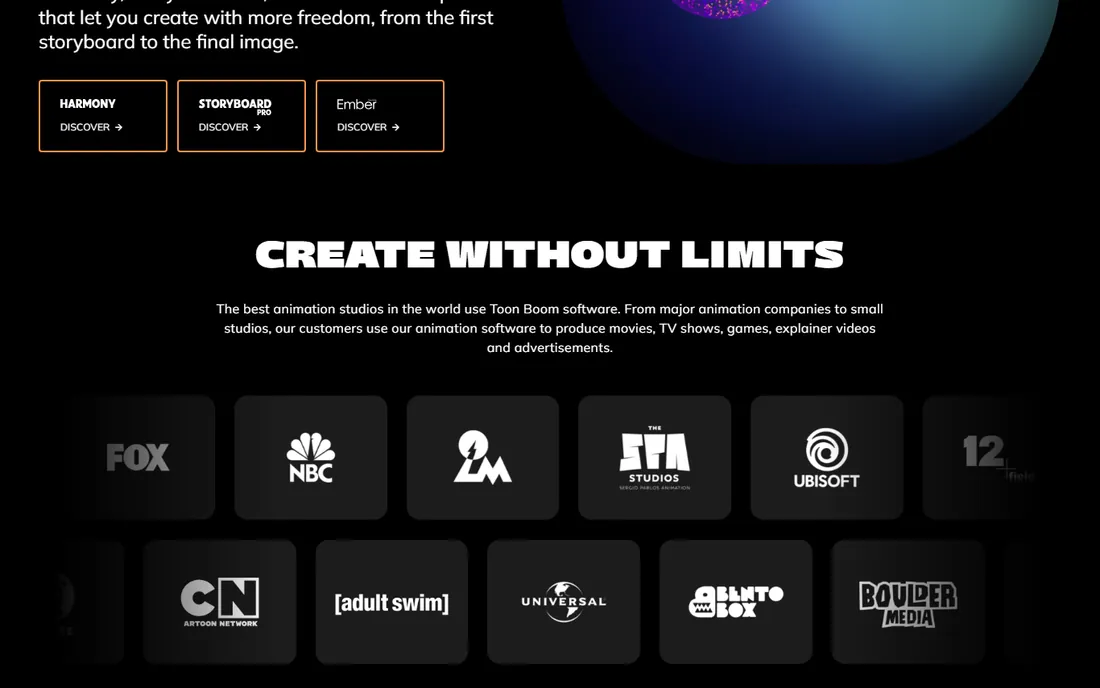
When studios produce animated series, they overwhelmingly produce them in Harmony. It covers the whole 2D pipeline from rough drawing through rigging to final compositing, which is why Disney Television, Cartoon Network suppliers, and Netflix animation vendors standardize on it. The Essentials tier at $30 a month makes the industry tool accessible to individuals.
The learning investment is serious, and the higher tiers are priced for productions, not hobbyists. But if your goal is a job in TV animation, Harmony skill is the closest thing to a guarantee the 2D world offers. The 21-day trial of Premium is enough to feel the depth.
What we like- The industry standard for TV animation pipelines
- Handles both cut-out rigs and traditional frame-by-frame
- Node-based compositing built in
Watch out for- Steep learning curve
- Advanced and Premium tiers climb to $77 and $139 a month
Starting price$59.99 one-time (Debut)
Free planNo
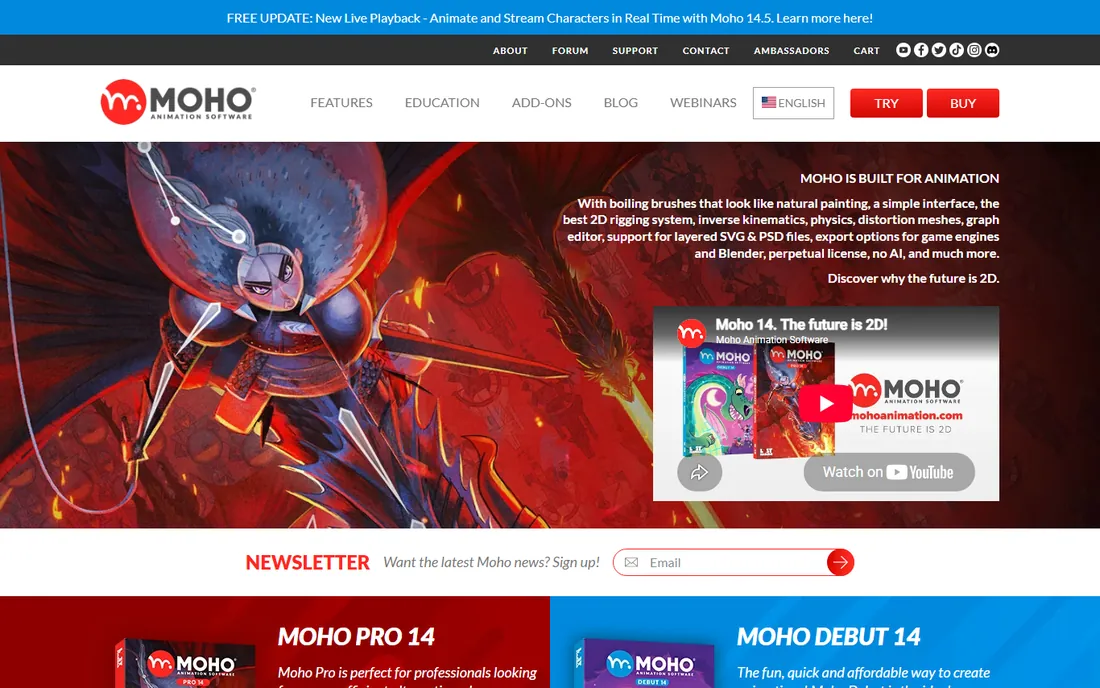
Moho, from Lost Marble, is the value pick that professionals quietly respect. Its bone rigging system with Smart Bones produces expressive character animation fast, and Cartoon Saloon has used it on Academy-recognized features. Debut costs $59.99 once for beginners; Pro at $399.99 once adds the full toolset with no recurring fee.
There is no free tier, so the trial decision matters, but the one-time pricing means the math favors Moho within months against any subscription rival. Independent animators and small studios get genuine pro rigging without a monthly meter running.
What we like- Best-in-class Smart Bone rigging for the price
- One-time purchase, no subscription
- Used by Cartoon Saloon on feature films
Watch out for- Smaller community and fewer tutorials than Harmony
- Interface has its own logic to learn
Starting price€500 one-time (Standard Edition)
Free planFree trial
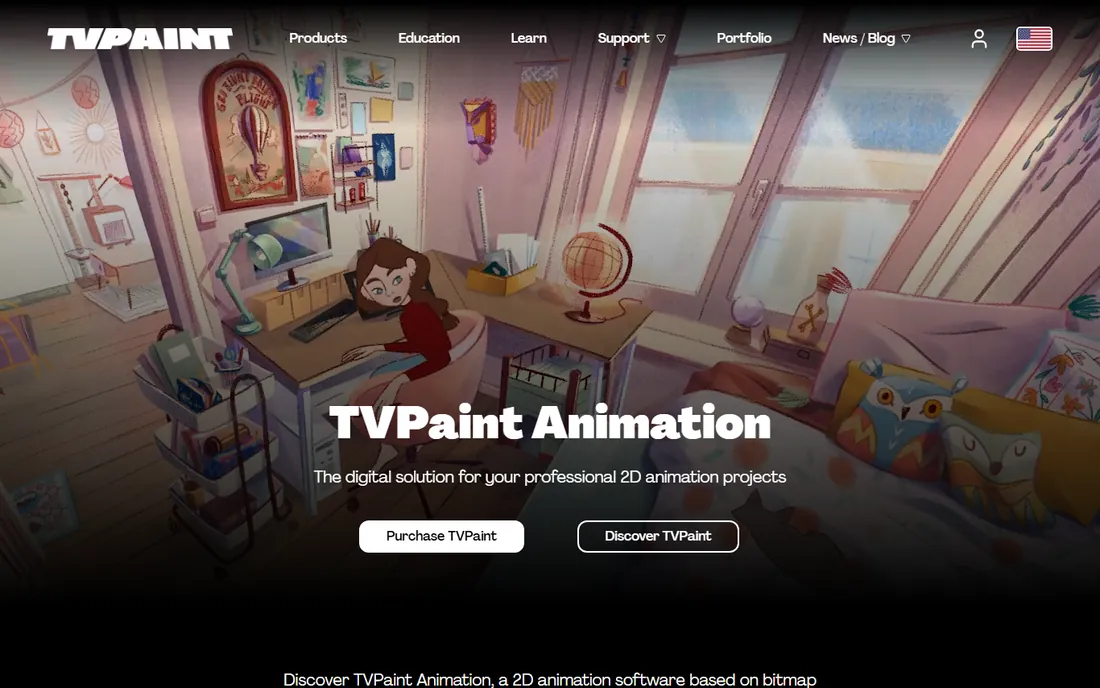
TVPaint is the choice of animators who want the computer to disappear. Its bitmap engine reproduces pencil, ink, and paint textures with a fidelity vector tools cannot match, which is why traditional animators and European studios swear by it. The Standard Edition at €500 one-time covers serious work; the Professional Edition at €1,250 adds storyboarding, camera, and advanced effects.
The price reflects a professional niche, and students get meaningful discounts. If your heart is in hand-drawn frame-by-frame animation, download the trial and draw for an hour. Nothing else feels this close to paper.
What we like- Bitmap-based drawing closest to paper among digital tools
- One-time purchase
- Taught in major animation schools worldwide
Watch out for- Premium pricing, with the Professional Edition at €1,250
- Bitmap workflow means no vector scalability
Starting priceFree
Free planYes
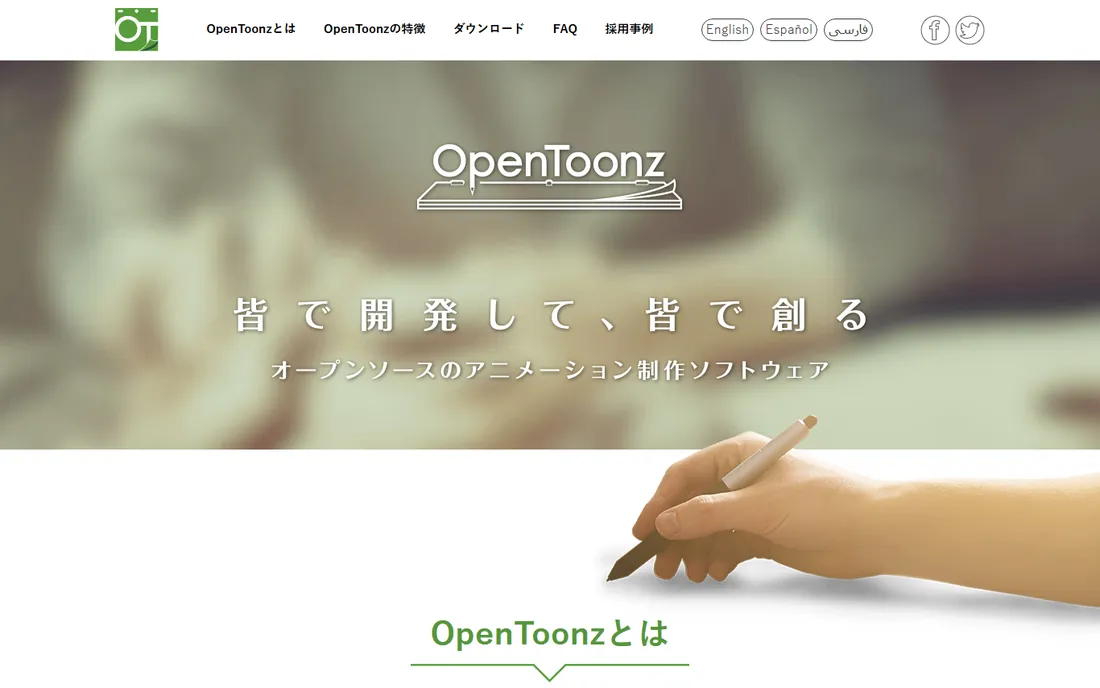
OpenToonz is the open-source release of Toonz, the software behind years of Studio Ghibli productions, customized with Dwango's support. That lineage shows in the toolset: scanning, cleanup, inbetweening, and compositing built for real production pipelines. And it costs nothing.
The interface will not win design awards, and you will lean on community tutorials. But for a free tool, the depth is remarkable, and it handles the unglamorous middle of 2D production, cleanup and compositing, better than any other free option. Serious students of traditional animation should have it installed.
What we like- Completely free and open source
- Based on the Toonz software Studio Ghibli used for years
- Full 2D production toolset
Watch out for- Interface reflects its studio origins, not modern UX
- Community smaller than Blender's
Starting price$69 one-time (Essential)
Free planFree trial
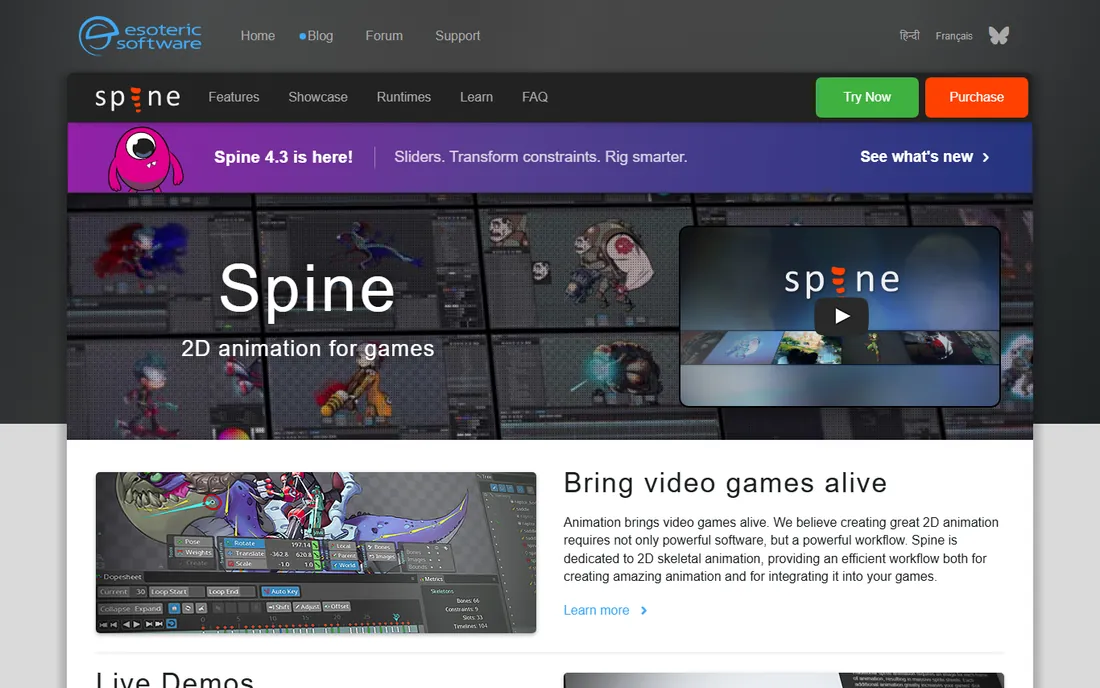
If you have played a 2D game with smooth character animation in the last decade, there is a good chance it was animated in Spine. Esoteric Software built the definitive skeletal animation editor for games: rig a character once, animate with bones and meshes, and export through runtimes into every major engine. Essential at $69 one-time covers the fundamentals; Professional at $299 adds meshes, IK, and advanced deform.
It is not trying to be a film animation tool, and that focus is its strength. Game developers get a purpose-built pipeline instead of a generalist compromise. The free trial lets you rig a real character before spending anything.
What we like- The standard for 2D game character animation
- Runtime libraries for Unity, Unreal, Godot, and more
- One-time pricing, no subscription
Watch out for- Game-focused, not a general animation suite
- Professional tier at $299 needed for advanced features like meshes and IK
#7
Adobe Character Animator
Best for: live webcam-driven character performance
Visit adobe.com
Starting priceFree (Starter mode)
Free planYes, Starter mode free
Character Animator turns your webcam into a motion-capture stage. Talk, and the character talks; raise an eyebrow, and the puppet follows. The free Starter mode includes predesigned puppets and real-time face tracking, which is enough for streamers, educators, and anyone making quick character videos.
Pro features, custom puppets from Photoshop or Illustrator art, body tracking, and livestreaming polish, come with a Creative Cloud membership. The honest limitation is artistic: great performances need well-built puppets. But for speed from idea to animated character, nothing beats performing it live.
What we like- Animate a character with your face and voice in real time
- Starter mode is genuinely free
- Puppet Maker builds characters in minutes
Watch out for- Full Pro features need a Creative Cloud membership
- Puppet quality depends heavily on the source artwork
Starting price$99/month (Starter)
Free planFree trial (14 days)
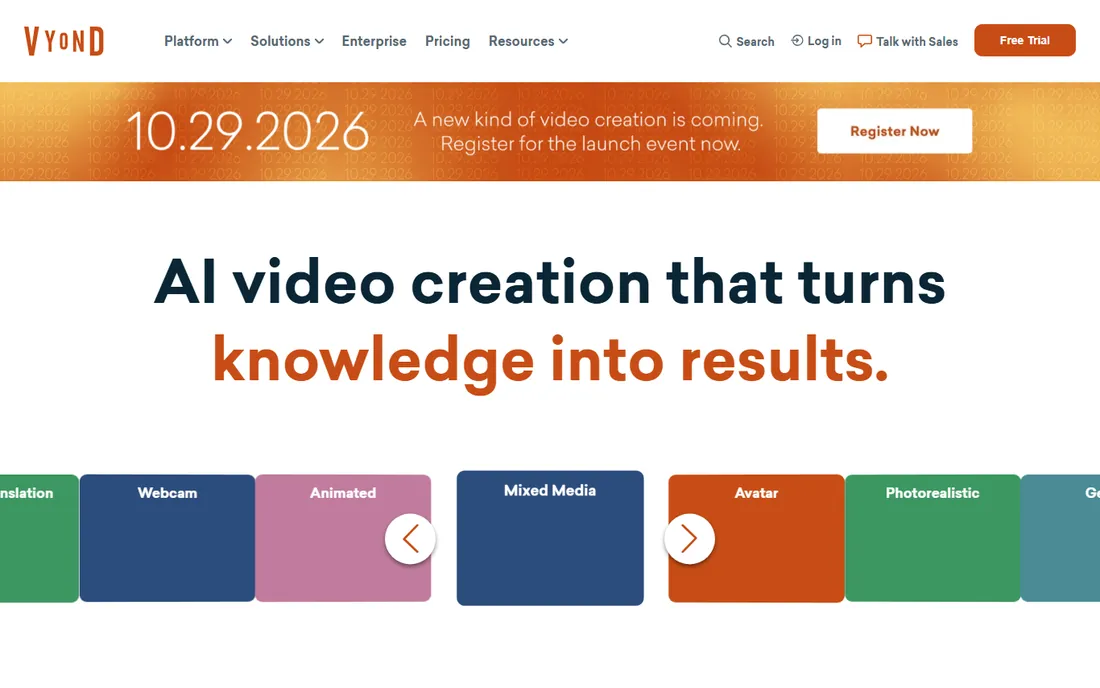
Vyond is animation as a business tool: HR teams, trainers, and marketers produce explainer videos without hiring animators. The template library, character builder, and newer AI video features compress weeks of production into days. Enterprise customers like its security and brand controls.
The price targets teams, starting at $99 a month for Starter, and the output carries a recognizable Vyond look that creative directors either accept or fight. If your goal is communicating clearly at corporate scale rather than artistic expression, it is the pragmatic choice.
What we like- Template-driven video creation anyone on a team can use
- Huge library of characters, props, and scenes
- AI avatars and text-to-video features
Watch out for- Expensive for individuals at $99 a month
- Template look is recognizable and hard to fully escape
Starting price$295 one-time
Free planNo
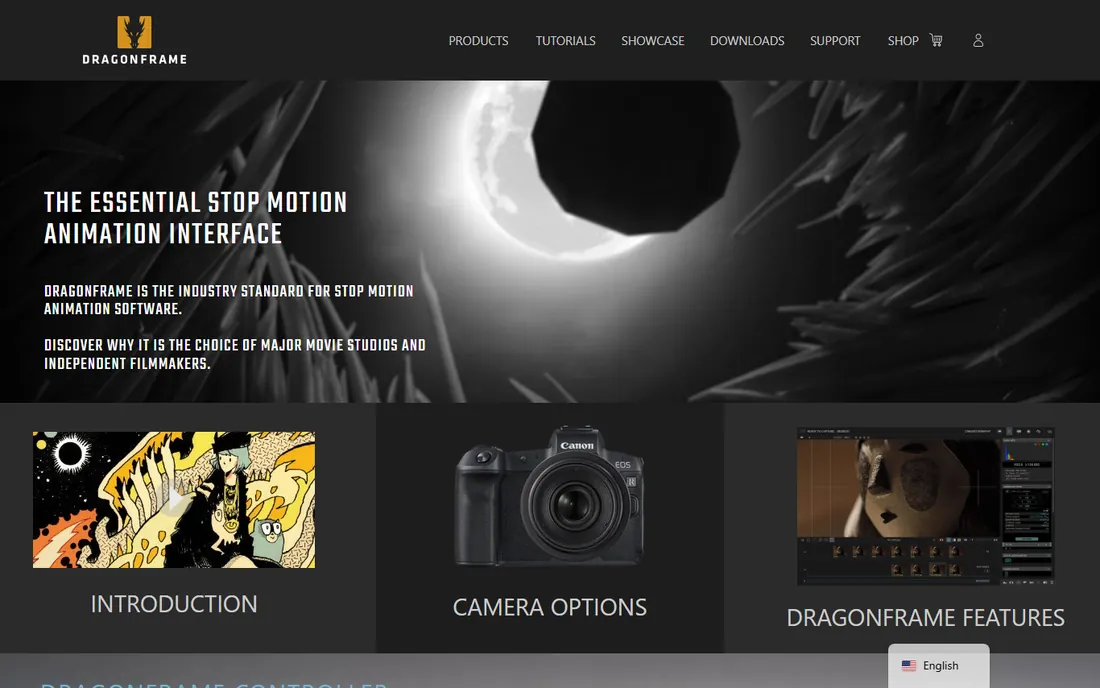
Every great stop motion film of the last fifteen years, from Laika features to indie shorts, was shot with Dragonframe. It controls your camera frame by frame, overlays onion skins, manages lighting cues, and keeps the whole production organized. At $295 one-time, it is priced for people committed to the craft.
Casual curiosity is expensive here, since the software is only part of the setup cost. But stop motion has no real alternative at this level: free capture tools cannot touch Dragonframe's precision. If you are serious about the medium, budget for it alongside your camera.
What we like- The industry standard for stop motion, used on major feature films
- Precise camera and lighting control with onion skinning
- One-time purchase
Watch out for- $295 is steep for casual experimenters
- You still need a camera, lights, and puppets
#10
Synfig
Best for: free vector animation with automatic tweening
Visit synfig.org
Starting priceFree
Free planYes
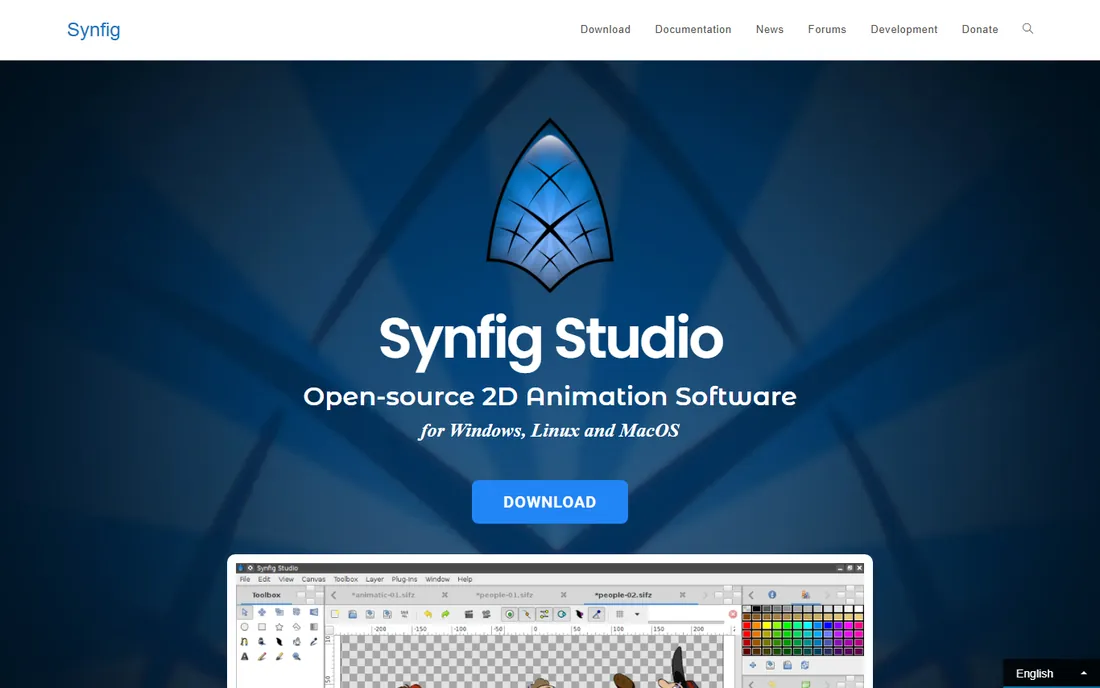
Synfig Studio takes the labor out of 2D animation with vector tweening: set key poses and the software calculates the frames between them. The bone system handles cut-out characters, and the whole package is free and open source for Windows, Mac, and Linux. Patient beginners can produce genuinely smooth animation without drawing every frame.
The tradeoff is polish, both in the interface and the pace of updates. Synfig rewards methodical learners and punishes impatience. But as a free tool that teaches real animation principles like timing and interpolation, it earns its place on this list.
What we like- Completely free and open source
- Automatic tweening removes tedious inbetweening
- Bone system for cut-out character animation
Watch out for- Interface and workflow have a real learning curve
- Development pace is slow
Animation is not one discipline, and the tool should follow the style. Frame-by-frame traditional work belongs to TVPaint, Harmony, or OpenToonz. Rigged character animation for series or YouTube belongs to Moho or Harmony, depending on budget. Game animation belongs to Spine, full stop. Webcam performance belongs to Character Animator. Stop motion belongs to Dragonframe. Business explainers belong to Vyond.
The most expensive mistake is buying a generalist when you need a specialist. A game developer does not need TVPaint's paper feel, and a training team does not need Spine's runtimes. Name the output first: a broadcast episode, a game character, a training video, a short film. Then pick the tool built for exactly that.
Also consider who else touches the files. Studios standardize on Harmony for a reason: artists move between productions. Game teams standardize on Spine because engines expect it. If you collaborate or seek employment, the industry default beats personal preference.
Common mistakes first-time buyers make
The first mistake is paying for power you will not use. Harmony Premium at $139 a month is wasted on someone making simple YouTube animations; Moho Debut at $59.99 once would do. Match the tier to the work, and start with trials before committing to annual billing.
The second mistake is ignoring the maintenance question. Adobe Animate is in maintenance mode, which does not make it bad, but it does mean you should not build a five-year career plan on new features arriving. Check each vendor's recent release history before a long commitment.
The third mistake is forgetting the rest of the pipeline. Animation software rarely works alone: you need artwork from Photoshop or Illustrator, audio editing, and video assembly. Budget for the ecosystem, not just the headline app. A $59.99 Moho license plus tools you already own often beats a $99-a-month platform that duplicates them.
How we chose
We researched what working animators actually use in 2026, from studio pipeline standards to freelance marketplace demand, drawing on vendor documentation, G2 and Capterra reviews, and animator communities. Every tool here is actively maintained and available today. Prices come from vendor pricing pages or recent vendor-published announcements, checked in October 2026. We did not claim hands-on testing; this is a research synthesis, and where a vendor keeps pricing behind its storefront we say so.
Frequently asked questions
What is the best animation software for beginners?
Moho Debut at $59.99 one-time is the best paid starting point for character animation, while OpenToonz and Synfig are the best free options. Adobe Animate is the easiest path if you already live in Creative Cloud and want freelance work.
What animation software do professional studios use?
Television 2D runs on Toon Boom Harmony, feature stop motion runs on Dragonframe, game 2D runs on Spine, and web freelance runs on Adobe Animate. There is no single studio standard across styles; each discipline has its default.
Is Adobe Animate being discontinued?
Adobe has placed Animate in maintenance mode, meaning it remains available and supported at $22.99 a month, but Adobe is not actively developing major new features. It is still a sound buy for current freelance workflows, but new animators should keep an eye on alternatives.
Can I make animations for free?
Yes. OpenToonz and Synfig are completely free and capable of professional-quality 2D animation. Adobe Character Animator's Starter mode is free for webcam performances. Blender, covered in our 3D guides, also does 2D animation with Grease Pencil.
What is the difference between 2D rigged animation and frame-by-frame?
Frame-by-frame means drawing each pose, like traditional Disney animation; TVPaint and OpenToonz excel here. Rigged animation means building a posable digital puppet once and posing it, like Moho, Spine, and Harmony cut-out workflows. Rigging is faster for series work; frame-by-frame looks more organic.
Do I need a drawing tablet for animation software?
It helps enormously for frame-by-frame tools like TVPaint and OpenToonz, where you draw constantly. For rigged animation in Moho or Spine, a mouse is workable since you pose rather than draw. For Character Animator, a webcam matters more than a tablet.
Sources we checked (11)
- https://www.adobe.com/products/animate.html
- https://www.toonboom.com
- https://www.mohoanimation.com
- https://www.tvpaint.com
- https://opentoonz.github.io/
- https://esotericsoftware.com/
- https://www.adobe.com/products/character-animator.html
- https://vyond.com/
- https://www.dragonframe.com
- https://www.synfig.org
- https://www.smartmediashorts.com/post/adobe-animate-in-2026-still-the-linchpin-of-the-2d-animation-economy
Is your product missing or out of date?
We review this list regularly. Vendors can request a listing, send updated pricing or ask about featured placement.

Shihab Mia · Founder, Rankite
Shihab has spent more than a decade helping SaaS and e-commerce brands grow through search. He writes Rankite's software buying guides from pricing pages, documentation and public user reviews. More about Shihab.