How we make this list: we compare pricing pages, product documentation and public user reviews. Rankite is independent; if a vendor ever pays for a featured spot, that listing is clearly labeled Partner.
Key takeaways
- Blender is the best free 3D animation software, full stop; it handles modeling, rigging, animation, and rendering at professional quality for $0.
- Studios still pay for Maya ($2,010/year) and Cinema 4D ($94.99/month) because of pipeline trust, specialized toolsets, and client expectations, not raw capability.
- Beginners should start with Blender, Daz Studio, or Spline; each costs nothing and teaches real 3D concepts without a subscription.
- Houdini Indie at $299/year and Cascadeur Indie at $19/month are the smartest mid-priced bets for small teams doing VFX or character animation.
Quick comparison
| Tool | Best for | Starting price | Free plan |
|---|
 Blender Blender | Free all-in-one 3D suite | $0 | Yes |
 Autodesk Maya Autodesk Maya | Film, TV, and game studio pipelines | $2,010 per year | Free trial |
 Cinema 4D Cinema 4D | Motion design and advertising | $94.99 per month | Free trial |
 Autodesk 3ds Max Autodesk 3ds Max | Game art and architectural visualization | $2,010 per year | Free trial |
 Houdini Houdini | VFX and procedural effects | $299 per year | Yes |
 ZBrush ZBrush | Digital sculpting and character detail | $39 per month | Free trial |
 Daz Studio Daz Studio | Ready-made characters and quick scenes | $0 | Yes |
 Cascadeur Cascadeur | AI-assisted character animation | $19 per month | Yes |
 Spline Spline | Browser-based 3D for web and product design | See website | Yes |
Is your product missing or out of date?
We review this list regularly. Vendors can request a listing, send updated pricing or ask about featured placement.
The best 3D animation software
Starting price$0
Free planYes
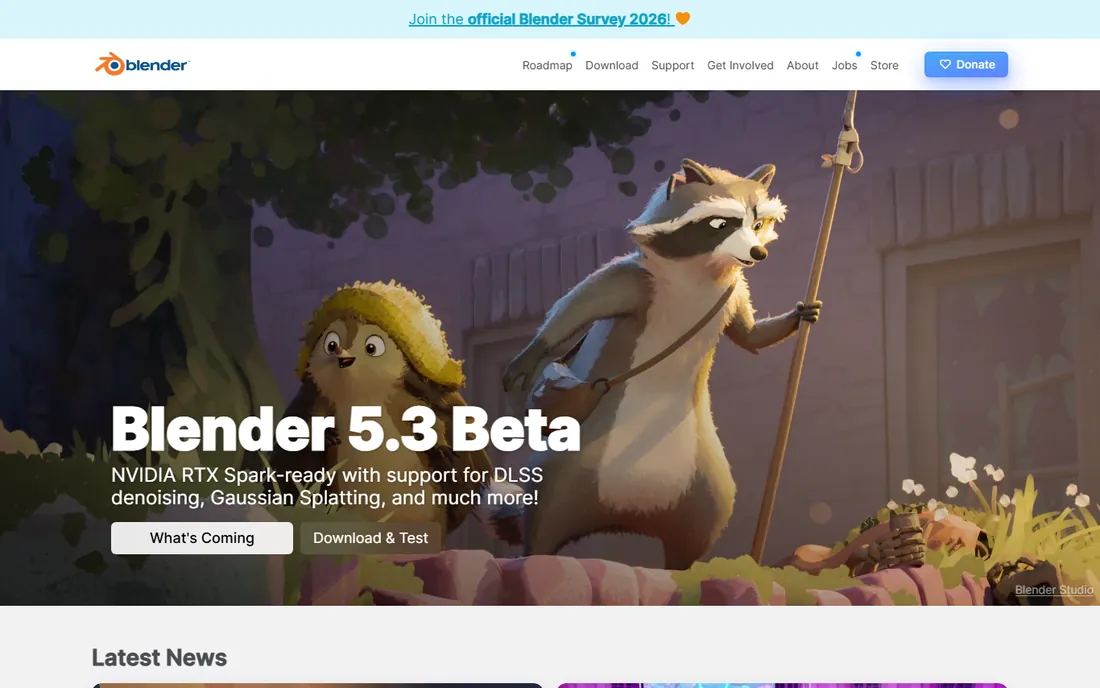
Blender is the first answer for a reason. It is a public project licensed under the GNU GPL, which means it is free forever with no tiers, trials, or feature locks. Modeling, sculpting, rigging, keyframe animation, camera tracking, and the Cycles path-tracing renderer are all in the box, and productions from short films to series now use it for real work.
The best 3D animation software for beginners question usually ends here because the cost of experimentation is zero. You can learn the entire 3D pipeline, from box modeling to final render, without a credit card. The ecosystem helps: thousands of free tutorials, a huge add-on marketplace, and regular releases funded by corporate sponsors.
The trade is the learning curve. Blender's interface is powerful but idiosyncratic, and new users should expect a few weeks before it feels natural. There is no vendor support line, so debugging falls to forums and Discord servers. For a free program, those are small complaints.
What we like- Completely free and open source forever
- Covers modeling, sculpting, animation, VFX, and rendering
- Used in real film and game production
Watch out for- Interface takes longer to learn than paid rivals
- Support comes from community forums, not a vendor help desk
Starting price$2,010 per year
Free planFree trial
Maya remains the resume line that matters in film and game studios. Character rigging, keyframe animation, and the Bifrost multi-physics engine handle everything from cloth and hair to explosions, while the Arnold renderer produces final frames without leaving the program. If your clients or employers run a Maya pipeline, nothing else substitutes.
Autodesk sells Maya by subscription: $2,010 per year, $255 per month, or a 3-year plan at $6,025, per its own pricing page. A 30-day trial is free, and students and educators get one-year free licenses through the Autodesk Education Community. The Flex token option lets occasional users pay by the day instead.
For small studios, the price stings, and the 2026 price guides show it inching upward. Maya earns it in production-tested stability and an unmatched job market. If you are a solo animator learning from scratch, start with Blender and buy Maya when a job requires it.
What we like- Industry standard for character animation
- Arnold renderer and Bifrost simulations included
- Deep Python and MEL scripting
Watch out for- Expensive for freelancers and small shops
- Windows, macOS, and Linux only with steep hardware demands
Starting price$94.99 per month
Free planFree trial
Cinema 4D owns motion design. The MoGraph module makes animated typography, logo reveals, and abstract product visuals fast in a way no competitor matches, and the interface is famously approachable for a program this deep. Advertising agencies, broadcast studios, and freelancers doing client work lean on it heavily.
Maxon sells it as a standalone subscription at $94.99 per month, or about $719 per year when billed annually. Redshift GPU rendering is now bundled with subscriptions, which simplifies the render question. A 14-day free trial covers evaluation. Maxon One bundles Cinema 4D with ZBrush, Red Giant, and Redshift for studios that want the full shelf.
The honest limit is character work. Cinema 4D can rig and animate characters, but its toolset is thinner than Maya's or Blender's, and the subscription-only model means you rent forever. For motion graphics and product visualization, it is the friendliest professional option.
What we like- Easiest professional interface to learn
- MoGraph toolset is unmatched for motion graphics
- Tight After Effects integration
Watch out for- Character animation tools lag behind Maya
- Subscription only with no perpetual license
Starting price$2,010 per year
Free planFree trial
3ds Max is Maya's sibling with a different personality. Its modeling tools are the best in the business for hard surfaces, vehicles, and environments, and the plugin ecosystem built over decades covers rendering, particles, and pipeline tools that studios depend on. Game developers and architectural visualization firms standardize on it.
Pricing mirrors Maya at $2,010 per year or $255 per month, with a free 30-day trial and free education licenses. Installs cover up to three machines per named user. Autodesk also offers the Media and Entertainment Collection, which bundles Max with Maya and other tools at a discount for studios that need both.
The catch is the Windows lock-in. There is no macOS version, so Mac-based teams cannot adopt it. And while it animates well, studios doing character-heavy film work usually pick Maya. For game environments and arch viz on Windows, Max is the established choice.
What we like- Strongest hard-surface modeling workflow
- Deep plugin ecosystem
- Dominant in arch viz and game outsourcing
Watch out for- Windows only
- Pricing matches Maya with the same subscription pressure
Starting price$299 per year
Free planYes
Houdini is where blockbuster effects get built. Everything is procedural and node-based, so a smoke simulation, a collapsing building, or a crowd of ten thousand characters is a network of adjustable nodes rather than hand-placed keyframes. Change one parameter and the whole shot updates. For VFX and simulation work, nothing else works this way.
SideFX pricing is tiered. Houdini Indie costs $299 per year for artists and studios earning under $100K, with the full FX feature set. Core runs $1,475 per year and FX $3,505 per year for larger commercial work. Houdini Apprentice is free for non-commercial learning with a watermark and render limits.
Houdini is not a general-purpose pick for a beginner. The node paradigm rewards patience and punishes impatience, and months of practice precede fluency. But if effects are your goal, Indie is the best value in professional 3D software.
What we like- Procedural, node-based workflow is unmatched for effects
- Indie tier is affordable for small studios
- Karma renderer included
Watch out for- Steepest learning curve in the category
- Node-based thinking takes months to internalize
Starting price$39 per month
Free planFree trial
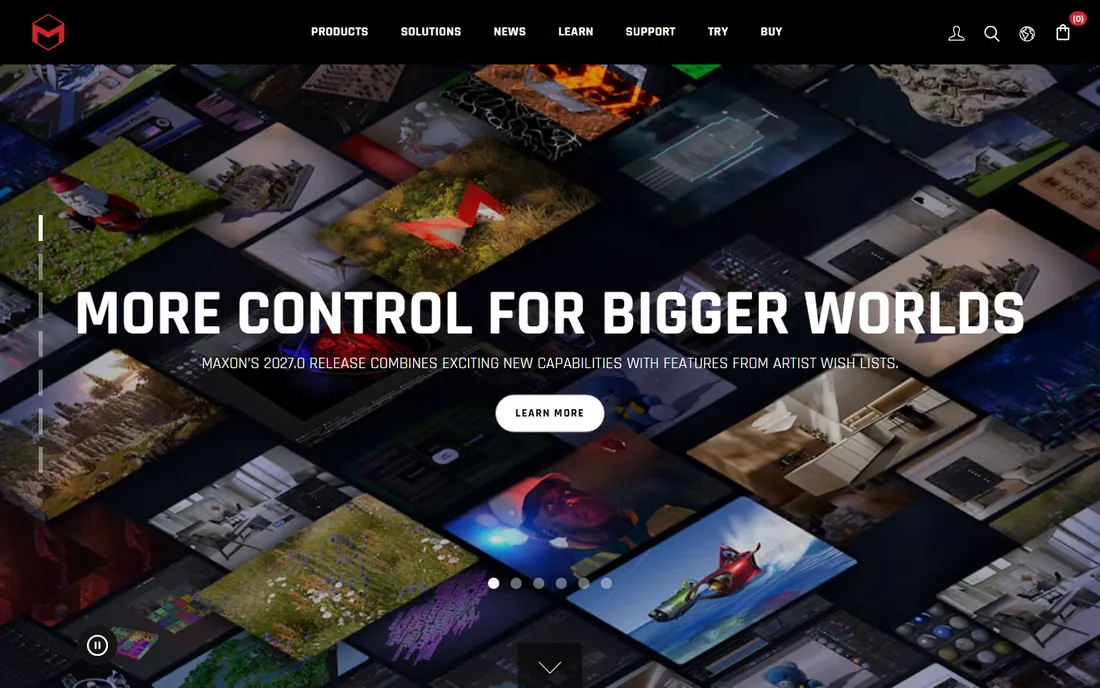
Character artists sculpt in ZBrush the way sculptors work clay. The brush system pushes and pulls digital models with up to a billion polygons, creating skin pores, wrinkles, armor details, and creature anatomy that polygon modeling cannot reach. Film, game, and collectible studios treat it as standard equipment for organic work.
Maxon pricing is subscription: $39 per month, or $29.91 per month billed annually. ZBrush for iPad is free with a limited brush set, with full features at $9.99 per month or included with a desktop subscription. The old $895 perpetual license is gone, which long-time users still grumble about.
ZBrush is a specialist, not a full animation suite. You sculpt here and rig, animate, and render elsewhere, usually Maya or Blender. For creature and character detail work, it has no equal.
What we like- Industry standard for organic sculpting
- Handles billions of polygons
- ZBrush for iPad adds mobile sculpting
Watch out for- Interface is notoriously unconventional
- Subscription replaced the old perpetual license
#7
Daz Studio
Best for: Ready-made characters and quick scenes
Visit daz3d.com
Starting price$0
Free planYes
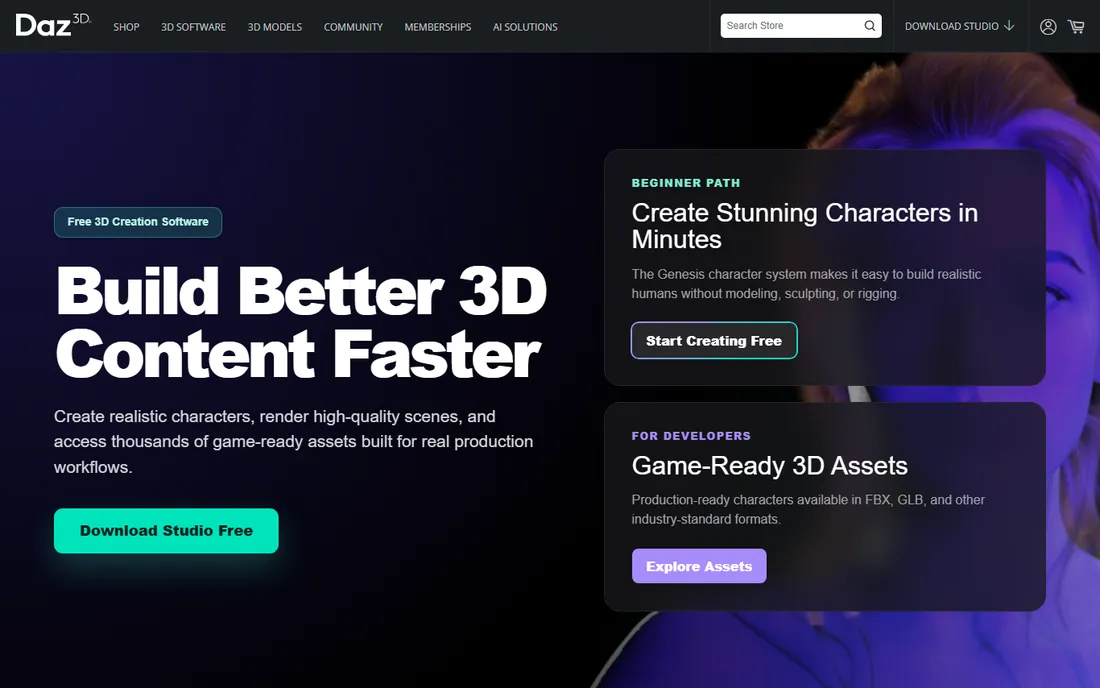
Daz Studio is the shortcut. Instead of modeling and rigging characters from scratch, you assemble them from a library of tens of thousands of premade, fully rigged figures, clothing, hair, and environments. Posing, lighting, and rendering a scene can happen in an afternoon, which makes it popular with illustrators, comic artists, and previz teams.
The software itself is free to download from daz3d.com. The business model is the content store: base figures are affordable or free, but premium characters, poses, and environments sell individually, and a serious library gets expensive. Bridges export Daz content to Blender, Maya, Unreal, and other DCC apps for finishing.
The look is the limitation. Daz renders can feel recognizable and generic unless you customize heavily, and the morph-based characters never match a hand-sculpted ZBrush model. For fast character renders and concept work, it is unmatched at the price.
What we like- Free download
- Huge library of ready-made rigged characters
- Fast path to rendered scenes
Watch out for- Results can look generic without customization
- Content marketplace costs add up fast
Starting price$19 per month
Free planYes
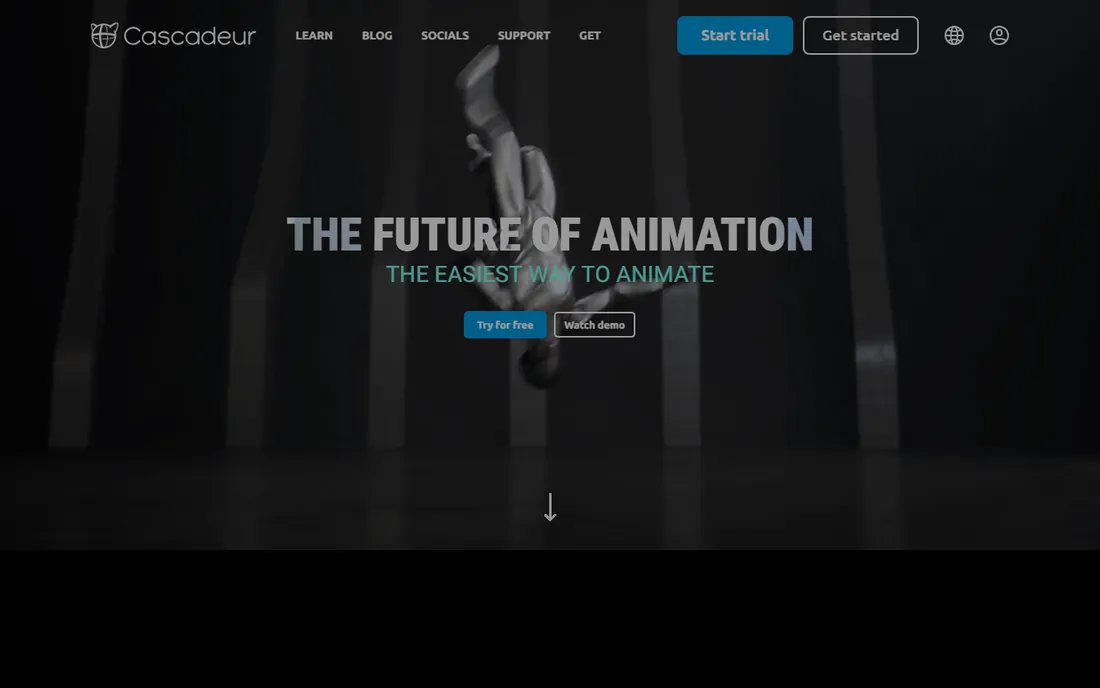
Cascadeur started inside a game studio that needed believable fight animation without a mocap stage, and it shows. The AI-assisted posing system lets you move a few control points while the software poses the rest of the body naturally, and the AutoPhysics system adds weight and secondary motion automatically. Animation layers and AI inbetweening arrived in the 2026 releases.
For artists earning under $100K, Indie costs $19 per month or $96 per year; Pro is $49 per month or $396 per year. Both are rent-to-own, converting to a perpetual license after a year. A free edition exists for learning, though it saves in a proprietary format and is not licensed for commercial use.
Cascadeur does one thing: character animation. There is no modeling, no rendering, no scene assembly. Used alongside Blender or Maya, it can cut animation time dramatically. As a standalone tool, it only fits animators with a pipeline around it.
What we like- AI posing and physics-based inbetweening save hours
- Mocap cleanup tools are excellent
- Rent-to-own leads to a perpetual license
Watch out for- Character animation only, not a full DCC
- Free edition is non-commercial with a proprietary file format
Starting priceSee website
Free planYes
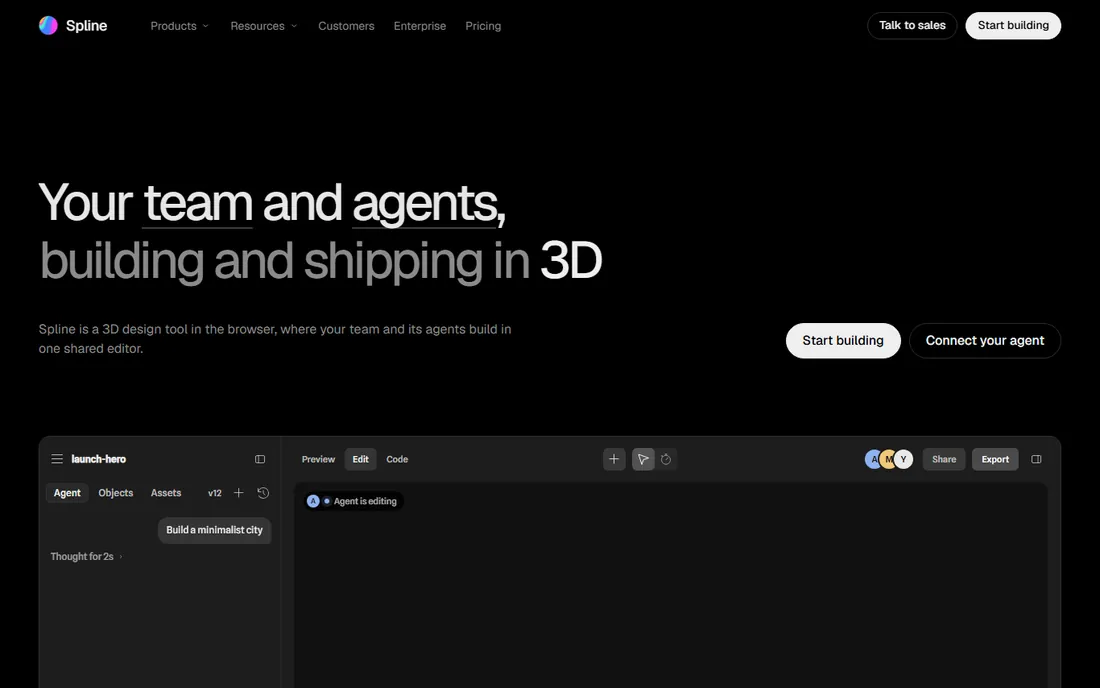
Spline is the best 3D animation app for designers who live in the browser. It runs on the web with real-time collaboration, timeline animation, states and events, game controls, and physics, and scenes embed directly into websites with a code snippet. Product teams use it for interactive 3D on landing pages and product configurators.
The Basic plan is free with unlimited personal files and access to the Spline library. Paid Super plans add AI generation, material and sound libraries, and exports like GLTF, USDZ, and STL without watermarks. Exact pricing changes often enough that checking the vendor's pricing page is the safe move.
Spline is not competing with Maya or Blender for film work. It has no place in a game engine pipeline beyond simple assets. But for web-based 3D and interactive product visuals, it is the easiest serious tool available, and the free tier is genuinely useful.
What we like- Runs entirely in the browser with real-time collaboration
- Timeline animation plus interactivity and physics
- Free tier for learning
Watch out for- Not built for film or game pipelines
- Export and AI features sit behind paid plans
How we chose
We confirmed each product is still sold and actively developed in 2026, checking vendor homepages and pricing pages instead of relying on old knowledge. Prices come from the vendors' own stores and current third-party pricing guides, and we dropped anything discontinued. Public reviews on G2, Capterra, and Reddit shaped the pros and cons, and we weighted real buyer factors like licensing terms, platform support, and render limits over feature-list marketing. This is a research comparison; no hands-on testing was done.
Start with the output, not the software. Film and game studios hire for Maya, Houdini, and ZBrush because pipelines and clients demand them; if your goal is a job in those industries, learn the tool the job ads name. Motion designers and agencies should default to Cinema 4D for its MoGraph speed and After Effects integration.
Beginners should ignore all of that and start free. Blender teaches the full 3D pipeline, Daz Studio teaches composition and rendering with ready-made assets, and Spline teaches animation concepts in a friendly browser environment. The skills transfer: keyframes, rigs, materials, and render settings work the same way everywhere, so switching tools later costs weeks, not years.
Check platform and hardware before you commit. 3ds Max is Windows only. Houdini and ZBrush reward strong GPUs. Browser tools need a solid connection. And read the license terms: Indie tiers cap revenue or commercial use, and free editions often watermark or restrict export.
Free vs paid in 3D animation
Few software categories have a free option as strong as 3D animation. Blender matches or beats paid tools across the whole pipeline, and Houdini Apprentice gives students the full FX toolset for learning. Daz Studio and Spline cover character rendering and web 3D at no cost. A beginner can go from zero to a finished short film without spending anything.
Paid software earns its price in three situations. Studios pay for Maya and 3ds Max because clients and pipelines standardize on them, and the license cost is small against a production budget. Specialists pay for ZBrush and Houdini because the tool does something nothing else does. Teams pay for Cinema 4D because the workflow speed pays back the subscription.
The wrong purchase is buying professional software to learn on. Rent a month of Cinema 4D or Houdini Indie only when a project demands it. Until then, the free tools will teach you everything the paid ones assume you already know.
Frequently asked questions
What is the best 3D animation software for beginners?
Blender is the best free 3D animation software for beginners who want the full pipeline, and Daz Studio is the fastest route to rendered character scenes. Spline is the easiest option for web and product design work. All three are free, so the best choice is the one matching what you want to make.
Is Blender really as good as Maya?
For an individual artist, Blender covers the same ground as Maya across modeling, rigging, animation, and rendering, and its feature set grows with every release. Studios still choose Maya for pipeline reasons: existing tools, trained staff, and client requirements. Capability is close; infrastructure is the gap.
Can I learn 3D animation for free?
Yes. Blender, Daz Studio, Spline, Houdini Apprentice, and Cascadeur's free edition all cost nothing and teach real, transferable skills. Paid courses help, but the software itself does not need to cost anything until you are earning from the work.
What computer do I need for 3D animation?
A modern multi-core CPU, 16 GB of RAM, and a discrete GPU handle most beginner and freelance work. Houdini simulations and ZBrush's billion-polygon sculpts benefit from stronger hardware. 3ds Max requires Windows; everything else on this list runs on Windows and macOS, with Blender and Houdini also on Linux.
Should I buy Maya or learn Blender first?
Learn Blender first. The concepts transfer directly, the cost is zero, and you will know exactly which Maya features you are missing when a studio job requires it. Buying a $2,010 annual subscription before you have work that needs it is paying to learn what Blender teaches free.
Sources we checked (13)
- https://www.blender.org
- https://www.autodesk.com/products/maya/overview
- https://www.autodesk.com/products/3ds-max/overview
- https://maxon.net/
- https://www.ranchcomputing.com/en/what-is-cinema-4d/
- https://www.vfxer.com/pixologic-zbrush-coupon-codes-discounts/
- https://sidefx.com/
- https://superrendersfarm.com/article/how-much-does-houdini-cost
- https://daz3d.com/
- https://cascadeur.com/
- https://www.cgchannel.com/2026/08/nekki-releases-cascadeur-2026-2-with-animation-layers/
- https://spline.design
- https://www.cutout.pro/learn/spline/
Is your product missing or out of date?
We review this list regularly. Vendors can request a listing, send updated pricing or ask about featured placement.

Shihab Mia · Founder, Rankite
Shihab has spent more than a decade helping SaaS and e-commerce brands grow through search. He writes Rankite's software buying guides from pricing pages, documentation and public user reviews. More about Shihab.