How we make this list: we compare pricing pages, product documentation and public user reviews. Rankite is independent; if a vendor ever pays for a featured spot, that listing is clearly labeled Partner.
Key takeaways
- Blender is the best free animation software overall, handling 3D animation, 2D animation with Grease Pencil, and video editing in one free package.
- For professional 2D character animation, Toon Boom Harmony is the studio standard, while OpenToonz is the free open-source alternative with genuine heritage.
- After Effects owns motion graphics for marketing teams, and Cinema 4D is its natural partner for 3D work.
- Business teams that need explainer videos fast should ignore the pro tools and choose Vyond, Powtoon, or Animaker instead.
Quick comparison
| Tool | Best for | Starting price | Free plan |
|---|
 Blender Blender | Free 3D and 2D animation for everyone | Free (open source) | Yes |
 Adobe After Effects Adobe After Effects | Motion graphics and visual effects | $22.99/mo (annual plan, billed monthly) | No (7-day free trial) |
 Toon Boom Harmony Toon Boom Harmony | Professional 2D character animation | Essentials $30/mo or $252/yr | No |
 Autodesk Maya Autodesk Maya | Pro 3D animation for film and games | $2,010/yr ($168/mo billed annually) | No (free licenses for students and educators) |
 Vyond Vyond | Business explainer videos without animators | Starter $58/mo (billed annually) | No |
 Powtoon Powtoon | Quick animated videos for marketing teams | Lite $15/mo (billed yearly) | Yes |
 Animaker Animaker | DIY animated videos on a budget | Basic $15/mo (billed annually) | Yes |
 Cinema 4D Cinema 4D | 3D motion design paired with After Effects | See website | No |
 OpenToonz OpenToonz | Free open-source 2D animation | Free (open source) | Yes |
Is your product missing or out of date?
We review this list regularly. Vendors can request a listing, send updated pricing or ask about featured placement.
Starting priceFree (open source)
Free planYes
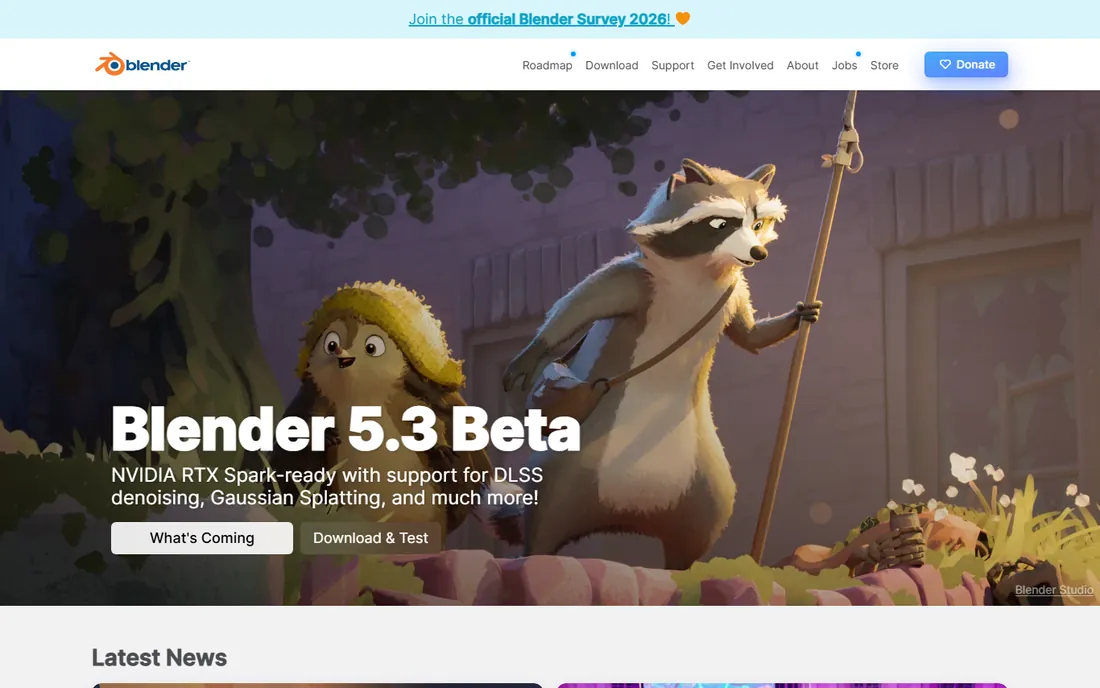
Blender is the reason the phrase best free animation software has a clear answer. It is a complete 3D creation suite covering modeling, rigging, animation, simulation, rendering, and compositing, plus Grease Pencil for 2D animation drawn directly in 3D space. Independent animators have produced festival-grade short films with it, and studios use it for real commercial work. The price is zero, forever, including commercial projects.
The cost is measured in learning hours. Blender's interface packs enormous power into dense panels, and the first month involves regular visits to tutorial sites. That community is the safety net: thousands of free tutorials cover nearly every technique. If you or your team can invest the time, no other free tool comes close.
What we like- Full 3D pipeline plus 2D Grease Pencil tools
- No cost ever, even commercially
- Huge tutorial community
Watch out for- Interface overwhelms beginners
- You supply your own training time
#2
Adobe After Effects
Best for: Motion graphics and visual effects
Visit adobe.com
Starting price$22.99/mo (annual plan, billed monthly)
Free planNo (7-day free trial)
When a marketing team says "animation," they usually mean motion graphics: animated logos, kinetic typography, product callouts, social ads. After Effects is the industry standard for exactly that. The template ecosystem is enormous, so a non-specialist can start from a purchased template and customize, while professionals get deep compositing and effects tools.
Pricing is a single-app subscription at $22.99 a month on the annual plan billed monthly, with a 7-day free trial. There is no perpetual license. After Effects also pairs naturally with Premiere Pro and Illustrator files, which matters if your team already lives in Adobe's world. The honest catch is performance: complex compositions with many layers demand a strong CPU and plenty of RAM.
What we like- Industry standard for motion graphics
- Massive template and plugin ecosystem
- Tight Creative Cloud integration
Watch out for- Subscription only
- Needs a capable computer for complex comps
Starting priceEssentials $30/mo or $252/yr
Free planNo
Toon Boom Harmony is what professional 2D animation studios actually use, including teams behind well-known television productions. Its rigging system lets animators build reusable character puppets, and the drawing tools feel closer to real draftsmanship than most competitors. If your goal is character animation with professional pipeline standards, this is the benchmark.
The Essentials tier starts at $30 a month or $252 a year, with Advanced at $77 and Premium at $139 a month adding network rendering, advanced compositing, and team features. That pricing tells you who it is for. A marketing team making occasional explainers should not buy Harmony; a studio or a serious freelance animator should shortlist nothing else first.
What we like- The studio standard for 2D rigging and cutout animation
- Powerful drawing tools
- Used on major productions
Watch out for- Priced for professionals
- Overkill for simple explainer videos
Starting price$2,010/yr ($168/mo billed annually)
Free planNo (free licenses for students and educators)
Maya is the software behind an enormous share of animated films and AAA games. Its rigging, character animation, and simulation toolsets are the reference point the industry hires against, which means finding trained Maya artists is easier than for any other 3D package. Studios choose it for pipeline reasons as much as feature reasons.
The price reflects that positioning: $2,010 a year, or $255 a month on the monthly plan, with free educational licenses for students and teachers. For a small business, Maya only makes sense if you are hiring professional 3D artists or building game and film content. Everyone else gets better value from Blender or Cinema 4D.
What we like- The film and game industry standard
- Unmatched rigging and simulation tools
- Huge talent pool
Watch out for- Expensive
- Long learning curve
- Far more than marketing teams need
#5
Vyond
Best for: Business explainer videos without animators
Visit vyond.com
Starting priceStarter $58/mo (billed annually)
Free planNo
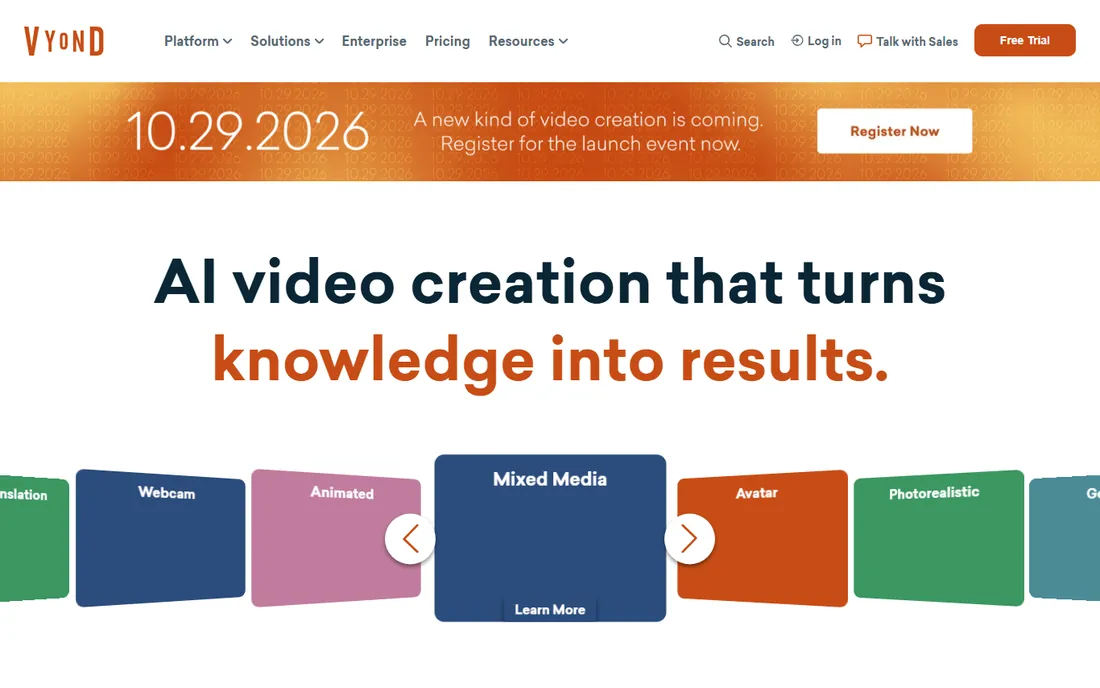
Vyond exists for one job: letting non-animators produce professional-looking explainer, training, and internal communications videos. The character creator, business-themed templates, and text-to-speech voices are all tuned for corporate use rather than entertainment. HR and training departments are the core audience, and the output looks polished without any design background.
That focus costs $58 a month billed annually for the Starter plan, or $99 month-to-month, which is steep next to Powtoon and Animaker. The template look is also recognizable once you have seen a few Vyond videos. If your company produces training content constantly, the price is justifiable. For occasional videos, the cheaper options below deserve a look first.
What we like- Purpose-built for corporate explainers and training
- Large business asset library
- No animation skill needed
Watch out for- Highest price in the business-animation group
- Recognizable template look
Starting priceLite $15/mo (billed yearly)
Free planYes
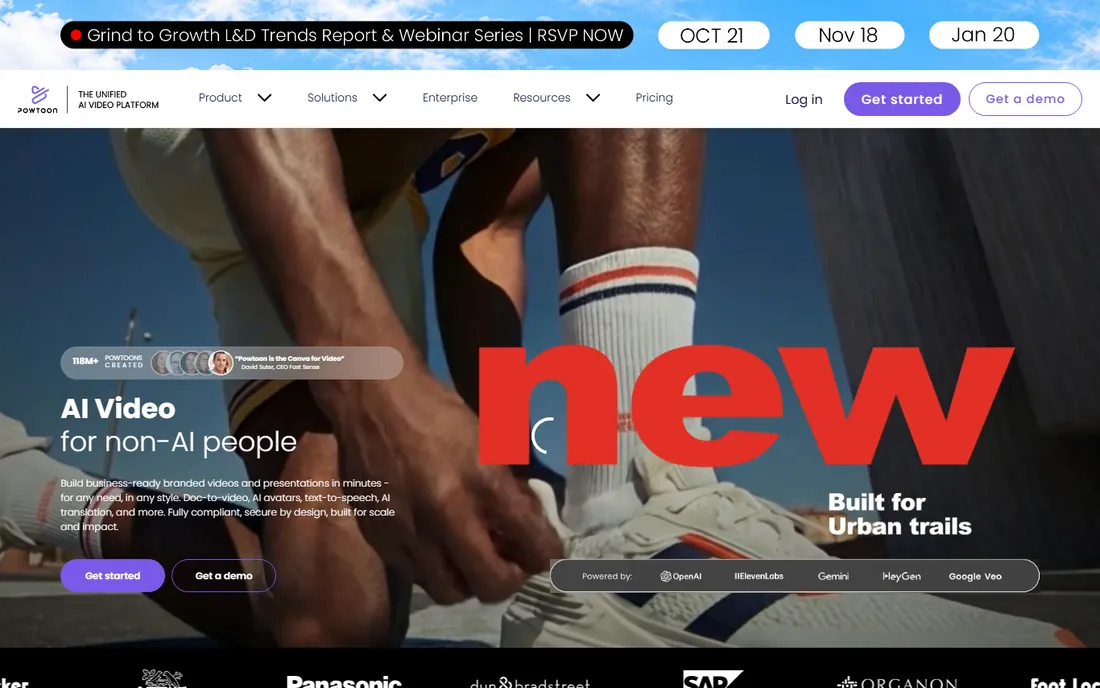
Powtoon pioneered the template-driven animated video for business, and it remains one of the fastest ways to turn a slide deck concept into a watchable video. The free plan lets a team test the workflow, and the Lite plan at $15 a month billed yearly removes the biggest limits for light use.
Expect the trade-offs of the category. Free exports carry Powtoon branding, character animation is simple compared to pro tools, and heavy users will feel the push toward the $40 Professional or $125 Advanced tiers. For marketing teams producing social clips and internal updates on a budget, though, the value is hard to argue with.
What we like- Fast template-driven workflow
- Free plan for trying it
- Good for presentations turned into video
Watch out for- Free exports carry branding
- Character animation is basic
Starting priceBasic $15/mo (billed annually)
Free planYes
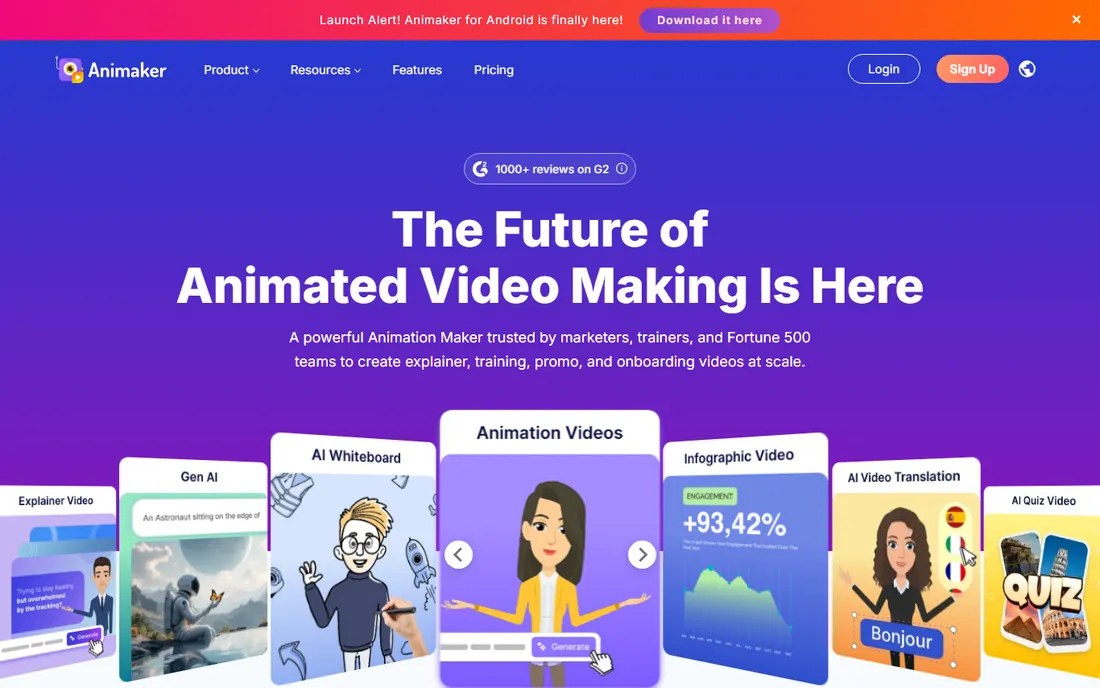
Animaker competes directly with Powtoon on price and beats it on character tools at the low end. The character builder with automatic lip-sync produces surprisingly decent talking-head explainers, and the free plan is functional enough to evaluate properly. The Basic plan at $15 a month billed annually is priced for small teams.
Like all template tools, the output can look familiar, and the genuinely advanced features sit on the $25 Starter and $43 Pro tiers. Render quality and export options improve as you climb. For startups and small marketing teams that need animated content weekly without hiring, Animaker is the budget pick of this group.
What we like- Very affordable paid tiers
- Character builder and auto lip-sync
- Decent free plan
Watch out for- Template look is hard to fully escape
- Advanced features need higher tiers
#8
Cinema 4D
Best for: 3D motion design paired with After Effects
Visit maxon.net
Starting priceSee website
Free planNo
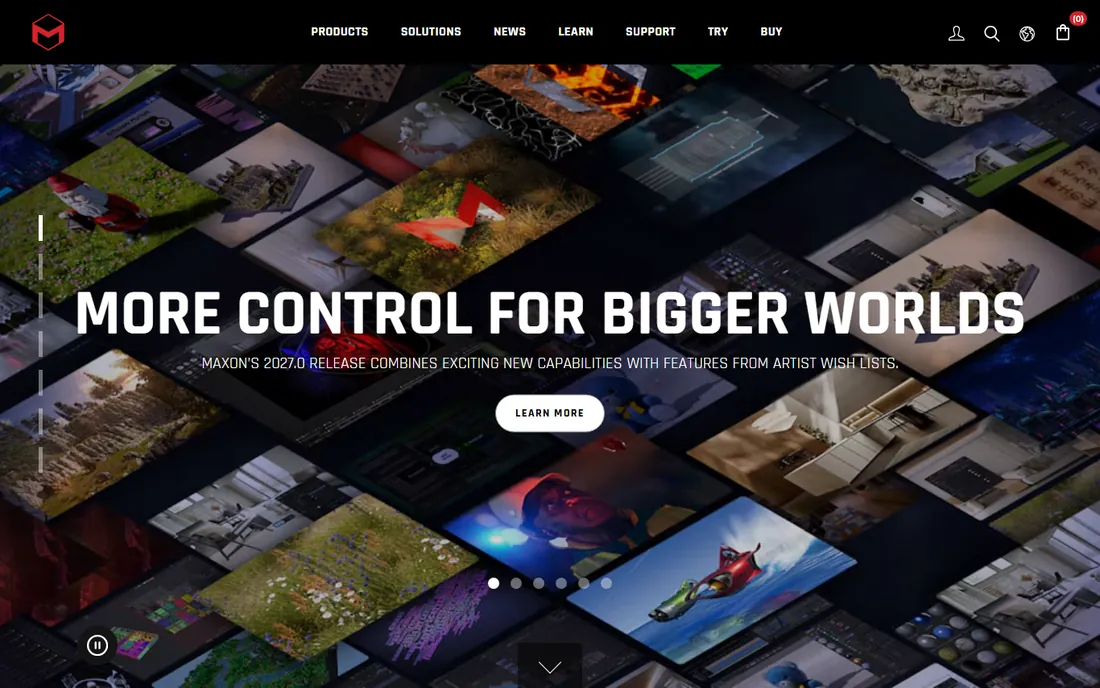
Cinema 4D is the 3D tool motion designers actually enjoy using. Where Maya feels built for technical directors, Cinema 4D feels built for artists, with an interface that motion graphics people learn quickly and integration with After Effects that makes combined 2D and 3D workflows smooth. Broadcast design studios rely on it heavily.
Maxon does not publish simple list pricing on its main pages, so check the site for current subscription rates in your region. Expect professional-grade subscription pricing comparable to other pro 3D tools. Choose Cinema 4D when your work is motion design with 3D elements rather than character animation or visual effects, which remain Maya and Houdini territory.
What we like- The friendliest professional 3D tool for motion designers
- Excellent After Effects integration
- Strong renderer
Watch out for- Pricing is not published transparently
- Subscription cost adds up
Starting priceFree (open source)
Free planYes
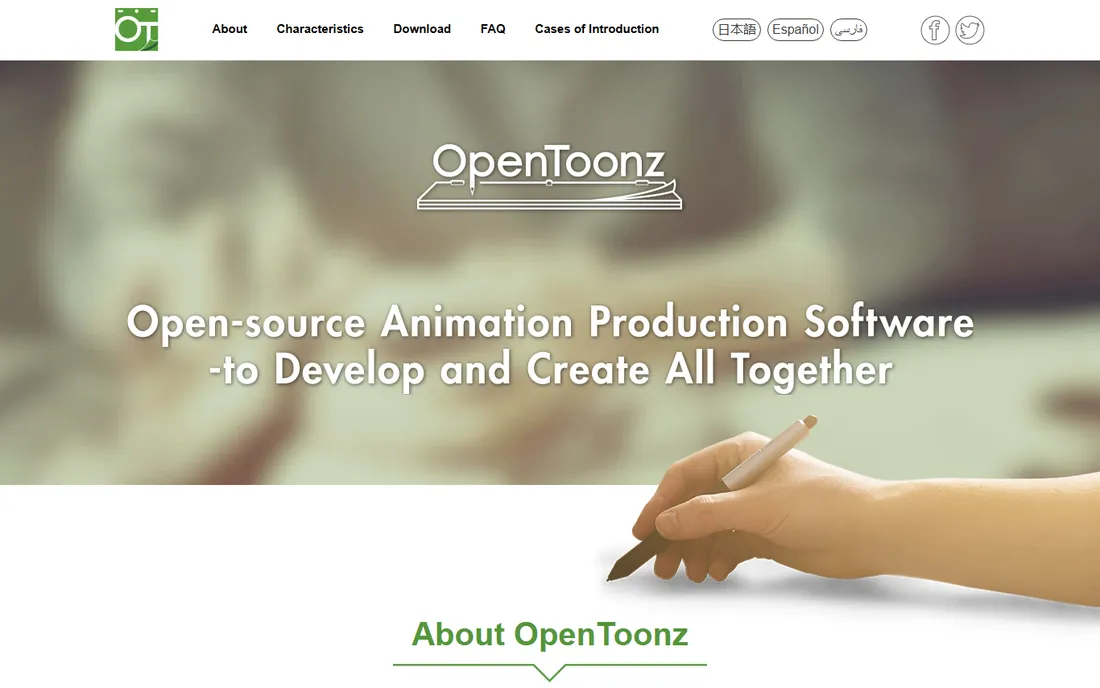
OpenToonz has the most interesting resume of any free tool here: it is based on software used by a legendary Japanese animation studio for years, released as open source. The 2D toolset is genuinely professional, covering scanning, cleanup, inbetweening, and compositing for traditional frame-by-frame workflows.
The interface shows its age and the community is a fraction of Blender's, so learning resources are thinner. But for traditional 2D animators who want professional tools without Toon Boom's price, it is a remarkable free option. Download it only from the official GitHub pages site, since similarly named domains have caused confusion.
What we like- Professional 2D toolset at zero cost
- Real production heritage
- No watermark or limits
Watch out for- Dated interface
- Smaller community than Blender
- Sparse modern tutorials
2D or 3D? Pick your lane first
The single most useful decision is also the simplest: are you animating flat characters and graphics, or dimensional objects and scenes? For 2D character work, the serious options are Toon Boom Harmony and OpenToonz, with Blender's Grease Pencil as a strong hybrid. For 3D, the pro picks are Maya and Cinema 4D, with Blender covering both at zero cost. Motion graphics for marketing mostly lives in After Effects regardless of dimension. The business explainer tools (Vyond, Powtoon, Animaker) deliberately blur the line, using 2D-style characters for corporate storytelling. Choose the lane before the tool, and half the list eliminates itself.
How we chose
We did not animate test projects in every tool for this guide. We compared the current pricing pages, read the official feature documentation, and reviewed public feedback on G2, Capterra, and Reddit, paying attention to complaints about pricing changes, stability, and learning curves. We balanced three different buyers: professional animators, marketing teams, and small businesses, and we favored tools with clear pricing, active development, and an honest fit for their stated audience.
What to look for before you buy
Render time and hardware
3D animation is computationally brutal. Blender, Maya, and Cinema 4D all benefit from strong multi-core CPUs and dedicated GPUs, and render times directly affect project schedules. The 2D tools and business explainer apps are far lighter; Vyond, Powtoon, and Animaker render in the cloud, so your computer barely matters.
Learning curve versus output needs
Be realistic about training time. Blender and Maya take months to learn well, Toon Boom takes weeks for experienced animators, and the business tools take an afternoon. Match the investment to how often you will animate: daily professional work justifies pro tools, while monthly explainer videos do not.
Team skills and file compatibility
If you hire freelancers, ask what they use before you buy. After Effects artists are everywhere, Maya artists are findable, and Toon Boom specialists cluster in 2D hubs. Check that the tool exports formats your video editor accepts, and confirm how project files move between team members.
Subscription versus one-time pricing
Most animation software has moved to subscriptions, which makes budgeting predictable but means costs never stop. Blender and OpenToonz are the exceptions that stay free forever. When comparing, calculate the three-year total rather than the monthly headline, since that is the number your budget actually feels.
Asset libraries and templates
For business teams, the built-in library matters more than the feature list. Vyond's corporate characters, Powtoon's templates, and Animaker's character builder are the real product; the timeline is secondary. Evaluate these tools by browsing their libraries, not their spec sheets.
Frequently asked questions
What is the best animation software for beginners?
For free, start with Blender if you are patient or Powtoon and Animaker if you want results today. Blender rewards months of learning with professional capability, while the business tools produce decent videos within hours. Avoid Maya and Toon Boom until you know you need them.
What is the best free 2D animation software?
OpenToonz is the most capable free option built specifically for traditional 2D animation. Blender's Grease Pencil is the more modern alternative and benefits from a far larger tutorial community. Both are free and open source with no watermarks.
Is Blender really free for commercial use?
Yes. Blender is open source under the GNU General Public License, and you can use it for commercial projects, including client work, without paying anything or asking permission. What you create with Blender belongs to you.
Do I need a powerful computer for animation?
For 3D work in Blender, Maya, or Cinema 4D, yes: a modern multi-core CPU, at least 16GB of RAM, and a dedicated GPU make a real difference. For 2D animation in Toon Boom or OpenToonz, a mid-range computer is fine. The cloud-based business tools need little more than a decent browser.
Which tool is best for business explainer videos?
Vyond if training and internal communications are constant and the budget allows it. Powtoon or Animaker for marketing teams that need animated social and web content on a tighter budget. All three are faster and cheaper than hiring animators or learning pro software for occasional videos.
Can I switch from a template tool to pro software later?
You can, but expect to rebuild rather than migrate. Template tools do not export editable project files that pro software can open. Treat the template phase as disposable: learn what works with your audience, then recreate the winners properly when the volume justifies it.
Sources we checked (9)
- https://www.blender.org/
- https://www.adobe.com
- https://www.toonboom.com
- https://www.autodesk.com
- https://www.vyond.com/
- https://powtoon.com/
- https://animaker.com/
- https://www.maxon.net/en/
- https://opentoonz.github.io/e/
Is your product missing or out of date?
We review this list regularly. Vendors can request a listing, send updated pricing or ask about featured placement.

Shihab Mia · Founder, Rankite
Shihab has spent more than a decade helping SaaS and e-commerce brands grow through search. He writes Rankite's software buying guides from pricing pages, documentation and public user reviews. More about Shihab.