How we make this list: we compare pricing pages, product documentation and public user reviews. Rankite is independent; if a vendor ever pays for a featured spot, that listing is clearly labeled Partner.
Key takeaways
- Mastercam remains the default choice for production machine shops, with the largest post-processor library and reseller network in the business.
- Autodesk Fusion gives small shops CAD and CAM in one subscription, plus a free personal-use edition for hobbyists.
- Vectric VCarve Pro and Estlcam dominate the CNC router and hobbyist corner, with one-time pricing instead of subscriptions.
- If you cut sheet, plate, or tube on plasma, laser, or waterjet, SheetCAM is the cheapest serious option at a $279 one-time license.
- Enterprise 5-axis work still belongs to GibbsCAM, SolidCAM, and SprutCAM, all of which price by quote through dealers.
Quick comparison
| Tool | Best for | Starting price | Free plan |
|---|
 Mastercam Mastercam | production machine shops | See website | See website |
 Autodesk Fusion Autodesk Fusion | small shops wanting CAD and CAM in one subscription | See website | Yes |
 Vectric VCarve Pro Vectric VCarve Pro | CNC routers, sign makers, and woodworkers | See website | Free trial |
 SolidCAM SolidCAM | SolidWorks and Inventor users who want integrated CAM | See website | See website |
 GibbsCAM GibbsCAM | mill-turn centers and multi-task machines | See website | Free trial |
 SprutCAM SprutCAM | shops wanting full 5-axis CAM without enterprise pricing | See website | See website |
 BobCAD-CAM BobCAD-CAM | job shops wanting affordable all-round CAD/CAM | See website | See website |
 Estlcam Estlcam | hobby CNC mills and routers on a tight budget | See website | See website |
 SheetCAM SheetCAM | plasma, laser, waterjet, and oxy-fuel cutting | $279 one-time | See website |
 DeskProto DeskProto | designers and jewelers doing 3D prototyping | See website | Yes |
Is your product missing or out of date?
We review this list regularly. Vendors can request a listing, send updated pricing or ask about featured placement.
Ten CAM programs worth your shortlist
Picking the best CAM software starts with an honest look at your machines. A job shop running 3-axis mills has different needs from a sign maker with a CNC router or a fabricator cutting plate on a plasma table. The top CAM software below covers that whole range, from production-grade packages to one-time-license tools that cost less than a single end mill order.
Starting priceSee website
Free planSee website
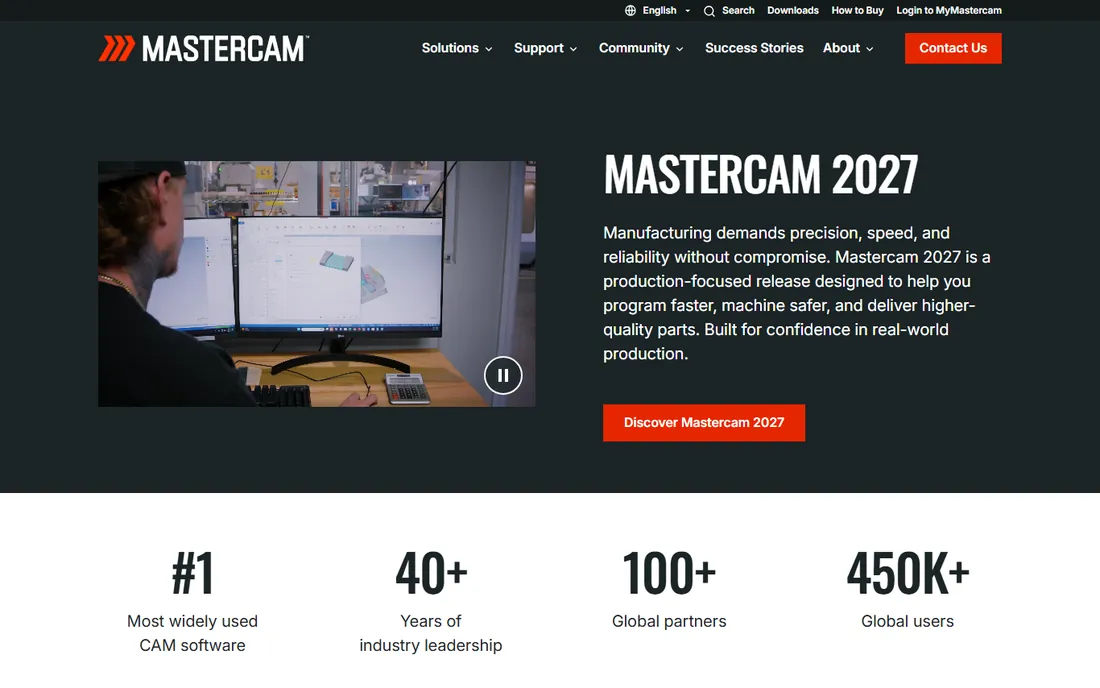
Mastercam has been the reference point in CAM for four decades, and independent market analyses have repeatedly ranked it the most widely used CAM package in the world. It is owned by Sandvik and sold through a global reseller network, which means pricing is by quote and varies by module. The current release, Mastercam 2027, focuses on faster programming and safer machining, with Dynamic Motion toolpaths that cut cycle times.
The honest catch is cost and complexity. This is not software you buy on a credit card in an afternoon; expect a sales conversation, training, and a real budget. For a production shop that runs spindles all day, that investment pays back. For a garage with one router, it is overkill.
What we like- Largest post-processor library in the industry
- Strong 2D through 5-axis milling and turning
- Huge user community and reseller network
Watch out for- Quote-based pricing through resellers only
- Windows-only with a learning curve for beginners
#2
Autodesk Fusion
Best for: small shops wanting CAD and CAM in one subscription
Visit autodesk.com
Starting priceSee website
Free planYes
Fusion (formerly Fusion 360) is the best CAD CAM software for CNC beginners who also need to design parts. You model the part and generate toolpaths in the same window, then simulate before posting G-code. The cloud model means your files follow you between machines, which small teams like.
The trade is control. Advanced shops sometimes find the CAM side less deep than Mastercam or GibbsCAM for exotic multi-axis work, and commercial use requires a paid subscription. But for prototyping, job shops, and makers, the combination of price, free hobby tier, and integrated workflow is hard to beat.
What we like- Integrated CAD, CAM, and simulation in one package
- Cloud collaboration built in
- Free personal-use edition for hobbyists
Watch out for- Subscription-only for commercial use
- CAM depth trails dedicated packages on complex 5-axis work
#3
Vectric VCarve Pro
Best for: CNC routers, sign makers, and woodworkers
Visit vectric.com
Starting priceSee website
Free planFree trial
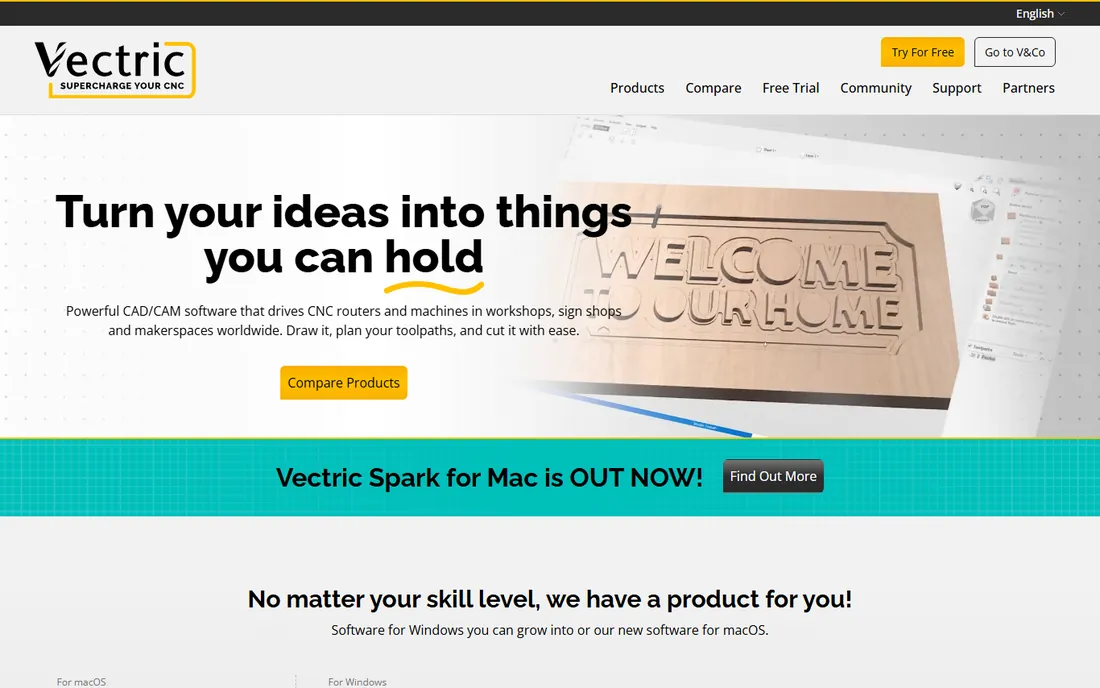
Ask a room of CNC router owners which CAM they use and VCarve Pro wins the poll. It handles 2D design, v-carving, prism carving, and single-sided 3D machining with an interface that stays out of your way. Vectric offers a free trial and free lifetime support, and the user forum has tens of thousands of members sharing projects.
Pricing is a one-time license rather than a subscription, and you can upgrade to the bigger Aspire package later by paying only the difference. The limitation is scope: this is a router-first program. If you need turning, mill-turn, or simultaneous 5-axis, look elsewhere on this list.
What we like- Purpose-built for 2.5D router work and v-carving
- Huge free project library and active forum
- One-time license with free minor upgrades
Watch out for- Windows only for the desktop line
- Not a fit for mill-turn or serious 3D machining
#4
SolidCAM
Best for: SolidWorks and Inventor users who want integrated CAM
Visit solidcam.com
Starting priceSee website
Free planSee website
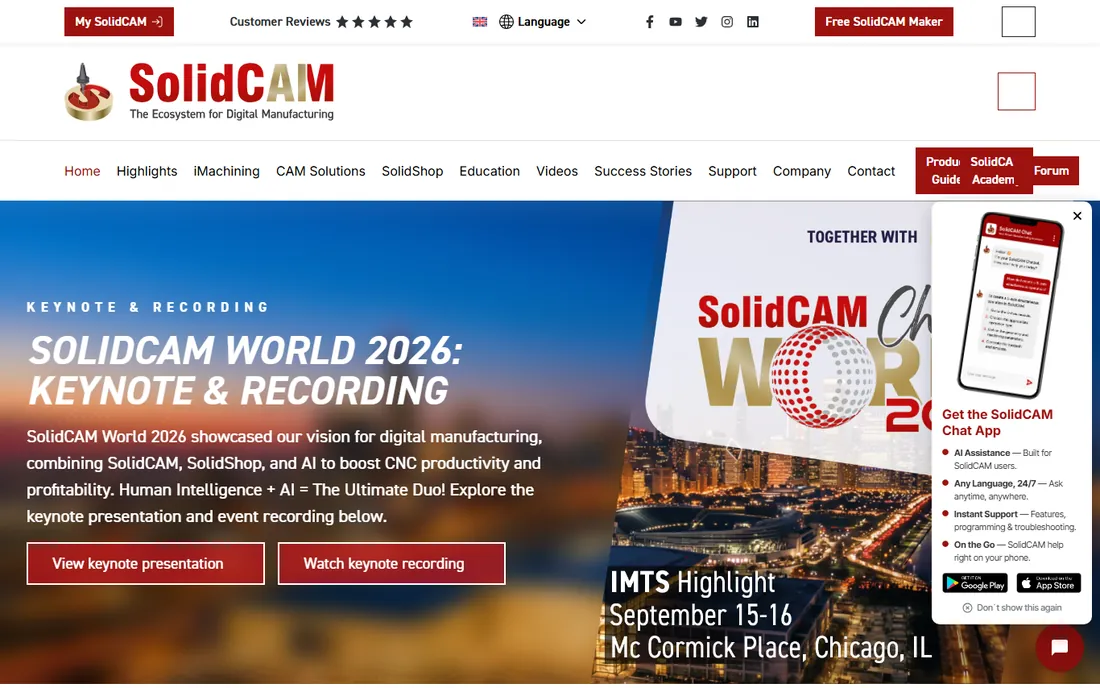
SolidCAM takes a different approach from standalone CAM: it lives inside your CAD system. Change the SolidWorks model and the toolpaths update, which removes a whole class of revision mistakes. Its iMachining technology is genuinely respected for high-speed roughing, and the company has been building CAM since the 1980s.
Because it is sold as modules through resellers, expect a quote process rather than a buy button. You also need a SolidWorks or Inventor seat to run it, so the total cost of ownership is higher than the CAM license alone suggests. For shops already standardized on SolidWorks, though, the integration is worth it.
What we like- Runs inside SolidWorks and Inventor with full model associativity
- IMachining toolpaths cut cycle times
- Certified Gold partner status with SolidWorks
Watch out for- Requires the host CAD system
- Pricing by quote through resellers
Starting priceSee website
Free planFree trial
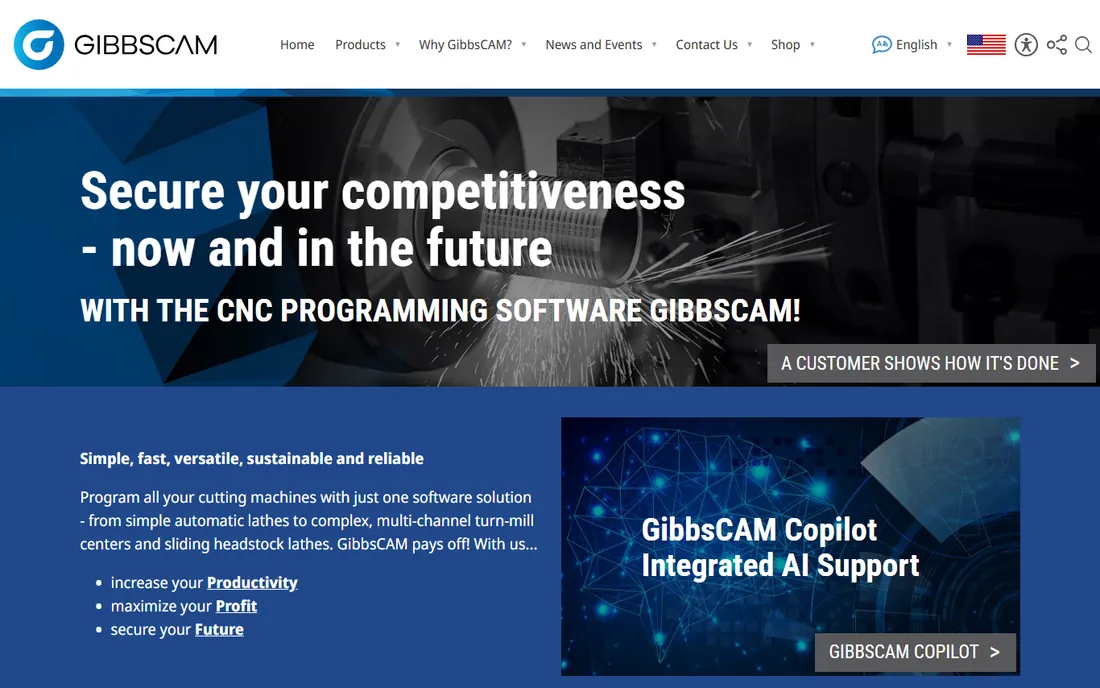
GibbsCAM has a loyal following among shops running complex lathes, mill-turn centers, and Swiss-type machines. One package programs everything from simple 2-axis lathes to multi-channel turn-mill centers, and the post-processor library is one of the deepest available. The company, part of the Sandvik group, offers a free trial so you can test it on your own parts.
The modular structure is a plus and a minus. You only pay for the capability you need, but building the right bundle takes a conversation with a reseller. Programmers coming from modern CAD-style interfaces sometimes find the UI old-fashioned, though long-time users call it fast.
What we like- Excellent multi-task and Swiss-type machine support
- Library of over 10,000 post-processors
- Modular, so you buy only what you need
Watch out for- Quote-based pricing
- Interface feels dated next to newer packages
#6
SprutCAM
Best for: shops wanting full 5-axis CAM without enterprise pricing
Visit sprutcam.com
Starting priceSee website
Free planSee website
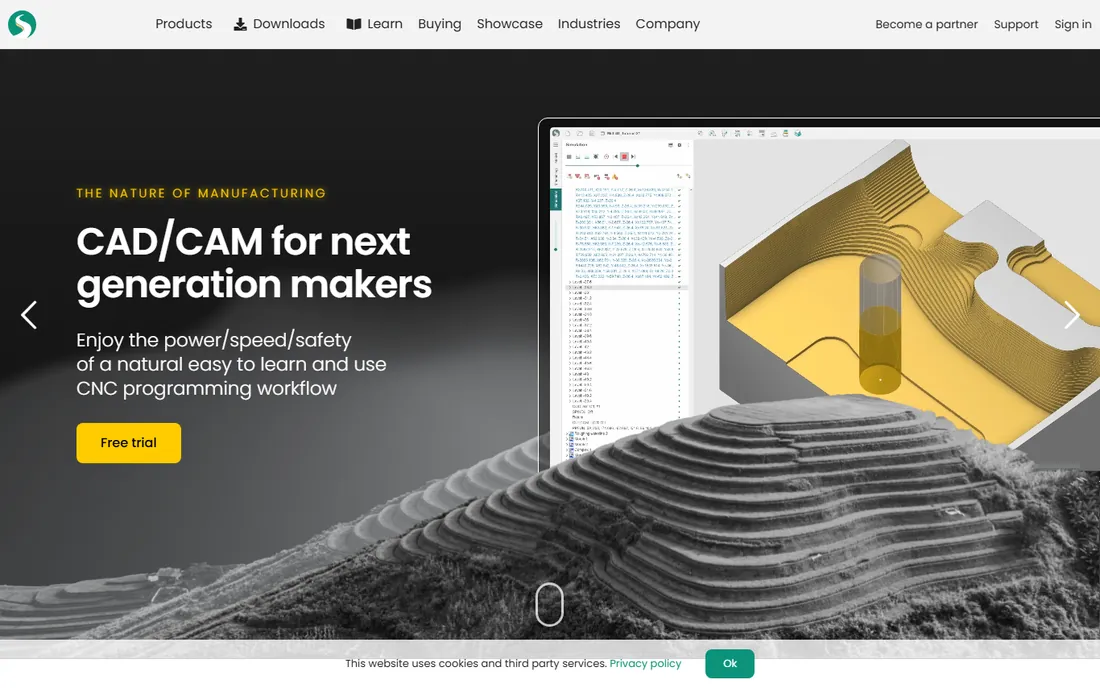
SprutCAM X is the value play in serious CAM. It programs 2 through 5-axis milling, turning, wire EDM, and even industrial robots, with machine simulation that catches collisions before they happen. The developer, SprutCAM Tech, sells direct and through regional partners, which keeps prices well below the enterprise tier.
The compromise is ecosystem. You will find fewer local resellers, fewer YouTube tutorials, and fewer forum threads than for Mastercam or Fusion. If your team is comfortable learning from documentation and you want real multi-axis capability on a budget, SprutCAM deserves a demo.
What we like- Genuine multi-axis and robot machining support
- Runs offline with perpetual-style licensing
- Strong simulation and collision checking
Watch out for- Smaller reseller and training network than the big names
- Documentation can lag new releases
#7
BobCAD-CAM
Best for: job shops wanting affordable all-round CAD/CAM
Visit bobcad.com
Starting priceSee website
Free planSee website
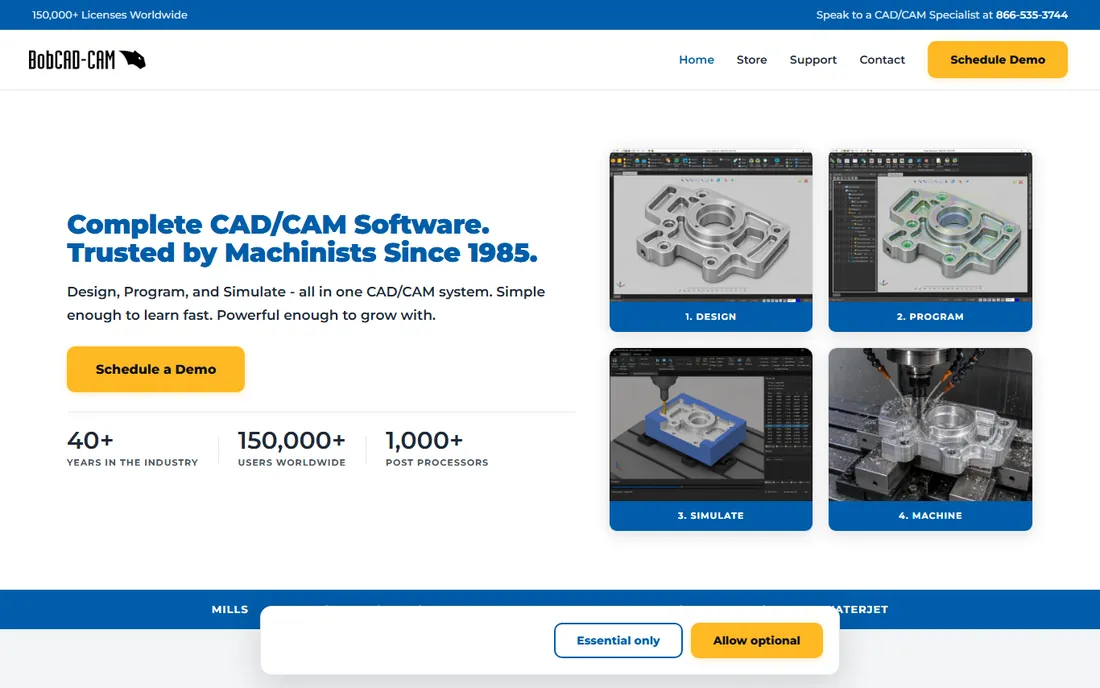
BobCAD-CAM has sold affordable CAD/CAM since 1985, and its pitch is simple: one system for design, programming, and simulation across nearly every machine type a job shop owns. The current lineup handles 3-axis milling through full simultaneous 5-axis, turning, mill-turn, and cutting machines like plasma and waterjet.
The company leans on demos and sales calls rather than public pricing, which some buyers find annoying. Feature depth at the top end does not match the enterprise packages either. But as a best CNC CAM software pick for a small shop that needs a bit of everything without enterprise budgets, it is a proven option.
What we like- Covers mill, lathe, router, wire EDM, laser, plasma, and waterjet in one system
- Flexible licensing options
- US-based training and support
Watch out for- Pricing requires a sales call
- Advanced 5-axis costs extra
#8
Estlcam
Best for: hobby CNC mills and routers on a tight budget
Visit estlcam.de
Starting priceSee website
Free planSee website
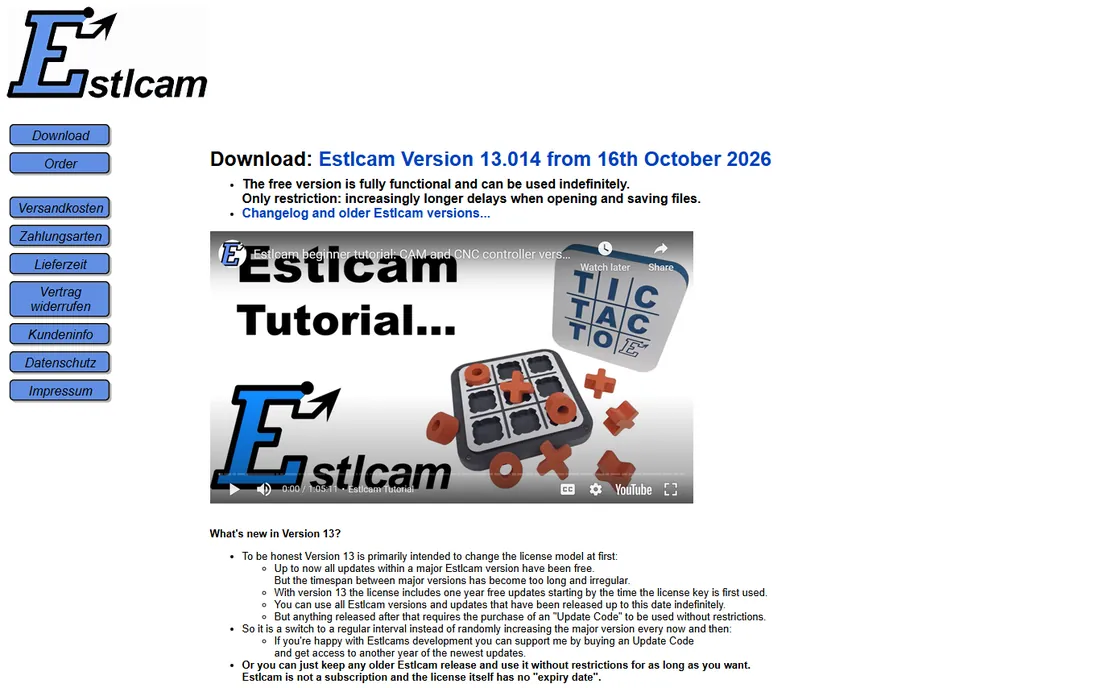
Estlcam is the quiet favorite of the DIY CNC crowd. For the price of a pizza night you get 2D and 3D CAM that generates toolpaths for mills and routers, plus optional machine-control firmware that turns an Arduino into a CNC controller. The interface is plain and the learning curve is short.
Expectations should stay modest. This is 3-axis hobby software, not a production tool, and support is essentially the developer plus community forums. But if you built or bought a small router and need to make chips this weekend, few options deliver more per dollar.
What we like- Very low one-time price
- Doubles as machine control software with the matching controller
- Simple enough for first-time CNC users
Watch out for- Windows only
- Limited to 3-axis work with a basic feature set
Starting price$279 one-time
Free planSee website
Most CAM software treats plasma and laser cutting as an afterthought. SheetCAM treats it as the whole job. It imports DXF, SVG, and HPGL drawings, handles kerf width, cut ordering, and nesting, and posts code for a long list of cutting controllers. The current 8.0 release sells as a one-time $279 license, with small add-on modules for wire cutting, rotary pipe cutting, and v-carving.
It is not a milling package, so do not buy it for your machining center. For fabrication shops running cutting tables, though, it is one of the best-value purchases in all of CAM.
What we like- Purpose-built for 2D cutting machines
- One-time $279 license with no subscription
- Configurable post-processors for many controllers
Watch out for- Windows only
- 2D cutting focus means no real 3D milling capability
Starting priceSee website
Free planYes
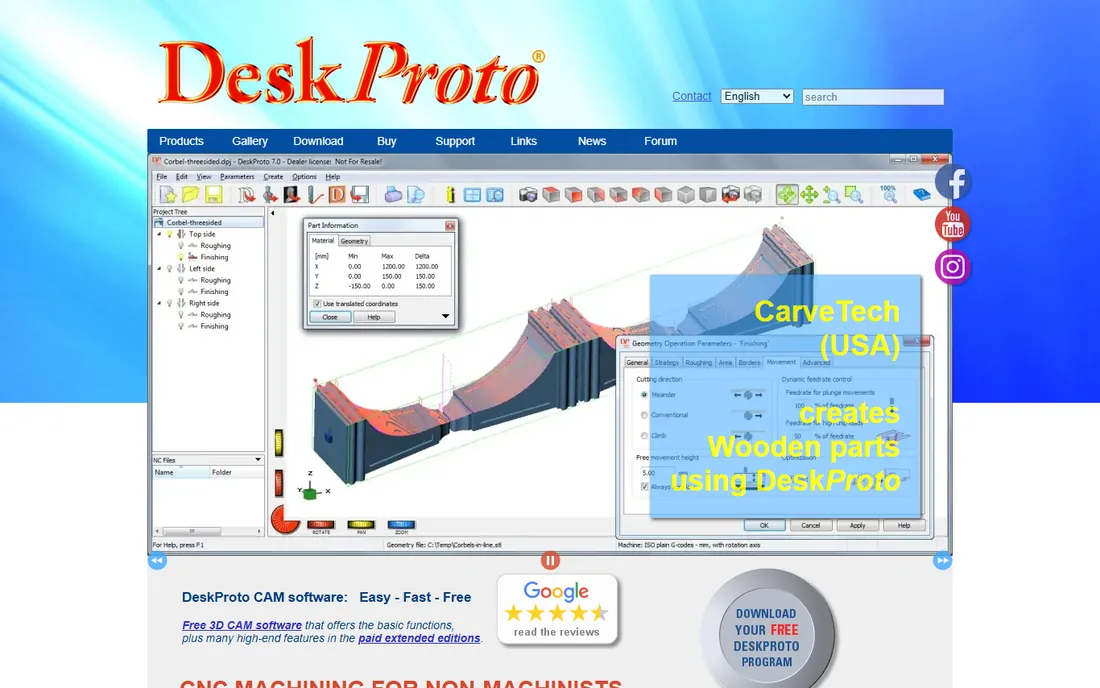
DeskProto markets itself as CNC for non-machinists, and it delivers on that. Import a 3D model, a vector drawing, or even a photo, set a few parameters, and it calculates toolpaths for prototyping, jewelry waxes, molds, and reliefs. A genuinely free edition covers basic work with no time limit, and it runs on all three desktop platforms.
Professional machinists will outgrow it. Toolpath strategies are simpler than in production CAM, and the top Multi-Axis edition is where the serious capability lives. For designers, schools, and hobbyists who think in 3D models rather than G-code, the gentle learning curve is the point.
What we like- Free edition with basic CAM functions
- Imports STL, DXF, and even bitmap images for relief carving
- Runs on Windows, macOS, and Linux
Watch out for- Aimed at non-machinists, so advanced toolpath control is limited
- Paid editions needed for 4 and 5-axis work
How we chose
We started from vendor homepages, pricing pages, and documentation, then cross-checked against public reviews on G2 and Capterra, machinist discussions on Reddit and practical forums, and feature lists for machine coverage, post-processor availability, and licensing terms. We favored tools with a clear current product and active development, mixed market leaders with smaller specialists, and weighted real buyer concerns: perpetual vs. subscription licensing, Windows-only vs. cross-platform, and whether the CAM depth matches the machines it claims to serve. Nobody paid for placement, and we did not run hands-on tests.
What to check before you buy CAM software
Match the software to your controller first. A brilliant 5-axis package is useless if its post-processor output needs hand-editing for your machine, so ask for a post list and a test post of one of your parts before you sign. Second, count the real cost: subscription vs. one-time license, mandatory maintenance, training days, and the CAD seat if the CAM needs a host system. Third, try the trial on your own geometry, not the vendor demo part. A 30-minute test with a part you already know exposes UI friction that a sales demo hides.
For growing shops, think about who programs. If the owner does it between jobs, ease of use beats feature depth. If you employ a full-time programmer, depth and simulation pay for themselves in avoided crashes. Either way, keep the quote in writing and confirm what the first year of support and updates actually includes.
CAM for small shops vs. production floors
Small shops usually win with Fusion, VCarve Pro, or BobCAD-CAM: low entry cost, fast learning, and enough capability for 3-axis work. A one-person shop with a router may never need more than Estlcam or SheetCAM. Production floors running multiple machine types tend to standardize on Mastercam, GibbsCAM, or SolidCAM, where post-processor coverage, multi-axis depth, and reseller support matter more than the license price. The middle ground, SprutCAM and DeskProto, serves specialists: multi-axis on a budget, or 3D prototyping without a machinist background.
Frequently asked questions
What is CAM software?
CAM software turns a CAD model or drawing into toolpaths and G-code that a CNC machine can run. You define the cutting tools, speeds, and strategies; the software calculates the machine movements and simulates them before anything gets cut.
How much does CAM software cost?
It ranges from free (DeskProto free edition, Fusion personal use) to a $279 one-time license (SheetCAM) up to thousands per year for production packages like Mastercam, GibbsCAM, and SolidCAM, which are priced by quote. Hobby tools like Estlcam cost under $100 one time.
Is Fusion 360 still called Fusion 360?
Autodesk renamed it to Fusion in 2024, dropping the 360. It is the same product: CAD, CAM, CAE, and PCB design in one cloud-connected package, with a free edition for personal, non-commercial use.
What is the best CAM software for beginners?
For CNC routers, Vectric VCarve Pro is the most recommended starting point thanks to its focused toolset and huge tutorial library. For general learning with a path to professional work, Autodesk Fusion is the safer long-term bet. Hobbyists on a budget should look at Estlcam or the free DeskProto edition.
Do I need CAD software to use CAM?
Some CAM packages include CAD tools (Mastercam, BobCAD-CAM, Fusion), while others expect you to import files from a separate CAD program (SheetCAM, DeskProto, Estlcam). Integrated CAM like SolidCAM goes further and runs inside SolidWorks or Inventor, so you need that CAD seat too.
Can CAM software run on Mac?
Most production CAM is Windows-only. Exceptions on this list: Autodesk Fusion runs on macOS, and DeskProto runs on Windows, macOS, and Linux. The rest need Windows or a virtual machine.
Sources we checked (10)
- https://mastercam.com/
- http://vectric.com/
- https://gibbscam.com/
- https://bobcad.com/
- https://www.sheetcam.com
- https://www.deskproto.com
- https://www.autodesk.com/products/fusion-360/overview
- https://www.solidcam.com
- https://www.sprutcam.com
- https://www.estlcam.de
Is your product missing or out of date?
We review this list regularly. Vendors can request a listing, send updated pricing or ask about featured placement.

Shihab Mia · Founder, Rankite
Shihab has spent more than a decade helping SaaS and e-commerce brands grow through search. He writes Rankite's software buying guides from pricing pages, documentation and public user reviews. More about Shihab.