How we make this list: we compare pricing pages, product documentation and public user reviews. Rankite is independent; if a vendor ever pays for a featured spot, that listing is clearly labeled Partner.
Key takeaways
- For recording phone calls on iPhone or Android, Rev Call Recorder (free, US numbers) and TapeACall (subscription with free trial) are the dedicated picks; meeting bots cannot do this job.
- For Zoom, Meet and Teams meetings, Fathom has the most generous free plan (unlimited recordings and transcripts), while tl;dv adds shareable video clips on its free tier.
- Otter ($8.33/user/month billed annually) and Fireflies ($10/seat/month billed annually) are the full-featured meeting assistants with AI summaries, CRM sync and team workspaces.
- Notta ($8.17/month billed annually) is the standout for multilingual teams, transcribing in 58 languages with bilingual meeting support.
Quick comparison
| Tool | Best for | Starting price | Free plan |
|---|
 Rev Call Recorder Rev Call Recorder | Free iPhone phone-call recording for US numbers | Free (app; human transcription from $1.99/min per vendor) | Yes (unlimited free recording) |
 TapeACall TapeACall | Phone-call recording on both iPhone and Android | See website (subscription) | Free 7-day trial |
 Notta Notta | Multilingual meeting transcription and summaries | $8.17/month (Pro, billed annually) | Yes (120 transcription minutes/month) |
 Fireflies.ai Fireflies.ai | Meeting transcription with CRM automation | $10/seat/month (Pro, billed annually) | Yes (unlimited transcription; 400 min storage per team) |
 Otter.ai Otter.ai | Live meeting transcription with conversational AI | $8.33/user/month (Pro, billed annually) | Yes (Basic: 300 minutes/month, free forever) |
 tl;dv tl;dv | Meeting recordings plus shareable video clips | $18/user/month (Pro, billed annually) | Yes (Free Forever: unlimited recordings and transcripts) |
 Fathom Fathom | Free unlimited meeting recording and transcription | See website | Yes (unlimited recordings and transcripts) |
Is your product missing or out of date?
We review this list regularly. Vendors can request a listing, send updated pricing or ask about featured placement.
The best call recorder software
You hang up from a sales call and realize the prospect mentioned a budget number you did not write down. Or you leave a client meeting and cannot remember who promised what. Call recorder software exists for exactly these moments, but the category splits in two: apps that record phone calls, and bots that record video meetings. The seven tools below cover both, so match the tool to the calls you actually make.
#1
Rev Call Recorder
Best for: Free iPhone phone-call recording for US numbers
Visit rev.com
Starting priceFree (app; human transcription from $1.99/min per vendor)
Free planYes (unlimited free recording)
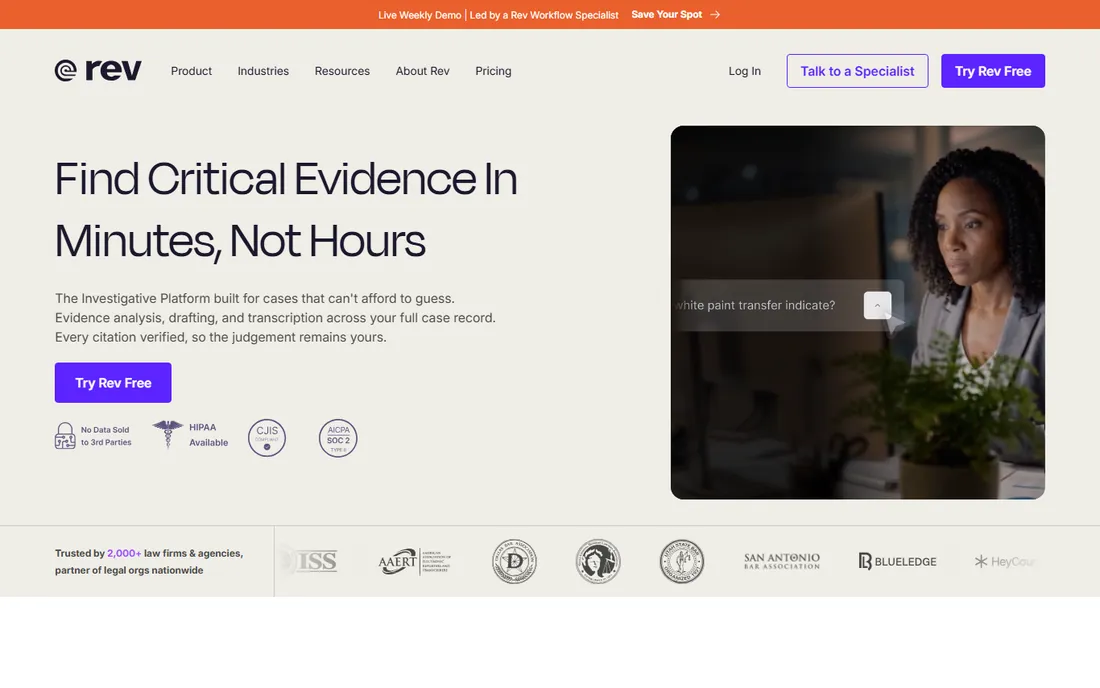
Rev Call Recorder is the rare free lunch in this category. The iPhone app records incoming and outgoing calls with no time limits, no subscription and no ads, using a conference-call merge that takes one tap. Recordings can be shared, exported and stored without restrictions, which makes it the default recommendation for journalists, researchers and anyone who interviews by phone.
The limits are geographic and platform. Registration needs a US number, and there is no Android version. Transcription is the paid upsell: AI or human transcripts ordered from inside the app. Note that Rev's main business has shifted toward legal transcription platforms, but the Call Recorder app remains available and free. If you are outside the US or on Android, keep reading.
What we like- Completely free unlimited call recording with no ads
- One-tap recording for incoming and outgoing calls
- Optional human transcription at 99% accuracy
Watch out for- US (+1) phone numbers only
- Transcription costs extra
- IPhone only
Starting priceSee website (subscription)
Free planFree 7-day trial
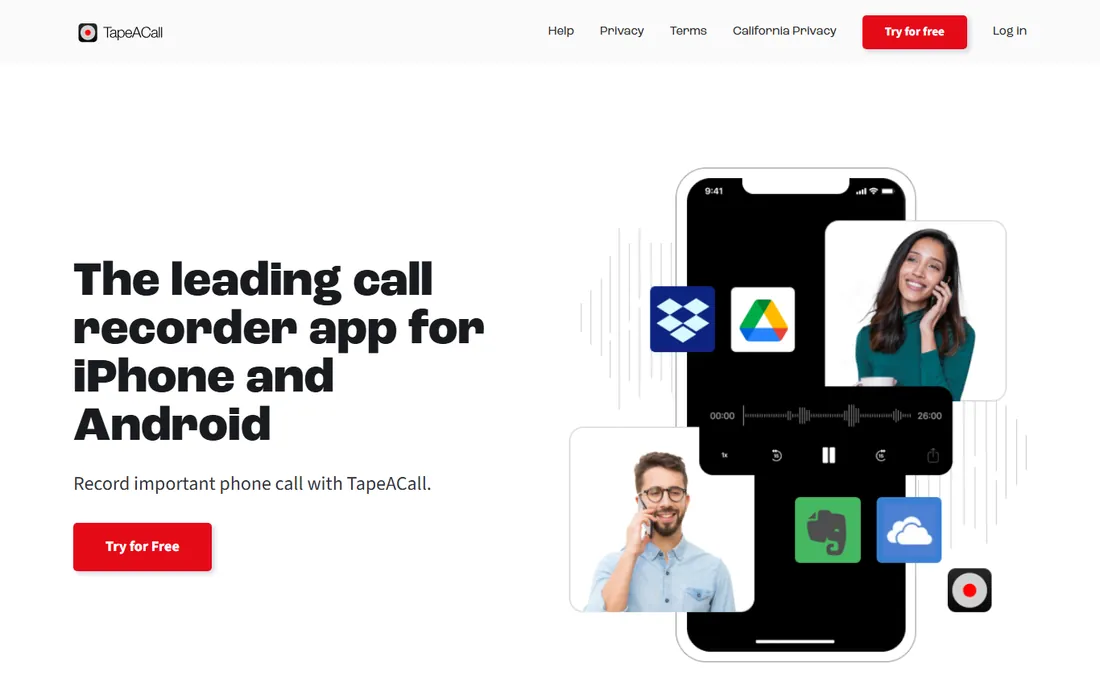
TapeACall has been recording phone calls since before AI notetakers existed, and it shows in the polish. Both iPhone and Android are covered, recordings land in unlimited cloud storage immediately after the call, and transcription, labeling and sharing are built in. The vendor reports millions of users across 50-plus countries, and the app suits professionals who document calls: lawyers, journalists, salespeople and finance staff.
The friction is the phone network itself. Recording works through 3-way calling, so your carrier has to support it, and a few US carriers do not. Pricing lives behind the app stores rather than on the website, with a 7-day free trial before the subscription starts. Check the current price in your app store before committing, and confirm 3-way calling works on your line.
What we like- Works on iPhone and Android for incoming and outgoing calls
- Unlimited secure cloud storage
- Transcription and easy sharing to Dropbox and Drive
Watch out for- Requires a subscription after the trial
- Needs carrier support for 3-way calling
- Pricing is not published on the site
#3
Notta
Best for: Multilingual meeting transcription and summaries
Visit notta.ai
Starting price$8.17/month (Pro, billed annually)
Free planYes (120 transcription minutes/month)
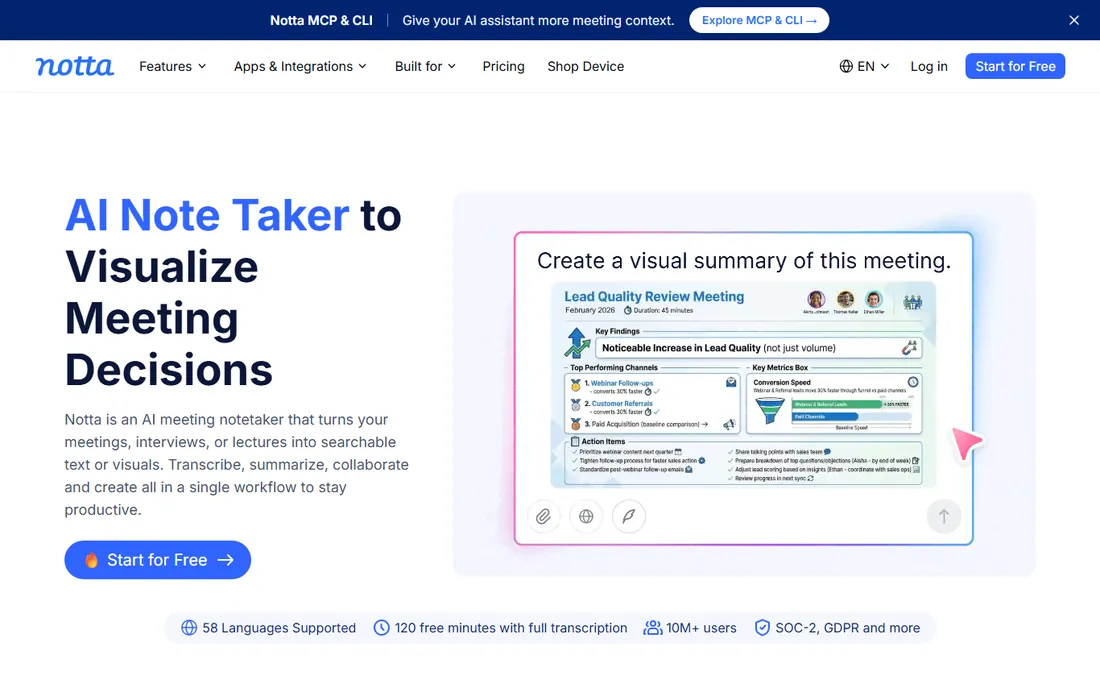
Notta earns its place for one reason: languages. Few competitors transcribe 58 languages well, and almost none handle bilingual meetings where two languages mix in one conversation. Beyond that it is a complete meeting assistant: a bot or desktop app joins Zoom, Meet, Teams or Webex, transcribes live, and produces summaries, action items and a searchable record.
The free plan is a genuine trial with sharp edges: 120 minutes a month but only 3 minutes per conversation, which rules out real meetings. Pro at $8.17 a month billed annually is the realistic entry point. One honest gap: Notta does not natively record phone calls, so capturing a mobile call means a second device on speakerphone. For meetings, though, especially multilingual ones, it is hard to beat.
What we like- Transcription in 58 languages with bilingual meeting support
- Live transcription for Zoom, Meet, Teams and Webex
- AI summaries, action items and searchable archive
Watch out for- Free plan caps conversations at 3 minutes each
- Phone calls need a two-device speakerphone workaround
- Translation add-ons cost extra
Starting price$10/seat/month (Pro, billed annually)
Free planYes (unlimited transcription; 400 min storage per team)
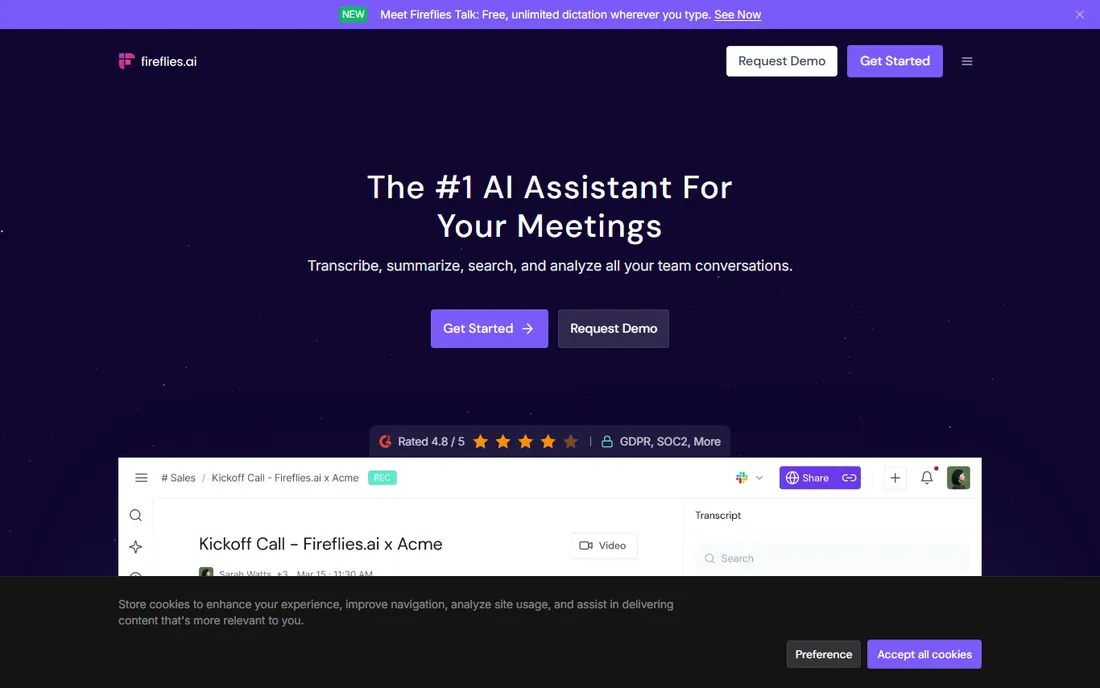
Fireflies is the meeting bot that does the most after the call ends. Transcription in 100-plus languages is unlimited on all plans, and the differentiator is what happens next: AI skills draft follow-up emails, update Salesforce and HubSpot, score candidates and push tasks to Asana or Trello. The AskFred assistant answers questions across your whole meeting history.
Watch the two meters. Storage on the free plan is 400 minutes per team, and AI credits (for AskFred and advanced summaries) are capped monthly on every tier, with extra packs billed per user. Pro at $10 per seat a month billed annually adds video recording, 8,000 minutes of storage per seat and unlimited integrations. Sales and customer-success teams that live in the CRM get the most value here.
What we like- Unlimited transcription on every plan including free
- 200+ AI skills for follow-ups, CRM updates and candidate scoring
- Deep Salesforce and HubSpot integrations
Watch out for- Free plan storage is limited to 400 minutes per team
- AI credits are metered on every plan
- Per-seat pricing adds up for large teams
#5
Otter.ai
Best for: Live meeting transcription with conversational AI
Visit otter.ai
Starting price$8.33/user/month (Pro, billed annually)
Free planYes (Basic: 300 minutes/month, free forever)
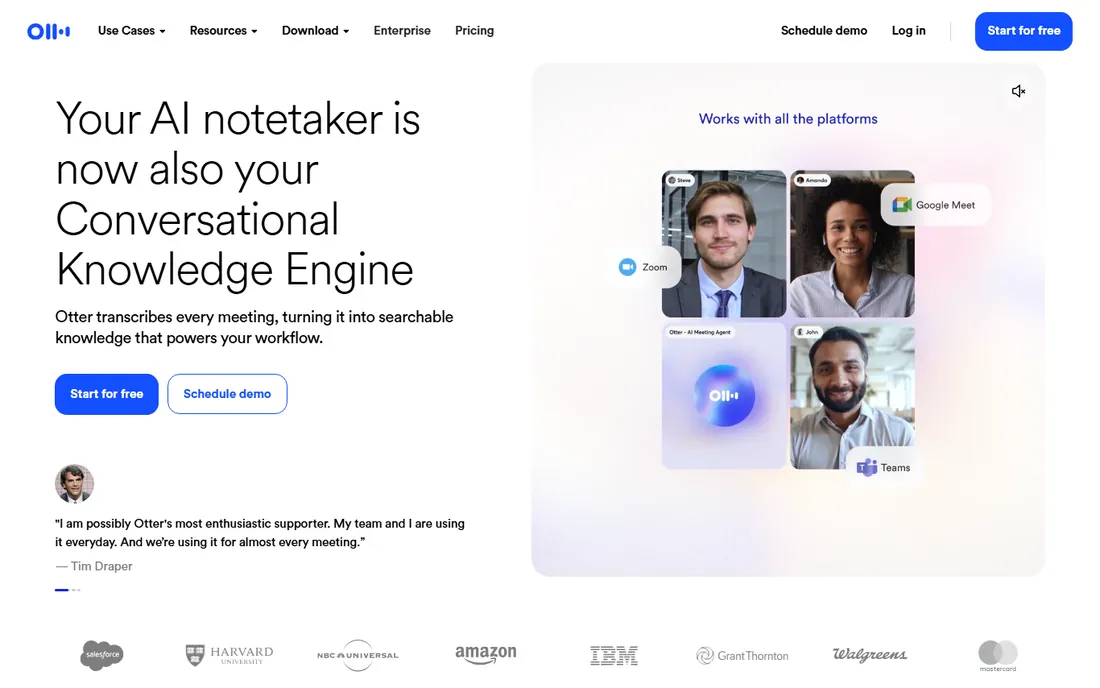
Otter is the name most people already know, and the product keeps evolving past simple transcription. The OtterPilot bot joins scheduled Zoom, Meet and Teams calls automatically, transcribes live with speaker labels, and produces summaries with action items. Otter AI Chat then lets you ask questions across all your meetings, and connected apps extend that to your wider workspace.
The pricing structure rewards attention to the fine print. Basic is free forever with 300 minutes a month, but each conversation stops at 30 minutes. Pro at $8.33 per user a month billed annually raises that to 1,200 minutes and 90-minute meetings. If your calls regularly run long, check the per-conversation caps before choosing a tier, since the monthly total is only half the story.
What we like- Real-time transcription with speaker identification
- Otter AI Chat answers questions across meetings and connected apps
- Bot-free desktop recording option
Watch out for- Free plan caps conversations at 30 minutes
- Transcription minutes are metered on every plan
- Per-meeting duration caps need watching on long calls
#6
tl;dv
Best for: Meeting recordings plus shareable video clips
Visit tldv.io
Starting price$18/user/month (Pro, billed annually)
Free planYes (Free Forever: unlimited recordings and transcripts)
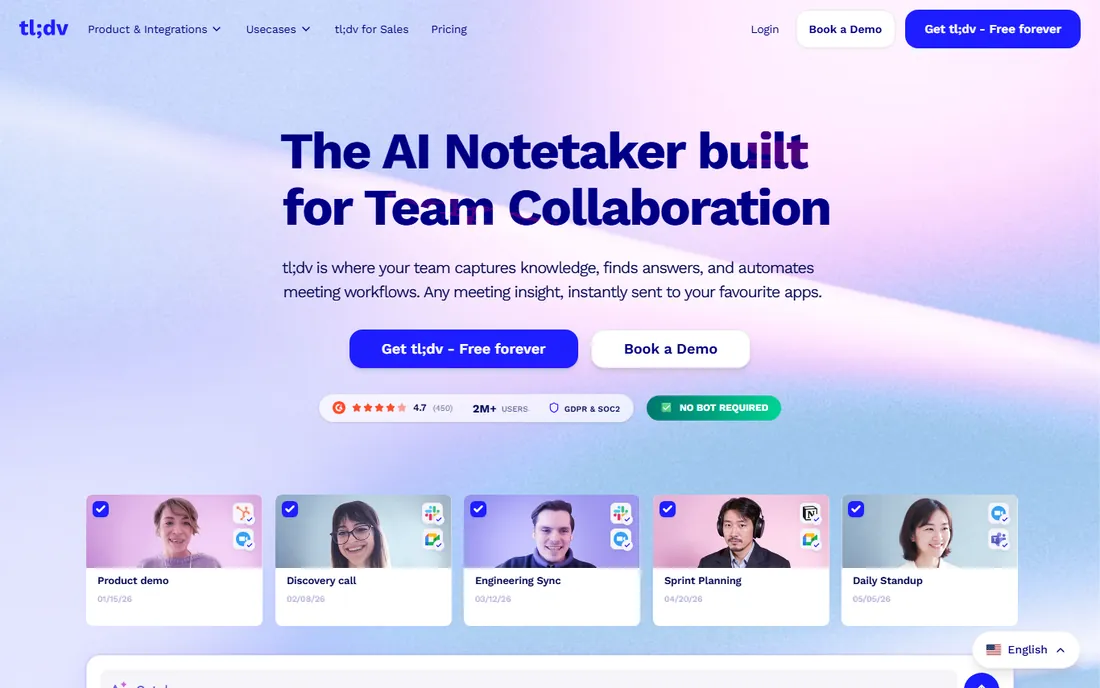
tl;dv (short for "too long; didn't view") starts from a different premise: most people do not need a full transcript, they need the one moment that mattered. The recorder captures the meeting, and you clip timestamped video segments to share with anyone who missed it. The free plan is strikingly generous: unlimited recordings and transcripts in 30-plus languages, kept for three months.
The catch is the intelligence layer. Free users get limited AI summaries and meeting notes, with the full AI feature set reserved for Pro at $18 per user a month billed annually. There is also no native mobile app; mobile capture works through the auto-recording feature on the meeting platforms. For async teams that share call moments rather than read transcripts, tl;dv's clip workflow is the fastest in this set.
What we like- Free plan includes unlimited recordings and transcripts
- Timestamped video clips shareable via link, Slack or Notion
- Bot-free desktop recording mode
Watch out for- AI summaries are limited on the free plan
- No native mobile app yet
- Paid tiers cost more than most rivals
#7
Fathom
Best for: Free unlimited meeting recording and transcription
Visit fathom.ai
Starting priceSee website
Free planYes (unlimited recordings and transcripts)
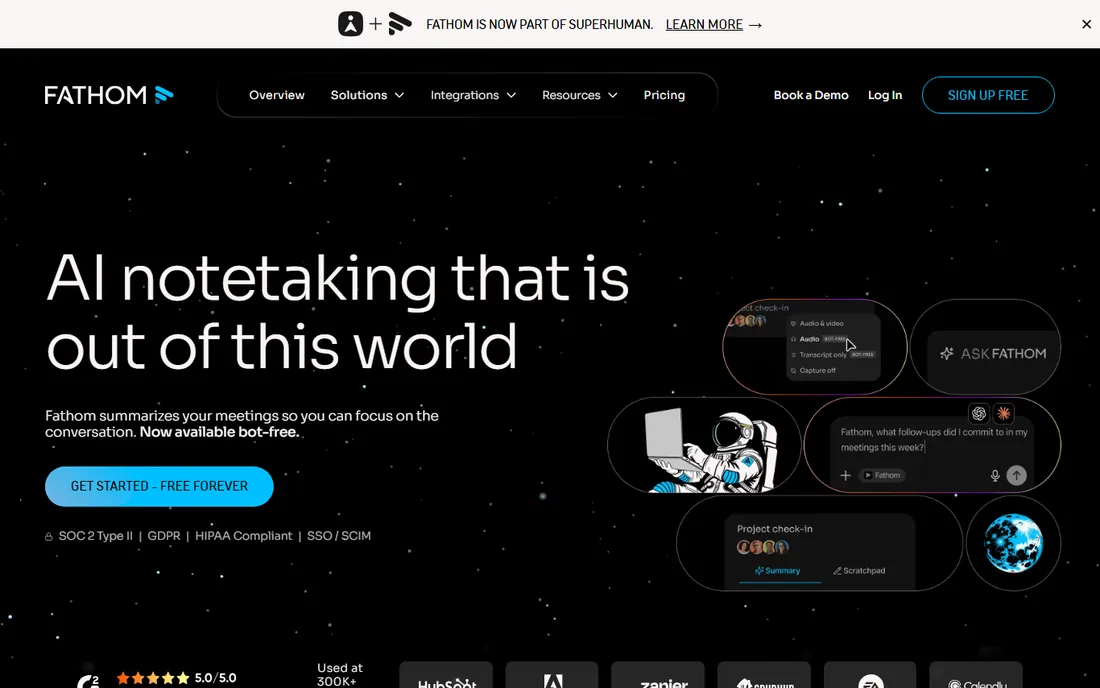
Fathom's pitch is the simplest here: unlimited recording and transcription, free, with no expiry games. Every Zoom, Meet or Teams call gets recorded, transcribed and summarized, and the summaries are genuinely fast and readable. Ask Fathom answers plain-English questions about any past call, which replaces a surprising amount of note archaeology.
The free tier rations only the premium AI summaries (roughly five advanced ones a month); the recording and transcript are always unlimited. Paid plans add team libraries, CRM sync, coaching scorecards and account-wide search. Note the domain: Fathom migrated from fathom.video to fathom.ai, so update old bookmarks. For individuals and small teams who just want reliable meeting records at zero cost, this is the starting point.
What we like- Free plan covers unlimited recordings, transcription and storage
- Clean summaries with action items in about 30 seconds
- Ask Fathom search across all calls
Watch out for- Advanced AI summaries are capped monthly on free
- Team features need paid plans
- Joins as a visible bot by default
Phone call recorders vs. meeting recorders
These solve different problems and the wrong pick wastes your money. Phone call recorders (Rev Call Recorder, TapeACall) capture cellular calls on your mobile, using conference merging through the phone network. They work for sales calls, interviews and client check-ins made from your cell. They cannot record a Zoom meeting.
Meeting recorders (Notta, Fireflies, Otter, tl;dv, Fathom) join video calls on Zoom, Google Meet or Teams as a participant or through a desktop app, then transcribe and summarize. They cannot record a regular phone call. Some buyers need both: a sales rep who cold-calls from a mobile and demos over Zoom needs TapeACall plus one of the meeting bots. Decide which calls matter most, then buy for that first.
Choosing a call recorder: the questions that matter
First, check consent law. The US is split between one-party and two-party (all-party) consent states, and the EU generally requires all participants to agree. Rev Call Recorder plays an automatic disclosure announcement; the meeting bots announce themselves by joining visibly. Whatever you choose, get consent right before worrying about features.
Second, count the minutes honestly. Free plans look generous until you hit the caps: Otter stops at 30 minutes per conversation, Notta at 3 minutes, Fireflies at 400 minutes of team storage. Add up your real monthly call volume, including the long calls, and price the tier that covers it.
Third, follow the data after the call. If transcripts need to land in your CRM, shortlist Fireflies or Fathom for their Salesforce and HubSpot sync. If you share moments with people who missed the call, tl;dv's clips win. If you just need a searchable record, the free tiers of Fathom or tl;dv may be all you ever need.
Frequently asked questions
Is it legal to record phone calls?
It depends on where you are and where the other person is. US states are split between one-party consent (you can record your own calls) and two-party or all-party consent (everyone must agree), and several countries require all-party consent. Some apps announce the recording automatically. Check the law in both parties' locations before recording, especially for business calls.
Do I need permission to record a Zoom or Teams meeting?
The meeting recorders in this list join as visible participants or announce recording, which notifies attendees in most setups. That covers courtesy, but legal consent rules still apply by jurisdiction. For client-facing calls, a quick verbal confirmation at the start is the safe habit regardless of the tool.
What is the difference between a phone call recorder and a meeting notetaker?
Phone call recorders capture cellular voice calls through your carrier's conference calling, and work from your mobile phone app. Meeting notetakers join video calls on Zoom, Meet or Teams and produce transcripts and AI summaries. Rev Call Recorder and TapeACall are the former; Notta, Fireflies, Otter, tl;dv and Fathom are the latter.
Are the free plans actually usable?
Fathom's and tl;dv's free plans are genuinely usable, with unlimited recordings and transcripts. Otter's free Basic (300 minutes a month, 30-minute cap per call) suits light use. Notta's free plan is more of a trial with its 3-minute per-conversation cap, and Fireflies limits free storage to 400 minutes per team. Match the free tier's caps to your real call volume.
Which call recorder is best for sales teams?
For phone-based prospecting, TapeACall covers both iPhone and Android with transcription and CRM-friendly sharing. For video demos and discovery calls, Fireflies and Fathom stand out: Fireflies for automatic CRM updates and coaching data, Fathom for its free unlimited recording that lets every rep keep full records. tl;dv adds shareable clips that help managers coach from real call moments.
How we chose
We started with the searches buyers run: call recorder software, phone call recorder app and AI meeting notetaker. For each candidate we opened the vendor's own site to confirm the product exists today and checked current pricing and plan limits, cross-checked against public reviews on G2 and Capterra and practitioner discussion on Reddit, and judged fit for the two jobs in this category: recording phone calls and recording video meetings. Where a vendor publishes no price we wrote "See website" rather than repeating third-party guesses.
Sources we checked (12)
- https://www.rev.com
- https://tapeacall.com/
- https://notta.ai/
- https://fireflies.ai/
- https://otter.ai
- https://tldv.io
- https://fathom.ai/
- https://www.notta.ai/en/compare/notta-vs-happy-scribe/
- https://fireflies.ai/pricing
- https://tldv.io/blog/transkriptor-alternatives/
- https://www.g2.com/categories/meeting-management
- https://www.capterra.com/meeting-software/
Is your product missing or out of date?
We review this list regularly. Vendors can request a listing, send updated pricing or ask about featured placement.

Shihab Mia · Founder, Rankite
Shihab has spent more than a decade helping SaaS and e-commerce brands grow through search. He writes Rankite's software buying guides from pricing pages, documentation and public user reviews. More about Shihab.