How we make this list: we compare pricing pages, product documentation and public user reviews. Rankite is independent; if a vendor ever pays for a featured spot, that listing is clearly labeled Partner.
Key takeaways
- Canva and Adobe Express are the easiest free starting points, with hundreds of calendar templates you can customize in a browser and print at home.
- Photo Calendar Creator and Hallmark Card Studio are the dedicated desktop options for Windows users who want full offline control over photo calendars.
- Microsoft Publisher was discontinued in October 2026. If your calendars lived in .pub files, Canva and the other tools below are the replacement path.
- Decide upfront whether you are printing at home or ordering prints: Mixbook and similar services handle printing and binding, while the rest give you files to print yourself.
Quick comparison
| Tool | Best for | Starting price | Free plan |
|---|
 Canva Canva | The easiest free way to design a calendar | See website (Pro plan) | Yes, generous free plan |
 Adobe Express Adobe Express | Quick branded calendars with Adobe polish | See website (Premium plan) | Yes, free plan |
 Photo Calendar Creator Photo Calendar Creator | Dedicated Windows software for photo calendars | See website | Free trial |
 Hallmark Card Studio Hallmark Card Studio | Home users making cards and calendars together | See website | Free trial |
 CalendarLabs CalendarLabs | Free printable calendars in under five minutes | Free | Yes, completely free |
 Timeanddate Timeanddate | Free custom calendar PDFs with total date control | Free | Yes, completely free |
 Print Shop Print Shop | All-round home design including calendars | See website | Free trial |
 MyMemories Suite MyMemories Suite | Scrapbook-style photo calendars | See website | Free trial |
 Mixbook Mixbook | Professionally printed and bound photo calendars | See website (pay per printed calendar) | No (design online, pay for prints) |
Is your product missing or out of date?
We review this list regularly. Vendors can request a listing, send updated pricing or ask about featured placement.
The best calendar making software
#1
Canva
Best for: The easiest free way to design a calendar
Visit canva.com
Starting priceSee website (Pro plan)
Free planYes, generous free plan
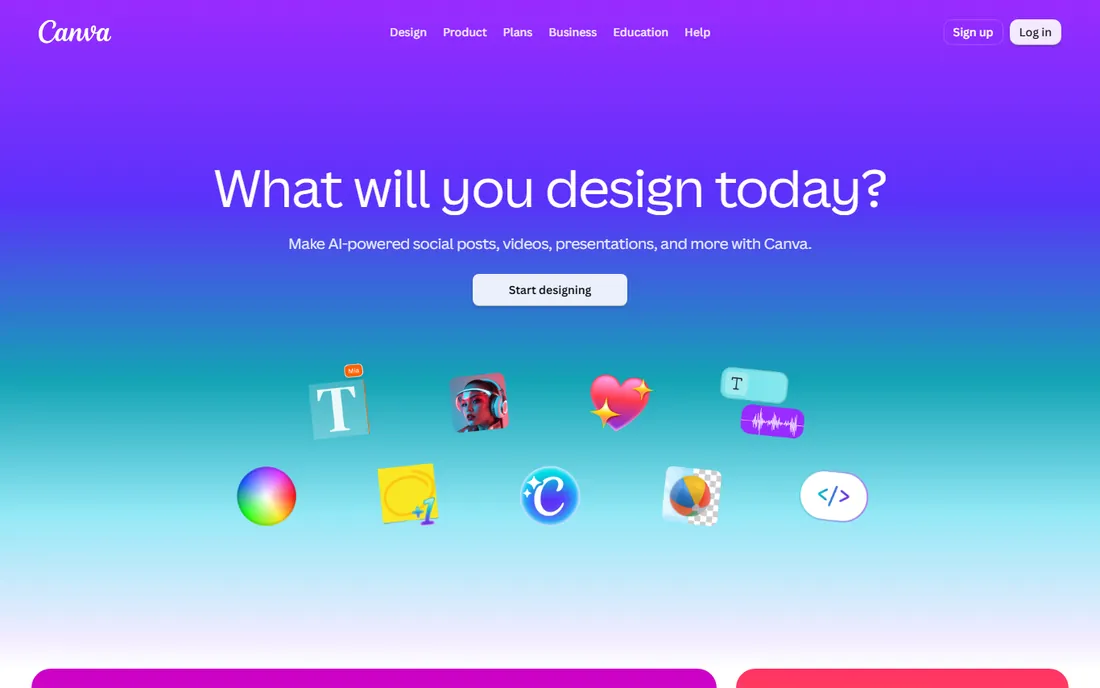
If you have never made a calendar before, start here. Canva's calendar maker runs entirely in the browser: pick a wall, desk or photo calendar template, drop in your photos, edit the dates and holidays, and download a print-ready PDF. The free plan covers most templates and includes enough storage for a family photo calendar. Small businesses use it for branded desk calendars and promotional giveaways without touching desktop software.
The trade-offs are the ones every Canva user knows. The most attractive templates carry the Pro crown, the free designs are the ones everyone has seen, and getting exact bleed and trim right for professional printing takes some fiddling. But for a good-looking calendar finished in an afternoon at zero cost, nothing beats it.
What we like- Hundreds of calendar templates
- Drag-and-drop photo grids
- Prints at home or order through Canva Print
Watch out for- Free templates are the most-used designs
- Precise print sizing takes care
- Best features need Pro
#2
Adobe Express
Best for: Quick branded calendars with Adobe polish
Visit adobe.com
Starting priceSee website (Premium plan)
Free planYes, free plan
Adobe Express is Canva's closest rival and the better pick if your business already lives in Adobe's world. The calendar templates skew professional rather than crafty, which suits office wall planners and client gifts. Brand kits lock in your logo, colors and fonts so a marketing assistant cannot accidentally go off-brand, and Adobe Fonts gives the typography a step up from free alternatives.
Where it lags Canva is calendar depth: fewer dedicated calendar templates and less flexible month-grid customization. The free plan is solid, but premium stock photos and some templates sit behind the paid tier. Choose Express when the calendar carries your brand and needs to look like your company made it.
What we like- Clean, professional templates
- Brand kit keeps logos and fonts consistent
- Integrates with Adobe Stock and Fonts
Watch out for- Fewer calendar-specific templates than Canva
- Premium assets need a paid plan
- Calendar layouts less flexible
Starting priceSee website
Free planFree trial
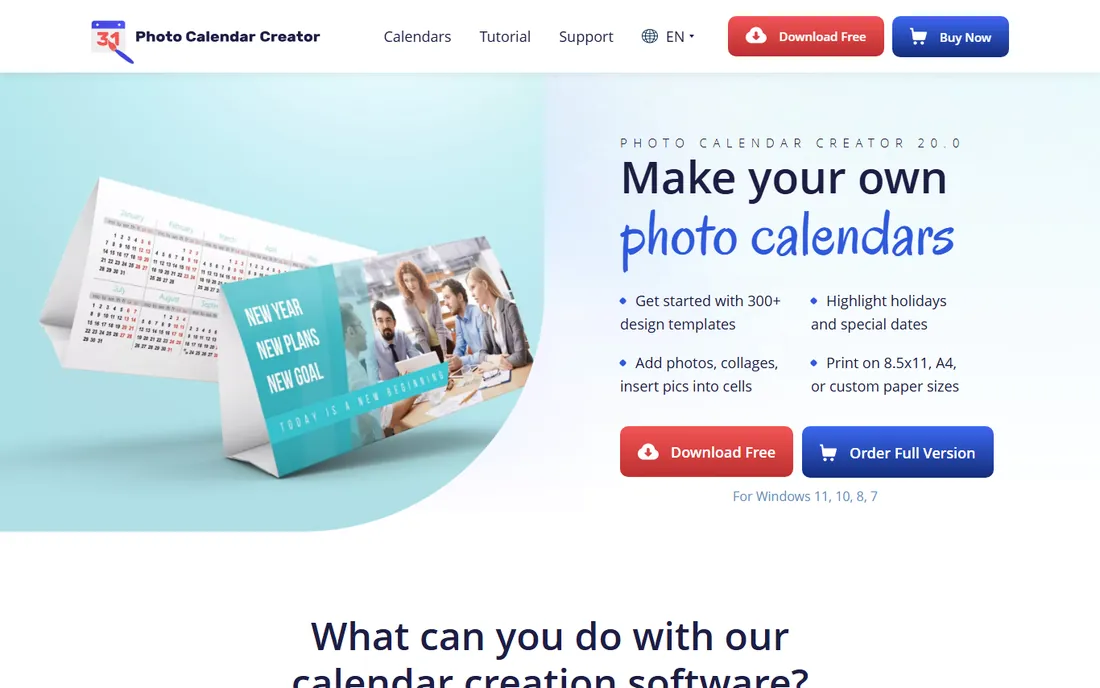
Photo Calendar Creator from AMS Software does one job and does it thoroughly. Unlike general designers where calendars are one template category among hundreds, every feature here serves calendar making: month grids in dozens of styles, photo collage layouts, holiday sets for many countries, and print sizing dialed for standard wall and desk formats. It is a one-time purchase for Windows with no subscription, and everything works offline.
The look and feel is old-school, and Mac users are out of luck entirely. Template aesthetics lean traditional, so modern minimalist designs take more manual work. But for a Windows user who makes photo calendars every year as gifts, the purpose-built workflow is faster than bending a general design tool to the task.
What we like- Built specifically for calendars, not a general designer
- 200+ templates and collage layouts
- Full offline control with no subscription
Watch out for- Windows only
- Interface looks dated
- Template styles skew traditional
Starting priceSee website
Free planFree trial
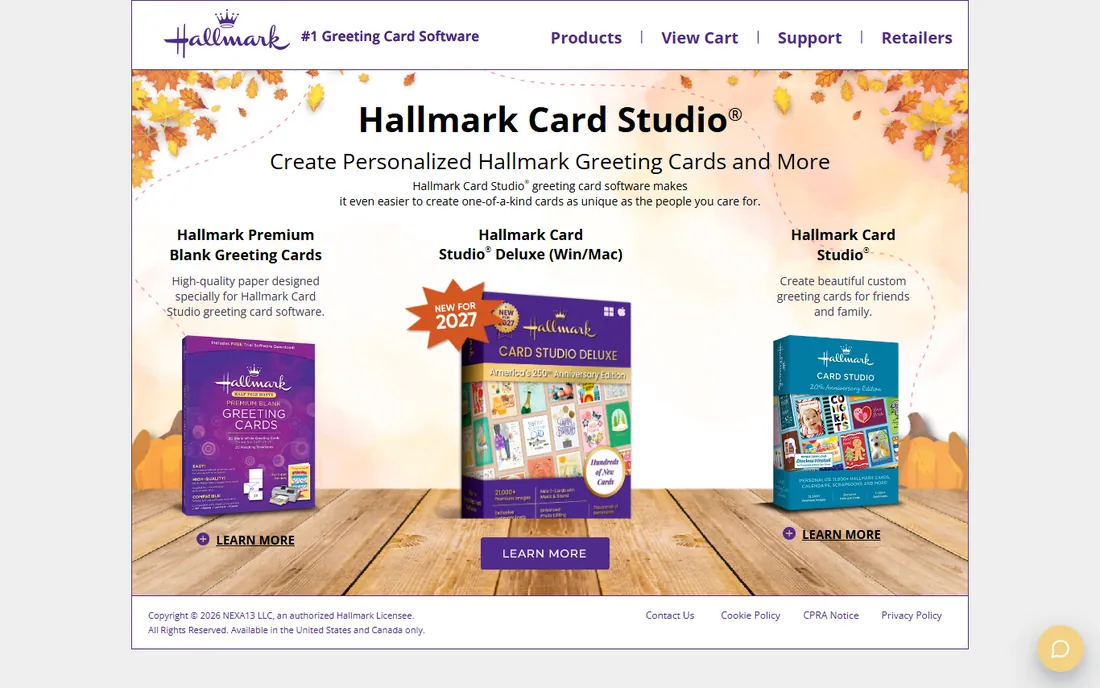
Hallmark Card Studio is the friendly option. It bundles licensed Hallmark artwork, messages and designs with project types for greeting cards, invitations and calendars, all in an interface a non-technical relative can learn in an hour. Family photo calendars with Hallmark borders and sentiments take minutes, and the results look exactly like the cards in the store.
That Hallmark look is also the limitation: everything carries the brand's aesthetic, which does not suit a modern business. Print controls are basic next to dedicated tools, and it is Windows only. For home users making holiday photo calendars and birthday cards, though, the combination of real Hallmark art and dead-simple editing is hard to beat.
What we like- Hallmark artwork and sentiments built in
- Calendar, card and invitation projects in one app
- Simple enough for grandparents
Watch out for- Artwork style is distinctly Hallmark
- Windows only
- Limited professional print controls
Starting priceFree
Free planYes, completely free
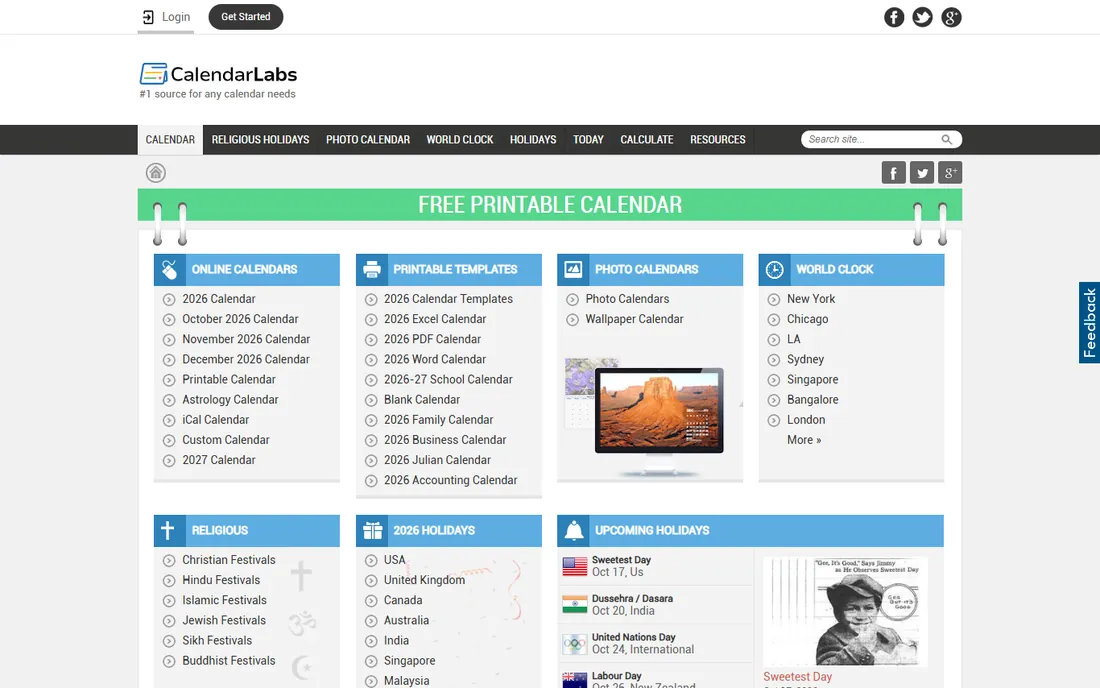
CalendarLabs is the no-frills answer to "I just need a calendar." The site offers hundreds of free printable templates, monthly, yearly, planners, photo calendars, with no account and no payment. Pick a design, add your photos or events, and print or download the PDF. For a classroom, a workshop wall or a quick planner, it is done in five minutes.
Expect basic aesthetics and ads around the edges; this is a free utility site, not a design studio. Print quality is entirely on your printer and paper. But when the job is a functional calendar rather than a gift, CalendarLabs is the fastest free path from idea to paper.
What we like- Completely free with no account
- Huge template library
- Photo calendar maker included
Watch out for- Designs are basic
- Ad-supported site
- Print quality depends on your printer
Starting priceFree
Free planYes, completely free
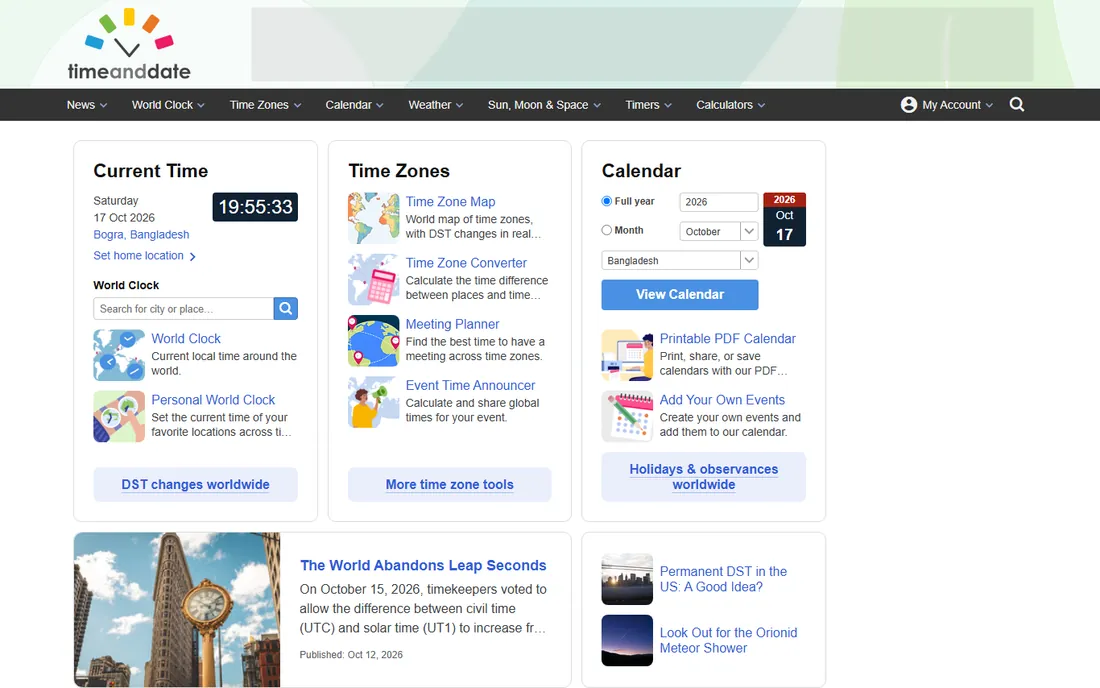
Timeanddate.com has been the internet's calendar authority for decades, and its free calendar creator reflects that: unmatched control over the dates themselves. Choose any year, add country-specific holidays, show week numbers, pick Monday or Sunday start, and generate a clean PDF. For planners, schedules and reference calendars where accuracy matters more than decoration, it is the most trustworthy free tool.
It is not a design tool. Styling options are minimal, photo integration is essentially absent, and nobody is giving a timeanddate printout as a Christmas gift. Use it for the calendar engine, then dress the result up elsewhere if looks matter. For pure date accuracy at zero cost, nothing touches it.
What we like- Completely free calendar creator
- Precise control over holidays, week numbers and layouts
- Trusted date data
Watch out for- Utilitarian design, not gift-quality
- No photo integration to speak of
- Limited styling options
Starting priceSee website
Free planFree trial
Print Shop (from Encore, the Broderbund lineage) is the veteran of home design software. Calendars are one project type among many: greeting cards, banners, labels, newsletters. The template library is enormous, built up over decades, and the one-time purchase model means no subscription for software you open a few times a year.
Depth is the compromise. The calendar tools are good but not as focused as Photo Calendar Creator's, and the interface carries its long history. It is also primarily a Windows product. For a household that makes calendars, party invitations and holiday cards through the year, one program covering all of it has real appeal.
What we like- Calendars plus cards, banners and labels in one program
- Large template and clipart library
- One-time purchase model
Watch out for- Jack-of-all-trades depth
- Interface shows its age
- Windows focused
Starting priceSee website
Free planFree trial
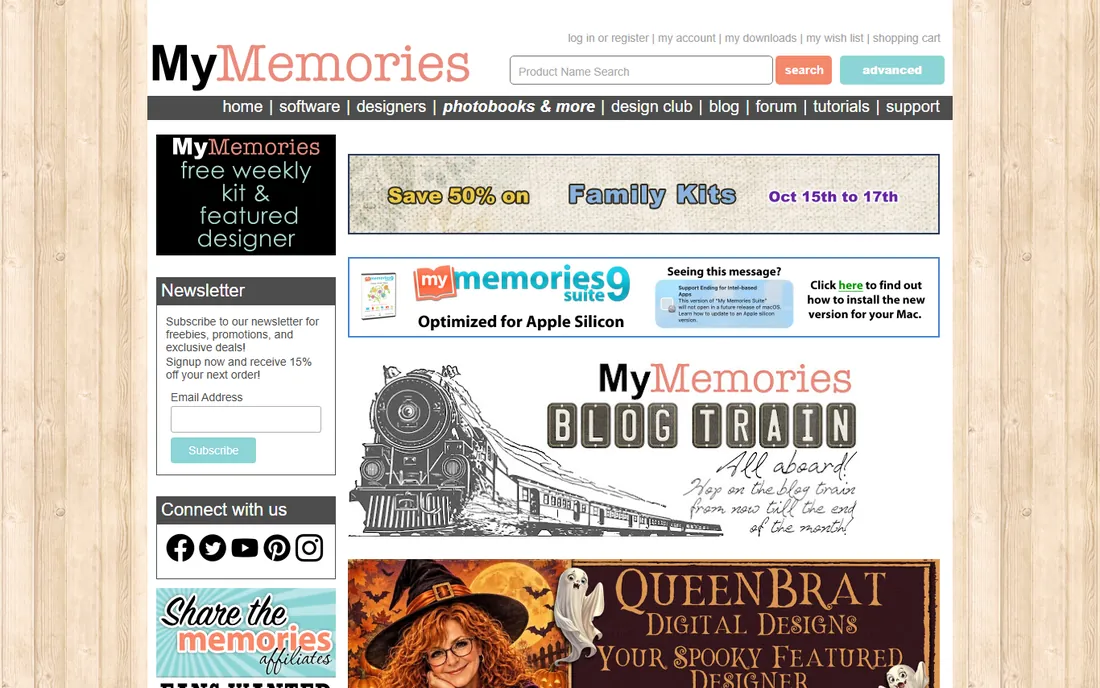
MyMemories Suite comes from digital scrapbooking, and its calendars look like it: layered papers, embellishments, photo clusters and decorative elements that craft-oriented makers love. If your idea of a perfect calendar is a scrapbook page for every month, this is the most expressive tool on the list, with a community of designers selling add-on kits.
The aesthetic is specific, and the layer-based editing takes longer to learn than Canva's drag and drop. Extra template packs add cost beyond the base software. For memory-keeping families and craft sellers, though, no general designer matches its decorative depth.
What we like- Digital scrapbooking tools applied to calendars
- Layered embellishments and papers
- Active designer community
Watch out for- Niche scrapbook aesthetic
- Learning curve on layers
- Template packs cost extra
#9
Mixbook
Best for: Professionally printed and bound photo calendars
Visit mixbook.com
Starting priceSee website (pay per printed calendar)
Free planNo (design online, pay for prints)
Mixbook flips the model: instead of software that outputs files, it is a design studio that outputs finished calendars. You build your photo calendar in the browser from polished templates, then Mixbook prints, binds and ships it. The print quality beats any home printer, and wall, desk and mini formats cover gifts and office use.
There is no free tier because you are buying a physical product, typically $20 and up per calendar before sales, which are frequent. Bulk orders for a whole company get expensive fast, and holiday deadlines mean ordering weeks ahead. When the calendar itself is the gift and home printing will not do it justice, Mixbook is the finish line.
What we like- Design online, receive a bound calendar
- Excellent print quality
- Wall, desk and mini formats
Watch out for- No free tier, you pay per calendar
- Unit cost high for bulk
- Shipping times to plan around
Publisher is gone: where to go now
Microsoft removed Publisher from Microsoft 365 on October 1, 2026, and ended support for perpetual copies on October 13, 2026. If your calendars, newsletters and flyers lived in .pub files, that workflow just ended. The files are not deleted, but little else opens .pub properly, so anything saved only in Publisher format is now hard to edit.
The migration path depends on what you made. Calendar and card projects move cleanly to Canva or Adobe Express, both free and browser-based, with templates that cover everything Publisher's wizards did. Photo-heavy calendar projects fit Photo Calendar Creator on Windows. Desktop publishing work like newsletters fits Affinity Publisher, now free from Canva.
Do three things this week if you have .pub files. First, gather every .pub from old laptops, USB sticks and email. Second, open each in a still-working Publisher copy and export a PDF for reference and a Word file for anything you will keep editing. LibreOffice opens many .pub files as a fallback, though complex layouts may shift. Third, rebuild your active templates in the new tool rather than converting once and hoping.
How we chose
We verified every product is sold and working today, which excluded Microsoft Publisher after its October 2026 discontinuation. We favored tools with real calendar-making features over generic designers with a single calendar template, checked that free tiers are genuinely usable without payment, and read user reviews for complaints about print quality, template depth and pricing surprises. Vendor homepages were opened directly to confirm current availability.
What to look for in calendar software
Start with the calendar grid itself. A good tool offers month, week and year views, Monday or Sunday week start, and holiday sets for your country. Photo calendar makers should handle this automatically; check before you fall in love with a template.
Next, match the photo handling to your project. Gift calendars need full-bleed photo pages, collage layouts and caption space. Wall planners need big date cells you can write in. If you are making more than five copies, check whether the tool exports print-ready PDFs with bleed, or whether you are locked into its printing service.
Then decide where printing happens. Home printing is cheapest for one or two copies on a decent printer with heavy paper. Print services like Mixbook win on quality and binding for gifts. For office runs of fifty-plus, export the PDF and take it to a local print shop, which beats both on price.
Finally, check the license if you sell calendars. Free tools often restrict commercial use of their templates and stock photos. Read the terms before listing calendar designs for sale, and keep your own photos rights-clear.
Frequently asked questions
Can I make a calendar completely free?
Yes. Canva, Adobe Express, CalendarLabs and timeanddate all offer genuinely free calendar making with no payment required. You will print at home or download the PDF yourself. Paid options buy you nicer templates, higher print quality through services like Mixbook, and commercial-use rights.
What happened to Microsoft Publisher?
Microsoft retired Publisher in October 2026: it was removed from Microsoft 365 on October 1, and support for perpetual copies ended October 13. Existing .pub files still exist but are hard to edit without Publisher. Migrate calendar projects to Canva, Adobe Express or Photo Calendar Creator, and export old .pub files to PDF while you still can.
What size should I print my calendar?
Classic wall calendars are 11x17 inches folded to 8.5x11, or 12x12 for photo styles. Desk calendars are usually 8.5x11 tent style or smaller. Use paper of at least 80 lb cover weight so photos look rich and pages turn without flopping. Your tool should offer these as preset sizes.
Can I sell calendars I make with these tools?
Sometimes. Your own photos are yours to sell, but templates, stock photos and artwork from free tiers often carry non-commercial licenses. Canva Pro and Adobe Express paid plans extend commercial rights; read the specific license before selling. Hallmark artwork in Card Studio is for personal use.
Photo calendar or printable planner: which should I make?
Photo calendars are gifts: they showcase pictures and hang on walls. Printable planners are tools: they prioritize writing space and get used daily. Businesses do well with branded desk planners as client gifts; families prefer photo wall calendars. The tools above cover both, so let the recipient decide the format.
How far ahead should I order printed calendars?
For holiday gifts, order by early December at the latest; print services like Mixbook quote one to two weeks of production plus shipping, and December slots fill up. Designing in November gives you time to proofread dates, which is the most common calendar error.
Sources we checked (10)
- https://www.canva.com
- https://www.adobe.com/express
- https://photo-calendar-software.com
- https://www.hallmarksoftware.com
- https://www.calendarlabs.com
- https://www.timeanddate.com
- https://www.printshop.com
- https://www.mymemories.com
- https://www.mixbook.com
- https://en.wikipedia.org/wiki/Microsoft_Publisher
Is your product missing or out of date?
We review this list regularly. Vendors can request a listing, send updated pricing or ask about featured placement.

Shihab Mia · Founder, Rankite
Shihab has spent more than a decade helping SaaS and e-commerce brands grow through search. He writes Rankite's software buying guides from pricing pages, documentation and public user reviews. More about Shihab.