How we make this list: we compare pricing pages, product documentation and public user reviews. Rankite is independent; if a vendor ever pays for a featured spot, that listing is clearly labeled Partner.
Key takeaways
- Start free, stay free for a long time. Tinkercad, FreeCAD, Blender, OpenSCAD, LibreCAD and SketchUp Free cost nothing, and Fusion and Onshape offer free hobbyist tiers of professional-grade tools.
- Match the tool to the project. Tinkercad and OpenSCAD suit 3D printing, SketchUp suits woodworking and room layouts, LibreCAD suits 2D technical drawings, and Blender suits organic and artistic models.
- Watch the commercial-use line. Fusion's free tier requires under $1,000 annual revenue and non-commercial use. The open-source tools have no such restriction, so they are the safe choice if you sell what you make.
- Paid upgrades are cheap when you need them. Shapr3D Pro is $299/year and Fusion commercial is $680/year, but most hobbyists never outgrow the free tiers.
Quick comparison
| Tool | Best for | Starting price | Free plan |
|---|
 Tinkercad Tinkercad | absolute beginners and kids | Free | Yes |
 Autodesk Fusion Autodesk Fusion | serious hobbyists wanting pro tools | Free (personal use, 3-year term) | Yes |
 FreeCAD FreeCAD | open-source parametric modeling | Free (open source) | Yes |
 SketchUp Free SketchUp Free | woodworking and quick 3D concepts | Free (web app) | Yes |
 Onshape Onshape | browser-based parametric CAD | Free (hobbyist plan) | Yes |
 Shapr3D Shapr3D | iPad and tablet modeling | Free (Basic); Pro $299/year | Yes |
 Blender Blender | organic and artistic 3D models | Free (open source) | Yes |
 OpenSCAD OpenSCAD | programmers who design in code | Free (open source) | Yes |
 LibreCAD LibreCAD | free 2D drafting | Free (open source) | Yes |
Is your product missing or out of date?
We review this list regularly. Vendors can request a listing, send updated pricing or ask about featured placement.
The best CAD software for hobbyist
Starting priceFree
Free planYes
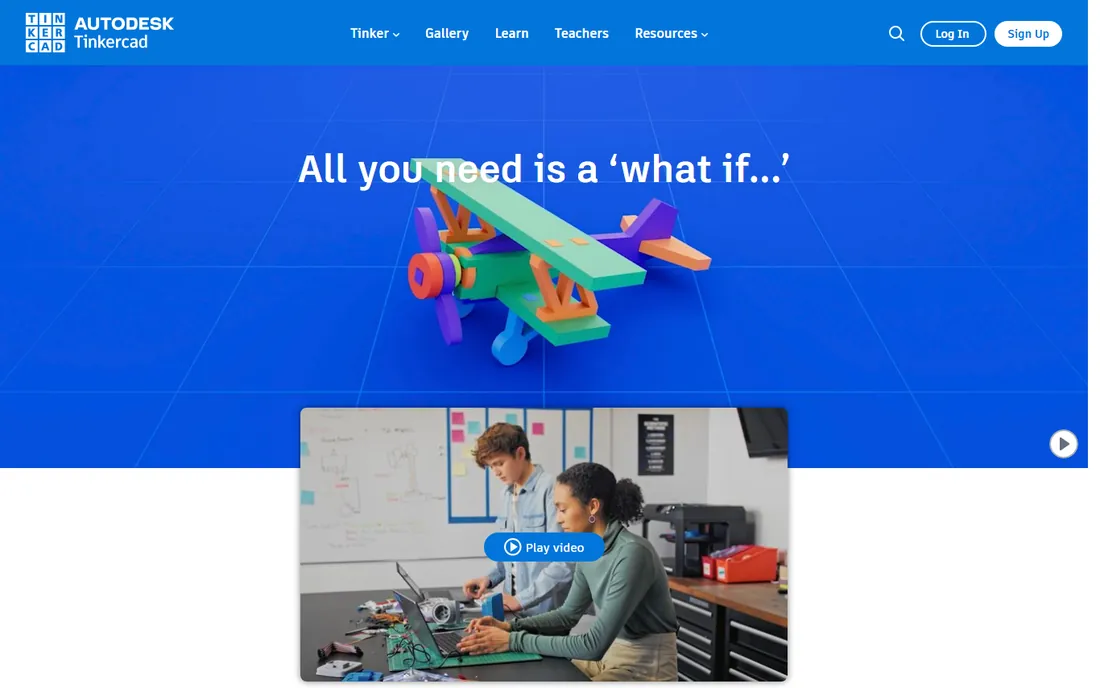
Tinkercad is where most hobbyists should start, full stop. It is a free web app from Autodesk that lets you combine simple shapes into printable objects within minutes of opening it. There is no download, no license to manage, and no paywall waiting behind the third project. Autodesk reports over 100 million users, and the classroom focus means the learning resources are excellent.
The honest limit arrives when your parts need real precision. Tinkercad has no parametric modeling, so changing one dimension of a finished design often means rebuilding it. Tolerances for fitted parts are guesswork. Treat it as the on-ramp: learn what 3D thinking feels like here, then graduate to Fusion or FreeCAD when your projects demand dimensions you can trust. For kids, school projects and simple brackets and enclosures, nothing beats it.
What we like- Runs in a browser with nothing to install
- Genuinely free with no tiers
- Includes circuits and codeblocks for learning
Watch out for- Too simple for precise mechanical parts
- No parametric history, so edits mean rebuilding
Starting priceFree (personal use, 3-year term)
Free planYes
Fusion is the professional tool that hobbyists get to borrow. The personal-use license is free for three years at a time for home-based, non-commercial projects by makers earning under $1,000 a year from their work. You get real parametric modeling with a timeline, sheet metal, rendering, and enough CAM to run a hobby CNC. The commercial version costs $680 a year, which tells you how much value sits in the free tier.
The restrictions are real but manageable. The free tier caps you at 10 editable documents, drops cloud rendering and generative design, limits simulation and electronics, and restricts some export formats. The 10-document cap is the one hobbyists actually feel, though archiving finished projects frees slots. If you outgrow it or start selling your designs, the paid subscription is the natural next step, and your skills transfer directly.
What we like- Professional parametric CAD, CAM and simulation in one package
- Huge tutorial community
- Free personal-use tier is genuinely capable
Watch out for- Free tier limits documents, CAM, rendering and file exports
- Commercial use requires a $680/year subscription
- Cloud account required
Starting priceFree (open source)
Free planYes
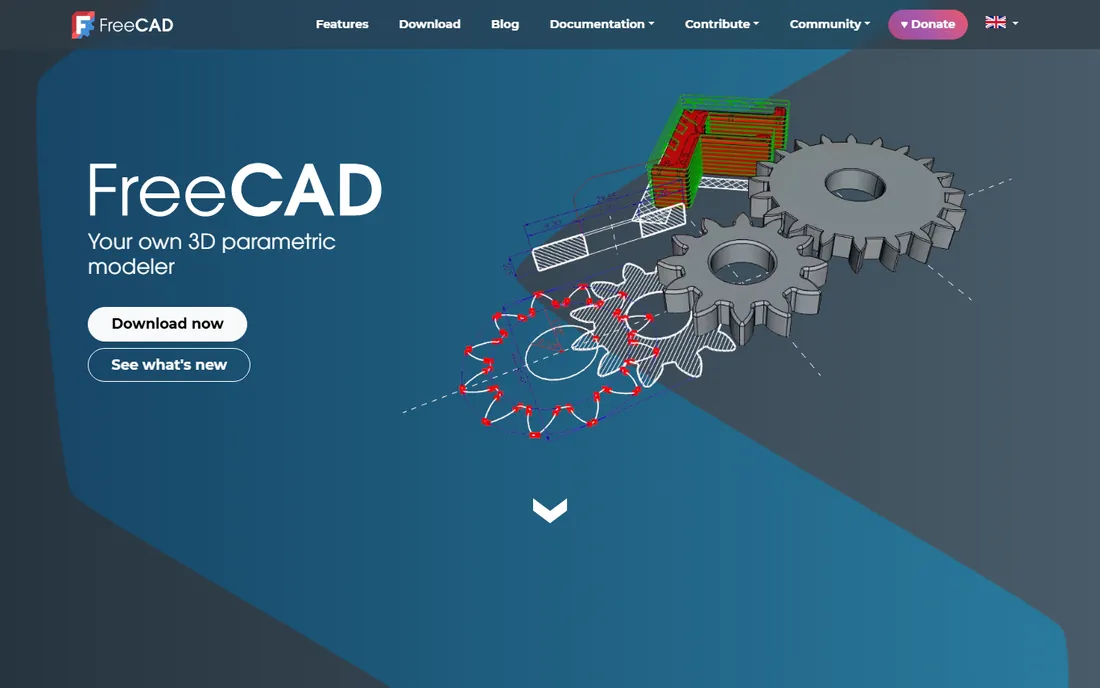
FreeCAD is the answer to the question "what if I never want to think about licenses again." It is open-source parametric CAD with no fees, no sign-up, no document limits and no commercial-use restriction. If your hobby becomes a side business, nothing changes legally. Workbenches cover part design, technical drawings, architecture (BIM), finite element analysis and CAM, which is an enormous range for free software.
The price of that freedom is roughness. The interface is functional rather than friendly, some workbenches feel like separate programs, and new users should expect a few crashes while learning. The community is large and helpful, with extensive documentation and add-ons. For a hobbyist on Linux, or anyone who wants parametric CAD with zero strings attached, FreeCAD is the long-term home base.
What we like- No cost, no account, no commercial restrictions
- Parametric workbenches for parts, architecture and CAM
- Runs on Windows, Mac and Linux
Watch out for- Interface is less polished than commercial tools
- Occasional stability quirks
- Learning curve is steeper than Tinkercad or SketchUp
Starting priceFree (web app)
Free planYes
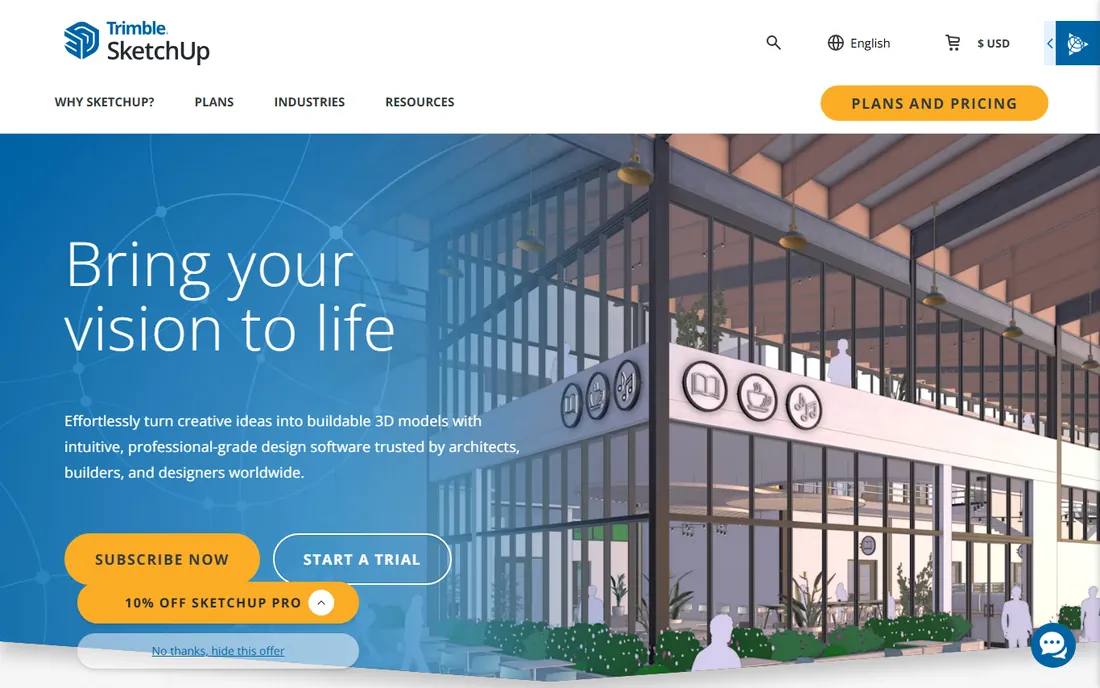
SketchUp Free is the quickest path from an idea to a visible 3D model, and woodworkers love it for exactly that reason. The push-pull modeling feels like drawing, and the 3D Warehouse offers millions of ready-made models, from screws to sofas, that you can drop into a project. The free version runs in the browser, which means it works on a Chromebook in the workshop.
The trade-offs are well documented. SketchUp models in meshes rather than precise solids, so it is weak for machined parts with tight tolerances. The free tier limits export options, which matters if you want to send files to a CNC or a 3D printer in specific formats. Paid tiers start with SketchUp Go at $129 a year and run to Pro. For planning furniture, sheds, room layouts and anything made of cut lumber, it remains the most pleasant tool on this list.
What we like- Fastest tool for thinking in 3D
- 3D Warehouse full of ready-made models
- Free web version needs no install
Watch out for- Free version is web-only with limited exports
- Not parametric, so precise mechanical design is awkward
- Paid tiers start at $129/year
Starting priceFree (hobbyist plan)
Free planYes
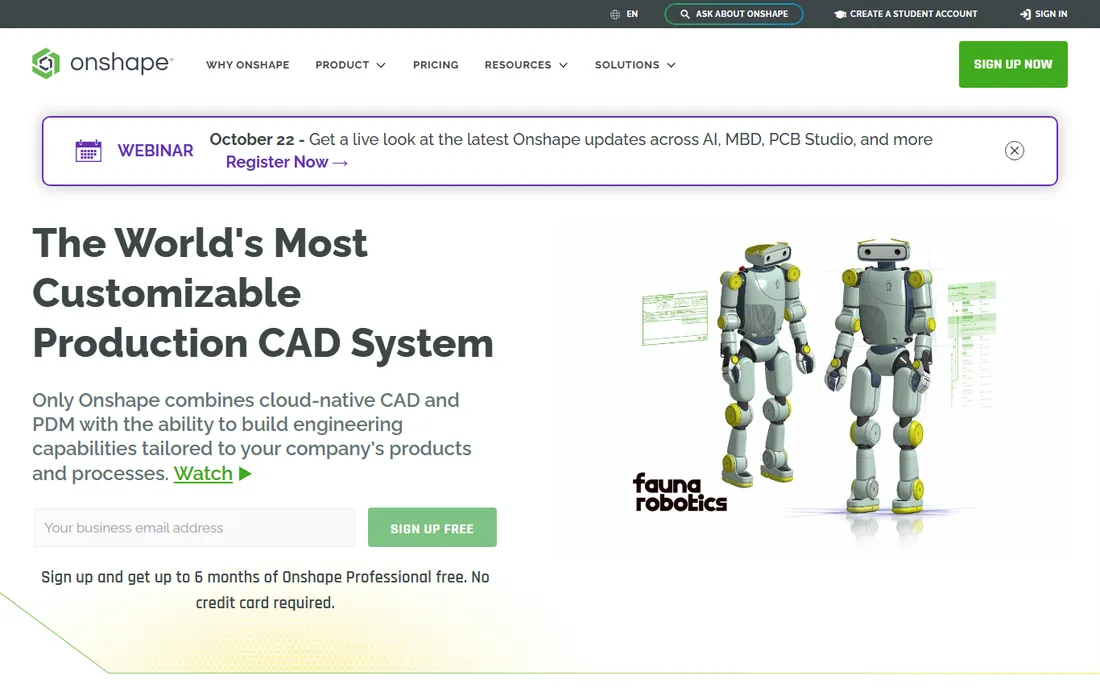
Onshape is professional-grade parametric CAD that lives entirely in the browser, built by the team behind SolidWorks and now owned by PTC. For hobbyists there is a free plan, and the experience is remarkable: real feature history, assemblies, version control with branching, all without installing anything or owning a powerful computer. It runs on a Chromebook, a tablet or a library PC.
The catch is the one every free Onshape user accepts: your documents are public. Anyone can view your designs. For open-source hardware projects that is a feature, and for private tinkering it is a dealbreaker. Paid plans keep documents private but are priced for professional teams. If you are comfortable designing in the open and you want serious CAD without the hardware requirements, Onshape is unmatched.
What we like- Full parametric CAD in a browser with nothing to install
- Built-in version control and collaboration
- Runs on any device including Chromebooks
Watch out for- Free plan makes your designs public
- Needs an internet connection
- Professional plans are priced for businesses
Starting priceFree (Basic); Pro $299/year
Free planYes
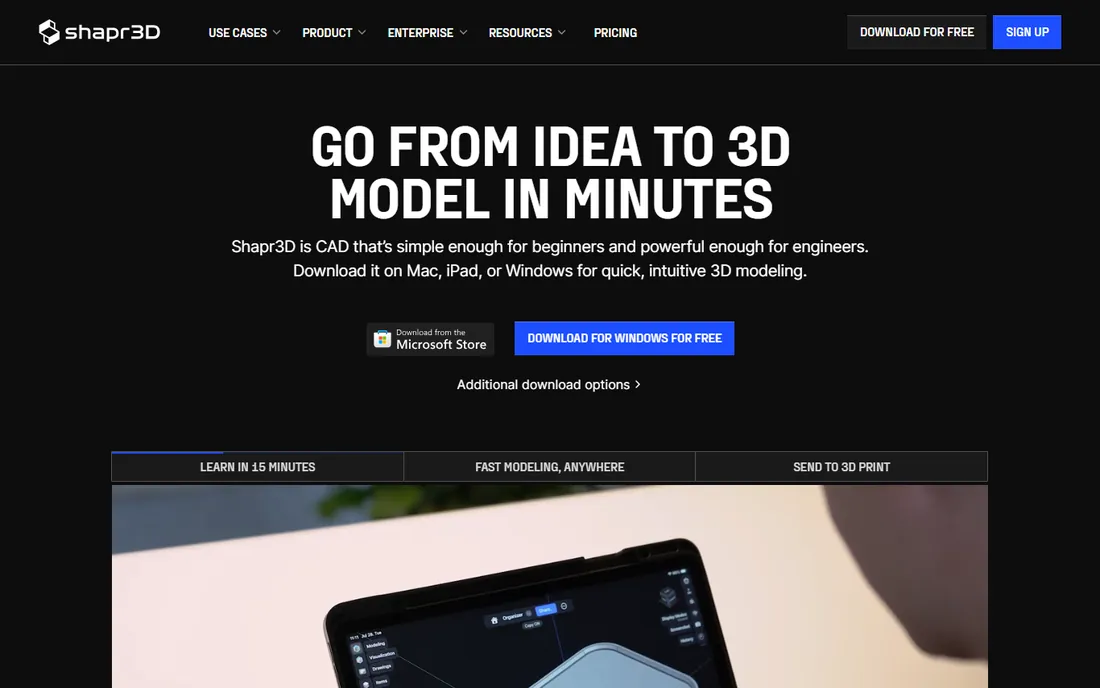
Shapr3D is the reason to own an iPad if you are a maker. It is real CAD, built on the Siemens Parasolid kernel that powers professional tools, with a touch interface designed around the Apple Pencil. Sketching a profile and pushing it into a solid feels natural within minutes, and it runs natively on Windows and Mac too, with files saved locally and synced when you are online.
The free Basic tier includes most modeling tools but caps you at two designs and restricts exports to low-resolution STL and 3MF, which is enough to test the workflow and print simple parts. Pro at $299 a year adds unlimited designs, high-resolution exports in STEP, IGES and more, plus visualization and technical drawings. For a hobbyist who does their best thinking on the couch with a tablet, the free tier is a generous trial and Pro is fairly priced.
What we like- The best CAD experience on iPad with Apple Pencil
- Real Parasolid modeling kernel
- Works offline with local files
Watch out for- Free Basic tier limits you to two designs and low-resolution exports
- Best experience needs a tablet or stylus
Starting priceFree (open source)
Free planYes
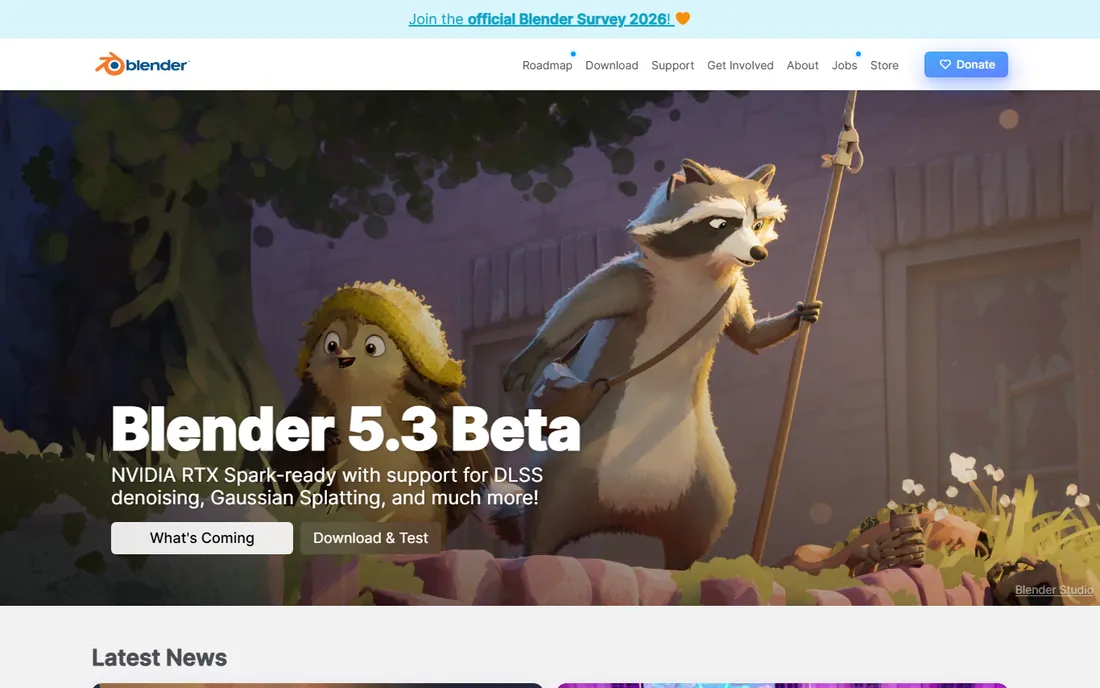
Blender is technically not CAD, and that distinction matters for this list. It is a 3D creation suite for modeling, sculpting, rendering and animation, free and open source forever. For organic shapes, characters, terrain, cosplay props and anything artistic, it beats every parametric CAD tool here. The sculpting brushes and the Cycles renderer produce results that look professional, and the tutorial ecosystem is the largest of any free 3D tool.
For mechanical hobby work it is the wrong instrument. There is no parametric history, no constraint solver and no dimension-driven workflow, so designing a bracket with exact hole spacing is an exercise in frustration. Many makers end up with both: Fusion or FreeCAD for functional parts, Blender for everything that needs to look good. If your printer makes miniatures, masks or art pieces, start here.
What we like- Completely free forever under the GPL
- Enormous community and tutorial library
- Sculpting, rendering and animation in one package
Watch out for- Not parametric CAD, so precise mechanical parts are painful
- Interface overwhelms beginners
- Overkill if you only need brackets
Starting priceFree (open source)
Free planYes
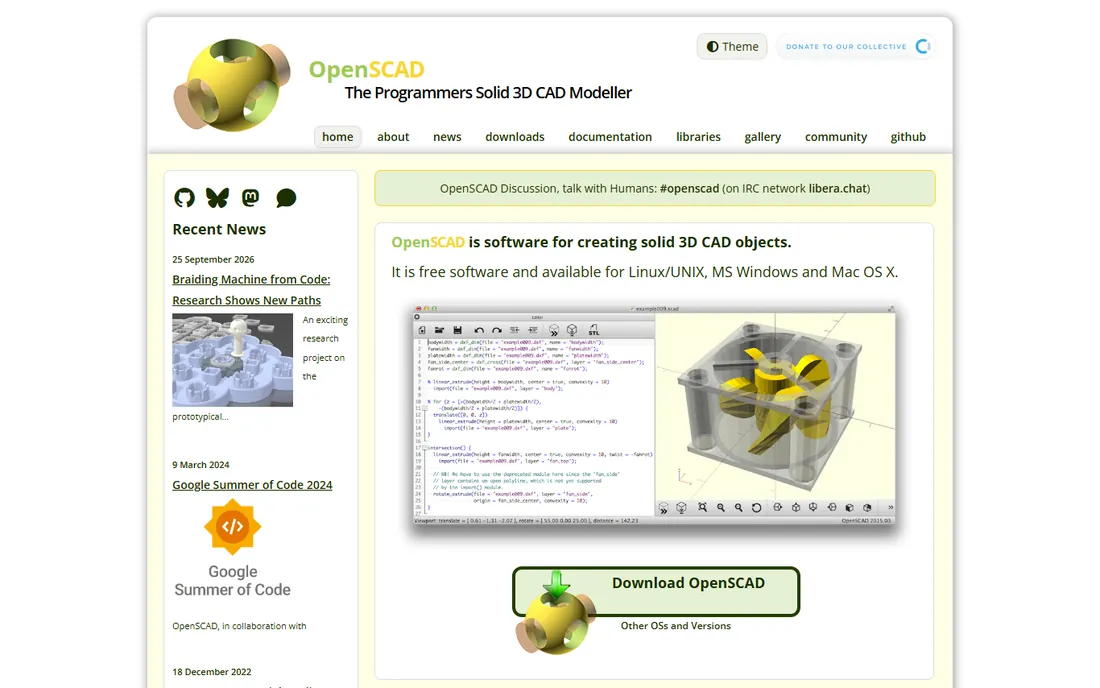
OpenSCAD takes the strangest and most lovable approach on this list: you do not draw anything, you write code that describes the object. That sounds limiting until you need the tenth variation of a parametric enclosure, at which point changing three numbers beats redrawing everything. Designs live in text files, so they work with Git, diff cleanly, and share beautifully on sites like Printables and Thingiverse.
The audience is self-selecting. If you program, OpenSCAD feels like a superpower for 3D printing: precise, repeatable, and scriptable. If you do not, the lack of any click-and-drag modeling is a wall. Rendering complex models can also be slow. It pairs well with a visual tool: prototype the shape in Tinkercad or FreeCAD, then rebuild the final parametric version in OpenSCAD when you need a family of parts.
What we like- Designs are code, so they are parametric, version-controllable and shareable
- Free on every platform
- Huge library of shared models
Watch out for- No interactive modeling at all
- Previewing means rendering
- Intimidating for non-programmers
Starting priceFree (open source)
Free planYes
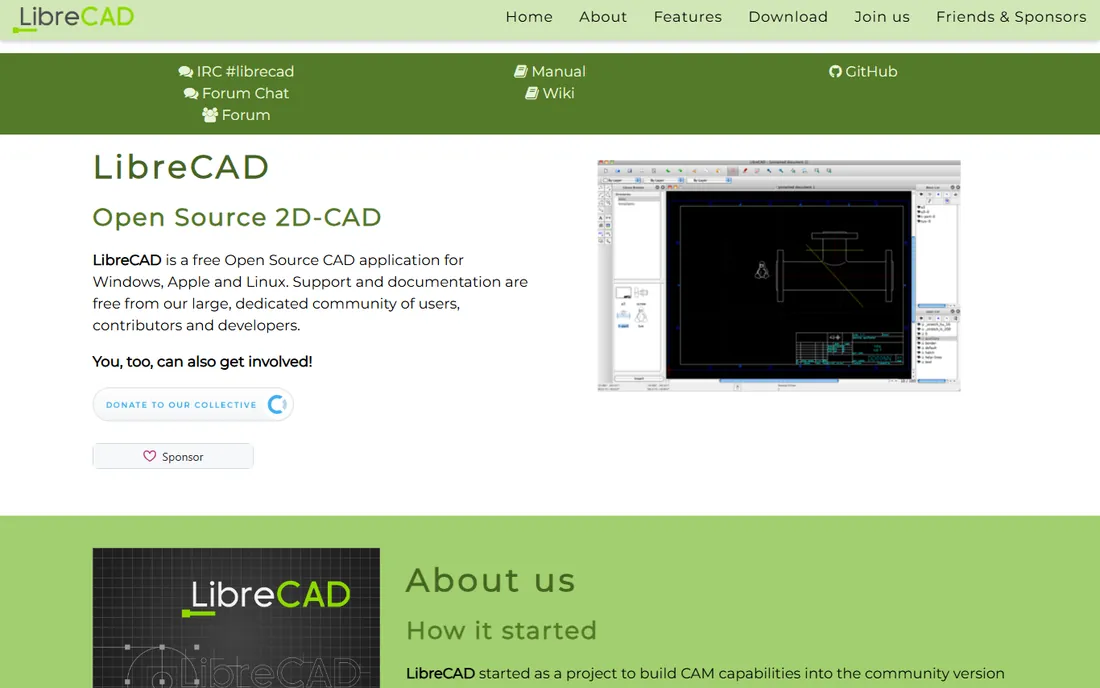
LibreCAD is the quiet workhorse for anyone who needs 2D drawings without paying for AutoCAD. It is free and open source, reads and writes DXF files, and handles the classic 2D drafting tasks: floor plans, laser cutter files, CNC profiles, and dimensioned shop drawings. There are no trials, no subscriptions and no feature gates of any kind.
The honest description is that it is a mature tool in maintenance mode rather than an exciting one. The interface looks dated, 3D is entirely out of scope, and new features arrive slowly. None of that matters for its actual job. If you need to produce a clean DXF for a laser cutter or a dimensioned drawing for the workshop wall, LibreCAD does it for free on every major platform, and that is exactly why it belongs on a hobbyist list.
What we like- Completely free with no trials or subscriptions
- Reads and writes DXF
- Runs on Windows, Mac and Linux
Watch out for- 2D only, no 3D modeling
- Interface is dated
- Development moves slowly
When free CAD stops being enough
Most hobbyists never pay for CAD, but three situations change the math. The first is selling your work. Fusion's free tier forbids commercial use above $1,000 in annual revenue, and Onshape's free tier makes designs public. If your Etsy shop takes off, that is the moment to look at Fusion commercial at $680 a year, Shapr3D Pro at $299 a year, or the open-source tools, which never cared what you sell.
The second is collaboration. Solo hobbyists do fine with local files, but a makerspace project or a multi-person build benefits from Onshape's version control or Fusion's cloud data management. The third is manufacturing precision. When parts must fit together within fractions of a millimeter, the parametric history in Fusion, FreeCAD, Onshape or Shapr3D pays for itself in failed prints avoided. Until one of these applies, the free tier you already use is the right tool.
How we chose
We focused on tools a hobbyist can actually start using this weekend, which meant prioritizing free tiers and low-cost plans over professional suites. We verified each vendor's current free offering on their own site, including the eligibility fine print for Fusion and Onshape that many roundups gloss over. We favored tools with active development and real hobbyist communities on Reddit, YouTube and maker forums, and we made sure the list covers the main project types: 3D printing, woodworking, 2D drafting and artistic modeling. We did not run hands-on modeling benchmarks.
Picking CAD software as a hobbyist: what actually matters
Start with your project, not the software
The fastest way to choose is to name what you make. Printing functional parts? Tinkercad to start, Fusion or FreeCAD when you need precision, OpenSCAD if you code. Building furniture? SketchUp. Cutting flat parts on a laser or CNC? LibreCAD for 2D, Fusion for 3D. Sculpting miniatures or cosplay props? Blender. Modeling on a tablet? Shapr3D. Want pro CAD in a browser? Onshape. Every tool on this list is someone's perfect answer and someone else's wrong turn.
Learning curve is a real cost
Free software still costs your evenings. Tinkercad takes an afternoon. SketchUp takes a weekend. Fusion and FreeCAD take weeks of regular practice before they feel natural, and Blender takes months. That investment pays off if the tool matches your projects. Pick one primary tool, learn it properly, and add a second only when a project genuinely demands it.
Check the export before you commit
A CAD tool is only as useful as the files it produces. Before investing weeks of learning, confirm it exports what your printer, laser cutter or CNC needs: STL or 3MF for most 3D printers, DXF or SVG for laser cutters, STEP for machining. The free tiers most likely to surprise you are Shapr3D Basic, with its low-resolution export limit, and SketchUp Free, with its restricted export options. Open-source tools export freely with no gates at all.
Frequently asked questions
What is the best free CAD software for 3D printing?
Tinkercad is the best starting point for beginners because it runs in a browser and exports printable files with no learning curve. When you need precise dimensions, move to Fusion's free personal tier or FreeCAD. Programmers should look at OpenSCAD, and anyone modeling on an iPad should try Shapr3D Basic.
Is Fusion 360 really free for hobbyists?
Yes, with conditions that matter. Autodesk's personal-use tier is free for three years at a time for home-based, non-commercial projects by makers earning under $1,000 a year. It limits editable documents to 10 and removes some professional features like cloud rendering and full CAM. Commercial use requires a paid subscription.
Can I sell things I design in free CAD software?
It depends on the license. The open-source tools on this list, FreeCAD, Blender, OpenSCAD and LibreCAD, place no restriction on commercial use. Tinkercad and SketchUp Free are fine for personal projects but their terms assume non-commercial use. Fusion's free tier explicitly forbids earning over $1,000 a year, and Onshape's free tier makes your designs public.
Do I need a powerful computer for CAD?
Not necessarily. Tinkercad, SketchUp Free and Onshape run in a browser, so a Chromebook is enough. Shapr3D runs well on an iPad. Fusion, FreeCAD and Blender benefit from a decent desktop, especially for complex assemblies or rendering, but a mid-range laptop from the last few years handles hobbyist projects comfortably.
What is the easiest CAD software to learn?
Tinkercad is the easiest by a wide margin, and most people design their first printable object within an hour. SketchUp is next for visual thinkers. Shapr3D is remarkably approachable on a tablet. Fusion, FreeCAD and Blender are powerful but expect weeks of practice, so start with the easy tool and graduate when your projects demand it.
Sources we checked (11)
- https://tinkercad.com/
- https://www.autodesk.com/in/products/fusion-360/personal
- https://www.autodesk.com/products/fusion-360/blog/fusion-for-personal-use-vs-autodesk-fusion/
- https://freecad.org/
- https://sketchup.com/
- https://www.onshape.com
- https://shapr3d.com/
- https://www.shapr3d.com/comparison/www.shapr3d.com/comparison/sketchup-vs-shapr3d
- https://www.blender.org/
- https://openscad.org/
- https://www.librecad.org
Is your product missing or out of date?
We review this list regularly. Vendors can request a listing, send updated pricing or ask about featured placement.

Shihab Mia · Founder, Rankite
Shihab has spent more than a decade helping SaaS and e-commerce brands grow through search. He writes Rankite's software buying guides from pricing pages, documentation and public user reviews. More about Shihab.