How we make this list: we compare pricing pages, product documentation and public user reviews. Rankite is independent; if a vendor ever pays for a featured spot, that listing is clearly labeled Partner.
Key takeaways
- Fusion 360 is the best all-rounder for product design and 3D printing, free for personal use with paid plans around $680 per year.
- SolidWorks remains the professional mechanical design standard, but expect roughly $2,820 per year.
- Blender and FreeCAD are genuinely free and cover creative modeling and parametric engineering respectively.
- Rhino's $995 perpetual license is the best value in professional surfacing, with a generous 90-day trial.
Quick comparison
| Tool | Best for | Starting price | Free plan |
|---|
 Fusion 360 Fusion 360 | product design from sketch to manufacture | ~$680 per year | Yes (personal use) |
 SolidWorks SolidWorks | professional mechanical engineering | ~$2,820 per year | Free trial |
 AutoCAD AutoCAD | precise 2D drafting that sometimes goes 3D | ~$2,310 per year | Free trial |
 Rhino Rhino | freeform surfaces and industrial design | $995 one-time | Free trial (90 days) |
 Blender Blender | creative 3D, rendering and animation | Free | Yes |
 FreeCAD FreeCAD | free parametric engineering CAD | Free | Yes |
 SketchUp SketchUp | fast conceptual 3D for architecture | See website | Yes |
 Onshape Onshape | teams designing together in the browser | See website | Yes |
 Tinkercad Tinkercad | first models and classroom use | Free | Yes |
 BricsCAD BricsCAD | DWG workflows without Autodesk prices | ~$315 per year | Free trial |
Is your product missing or out of date?
We review this list regularly. Vendors can request a listing, send updated pricing or ask about featured placement.
Starting price~$680 per year
Free planYes (personal use)
Fusion 360 has become the default recommendation for product designers, startups and 3D printing enthusiasts because it bundles parametric modeling, simulation, toolpath generation and electronics in one subscription. The cloud foundation means real-time collaboration and version history without a PDM server, and the free personal license covers hobbyists earning under the revenue threshold.
The commercial price sits around $680 per year and has crept upward over time. The free tier caps you at 10 active editable documents and trims CAM features. For anyone designing physical products, especially for 3D printing or CNC, the integrated workflow still beats stitching separate tools together.
What we like- CAD, CAM, CAE and PCB in one platform
- Cloud collaboration
- Free personal tier
Watch out for- Commercial price keeps rising
- Needs a good internet connection
- Document limits on free tier
Starting price~$2,820 per year
Free planFree trial
SolidWorks is what most mechanical engineers mean when they say CAD. Its parametric sketcher, assembly mates, sheet metal, weldments and drawing automation are the benchmark every competitor is measured against, and employers list it on job postings more than any other tool. If you are designing machines, enclosures or anything manufactured, this is the safe professional choice.
It costs around $2,820 per year for Standard, runs only on Windows, and wants a workstation-class machine. A $48 per year Maker edition exists for hobbyists. The 7-day online trial barely scratches the surface. Expensive, demanding, and still the standard: that sums up SolidWorks.
What we like- Industry-standard parametric modeling
- Superb assemblies and drawings
- Huge part libraries and community
Watch out for- Expensive
- Windows-only and hardware-hungry
- 7-day trial is short
Starting price~$2,310 per year
Free planFree trial
AutoCAD is the industry standard for 2D drafting, and its 3D tools, solid, surface and mesh modeling, are capable for many jobs even though they play second fiddle to drafting. If your work is technical drawings with occasional 3D, or you constantly exchange DWG files with architects and engineers, AutoCAD's compatibility is non-negotiable.
At around $2,310 per year with only a 15-day trial, it is a poor value as a pure 3D modeling purchase; Fusion 360 or SolidWorks give 3D-first modelers more for the money. But as the lingua franca of technical drawing, it remains essential in architecture, civil and MEP work.
What we like- The DWG standard everyone exchanges
- Unmatched 2D precision
- Massive industry adoption
Watch out for- 3D modeling is secondary
- Subscription-only
- Pricey for what 3D modelers need
Starting price$995 one-time
Free planFree trial (90 days)
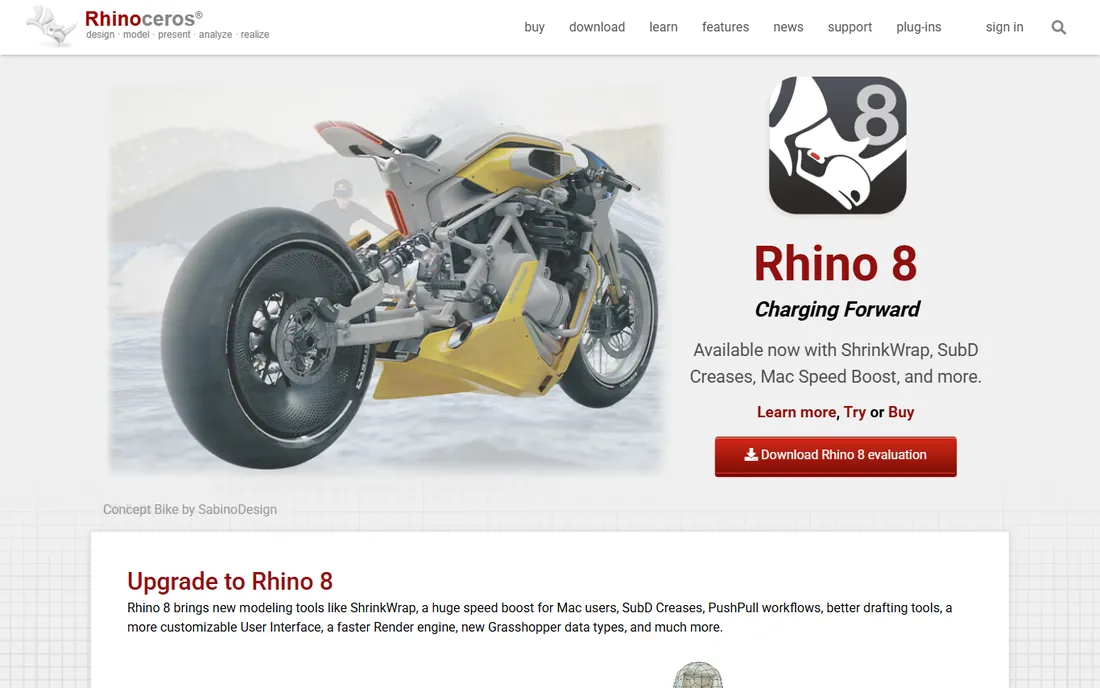
Rhino is the tool for shapes that refuse to be boxes: car bodies, consumer products, jewelry, architecture with curves. Its NURBS surfacing is the best in the business at this price, and Grasshopper, the visual programming environment bundled with it, brings serious parametric and generative design power.
The $995 perpetual license with no subscription is increasingly rare and a genuine bargain, backed by a 90-day full trial. Rhino is weaker at the things SolidWorks does best: feature-tree parametric parts, assemblies and production drawings. Many studios run both, Rhino for form, SolidWorks for engineering.
What we like- Best-in-class NURBS surfacing
- Perpetual license, no subscription
- Grasshopper parametric design included
Watch out for- Not parametric in the SolidWorks sense
- Rendering and documentation need plugins
Starting priceFree
Free planYes
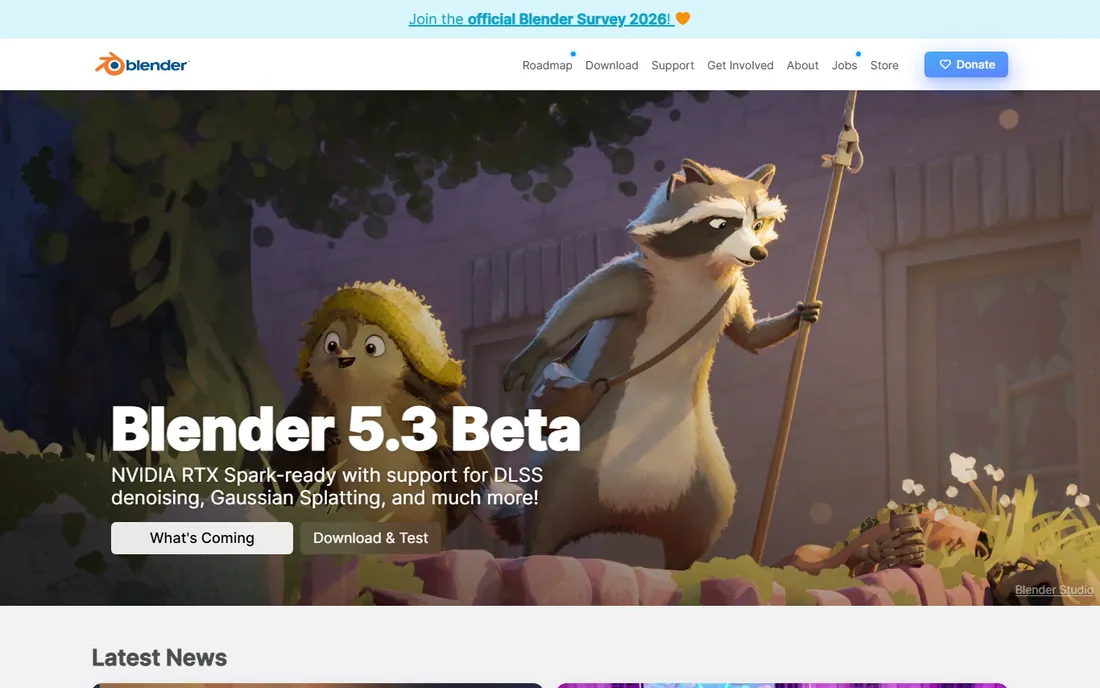
Blender is free, open source, and shockingly capable: polygon modeling, sculpting, rendering, animation and even video editing in one package. For organic shapes, characters, product visualization and 3D printing of artistic models, it rivals software costing thousands. The community produces endless tutorials.
It is not CAD in the engineering sense. There is no parametric feature tree, no proper dimension-driven sketches, and tolerances are not its language. Pair it with FreeCAD or Fusion 360 when a design needs both artistry and precision. For creative 3D work at zero cost, nothing touches it.
What we like- Completely free and open source
- Superb modeling, sculpting and rendering
- Huge community and tutorials
Watch out for- Not a precision engineering tool
- Learning curve is steep
Starting priceFree
Free planYes
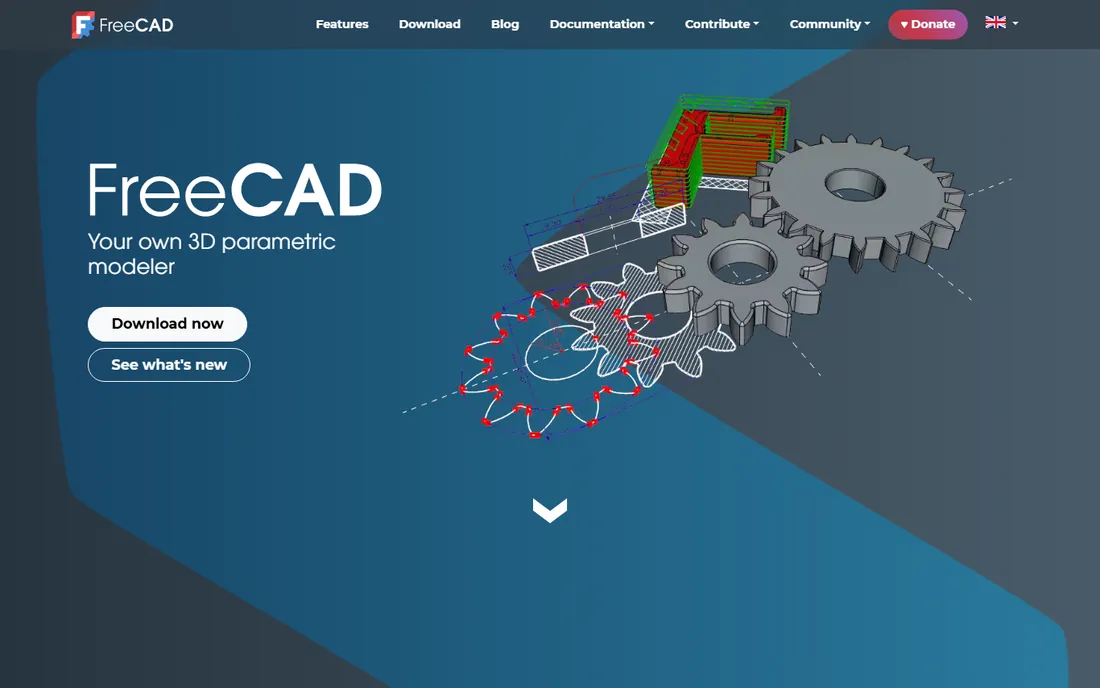
FreeCAD is the open-source answer to SolidWorks-style parametric modeling, and the 1.x releases have closed much of the gap: proper part design, assemblies, tech drawings and FEM analysis, all free forever. For hobbyists, educators and small shops that refuse subscriptions, it is the only real option in this category.
The honest catch is polish. The interface is inconsistent, some workbenches feel experimental, and you will fight the occasional bug that commercial tools ironed out years ago. But it is genuinely usable for real mechanical design now, and it costs nothing to try.
What we like- Completely free and open source
- Real parametric workbenches
- Improving fast (1.x releases)
Watch out for- Interface and workflow still rough
- Smaller ecosystem than commercial tools
Starting priceSee website
Free planYes
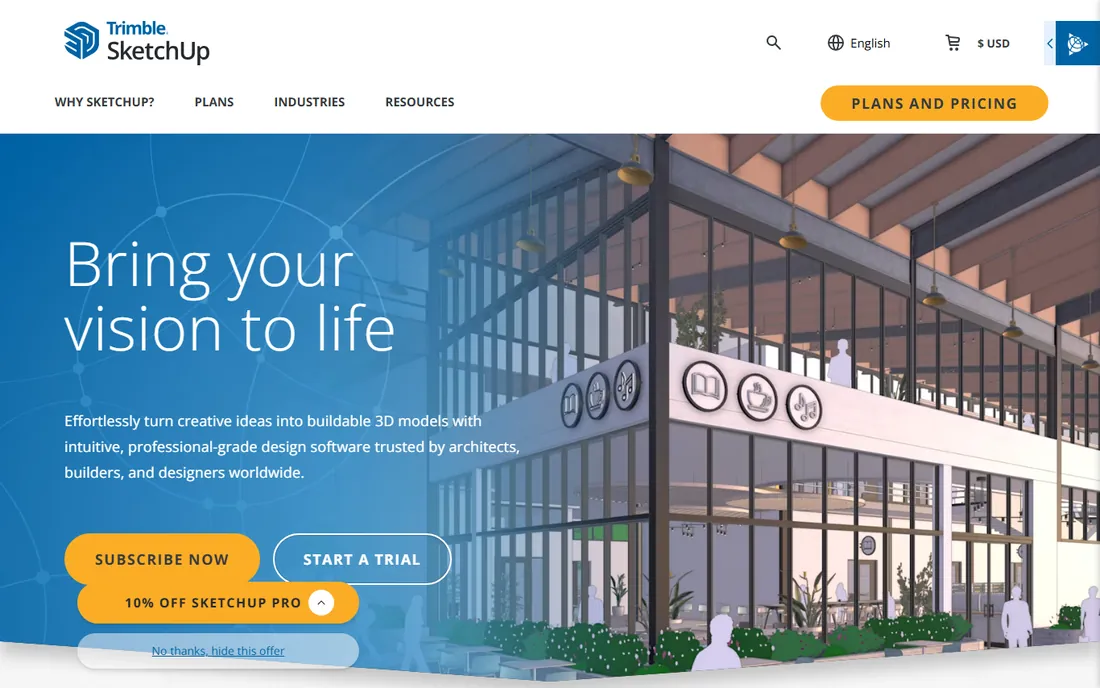
SketchUp's push-pull modeling is the fastest way to get a building massing, interior layout or woodworking project into 3D. Architects and interior designers use it for concept work everywhere, and the 3D Warehouse offers millions of free models to drop into scenes. The learning curve is measured in hours, not weeks.
It is not an engineering tool: precision modeling, parametric features and manufacturing documentation are all weak. The free web version covers basics; the Pro subscription unlocks the desktop app and LayOut for documentation. For thinking in 3D quickly, it remains unmatched.
What we like- Famously easy to learn
- Huge 3D Warehouse model library
- Great for early-stage design
Watch out for- Weak for precision engineering
- Free web version is limited
- Pro subscription needed for serious work
Starting priceSee website
Free planYes
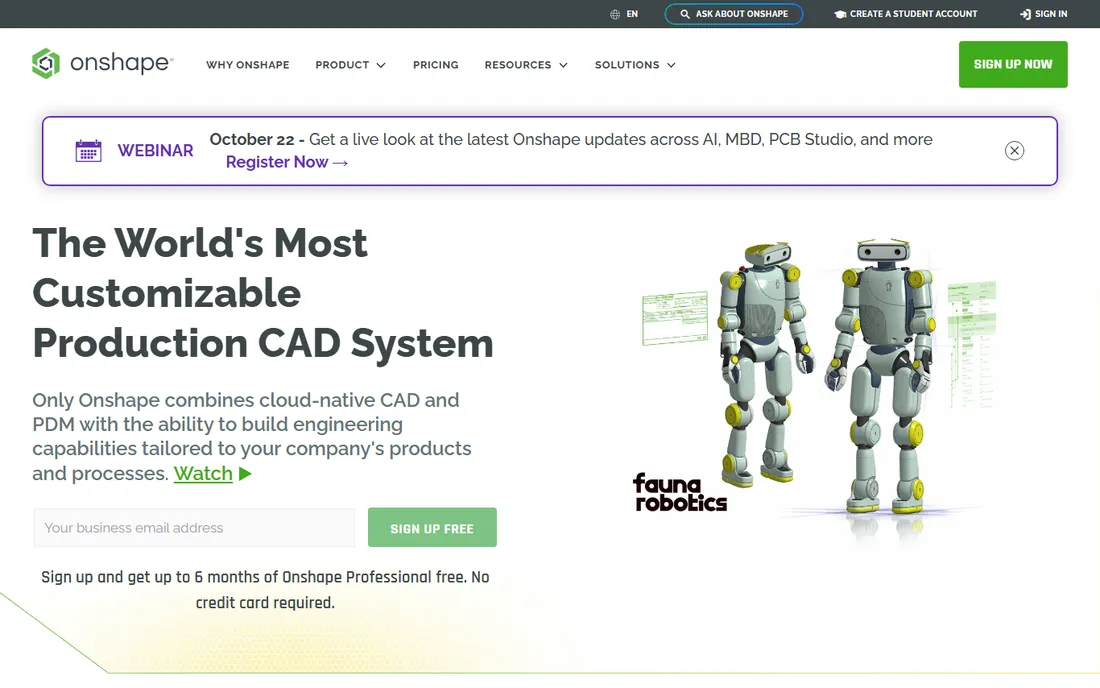
Onshape does in a browser what SolidWorks does on a workstation: full parametric part and assembly modeling with built-in version control and simultaneous multi-user editing. For distributed teams, students on Chromebooks, or anyone tired of license servers, the zero-install model is liberating.
The free plan's catch is that your documents are public, which rules it out for proprietary work without a paid plan. Advanced CAM and simulation come through partners rather than built in. For education, collaboration and teams that live in the cloud, it is the most modern-feeling CAD here.
What we like- Full CAD in a browser, no install
- Real-time collaboration and version control
- Runs on any device
Watch out for- Free plan makes documents public
- Needs constant internet
- CAM and simulation need add-ons
Starting priceFree
Free planYes
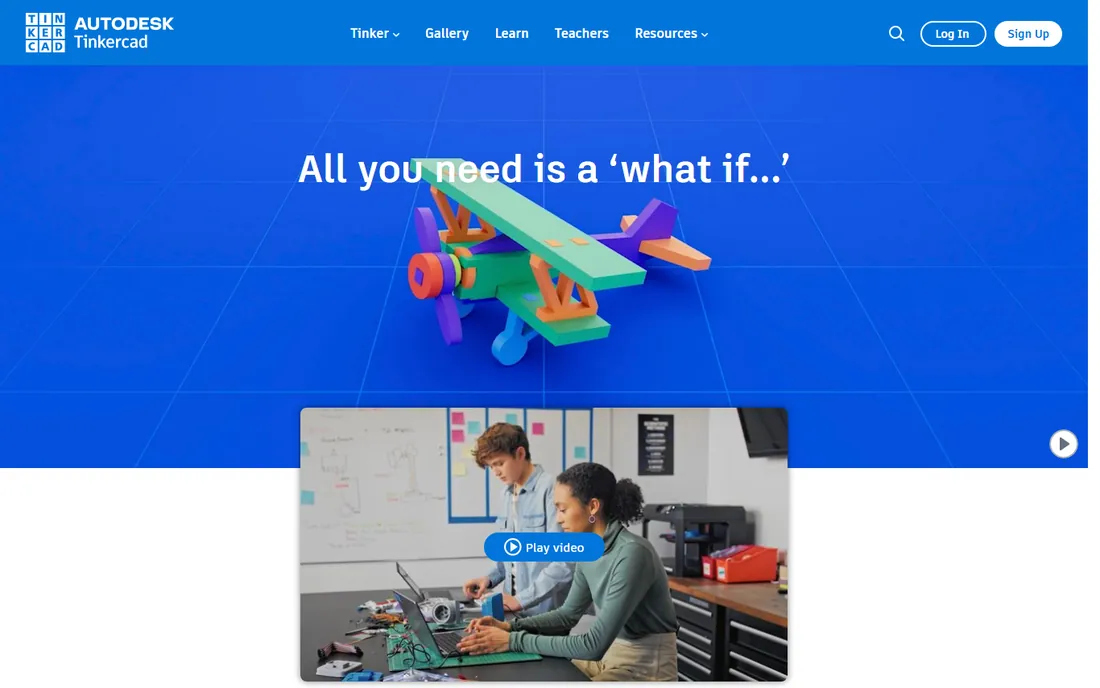
Tinkercad is where most people's 3D modeling journey starts: drag blocks and shapes together in a browser, combine them, export an STL for the printer. It is free, owned by Autodesk, and genuinely the easiest way to go from zero to a printed part in an afternoon. Schools use it by the million.
Its simplicity is a ceiling, not a floor. Precise dimensions, complex assemblies and organic shapes all exceed what block-based modeling can do gracefully. Treat it as the on-ramp: when you hit its limits, Fusion 360 or FreeCAD are the natural next steps.
What we like- Free and browser-based
- Learn it in an hour
- Direct STL export for 3D printing
Watch out for- Too simple for real engineering
- Block-based modeling has hard limits
Starting price~$315 per year
Free planFree trial
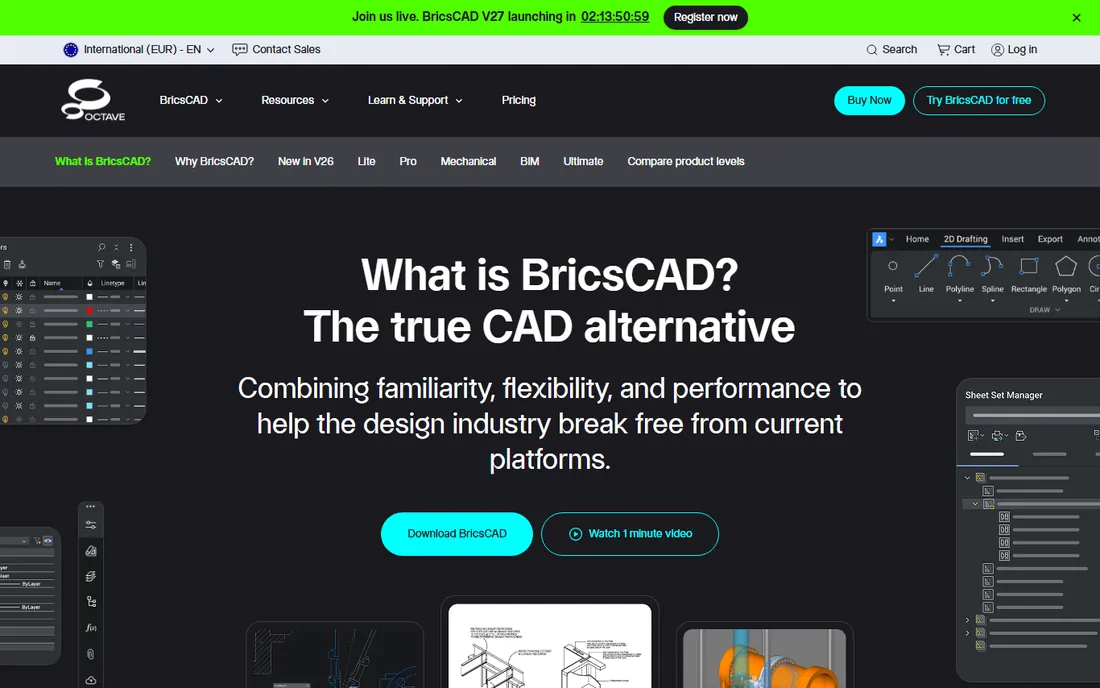
BricsCAD is the leading AutoCAD alternative for DWG-based work, with a familiar command line and interface that AutoCAD users learn in days. The Lite tier starts around $315 per year, with perpetual licenses available, and higher tiers add BIM, mechanical and point-cloud tools. A 30-day trial and free student licenses lower the barrier further.
It will not out-model SolidWorks or out-surface Rhino; its strength is drafting compatibility at a lower price. For firms whose deliverable is the DWG file, BricsCAD does the job for substantially less than Autodesk's subscription.
What we like- Native DWG compatibility
- Familiar AutoCAD-like interface
- Cheaper Lite tier and perpetual options
Watch out for- Smaller ecosystem and community
- 3D tools trail the specialists
The category splits three ways. Engineering and manufacturing: SolidWorks, Fusion 360, FreeCAD, Onshape. Drafting and architecture: AutoCAD, BricsCAD, SketchUp. Freeform and creative: Rhino, Blender. Tinkercad sits below all of them as the starting point.
Budget decides within each group. Free and serious means Blender for creative work or FreeCAD for engineering. A few hundred a year buys BricsCAD or Rhino's perpetual license. Professional engineering budgets land on Fusion 360 or SolidWorks. And if you are choosing for employability, SolidWorks and AutoCAD still dominate job listings.
The subscription question
Nearly every commercial CAD tool here is subscription-only except Rhino and BricsCAD's perpetual options. That makes Rhino's $995 one-time license and the free tiers of Fusion 360, Onshape and FreeCAD strategically important: they are the escape hatches if subscription fatigue sets in.
How we compared them
We evaluated 3D modeling capability, parametric versus direct workflows, industry adoption, learning curve and pricing, drawing on 2026 CAD roundups and vendor pricing pages. We favored tools with active development and real user communities. We did not model test parts in each application.
Frequently asked questions
What is the best free CAD software for 3D modeling?
FreeCAD for parametric engineering work, Blender for creative and organic modeling, and Tinkercad for beginners. Fusion 360's free personal tier and Onshape's free plan are also capable with some limits.
Is Fusion 360 still free?
Yes, through the Personal-use license for hobbyists under the revenue threshold, with limits on active documents and CAM features. Commercial use costs around $680 per year.
Which is better, SolidWorks or Fusion 360?
SolidWorks for professional mechanical engineering, large assemblies and employability. Fusion 360 for startups, product design, integrated CAM and lower cost. Many engineers learn both.
Can Blender replace CAD software?
For creative 3D work, yes. For precision engineering with dimensions, tolerances and parametric features, no. It complements CAD rather than replacing it.
What CAD software do employers want?
SolidWorks and AutoCAD dominate mechanical and drafting job listings respectively. CATIA matters in aerospace and automotive. Fusion 360 is growing fast among startups.
Is Rhino worth $995?
For anyone doing freeform surfacing, industrial design or architecture with complex geometry, yes. The perpetual license, 90-day trial and included Grasshopper make it one of the best values in professional design software.
Sources we checked (11)
- https://www.autodesk.com/products/autocad
- https://www.autodesk.com/products/fusion-360
- https://www.solidworks.com/
- https://www.rhino3d.com/
- https://www.blender.org/
- https://www.freecad.org/
- https://www.sketchup.com/
- https://www.onshape.com/
- https://www.tinkercad.com/
- https://www.bricsys.com/bricscad
- https://github.com/ishandutta2007/awesome-cad
Is your product missing or out of date?
We review this list regularly. Vendors can request a listing, send updated pricing or ask about featured placement.

Shihab Mia · Founder, Rankite
Shihab has spent more than a decade helping SaaS and e-commerce brands grow through search. He writes Rankite's software buying guides from pricing pages, documentation and public user reviews. More about Shihab.