How we make this list: we compare pricing pages, product documentation and public user reviews. Rankite is independent; if a vendor ever pays for a featured spot, that listing is clearly labeled Partner.
Key takeaways
- AutoCAD is still the default for 2D drafting and DWG workflows, but it is subscription-only and priced for firms, not hobbyists.
- SolidWorks, Fusion, and Onshape are the serious picks for engineers designing manufactured parts, and they solve the collaboration problem in very different ways.
- SketchUp wins on ease of use for architecture and interiors, while Rhino owns freeform and organic geometry.
- BricsCAD and DraftSight exist for one reason: full DWG compatibility without the AutoCAD bill.
- FreeCAD and Tinkercad cost nothing, and they are genuinely good enough for students, hobbyists, and simple commercial work.
Quick comparison
| Tool | Best for | Starting price | Free plan |
|---|
 AutoCAD AutoCAD | 2D drafting teams living in DWG files | See website | Free trial |
 SolidWorks SolidWorks | Mechanical engineers designing products | See website | Free trial |
 Autodesk Fusion Autodesk Fusion | Startups wanting CAD, CAM, and CAE in one | See website | Free trial |
 SketchUp SketchUp | Architects and designers who want fast 3D | See website | Yes |
 Onshape Onshape | Distributed teams wanting CAD in a browser | See website | Yes |
 BricsCAD BricsCAD | DWG compatibility at a lower price | See website | Free trial |
 DraftSight DraftSight | Professional 2D drafting on a budget | $299/year | Free trial |
 Rhino Rhino | Freeform and organic 3D geometry | $995 one-time | Free trial |
 FreeCAD FreeCAD | Hobbyists and students on a zero budget | Free | Yes |
 Tinkercad Tinkercad | Absolute beginners and classrooms | Free | Yes |
Is your product missing or out of date?
We review this list regularly. Vendors can request a listing, send updated pricing or ask about featured placement.
The best CAD software
Starting priceSee website
Free planFree trial
AutoCAD is the reason the DWG format runs the drafting world, and that gravity is its biggest selling point. If your clients, contractors, or shop floor send DWG files, working natively in AutoCAD means no translation surprises, no missing linetypes, and no awkward explanations. The 2D toolset is still the deepest in the business, and decades of accumulated blocks, scripts, and community knowledge mean almost any drafting problem has a documented answer.
The catch is the business model: you rent AutoCAD forever at enterprise pricing, which stings if you open it twice a month. Its 3D tools were never the main event either. If your work is mostly 3D product design, a parametric modeler below serves you better.
What we like- The DWG standard everything else has to match
- Enormous library of blocks, tutorials, and third-party add-ons
- Deep customization with AutoLISP and APIs
Watch out for- Subscription-only with no perpetual option
- Expensive if you only draft part-time
- The interface rewards experience and punishes beginners
Starting priceSee website
Free planFree trial
If you design things that get manufactured, SolidWorks is the safe career and business bet. Parametric modeling means your parts rebuild intelligently when dimensions change, assemblies stay constrained, and drawings update from the model instead of being redrawn by hand. For machine design, sheet metal, weldments, and mold work, the dedicated toolsets save real hours every week.
First-time buyers should know purchasing runs through resellers with quote-based pricing, and the software wants a serious workstation once assemblies grow. For a product business, the talent pool and supplier compatibility justify it. For a two-person shop making simple brackets, it is more than you need.
What we like- Deep parametric modeling for parts, assemblies, and drawings
- The largest tutorial and user-group community in mechanical CAD
- Simulation and PDM add-ons grow with you
Watch out for- Pricing runs through resellers and varies by region
- Windows-centric desktop software with real hardware demands
- Overkill if you only need 2D drawings
Starting priceSee website
Free planFree trial
Fusion occupies the middle ground that did not used to exist: real parametric CAD plus toolpath generation for CNC plus basic simulation, all for one subscription that a startup can actually afford. For a small shop that designs a part in the morning and machines it in the afternoon, that combination is hard to beat. The cloud data management also means no file server, no PDM administrator, and no emailing STEP files back and forth.
The trade-off is control: designs live on Autodesk servers, and the company has trimmed free-tier terms before. Teams with strict data rules or shaky internet should think twice. For product startups and maker businesses, the capability per dollar is unusual.
What we like- CAD, CAM, simulation, and rendering in a single subscription
- Cloud collaboration without a PDM server
- Gentler learning curve than traditional parametric CAD
Watch out for- Cloud dependency means an internet outage slows you down
- Advanced surfacing lags behind Rhino
- Autodesk has changed the free and low-end terms before
Starting priceSee website
Free planYes
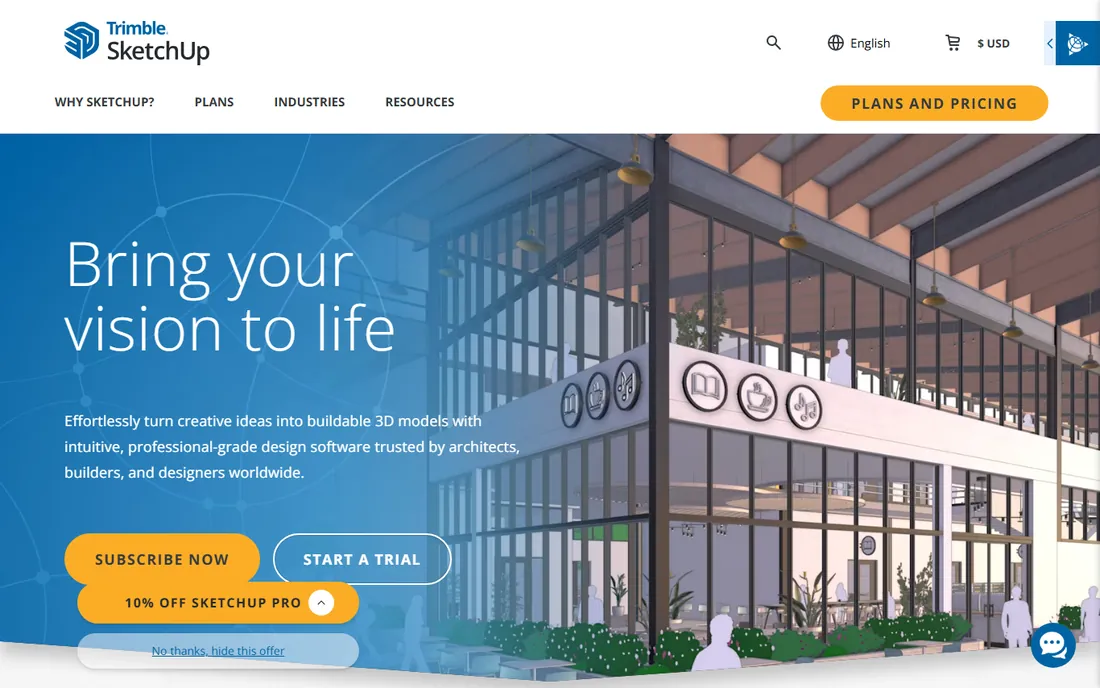
SketchUp is the best CAD software for beginners in architecture, interiors, woodworking, and set design, full stop. The push-pull modeling approach clicks within an hour, and most users produce something presentable on day one. The 3D Warehouse, a library of millions of user-uploaded models, means you rarely model furniture, fixtures, or entourage from scratch. For client presentations and quick concept work, nothing else moves this fast.
Limits show up when precision matters: with no parametric history, late dimension changes mean manual rebuilding. It is a poor fit for machined parts or tight tolerances. Check which subscription tier includes LayOut and the desktop app before committing. Used for what it is good at, it pays for itself quickly.
What we like- The fastest path from idea to 3D model in the industry
- 3D Warehouse offers millions of ready-made models
- LayOut turns models into presentation-ready 2D documents
Watch out for- Not parametric, so design changes mean manual remodeling
- Weak for mechanical engineering tolerances
- The subscription tiers confuse new buyers
Starting priceSee website
Free planYes
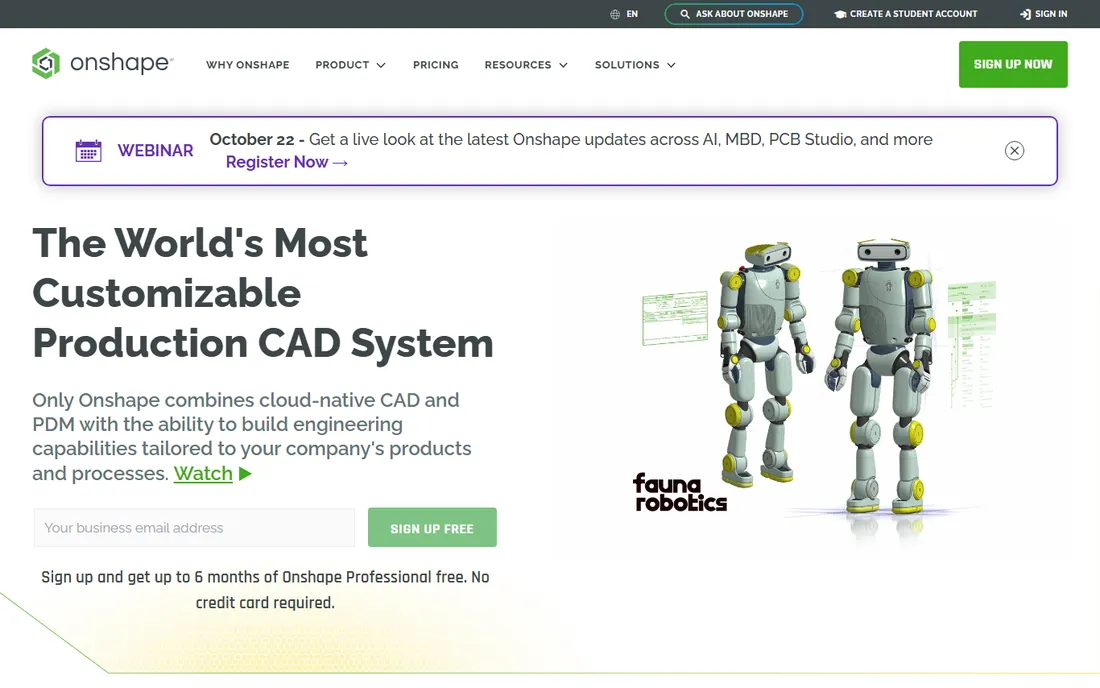
Onshape asked what CAD would look like if it were invented today, and the answer is surprisingly convincing. Because it runs entirely in the cloud, two engineers can edit the same assembly at once, every change is versioned like source code with branching and merging, and there is nothing to install or update. For distributed teams and companies with Mac or Chromebook users, it removes entire categories of IT headaches.
The objections are real but narrowing: you need connectivity, the free tier is public-only, and the add-on ecosystem is a fraction of SolidWorks. But PTC keeps investing, and for teams that value collaboration over legacy files, Onshape is now a legitimate primary CAD system.
What we like- True real-time collaboration with built-in version control
- Runs in a browser on any device with no installs
- Every user is always on the latest version
Watch out for- Requires an internet connection to work
- The free tier makes your designs public
- A smaller third-party ecosystem than SolidWorks
Starting priceSee website
Free planFree trial
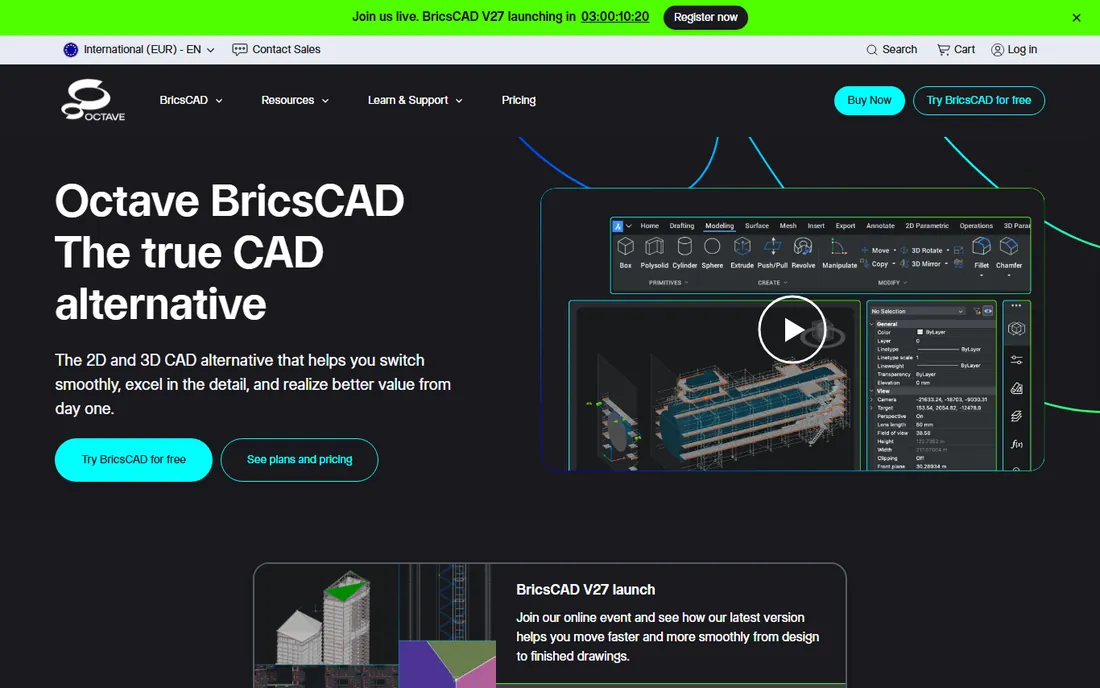
The first thing to know is the name on the door changed: Bricsys rebranded to Octave in 2026, and the product is now sold as Octave BricsCAD. The software itself is the same capable AutoCAD alternative it has always been. It edits DWG natively, the interface will feel like home to any AutoCAD user within a day, and it costs substantially less while still offering perpetual licenses for buyers who refuse subscriptions on principle.
It fits firms with deep DWG archives and AutoCAD-trained staff cutting license costs without retraining, and the AI detailing tools genuinely speed production drafting. The ecosystem is the weak spot: fewer add-ons, fewer late-night forum answers, competent rather than leading BIM tools. For 2D drafting plus some 3D, it is the rational alternative.
What we like- Native DWG editing that AutoCAD users find instantly familiar
- Perpetual licenses are still available
- AI-assisted drafting tools speed up detailing work
Watch out for- Smaller community means fewer tutorials and add-ons
- The 2026 rebrand to Octave may confuse buyers
- Sheet metal and BIM tools trail the leaders
Starting price$299/year
Free planFree trial
DraftSight is the quiet value pick in professional 2D drafting. Built by Dassault Systemes, the company behind SolidWorks and CATIA, it handles DWG files natively and gives AutoCAD users a familiar workspace from the first launch. At $299 a year for the Professional tier, confirmed on its own homepage, it undercuts AutoCAD dramatically while covering the drafting fundamentals: layers, blocks, annotation, dimensions, and batch plotting.
This is a 2D tool first: higher tiers add 3D and BIM modules, but nobody buys DraftSight as a 3D modeler. The 30-day trial is full-featured, so test it on a real project first. For maintaining legacy drawings, redlining files, or producing permit sets, it delivers the compatibility that matters at an easy-to-approve price.
What we like- Full DWG, DXF, and DGN support at a fraction of AutoCAD pricing
- Familiar interface shortens onboarding
- Flexible named-user, network, and perpetual licensing
Watch out for- Primarily a 2D tool, with 3D as a secondary citizen
- The Premium tier costs twice the base price
- The Dassault ecosystem is smaller than Autodesk's
Starting price$995 one-time
Free planFree trial

Rhino plays a different game from everything else on this list, and that is exactly why industrial designers, architects, jewelers, and marine designers swear by it. Its NURBS modeling handles flowing, organic, doubly-curved geometry that makes parametric solid modelers struggle. Grasshopper, the visual programming environment bundled with it, lets designers build generative and parametric logic without writing code, and the plugin ecosystem around it is one of the richest in 3D.
Pricing is the other differentiator: $995 once, confirmed on the Rhino homepage, with support and service releases included and upgrades optional. No subscription, no maintenance contract. The trade-offs are a non-parametric workflow that makes change orders manual, and 2D drafting that will not replace AutoCAD for construction documents. Buy it for form, not feature trees.
What we like- Perpetual license with no subscription and no maintenance fees
- Grasshopper adds visual parametric programming
- Unmatched NURBS tools for complex surfaces
Watch out for- Not parametric by default, which frustrates mechanical engineers
- 2D documentation is weaker than AutoCAD
- Rendering requires third-party plugins
Starting priceFree
Free planYes
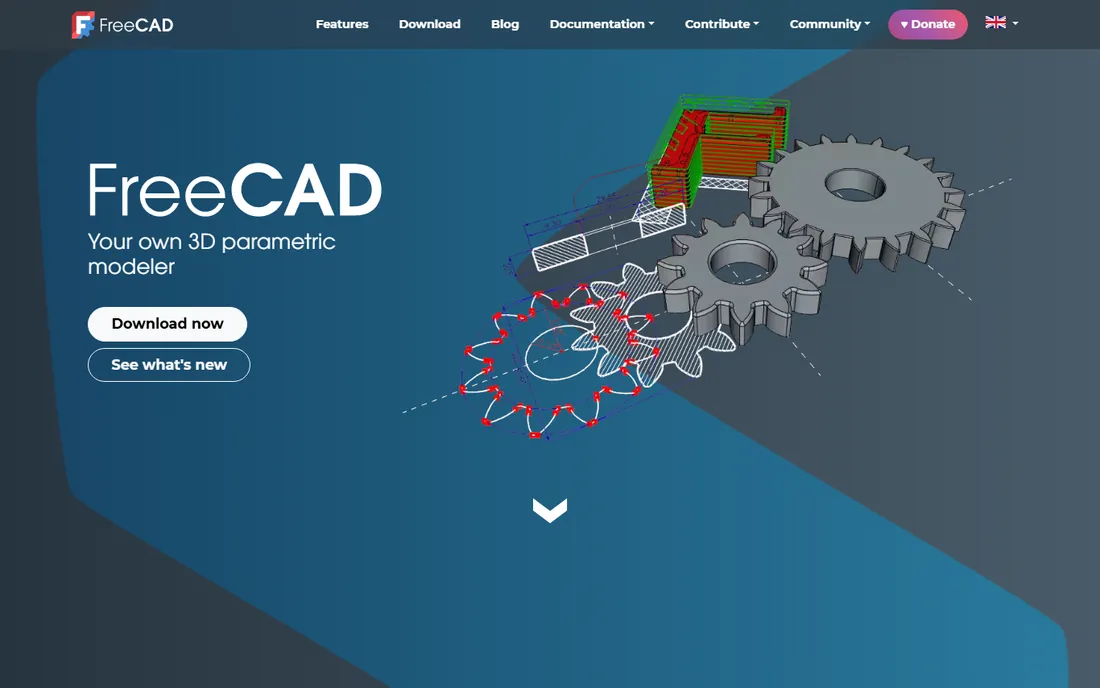
FreeCAD is proof that capable parametric CAD does not have to cost anything. It is genuinely open source, with no tiers, no trials, and no vendor lock-in, and it covers the fundamentals: sketch-based parametric modeling, assemblies, technical drawings, plus specialized workbenches for architecture, CAM, and finite element analysis. For students learning CAD concepts, hobbyists with 3D printers, and small shops doing simple parts, it is remarkably complete.
Expect a rougher experience: workflows assume you will read the wiki, and polish arrives at community pace. It reads and writes STEP and DXF, but round-tripping complex files with commercial CAD sometimes needs manual repair. As a learning tool and zero-budget workhorse, nothing else touches it.
What we like- Completely free and open source with no paywalled features
- Real parametric modeling with a feature history
- Runs on Windows, Mac, and Linux
Watch out for- The interface feels a decade behind commercial CAD
- Documentation and tutorials are uneven
- File exchange with commercial CAD can need cleanup
Starting priceFree
Free planYes
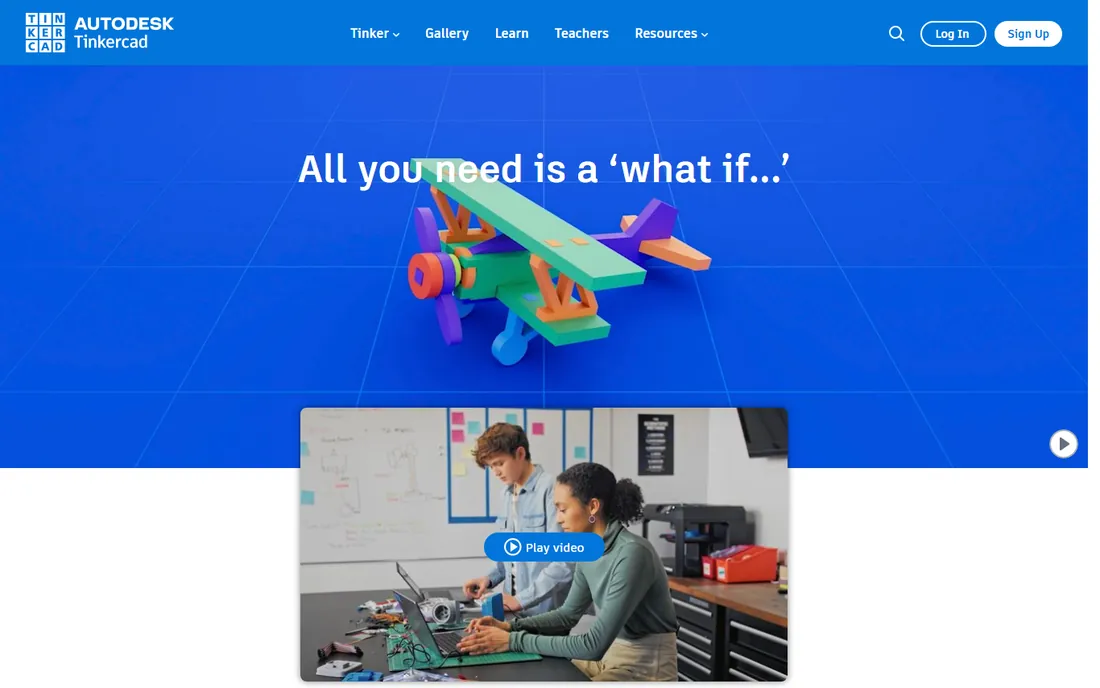
Tinkercad is not really competing with the other tools here, and that is its strength. Owned by Autodesk, it is a free browser app that teaches 3D thinking through simple shape combining, and it is the default starting point for classrooms, first-time 3D printer owners, and anyone who has never touched CAD. Over a hundred million people have used it, according to Autodesk, which tells you how low the barrier is.
There is nothing to buy, which is the point: it is the on-ramp. Learn extrusion, grouping, and alignment here, then graduate to Fusion or FreeCAD when simple shapes stop being enough. For schools and makerspaces evaluating beginner CAD, start here and spend the budget elsewhere.
What we like- Free and runs entirely in a browser with no install
- Most users make their first model in minutes
- Kid-safe and built for education
Watch out for- Far too simple for any professional workflow
- No parametric history or precision input
- Limited export control for manufacturing
How we chose
We started from vendor homepages, pricing pages, and documentation, and cross-checked against public reviews on G2, Capterra, and Reddit threads from working engineers and drafters. Every tool on this list is actively sold and supported today. We excluded discontinued products and renamed products appear under their current names, including the BricsCAD to Octave transition. Prices shown are only those stated on the vendor's own site on the day of research. Where a vendor does not publish pricing, the table says so instead of guessing.
What to check before you pay for CAD
Match the tool to the file format your world runs on. If clients and contractors speak DWG, your shortlist is AutoCAD, BricsCAD, and DraftSight, because translation errors cost more than any license. If you manufacture parts, prioritize parametric history, assembly management, and how easily your machine shop opens your files. That points to SolidWorks, Fusion, or Onshape.
Then interrogate the business model. Subscription software means budgeting forever, while perpetual licenses like Rhino's and BricsCAD's cost more up front and nothing later. Check contract length, how many seats you actually need, and whether the vendor charges per user or per device. Ask about data export before you commit: a tool that cannot cleanly export STEP, IGES, or DWG is a trap, because switching CAD systems later is painful enough without hostage files.
Finally, trial on real work: a week modeling your actual parts teaches more than any demo. Desktop CAD like SolidWorks wants a strong workstation and GPU, while browser tools shift that burden to the cloud. Total cost is license plus hardware plus learning time, so weight all three.
The free and cheap tier, explained honestly
Free CAD falls into three buckets, and they are not interchangeable. Tinkercad and the free SketchUp web app are learning tools: wonderful for concepts, useless for production drawings. Onshape's free tier and Fusion's personal offering are real professional tools with strings attached, usually around commercial use or public files. FreeCAD is the only option that is both fully capable and completely free of commercial restrictions.
The practical move for a tight budget: prototype in FreeCAD or Onshape free, then buy commercial seats only when client work demands compatibility or support. Students should check education programs first: Autodesk, Dassault, and PTC all offer free or cheap student licenses. For purely 2D needs, DraftSight at $299 a year is the cheapest professional seat with a vendor behind it.
Frequently asked questions
What is the best CAD software for beginners?
Tinkercad for absolute beginners, SketchUp for design-oriented beginners, and FreeCAD for beginners who want to learn real parametric modeling. All three are free. Start with the one closest to your end goal: Tinkercad for 3D printing basics, SketchUp for architecture and interiors, FreeCAD if you plan to move into engineering.
What is the best CAD software for engineers?
SolidWorks remains the industry default for mechanical engineering, with Fusion as the value pick for startups and Onshape for distributed teams. The right answer depends on your workflow: SolidWorks for deep feature sets and supplier compatibility, Fusion when you also need CAM, Onshape when collaboration matters more than legacy files.
Is AutoCAD still worth it in 2026?
Yes, if your work revolves around DWG files and 2D documentation. Nothing else matches its drafting depth or its ecosystem. It is harder to justify for occasional use because of subscription pricing, in which case DraftSight or BricsCAD cover most 2D needs for less.
Can free CAD software handle professional work?
FreeCAD can handle real parametric modeling and small commercial projects, with the caveat of a rougher workflow and weaker support. Tinkercad cannot, by design. For professional 2D drafting on a budget, DraftSight's $299 annual license is the realistic floor.
What is the best drafting software for DWG files?
AutoCAD is the native standard. BricsCAD offers the closest compatibility at a lower price with perpetual licenses available, and DraftSight is the budget pick at $299 per year. All three open and edit DWG natively, which is what matters most.
Should I choose cloud or desktop CAD?
Choose cloud CAD like Onshape or Fusion if your team is distributed, your hardware is modest, or you want to skip IT administration. Choose desktop CAD like SolidWorks or Rhino if you need maximum performance, work offline, or have strict data control requirements. Many small firms end up with one of each.
Sources we checked (9)
- https://www.autodesk.com
- https://solidworks.com
- https://sketchup.com
- https://www.onshape.com
- https://bricsys.com
- https://www.draftsight.com
- https://rhino3d.com
- https://freecad.org
- https://www.tinkercad.com
Is your product missing or out of date?
We review this list regularly. Vendors can request a listing, send updated pricing or ask about featured placement.

Shihab Mia · Founder, Rankite
Shihab has spent more than a decade helping SaaS and e-commerce brands grow through search. He writes Rankite's software buying guides from pricing pages, documentation and public user reviews. More about Shihab.