How we make this list: we compare pricing pages, product documentation and public user reviews. Rankite is independent; if a vendor ever pays for a featured spot, that listing is clearly labeled Partner.
Key takeaways
- Cabinet Vision and Microvellum are the heavyweights for production shops, with deep manufacturing integration that smaller tools cannot match.
- Mozaik and KCD Software hit the sweet spot for small to mid-size shops, pairing real CNC output with pricing a small business can absorb.
- If you sell kitchens more than you build them, ProKitchen and Cyncly (formerly 2020 Design) focus on presentation and quoting rather than the shop floor.
- SketchList 3D is the most affordable serious option, while Cabinet Solutions and Cabinet Pro serve budget-conscious shops that need cut lists without enterprise complexity.
Quick comparison
| Tool | Best for | Starting price | Free plan |
|---|
 Cabinet Vision Cabinet Vision | Production cabinet shops | See website | Free trial |
 Mozaik Mozaik | Small to mid-size shops with CNC | $125/month | Free trial |
 SketchList 3D SketchList 3D | Affordable cabinet modeling | $79.99/month | Free trial |
 Microvellum Microvellum | AutoCAD-based manufacturers | See website | Free trial |
 ProKitchen ProKitchen | Kitchen and bath designers | See website | Free trial |
 Cyncly (2020 Design) Cyncly (2020 Design) | Retail kitchen design and quoting | See website | Free trial |
 Cabinet Pro Cabinet Pro | Budget-friendly shop software | See website | Free trial |
 Chief Architect Chief Architect | Remodelers doing full-home design | See website | Free trial |
 KCD Software KCD Software | Custom shops wanting simplicity | See website | Free trial |
 Cabinet Solutions Cabinet Solutions | Easy cut lists and job costing | See website | Free trial |
Is your product missing or out of date?
We review this list regularly. Vendors can request a listing, send updated pricing or ask about featured placement.
The best cabinet design software
Starting priceSee website
Free planFree trial
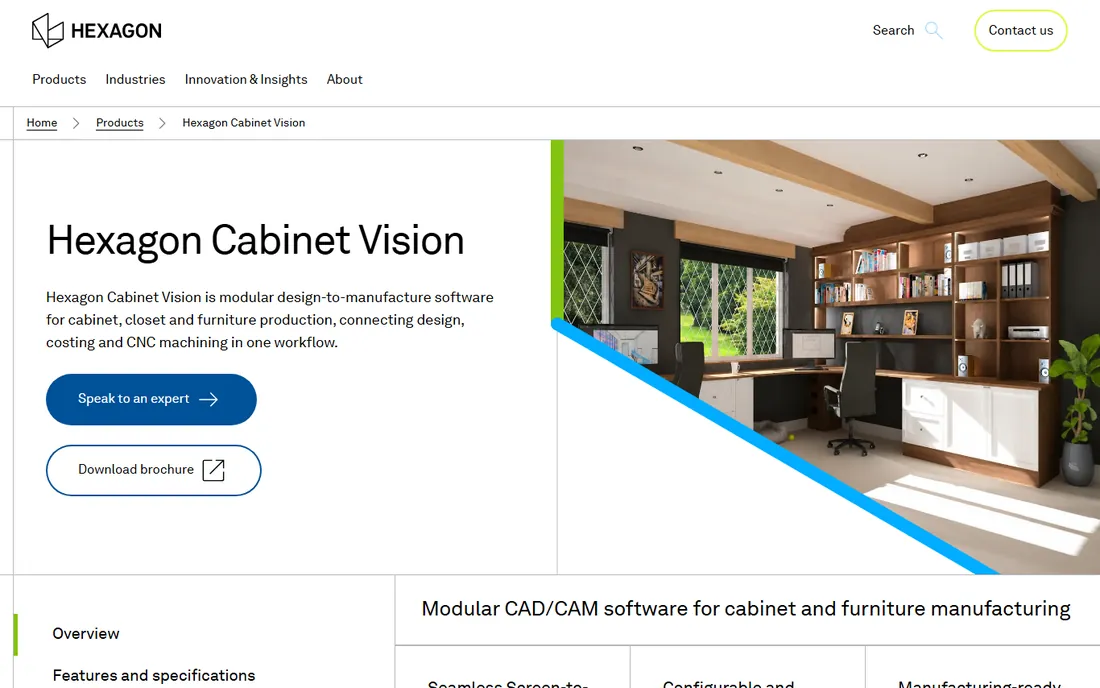
Cabinet Vision is the name most production shops already know. Built by Hexagon, it covers the full path from room design through engineering, pricing, cut lists, and CNC code, with modules you add as the shop grows. The parametric cabinet libraries mean a design change propagates through every part, report, and toolpath automatically, which is where the real time savings live.
The trade-offs are cost and commitment. Pricing is quote-based and sits at the enterprise end, and getting the system dialed into your construction methods takes real implementation work. This is software you buy when the shop has outgrown simpler tools and the errors from manual processes are costing real money. For that buyer, it is the reference standard.
What we like- Deep manufacturing integration
- Accurate cut lists and CNC output
- Scalable from design to factory
Watch out for- Quote-based pricing
- Significant learning curve and implementation effort
Starting price$125/month
Free planFree trial
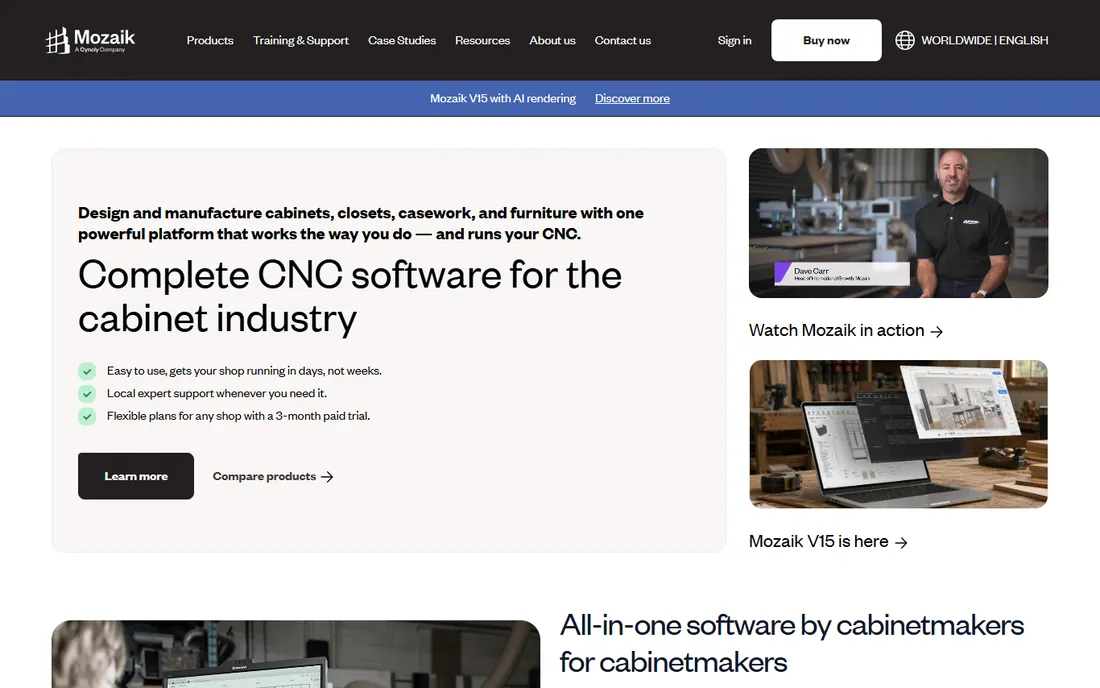
Mozaik is built for the shop that has a CNC router and wants software that speaks its language. The Manufacturing tier at $125 per month covers design, cut lists, and job management; the CNC tier at $225 adds nesting and machine integration; Enterprise at $325 serves larger operations. That transparent ladder is refreshing in a category where pricing is often hidden behind sales calls.
It runs on Windows only, which matters if your office uses Macs, and there is no free trial in the traditional sense, though they offer a paid short-term option to evaluate. For the small shop moving from manual methods to CNC production, Mozaik's focus and pricing make it one of the most practical choices available.
What we like- Clear tiered pricing
- True CNC integration
- Designed specifically for cabinet shops
Watch out for- Windows only
- The full CNC tier costs more than the base plan
Starting price$79.99/month
Free planFree trial
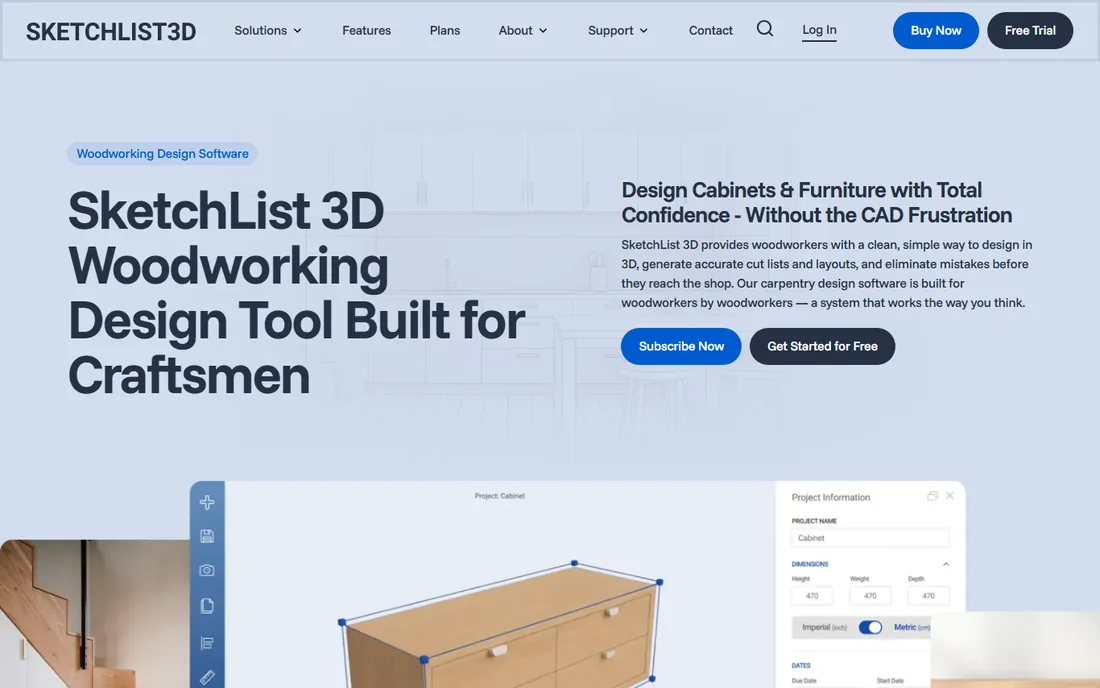
SketchList 3D proves you do not need five figures to design cabinets properly. At $79.99 per month, $49.99 per month on annual billing, or $999.99 for a one-time license, it is the most affordable real cabinet design tool here, and the 14-day free trial lets you verify that before paying. It handles cabinet modeling, cut lists, and shop drawings with an interface that woodworkers find approachable.
It will not replace Cabinet Vision on a production floor; the manufacturing integration is shallower and the community is smaller. But for custom furniture makers, small shops, and serious hobbyists who need accurate models and parts lists without enterprise overhead, it is excellent value.
What we like- Lowest serious price in the category
- One-time purchase option
- Easy to learn
Watch out for- Less manufacturing depth than production tools
- Smaller user community
Starting priceSee website
Free planFree trial
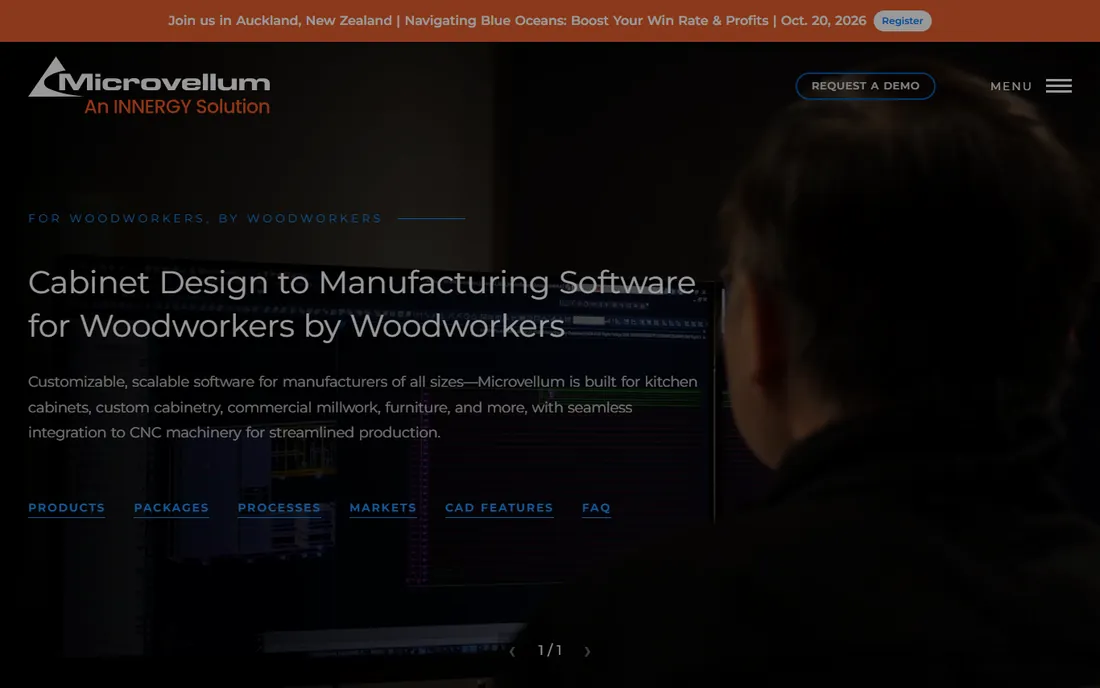
Microvellum takes a different architectural bet from everyone else here: instead of a standalone program, it is a toolbox built on top of AutoCAD or BricsCAD. That means shops already invested in Autodesk get cabinet engineering inside the CAD environment their engineers know, with deep customization through the underlying platform.
The price of that power is complexity. You need real CAD skill to get the most from it, implementation is a project, and pricing is annual subscription quoted per shop. This is a tool for established manufacturers with engineering staff, not for the one-person shop. In that world, it is one of the most capable options made.
What we like- Built on AutoCAD and BricsCAD
- Extremely deep customization
- Proven in large shops
Watch out for- Requires CAD expertise
- Pricing is quote-based and enterprise-level
Starting priceSee website
Free planFree trial
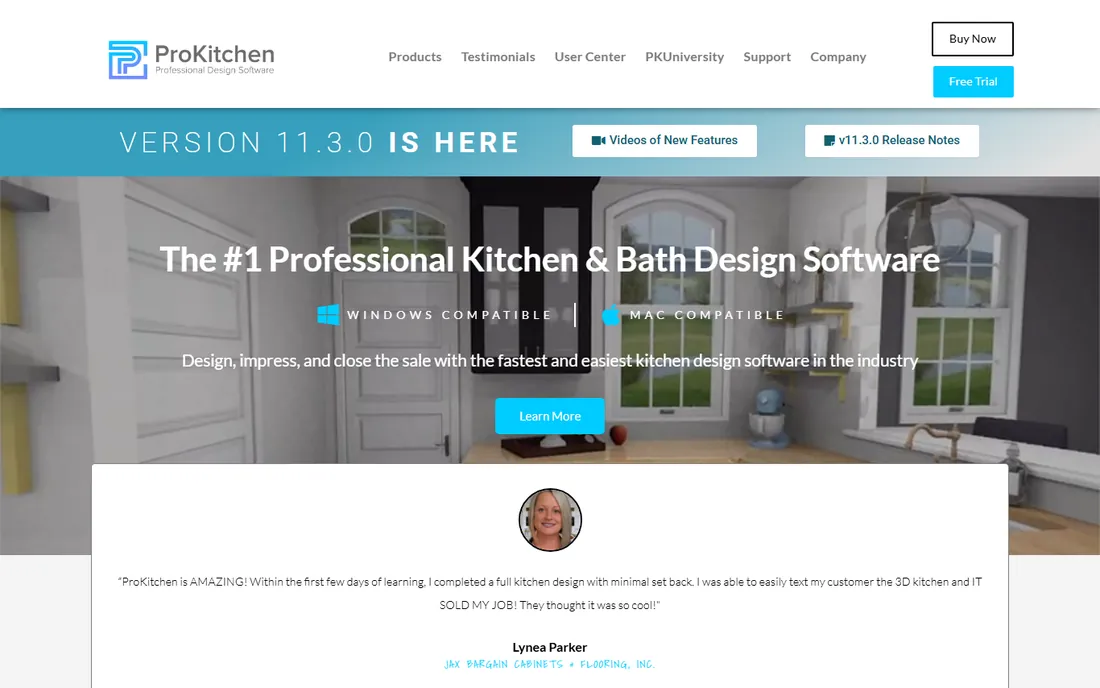
ProKitchen serves the front of the house: designers, dealers, and remodelers who need to show clients a beautiful kitchen and close the sale. Its renders are fast and convincing, the catalog library covers hundreds of real cabinet manufacturers, and version 11 runs natively on both Mac and Windows. The free 7-day trial is enough to present a real project.
Do not buy it expecting shop drawings or CNC code; that is not its job. It hands off to manufacturing rather than doing it. For showrooms and design-build firms where the sale depends on the presentation, it is one of the strongest tools in the category.
What we like- Fast photorealistic kitchen renders
- Huge manufacturer catalog library
- Runs on Mac and Windows
Watch out for- Design and sales focused, not a manufacturing tool
- Pricing requires contacting sales
Starting priceSee website
Free planFree trial
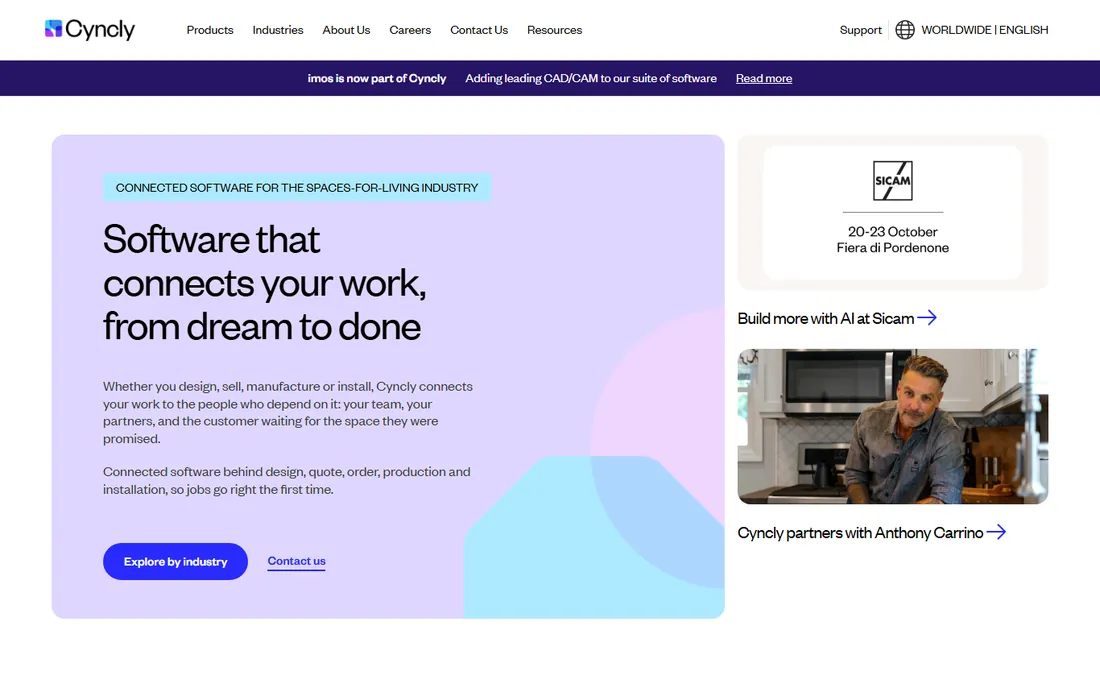
The product long known as 2020 Design now lives under the Cyncly brand, the parent company that also owns several other kitchen and furniture software lines. Whatever the name on the website, the product remains the retail kitchen industry's workhorse: designers build rooms from accurate manufacturer catalogs, generate quotes with real pricing, and send orders that the factory can actually build.
The rebrand means you will see both names in the wild; we mention the old name once for clarity. Pricing and onboarding run through Cyncly's sales process, which suits dealers and chains better than individual designers. If you sell kitchens at retail volume, this is the platform the industry standardized on.
What we like- Purpose-built for kitchen retail
- Accurate manufacturer catalogs
- Quote-to-order workflow
Watch out for- Rebrand creates confusion
- Enterprise sales process for larger dealers
Starting priceSee website
Free planFree trial
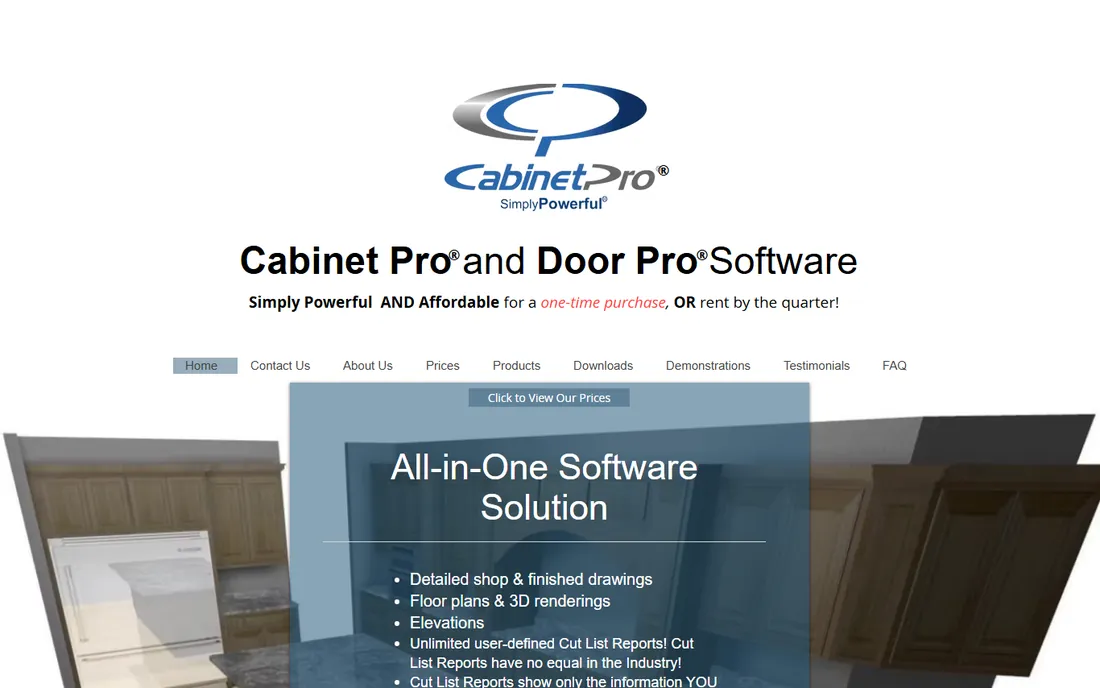
Cabinet Pro has served small cabinet shops for years with a straightforward proposition: design, cut lists, bidding, panel optimization, and CNC output in one affordable package. Both purchase and rental options are available, which lets a new shop start cheap and buy outright later. The feature list punches above the price.
The interface will not impress anyone raised on modern software, and the marketing leans on superlatives. Look past that and you find a capable tool with loyal users and human support. For the budget-conscious shop that needs real manufacturing features without enterprise pricing, it deserves a trial.
What we like- Affordable purchase and rental options
- Cut lists, bidding, and CNC in one package
- US-based support
Watch out for- Interface feels dated
- Less polished than premium rivals
Starting priceSee website
Free planFree trial
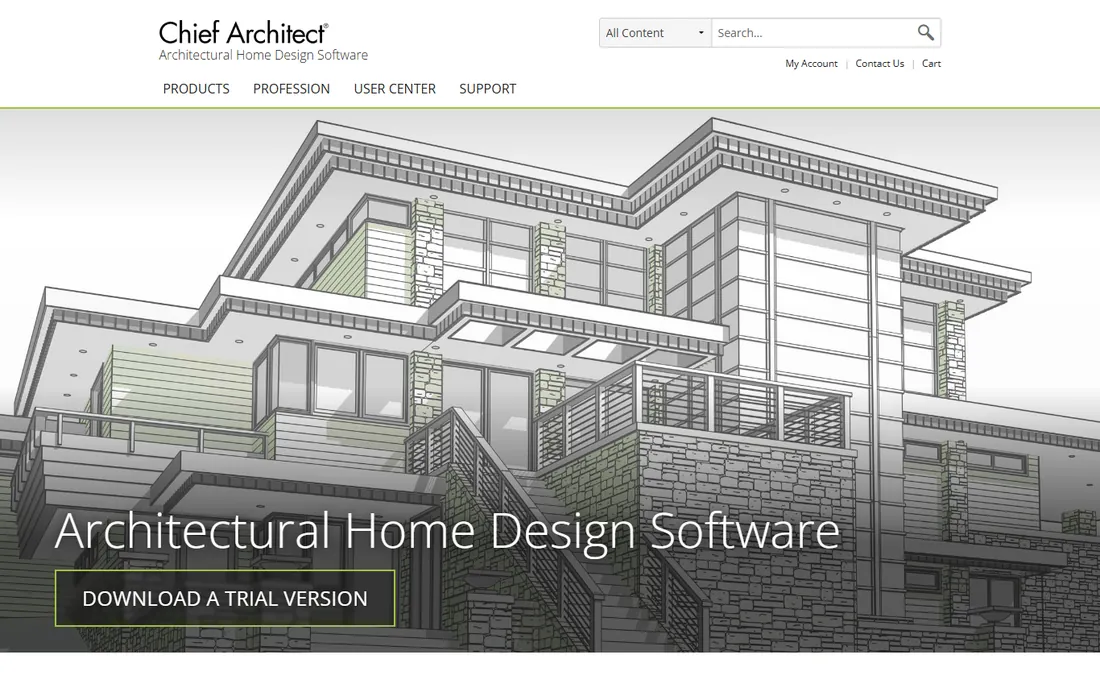
Chief Architect is home design software that happens to handle kitchens well, rather than cabinet software that handles rooms. Remodelers love it because they can design the whole house, generate construction documents, and show clients photorealistic views, with cabinets as one part of a bigger project. The automatic roof, framing, and materials tools save serious drafting time.
If your business is building cabinets, look elsewhere; the cut lists and CNC integration are not its strength. But if you are a remodeler or design-build firm that needs kitchens inside full-home projects, it is more useful than any pure cabinet tool.
What we like- Full home design, not just kitchens
- Automatic building tools
- Strong 3D visualization
Watch out for- Cabinet manufacturing features are shallow
- Priced for design professionals
Starting priceSee website
Free planFree trial
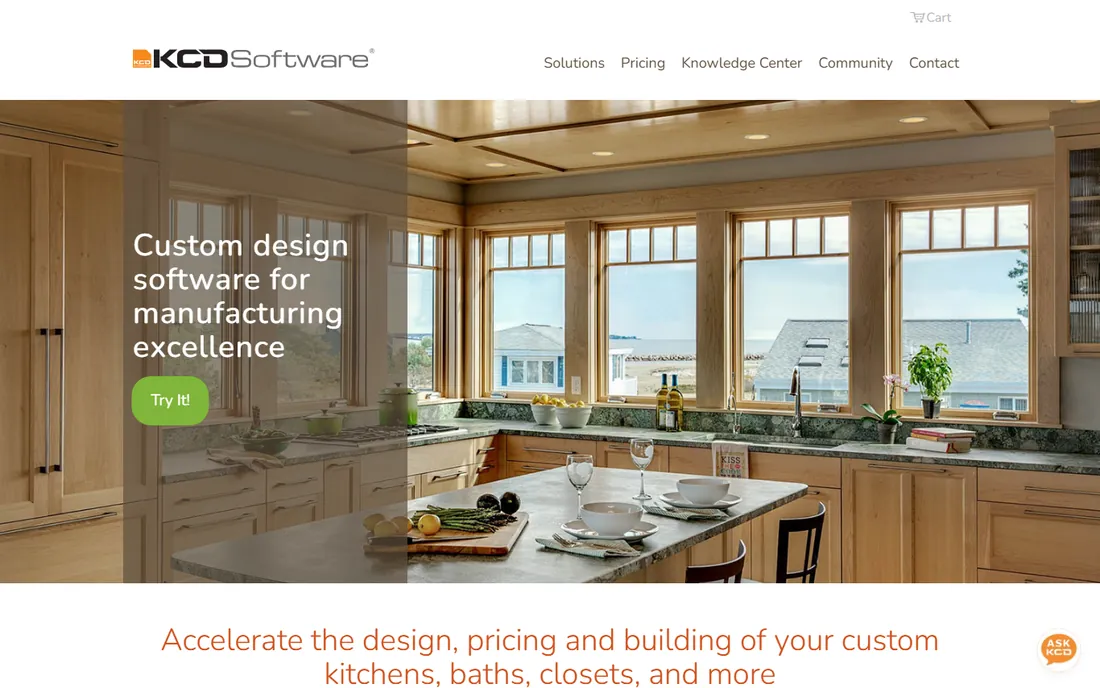
KCD Software has a loyal following among custom cabinet and closet shops, and the reason is simplicity. Owners consistently report that new employees learn it in days, not months, and the pricing model is unusually friendly: no annual maintenance fees, free upgrades, and a 31-day rental for short-term needs. It covers design, pricing, presentations, and CNC output for the typical custom shop.
It is a smaller company than the enterprise players, so integrations and the partner ecosystem are thinner. But for the custom shop that wants software to disappear into the workflow rather than become a second job, KCD's ease of use is a genuine competitive advantage.
What we like- Easy to learn
- No annual maintenance fees
- 31-day rental option
- Free upgrades
Watch out for- Smaller vendor
- Less third-party integration than bigger platforms
Starting priceSee website
Free planFree trial
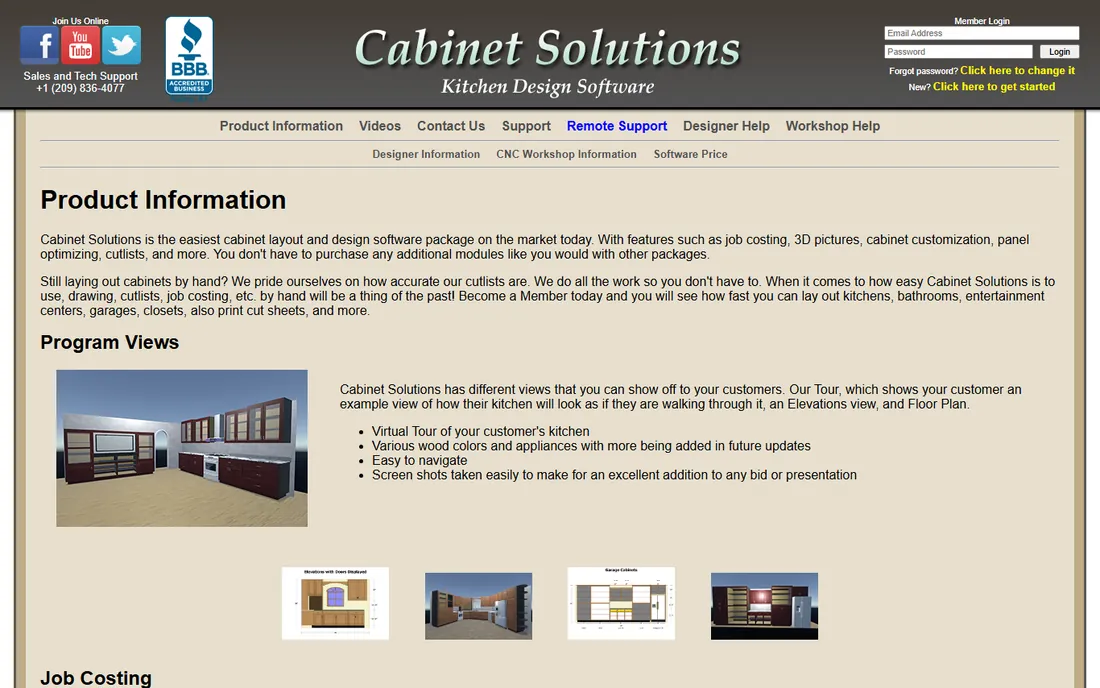
Cabinet Solutions pitches itself as the easiest cabinet software on the market, and the product backs up the claim. Everything is included: design, 3D views, cut lists, panel optimization, job costing, and CNC export, with no extra modules to purchase. The job costing tools are a particular strength, letting shops price by lineal foot or by materials, labor, and profit with real accuracy.
The 3D presentations are functional rather than stunning, so client-facing showrooms may want more polish. Support runs through phone and email from a small US team. For the small shop that wants to stop doing layouts by hand and start cutting accurately, it is one of the gentlest on-ramps available.
What we like- Very easy to learn
- Strong job costing and panel optimization
- No extra modules to buy
Watch out for- Basic 3D presentation
- Smaller vendor with phone-first support
Design software versus manufacturing software: know which you are buying
The most expensive mistake in this category is buying the wrong type of tool. Design software, like ProKitchen and Cyncly, exists to win the job: beautiful renders, accurate quotes, and happy clients. Manufacturing software, like Cabinet Vision, Mozaik, and Microvellum, exists to build the job: cut lists, nesting, and machine code.
Many shops need both, and some products blur the line. But if you only have budget for one, follow the money. If lost sales are your problem, buy design software. If shop errors, wasted sheet goods, and manual retyping are your problem, buy manufacturing software. The prettiest render in the world will not fix a cut list that is wrong.
What to check before you pay
Demand a trial with your own construction methods. Every vendor demos with their standard cabinets; your shop builds differently. Enter one of your real jobs, with your materials, your joinery, and your pricing, and see whether the software adapts or fights you. That single test reveals more than any feature list.
Ask about the total first-year cost, not just the license. Implementation, training, catalog setup, and post-processor configuration for your specific CNC can add substantially to the sticker price. Get those numbers in writing before you sign.
Check the exit terms. Some subscriptions hold your data hostage in proprietary formats, making it painful to leave. Ask how you export your cabinet libraries, customer designs, and pricing data, and what happens to your access if you cancel. The vendors confident in their product will answer plainly.
How we chose
We verified that every product on this list is live and actively sold in 2026 by opening each vendor's official site. We focused on software used by cabinetmakers, kitchen designers, and remodelers for cabinetry work, covering both design-focused and manufacturing-focused tools. Pricing comes from the vendors' own pages where published; where vendors keep pricing behind sales conversations, we say so. We excluded generic CAD programs, interior design apps with no cabinetry depth, and discontinued products. No vendor paid for placement.
Frequently asked questions
How much does cabinet design software cost?
It ranges widely. SketchList 3D starts at $79.99 per month, Mozaik tiers run $125 to $325 per month, and enterprise tools like Cabinet Vision and Microvellum are quote-based, typically reaching five figures annually. Most vendors offer trials; use them to confirm value before committing.
Do I need CNC to benefit from cabinet design software?
No. Even without a CNC router, the accurate cut lists, panel optimization, and job costing these tools produce will save material and estimating time. CNC integration becomes valuable when you add the machine; the software is worth it before that.
Can cabinet design software replace a CAD program?
For cabinetry work, often yes. Manufacturing-focused tools generate the shop drawings, reports, and machine code a general CAD program cannot. Design-build firms that also do architecture may still want Chief Architect or a CAD platform alongside.
What is the easiest cabinet design software to learn?
KCD Software and Cabinet Solutions both have reputations for short learning curves, with owners reporting new staff productive in days. SketchList 3D is also approachable. The enterprise tools trade ease for depth.
Should a small shop buy manufacturing software or design software first?
Buy the one that fixes your biggest cost. If you lose jobs to competitors with better presentations, buy design software. If you win jobs but lose money to shop errors and wasted materials, buy manufacturing software. Most growing shops eventually need both.
Sources we checked (10)
- https://cabinetvision.com/
- https://mozaiksoftware.com/
- https://sketchlist.com/
- https://microvellum.com/
- https://prokitchensoftware.com/
- https://2020spaces.com/
- https://www.cabinetpro.com/
- https://chiefarchitect.com/
- https://kcdsoftware.com/
- https://cabinetsolutions.net/
Is your product missing or out of date?
We review this list regularly. Vendors can request a listing, send updated pricing or ask about featured placement.

Shihab Mia · Founder, Rankite
Shihab has spent more than a decade helping SaaS and e-commerce brands grow through search. He writes Rankite's software buying guides from pricing pages, documentation and public user reviews. More about Shihab.