How we make this list: we compare pricing pages, product documentation and public user reviews. Rankite is independent; if a vendor ever pays for a featured spot, that listing is clearly labeled Partner.
Key takeaways
- Canva is the easiest starting point for designing a card yourself, with thousands of templates and optional printing built in.
- Vistaprint wins on price for bulk printing, with 50 standard cards starting around $10.
- MOO is the pick when the card itself needs to impress, with thick stocks and a different design on every card.
- HiHello and Blinq are the best digital options, with free cards you share by QR code or NFC tap.
- Basic Invite is the hidden gem for color control, letting you recolor every element with an instant preview.
Quick comparison
| Tool | Best for | Starting price | Free plan |
|---|
 Canva Canva | Designing cards yourself with thousands of templates | See website | Yes |
 Adobe Express Adobe Express | Fast card design with Adobe fonts and stock assets | $9.99 per month | Yes |
 Vistaprint Vistaprint | Cheap bulk business card printing | From $10 for 50 standard cards | No |
 MOO MOO | Premium-feel cards that make an impression | See website | No |
 Zazzle Zazzle | Marketplace designs from independent artists | From about $9 per pack | No |
 Jukebox Print Jukebox Print | Unusual stocks like wood, bamboo, and cork | See website | No |
 Basic Invite Basic Invite | Total color control with instant previews | From $0.14 per card | No |
 PsPrint PsPrint | Trade-style online printing with design support | See website | No |
 HiHello HiHello | Digital business cards for individuals and teams | See website | Yes |
 Blinq Blinq | NFC and QR digital cards with team management | See website | Yes |
Is your product missing or out of date?
We review this list regularly. Vendors can request a listing, send updated pricing or ask about featured placement.
Best business card design software: the 10 top picks
#1
Canva
Best for: Designing cards yourself with thousands of templates
Visit canva.com
Starting priceSee website
Free planYes
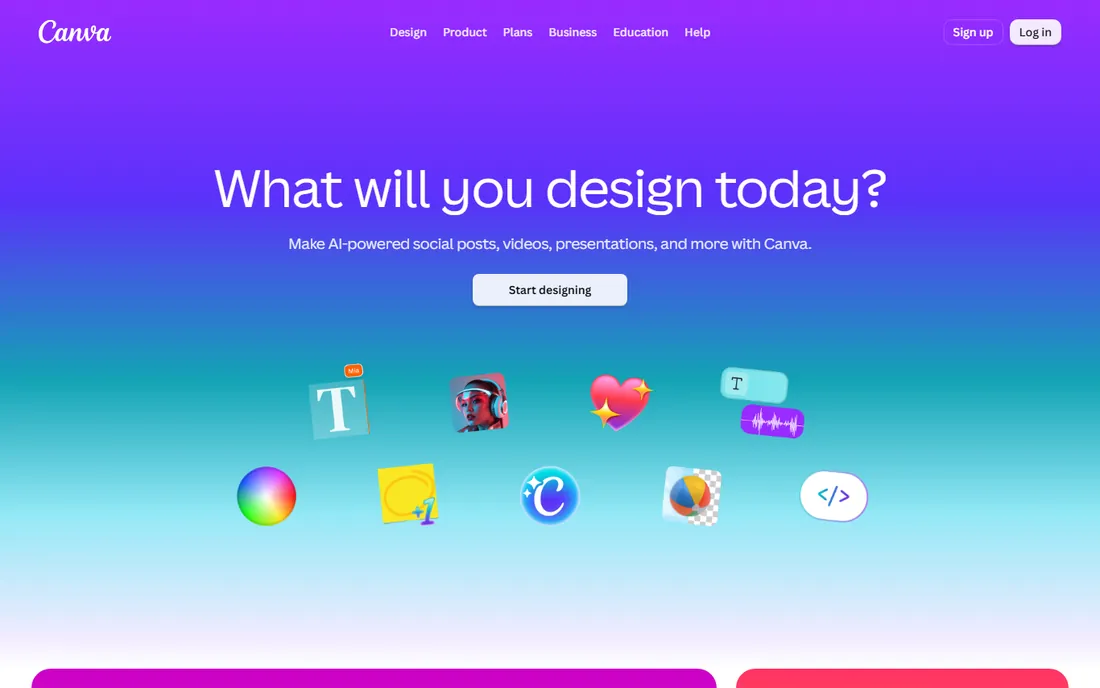
Canva is where most non-designers start, and for good reason. Search for business card templates, pick one you like, swap in your name and logo, and you have something presentable in minutes. The free plan covers the core design work, while the paid Pro tier adds brand kits, background removal, and the full template and stock library. Setup is just a free account, and your designs save automatically to the cloud.
The honest limitation is that Canva is a design tool first and a printer second. Its built-in print service is convenient for straightforward orders, but dedicated printers offer more paper stocks, finishes, and sizes. A common workflow is to design in Canva, download a print-ready PDF, and send it to a specialist printer. That two-step approach gives you the best of both worlds without much extra effort.
What we like- Huge template library for every industry
- Genuinely usable free plan
- Canva Print orders cards directly
Watch out for- Premium templates and elements need Pro
- Print availability and pricing vary by region
Starting price$9.99 per month
Free planYes
Adobe Express is Adobe's answer to Canva, and it is a strong one for business cards. The free plan includes thousands of templates, a large stock photo library, and background removal without watermarks, which is unusually generous. Premium, at $9.99 per month according to Adobe's pricing page, adds the full template library, brand kits, and premium stock assets. Like Canva, it saves everything to the cloud and works in the browser or mobile app.
For card makers, the practical edge is typography. Access to Adobe Fonts gives your card a more distinctive look than the default font sets elsewhere, and that matters on a canvas as small as a business card. The catch is that ordering printed cards through Adobe is only available in a handful of countries, so many users will export a PDF and print locally. If you already use Adobe tools, the familiar interface is a bonus.
What we like- Generous free plan with background removal
- Access to Adobe Fonts
- Print ordering in several countries
Watch out for- The best templates carry the Premium badge
- Print ordering is limited to select countries
Starting priceFrom $10 for 50 standard cards
Free planNo
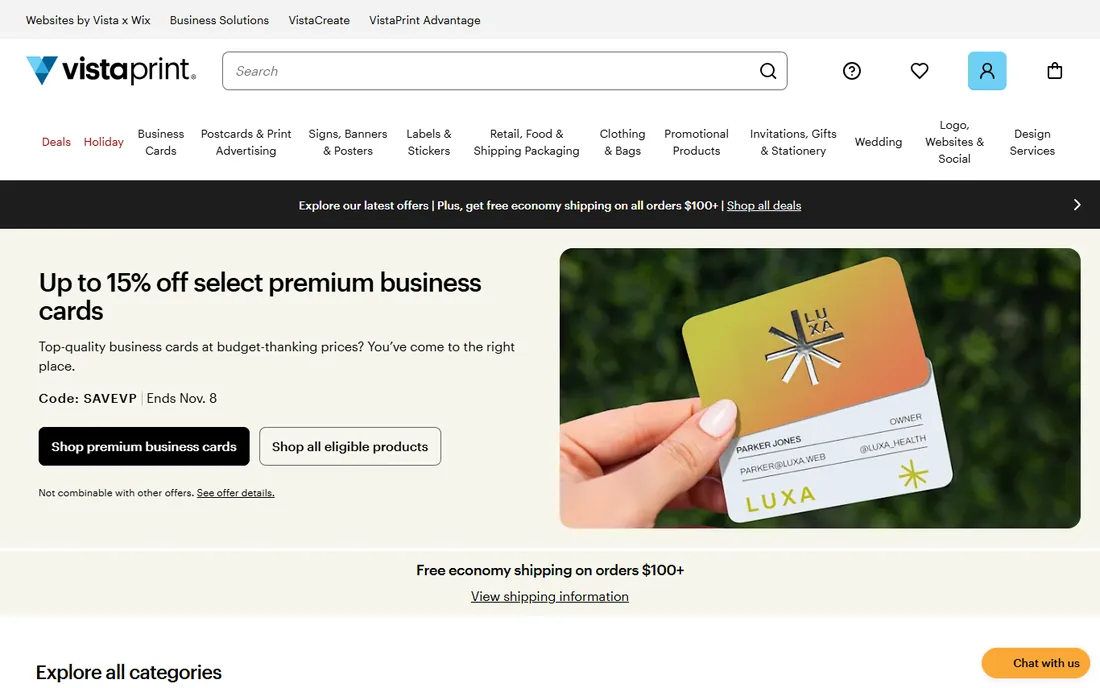
Vistaprint built its name on cheap, fast business cards for small businesses, and it still owns that position. Standard cards start at around $10 for 50 on the company's site, and the upgrade path covers thicker stocks, rounded corners, foil accents, and glossy or matte finishes. Turnaround is quick, with rush delivery options for last-minute needs. You design in the browser with its templates or upload your own file.
Go in with a design ready if you can, because the built-in designer is functional rather than inspiring. And watch the checkout: the base price is a starting point, and every upgrade nudges the total upward. Even so, for straightforward cards in quantity, the value is real, and the print quality at this price point is consistently decent.
What we like- Very low entry price
- Wide range of paper and finish upgrades
- Fast delivery options
Watch out for- Upsells pile up quickly at checkout
- The online design tool is basic compared to Canva
#4
MOO
Best for: Premium-feel cards that make an impression
Visit moo.com
Starting priceSee website
Free planNo
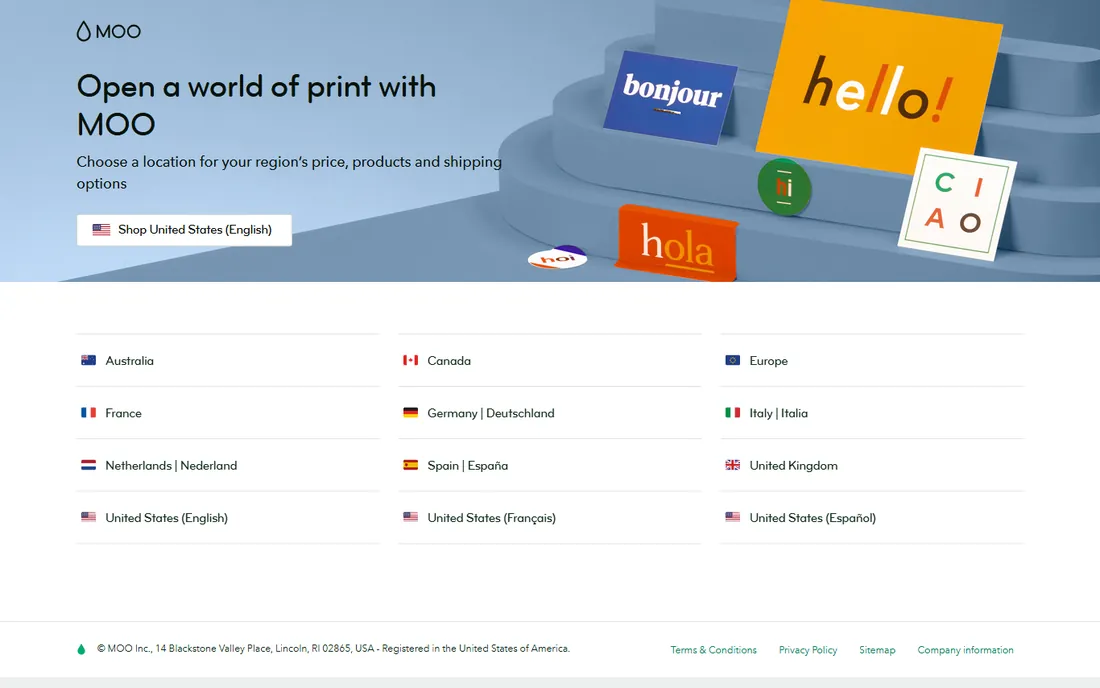
MOO is the printer designers recommend when the card needs to feel expensive. The Luxe range sandwiches a colored seam between thick layers of paper for a card that feels substantial the moment someone picks it up. Printfinity lets you print a different image on the back of every card in a pack, which photographers and illustrators love as a portable portfolio. The company also offers NFC-enabled cards that link to your digital profile.
You pay for it. MOO sits well above Vistaprint pricing, and if you just need 500 plain cards for a trade show booth, it is overkill. But for client-facing roles where the card is part of the pitch, the tactile difference is immediately obvious. Check the site for current pricing, since it varies by stock, finish, and quantity.
What we like- Thick Luxe stocks with a colored seam
- Printfinity puts a different design on every card
- NFC-enabled cards available
Watch out for- Noticeably pricier than budget printers
- Standard shipping is slower than the rush specialists
#5
Zazzle
Best for: Marketplace designs from independent artists
Visit zazzle.com
Starting priceFrom about $9 per pack
Free planNo
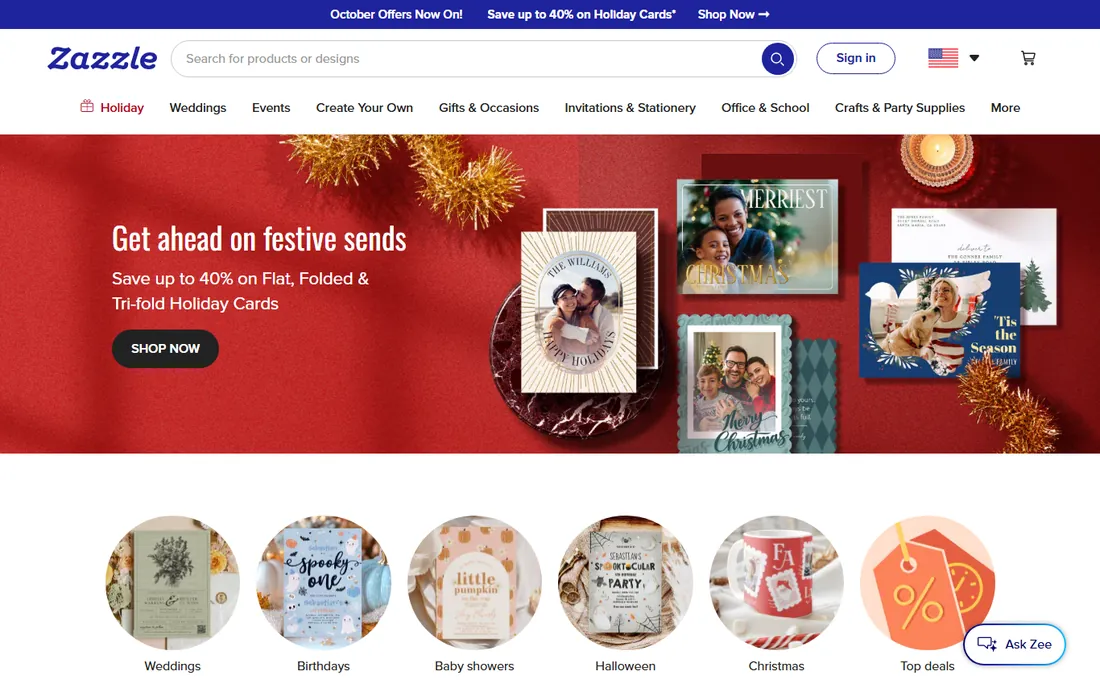
Zazzle is a marketplace, which makes it the best business card maker app alternative for people who want a design nobody else has. Independent artists upload thousands of templates, from minimalist to maximalist, and you customize the text and colors before ordering. Paper options run from standard 16pt all the way to thick 32pt stock, and packs on the site start from about $9, though the final price depends on the design, quantity, and current sale.
The marketplace model cuts both ways. You get variety no single company could match, but design quality is inconsistent, and the frequent sales mean the price you see today may not be the price next week. Stick to highly rated designs, use the preview carefully, and check the quantity in the pack before comparing prices.
What we like- Enormous variety of artist-created designs
- Many paper stocks up to 32pt
- Customization tools are easy
Watch out for- Design quality varies between sellers
- Pricing shifts with frequent sales
Starting priceSee website
Free planNo
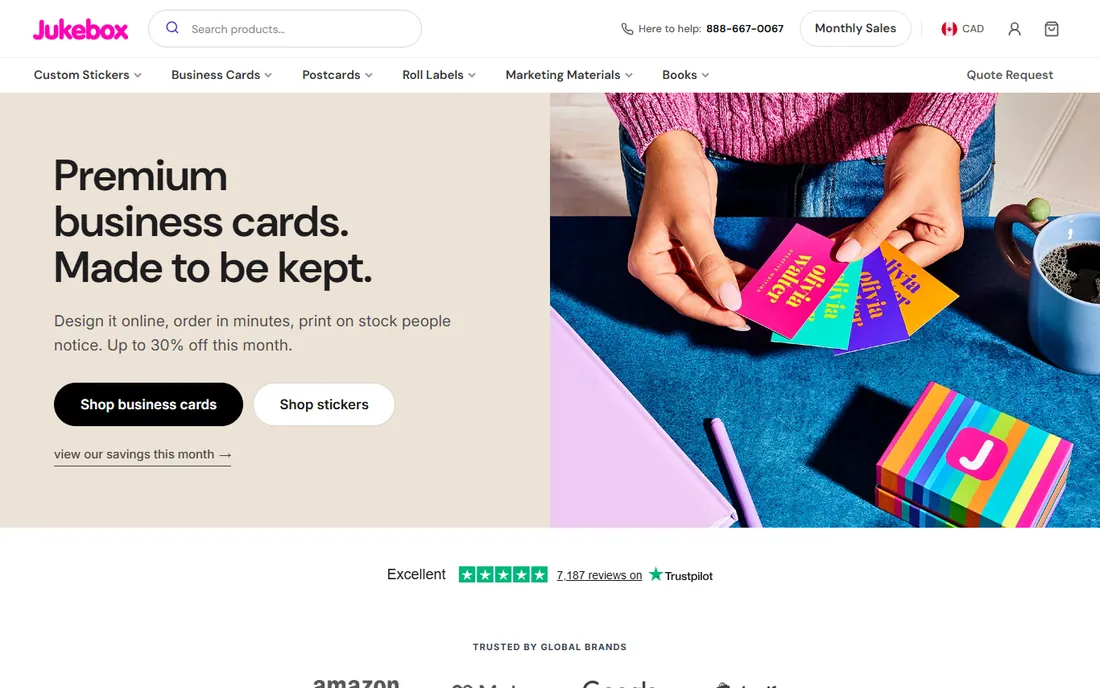
If your card needs to be a conversation piece, Jukebox is the specialist. It prints on bamboo, cork, cotton, and even real wood, with options like foil stamping, painted edges, and rounded corners that turn a card into an object people keep rather than file away. It also leans into sustainability with recycled stocks and soy-based inks, which suits brands with a green story to tell.
This is a premium product at premium prices, and you should arrive with finished artwork, since the online designer is not the draw here. Check the site for current pricing, as it varies by material and quantity. For creative businesses where the card is marketing in itself, the cost is easier to justify than for everyday networking.
What we like- Genuinely unique materials including wood and bamboo
- Eco-friendly recycled options
- Foil stamping and painted edges
Watch out for- Premium pricing reflects the materials
- The design tool is weaker than template-first sites
Starting priceFrom $0.14 per card
Free planNo
Basic Invite's pitch is simple: almost unlimited color. Where most sites let you pick from a handful of colorways, Basic Invite lets you change every element of a design across more than 180 colors and see the result instantly. For brand sticklers who need an exact shade, that control is rare. Per-card pricing on the site starts from $0.14 at volume, which makes it competitive for larger runs.
It also offers printed samples so you can feel the paper before committing to a full order, a feature more printers should copy. The trade-off is a smaller design catalog than Zazzle or Canva, and turnaround is slower than the rush-print giants. If color accuracy matters more than speed, it is worth the wait.
What we like- Recolor every element from 180+ colors with live preview
- Order a printed sample first
- Foil options available
Watch out for- Smaller template library than the big marketplaces
- Production and shipping take longer than rush printers
#8
PsPrint
Best for: Trade-style online printing with design support
Visit psprint.com
Starting priceSee website
Free planNo
PsPrint has been printing for small businesses since 1990, and it shows in the range: standard, ultra-thick, folded, and die-cut cards, with an online designer for people who arrive without artwork. The company backs orders with a satisfaction guarantee, which matters when you are trusting a screen preview with your brand's first impression.
Pricing is quote-driven and favors bigger runs, so it suits businesses ordering in volume rather than someone who needs 50 cards once. Check the site for current pricing on your specifications. If you already have a print-ready file, the process is straightforward, and the quality is consistently professional.
What we like- Wide stock and finish selection
- Easy point-and-click design tool
- Satisfaction guarantee on every order
Watch out for- No free design tier
- Pricing rewards larger quantities
#9
HiHello
Best for: Digital business cards for individuals and teams
Visit hihello.com
Starting priceSee website
Free planYes
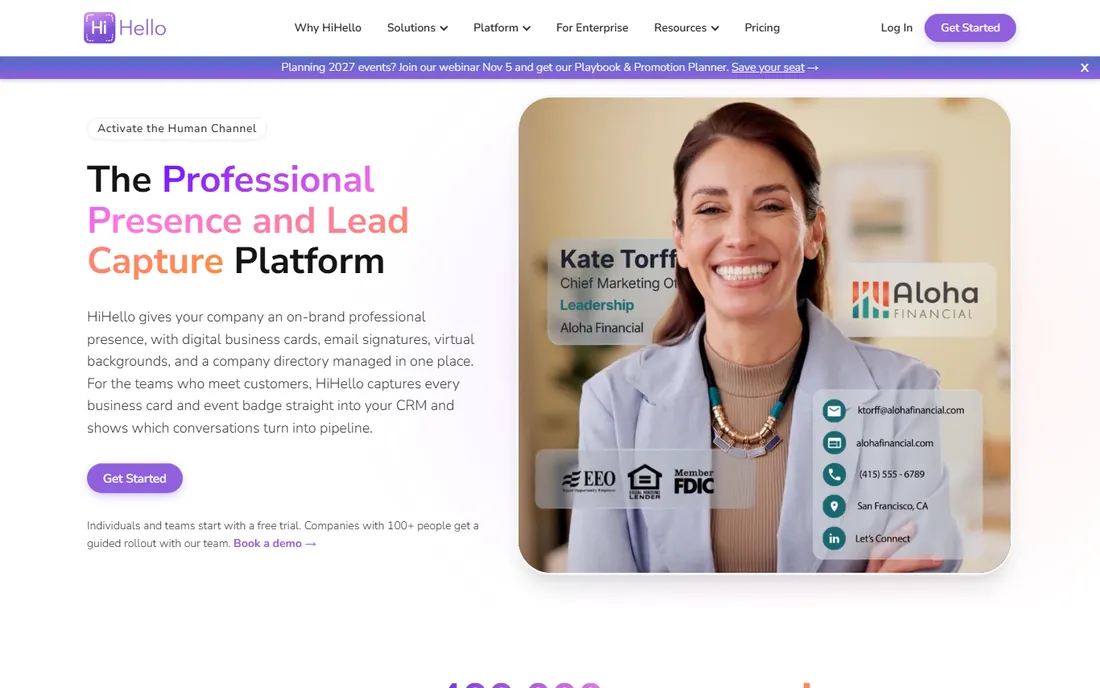
HiHello is the best app to make business cards if you want to skip paper entirely. Create a digital card, share it by QR code, link, or email signature, and the recipient saves your details without installing anything. It also scans paper cards you receive, so it doubles as a contact manager. The free tier covers a personal card well, and setup takes minutes.
Teams are where HiHello really earns its keep. Paid plans add consistent branding across the organization, admin controls, and CRM syncing, which suits sales teams that need every rep's card on brand. Check the site for current team pricing. For individuals, the free card is genuinely useful rather than a teaser.
What we like- Free digital card with QR sharing
- Business card scanning built in
- CRM and directory integrations
Watch out for- Advanced branding needs a paid plan
- Team features are where the real cost sits
#10
Blinq
Best for: NFC and QR digital cards with team management
Visit blinq.me
Starting priceSee website
Free planYes
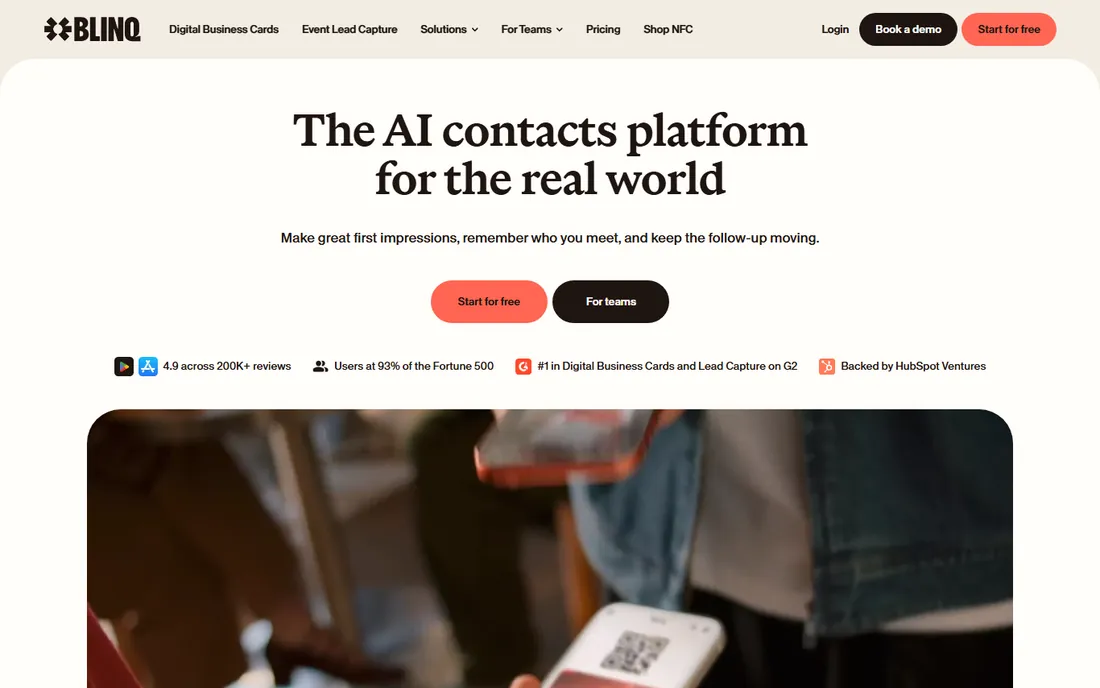
Blinq takes the digital card idea one step further with tap-to-share NFC cards you can buy and link to your profile. The free digital card covers QR sharing, wallet support, and unlimited shares, which is enough for most individuals. Premium adds multiple cards, contact enrichment, and CSV export for those who network heavily.
For teams, Blinq Business handles branded templates and CRM syncing across the organization. The free tier is generous, which explains its large user base. Like HiHello, it pairs well with a small run of printed cards for the occasions that still call for paper.
What we like- Free card with unlimited sharing
- Apple Wallet and smartwatch support
- Team templates and branding
Watch out for- Extras like the AI notetaker need Premium
- Physical NFC cards are sold separately
How to choose between design apps, printers, and digital cards
Start from the end result you need. If you need physical cards in hand next week, pick a printer first and use whatever designer it offers, or bring a file from Canva. Vistaprint wins on price and speed, MOO wins on impression, and Jukebox wins on novelty.
If design quality matters most and you have time, design in Canva or Adobe Express, export a print-ready PDF with bleed and crop marks, and send it to the printer with the best stock for your budget. This two-step approach gives you the best of both worlds.
If you meet people constantly and hate carrying cards, go digital with HiHello or Blinq. Keep a small run of printed cards anyway for the people who still expect one. The two formats complement each other rather than competing.
What we looked at when comparing
We evaluated each option against its vendor pricing page, official feature documentation, and public reviews on G2, Capterra, and Reddit. We weighted template quality, print stock options, turnaround time, digital sharing features, and pricing transparency. We did not claim hands-on testing; our findings come from public sources and documented user experiences.
Paper vs digital: which should you actually use
Paper cards still win in formal industries and at events where exchanging something physical is part of the ritual. A well-printed card on thick stock signals care in a way a phone screen cannot. If your clients are in finance, law, real estate, or traditional B2B, keep paper in the mix.
Digital cards win for everyone else. They cost nothing to share, stay up to date when you change roles, and capture the other person's details instead of just handing over yours. Salespeople, founders, freelancers, and recruiters get more from a Blinq or HiHello card than from a box of paper.
The practical answer for most people is both: a digital card for daily use and a short run of quality printed cards for the moments that call for one. That combination costs little and covers every situation.
Frequently asked questions
What is the best app to make business cards for free?
Canva and Adobe Express both offer strong free plans for designing cards, and HiHello and Blinq offer free digital cards. For free printed cards there is no real option; printing always costs something, though Vistaprint's entry prices are low enough to fit most budgets.
How much does it cost to print 500 business cards?
It depends on the printer and stock. Vistaprint's standard cards start around $10 for 50, with per-card costs falling at higher quantities. MOO and Jukebox charge more for premium stocks. Basic Invite lists per-card pricing from $0.14 at volume. Always compare the same stock weight and finish when shopping around.
Are digital business cards professional enough?
Yes, for most industries now. A clean digital card shared by QR code or NFC tap looks modern and competent, and it lets you update details without reprinting. In very traditional industries, pair it with a printed card for the people who still expect one.
Can I design in Canva and print somewhere else?
Yes. Design your card in Canva, download it as a PDF Print file with bleed and crop marks, and upload it to Vistaprint, MOO, PsPrint, or a local printer. This is a common workflow and gives you access to more stock choices than any single design app offers.
What paper weight should I choose?
Standard cards use 14pt to 16pt stock, which feels fine for everyday use. Premium cards run 18pt and up; MOO's Luxe is roughly 32pt with its layered construction. Thicker stock feels more substantial but costs more and can complicate mailing in standard envelopes.
How do NFC business cards work?
An NFC card contains a small chip programmed with a link to your digital profile. When someone taps it with a phone, their browser opens your card. Blinq sells NFC cards linked to its digital profiles; the card itself never needs reprinting when your details change, since the link stays the same.
Sources we checked (10)
- https://www.canva.com
- https://express.adobe.com
- https://www.vistaprint.com
- https://www.moo.com/
- https://www.zazzle.com
- https://www.jukeboxprint.com
- https://www.basicinvite.com
- https://www.psprint.com
- https://www.hihello.com
- https://blinq.me
Is your product missing or out of date?
We review this list regularly. Vendors can request a listing, send updated pricing or ask about featured placement.

Shihab Mia · Founder, Rankite
Shihab has spent more than a decade helping SaaS and e-commerce brands grow through search. He writes Rankite's software buying guides from pricing pages, documentation and public user reviews. More about Shihab.