How we make this list: we compare pricing pages, product documentation and public user reviews. Rankite is independent; if a vendor ever pays for a featured spot, that listing is clearly labeled Partner.
Key takeaways
- Zapier ($29.99/month for 750 tasks) remains the easiest start with 7,000+ app integrations; Make (from $9/month) is the cheapest like-for-like swap once volume grows.
- n8n and Activepieces self-host for free, which is the only way to keep your data on your own servers.
- Power Automate (from $15 per user per month) is the default for Microsoft 365 shops; Workato is the enterprise governance pick.
- Pricing models differ wildly: per-task (Zapier), per-operation (Make), flat-rate (Pabbly) and per-user (Power Automate). Model your real volume before buying.
- Pipedream is the developer pick with a generous free tier and real code inside workflow steps.
Quick comparison
| Tool | Best for | Starting price | Free plan |
|---|
 Zapier Zapier | The easiest start with the widest app catalog | $0 (free, 100 tasks/month); Professional from $29.99 per month (750 tasks) | Yes |
 Make Make | Visual workflows at a fraction of Zapier's cost | $0 (free, 1,000 operations/month); Core from $9 per month | Yes |
 n8n n8n | Technical teams that want to self-host | $0 self-hosted; cloud from $24 per month | Yes |
 Microsoft Power Automate Microsoft Power Automate | Companies living in Microsoft 365 | From $15 per user per month | Trial |
 Pabbly Connect Pabbly Connect | High-volume workflows on a flat rate | From $16 per month (billed annually) | Yes |
 Activepieces Activepieces | Open-source no-code automation | $0 self-hosted; cloud from $20 per month | Yes |
 Pipedream Pipedream | Developers who want code inside workflow steps | See website | Yes |
 Workato Workato | Enterprise automation with governance | See website | No |
Is your product missing or out of date?
We review this list regularly. Vendors can request a listing, send updated pricing or ask about featured placement.
The best business automation software
#1
Zapier
Best for: The easiest start with the widest app catalog
Visit zapier.com
Starting price$0 (free, 100 tasks/month); Professional from $29.99 per month (750 tasks)
Free planYes
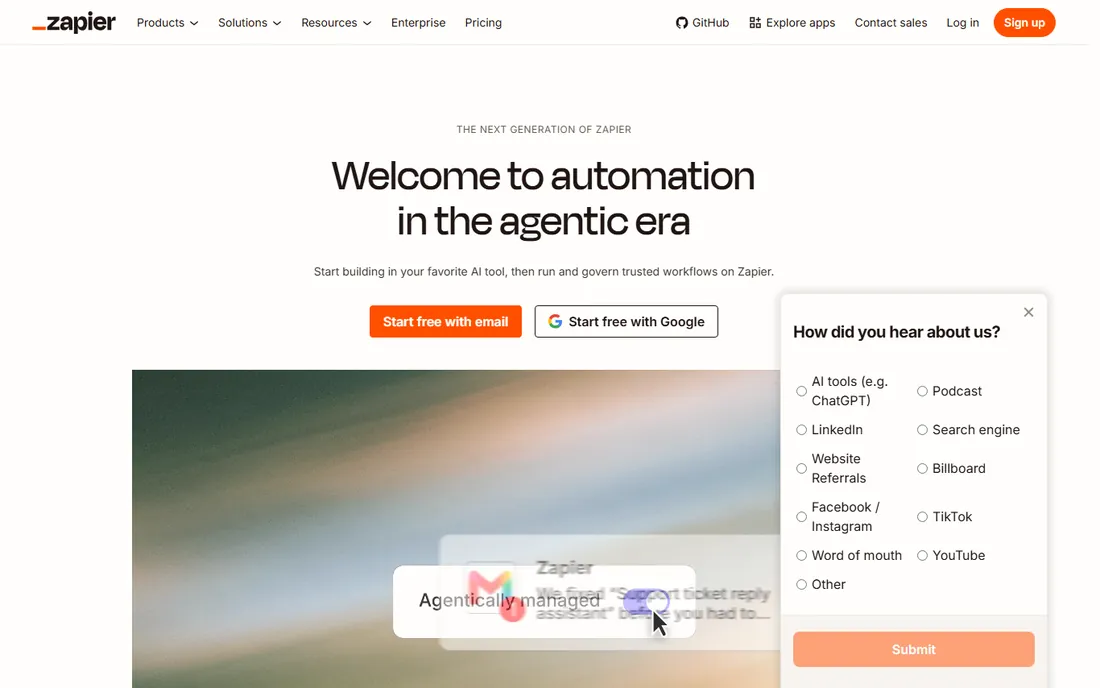
Zapier is the category leader for a reason: over 7,000 app integrations, setup measured in minutes, and reliability earned over a decade. The free plan covers 100 tasks a month for testing, and the Professional plan starts at $29.99 per month for 750 tasks. A task is one successful action step, so a five-step workflow running 100 times a day burns 500 tasks daily.
That per-step counting is the whole pricing story: simple workflows are cheap, complex ones get expensive fast, and over-limit usage auto-bills at a premium rate. For workflows under a few thousand tasks a month with no exotic logic, Zapier is still hard to beat.
It fits SMBs that want the widest app catalog with the least effort per workflow.
What we like- 7,000+ integrations, the widest on the market
- Simplest setup
- Mature and reliable
Watch out for- Per-task pricing punishes complex workflows
- No self-hosting
- Limited branching
#2
Make
Best for: Visual workflows at a fraction of Zapier's cost
Visit make.com
Starting price$0 (free, 1,000 operations/month); Core from $9 per month
Free planYes
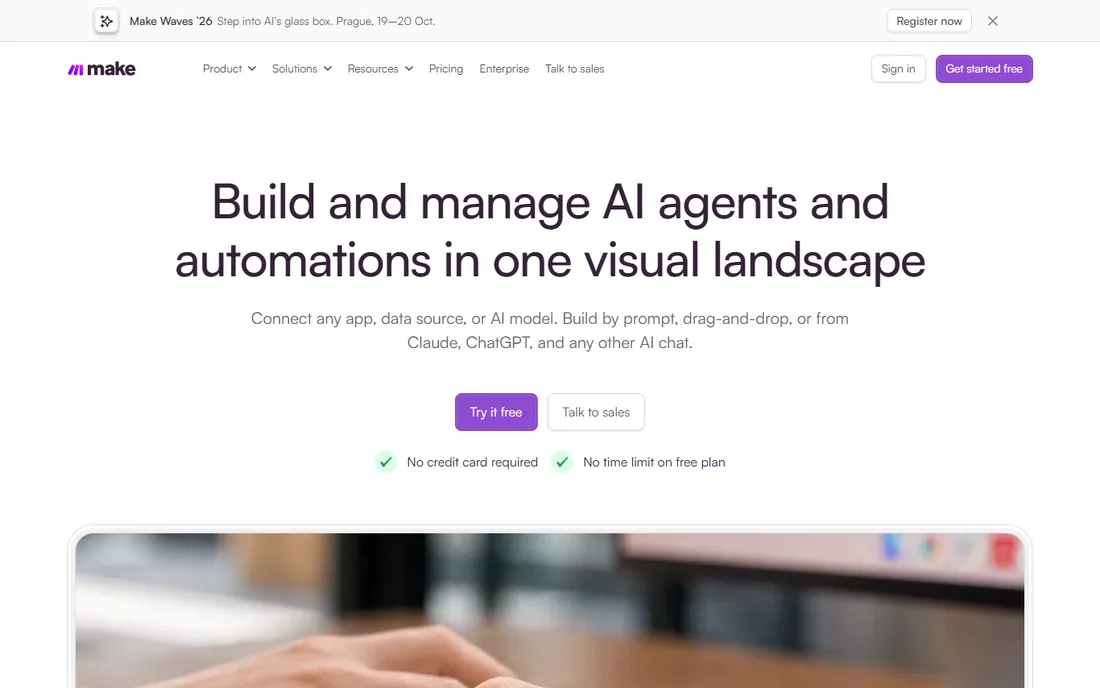
Make is the most common Zapier exit. Its visual scenario builder handles branching, loops and error handling that Zapier struggles with, and its per-operation pricing runs dramatically cheaper: the Core plan from $9 per month covers 10,000 operations, and the free tier gives 1,000 operations monthly. For most SMBs over 2,000 tasks a month, Make is the cheapest like-for-like swap.
The tradeoff is catalog size (around 2,000 integrations versus Zapier's 7,000+) and a steeper learning curve. Rare or niche apps may simply not exist on Make. But for mainstream stacks (Google, Slack, HubSpot, Notion, Airtable), it covers everything.
Choose Make when your Zapier bill is climbing and your workflows need real logic.
What we like- Visual scenario builder with routers and branching
- Per-operation pricing cheaper at scale
- 1,000 free ops
Watch out for- Smaller app catalog (~2,000)
- Steeper learning curve than Zapier
#3
n8n
Best for: Technical teams that want to self-host
Visit n8n.io
Starting price$0 self-hosted; cloud from $24 per month
Free planYes
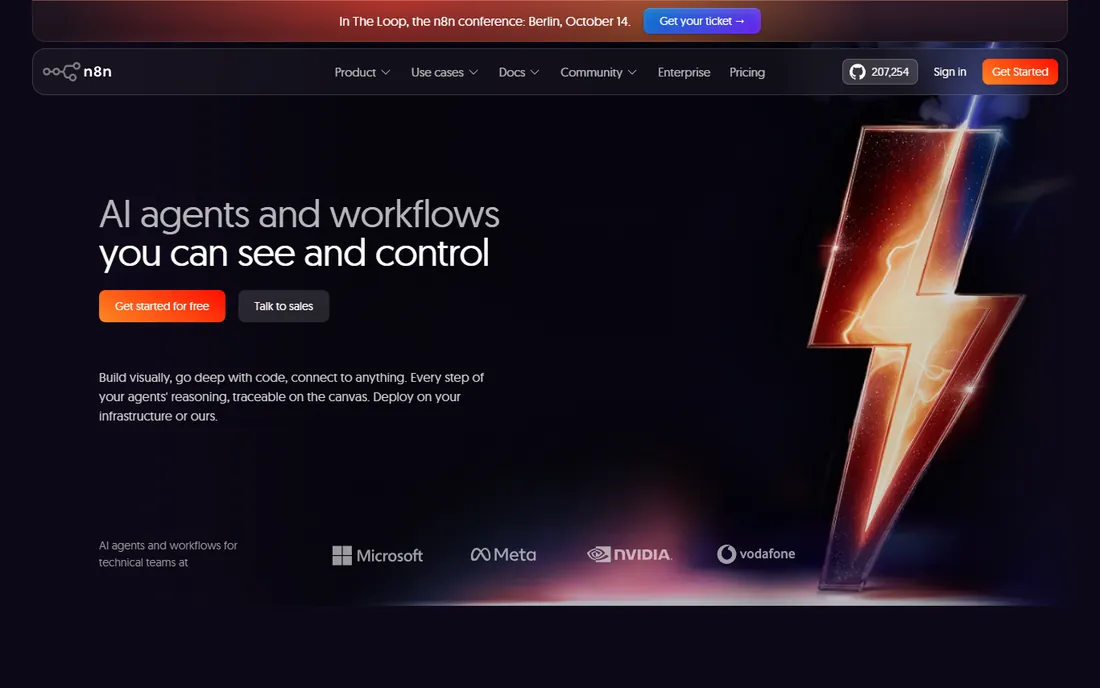
n8n is the open-core automation platform developers reach for: a visual workflow canvas with code nodes, HTTP nodes and native LLM nodes, under a fair-code license that lets you self-host for free with unlimited executions. The cloud plans start around $24 per month for teams that prefer not to run infrastructure.
Self-hosting is the point: your data never leaves your servers, which matters for privacy, compliance and data residency requirements. The cost is operational: you provision the server, handle updates and debug failures yourself. Cloud removes that burden but reintroduces per-execution billing.
It fits teams with a developer on staff who care about data control and want AI-native workflow features.
What we like- Free self-hosted with unlimited executions
- Native LLM nodes
- Code and no-code in one canvas
Watch out for- Self-hosting needs a developer
- Cloud pricing climbs with usage
Starting priceFrom $15 per user per month
Free planTrial
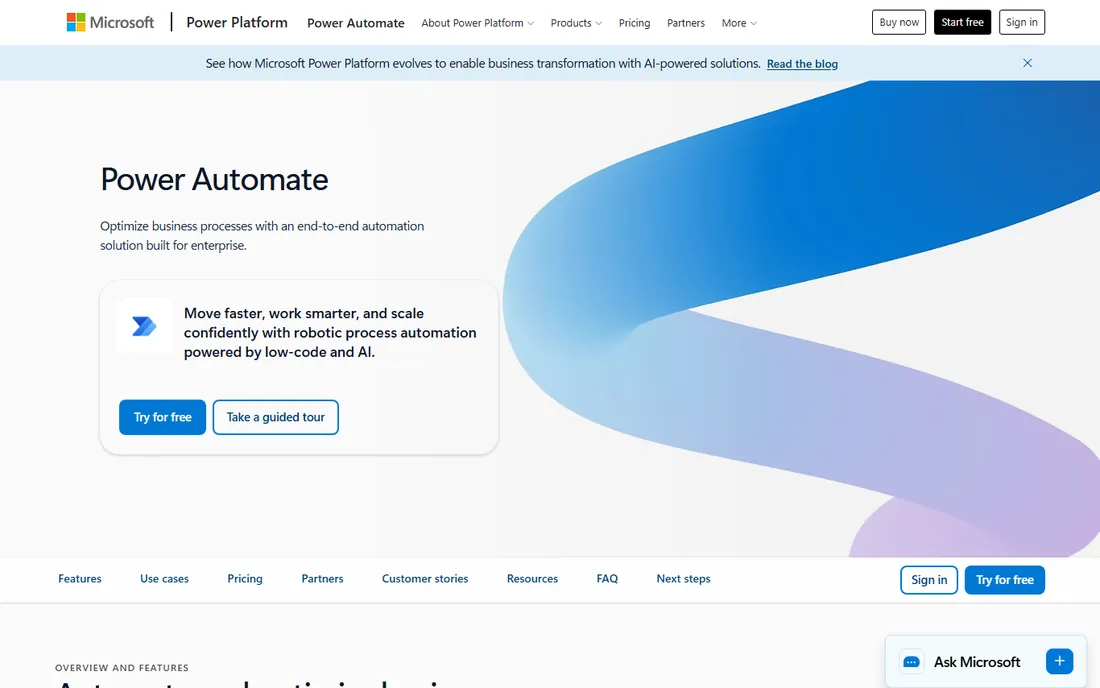
If your company runs on Microsoft 365, Power Automate is the path of least resistance: flows trigger from Outlook, Teams, SharePoint and Dynamics with native connectors, and everything inherits your tenant's security and compliance controls. Pricing starts around $15 per user per month, and some Microsoft 365 licenses include basic flows.
Outside the Microsoft ecosystem the connector story weakens, and per-user pricing gets expensive for large teams compared to volume-based tools. But for Microsoft-first organizations, the integration depth and governance outweigh the cost.
It is the default pick for Microsoft-centric companies, full stop.
What we like- Deep Microsoft 365 and Dynamics integration
- Inherits tenant security controls
- Desktop RPA included
Watch out for- Per-user pricing adds up
- Weaker outside the Microsoft ecosystem
#5
Pabbly Connect
Best for: High-volume workflows on a flat rate
Visit pabbly.com
Starting priceFrom $16 per month (billed annually)
Free planYes
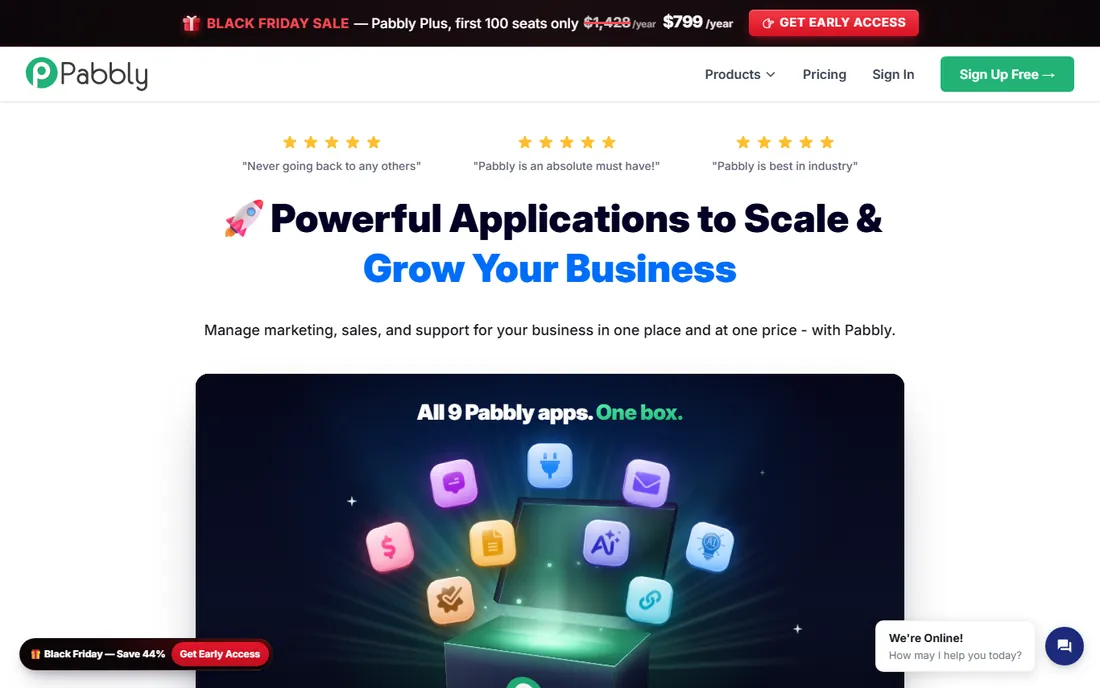
Pabbly Connect's pitch is pricing simplicity: flat-rate plans (from $16 per month billed annually) with generous task allowances, and no penalty for multi-step workflows. Where Zapier bills every action step, Pabbly's flat rate makes costs fully predictable, which suits high-volume marketing workflows with simple shapes.
The ecosystem is smaller and the feature set less deep than Make or n8n: fewer advanced branching options, fewer AI-native features. It is a workhorse for straightforward automation, not a platform for complex logic.
Choose it when your workflows are high-volume, simple-shaped and cost is the deciding factor.
What we like- Flat-rate pricing, no per-step penalties
- Generous task allowances
- Simple builder
Watch out for- Smaller ecosystem
- Fewer advanced features than Make or n8n
Starting price$0 self-hosted; cloud from $20 per month
Free planYes
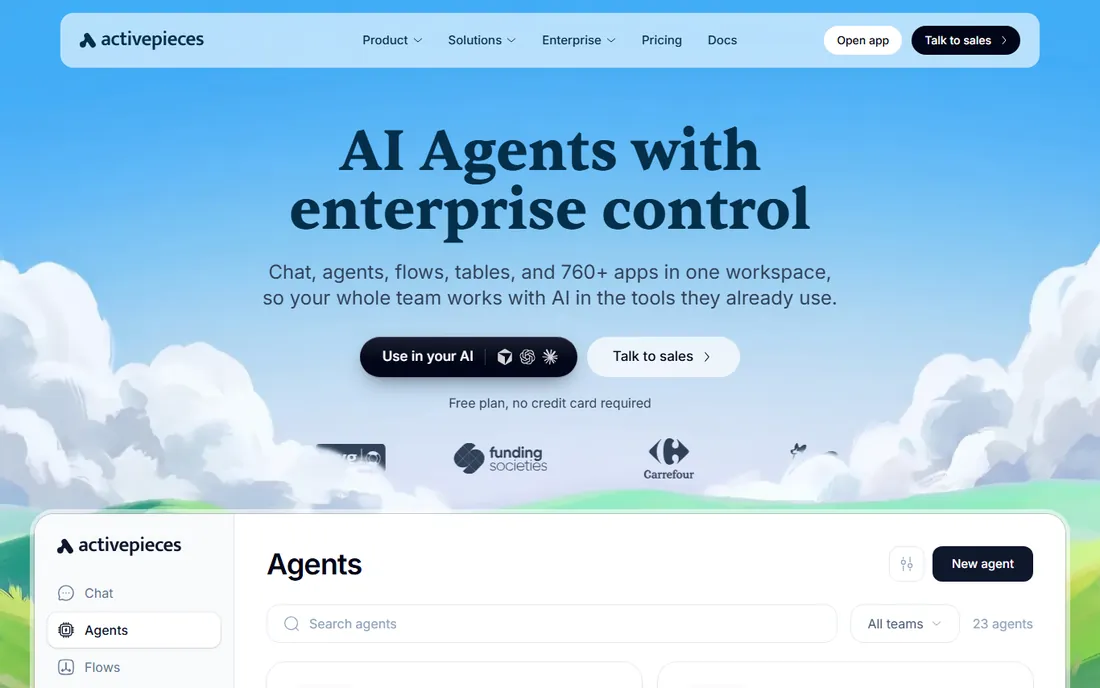
Activepieces is the newer open-source entrant: an MIT-licensed core you can self-host for free, with cloud plans from $20 per month for teams that want managed hosting. It targets business users more than developers, with a no-code builder that feels closer to Make than n8n.
Being younger, its integration catalog and community are smaller than n8n's, and edge-case reliability is less proven. But the MIT license is the most permissive in the category, and the cloud pricing undercuts most competitors.
It suits teams that want open-source automation with a gentler learning curve than n8n.
What we like- MIT-licensed open-source core
- Free self-hosting
- Affordable cloud plans
Watch out for- Smaller integration catalog
- Younger platform than n8n
Starting priceSee website
Free planYes
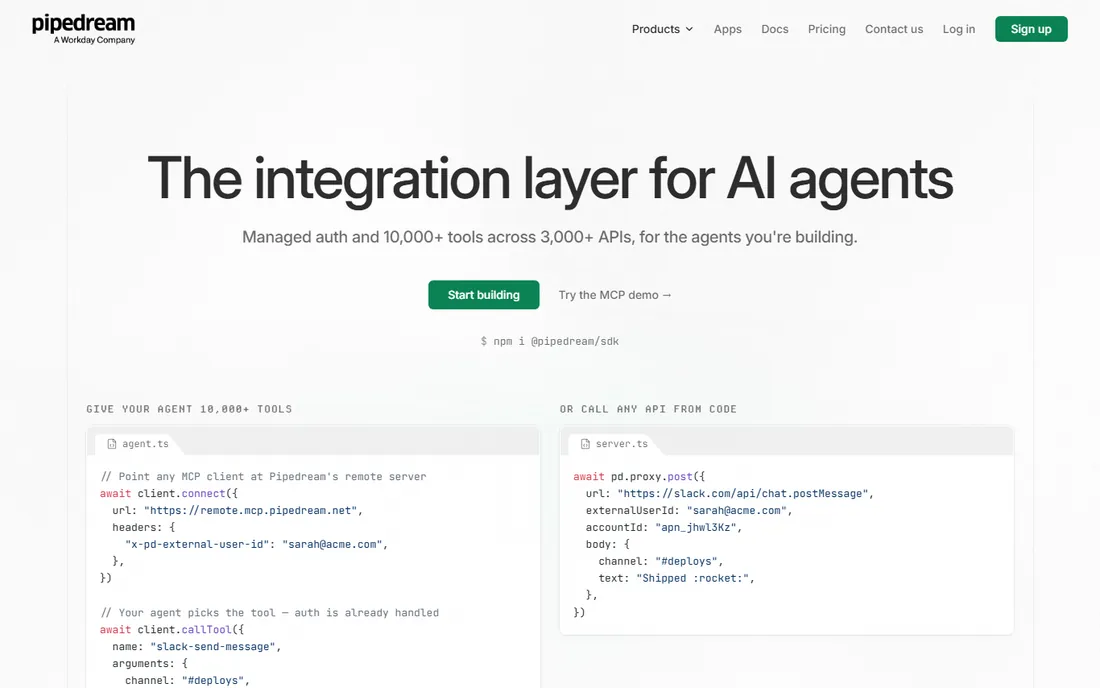
Pipedream is the automation platform for people who write code: every step can run Node.js or Python, with a massive library of prebuilt API components. The free tier is generous enough for serious side projects, and usage-based pricing scales with actual consumption.
Non-developers should look elsewhere; this is not a drag-and-drop tool. But for API-heavy workflows, custom integrations and data pipelines, writing code beats configuring connectors. It occupies the space between Zapier and a custom backend.
Pick Pipedream when your automations need real logic that no-code builders cannot express.
What we like- Real code (Node.js, Python) in any step
- Generous free tier
- Huge API component library
Watch out for- Requires coding skill
- Less friendly for non-technical users
Starting priceSee website
Free planNo
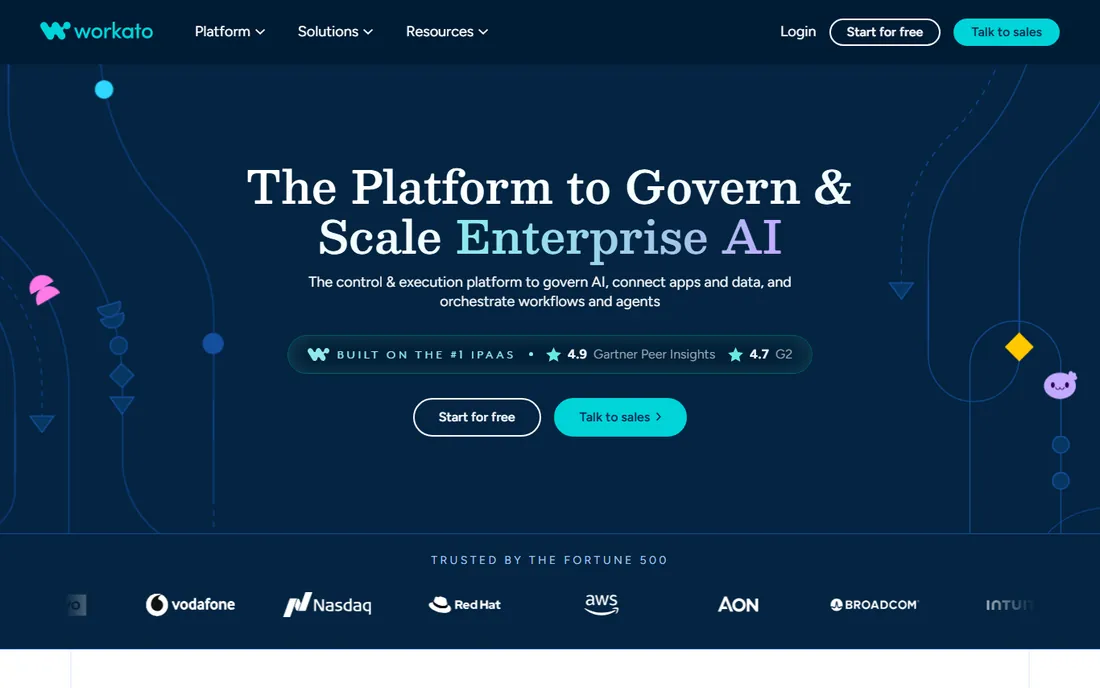
Workato is the enterprise iPaaS: automation with the governance, audit trails and role controls large organizations require. It serves IT, RevOps and operations teams standardizing automation across departments, with AI features layered on top.
Pricing is contract-based with no public tiers and no free plan; expect enterprise budgets. Small and mid-size teams should not bother: the platform's value appears when you have dozens of builders and compliance requirements.
It fits large organizations that need automation with guardrails, not individuals wiring two apps together.
What we like- Enterprise governance and audit trails
- AI add-ons
- Strong IT and RevOps adoption
Watch out for- Enterprise pricing (no public tiers)
- Overkill for small teams
Matching the pricing model to your volume
The biggest mistake in this category is comparing headline prices instead of pricing models. Zapier's per-task model punishes multi-step workflows: count your action steps per run, multiply by monthly runs, and you have your real number. Make's per-operation model is cheaper per unit and handles branching better. Pabbly's flat rate wins when volume is high and workflows are simple. Power Automate's per-user model wins when many people build but each builds little. Before committing, run one real workflow for a month on two finalists and compare the actual bills.
One more cost trap: premium connectors. Several platforms gate certain apps (Salesforce, SAP, some databases) behind higher tiers or per-connector fees. List your must-have apps before you trial, and confirm each one is available on the tier you plan to buy. Discovering your CRM needs the enterprise plan after you have built everything is an expensive surprise.
How we chose
We listed active automation platforms across all three segments (no-code, self-hosted, enterprise) with real 2026 adoption. Pricing comes from vendor pricing pages and current third-party comparisons that read those pages; where figures conflicted we used the most recent or stated the range. We weighted each tool for its core audience: ease of use for business tools, data control for self-hosted, governance for enterprise. No hands-on testing was performed.
Frequently asked questions
What is the cheapest Zapier alternative?
Make, for most teams: its Core plan from $9 per month covers 10,000 operations. For zero cost with technical skill, self-host n8n or Activepieces. For flat-rate simplicity, Pabbly Connect from $16 per month.
How many tasks do I actually need?
Count action steps, not workflows: a 5-step workflow running 20 times daily is 100 tasks a day, about 3,000 a month. Zapier's 750-task plan would not cover it; Make's 10,000-operation plan would.
Can I automate without coding?
Yes: Zapier, Make, Pabbly Connect and Activepieces are all no-code. n8n and Pipedream reward coding skill but do not require it for basic workflows.
Is self-hosting worth it?
If you handle sensitive data or run high volume, yes: n8n and Activepieces self-host for free with unlimited executions. Budget a few hours a month for server maintenance.
What is the difference between automation and RPA?
Automation tools connect cloud apps via APIs. RPA (like Power Automate Desktop) drives software the way a human would, clicking through desktop apps. Power Automate covers both; the others here are API automation.
Do these tools work with AI?
Increasingly yes: n8n has native LLM nodes, Make offers AI modules, and Zapier ships AI agents. For heavy AI workflows (document parsing, reasoning agents), expect to combine the automation platform with direct LLM API calls.
How do I avoid building automations that break silently?
Every platform here offers error handling and run history; use them. Set up failure notifications (email or Slack) on every production workflow, add a weekly review of failed runs to someone's checklist, and keep a simple log of what each workflow does and who owns it. Silent automation failures cost more than the time the automation saved.
Sources we checked (4)
- https://www.layer3labs.io/comparisons/zapier-alternatives
- https://bubble.io/blog/no-code-integration-platform/
- https://github.com/timchr78/martechsignal/blob/HEAD/alternatives/n8n/index.md
- https://github.com/cpiprint/sim/blob/HEAD/apps/sim/content/library/best-zapier-alternatives/index.mdx
Is your product missing or out of date?
We review this list regularly. Vendors can request a listing, send updated pricing or ask about featured placement.

Shihab Mia · Founder, Rankite
Shihab has spent more than a decade helping SaaS and e-commerce brands grow through search. He writes Rankite's software buying guides from pricing pages, documentation and public user reviews. More about Shihab.