How we make this list: we compare pricing pages, product documentation and public user reviews. Rankite is independent; if a vendor ever pays for a featured spot, that listing is clearly labeled Partner.
Key takeaways
- Jira (free up to 10 users, Standard $7.53/user/month) is the industry standard for dev teams that need deep workflows and integrations.
- Linear (free; Basic $10/user/month) wins on speed and simplicity for startups that find Jira heavy.
- Sentry (free Developer plan; Team from $26/month) catches bugs in production automatically with stack traces, filling the gap issue trackers miss.
- BugHerd is the pick for collecting visual bug reports from clients; Zoho BugTracker is the cheapest real option at $3/user/month.
Quick comparison
| Tool | Best for | Starting price | Free plan |
|---|
 Jira Jira | agile teams that need deep workflows and reporting | $7.53 per user/month (Standard) | Yes (up to 10 users) |
 Linear Linear | startups that want fast, opinionated issue tracking | $10 per user/month (billed annually) | Yes |
 ClickUp ClickUp | teams that want bug tracking inside all-in-one work management | $7 per user/month (Unlimited) | Yes |
 Sentry Sentry | catching errors and crashes in production automatically | $26/month (billed annually, Team) | Yes (Developer plan) |
 BugHerd BugHerd | collecting visual bug reports from clients and stakeholders | See website | 14-day trial |
 Zoho BugTracker Zoho BugTracker | budget bug tracking inside the Zoho ecosystem | $3 per user/month (billed annually) | Yes |
 Shortcut Shortcut | small dev teams that want agile tracking without Jira's weight | $8.50 per user/month (billed annually) | Yes |
Is your product missing or out of date?
We review this list regularly. Vendors can request a listing, send updated pricing or ask about featured placement.
The best bug tracking software
Starting price$7.53 per user/month (Standard)
Free planYes (up to 10 users)
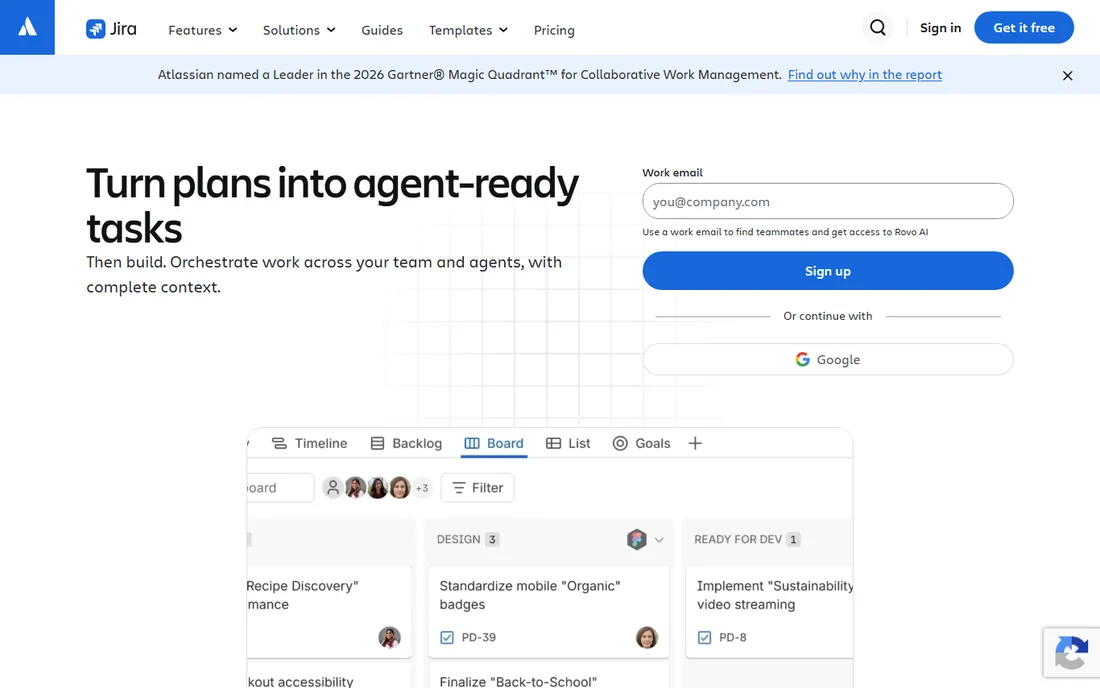
Jira is the bug tracker the industry defaults to: create issues with types, priorities, and severity; route them through customizable workflows; track them on Scrum or Kanban boards; and report on cycle time and release readiness. The free plan covers up to 10 users with boards, backlog, and reports. Standard at $7.53 per user a month adds permissions, audit logs, and 1,700 automation runs; Premium at around $13.53 adds cross-team planning and unlimited storage.
The ecosystem is the moat: Confluence for docs, Bitbucket for code, and over 3,000 marketplace apps mean Jira rarely lacks an integration. Automation rules route, assign, and close issues without human triage, and the workflow engine can model almost any process a team actually follows.
The honest catch is complexity. Jira needs an admin who understands it, and small teams often spend more time configuring Jira than fixing bugs. If your team is under ten people and nobody wants to own configuration, Linear or Shortcut will serve you better; if you are scaling past that, Jira is the safe long-term bet.
What we like- Industry-standard issue tracking
- Thousands of integrations
- Powerful automation and workflows
Watch out for- Complex to configure and admin
- Can feel slow
- Advanced roadmaps need Premium
#2
Linear
Best for: startups that want fast, opinionated issue tracking
Visit linear.app
Starting price$10 per user/month (billed annually)
Free planYes

Linear is what Jira refugees switch to: a beautifully fast issue tracker with opinionated workflows that just work. Issues, cycles (sprints), projects, and roadmaps cover the full planning loop, and the keyboard shortcuts make triaging dozens of bugs genuinely quick. The free plan includes unlimited members with a 250-issue cap and 2 teams; Basic at $10 per user a month removes the caps; Business at $16 adds guests, private teams, and insights.
The GitHub and GitLab sync is the standout: branches, commits, and pull requests attach to issues automatically, so the code and the bug live together. Linear Agent and triage intelligence add AI assistance for routing and deduplication on higher tiers.
The catch is opinion: Linear prescribes how software teams should work, and teams with unusual processes or non-technical contributors will chafe. Guest access needs the Business tier, which agencies with clients should know upfront. For engineering teams that value speed over configurability, Linear is the best tracker in the business.
What we like- Blazing-fast keyboard-first interface
- Excellent GitHub and Slack integrations
- Minimal setup
Watch out for- Dev-team focused, not for non-technical teams
- Limited customization by design
#3
ClickUp
Best for: teams that want bug tracking inside all-in-one work management
Visit clickup.com
Starting price$7 per user/month (Unlimited)
Free planYes
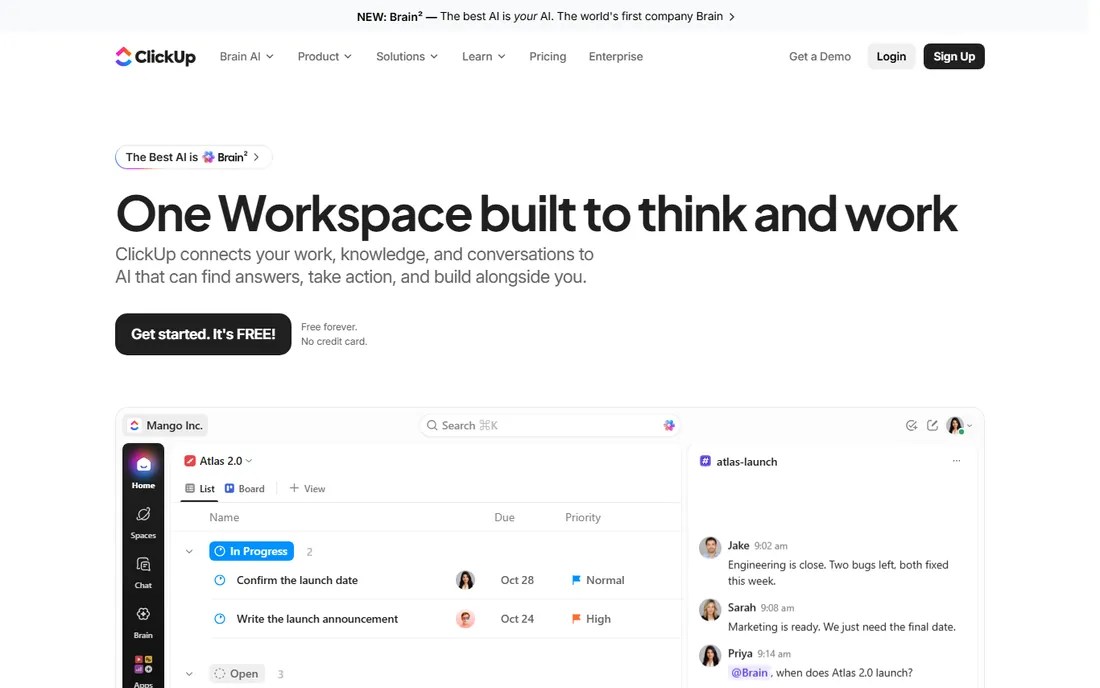
ClickUp covers bug tracking as part of everything-work software: bug report forms, custom statuses, priorities, task dependencies, sprint views, and dashboards all exist alongside docs, goals, and chat. The free plan is genuinely usable with unlimited tasks; Unlimited at $7 per user a month adds storage, integrations, and time tracking; Business at $12 adds Google SSO and more automations.
The native Sentry integration is the smart part: production errors flow straight into the bug backlog as tasks, closing the loop between crash and fix. Form view lets customers and QA submit bugs into a structured queue instead of a chat thread.
The catch is breadth. ClickUp does everything, which means learning it takes real effort and the interface can feel heavy compared with Linear. Teams that already use ClickUp for project management should absolutely track bugs in it; teams buying a pure bug tracker will move faster elsewhere.
What we like- Bug tracking templates and automations
- Native Sentry, GitLab, Bitbucket integrations
- Generous free plan
Watch out for- Feature overload overwhelms new users
- Can feel slower than dedicated trackers
#4
Sentry
Best for: catching errors and crashes in production automatically
Visit sentry.io
Starting price$26/month (billed annually, Team)
Free planYes (Developer plan)
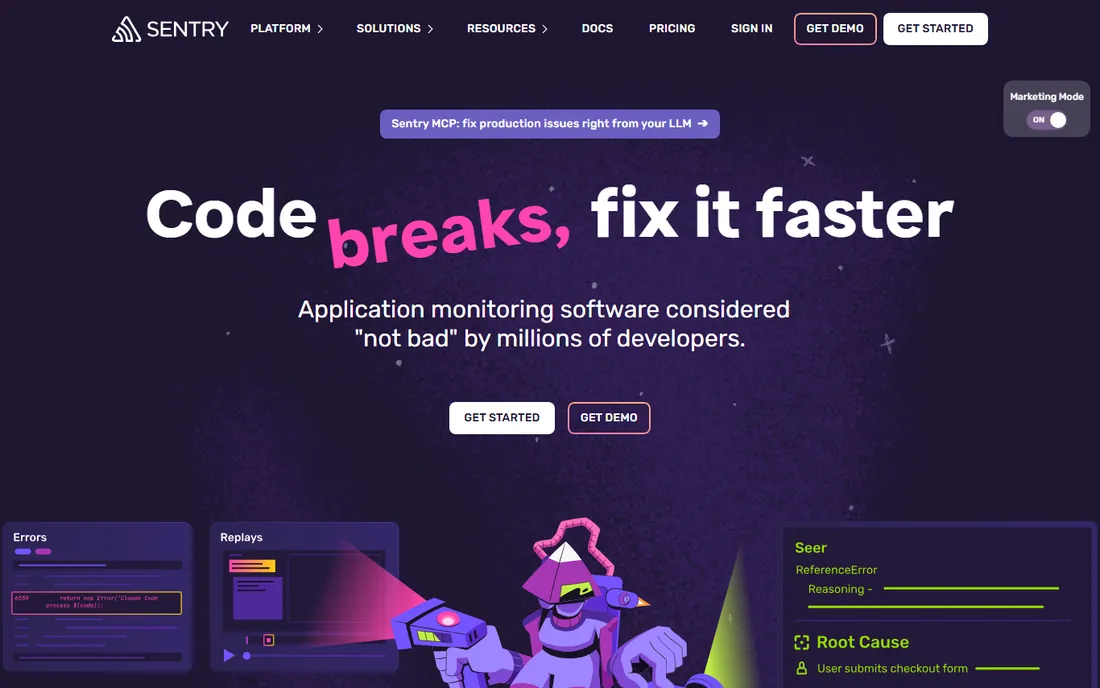
Sentry is the bug tracker that finds bugs before your users report them: its SDKs catch exceptions in production, attach stack traces, breadcrumbs, and session replays, and group duplicates into single issues. The free Developer plan covers 5,000 errors a month for one user; Team at $26 a month on annual billing ($29 monthly) adds unlimited users, 50,000 errors, and integrations with GitHub, Jira, Slack, and PagerDuty.
Session replay is the feature that pays for itself: watch what the user did right before the crash instead of guessing from a vague report. Performance monitoring and distributed tracing ride along on paid plans, making Sentry an observability tool as well as a bug catcher.
The catch is the pricing model: costs scale with error volume, and a buggy release can spike usage. Set usage caps and spike protection on day one. Sentry does not replace an issue tracker, it feeds one, but pairing it with Jira or Linear closes the biggest gap in most teams' bug processes.
What we like- Automatic error capture with stack traces
- Session replay shows what the user did
- Huge language and framework support
Watch out for- Usage-based pricing can surprise
- Free plan limited to one user
#5
BugHerd
Best for: collecting visual bug reports from clients and stakeholders
Visit bugherd.com
Starting priceSee website
Free plan14-day trial

BugHerd solves the screenshot-email problem: embed a sidebar on your website or staging site, and clients click any element to pin a comment that becomes a tracked task with browser, OS, screen resolution, and URL captured automatically. Unlimited guests means clients give feedback without accounts or training. Plans start around $39 to $50 a month for a small team, with higher tiers adding storage and seats; a 14-day trial needs no card.
The Kanban board turns pinned feedback into an assignable workflow, and two-way sync with Jira, Trello, Asana, GitHub, and Slack keeps the dev team's main tracker in sync. Video feedback helps clients explain complex issues that screenshots cannot.
The catch is that it is a feedback tool, not a full issue tracker: complex dev workflows still belong in Jira or Linear. And there is no free plan, so small agencies pay from day one. For web agencies and teams whose clients report bugs in words like "it looks broken," BugHerd pays for itself in avoided back-and-forth.
What we like- Clients pin feedback directly on the live site
- Automatic browser and OS metadata
- Unlimited guest access
Watch out for- No free plan
- Mobile app is weaker than desktop
#6
Zoho BugTracker
Best for: budget bug tracking inside the Zoho ecosystem
Visit zoho.com
Starting price$3 per user/month (billed annually)
Free planYes
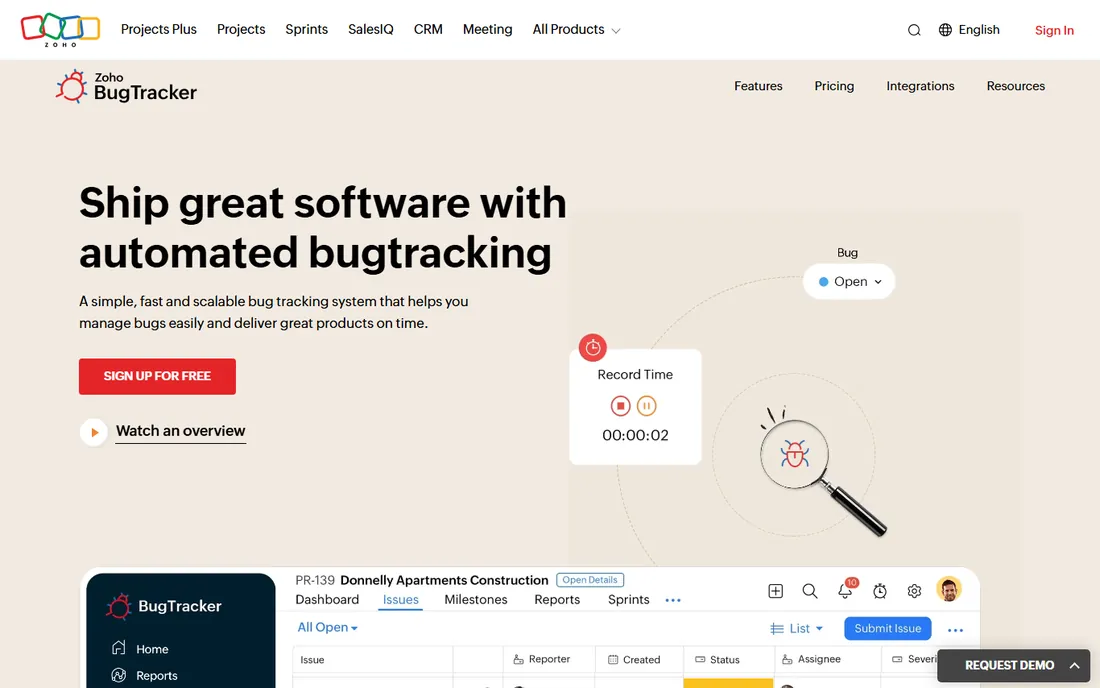
Zoho BugTracker is a standalone, no-frills bug tracker: custom workflows, severity levels, business rules, custom fields, forums, dashboards, and email-to-bug submission. The free plan covers 1 project and up to 3 users; Standard at $3 per user a month on annual billing adds 10 projects and time tracking; Premium at $7 or $8 adds unlimited projects and client users. GitHub and Bitbucket integrations cover the dev basics.
For teams already on Zoho, the value is obvious: bugs sit alongside Zoho Projects, CRM, and Desk in one login. For everyone else, the $3 price point makes it the cheapest credible bug tracker available, undercutting Jira and Linear by a wide margin.
The catch is depth: reporting and automation are basic next to Jira, and the third-party ecosystem is smaller. For small teams that need a real bug tracker without a real budget, Zoho BugTracker is the honest pick.
What we like- Cheapest paid plan in the category
- Free tier for tiny teams
- Integrates with Zoho suite and GitHub
Watch out for- Basic reporting
- Smaller ecosystem than Jira
#7
Shortcut
Best for: small dev teams that want agile tracking without Jira's weight
Visit shortcut.com
Starting price$8.50 per user/month (billed annually)
Free planYes

Shortcut (formerly Clubhouse) sits between Linear and Jira: purpose-built for software teams with stories, epics, iterations, and quarterly roadmaps, but lighter to run than Jira. The free plan covers small teams; paid plans at $8.50 per user a month on annual billing ($10 monthly) open up the full feature set including advanced reporting.
The iteration planning is the sweet spot: burndown charts, velocity tracking, and cycle time reports give agile teams the metrics they need without Jira's configuration tax. GitHub integration links commits and branches to stories, keeping code context one click away.
The catch is the ecosystem: fewer integrations and less workflow customization than Jira, and less speed polish than Linear. For small to mid-size dev teams running Scrum who want a tracker that stays out of the way, Shortcut hits a comfortable middle ground.
What we like- Clean stories, iterations, and roadmaps
- Good GitHub integration
- Simpler than Jira
Watch out for- Smaller integration ecosystem
- Less customizable workflows
How we chose
We compared bug tracking software using vendor pricing pages and official documentation, alongside public reviews on G2, Capterra, Reddit, and developer communities. We weighed issue tracking depth, automation, integrations with dev tools, pricing, and fit for small to mid-size teams. We covered issue trackers, visual feedback tools, and error monitoring. We did not perform hands-on testing.
Picking by how bugs reach you
Start with the source. Bugs reported by users in production: add Sentry, because manual reports will always miss most crashes. Bugs reported by clients during website projects: add BugHerd, because annotated screenshots beat email threads. Bugs found by your own QA and dev team: pick one issue tracker, Jira for scale, Linear for speed, Shortcut for the middle, Zoho for budget.
Resist running two issue trackers. Sentry and BugHerd feed the tracker; they do not replace it. One queue, one owner per bug, and a severity field everyone agrees on will fix more bugs than any feature list.
Every bug tracker on this list fails the same way: bugs pile up untriaged, severity is never set, and nobody owns the backlog. Set a weekly triage ritual before you buy anything: assign every new bug an owner and a severity within a day, and close or defer anything that sits untouched for two weeks.
Automation helps: use rules to auto-assign by component, auto-close stale issues, and notify reporters on status changes. Jira, Linear, ClickUp, and Shortcut all support this. The teams with the cleanest bug backlogs are not the ones with the best tool; they are the ones with the best triage habit.
Frequently asked questions
What is the best free bug tracking software?
Zoho BugTracker's free plan and Linear's free tier (250 issues) are the strongest free options for issue tracking. Sentry's free Developer plan covers 5,000 errors a month for production monitoring. For website feedback, there is no strong free option, BugHerd starts paid.
Jira vs Linear: which should I choose?
Jira wins for larger teams needing deep customization, advanced reporting, and a huge integration ecosystem. Linear wins for startups and small dev teams that value speed and want zero configuration. Teams under 20 people usually move faster in Linear.
Do I need Sentry if I have Jira?
They do different jobs. Jira tracks bugs humans report; Sentry catches errors in production automatically with stack traces and replays. Most teams benefit from both, with Sentry issues flowing into Jira as tasks.
How much does Jira cost for a small team?
Jira is free for up to 10 users. Standard is $7.53 per user a month, so a 15-person team pays roughly $113 a month. Premium at about $13.53 adds cross-team planning and unlimited storage.
What is BugHerd used for?
BugHerd lets clients and stakeholders pin feedback directly onto a live website, capturing browser and technical metadata automatically. It is built for web agencies collecting design and bug feedback, not for full development workflows.
Can ClickUp replace Jira for bug tracking?
For many teams, yes. ClickUp's bug templates, custom statuses, automations, and Sentry integration cover most bug tracking needs inside an all-in-one workspace. Teams with complex workflows or heavy Jira customization will miss Jira's depth.
Sources we checked (8)
- https://www.atlassian.com/software/jira/pricing
- https://linear.app/pricing
- https://clickup.com/pricing
- https://sentry.io/pricing/
- https://bugherd.com/pricing
- https://www.zoho.com/bugtracker/pricing.html
- https://shortcut.com/pricing
- https://clickup.com/blog/bug-tracking-software/
Is your product missing or out of date?
We review this list regularly. Vendors can request a listing, send updated pricing or ask about featured placement.

Shihab Mia · Founder, Rankite
Shihab has spent more than a decade helping SaaS and e-commerce brands grow through search. He writes Rankite's software buying guides from pricing pages, documentation and public user reviews. More about Shihab.