How we make this list: we compare pricing pages, product documentation and public user reviews. Rankite is independent; if a vendor ever pays for a featured spot, that listing is clearly labeled Partner.
Key takeaways
- Nearly every major IDE is free, so your choice should be driven by platform and language, not price.
- Xcode is mandatory for native iOS and macOS apps; Android Studio is the official route for Android.
- Visual Studio Code is the lightweight editor most developers reach for first, with thousands of extensions.
- JetBrains claims IntelliJ IDEA is trusted by 72% of Java developers, and its Python sibling PyCharm covers the other end of the stack.
- Visual Studio Professional is the one paid option here at $45 per user per month, aimed at teams building at scale.
Quick comparison
| Tool | Best for | Starting price | Free plan |
|---|
 Visual Studio Visual Studio | .NET, C++, and enterprise app teams | $45 per user/month (Professional, month-to-month) | Yes (Community edition) |
 Xcode Xcode | Native iOS, macOS, and watchOS apps | Free | Yes |
 Android Studio Android Studio | Official Android app development | Free | Yes |
 IntelliJ IDEA IntelliJ IDEA | Professional Java and Kotlin development | Free (Community, with 30 days of Ultimate included) | Yes |
 Eclipse IDE Eclipse IDE | Free open-source multi-language development | Free | Yes |
 Apache NetBeans Apache NetBeans | Straightforward free Java and PHP development | Free | Yes |
 Visual Studio Code Visual Studio Code | Fast, extensible coding in any language | Free | Yes |
 PyCharm PyCharm | Python apps, data science, and web backends | Free (free forever, with one month of Pro included) | Yes |
Is your product missing or out of date?
We review this list regularly. Vendors can request a listing, send updated pricing or ask about featured placement.
The best app programming software
JetBrains reports that IntelliJ IDEA is trusted by 72% of Java developers. That kind of concentration is unusual in software tooling, and it hints at how IDE choices tend to cluster: developers pick the tool built for their platform and rarely look back.
The good news is that almost all of them cost nothing. App programming software today is overwhelmingly free and open source, with vendors competing on features rather than licenses. The real decision is which tool fits your target platform, your language, and how much hand-holding you want from the environment.
Here are eight worth knowing.
Starting price$45 per user/month (Professional, month-to-month)
Free planYes (Community edition)
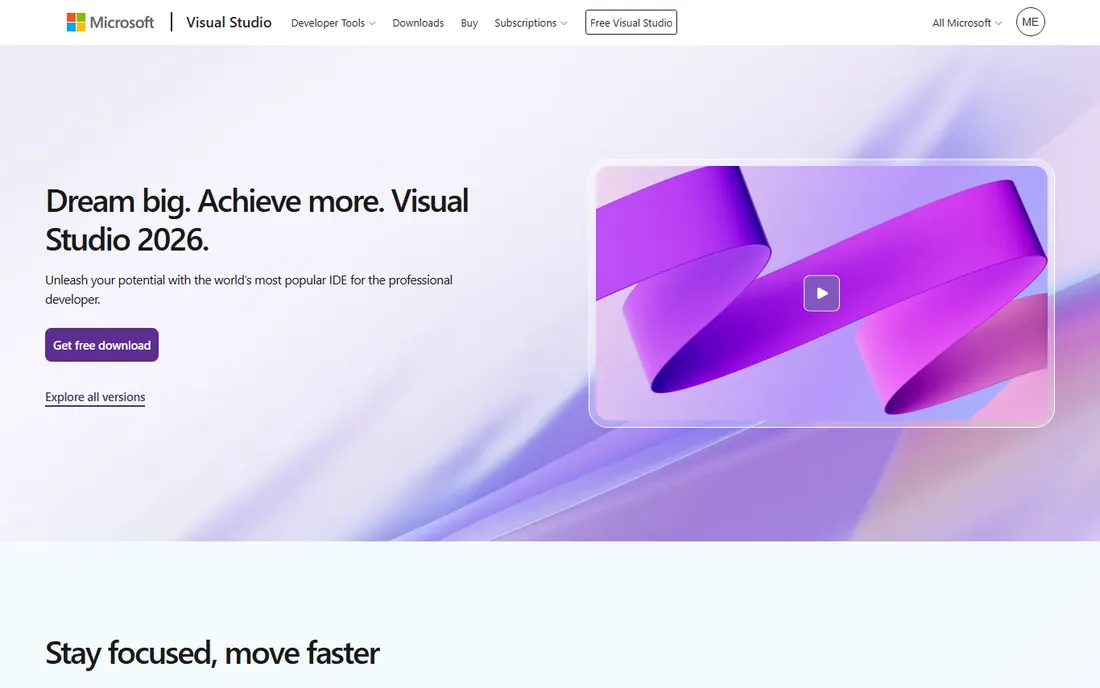
Visual Studio is the heavyweight IDE for Windows development and .NET work. It handles everything from C# web APIs and desktop apps to C++ game engines and cross-platform mobile apps, with a debugger that is genuinely best in class. The 2026 release pushes AI assistance deeper into the workflow through GitHub Copilot.
The Community edition is free for individuals, open-source contributors, and small teams, which covers most users. Professional at $45 per user per month adds organizational licensing and Azure DevOps integration, and Enterprise at $250 per user per month adds test plans and advanced tooling. If your team ships .NET or C++ software, this is the default choice.
What we like- Best-in-class debugger and IntelliSense
- Full-stack .NET, C++, and game development support
- GitHub Copilot woven into the workflow
Watch out for- Heavy installation with high resource use
- Full price only justified for professional teams
Starting priceFree
Free planYes
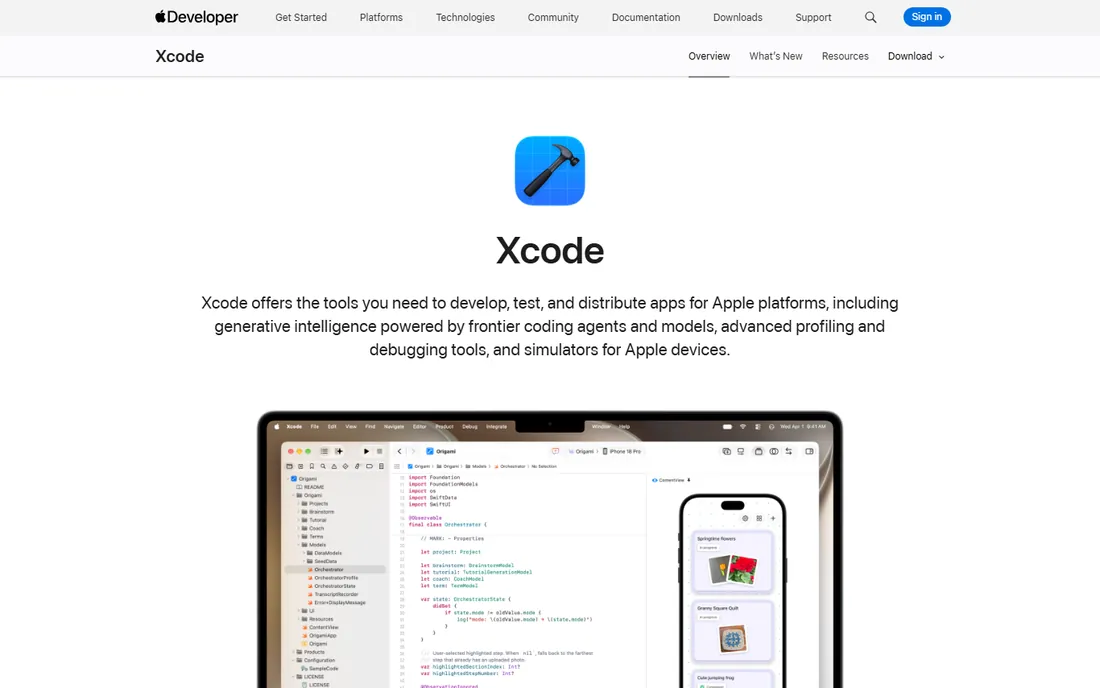
Xcode is not optional if you build for Apple platforms. It is the only toolchain that produces App Store-ready iOS, macOS, watchOS, and visionOS apps, and it is free from Apple. SwiftUI previews let you see interface changes live as you type, while Instruments gives deep performance profiling that third-party tools struggle to match.
The latest versions add coding agents powered by models from Anthropic, Google, and OpenAI, plus Xcode Cloud for continuous integration. It runs only on macOS, so cross-platform teams often pair it with something else for the non-Apple half of their work. For Apple developers, though, there is no alternative to learn.
What we like- The only official path to the App Store
- SwiftUI previews speed up UI iteration
- Instruments profiling and Xcode Cloud CI built in
Watch out for- Mac-only, which rules out Windows and Linux developers
- Large downloads and heavy disk usage
Starting priceFree
Free planYes
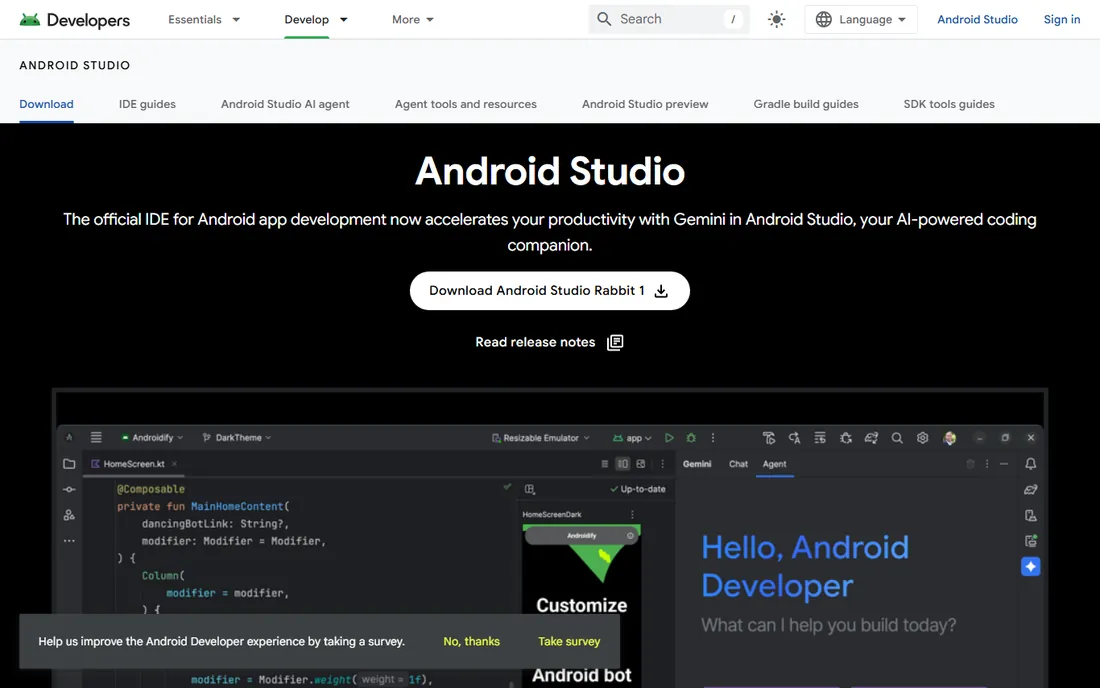
Android Studio is Google's official IDE for Android, built on the IntelliJ platform. It covers the full Android workflow: designing layouts with Jetpack Compose tools, writing Kotlin or Java with intelligent completion, testing on a fast emulator, and analyzing your App Bundle before publishing to Google Play. Gemini integration now adds AI coding assistance.
It is free on Windows, Mac, Linux, and even ChromeOS. The main complaint is performance: the IDE and emulator together want plenty of RAM and a fast disk. For anyone shipping to the Play Store, it is still the starting point, and its device testing tools are unmatched.
What we like- Official IDE backed by Google
- Intelligent Kotlin and Java completion with Live Edit
- Emulator and App Bundle inspection built in
Watch out for- Resource-hungry, needs a strong machine
- Emulator setup can frustrate beginners
Starting priceFree (Community, with 30 days of Ultimate included)
Free planYes
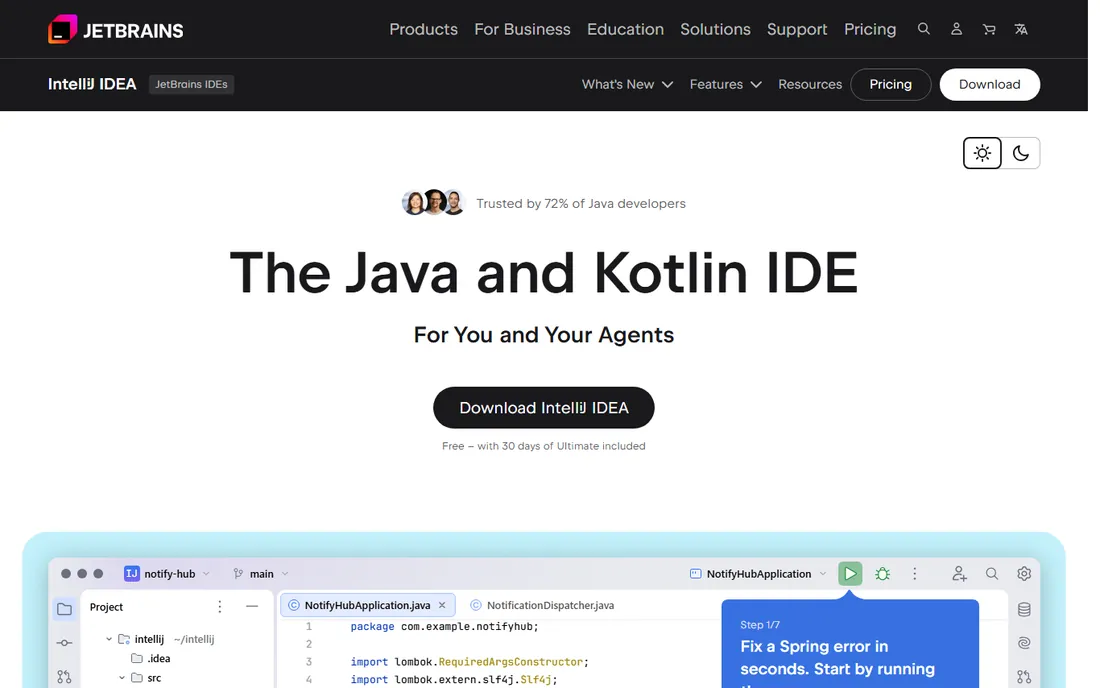
IntelliJ IDEA is JetBrains' flagship, and the 72% figure explains its reputation among Java developers. It understands Java and Kotlin codebases at a depth no competitor matches, with reliable refactoring, smart navigation, and inspections that catch real bugs. Spring integration is developed with the Spring team itself.
The Community edition is free, and downloads include 30 days of the Ultimate edition, which adds framework support, database tools, and profiling. After the trial, Ultimate requires a paid subscription. For teams building JVM applications professionally, it pays for itself in saved debugging time.
What we like- Deepest Java and Kotlin understanding of any IDE
- First-class Spring Framework support
- Built-in database, profiling, and API testing tools
Watch out for- Ultimate edition costs extra for full features
- Can feel heavy on modest hardware
Starting priceFree
Free planYes
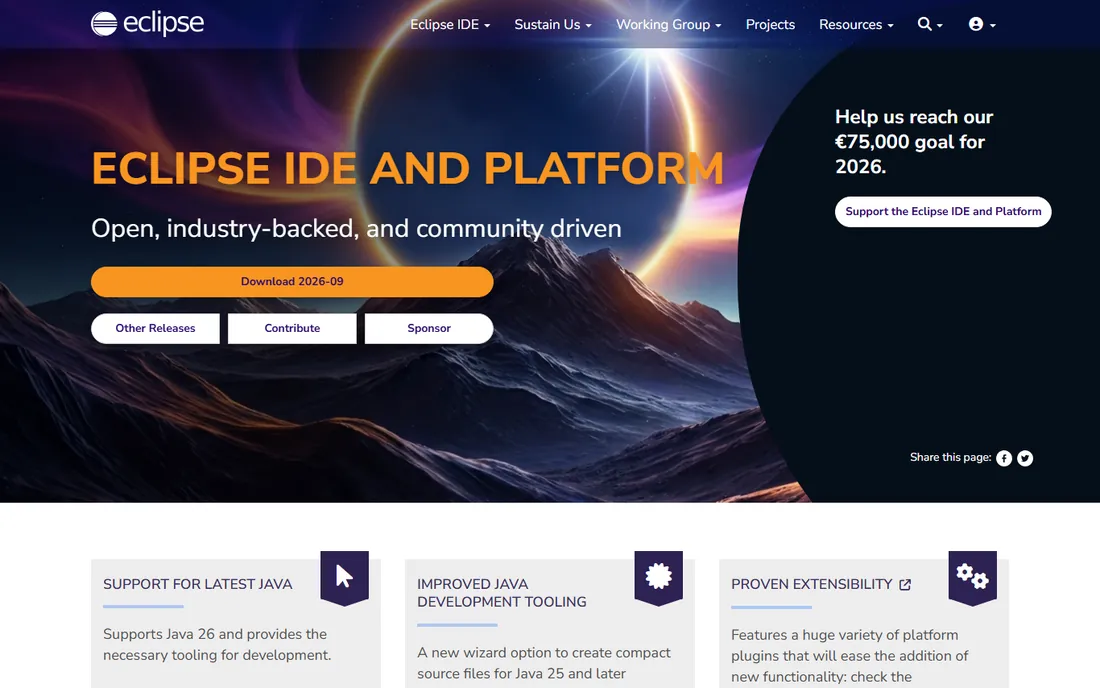
Eclipse has been around since 2001 and remains one of the most capable free IDEs. Its strength is the plugin architecture: packages exist for Java, C/C++, PHP, embedded development, and more, all installable from the Eclipse Marketplace. The Eclipse Public License keeps everything genuinely open.
It lacks the polish of JetBrains' tools or VS Code, and configuring it for a specific stack takes more effort. But for developers who want a free, vendor-neutral IDE with decades of community knowledge behind it, Eclipse still delivers. Enterprise Java teams in particular have long histories with it.
What we like- Completely free with no paid tier
- Massive plugin ecosystem through the Marketplace
- Runs on Windows, Mac, and Linux
Watch out for- Interface feels dated next to modern rivals
- Plugin quality varies and setup can be fiddly
Starting priceFree
Free planYes
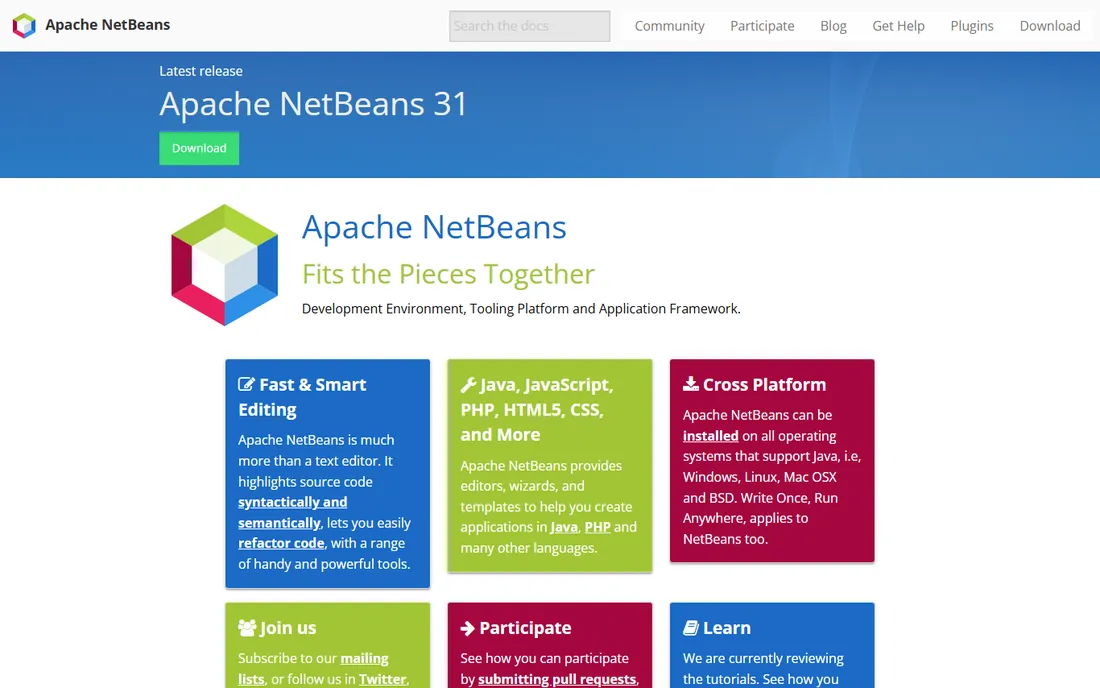
Apache NetBeans is the quiet workhorse of free Java IDEs. It offers smart editing with semantic highlighting, refactoring tools, and templates for Java, PHP, JavaScript, HTML5, and CSS, without the configuration burden of Eclipse. It runs anywhere Java runs: Windows, Linux, Mac, and BSD.
Development continues under the Apache Software Foundation, and recent releases keep pace with new Java versions. It will not match IntelliJ's depth or VS Code's extension library, but for students, PHP developers, and Java programmers who want something that just works, it is a solid free pick.
What we like- Simple, approachable interface
- Good out-of-the-box Java and PHP support
- Truly free under Apache governance
Watch out for- Smaller community than Eclipse or IntelliJ
- Fewer new features and plugins
Starting priceFree
Free planYes
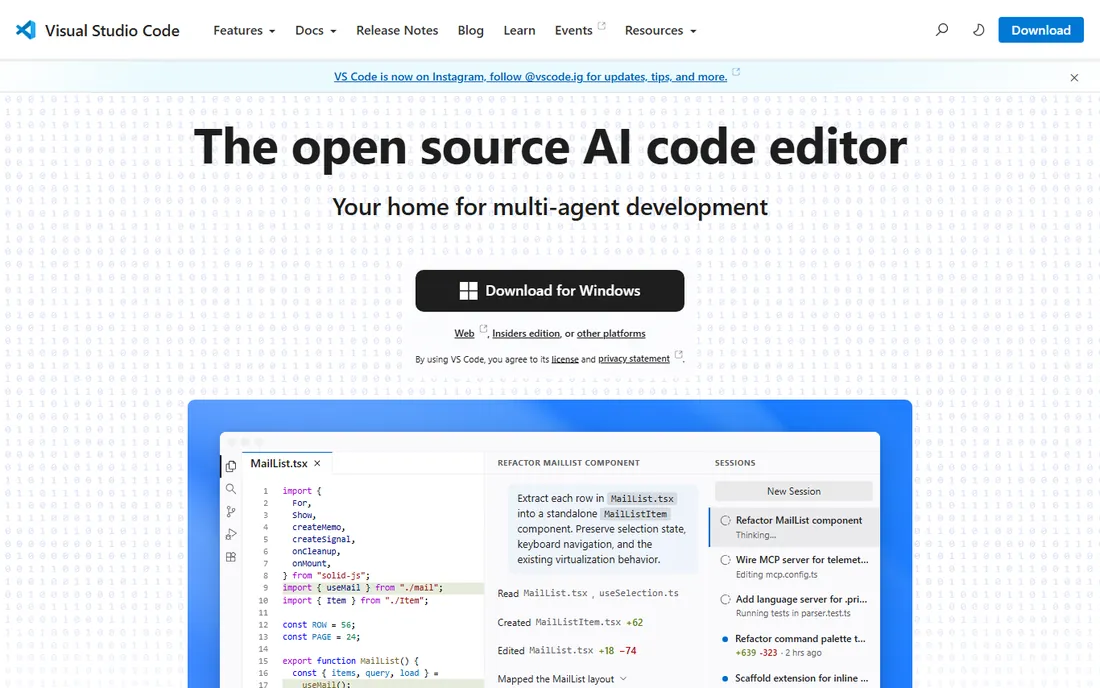
Visual Studio Code is technically a code editor rather than a full IDE, but for millions of developers it is the only tool they open. It is fast, free, open source, and runs on every platform. Extensions add support for nearly every language and framework, plus debuggers, linters, and remote development over SSH or containers.
Recent versions add AI agents that can plan, edit, and iterate on code, plus agent sessions you can monitor from one view. The line between editor and IDE keeps blurring. For web development, scripting, and polyglot work, VS Code is the most versatile free option available.
What we like- Extremely fast and lightweight
- Enormous extension marketplace
- Runs everywhere including the browser via vscode.dev
Watch out for- An editor, not a full IDE, so heavy projects need extensions
- Configuration can overwhelm beginners
Starting priceFree (free forever, with one month of Pro included)
Free planYes
PyCharm is JetBrains' Python IDE, and it treats Python as a first-class citizen rather than an afterthought. It offers the smartest code completion in the category, intelligent refactoring, a visual debugger, and out-of-the-box support for Django, Flask, FastAPI, Jupyter notebooks, Conda, PyTorch, and Hugging Face. Database tools and remote development come built in.
The free edition covers pure Python development, and every download includes a month of Pro. Pro adds web framework support, scientific tools, and remote interpreters. For Python developers building real applications rather than scripts, it is the most capable environment you can get.
What we like- Best-in-class Python code understanding
- Built-in Jupyter, database, and framework support
- Remote development and AI assistant included
Watch out for- Heavier than VS Code for quick scripts
- Some advanced features sit behind the Pro tier
How we chose
We selected the IDEs that developers actually use, based on vendor documentation, download pages, and long-running community surveys like Stack Overflow's Developer Survey. We weighed language and platform coverage, debugging and refactoring depth, extension ecosystems, and pricing transparency. All eight are free to start, so the comparison focuses on fit rather than cost. We did not claim hands-on testing; assessments reflect documented features and reported developer experience.
How to pick the right IDE for your project
Match the tool to the platform first. Building for iOS means Xcode, full stop. Android means Android Studio. Cross-platform mobile or desktop apps in C++ or .NET point to Visual Studio. Web and scripting work is where you have real freedom, and that is where VS Code dominates.
Language fit matters more than feature lists
Every IDE on this list can open any file, but the best ones understand your language deeply. IntelliJ IDEA for Java and Kotlin, PyCharm for Python, and Visual Studio for C# give you refactoring and navigation that generic editors cannot match. If you spend most of your time in one language, choose the specialist.
Free does not mean limited
Six of these eight tools are completely free with no paid tier at all. Even the two JetBrains products have free editions that cover most individual work. Paid tiers exist for teams and professionals: Visual Studio Professional for organizational licensing, IntelliJ IDEA Ultimate for framework and database tooling. Start free and upgrade only when a specific feature earns it.
Try the AI features, but verify the output
Every major IDE now ships AI coding assistance, from Copilot in Visual Studio to Gemini in Android Studio and agents in VS Code. They speed up boilerplate and exploration, but generated code still needs review. The IDEs that pair generation with strong debugging and testing tools, like IntelliJ IDEA, make that verification loop shortest.
Free versus paid IDEs: what the money buys
For most developers, nothing: the free tools are the industry standard, not stripped-down demos. Paid IDE tiers buy organizational features like license management, advanced framework support, and integrated database or profiling tools. Visual Studio Professional at $45 per user per month is the clearest example; you pay for the subscription ecosystem around the IDE, not the editor itself. Small teams and individuals should treat paid tiers as optional upgrades, not requirements.
Frequently asked questions
Which IDE is best for beginners learning to program?
Visual Studio Code is the best starting point for most beginners because it is free, fast, and works with every popular language through extensions. Python learners should also look at PyCharm's free edition, and Java students can start with NetBeans or IntelliJ IDEA Community. Xcode and Android Studio are better saved for when you target those platforms specifically.
Is Visual Studio Code an IDE or a code editor?
It is a code editor with IDE-like capabilities through extensions. Out of the box it handles editing, Git, and debugging for JavaScript and TypeScript. Extensions add language servers, debuggers, and build tools that close most of the gap with full IDEs. For heavyweight Java or .NET enterprise work, a dedicated IDE still offers deeper project understanding.
Can I build iOS apps without a Mac?
Not with official tools. Xcode runs only on macOS, and App Store submission requires Apple's toolchain. Cross-platform frameworks let you write shared code on other systems, but you still need a Mac, or a Mac cloud service, for the final iOS build and signing.
What is the difference between IntelliJ IDEA Community and Ultimate?
Community is free and covers Java, Kotlin, and basic Android development. Ultimate adds support for web frameworks like Spring and Jakarta EE, JavaScript and TypeScript, database tools, profiling, and deployment features. Downloads include a 30-day Ultimate trial, after which it reverts to Community unless you subscribe.
Is Eclipse still relevant in 2026?
Yes, especially in enterprise Java. It remains completely free, runs everywhere, and has a huge plugin ecosystem. It has lost mindshare to IntelliJ IDEA and VS Code, and its interface shows its age, but for teams with existing Eclipse workflows or strict open-source requirements, it is still a capable choice.
Do I need to pay for PyCharm?
No. PyCharm is free forever for Python development, and every download includes one month of Pro features. Pro adds web framework support, database tools, and remote development. Individual developers and small teams often do fine on the free edition; the paid tier targets professionals who need the full stack.
Sources we checked (10)
- https://visualstudio.microsoft.com/
- https://visualstudio.microsoft.com/vs/pricing/?tab=paid-subscriptions
- https://developer.apple.com/xcode/
- https://developer.android.com/studio
- https://www.jetbrains.com/idea/
- https://eclipseide.org/
- https://netbeans.apache.org/
- https://code.visualstudio.com/
- https://www.jetbrains.com/pycharm/
- https://github.com/canonical/ubuntu-for-developers-docs/blob/HEAD/docs/reuse/reference/ides/pycharm.md
Is your product missing or out of date?
We review this list regularly. Vendors can request a listing, send updated pricing or ask about featured placement.

Shihab Mia · Founder, Rankite
Shihab has spent more than a decade helping SaaS and e-commerce brands grow through search. He writes Rankite's software buying guides from pricing pages, documentation and public user reviews. More about Shihab.