How we make this list: we compare pricing pages, product documentation and public user reviews. Rankite is independent; if a vendor ever pays for a featured spot, that listing is clearly labeled Partner.
Key takeaways
- Unity and Unreal Engine are the two full-strength engines for custom AR apps, with Unity winning on mobile reach and Unreal on visual fidelity.
- ARKit and ARCore are free native SDKs: pick ARKit for iPhone and iPad audiences, ARCore for Android, or both for full mobile coverage.
- Vuforia remains the go-to SDK for enterprise and industrial AR, especially when you need strong image and object tracking.
- For marketing campaigns that run in a browser with no app download, WebAR platforms like Blippar, Zappar, and the open-source 8th Wall are the practical choice.
- Adobe Aero was discontinued in late 2025, so do not build new projects on it; migrate existing Aero work to another authoring tool.
Quick comparison
| Tool | Best for | Starting price | Free plan |
|---|
 Unity Unity | cross-platform AR app development | See website | Yes |
 Unreal Engine Unreal Engine | high-fidelity AR with photoreal rendering | Free; 5% royalty on revenue over $1M | Yes |
 Vuforia Vuforia | enterprise and industrial AR tracking | See website | Free trial |
 Apple ARKit Apple ARKit | native iOS and iPadOS AR apps | Free (Apple Developer Program $99/year to publish) | Yes |
 Google ARCore Google ARCore | native Android AR apps | Free | Yes |
 8th Wall 8th Wall | open-source WebAR development | Free (open source) | Yes |
 Zappar Zappar | no-code and low-code AR campaigns | See website | Free trial |
 Blippar Blippar | WebAR SDK with pay-as-you-go pricing | $0.01 per 1,000 views (WebAR SDK) | Free trial |
Is your product missing or out of date?
We review this list regularly. Vendors can request a listing, send updated pricing or ask about featured placement.
The best AR software
Starting priceSee website
Free planYes
Unity is the default starting point for most commercial AR projects, and the reason is reach. One project can ship to iOS, Android, and headsets, and the AR Foundation framework lets your team write once against both ARKit and ARCore. The Asset Store also means you rarely start from zero: tracking helpers, UI kits, and sample scenes are all a download away.
What stands out for small and mid-size teams is the hiring pool. Unity developers are far easier to find and more affordable than specialists in niche AR SDKs, which matters when you need to staff a project quickly. The honest catch is cost at scale. The free Personal tier covers small teams, but once your revenue or team size crosses Unity's thresholds you move to paid seats, so price it into multi-year plans. For pure marketing WebAR, a full engine is also more than you need.
What we like- Huge asset store and community
- AR Foundation covers ARKit and ARCore in one workflow
- Strong mobile performance
Watch out for- Paid tiers add up for larger teams
- Visual quality trails Unreal in photoreal work
- Engine updates can break older AR plugins
Starting priceFree; 5% royalty on revenue over $1M
Free planYes
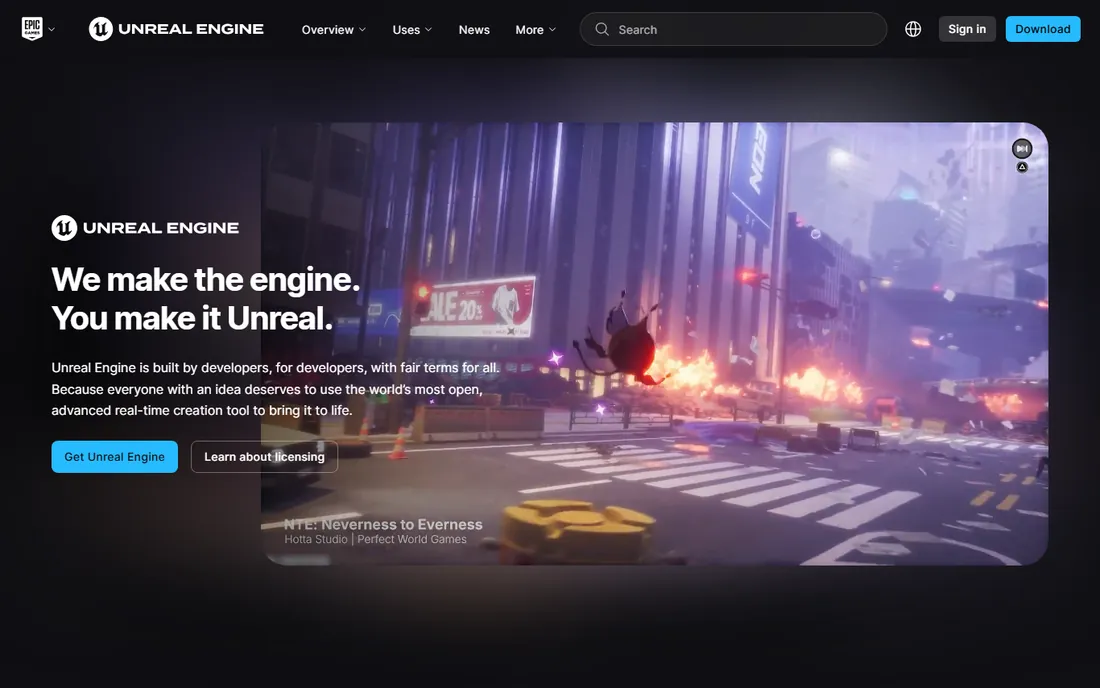
When the experience has to look stunning, Unreal Engine is the pick. Its Lumen lighting and Nanite geometry produce visuals that make product configurators, virtual showrooms, and location-based attractions feel premium. For architecture, automotive, and retail brands where the 3D model is the selling point, that visual edge is worth the extra complexity.
The licensing is generous for getting started: the engine is free to download and use, with Epic collecting 5% only on revenue above $1 million. The trade-off is practical. Unreal projects demand stronger developer machines, and mobile AR optimization takes real skill, because scenes built for desktop do not run well on phones without careful tuning. If your team is small and mobile-first, Unity will get you to launch faster.
What we like- Best-in-class real-time rendering
- Blueprints allow logic without C++
- Source code access on GitHub
Watch out for- Heavier hardware requirements for development
- Smaller mobile AR community than Unity
- Royalty terms need legal review for commercial products
#3
Vuforia
Best for: enterprise and industrial AR tracking
Visit ptc.com
Starting priceSee website
Free planFree trial
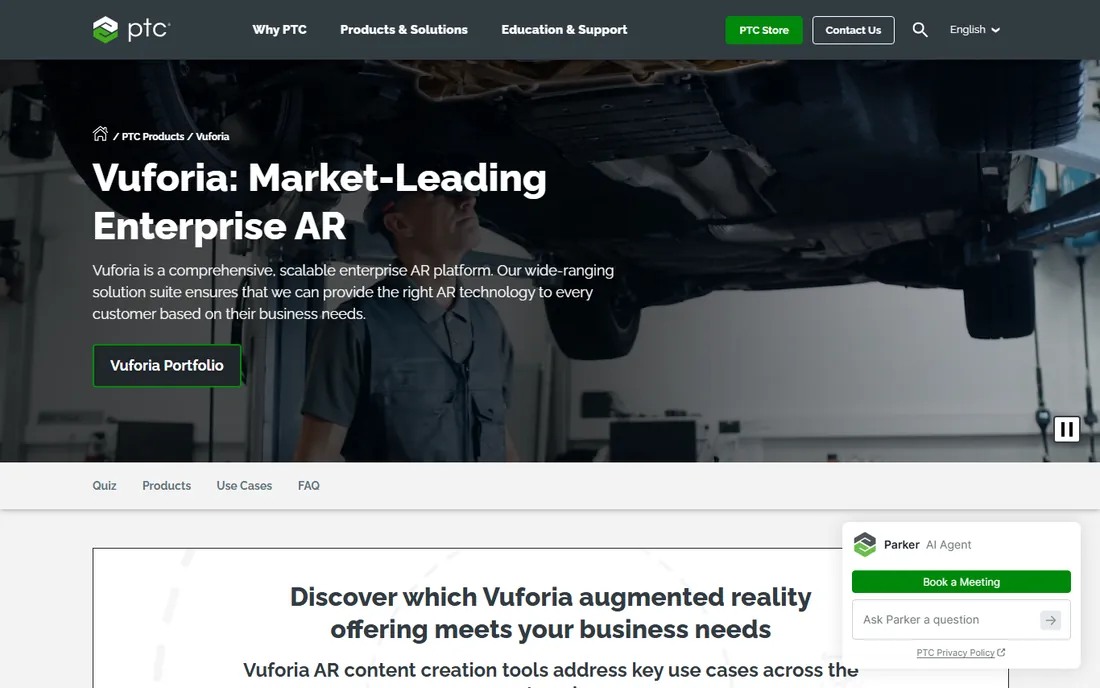
Vuforia has been the workhorse of serious AR tracking for over a decade, and it shows in the details. Its image targets, 3D object targets, and VuMark barcodes stay locked on in factory lighting and on moving equipment where simpler SDKs lose tracking. That reliability is why manufacturers use it for assembly guidance, maintenance overlays, and remote expert support.
For a mid-size industrial company, the pitch is straightforward: Vuforia plugs into Unity, so your developers keep their existing workflow while getting industrial-grade computer vision. The catch is that this is enterprise software with enterprise sales. Expect a quote-based conversation rather than a self-serve price page, and budget accordingly. If you only need a QR code that opens a 3D model, a WebAR platform will be cheaper and faster.
What we like- Best-in-class image, object, and VuMark tracking
- Deep Unity integration
- Built for industrial use cases
Watch out for- Pricing is quote-based and enterprise-oriented
- Overkill for simple marketing AR
- Smaller creative community than game engines
Starting priceFree (Apple Developer Program $99/year to publish)
Free planYes
If your customers are on iPhones, ARKit is the obvious foundation. It ships with the platform, costs nothing beyond the standard $99 per year Apple Developer Program membership, and taps directly into device hardware like LiDAR scanners and the TrueDepth camera. Face filters, room scanning, and precise plane detection all work with minimal setup.
The advantage that matters most is consistency. Apple controls the hardware, so you test on a handful of devices and your tracking behaves the same for every user. The limitation is equally clear: there is no Android story at all. Most teams pair ARKit with ARCore or build in Unity's AR Foundation so one codebase serves both stores. Choose ARKit alone only when your audience data says iOS dominates.
What we like- Free and deeply integrated with iOS
- Face tracking, LiDAR, and motion capture support
- Consistent hardware to target
Watch out for- Apple devices only
- No Android reach
- Advanced features need recent iPhone or iPad models
Starting priceFree
Free planYes
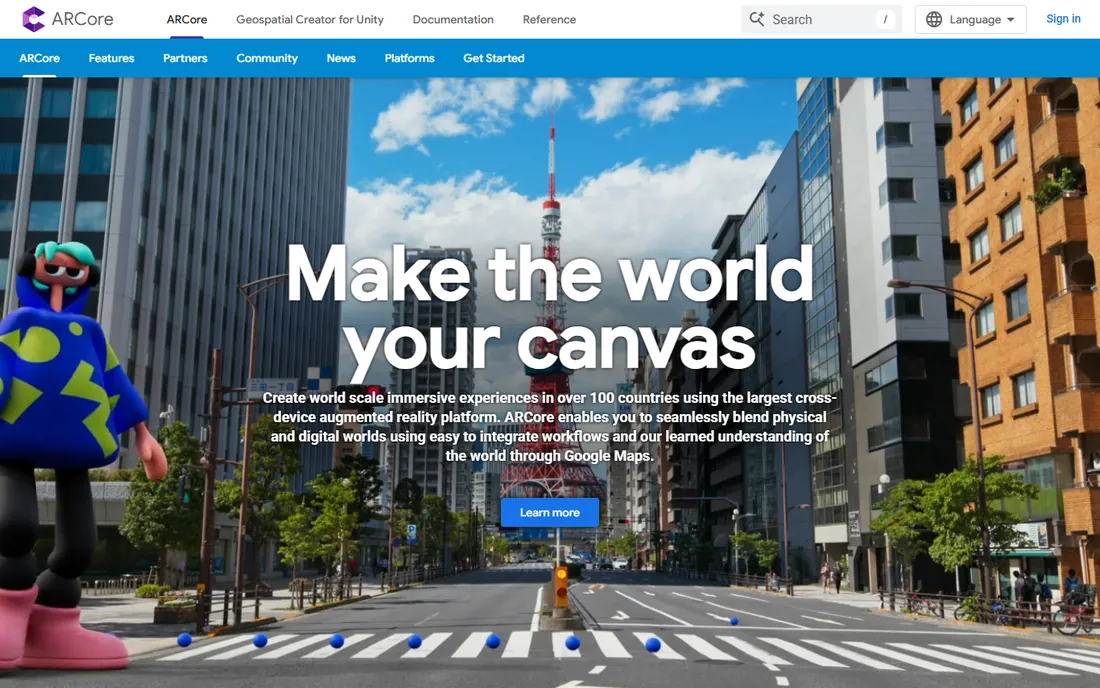
ARCore is Google's answer to ARKit, and for Android-first audiences it is the natural choice. The SDK is free, handles the hard parts of AR like motion tracking and environmental understanding, and runs on a wide list of certified Android phones. Integration with Google services also opens location-based experiences that ARKit cannot match on its own.
The honest catch is Android fragmentation. Tracking quality and feature availability differ between a flagship Pixel and a budget phone from three years ago, so plan a real device-testing matrix instead of trusting the emulator. ARCore also depends on Google Play Services for AR, which is absent in some regions and on some devices. For US small businesses targeting mainstream Android users, though, it remains the free and correct default.
What we like- Free with broad Android device support
- Motion tracking, plane detection, and light estimation built in
- Integrates with Google Maps for location AR
Watch out for- Performance varies across Android hardware
- Needs Google Play Services for AR
- IOS support is secondary to ARKit
Starting priceFree (open source)
Free planYes
8th Wall has one of the more interesting stories in AR. For years it was the premium hosted WebAR platform, then in February 2026 the company shut down the hosted service and released the technology as open source at 8thwall.org. The engine framework, including face effects, image targets, and sky effects, is now MIT-licensed and free to use commercially.
For developers comfortable self-hosting, this is a remarkable deal: production-grade WebAR with no subscription and no view-based pricing. The catch is that you are now your own platform team. The cloud editor and hosted infrastructure are gone, and the SLAM engine ships as a separate binary under its own license rather than in the open-source release. If you want a managed WebAR service with support, Blippar or Zappar fit better; if you have developers and want full control, 8th Wall is worth evaluating.
What we like- No app download and no per-view fees
- MIT-licensed engine framework
- Works across iOS and Android browsers
Watch out for- Hosted platform and cloud editor shut down in February 2026
- SLAM binary has a separate license
- Community is rebuilding around the open-source release
Starting priceSee website
Free planFree trial
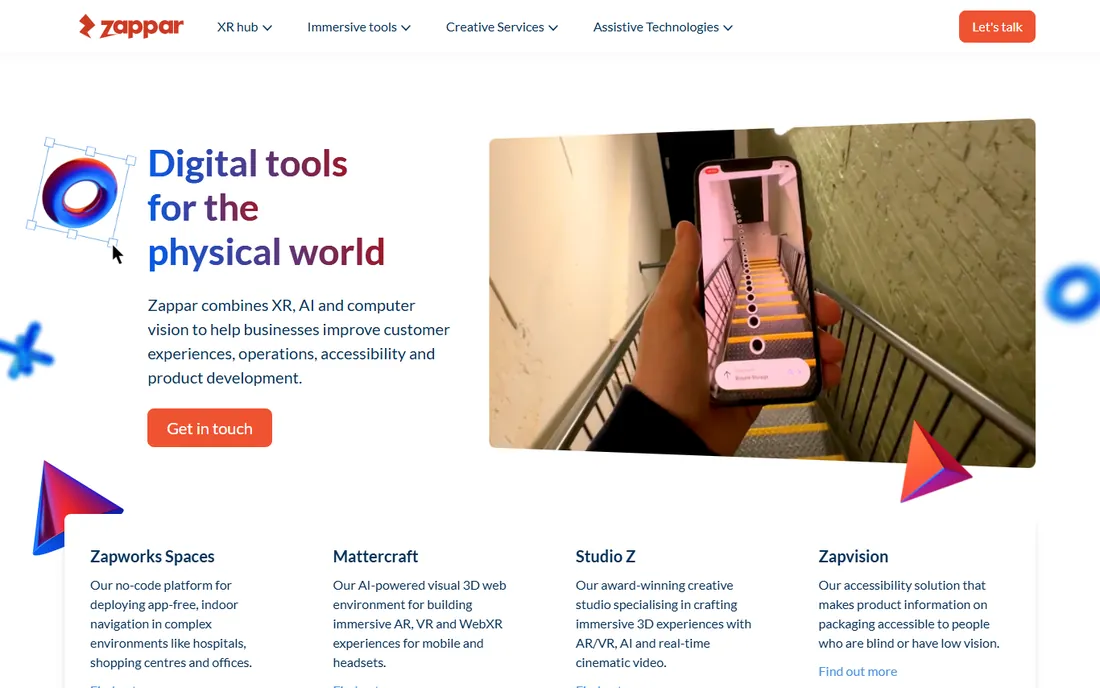
Zappar sits in the sweet spot for marketing teams: its Zapworks platform offers a drag-and-drop Designer for simple campaigns and Mattercraft, a code-friendly 3D web tool, for custom work. You build once and publish to the web or embed in your own app, which removes the biggest friction in campaign AR, getting users to install something.
The platform's history with major consumer brands is a genuine plus; the team has shipped AR for packaging, retail, and events for over a decade. The catch is the pricing model. Plans are tiered by views, and a campaign that takes off can generate overage charges, so negotiate caps or budget headroom before launch. It is also worth noting that Zappar was acquired by Infinite Reality in 2024, so confirm the current product direction during your evaluation.
What we like- Visual Designer for non-developers plus Mattercraft for developers
- WebAR and app embed from one build
- Long track record with big brands
Watch out for- View-based pricing can spike on viral campaigns
- Less control than a full SDK
- Acquired by Infinite Reality in 2024, so watch the roadmap
Starting price$0.01 per 1,000 views (WebAR SDK)
Free planFree trial
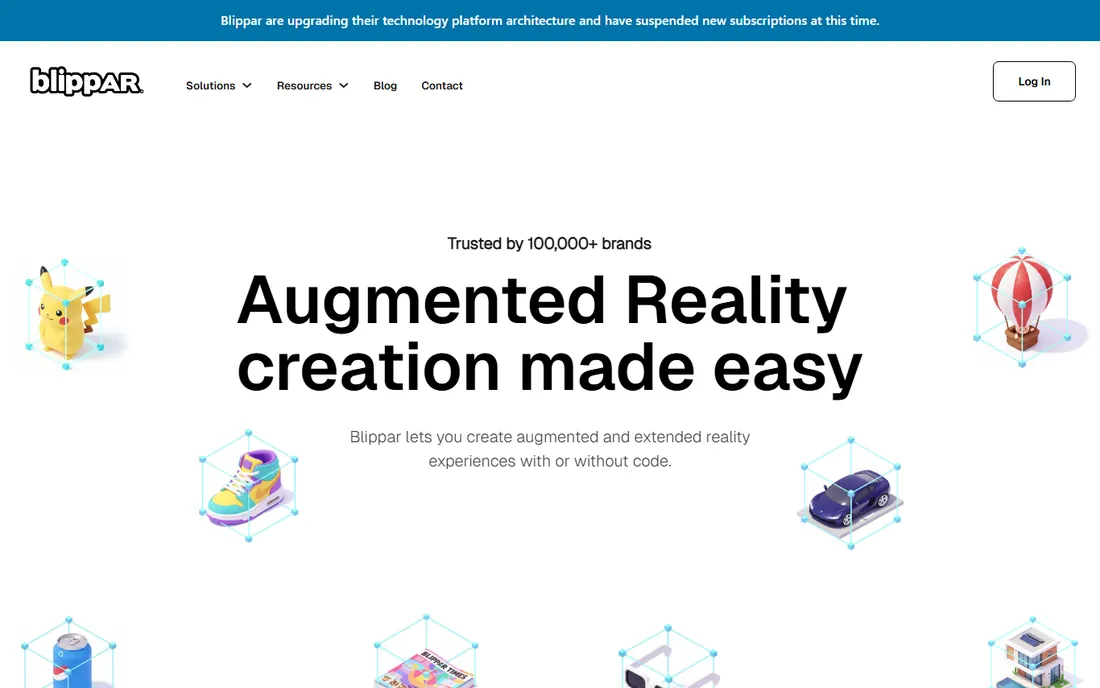
Blippar pairs a developer SDK with Blippbuilder, a no-code editor, so technical and non-technical teammates can work on the same platform. The standout is pricing transparency: the WebAR SDK runs pay-as-you-go starting at $0.01 per 1,000 views with a free trial tier, which makes budgeting a campaign far simpler than seat-based enterprise quotes.
The SDK integrates with familiar frameworks including Unity, PlayCanvas, and A-Frame, so web developers can add AR to existing sites without learning a proprietary stack. The catch, as with any usage-based model, is that a runaway hit costs real money, so set up alerts and caps. Blippar also sells full-service studio campaigns starting in the thousands, which is a different budget conversation from the self-serve tools.
What we like- Transparent usage-based SDK pricing
- Blippbuilder no-code editor for marketers
- Unity, PlayCanvas, and A-Frame integrations
Watch out for- Per-view costs need monitoring at scale
- Full-service studio work is expensive
- Smaller developer community than Unity
When native apps beat WebAR, and when they do not
A native app built with Unity, Unreal, ARKit, or ARCore gives you the best tracking, the best performance, and access to device hardware like LiDAR. The price is distribution friction: every user must find, download, and keep your app. For training tools, field-service apps, and anything used repeatedly, that trade is worth it.
WebAR flips the equation. A QR code or link opens the experience in the phone browser with nothing to install, which can multiply participation in a marketing campaign several times over. The trade is capability: browser AR is less powerful, needs a steady connection, and complex scenes can stutter on older phones. As a rule of thumb, choose native when the experience is the product, and WebAR when AR is promoting the product.
How to choose the right AR software
Start with the audience and the distribution channel, not the feature list. If the experience must run on both iPhone and Android as an installed app, Unity with AR Foundation is the efficient path; if it is iOS-only, ARKit alone is simpler and free. Industrial use cases with strict tracking requirements point to Vuforia, while photoreal product visualization points to Unreal Engine.
For campaigns, decide who builds it. A marketing team with no developers should shortlist Blippar and Zappar for their no-code editors and transparent campaign pricing. A web development team that wants full control and zero platform fees should evaluate the open-source 8th Wall release. In every case, prototype the tracking on your actual target devices before committing, because spec sheets never tell the full story about real-world performance.
How we chose
We compared AR software by reviewing vendor pricing pages, official documentation, and developer portals, alongside public reviews on G2, Capterra, and developer discussions on Reddit. We weighed tracking quality, platform reach, pricing transparency, and fit for small and mid-size teams rather than large enterprises. We did not perform hands-on testing; assessments reflect publicly documented features and reported user experience. Discontinued products were excluded: Adobe Aero entered end of support in late 2025 and is no longer a viable choice for new projects.
Frequently asked questions
What is the best AR software for beginners?
For non-developers, Blippar's Blippbuilder or Zappar's Designer are the easiest entry points, since both are visual, browser-based, and need no coding. Developers new to AR should start with Unity and AR Foundation, which has the most tutorials and the largest community to learn from.
Is AR software expensive?
It ranges from free to enterprise. ARKit, ARCore, and the open-source 8th Wall cost nothing to build with, Unity and Unreal Engine are free to start, and WebAR platforms typically charge per view or per month. Enterprise SDKs like Vuforia are quote-based and cost more, so match the tool to the budget before you prototype.
Do I need an app for AR, or can it run in a browser?
Both work. Native apps built with Unity, ARKit, or ARCore deliver the best performance and tracking. WebAR platforms like Blippar, Zappar, and 8th Wall run directly in the mobile browser from a link or QR code, which removes the install barrier but offers less raw capability.
What happened to Adobe Aero?
Adobe discontinued Aero in stages beginning November 2025, with user data deleted from Adobe servers by mid-December 2025. If you have existing Aero projects, export what you can and rebuild in another authoring tool such as Blippar, Zappar, or Unity.
Which AR software is best for marketing campaigns?
For campaigns, WebAR platforms usually win because there is no app to download. Blippar and Zappar both offer no-code editors, analytics, and view-based pricing suited to campaign budgets. If your web team wants full control without platform fees, the open-source 8th Wall release is a strong alternative.
Can one AR project target both iPhone and Android?
Yes. Unity's AR Foundation lets you build once and deploy to both ARKit and ARCore, and WebAR platforms run in the browser on both. Building separate native apps with ARKit and ARCore gives the best per-platform performance but doubles development and maintenance work.
Sources we checked (8)
- https://unity.com
- https://www.unrealengine.com
- https://www.ptc.com/en/products/vuforia
- https://developer.apple.com
- https://developers.google.com/ar
- https://8thwall.org
- https://www.zappar.com
- https://www.blippar.com
Is your product missing or out of date?
We review this list regularly. Vendors can request a listing, send updated pricing or ask about featured placement.

Shihab Mia · Founder, Rankite
Shihab has spent more than a decade helping SaaS and e-commerce brands grow through search. He writes Rankite's software buying guides from pricing pages, documentation and public user reviews. More about Shihab.