How we make this list: we compare pricing pages, product documentation and public user reviews. Ratings come from G2, Capterra or Trustpilot, with the date we checked them.
Key takeaways
- YNAB is the strongest choice for people who want a strict method, because every dollar gets a job before it is spent.
- Monarch Money is the best all-round dashboard for households, with shared access, net worth tracking, and flexible budgeting in one place.
- Goodbudget and EveryDollar both offer genuinely useful free tiers, which makes them smart first steps if you are not ready to pay.
- Bank sync is convenient, but it is not free in most cases, and manual apps can be better for people who want to slow down and notice each purchase.
Quick comparison
| Tool | Best for | Starting price | Free plan |
|---|
 YNAB YNAB | Zero-based budgeting with a clear method | $14.99 per month | Free trial |
 Monarch Money Monarch Money | Household dashboard with net worth and goals | $14.99 per month | Free trial |
 Copilot Money Copilot Money | Apple users who want a calm, clear daily view | $13 per month | Free trial |
 Quicken Simplifi Quicken Simplifi | Simple spending plan with cash flow projections | $3.99 per month (billed annually) | Free trial |
 Rocket Money Rocket Money | Subscription control and bill negotiation | $7 per month | Yes |
 EveryDollar EveryDollar | Ramsey-style zero-based planning | $17.99 per month | Yes |
 Goodbudget Goodbudget | Envelope budgeting without bank logins | $10 per month | Yes |
 PocketGuard PocketGuard | A single safe-to-spend number each day | $12.99 per month | Yes |
Is your product missing or out of date?
We review this list regularly. Vendors can request a listing, send updated pricing or ask about featured placement.
The best budgeting apps for different money habits
#1YNAB
Best for: Zero-based budgeting with a clear method4.5/5 on
G2 (30 reviews, checked Oct 2026)
Visit ynab.com
Starting price$14.99 per month
Free planFree trial
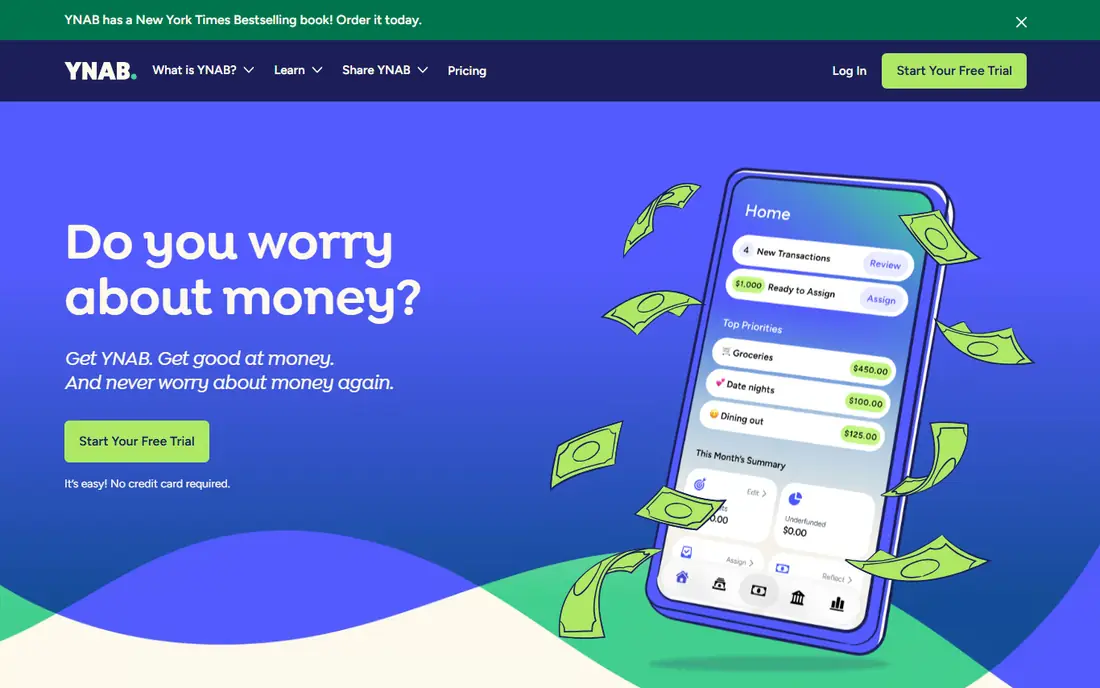
YNAB, short for You Need a Budget, is less of a tracker and more of a system. You assign every dollar you have to a category before you spend it, set targets for irregular bills, and move money between categories when plans change instead of abandoning the budget. That discipline is the point, and it explains why YNAB users often report better control after a few months. Live workshops, guides, and a large community help new users learn the method, and the 34-day trial is long enough to cover a full pay cycle.
The price is at the top of this list, and there is no free tier once the trial ends, so YNAB only makes sense if you will open it most days. Credit card handling also confuses some beginners, since YNAB treats card spending differently from a simple expense list. If you want automation without a method, Monarch or Simplifi will feel lighter. If you want a method that changes how you spend, YNAB is the most complete version of it here. This is not financial advice, and a budgeting app cannot replace advice tailored to your debts, taxes, or retirement plans.
What we like- Teaches a proven four-rule method
- 34-day trial with no card required
- Sharing for up to six people
Watch out for- No permanent free tier
- Learning curve in the first month
- Investment tracking is basic
#2Monarch Money
Best for: Household dashboard with net worth and goals4.7/5 on
G2 (3 reviews, checked Oct 2026)
Visit monarch.com
Starting price$14.99 per month
Free planFree trial
Monarch Money replaced Mint for many households, and the reason is the breadth of the dashboard. Bank accounts, cards, loans, investments, and property values sit in one view, and you can switch between detailed category budgets and a simpler flex budget that only tracks what is left after bills and savings. Recurring transactions are detected automatically, goals track savings progress, and a partner can join with a separate login at no extra cost. Data export is included, which matters if you ever want to leave.
There is no free tier, and the seven-day trial is short, so use it during a week with real bills and paychecks rather than a quiet week. The newer Plus tier adds forecasting and advanced investment analysis at $199 per year, but most households will not need it at the start. Monarch is the best pick in this guide for couples or families who want one shared money picture without learning a strict method first.
What we like- Partner sharing at no extra cost
- Flexible category and flex budgets
- Investment and cash flow views
Watch out for- No permanent free plan
- Plus tier at $199 per year is costly
- Seven-day trial is short for a full test
Starting price$13 per month
Free planFree trial
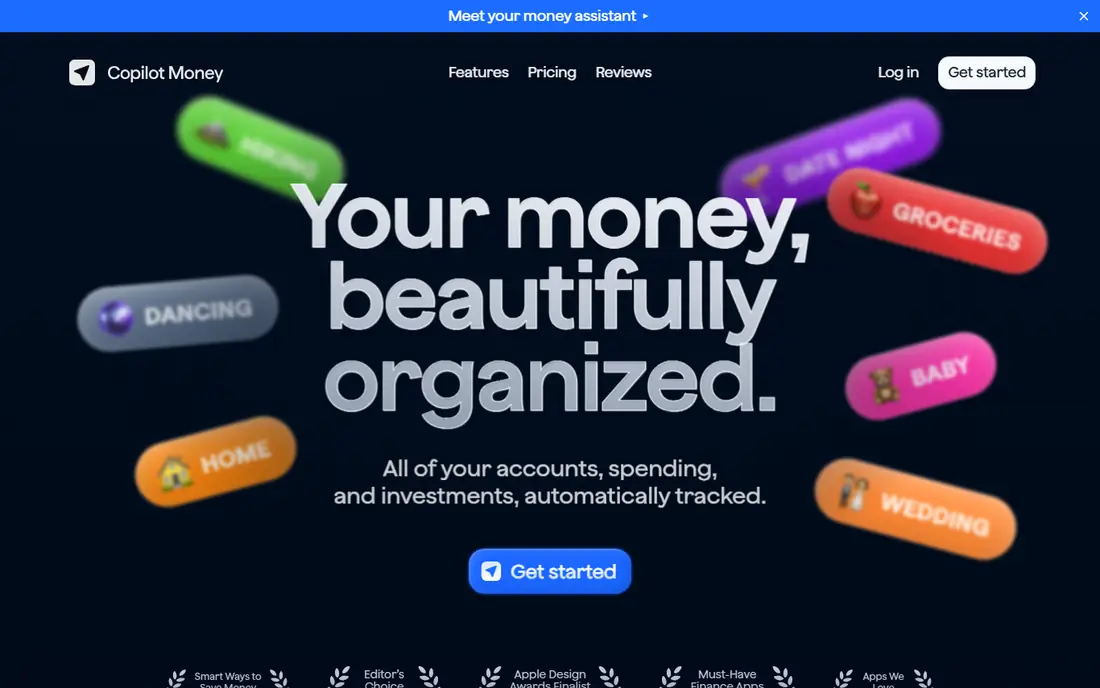
Copilot Money is the most polished app in this list to look at every day. Transactions are categorized automatically with unusual accuracy, upcoming bills appear in a simple timeline, and rollovers let unspent category money carry forward. A demo mode lets you explore the app with sample data before connecting a bank account, which is a thoughtful touch for privacy-conscious buyers. The one-month trial is also generous beside the seven-day trials elsewhere.
The limits are firm. Copilot runs on iPhone, iPad, Mac, and the web, but there is no Android app, and it connects to US financial institutions only. Couples should note that each person needs a separate subscription, which doubles the household cost beside Monarch. If everyone in your house uses Apple devices and you value a quiet, fast daily review, Copilot is hard to beat. Mixed-device households should cross it off early.
What we like- Excellent automatic categorization
- Demo mode before connecting accounts
- One-month trial
Watch out for- No Android app
- US institutions only
- Each partner needs a separate subscription
#4
Quicken Simplifi
Best for: Simple spending plan with cash flow projections
Visit quicken.com
Starting price$3.99 per month (billed annually)
Free planFree trial
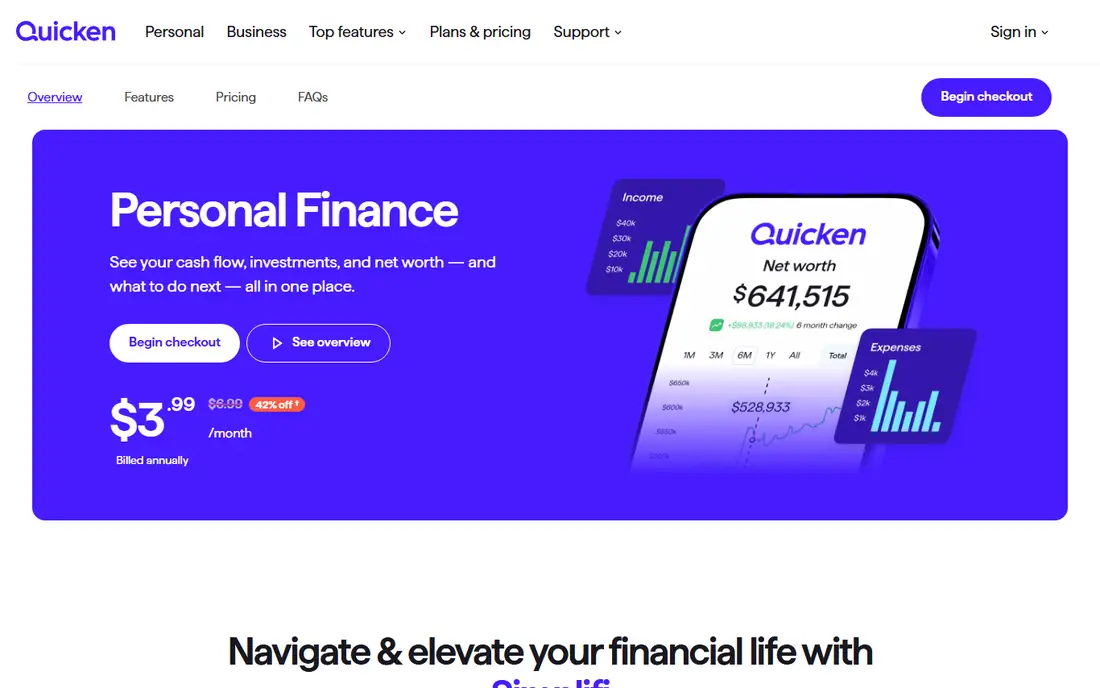
Quicken Simplifi starts from a simple question: after bills, subscriptions, and savings goals, how much is safe to spend today. The app builds a personalized spending plan from your income and recurring costs, then updates that daily figure as transactions arrive. Projected cash flow shows future balances based on upcoming bills and paychecks, which helps avoid overdrafts before they happen. Savings goals, subscription tracking, and investment views round out a dashboard that feels complete without feeling heavy.
Pricing needs care. The vendor site lists $3.99 per month billed annually as a discounted first-year rate, with a higher standard rate on renewal, so budget for the renewal price rather than the intro price. Simplifi also does not teach a method in the way YNAB does, so habit change depends on you checking the plan. For buyers who want solid tracking and a clear spending number at a low entry price, Simplifi is the sensible middle option.
What we like- Low first-year price on the vendor site
- Projected cash flow
- Spending plan that adjusts as you spend
Watch out for- Introductory price rises on renewal
- No permanent free tier
- Budgeting is lighter than YNAB
Starting price$7 per month
Free planYes
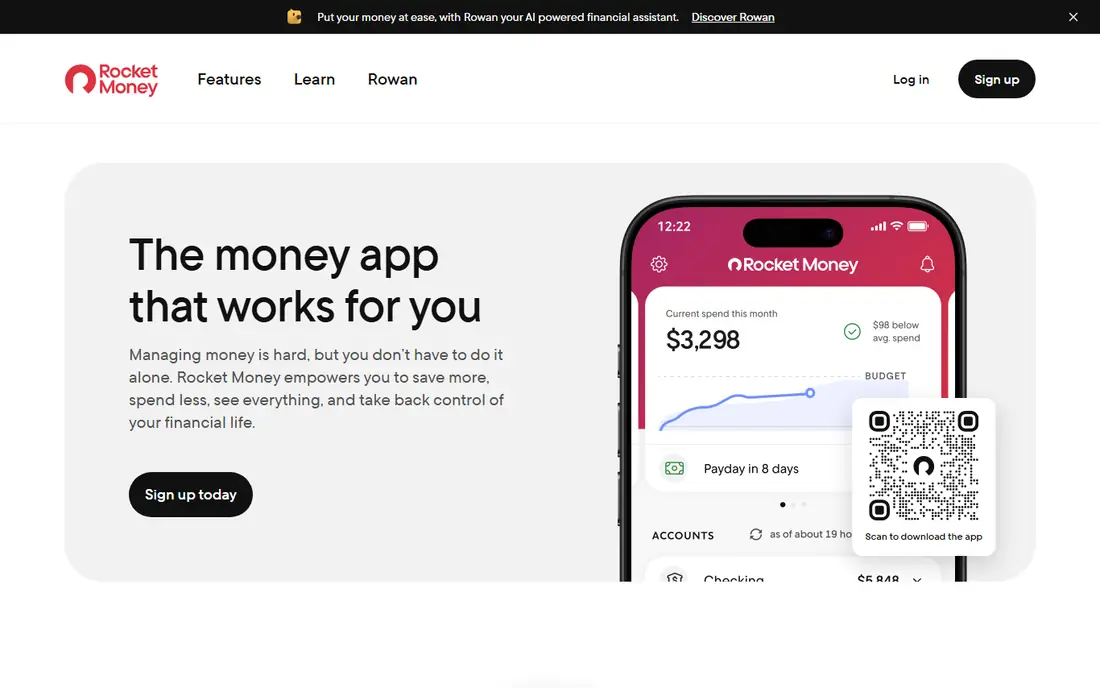
Rocket Money earns its place here for a different job: finding money that is leaking out through subscriptions. The free tier links accounts, lists recurring charges, and tracks spending, which is enough for many people to spot a forgotten service in the first week. Premium adds unlimited budgets, custom categories, full transaction history, cancellation assistance, and automated savings, while Premium+ adds an AI assistant and no bill-negotiation success fee. Savings goals are held at a partner bank, which is worth noting before you use them.
The sliding Premium price, typically $7 to $14 per month, makes direct comparison tricky, and bill negotiation on lower tiers carries a success fee based on first-year savings. Read that fee before authorizing a negotiation, and set a reminder before the seven-day Premium trial ends. Rocket Money is not the best pure budgeting method here, but it is the best pick if subscriptions and bills are your main problem.
What we like- Free tier finds subscriptions
- Cancellation help on Premium
- Automated savings goals
Watch out for- Premium price is a sliding scale from $7 to $14 per month
- Bill negotiation fees apply on some tiers
- Budgeting is less detailed than YNAB
Starting price$17.99 per month
Free planYes
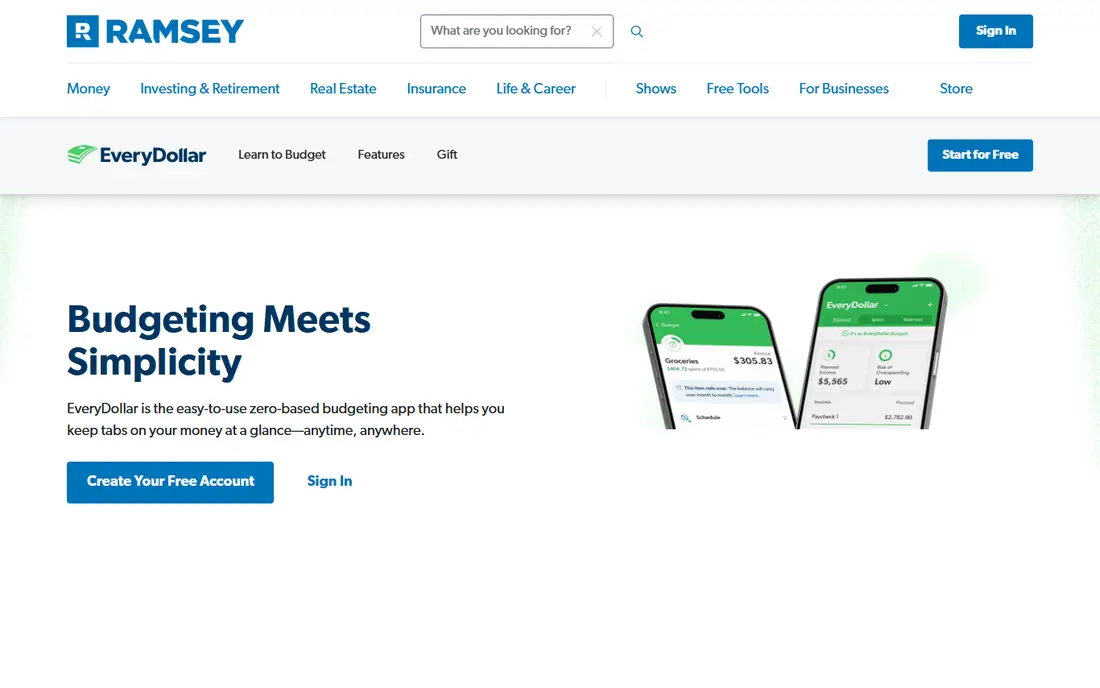
EveryDollar is Ramsey Solutions' budgeting app, built around zero-based planning and the Baby Steps debt payoff order. The free tier lets you create a monthly budget, add unlimited categories, enter transactions manually, and set up sinking funds for irregular costs. Premium adds bank sync, paycheck planning, custom reports, CSV export, a financial roadmap, and group and one-on-one coaching. That combination suits people who already follow Ramsey's approach and want their budget to match it.
The monthly Premium price is steep, while the annual price of $79.99 is far more reasonable, so anyone who wants Premium should compare annual billing first. Bank sync is also Premium-only, which means free users must enter every transaction by hand. That manual work slows some people down in a useful way, but it will frustrate anyone who wants automation. For Ramsey followers, the coherence of method, debt tools, and coaching is the main reason to choose EveryDollar over a generic tracker.
What we like- Free manual budget is genuinely usable
- Debt snowball tracker on Premium
- Paycheck planning and coaching
Watch out for- Monthly Premium price is the highest here
- Bank sync needs Premium
- Credit card handling is limited
Starting price$10 per month
Free planYes
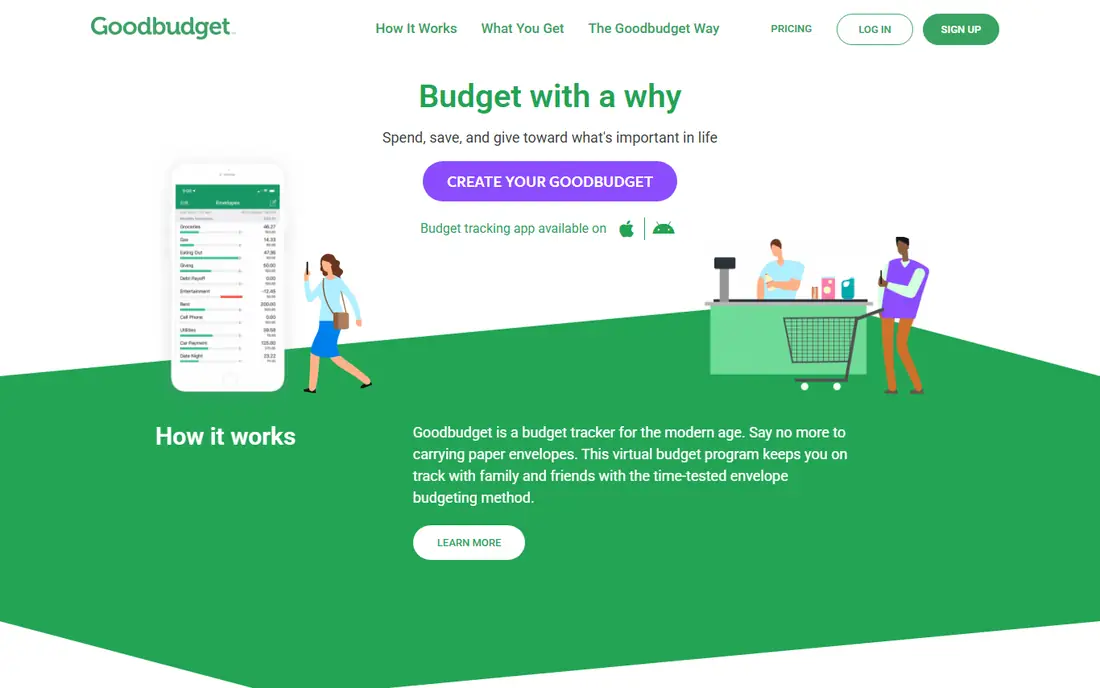
Goodbudget digitizes the cash envelope system: you fill envelopes for groceries, rent, fuel, and fun, and when an envelope is empty, spending in that category stops. The free tier includes 10 regular envelopes plus 10 annual envelopes, one account, and sync across two devices, which is enough for a simple household budget. Plus raises the limits to unlimited envelopes and accounts, five devices, and seven years of history, and adds bank sync for eligible US accounts. Household sharing works on both tiers, so a partner sees the same envelopes.
Manual entry is the whole method here, and it is both the strength and the weakness. Entering each purchase forces attention, but forgetting a few days of entries makes the envelopes drift from reality. Goodbudget also lacks the investment views and forecasting of Monarch or Simplifi. For people who distrust bank connections, or who want a tactile, shared envelope system at no cost, Goodbudget is the best free starting point in this guide.
What we like- Free tier covers 20 envelopes
- Household sync on both tiers
- No bank login required
Watch out for- Manual entry by design
- No automatic bank sync on the free tier
- Reports are basic beside Monarch
Starting price$12.99 per month
Free planYes
PocketGuard answers the question most people actually ask each morning: how much can I spend today without breaking the plan. After bills, goals, and necessities are accounted for, the app shows a leftover figure and a pace forecast that warns you early if spending is running ahead of the month. Custom rules categorize transactions, rollovers carry unspent money forward, and a debt payoff planner compares payoff approaches. The interface is clean, and the daily view is quick to scan.
The free tier is limited to fewer accounts, and Plus at $12.99 per month or $74.99 per year is needed for unlimited budgets, more accounts, and the full feature set. A lifetime option has also been offered, so check the current checkout page if you prefer a one-time payment. PocketGuard is the best pick for beginners who want one clear number and do not want to learn a full budgeting method first.
What we like- Leftover number after bills and goals
- Pace forecast for the month
- Debt payoff planner on Plus
Watch out for- Free tier is limited
- Investment tracking is thin
- Customization is lighter than Monarch
How we chose
We compared vendor pricing pages, official product pages, app store listings, and public reviews on sites such as G2, Capterra, and Reddit, then checked each homepage to confirm it belonged to the product named. Prices are US list prices found during research in October 2026, and introductory offers, app store billing, and annual versus monthly rates can change the amount you actually pay. Where a price could not be pinned to a single clear figure, we used the most commonly published plan and noted the billing term. We did not claim hands-on testing, and we favored apps with a clear method, reliable bank connections, and an honest free tier or trial.
Choosing between method, dashboard, and manual tracking
A method app such as YNAB or EveryDollar asks for daily attention and rewards it with control, while a dashboard such as Monarch or Copilot does more of the work automatically and suits people who mainly want visibility. Manual apps such as Goodbudget suit people who want to slow down, while Rocket Money and PocketGuard suit people with one specific problem, namely subscriptions or daily spending limits. Pick the style you will still use in three months, not the style that sounds best in a review.
Check sync, sharing, and exit options before paying
Connect your main bank and one card during the trial and watch for duplicate transactions, missing accounts, or repeated reauthentication prompts. If a partner will use the app, check whether sharing is included or charged per person, since that difference can double the household cost. Finally, confirm that you can export transactions to CSV, because an app that locks your history inside its own format is harder to leave later.
Frequently asked questions
What is the best free budgeting app?
Goodbudget has the strongest free tier for a real method, with 20 envelopes and household sync, while EveryDollar has the strongest free zero-based budget with manual entry. Rocket Money is the best free option if your main goal is finding subscriptions rather than planning every category.
Is YNAB worth $109 per year?
YNAB is worth the annual price if you use the method daily and value its workshops, targets, and debt tools. If you open a budgeting app once a month, a cheaper dashboard such as Simplifi or a free tier such as Goodbudget will give you most of the visibility at far lower cost. Use the 34-day trial to judge honestly.
Do budgeting apps sell my financial data?
Reputable apps in this list state that they do not sell personal data, and most use read-only bank connections through aggregators such as Plaid or Finicity. Read the privacy policy before connecting accounts, check what data is shared with the aggregator, and use a separate login or manual entry if a connection makes you uneasy. This is not financial advice.
Can I budget without linking my bank account?
Yes. Goodbudget and EveryDollar both work well with manual entry, and YNAB supports manual accounts and file imports. Manual entry takes more time, but it forces you to notice each purchase, and it avoids bank sync problems entirely. Automatic sync suits people with many accounts who would otherwise skip tracking.
Which budgeting app is best for couples?
Monarch Money is the best pick for most couples, because one subscription covers a partner with a separate login and a shared dashboard. YNAB also supports up to six people on one subscription, while Copilot requires a separate subscription per person. Goodbudget shares envelopes on both its free and paid tiers.
How long does it take to set up a budgeting app?
Most apps take under an hour to connect accounts and set first categories, but a useful budget takes two to four weeks of real transactions to settle. Use the trial to cover at least one full pay cycle, fix miscategorized transactions early, and adjust category targets after the first month rather than on day one.
Sources we checked (8)
- https://ynab.com
- https://monarch.com
- https://copilot.money
- https://www.quicken.com/simplifi
- https://www.rocketmoney.com
- https://www.ramseysolutions.com/money/everydollar
- https://goodbudget.com
- https://pocketguard.com
Is your product missing or out of date?
We review this list regularly. Vendors can request a listing, send updated pricing or ask about featured placement.

Shihab Mia · Founder, Rankite
Shihab has 5+ years in B2B and SaaS SEO. He writes Rankite's software buying guides from pricing pages, documentation and public user reviews. More about Shihab.