How we make this list: we compare pricing pages, product documentation and public user reviews. Ratings come from G2, Capterra or Trustpilot, with the date we checked them.
Key takeaways
- Paycheck budgeting is about timing first: the right app maps bills to paydays so rent and utilities never collide in the same week.
- YNAB and EveryDollar give the clearest zero-based structure, while PocketGuard answers the daily question of what is safe to spend.
- Free plans from EveryDollar, Goodbudget, and Rocket Money can carry a tight budget, but bank sync usually sits behind a paid tier.
- Copilot and Monarch suit readers who want investments and net worth in the same view, not just a monthly spending plan.
- A short trial is worth more than a feature list: connect one real payday cycle before you pay for a year.
Quick comparison
| Tool | Best for | Starting price | Free plan |
|---|
 YNAB YNAB | Strict zero-based payday planning | $14.99 per user/month | Free trial (34 days) |
 EveryDollar EveryDollar | Simple zero-based budgeting | Free | Yes |
 PocketGuard PocketGuard | Seeing what is safe to spend | $12.99 per month | Free trial |
 Goodbudget Goodbudget | Digital envelope budgeting | Free | Yes |
 Monarch Money Monarch Money | Household money in one view | $14.99 per month | Free trial (7 days) |
 Copilot Money Copilot Money | Apple users who want clear design | $13 per month | Free trial |
 Rocket Money Rocket Money | Finding and cancelling subscriptions | Free | Yes |
 Quicken Simplifi Quicken Simplifi | Low-cost automatic spending plans | $3.99 per month (billed annually) | Free trial |
Is your product missing or out of date?
We review this list regularly. Vendors can request a listing, send updated pricing or ask about featured placement.
The best app for paycheck-to-paycheck budgeting
#1YNAB
Best for: Strict zero-based payday planning4.5/5 on
G2 (30 reviews, checked Oct 2026)
Visit ynab.com
Starting price$14.99 per user/month
Free planFree trial (34 days)
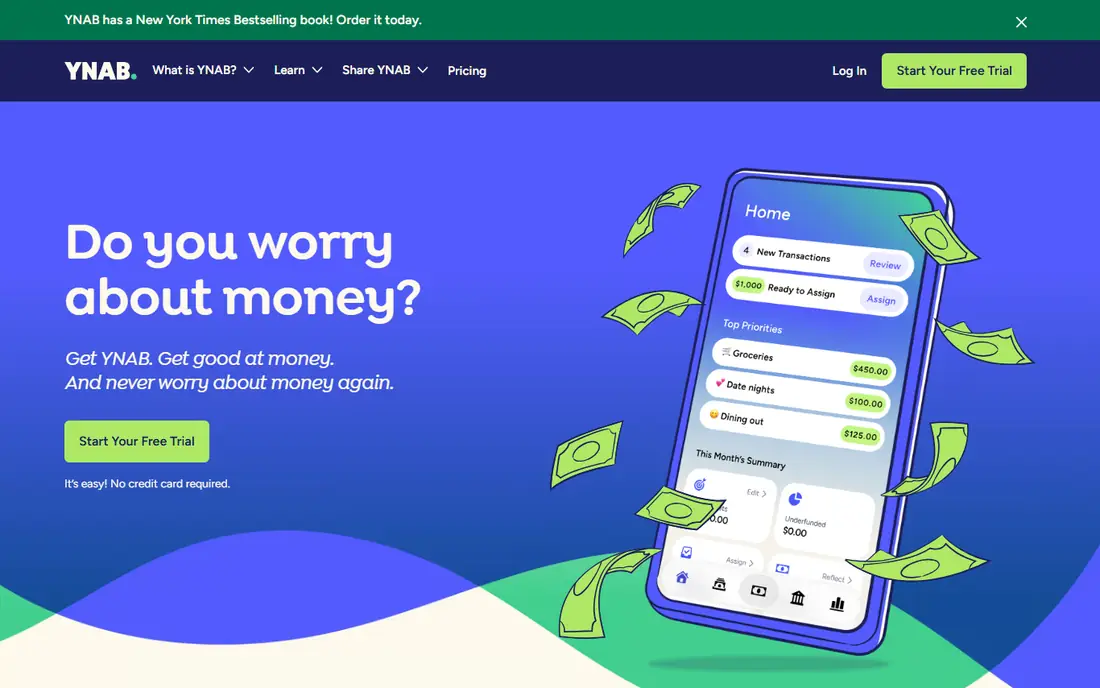
YNAB fits people who want a rule to follow, not just a chart of past spending. You assign each dollar a job before you spend it, which forces a decision about rent, groceries, transport, and debt before payday money disappears. When pay arrives in parts, you can budget only the money you actually hold, then add the next check when it lands. That habit matters more than any graph when money is tight, because it stops the common pattern of spending early in the pay period and scrambling later.
The cost and learning curve are real. At $14.99 per month, YNAB is one of the pricier apps here, and the first setup takes patience as you build categories and link accounts. The 34-day trial helps, since it covers more than one payday for most workers. If you finish the trial with a plan you still open every few days, the price is easier to justify. If you want a lighter start, try a free app first and return to YNAB when you want stricter structure.
What we like- Clear method for assigning every dollar
- Strong debt payoff tools
- Long trial for a full pay cycle
Watch out for- Higher price than most rivals
- Learning curve in the first two weeks
- No permanent free plan
Starting priceFree
Free planYes
EveryDollar is the easiest free entry point for zero-based budgeting. The free version lets you build a monthly plan, create unlimited categories, track transactions by hand, and set due dates for bills. That manual step slows you down in a useful way when money is tight, because typing in each purchase makes spending visible. Couples can also share one household budget, which avoids the problem of two people planning from two different lists.
Bank sync, automatic transactions, and custom reports sit in Premium, priced at $79.99 per year or $17.99 per month. For many paycheck-to-paycheck users, the free version is enough for the first month or two. Move to Premium only if manual entry starts to fail and you miss transactions. The app also includes debt payoff tracking in Premium, which helps if you are working through several small balances. Start free, learn the method, and pay only when automation saves you real time.
What we like- Free version covers manual zero-based budgeting
- Simple layout
- Household sharing
Watch out for- Bank sync requires Premium
- Premium is $79.99 per year
- Reports are stronger on paid plans
Starting price$12.99 per month
Free planFree trial
PocketGuard answers the question most paycheck budgets fail to answer in plain language: after bills and goals, how much can I spend today without causing trouble later. It pulls accounts together, tracks upcoming bills, and shows a leftover figure that adjusts as spending happens. That single number helps at the grocery store and on a night out, where a full budget spreadsheet is useless. It also supports zero-based, category, and envelope styles, so you do not have to adopt a method that feels foreign.
The catch is that the strongest version is Plus, at $12.99 per month or $74.99 per year, with a trial to check it first. Free use is limited, and the app can feel crowded with charts and prompts. PocketGuard still earns a high place here because it centers timing and leftovers, which is exactly what paycheck living requires. If YNAB feels too strict and EveryDollar feels too manual, PocketGuard is the middle path worth a trial.
What we like- Clear leftover-to-spend figure
- Bill and subscription tracking
- Flexible budget methods
Watch out for- Full value needs Plus at $74.99 per year
- Interface can feel busy
- Some features overlap with bank apps
Starting priceFree
Free planYes
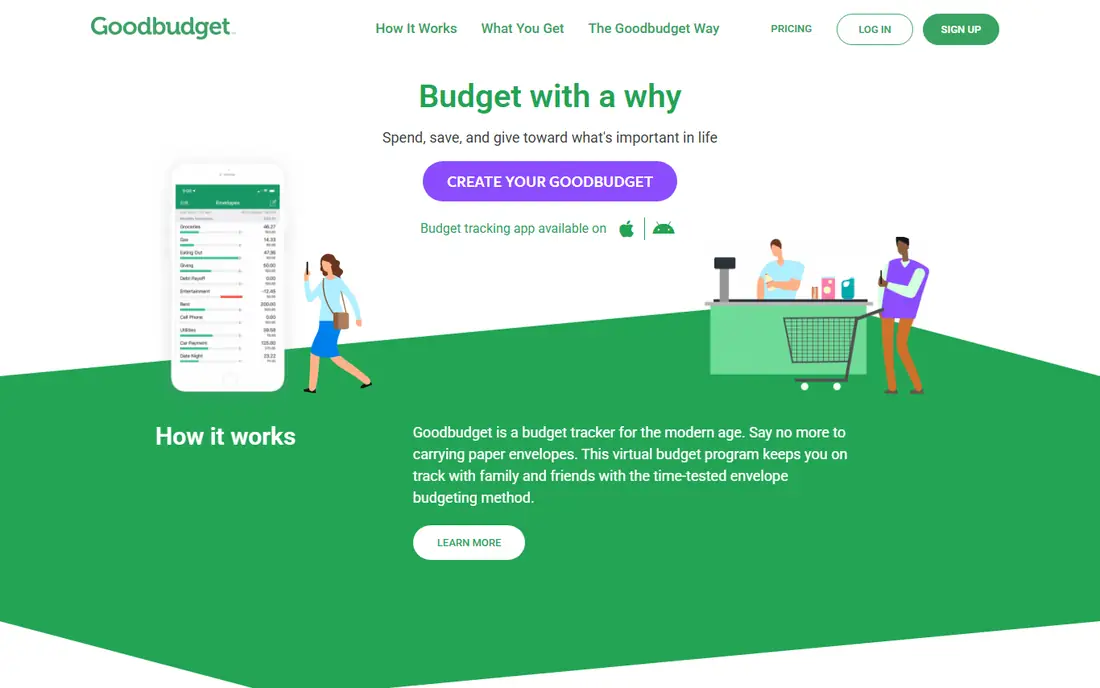
Goodbudget turns the old cash envelope method into a phone app. You divide each paycheck into envelopes for rent, food, transport, and fun, then spend only what each envelope holds. When an envelope is empty, the rule is clear: stop, move money on purpose, or wait. That clarity helps households that overspend in one category while other bills wait unpaid. Sharing a budget with a partner is also straightforward, which reduces arguments about who spent what.
The free plan covers core budgeting with limits on envelopes, accounts, and history, while Plus costs $10 per month or $80 per year and adds bank sync for US banks and more room. Manual entry is the main discipline test. If you enjoy checking envelopes before purchases, Goodbudget can carry a tight budget for free. If you will not log purchases by hand, choose an app with automatic sync instead, even if it costs more.
What we like- Clear envelope method
- Good for couples
- Free plan covers core budgeting
Watch out for- Bank sync requires Plus
- Free plan limits envelopes and history
- Manual entry takes discipline
Starting price$14.99 per month
Free planFree trial (7 days)
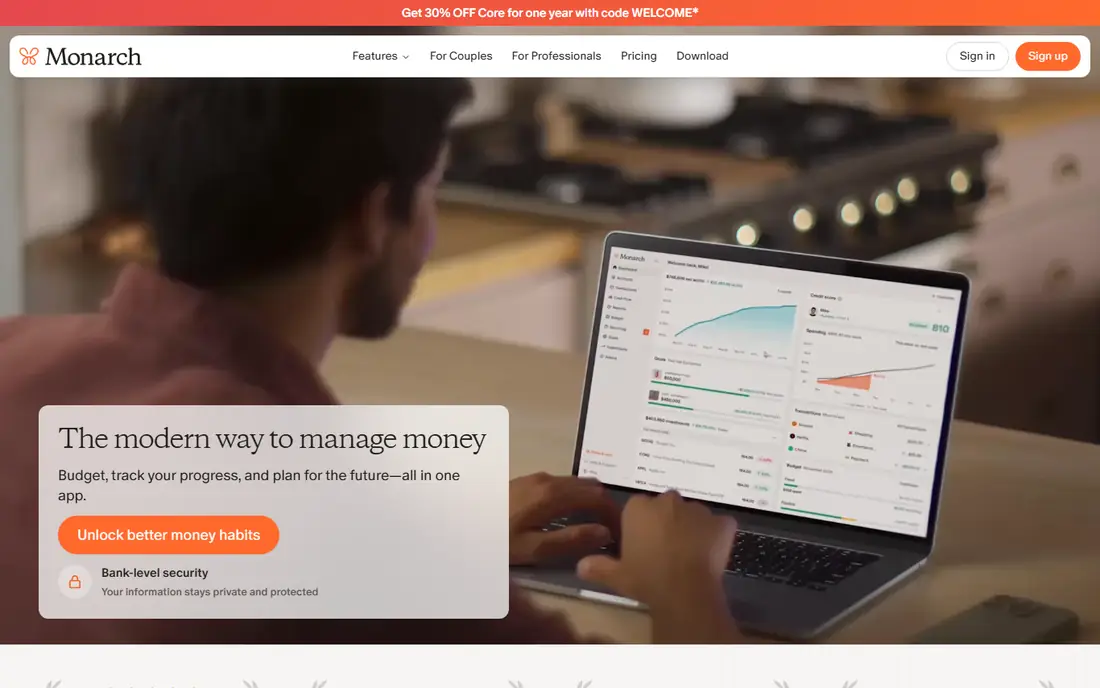
Monarch Money suits households that want one dashboard for everything, not just a monthly budget. You can connect bank accounts, cards, loans, and investments, set goals, track recurring bills, and share the view with a partner at no extra seat cost. For paycheck budgeting, the value is context: you see the next bills, the current balances, and the savings goal in the same place, which makes payday decisions faster. Flexible budgets also let you set different rules per category instead of forcing one method on every dollar.
The limits are price and trial length. At $14.99 per month or $99.99 per year, Monarch costs more than the free apps here, and seven days is short for judging a payday cycle. Use the trial with a clear test: connect your main accounts, set bill dates, and check it on payday and three days later. If it becomes the place you check before spending, it may be worth it. If you only need a budget, a cheaper single-purpose app will do the same job.
What we like- Accounts, budgets, goals, and net worth in one place
- Strong partner sharing
- Flexible budgets
Watch out for- No permanent free plan
- $99.99 per year
- Trial is only seven days
Starting price$13 per month
Free planFree trial
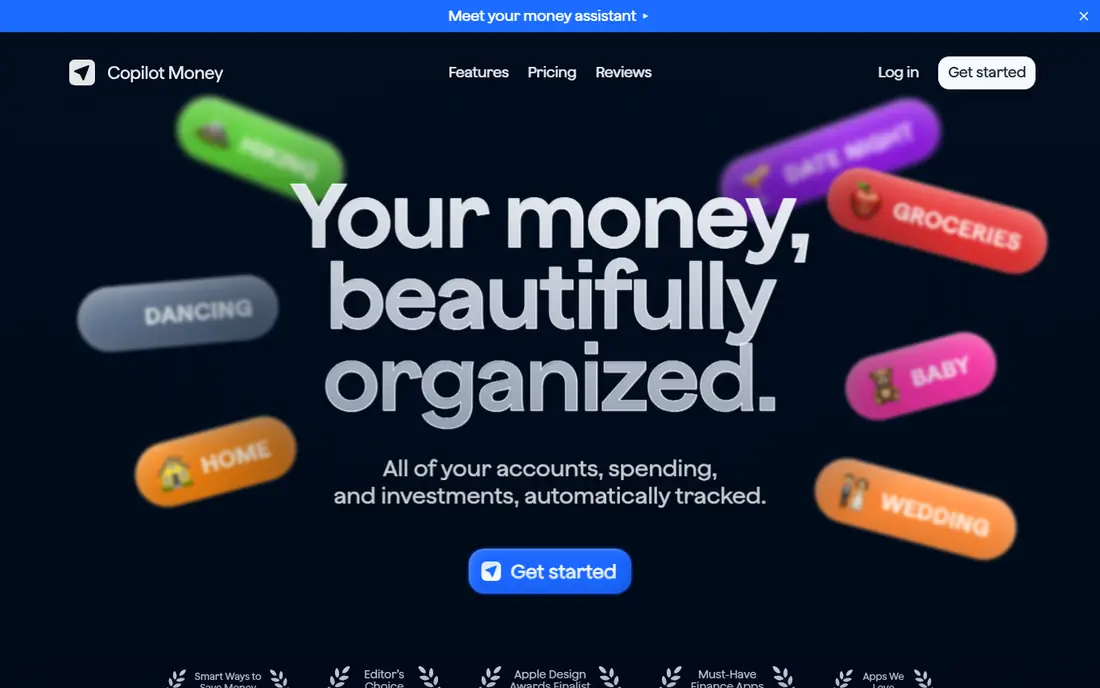
Copilot Money is the design-led pick for Apple households. Accounts, spending, budgets, investments, and net worth appear in a calm layout that is easy to scan on a phone, which matters when you check money in short moments between errands. Automatic categorization learns from your habits, and rollovers let unspent category money carry forward. For paycheck planning, the cash flow view helps you see whether income is rising or spending is creeping up month to month.
The hard limit is platform: Copilot does not offer an Android app, so mixed-device households should look elsewhere. At $13 per month or $95 per year, it is also a paid-only commitment after trial. Android users get similar coverage from Monarch or PocketGuard. Apple users who will actually open a well-designed app more often may find Copilot worth it, since the best budget app is the one you check before payday runs out.
What we like- Clean design on iPhone, Mac, and web
- Automatic categorization
- Net worth and investment views
Watch out for- No Android app
- $95 per year
- No permanent free plan
Starting priceFree
Free planYes
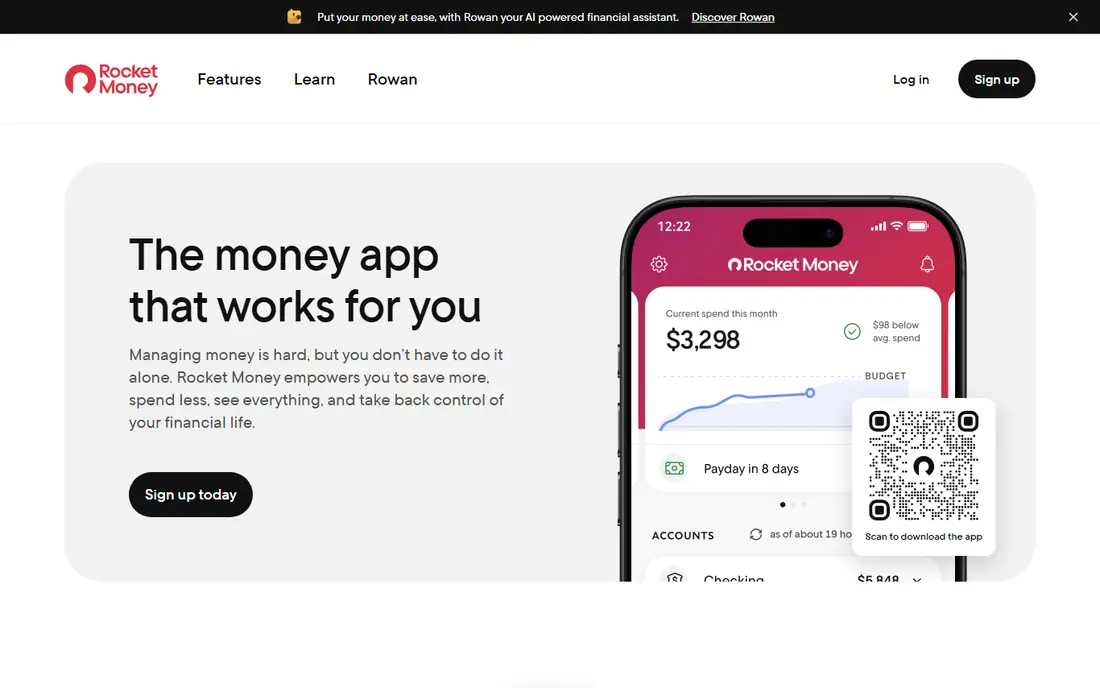
Rocket Money starts from a different pain point: money leaking through subscriptions you forgot. It finds recurring charges, tracks spending, and, on Premium, helps cancel services and negotiate bills. For a paycheck budget, that leak matters, since a few forgotten charges can decide whether the last week of the month feels stable. The free plan covers basic tracking, which makes it a low-risk first step before you commit to a stricter budgeting method.
Premium pricing is flexible, typically $7 to $14 per month chosen by the user, which can confuse comparison shopping. Budgeting inside Rocket Money is also less strict than YNAB or EveryDollar, so it suits readers who want oversight and savings help rather than a rule for every dollar. Pair it with a zero-based app if you need both: use Rocket Money to cut leaks, then assign the freed money in your main budget.
What we like- Free spending and subscription tracking
- Cancellation help on Premium
- Bill negotiation help
Watch out for- Premium pricing varies from $7 to $14 per month
- Full budgeting is less strict than YNAB
- Some services need Premium
Starting price$3.99 per month (billed annually)
Free planFree trial
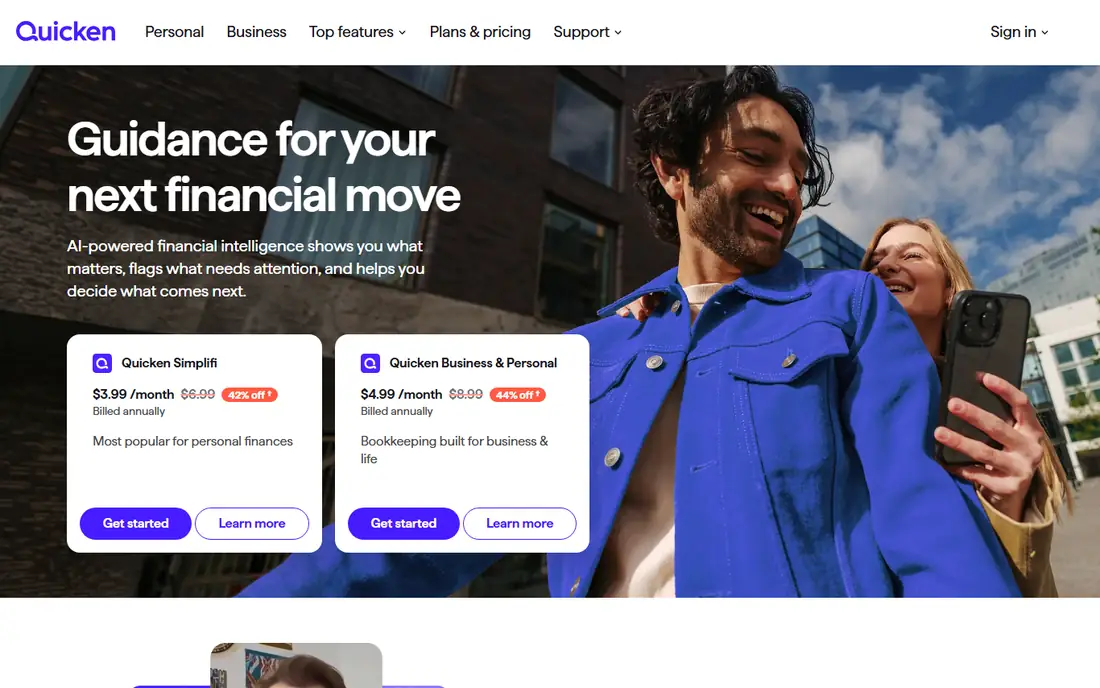
Quicken Simplifi is the budget pick for readers who want automatic tracking without paying $15 per month. The homepage lists Simplifi at $3.99 per month billed annually, against a $6.99 standard rate, so check the renewal price before you commit for a second year. Spending plans show what is planned, what is spent, and what remains, while projections help you see where cash flow heads before bills land. That forward view is useful when paydays and due dates do not line up neatly.
Simplifi is less strict than a zero-based app, so readers who need a hard rule for every dollar may prefer YNAB. It also lacks a permanent free tier, though the low entry price softens that gap. For a first paid app, Simplifi offers the best balance of automation and cost in this list. Set a calendar note for renewal, compare the second-year price, and switch if the value no longer holds.
What we like- Low entry price
- Spending plans and projections
- Account sync included
Watch out for- No permanent free plan
- Less zero-based structure than YNAB
- Price rises after first-year offer
How we chose
We checked pricing pages, official product pages, and public reviews on G2, Capterra, and Reddit, and we opened each homepage to confirm it belongs to the app named. We favored apps that handle payday timing, bill due dates, and irregular income, not just monthly totals. We also weighed free tiers, bank sync rules, partner sharing, and the effort needed to keep the budget current, since a perfect plan you abandon helps no one. Prices change often, so confirm the current plan page before you subscribe. This guide is general information, not financial advice.
A payday routine that actually holds
Build your budget around paydays, not calendar months. List every bill with its due date, then assign each bill to the paycheck that arrives before it is due. When a paycheck lands, move money for rent, utilities, and minimum debt payments first, then groceries and transport, then fun and savings. That order protects essentials even in a short month. Keep a small buffer category for the costs that always appear, such as car repairs and medical copays, and fund it a little each payday rather than waiting for a crisis.
Review the plan twice per pay period: once on payday, and once halfway through. On payday, confirm the bills assigned to that check are covered. Midway, check what is left in food and transport envelopes and adjust before the last days run dry. If a bill moves, move its assignment too, rather than letting it sit in the wrong pay period. Automation helps, but the review habit matters more than the app. Pick the app you will open on those two days, and let the rest of the features stay in the background.
Frequently asked questions
What is the best app for paycheck-to-paycheck budgeting if I want it free?
EveryDollar and Goodbudget both offer usable free plans for manual budgeting. Rocket Money also tracks spending and subscriptions free. Free plans usually lack bank sync, so expect to enter transactions by hand. That extra step is workable if you check the app daily.
How do I budget when my paydays do not match my bill dates?
Assign each bill to the paycheck that arrives before its due date, not to the month as a whole. Hold money for early-month bills from the last paycheck of the prior month when needed. Apps with bill calendars and spending plans make this timing visible, and a mid-period review catches gaps early.
Is YNAB worth it on a tight budget?
YNAB can be worth it if you use its method every payday and stick with it past the first month. The 34-day trial covers a full pay cycle for most workers, so use it to judge honestly. If manual budgeting already works for you, a free app may give the same result without the monthly cost.
Can a budgeting app help with irregular income?
Yes, if it lets you budget only money you already hold and add income as it arrives. YNAB and PocketGuard handle this pattern well, since they do not assume a fixed monthly salary. Goodbudget envelopes also work, because you fill envelopes only when money lands.
Should couples share one budgeting app?
Sharing one budget usually works better than keeping two separate plans, since both partners see the same bills and balances. EveryDollar, Goodbudget, and Monarch Money all support shared household views. Agree on who enters transactions and when you review together, ideally on payday.
What should I do if I keep running out of money before payday?
Start by listing every subscription and recurring charge, then cancel what you do not use. Next, move bill due dates where a provider allows it, so large bills do not cluster in one week. Finally, shrink the flexible categories first, such as dining and shopping, and protect rent, utilities, transport, and minimum debt payments.
Sources we checked (8)
- https://www.ynab.com
- https://www.everydollar.com
- https://pocketguard.com
- https://goodbudget.com
- https://www.monarchmoney.com
- https://copilot.money
- https://www.rocketmoney.com
- https://www.quicken.com
Is your product missing or out of date?
We review this list regularly. Vendors can request a listing, send updated pricing or ask about featured placement.

Shihab Mia · Founder, Rankite
Shihab has 5+ years in B2B and SaaS SEO. He writes Rankite's software buying guides from pricing pages, documentation and public user reviews. More about Shihab.