How we make this list: we compare pricing pages, product documentation and public user reviews. Rankite is independent; if a vendor ever pays for a featured spot, that listing is clearly labeled Partner.
Key takeaways
- Burning a Blu-ray is two jobs: authoring (turning video files into a playable disc with menus) and burning (writing data to the disc). Few tools do both well.
- DVDFab Blu-ray Creator and Leawo Blu-ray Creator are the full authoring packages for turning MP4 and MKV files into proper video discs.
- ImgBurn, BurnAware and AnyBurn are free and excellent at the burning step, but they need a prepared disc image or folder first.
- Nero and Ashampoo bundle burning into bigger multimedia suites, which makes sense if you also edit video or manage media.
- You need a Blu-ray writer drive and blank BD-R or BD-RE discs; no software can burn a Blu-ray without the hardware.
Quick comparison
| Tool | Best for | Starting price | Free plan |
|---|
 DVDFab Blu-ray Creator DVDFab Blu-ray Creator | complete video-to-Blu-ray authoring | See website | Free trial |
 Leawo Blu-ray Creator Leawo Blu-ray Creator | Blu-ray authoring with an easy menu designer | See website | Free trial |
 ImgBurn ImgBurn | free, precise burning of prepared disc images | Free | Yes |
 BurnAware BurnAware | free everyday burning including Blu-ray data discs | Free | Yes |
 AnyBurn AnyBurn | lightweight free burning and USB imaging | Free | Yes |
 Nero Burning ROM Nero Burning ROM | burning as part of the Nero multimedia suite | See website | Free trial |
 Ashampoo Burning Studio Ashampoo Burning Studio | approachable burning for casual Windows users | See website | See website |
 Express Burn Express Burn | quick drag-and-drop disc burning | See website | See website |
 CyberLink Power2Go CyberLink Power2Go | burning plus backup in one package | See website | Free trial |
Is your product missing or out of date?
We review this list regularly. Vendors can request a listing, send updated pricing or ask about featured placement.
Why Blu-ray burning still exists in 2026
Streaming won the living room, but discs never fully died. Videographers deliver wedding and event films on Blu-ray because clients want something physical that plays in any player. Archivists trust write-once BD-R discs for cold storage, since a disc on a shelf cannot be ransomwared. And home theater fans still prefer the bitrate of a real Blu-ray over a compressed stream.
The software market shrank with the demand, which is why this list mixes veterans from the disc era with a few survivors. Every tool here is still maintained and available in 2026. What changed is expectations: nobody burns casually anymore, so the tools that remain are the ones serious users kept paying for or the free ones too good to abandon.
The best blu-ray burning software
#1
DVDFab Blu-ray Creator
Best for: complete video-to-Blu-ray authoring
Visit dvdfab.cn
Starting priceSee website
Free planFree trial
DVDFab Blu-ray Creator is the closest thing to a professional authoring studio for home users. Drop in MP4, MKV, MOV or AVI files and it builds a proper Blu-ray with animated menus, chapters and subtitles, then writes it to disc or saves an ISO. GPU acceleration keeps the encoding step from taking all night, and the output plays in standalone players, not just computers.
It is commercial software with a trial, and DVDFab's product line is broad enough to confuse first-time buyers, so make sure you are looking at Blu-ray Creator specifically. For anyone regularly producing video discs from mixed source files, it is the most capable option on this list.
What we like- Burns 200+ video formats to Blu-ray with menus
- GPU acceleration speeds up encoding
- Outputs to disc, ISO or folder
Watch out for- Subscription pricing adds up
- The installer and upsells need attention during setup
#2
Leawo Blu-ray Creator
Best for: Blu-ray authoring with an easy menu designer
Visit leawo.com
Starting priceSee website
Free planFree trial
Leawo has been in the disc business since 2006, and its Blu-ray Creator shows the experience. The workflow is simple: add videos or photos, pick a menu template, customize it, and burn. It supports 180+ input formats, builds 720p or 1080p Blu-rays, and includes a basic video editor for trimming and watermarking before the burn.
The free trial burns only the first five minutes of content, which is enough to test but not to use. The registered version removes the limit. Leawo also sells a Prof. Media bundle that covers ripping, conversion and burning together, worth a look if your workflow goes both directions.
What we like- Straightforward menu and chapter designer
- Burns to disc, folder and ISO in one pass
- Also handles DVD authoring
Watch out for- The trial only burns the first few minutes
- Interface feels dated next to DVDFab
Starting priceFree
Free planYes
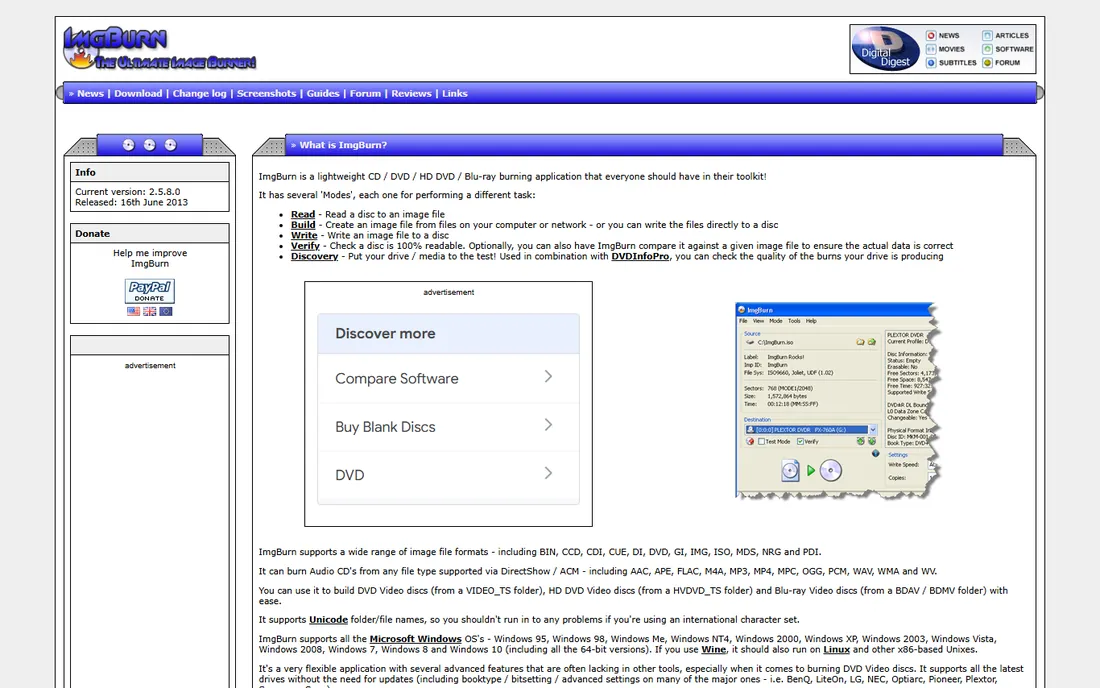
ImgBurn is a legend in burning circles, and it is still the best free tool for the job it does. It writes prepared Blu-ray folders (BDMV) and ISO images to disc with exacting control over burn speed, layer breaks and verification. Forum regulars recommend it first for a reason: it is stable, tiny and honest.
What it does not do is authoring. If your source is a folder of MP4 files, ImgBurn cannot turn them into a playable movie disc; you need DVDFab or Leawo for that step first. It is also Windows only and looks like software from 2010, because the core of it is. For the final burn of a prepared image, nothing free beats it.
What we like- Completely free with no ads or upsells
- Builds Blu-ray video discs from BDMV folders
- Trusted by enthusiasts for over a decade
Watch out for- Cannot author video discs from raw MP4 or MKV files
- The interface intimidates beginners
Starting priceFree
Free planYes
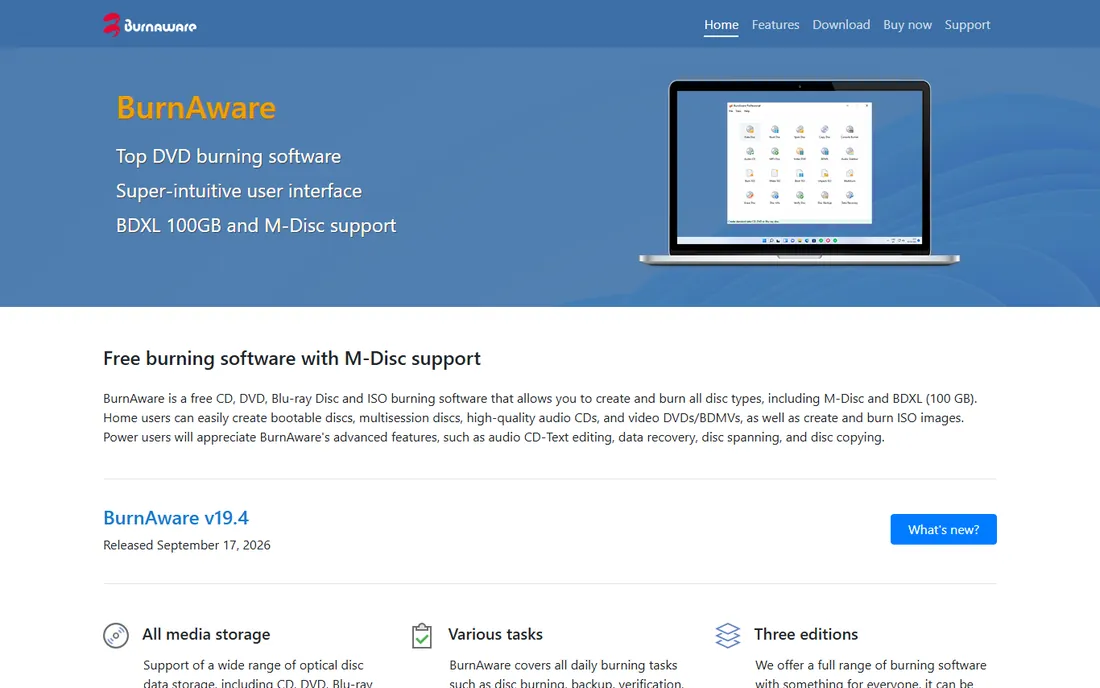
BurnAware is the friendliest free burner on Windows. The free edition creates data discs, audio CDs, video DVDs and Blu-ray discs, burns ISO images and copies discs, all through an interface that does not assume you grew up with burning software. Support for M-Disc and 100GB BDXL media makes it a solid pick for archival burns.
Power features like disc spanning, data recovery and batch tools live in the Premium and Professional editions. For straight Blu-ray burning of prepared content, the free version is enough. If you also need a video DVD converter, that is where the paid tiers come in.
What we like- Free version covers data, audio and video discs
- Supports M-Disc and BDXL media
- Clean modern interface
Watch out for- Video DVD authoring extras sit in paid editions
- Blu-ray video authoring is basic compared with DVDFab
Starting priceFree
Free planYes
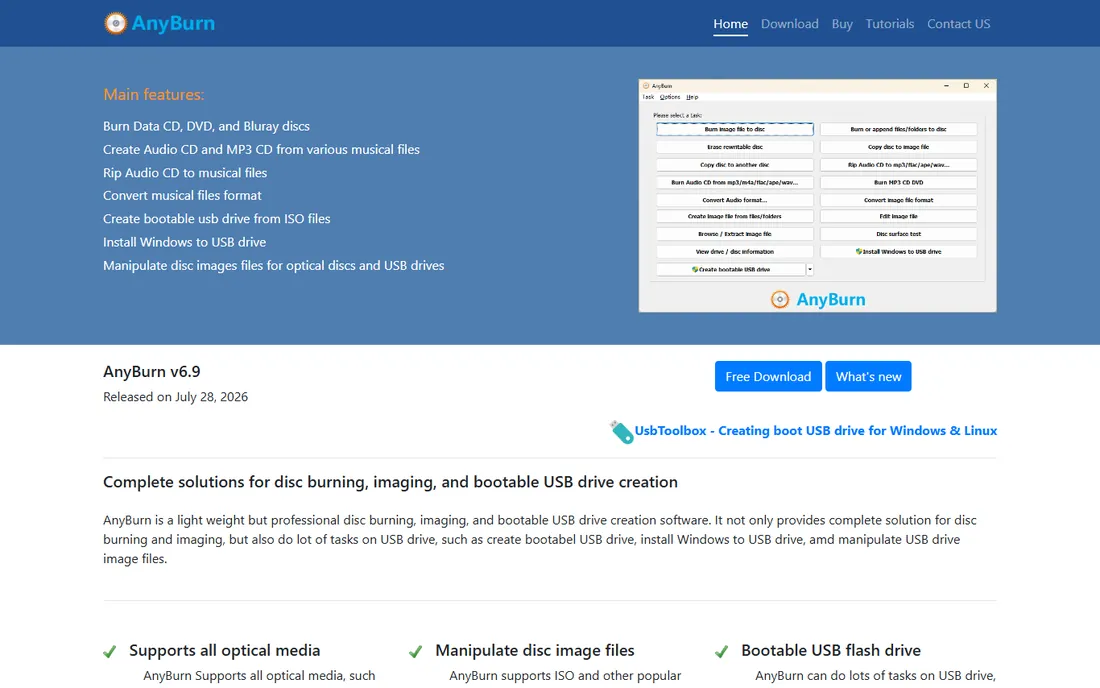
AnyBurn does the unglamorous work well. It burns CD, DVD and Blu-ray discs, creates and burns ISO images, and doubles as a bootable USB creator, which makes it handy beyond disc work. The 2026 release shows it is still maintained, unlike several abandoned competitors.
It is not an authoring tool and does not pretend to be one. Think of it as the free utility you keep installed for the burning step, alongside an authoring tool for building video discs. For data Blu-rays and ISO burns, its simplicity is a feature, not a limitation.
What we like- Free and genuinely lightweight
- Burns discs and creates bootable USB drives
- Actively updated, with a 2026 release
Watch out for- Minimal authoring features
- The plain interface hides advanced options
#6
Nero Burning ROM
Best for: burning as part of the Nero multimedia suite
Visit nero.com
Starting priceSee website
Free planFree trial
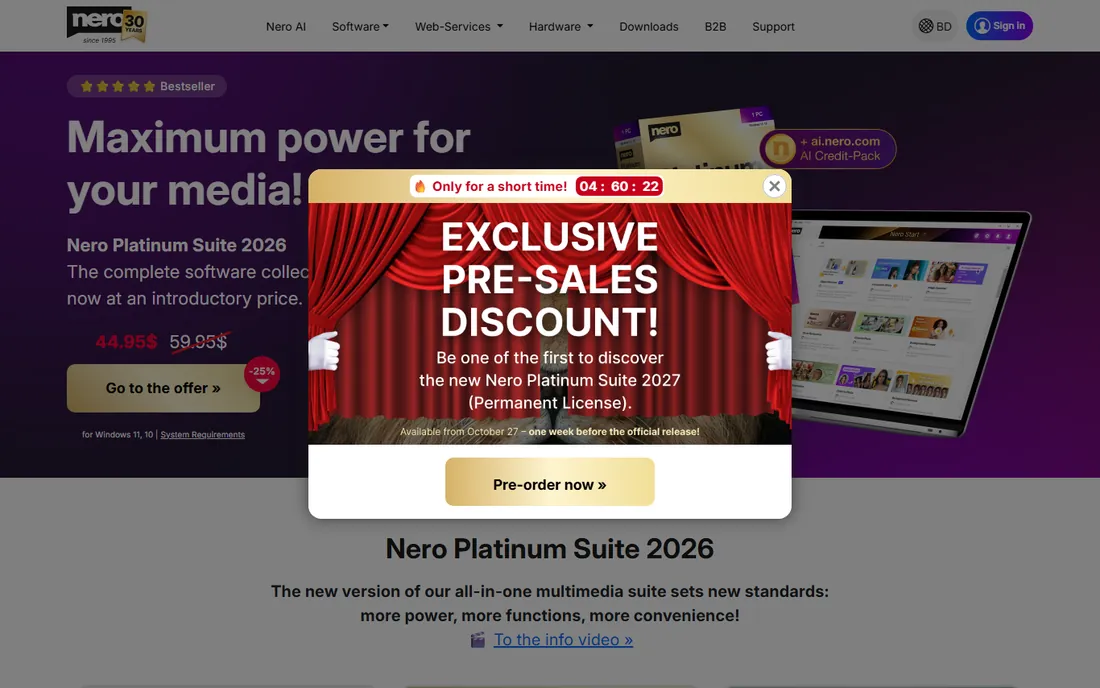
Nero Burning ROM defined disc burning in the 2000s, and it is still around inside the Nero Platinum Suite. The burning engine remains excellent, with the granular control over sessions, multisession discs and disc-at-once writing that professionals expect. Around it, the suite now packs video editing, backup, media management and AI photo tools.
Standalone Burning ROM is harder to buy than it used to be; Nero pushes the Platinum subscription or the one-time Unlimited license. If you already live in the Nero ecosystem or want one suite for media chores, it makes sense. If you only need to burn Blu-rays, the free tools above do the job without the subscription.
What we like- The most famous name in disc burning
- Deep control over burn settings
- Now bundled with video, backup and AI tools
Watch out for- Sold mainly as a suite, not standalone
- Subscription model annoys longtime users
#7
Ashampoo Burning Studio
Best for: approachable burning for casual Windows users
Visit ashampoo.com
Starting priceSee website
Free planSee website
Ashampoo Burning Studio has always been the "easy" burner, and that remains its identity. Creating a data Blu-ray, an audio CD or a video DVD takes a few clicks through a clean wizard-style interface. The company offers a free edition alongside the paid version, which keeps it in the conversation for budget users.
The tradeoff for simplicity is depth: advanced users will miss ImgBurn's granular controls. And Ashampoo's installer and in-app prompts push its other products, so stay alert during setup. For a family PC that burns the occasional disc, it is the least intimidating option here.
What we like- Genuinely easy interface for beginners
- Covers data, audio and video discs
- Frequent updates from an established German vendor
Watch out for- Free edition lags the paid version in features
- Upsells to other Ashampoo products appear regularly
Starting priceSee website
Free planSee website
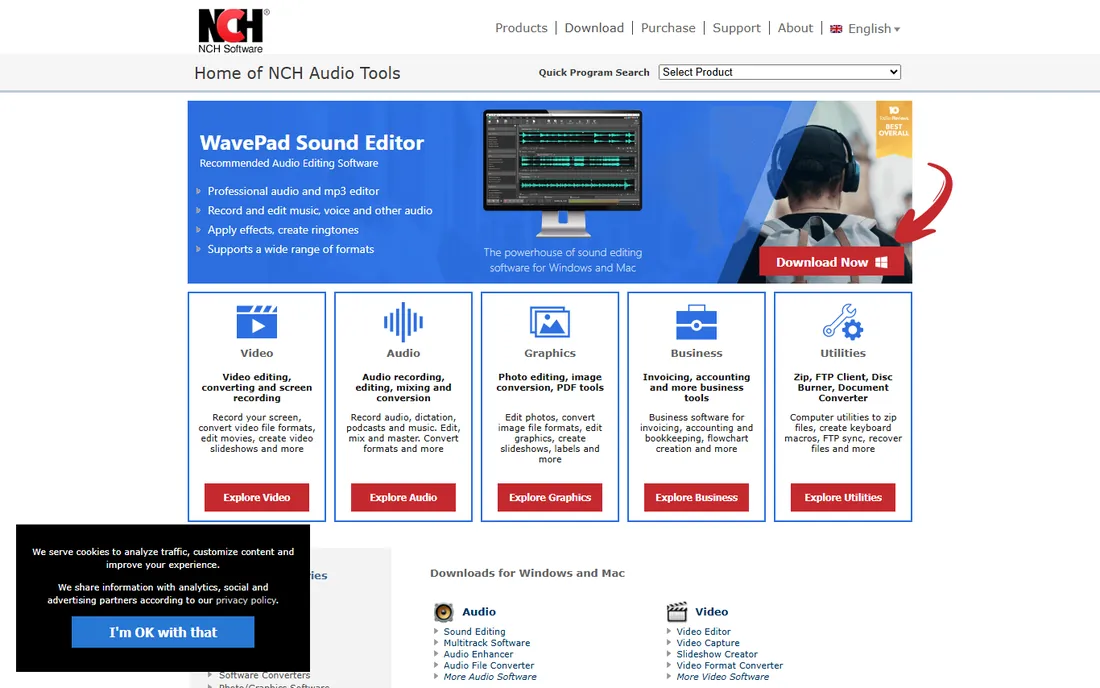
Express Burn is NCH Software's entry in the burning space, and it follows the NCH formula: simple, fast and cheap. Drag files in, pick the disc type, and burn. It handles data and video Blu-rays, creates ISO images and includes menu templates for video discs in the paid version.
Read the fine print on the free version, which only burns standard CDs; Blu-ray functionality requires the paid Plus edition. NCH pricing is modest, and the Mac version is a real advantage since most free burners are Windows only. Just watch the installer for bundled extras, a long-standing NCH habit.
What we like- Simple drag-and-drop workflow
- Burns CD, DVD and Blu-ray plus ISO images
- Mac and Windows versions available
Watch out for- The free version is limited to standard CDs
- Video Blu-ray features need the paid Plus edition
Starting priceSee website
Free planFree trial

Power2Go is CyberLink's burning and backup tool, often bundled with its media software. It burns data, music and video discs including Blu-ray, and adds backup features like system recovery discs that pure burners lack. If you already use PowerDirector or CyberLink's other tools, it fits naturally.
As a standalone purchase it is harder to justify against free alternatives. The burning engine is solid but unremarkable, and CyberLink's attention clearly goes to its video products. Consider it when backup plus burning in one supported package matters more than squeezing the last drop of burning performance.
What we like- Combines disc burning with system backup tools
- Polished interface
- From the established PowerDirector vendor
Watch out for- Burning is a side feature, not the focus
- Pricing favors the broader CyberLink ecosystem
How we chose
We looked for Blu-ray software that still works in 2026: maintained products, real vendor sites and honest user feedback from forums like the Blu-ray.com community, Reddit and review sites. We separated authoring tools (which build playable video discs) from burning tools (which write data to discs) because buyers constantly confuse the two. We verified each vendor's homepage directly and used vendor pricing pages where prices are published. No hands-on burning tests were performed.
Authoring versus burning: know which job you need
This distinction decides your purchase. Authoring means converting video files into the Blu-ray video format with menus and chapters, the thing that plays in a living-room player. Only DVDFab Blu-ray Creator and Leawo Blu-ray Creator on this list do full authoring. Everything else assumes you already have a disc image or a prepared BDMV folder.
Most people asking for the best Blu-ray burner software actually need authoring: they have MP4 or MKV files and want a movie disc. Buy DVDFab or Leawo for that. If you already have an ISO or a BDMV folder, maybe from a previous authoring step, then the free burners ImgBurn, BurnAware and AnyBurn finish the job at no cost.
The cheapest capable stack is therefore a paid authoring tool plus a free burner. Many users author once with a trial or a single purchase, then burn copies with ImgBurn forever.
Frequently asked questions
What is the best free Blu-ray burning software?
ImgBurn is the best free option for burning prepared Blu-ray images and folders. BurnAware and AnyBurn are strong free alternatives with more modern interfaces. None of the free tools author video discs from MP4 files; for that you need DVDFab or Leawo.
Can Windows 11 burn Blu-rays without extra software?
Windows File Explorer can write files to a Blu-ray as a data disc, but it cannot build a playable video Blu-ray with menus and chapters. For movie discs you need authoring software like DVDFab Blu-ray Creator or Leawo Blu-ray Creator.
What hardware do I need to burn Blu-rays?
A Blu-ray writer drive (internal or external USB) and blank BD-R or BD-RE discs. BD-R is write-once, BD-RE is rewritable. A 25GB single-layer disc holds a feature film at 1080p; dual-layer holds 50GB. Buy one BD-RE for test burns before committing to write-once discs.
What is the difference between Blu-ray burning and Blu-ray authoring?
Authoring converts video files into the Blu-ray video format with menus, chapters and subtitles. Burning writes data, such as a finished disc image, onto the physical disc. You need authoring software to make a movie disc from MP4 files, and burning software to write it.
Is ImgBurn safe to use?
Yes, when downloaded from the official site at imgburn.com. It is free with no ads in the program itself, though the installer has historically bundled optional extras, so read each installer screen. The software has not been updated since 2013 but remains stable on Windows 11.
Do I need a Blu-ray burner drive, or will a DVD burner work?
You need a drive that specifically lists Blu-ray writing (BD-R/BD-RE) in its specifications. DVD burners cannot write Blu-ray media. External USB Blu-ray writers are widely available and work with any modern PC.
Sources we checked (11)
- https://dvdfab.cn/
- https://www.leawo.com
- https://www.imgburn.com/
- https://www.burnaware.com/
- https://www.anyburn.com/
- https://www.nero.com
- https://www.ashampoo.com
- https://www.nch.com.au
- https://www.cyberlink.com
- https://www.howtogeek.com/how-to-burn-your-own-movies-on-blu-ray-in-windows-11/
- https://www.dvdfab.cn/resource/blu-ray/burn-mkv-to-blu-ray
Is your product missing or out of date?
We review this list regularly. Vendors can request a listing, send updated pricing or ask about featured placement.

Shihab Mia · Founder, Rankite
Shihab has spent more than a decade helping SaaS and e-commerce brands grow through search. He writes Rankite's software buying guides from pricing pages, documentation and public user reviews. More about Shihab.