How we make this list: we compare pricing pages, product documentation and public user reviews. Rankite is independent; if a vendor ever pays for a featured spot, that listing is clearly labeled Partner.
Key takeaways
- WordPress.org remains the best blog platform for SEO, because you control the URL structure, the speed, the schema markup, and every plugin.
- If you want zero maintenance, Ghost and WordPress.com are the strongest managed options, with Ghost better suited to newsletters and memberships.
- Wix and Squarespace win on ease of use, but Wix gives you no way to export blog posts later, and Squarespace offers no free plan.
- Medium and Substack hand you an audience on day one but almost no SEO value for your own domain, so use them for distribution rather than as your home base.
Quick comparison
| Tool | Best for | Starting price | Free plan |
|---|
 WordPress.org WordPress.org | Full control and the best blog platform for SEO | Free (hosting and domain cost extra) | Yes (the software itself is free and open source) |
 Wix Wix | Beginners who want the easiest start | Light $17/mo (billed annually) | Yes |
 Squarespace Squarespace | Design-forward blogs and portfolios | Basic $19/mo (billed annually) | No (14-day free trial) |
 Ghost Ghost | Publishing plus paid newsletters without plugins | $9/mo billed annually for Ghost(Pro) Starter (self-hosting is free) | Yes (the self-hosted version is free and open source) |
 Webflow Webflow | Custom-designed sites without writing code | Basic $15/mo (billed annually) | Yes (Starter plan) |
 WordPress.com WordPress.com | Zero-maintenance WordPress hosting | Personal $4/mo (billed yearly) | Yes |
 Substack Substack | Building a paid newsletter audience | Free (10% of paid subscriptions plus Stripe fees) | Yes |
 Medium Medium | Writing for an existing readership | Free (reader membership $5/mo or $50/yr) | Yes |
 Blogger Blogger | A free, no-fuss personal blog | Free | Yes |
Is your product missing or out of date?
We review this list regularly. Vendors can request a listing, send updated pricing or ask about featured placement.
The best blog platform: 9 options compared
Starting priceFree (hosting and domain cost extra)
Free planYes (the software itself is free and open source)
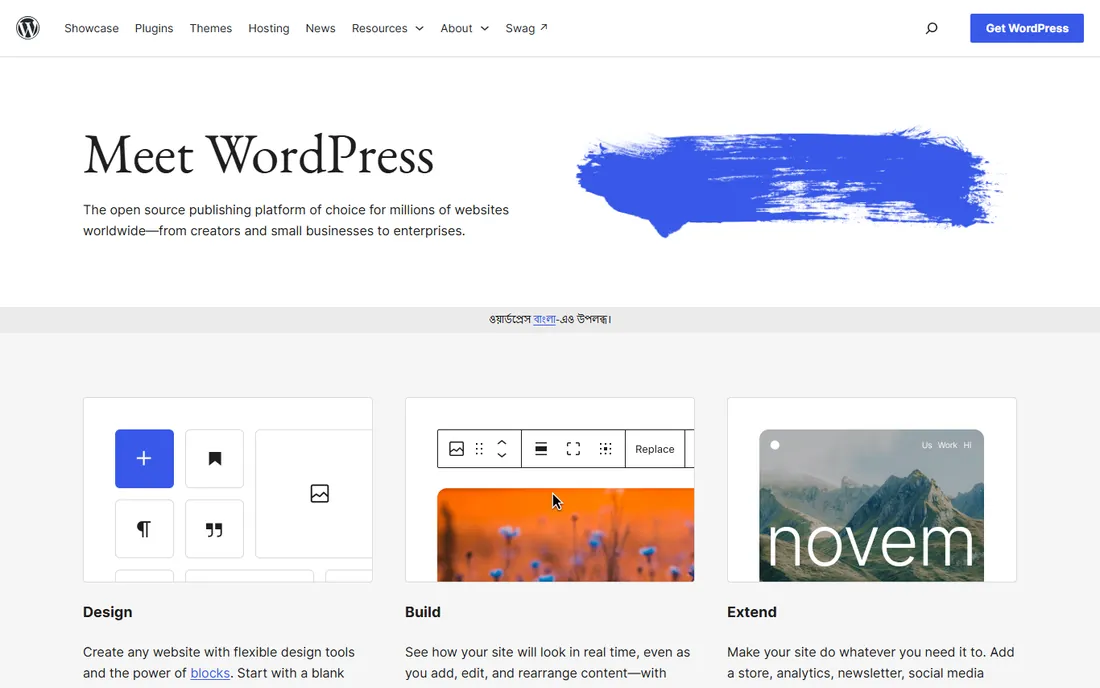
WordPress.org is the self-hosted version of WordPress, and it powers more of the web than every other option on this list combined. For a business blog whose job is search traffic, it is still the default answer. SEO plugins like Rank Math and Yoast handle the technical checklist, you can tune page speed without asking permission, and there is no platform standing between you and your content.
The trade is responsibility. You rent hosting (shared plans start around a few dollars a month, managed WordPress hosting runs higher), you install updates, and you are the one who fixes things when a plugin misbehaves. Budget roughly $50 to $300 a year for a small business blog once hosting, a domain, and one or two premium plugins are counted. Companies serious about organic search accept that cost gladly, because no hosted builder matches this level of control.
What we like- Total control over SEO, design, and data
- Thousands of plugins and themes
- You own the site outright
Watch out for- You handle updates, security, and backups
- Real costs add up with hosting and premium plugins
#2
Wix
Best for: Beginners who want the easiest start
Visit wix.com
Starting priceLight $17/mo (billed annually)
Free planYes
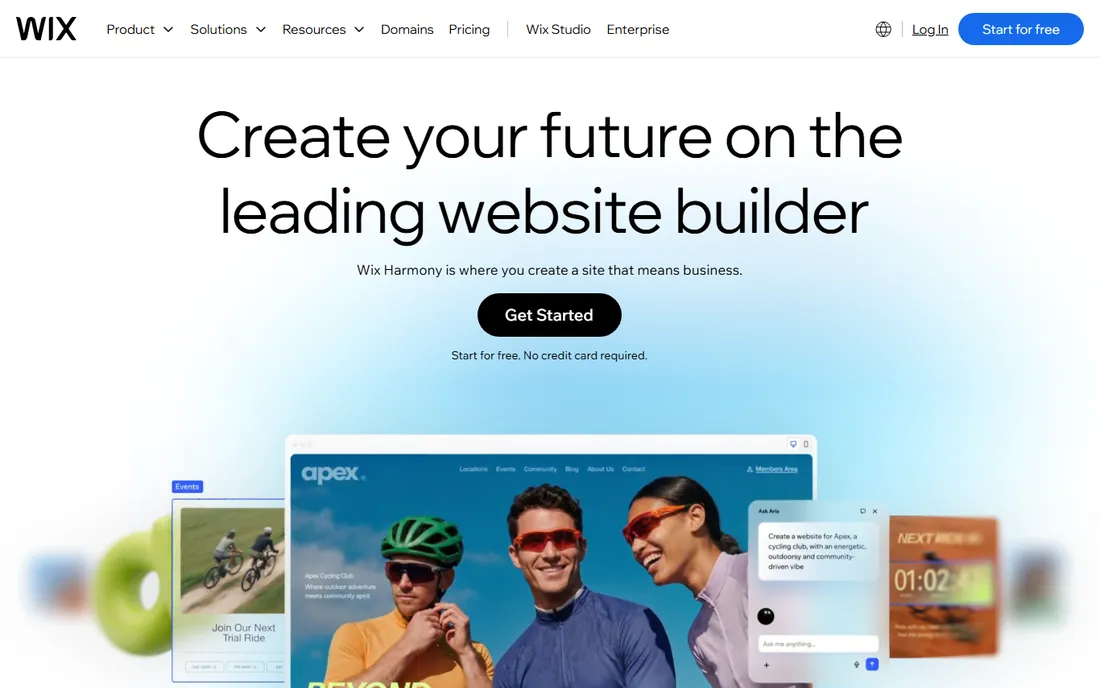
Wix is the easiest on-ramp in this guide. The drag-and-drop editor needs no technical skill, the free plan lets you build a real site before paying, and the template library covers just about every industry. For a small business that needs a decent blog attached to a brochure site, and needs it this week, Wix delivers.
Read the fine print before you commit years of content to it. Wix's own help center says blog posts cannot currently be exported to other platforms, which means your archive is stuck if you ever outgrow the service. The Light plan at $17 a month (billed annually) covers a simple blog with a custom domain, while selling products or booking appointments pushes you to the $29 Core plan or higher. It is a fine home for a blog, as long as you plan to stay.
What we like- True drag-and-drop building
- A real free plan for trying things
- Enormous template library
Watch out for- Blog posts cannot be exported to another platform
- Costs climb as you add apps
Starting priceBasic $19/mo (billed annually)
Free planNo (14-day free trial)
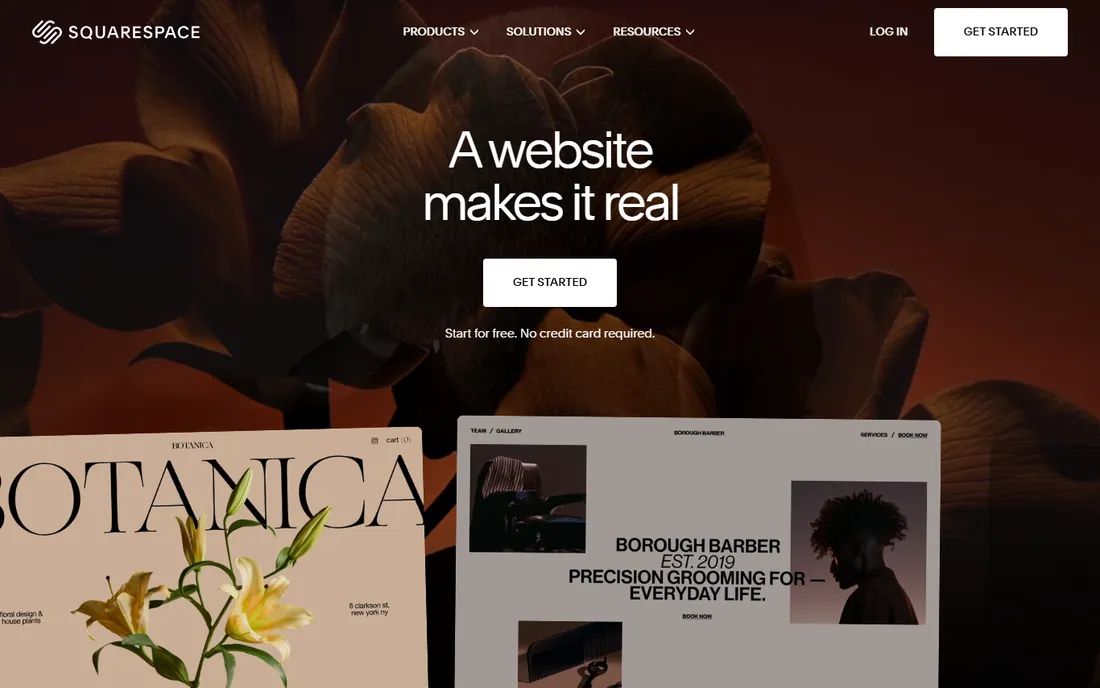
Squarespace is the choice when the blog has to look expensive. Templates are consistently the best-looking in the industry, blogging features like scheduling, categories, and commenting work without plugins, and the analytics dashboard answers basic questions without extra tools. Creative businesses, restaurants, and consultants tend to feel at home here.
There is no free plan, only a 14-day trial, so the meter starts at $19 a month on annual billing for the Basic plan. SEO basics are covered well, including clean URLs and meta controls, but advanced work like custom schema or deep technical tweaks hits walls that WordPress.org simply does not have. Pick Squarespace when design and simplicity outrank search ambition.
What we like- Beautiful templates with strong typography
- Solid built-in blogging tools
- Good analytics included
Watch out for- No free plan
- Less flexible than WordPress for advanced SEO work
#4
Ghost
Best for: Publishing plus paid newsletters without plugins
Visit ghost.org
Starting price$9/mo billed annually for Ghost(Pro) Starter (self-hosting is free)
Free planYes (the self-hosted version is free and open source)
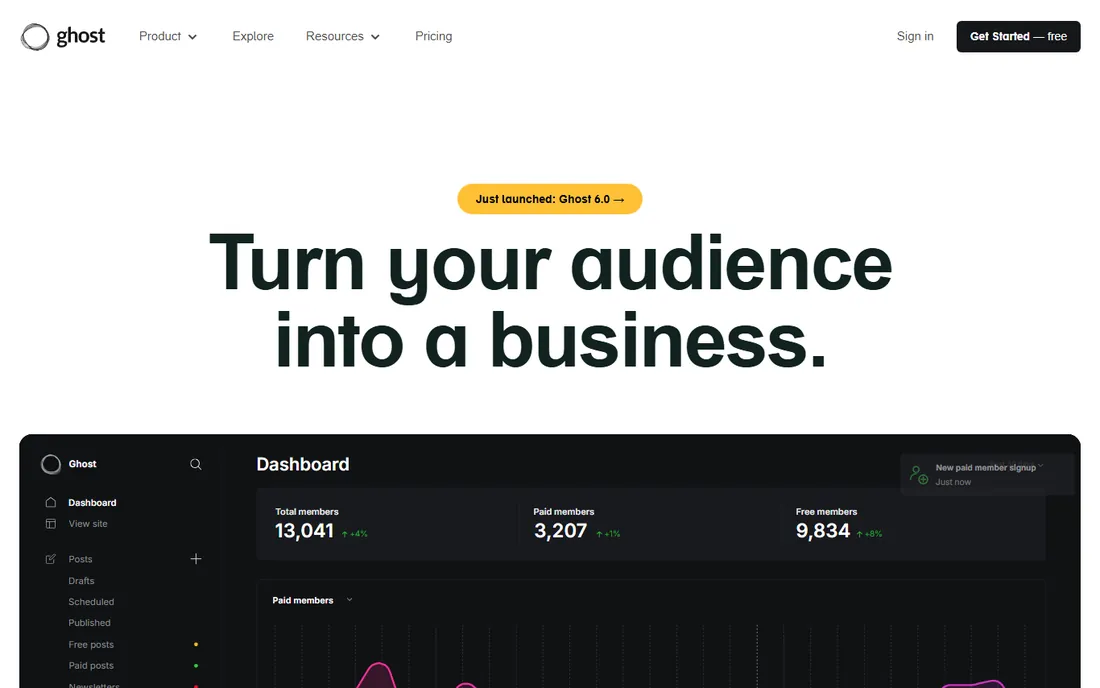
Ghost is what you get when a team builds a blogging platform and refuses to bolt on anything else. The editor is clean and fast, publishing feels modern, and memberships, paid subscriptions, and email newsletters work out of the box with no plugin stack to maintain. Unlike Substack, Ghost takes no cut of your subscription revenue.
You have two ways to run it. The software is free and open source if you self-host, which suits technical teams. Everyone else uses Ghost(Pro), the managed hosting, which starts at $9 a month billed annually for the Starter plan with a 14-day trial. Plan tiers scale with audience size rather than features, so costs grow as your readership does. For publishers building a subscription business, that trade is usually worth it.
What we like- Fast, focused writing experience
- Memberships and newsletters built in
- You keep all revenue
Watch out for- Smaller theme and integration ecosystem
- Self-hosting needs technical comfort
Starting priceBasic $15/mo (billed annually)
Free planYes (Starter plan)
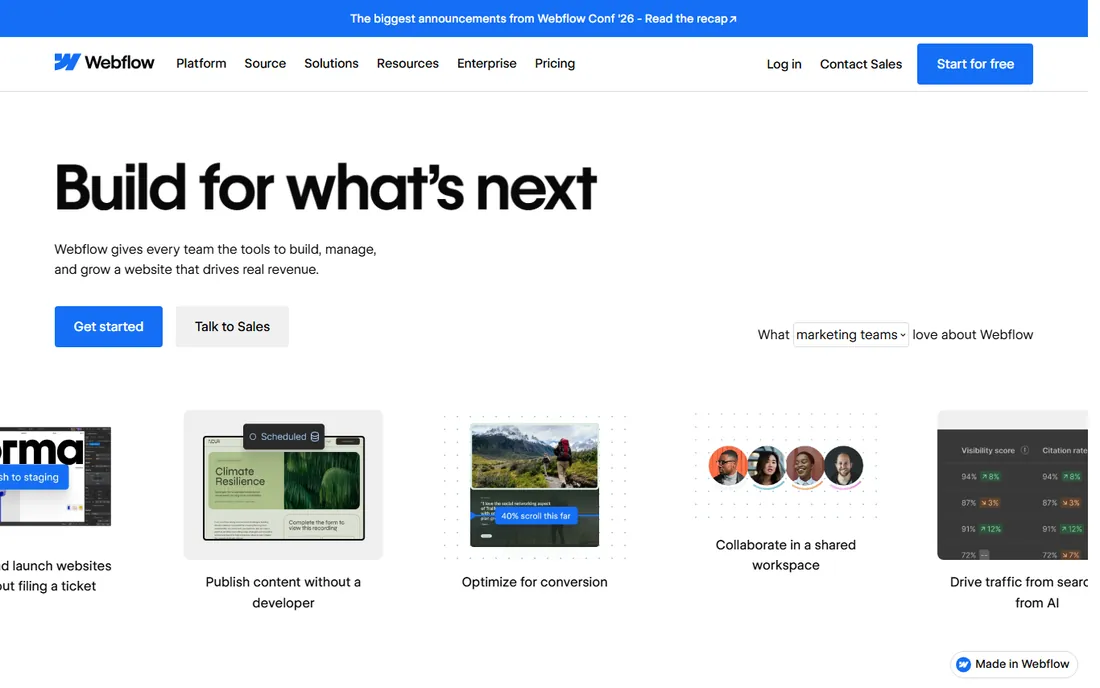
Webflow sits between website builders and hand-coded sites. Designers get near-total visual control without writing code, the CMS handles structured blog content well, and the code it produces is clean enough that developers do not complain. Agencies love it for client sites where the design cannot look templated.
Blogging specifically needs the Premium site plan at $25 a month billed annually, since the $15 Basic plan has no CMS. That is still reasonable for a business site, but note that Webflow charges separately for site hosting and workspace seats, so team costs need a second look. The learning curve is real: expect a week of tutorials before the interface feels natural. The payoff is a blog that looks exactly like the mockup.
What we like- Precise visual design control
- Clean code output
- Strong CMS for content sites
Watch out for- Steeper learning curve
- Blog CMS features need the $25/mo Premium plan
Starting pricePersonal $4/mo (billed yearly)
Free planYes

WordPress.com is the hosted sibling of WordPress.org, run by Automattic. You get the familiar WordPress editor with none of the server work: no updates, no security plugins, no backup anxiety. The free plan is genuinely useful for testing, and the $4-a-month Personal plan (billed yearly) adds a custom domain and removes ads.
The catch is the plugin gate. You cannot install plugins until the Business plan at $25 a month billed annually, which means the SEO and functionality plugins that make WordPress.org powerful are off-limits on the cheaper tiers. For a simple company blog that just needs to publish reliably, the lower plans are fine. For anything ambitious, the math starts favoring self-hosted WordPress.org.
What we like- No updates or maintenance to handle
- Generous free plan
- Painless upgrade path
Watch out for- Plugins locked until the $25/mo Business plan
- Less control than self-hosted WordPress
Starting priceFree (10% of paid subscriptions plus Stripe fees)
Free planYes
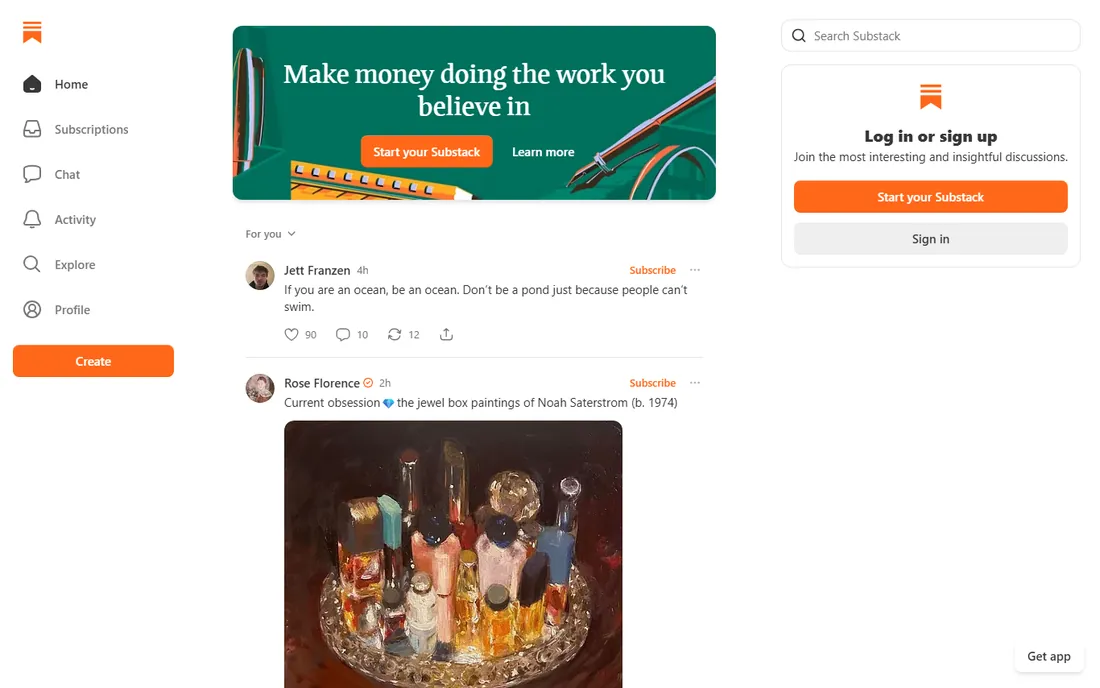
Substack turned the newsletter into a business model. Publishing is free, setting up paid subscriptions takes minutes, and the network effect means readers can discover you inside the Substack ecosystem. For an individual writer or a small team testing whether anyone will pay for their content, there is no faster validation.
The price of that simplicity is a 10% cut of subscription revenue plus payment processing fees, which stings once the audience grows. Design control is minimal, SEO benefits flow mostly to Substack's domain rather than yours, and moving your publication elsewhere later is possible but awkward. Treat Substack as a business in itself, not as your company's blog platform.
What we like- Free to start with a built-in discovery network
- Simple paid subscriptions
- No technical setup
Watch out for- 10% revenue cut on paid subscriptions
- Limited design control
- Platform lock-in
Starting priceFree (reader membership $5/mo or $50/yr)
Free planYes
Medium is a stage, not a home. Publishing is free and instant, the built-in audience means your first post can find readers without any promotion, and the reading experience is excellent. For founders and marketers who want reach for their ideas with minimum effort, it works.
What it does not do is build your asset. Your articles live on Medium's domain, the SEO value accrues to Medium, and branding options are thin. The Partner Program pays writers based on member reading time, but it is pocket money for most. The smart play is using Medium as a distribution channel that points back to the blog you actually own.
What we like- Built-in distribution to a large readership
- Zero setup
- Clean reading experience
Watch out for- Almost no SEO benefit to your own site
- Limited monetization for writers
Starting priceFree
Free planYes

Blogger is the veteran that never quite retired. It is completely free, it runs on Google's infrastructure, and you can attach a custom domain without paying a cent. For a hobby blog or a simple project site, it still does the job it did fifteen years ago.
That is also the problem. Google has barely developed Blogger in years, the templates look dated, and the SEO controls are primitive compared to anything else on this list. There is a persistent background worry that Google could wind it down. For a business blog in 2026, Blogger only makes sense as a zero-budget placeholder, not a strategy.
What we like- Completely free with Google's reliability
- Simple to start
- Custom domain support
Watch out for- Dated platform with little active development
- Weak SEO tooling next to modern options
How to choose the best blogging platform
Start with the job, not the feature list
Decide what the blog must do in its first year. If the answer is rank on Google and bring in leads, shortlist WordPress.org, Ghost, and Webflow. If the answer is publish company news with minimum fuss, Wix, Squarespace, or WordPress.com fit better. If the answer is build a paying subscriber list, look at Ghost or Substack. The best platform for a blog is the one whose strengths line up with that job.
Ownership and portability matter more than you think
A blog is a multi-year asset, and platforms differ wildly in how they treat your exit. WordPress.org and Ghost let you export everything and leave. Wix currently offers no blog export at all. Medium and Substack let you take your email list but not your search presence. Before committing, check the export options, because switching costs are paid in lost traffic.
Run the SEO control checklist
If search matters, confirm the platform gives you editable URLs, title tags, and meta descriptions, automatic XML sitemaps, fast mobile loading, and some path to structured data. WordPress.org checks every box with plugins. Ghost and Webflow cover the essentials natively. Builders like Wix and Squarespace handle the basics but limit advanced work.
Do the total cost math for year two
Sticker prices mislead. A $4-a-month plan that needs a $25 upgrade for plugins is really a $25 plan. Add the domain renewal (roughly $15 a year after any free first year), premium themes or plugins, and email marketing tools. WordPress.org often totals $100 to $300 a year for a small business blog, while managed options cluster between $100 and $350.
Match ease to who will actually publish
The person writing the posts matters more than the feature matrix. A non-technical marketer will publish more on Wix or Squarespace than on a powerful platform she avoids opening. Be honest about your team's skills, because the best blog service is the one that gets fed regularly.
These two share a name and an editor, and almost nothing else. WordPress.org is free software you install on hosting you choose; you own everything and can install any plugin. WordPress.com is a hosted service run by Automattic; they handle the servers, and in exchange they limit what you can install unless you pay for the Business tier. If someone recommends "WordPress" without specifying, ask which one they mean, because the costs and the control are completely different.
How we chose
We did not run hands-on trials of every platform for this guide. We compared the current pricing pages, read the official feature documentation and help centers, and checked public reviews on G2, Capterra, and Reddit for recurring complaints about pricing changes, export limits, and support quality. We weighted the needs of small and mid-size businesses: predictable costs, SEO capability, who actually does the maintenance, and how hard it is to leave.
Frequently asked questions
What is the best blogging platform for SEO?
WordPress.org, the self-hosted version. It gives you full control over technical SEO through plugins, site speed, URL structure, and structured data, with no platform restrictions. Ghost is a strong second choice for publishers who want good SEO without managing plugins.
Can I start a blog for free?
Yes. WordPress.com, Wix, Blogger, Medium, and Substack all offer free tiers, and WordPress.org software plus Ghost are free if you self-host. Free plans come with trade-offs like platform branding, subdomains, or feature limits, so treat them as starting points rather than permanent homes for a business blog.
Which is better for a small business, Wix or WordPress?
Wix is easier and faster to launch, which suits businesses that need a simple site this week. WordPress.org is better for businesses investing in search traffic, because it offers deeper SEO control and full ownership of the site. The deciding factor is usually whether organic search is part of the marketing plan.
Can I move my blog to another platform later?
Usually, with one big exception. WordPress.org, Ghost, WordPress.com, and Blogger all offer exports. Wix does not currently let you export blog posts, so moving means rebuilding manually. Export your content regularly wherever you publish, so a platform change never becomes a crisis.
Do I need a custom domain for my blog?
For a business, yes. A custom domain looks professional, builds brand equity, and keeps your SEO value under your control instead of a platform's subdomain. Most paid plans include a free domain for the first year, with renewals running roughly $15 annually after that.
How much does a business blog cost per year?
A realistic range is $100 to $350 a year for most small businesses. That covers a paid plan or hosting, a domain, and basic extras. WordPress.org with budget hosting sits at the low end, while Squarespace, Ghost(Pro), or Webflow with paid tiers sit higher. Newsletter businesses on Substack pay nothing until they earn, then give up 10% of subscription revenue.
Sources we checked (14)
- https://wordpress.org
- https://wordpress.com/
- https://www.wix.com
- https://squarespace.com/
- https://ghost.org
- https://webflow.com/
- https://medium.com
- https://substack.com/
- https://blogger.com/
- https://pluginoffer.com/wordpress-com-plans-pricing/
- https://www.websitebuilderexpert.com/website-builders/squarespace-pricing/
- https://dev.to/nayankyada/ghost-pricing-2026-free-self-hosted-costs-pro-plans-when-to-upgrade-52a2
- https://www.flowninja.com/blog/webflow-pricing-demystified
- https://stocksmith.io/blog/wix-pricing-how-much-does-wix-cost
Is your product missing or out of date?
We review this list regularly. Vendors can request a listing, send updated pricing or ask about featured placement.

Shihab Mia · Founder, Rankite
Shihab has spent more than a decade helping SaaS and e-commerce brands grow through search. He writes Rankite's software buying guides from pricing pages, documentation and public user reviews. More about Shihab.