How we make this list: we compare pricing pages, product documentation and public user reviews. Rankite is independent; if a vendor ever pays for a featured spot, that listing is clearly labeled Partner.
Key takeaways
- Autodesk Revit ($3,005/year) remains the industry standard for multidisciplinary BIM coordination.
- Graphisoft ArchiCAD (from $150/month) and Vectorworks Architect ($1,530/year) are strong alternatives with native Mac support.
- Tekla Structures is the structural steel and concrete detailing specialist.
- Bentley OpenBuildings Designer ($3,844/year on the eStore) suits firms in the Bentley infrastructure ecosystem.
Quick comparison
Is your product missing or out of date?
We review this list regularly. Vendors can request a listing, send updated pricing or ask about featured placement.
The best BIM software
Starting price$3,005/year
Free plan30-day trial
Revit is the BIM platform most of the industry speaks: architects, structural engineers, and MEP designers work in one intelligent model where a change to a wall updates every plan, section, elevation, and schedule automatically. On commercial and infrastructure projects, knowing Revit is close to a job requirement.
Pricing runs about $3,005 a year paid upfront ($380 monthly), with a 30-day trial from Autodesk. The AEC Collection bundles Revit with AutoCAD, Civil 3D, and Navisworks for firms using multiple tools. Dynamo visual scripting and the API automate repetitive standards work.
The catches: no Mac version, the subscription is one of the priciest here, and proficiency takes months. For firms competing for large coordinated projects, it remains the safest bet.
Revit also anchors the Autodesk construction ecosystem: models flow into Navisworks for clash detection, BIM Collaborate for cloud worksharing, and Autodesk Construction Cloud for field workflows. That pipeline is why so many general contractors standardize on Revit deliverables even when the design team models in something else. If your clients are GCs, Revit fluency is close to mandatory.
What we like- Industry-standard coordination on big projects
- Parametric model updates all drawings at once
- Huge family and add-in ecosystem
Watch out for- Windows only
- Subscription is expensive
- Steep learning curve
Starting priceFrom $150/month (Studio)
Free planFree trial
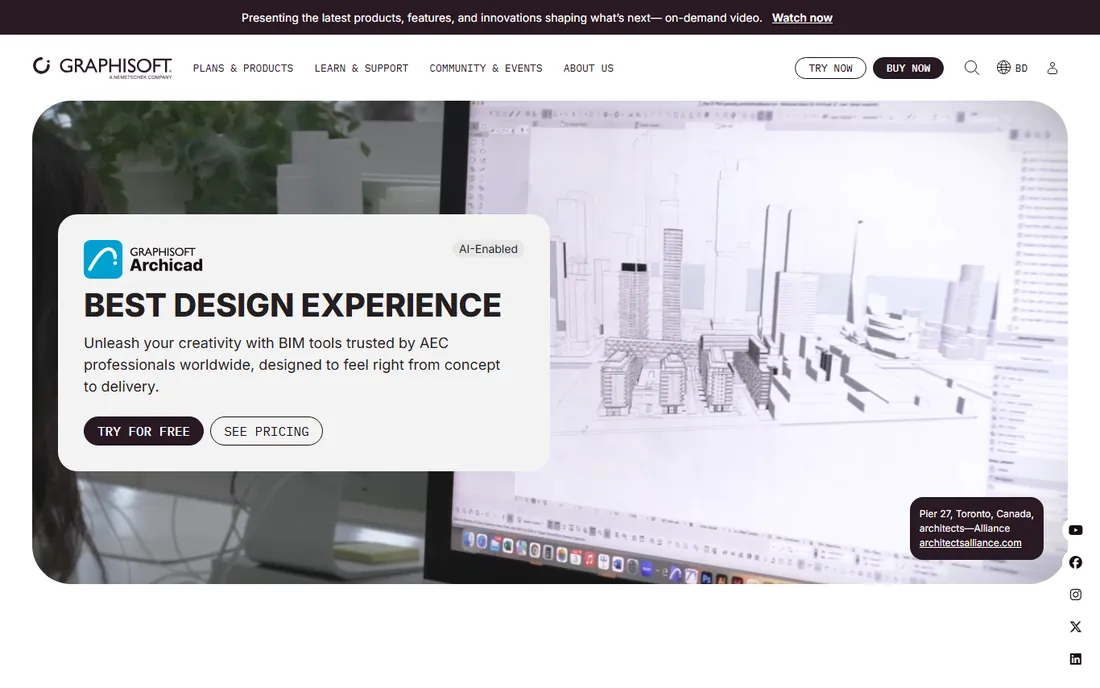
ArchiCAD is the architect's BIM tool: designed around how architects actually design, with a gentler learning curve than Revit and full native performance on Mac and Windows. It handles design, modeling, visualization, and documentation from concept to construction.
Graphisoft's 2026 plans start at Archicad Studio from $150 a month ($1,798 a year) for individual use, with Collaborate and Max tiers adding MEP design, cloud collaboration, and AI features. A floating license is included, and students and teachers get a free EDU license.
The catches: fewer structural and MEP consultants work in ArchiCAD, so IFC coordination matters more, and US pricing varies by region. For design-focused architecture firms, especially Mac-based ones, it is the natural Revit alternative.
ArchiCAD's teamwork features deserve a mention: its BIMcloud collaboration lets distributed teams work in the same model with messaging and change tracking built in, and the included BIMx viewer gives clients an interactive 3D walkthrough on phone or tablet. Solo practitioners and small firms get particular value from the Studio tier's floating license, which moves between machines as needed.
What we like- Native on both Mac and Windows
- Intuitive for architects
- Floating licenses included
Watch out for- Smaller consultant ecosystem than Revit
- Pricing varies by country
- Less MEP depth
Starting price$1,530/year
Free plan7-day trial
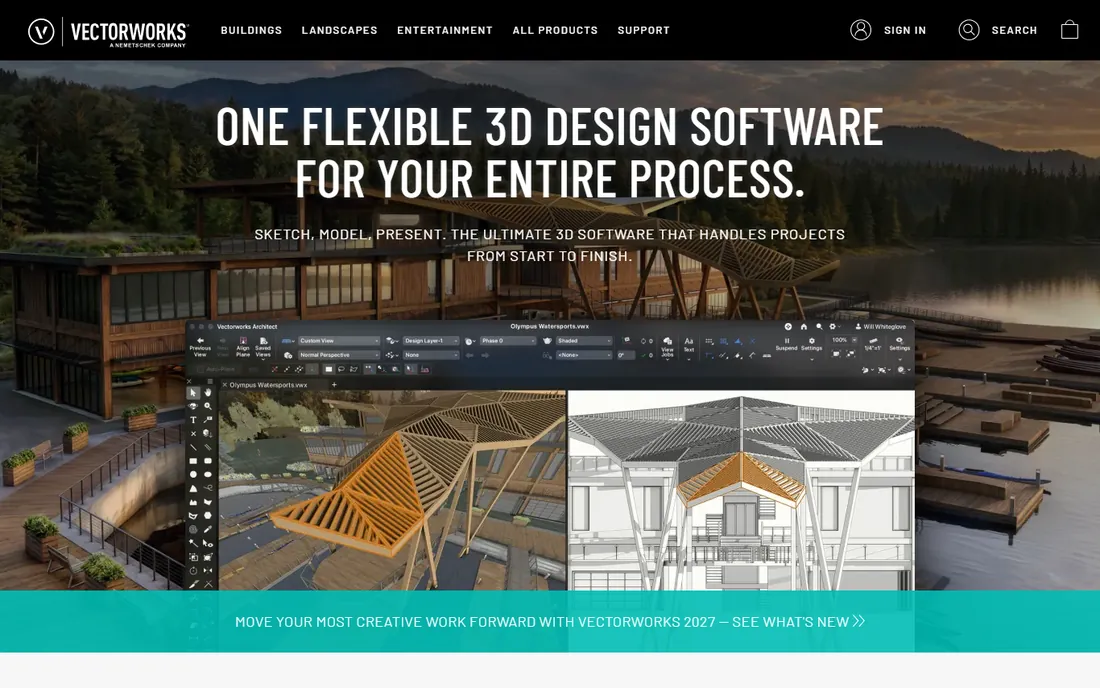
Vectorworks Architect blends free-form design modeling with BIM in a single application, which suits firms where design exploration and documentation happen together. The 2D drawing quality and built-in rendering are genuinely strong, and it runs on Mac and Windows.
Subscription pricing from vendor materials runs about $1,530 a year ($170 monthly) with a 7-day free trial. The Design Suite combines Architect with Spotlight and Landmark for multidisciplinary practices.
The catches: the BIM user community is smaller than Revit's, and structural engineering depth is limited. For boutique architecture and interiors firms that value design freedom alongside BIM deliverables, Vectorworks hits a sweet spot.
Where Vectorworks quietly wins is presentation: the same file produces BIM documentation and competition-quality renderings, so small firms avoid maintaining parallel visualization pipelines. Its Marionette graphical scripting gives power users parametric control without writing code, which design-led offices use for facades and repetitive components.
What we like- Combines CAD, BIM, and rendering in one app
- Excellent 2D presentation graphics
- Cross-platform
Watch out for- Smaller BIM community than Revit
- Pricing is quote-influenced
- Less depth in structural toolsets
Starting priceSee website
Free planYes (limited web)

SketchUp Pro is where many projects start: the most intuitive 3D modeler in the business, perfect for massing studies, client presentations, and early design iteration. With the right extensions and Trimble Connect, it participates in BIM workflows through IFC exchange.
Trimble sells Go, Pro, and Studio tiers; Pro is the full-featured desktop modeler with LayOut documentation tools, and a limited free web version covers casual use. Pricing has shifted over time, so check the current page before budgeting.
The catches: it is not a parametric BIM authoring tool like Revit, and serious BIM coordination needs extensions. For early design, visualization, and small practices, nothing is faster.
SketchUp's real strength in a BIM workflow is communication: clients and contractors who glaze over at technical drawings understand a SketchUp model instantly, and LayOut turns those models into dimensioned construction documents for smaller projects. Many firms use SketchUp for concept and client approval, then rebuild or reference the model in Revit or ArchiCAD for construction documents.
What we like- Fastest tool for massing and concept models
- Huge 3D Warehouse of components
- Easy to learn
Watch out for- Not full BIM out of the box
- BIM features need extensions
- Subscription pricing has crept up
Starting priceSee website
Free planFree trial

Tekla Structures is the structural specialist: it builds constructible models of steel and concrete structures down to every bolt, weld, and rebar, generating fabrication-ready drawings and CNC data. Fabricators and detailers consider it the gold standard.
Pricing is quote-based through Trimble and resellers, and the software targets structural engineers, detailers, and contractors rather than architects. It exchanges IFC and BCF with architectural BIM tools for coordination.
The catches: it is not a general-purpose design tool, and pricing opacity makes budgeting harder. For steel and concrete detailing workflows, nothing else matches its depth.
Tekla's value shows up in the fabrication shop: the model drives CNC machinery directly, and the built-in clash detection catches connection conflicts before steel is cut. Trimble's acquisition means tight links to Trimble Connect for field access and to surveying hardware, so the model stays the single source of truth from detailing through erection.
What we like- Unmatched steel and concrete detailing
- Constructible models with LOD 500 output
- Trimble Connect integration
Watch out for- Not a general architecture tool
- Quote-based pricing
- Windows focused

#6
OpenBuildings Designer
Best for: Bentley-ecosystem building design
Visit bentley.com
Starting price$3,844/year (eStore)
Free planFree trial

OpenBuildings Designer is Bentley Systems' multi-discipline BIM application for architectural, structural, and MEP design, built for firms already in the Bentley world of civil, plant, and infrastructure tools. Integration with the iTwin platform supports digital twin workflows.
Bentley's Virtuosity eStore lists OpenBuildings Designer at a special price of $3,844 for a 12-month subscription including training keys. Trials are available through Bentley.
The catches: the community and third-party ecosystem are smaller than Autodesk's, and it is Windows only. For firms standardized on Bentley for infrastructure, it keeps building design in the same data environment.
OpenBuildings also inherits Bentley's reality-modeling strengths: survey and point-cloud data integrate naturally, which matters for renovation and retrofit projects where the existing conditions model is as important as the new design. The ProjectWise integration gives large teams document control and version management that smaller BIM tools cannot match.
What we like- Deep integration with Bentley infrastructure tools
- Multi-discipline in one application
- ITwin digital twin support
Watch out for- Smaller community than Autodesk
- Windows only
- Pricing is high
Starting priceFrom €210/month (Concept)
Free planFree trial
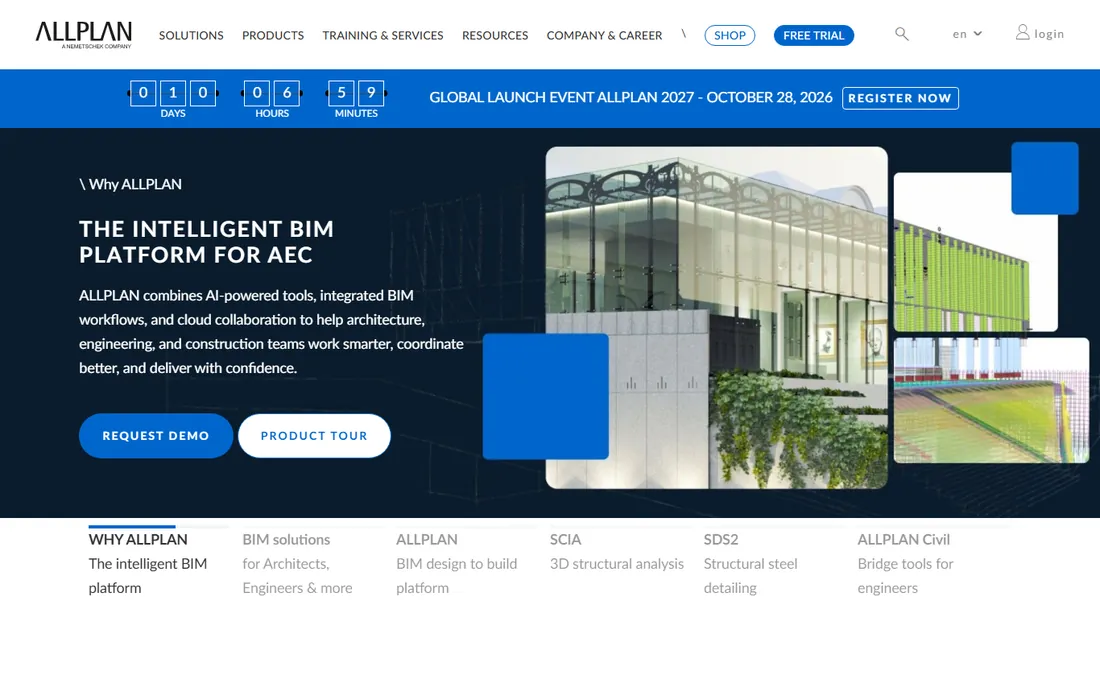
Allplan, part of the Nemetschek Group, is a mature BIM platform with particular strength in precast concrete, bridge, and civil engineering workflows, and it is popular across Europe. Its openBIM approach emphasizes clean IFC exchange. The vendor site lists plans from €210 a month for Concept and €353 for Ultimate.
The software is handled through regional sales and resellers in many markets, and a free trial offers full functionality for evaluation.
The catches: US firms will find fewer local consultants and less English-language training material. For European engineering practices, especially in precast and infrastructure, Allplan is a proven workhorse.
What we like- Strong in precast and civil engineering
- OpenBIM commitment
- Mature parametric modeling
Watch out for- Limited US presence
- No public US pricing
- Smaller English-language community
What BIM mandates mean for small firms
Government and large-client BIM requirements are the quiet force behind many purchases: public projects increasingly demand model-based deliverables, clash-free coordination, and structured data handover. A small firm does not need the most expensive platform, but it does need one that can produce the deliverables its clients require, which usually means IFC exports that actually round-trip and a team trained to the mandate's level of detail.
Before buying, read the actual mandate documents for the clients you want: they specify formats, classification systems, and delivery stages. Then confirm with a pilot that your chosen tool and your consultants' tools satisfy them together. The cheapest way to fail a BIM mandate is to discover the incompatibility on a live project.
Choosing BIM software for your firm
Start with your collaborators: the BIM tool your structural and MEP consultants use determines how smoothly coordination runs, and IFC exchange quality should be tested with a real sample model before committing. A firm doing mostly residential work has different needs than one chasing commercial BIM mandates.
Budget the total cost, not just the license: training, templates, hardware upgrades, and lost productivity during the transition typically exceed the first year of subscriptions. And pilot on one real project before rolling out firm-wide.
Also plan for the deliverable question early: decide what leaves your office. If clients and contractors expect native Revit files, modeling in ArchiCAD or Vectorworks means managing IFC exports and reference workflows, which is fine when planned but painful when discovered mid-project. And keep one eye on licensing flexibility: floating licenses, like ArchiCAD's, suit firms where not everyone models at once, while named subscriptions suit dedicated BIM teams.
How we chose
We compared BIM software using vendor websites, official pricing pages, reseller listings, and 2026 reviews and comparisons. We covered architecture, structural, and multi-discipline tools, checked current pricing, and verified that each product is actively sold. We did not model full buildings in each application.
Frequently asked questions
What is the difference between BIM and CAD?
CAD draws lines and shapes; BIM builds a data-rich model where every element knows what it is. A wall in BIM carries material, dimensions, and cost data that flow into schedules and quantities automatically. CAD documents a design; BIM models the building.
Is Revit the only BIM software that matters?
No, though it is the most widely required on large projects. ArchiCAD, Vectorworks, and Allplan are all legitimate BIM platforms, and Tekla leads structural detailing. The right choice depends on your discipline, region, and collaborators.
Can BIM software run on a Mac?
ArchiCAD and Vectorworks Architect run natively on macOS. Revit, Tekla Structures, and OpenBuildings Designer are Windows only. SketchUp Pro runs on both Mac and Windows.
How much does BIM software cost?
Expect roughly $1,500 to $4,000 per seat per year for professional BIM tools: Vectorworks Architect around $1,530, ArchiCAD from about $1,800, Revit around $3,005, and OpenBuildings Designer near $3,844. Training and hardware add substantially to the first-year cost.
What is openBIM and why does it matter?
openBIM is the vendor-neutral workflow based on IFC file exchange that lets different BIM tools share models. It matters because your architects, engineers, and contractors rarely all use the same software. Test IFC round-trips with your actual consultants before committing.
Do I need BIM certification?
Certification is rarely required by clients, but BIM mandates on public and large commercial projects effectively require BIM capability. BuildingSMART offers professional certification, which helps firms demonstrate competence when bidding.
Sources we checked (7)
- https://bimtoolshub.com/autodesk-revit
- https://www.graphisoft.com/en-id/plans-and-products/archicad/
- https://www.g2.com/products/vectorworks-architect/pricing
- https://www.saasworthy.com/product/sketchup/pricing
- https://slashdot.org/software/comparison/Tekla-Structures-vs-ideCAD-One-AEC/
- https://en.virtuosity.com/software?hsa_acc=100917586725844&hsa_cam=6938303323389&hsa_grp=6938303325789&hsa_ad=6954203419789&hsa_src=%5BSITE_SOURCE_NAME%5D&hsa_ne
- https://Slashdot.org/software/comparison/Allplan-vs-Caddie-Software/
Is your product missing or out of date?
We review this list regularly. Vendors can request a listing, send updated pricing or ask about featured placement.

Shihab Mia · Founder, Rankite
Shihab has spent more than a decade helping SaaS and e-commerce brands grow through search. He writes Rankite's software buying guides from pricing pages, documentation and public user reviews. More about Shihab.
 Autodesk Revit
 Graphisoft ArchiCAD
 Vectorworks Architect
 SketchUp Pro
 Tekla Structures
 Allplan