How we make this list: we compare pricing pages, product documentation and public user reviews. Rankite is independent; if a vendor ever pays for a featured spot, that listing is clearly labeled Partner.
Key takeaways
- Most of these tools are free. You can test your whole system without spending anything.
- Use a specialist for each component: Cinebench for CPU, 3DMark for GPU, CrystalDiskMark for storage.
- Novabench and PassMark give you the whole picture in one run, which is what most people actually need.
- Scores only mean something when you compare against the same test version. Never mix Geekbench 5 and 6 scores.
- Close background programs before testing, or your results are fiction.
Quick comparison
Is your product missing or out of date?
We review this list regularly. Vendors can request a listing, send updated pricing or ask about featured placement.
The best benchmarking software
An office manager in Ohio ordered ten identical desktops for a new hires' bullpen. Three of them felt sluggish, and the vendor insisted they were the same machines. One afternoon with a free benchmarking tool showed the truth: three units were thermal-throttling under load because of a bad batch of heatsinks. Benchmarking software turns "this computer feels slow" into a number you can argue with, and that is why IT teams keep it installed.
Starting price$34.99 one-time
Free planYes
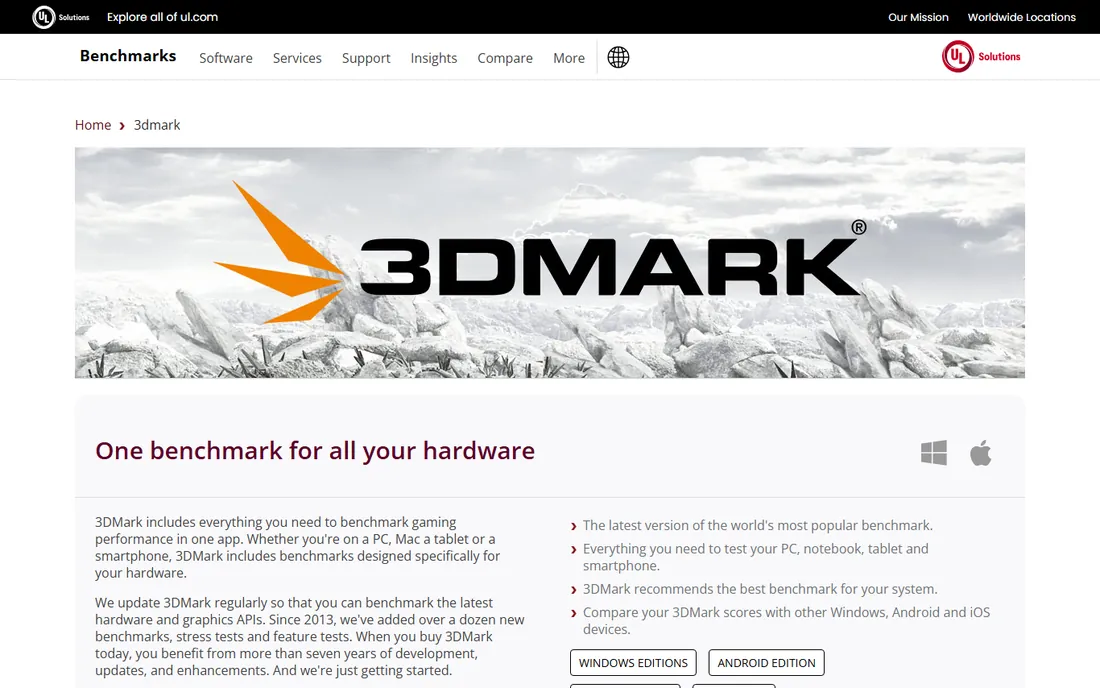
Nobody benchmarks a graphics card without 3DMark in the conversation. It is the reference test reviewers cite, which means its score database is enormous and your result has instant context. Tests like Steel Nomad, Speed Way and Time Spy cover everything from ray tracing to basic DirectX, and the app now runs on Windows, macOS, Android and iOS with comparable scores.
What makes it practical is the automation. 3DMark scans your hardware and recommends the right test, so you do not have to know whether Time Spy or Night Raid fits your system. Hardware monitoring graphs show how temperature and clocks behaved during the run, which is genuinely useful when diagnosing throttling.
The catch is that it is a GPU specialist. CPU coverage exists but is secondary, and the $34.99 Windows license is one more purchase for an IT toolkit. If graphics performance is the question, though, nothing else answers it as authoritatively.
What we like- The industry standard GPU test with huge score database
- Cross-platform tests for Windows, Mac, Android and iOS
- Automatic hardware scanning picks the right test
Watch out for- The full suite costs money
- Most tests are gaming-focused, not general compute
Starting priceSee website
Free planYes
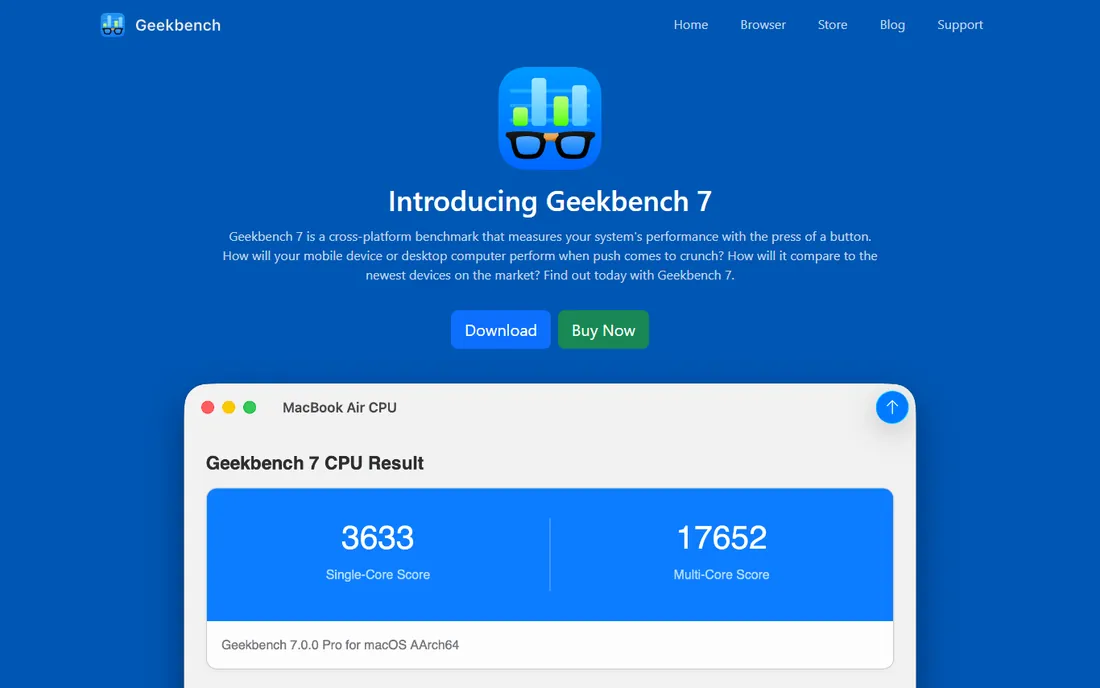
Geekbench is the CPU benchmark people quote in reviews because it runs everywhere. The same test produces comparable scores on a Windows workstation, a MacBook and a phone, which makes it the easiest way to answer "is this faster than that." Version 6 rebuilt the workloads around real tasks like photo processing, background blur in video calls and machine learning inference.
The single-core and multi-core scores are simple, but the browser database lets you drill into sub-scores when you need detail. Recent versions keep the comparisons honest, flagging results from systems with performance-boosting tricks enabled so the numbers stay comparable.
The limitation is scope. It tests CPU and compute, not graphics or storage, so it is one piece of the picture. Commercial use requires the paid Pro license. For quick CPU comparisons across any device, it remains the default choice.
What we like- Free for personal use
- Directly comparable scores across Windows, Mac, Linux, Android and iOS
- Real-world workloads instead of synthetic loops
Watch out for- Single-number scores hide detail
- Paid Pro needed for automation and commercial use
Starting priceFree
Free planYes
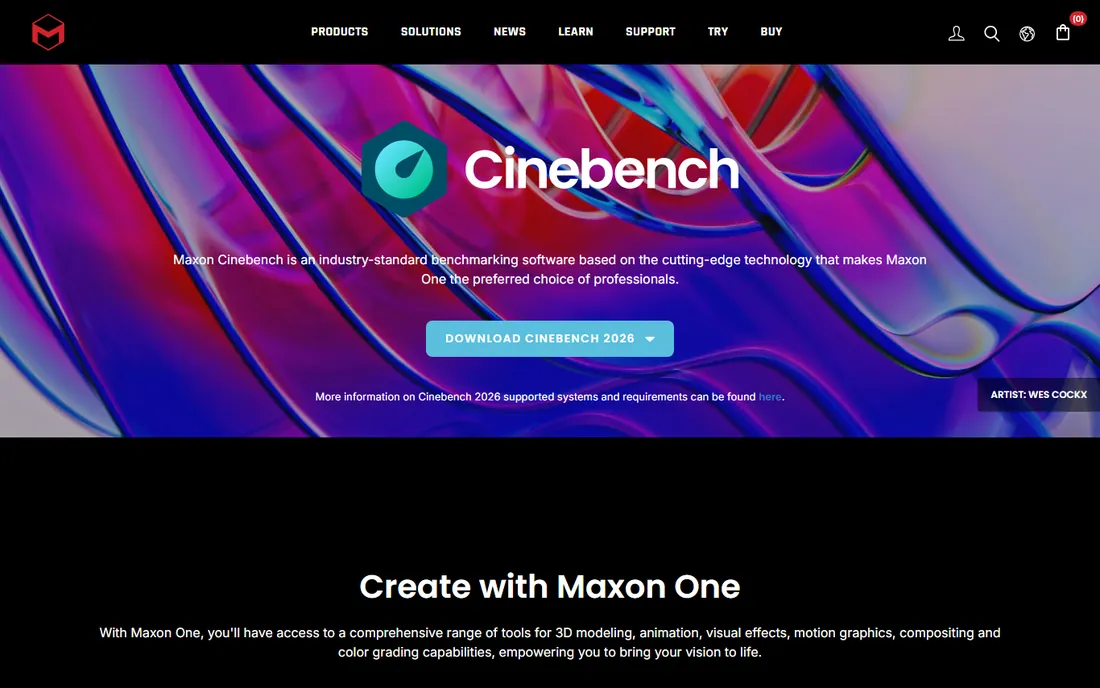
Cinebench has been the CPU stress test of record for over a decade, and the 2024 version is free as always. It renders a real scene with Maxon's Redshift engine, which makes it a true sustained-load test that exposes cooling and throttling problems. Both CPU and GPU rendering tests use the same scene, so comparisons are fair.
It is the benchmark reviewers run when they want to know if a processor holds up under pressure. A ten-minute render loop tells you more about real stability than a thirty-second burst test. The multi-core score in particular is the number that separates workstation CPUs from laptop chips.
Be careful about one thing. Cinebench 2024 scores cannot be compared with R23 or older versions, because the engine changed completely. And rendering is only one workload, so pair it with something broader. For a free, trusted CPU test, it is hard to argue with.
What we like- Completely free
- Real Cinema 4D rendering engine as the workload
- Tests both CPU and GPU now
Watch out for- Rendering-only workload does not reflect everyday office tasks
- Scores cannot be compared with older Cinebench versions
Starting priceSee website
Free planYes
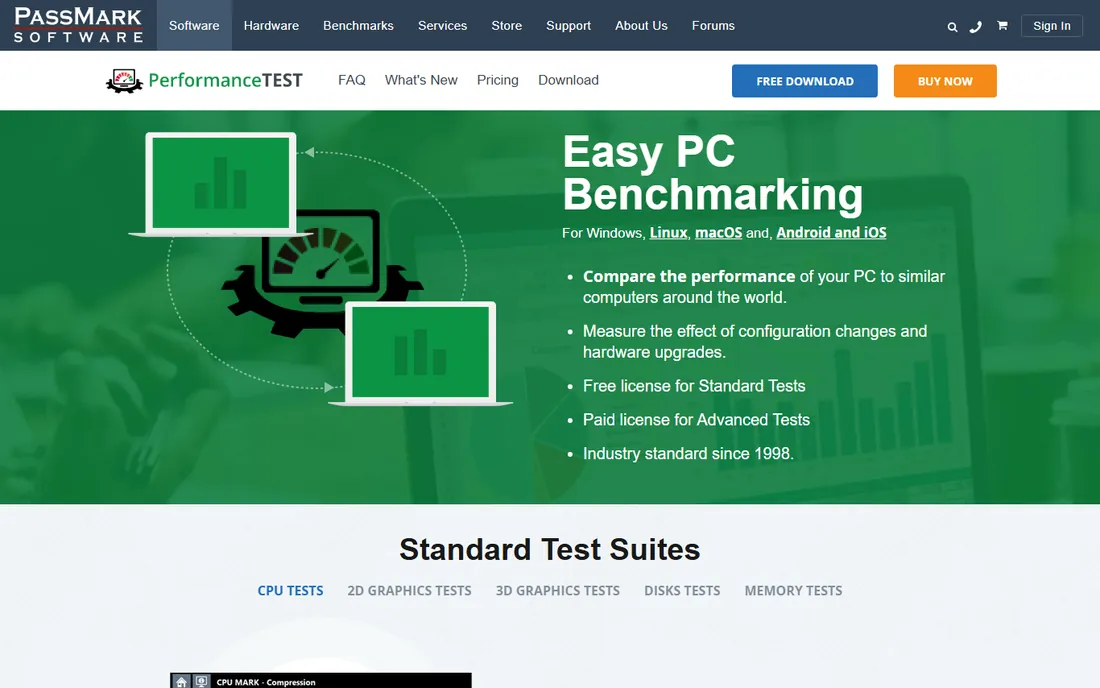
PassMark has been collecting PC benchmarks since 1998, and that history is its biggest asset. Run the free standard tests and you get a PassMark Rating plus CPU, 2D, 3D, disk and memory marks that you can compare against millions of submitted baselines. No other tool has this much comparison data.
The standard suite covers the whole machine in one run, which is exactly what IT staff need when qualifying hardware or checking whether an upgrade did anything. Advanced tests add configurable scenarios for disk, CPU, GPU, network and memory, with no hardware locking or annual fees on the license.
The interface looks like it did fifteen years ago, and the graphics tests will not impress anyone used to 3DMark. But as a practical, free, whole-system check with the deepest comparison database in the business, it earns its place.
What we like- Standard tests are free with no license
- Baseline database of millions of PCs for comparison
- One summary score plus per-component marks
Watch out for- Paid license needed for advanced tests
- Interface is dated
Starting priceSee website
Free planNo
AIDA64 is what technicians install when they need to know everything about a machine. It identifies hardware at a granular level, monitors temperatures and voltages in real time, and includes stress tests that hammer the CPU, FPU, cache, memory and GPU. The system stability test is a staple for verifying overclocks and new builds.
It is also a diagnostics tool first and a benchmark second. Network audit, remote monitoring and detailed reporting make it popular with IT departments managing fleets of PCs. Support for external LCD displays and wireless sensor readouts on phones is a nice touch for builders who watch thermals live.
There is no free edition, which is the main reason it sits behind free tools on this list. If you want a benchmark plus a full diagnostic station in one package, the price is justified. If you just want a score, the free options above do it.
What we like- Deep hardware detail down to sensor level
- Strong stability and stress tests
- Excellent external display and logging support
Watch out for- Paid software with no free edition
- Interface is dense for casual users
Starting priceSee website
Free planYes
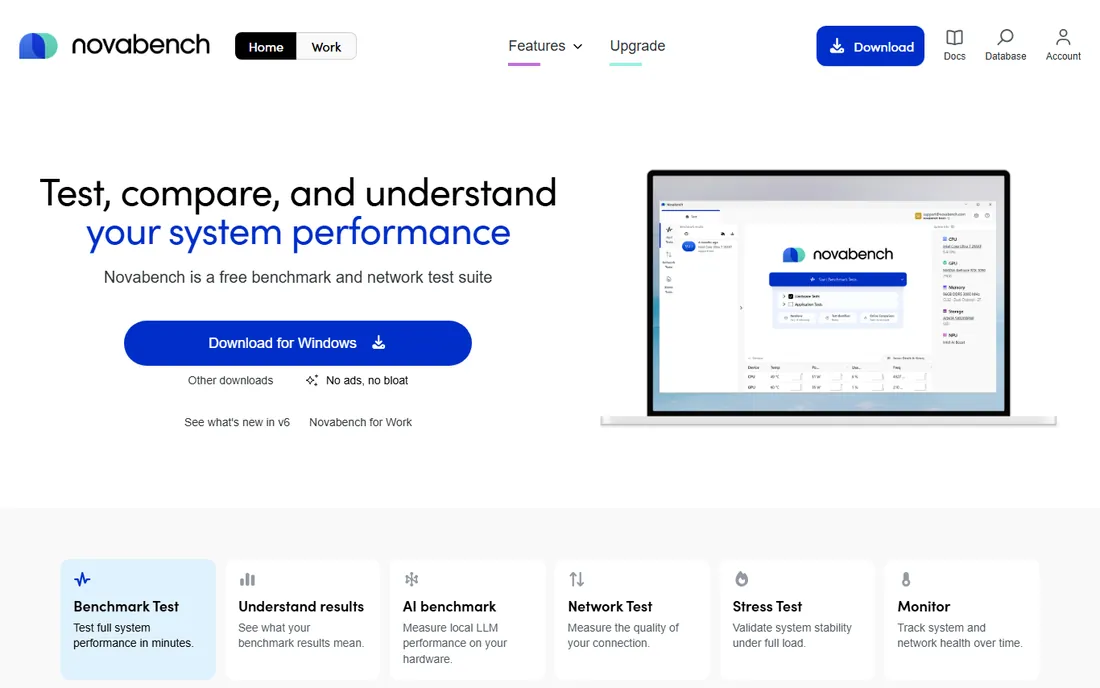
Novabench is the fastest way to get a complete picture of a machine. The free edition runs the full benchmark suite covering CPU, GPU, memory, storage and even NPU AI performance, then compares your scores against millions of validated results with plain-language explanations. Tests finish in minutes, not hours.
It goes beyond raw scores. Built-in network testing, real-time sensor monitoring and stress tests live in the same application, which makes it genuinely useful for diagnosing problems, not just ranking hardware. Cross-platform builds for Windows, Mac and Linux produce comparable scores.
The deeper monitoring and export features sit behind the paid Plus and Pro tiers. But since the free tier includes the full benchmark engine, most users never need to pay. For a no-cost health check of any computer, it is the easiest recommendation on this list.
What we like- Full benchmark suite is free with no time limit
- Tests CPU, GPU, memory, storage, NPU and network in one app
- Comparison against millions of validated results
Watch out for- Paid Plus and Pro tiers hold the deeper monitoring features
- Smaller reviewer footprint than Geekbench or 3DMark
Starting priceFree
Free planYes
Every SSD review includes a CrystalDiskMark screenshot for a reason. It measures sequential and random read and write speeds with a clean, simple interface: pick a drive, press start, read the numbers. It takes seconds and the results are instantly comparable with any other published run of the same version.
It is open source and free, maintained by Crystal Dew World, and it handles NVMe, SATA, USB and network drives. The various test modes let you check peak speeds or real-world mixed workloads depending on what you care about.
Two cautions. Scores from different major versions are not comparable, so note the version when comparing. And running it repeatedly writes data to the drive, which the developer notes can shorten SSD life, so do not benchmark a drive fifty times for fun. For a quick storage check, nothing is simpler.
What we like- Free and open source
- The standard test for storage speeds
- Simple one-click operation
Watch out for- Windows only
- Results cannot be compared across major versions
Starting priceSee website
Free planYes
HWiNFO is not strictly a benchmark, but it belongs on this list because scores without context are meaningless. Run it alongside any benchmark and you get real-time temperature, clock speed, power draw and fan data for every component. When a score looks low, HWiNFO tells you whether the cause was thermal throttling.
It is free for non-commercial use, available as a portable app with no install needed, and the sensor list is the most detailed of any free tool. Logging to CSV lets you graph an entire stress test session afterward. Commercial use requires the Pro license.
You will still need an actual benchmark for the numbers. But paired with Cinebench or 3DMark, HWiNFO turns a score into a diagnosis. Every serious tester keeps it open during runs.
What we like- Free for non-commercial use
- Extremely detailed sensor readings
- Logging and alerting built in
Watch out for- Not a benchmark itself, it is a monitoring tool
- Windows only
How we chose
We selected tools that are widely used, actively maintained and verifiable from their vendors' own sites. We favored tools with published methodology, large comparison databases and free availability, since benchmarking only works when results are comparable. We reviewed vendor documentation and current product pages for each tool. We did not run hands-on benchmark tests, and we report pricing exactly as stated on vendor sites.
What to know before trusting a benchmark score
Benchmarks are controlled workloads, not guarantees. A high Cinebench score means your CPU renders well; it says nothing about how your accounting software feels. Treat scores as relative measurements for comparison, not absolute proof of real-world speed. The most useful benchmark is one that matches the work you actually do.
Comparability is everything. Only compare scores from the same tool and the same major version, run under similar conditions. Vendors change engines between versions, and a Cinebench R23 score means nothing next to a Cinebench 2024 score. When someone quotes a number, ask which version produced it.
Control your test environment. Close background applications, plug in laptops, and let the system reach a stable temperature before running. Thermal throttling is the silent killer of benchmark results, which is why monitoring tools like HWiNFO matter. Run each test at least twice and take the average.
Synthetic benchmarks vs real-world testing
Synthetic benchmarks run fixed workloads designed to stress hardware consistently. They are great for comparisons because everyone runs the same test. The downside is that no synthetic test matches your actual software exactly, so a top score does not guarantee smooth performance in your specific applications.
Real-world testing means timing the tasks you actually perform: exporting a video, compiling code, loading a game level. It is more meaningful but harder to compare, since setups differ. The honest approach uses both. Run a synthetic benchmark for a baseline number, then time your real workload to confirm the hardware actually delivers.
For purchasing decisions, synthetic scores help narrow the field and real-world tests close the deal. If a machine wins both, you have your answer.
Frequently asked questions
Which benchmarking software is completely free?
Cinebench 2024, CrystalDiskMark, Novabench (full suite), PassMark PerformanceTest (standard tests), HWiNFO (non-commercial) and Geekbench 6 (personal use) are all free. 3DMark costs $34.99 for the full Windows suite, though its mobile apps are free. AIDA64 is the only paid-only tool on this list.
Can I compare scores between different benchmarking tools?
No. Each tool uses different workloads and scoring, so a Geekbench score means nothing next to a PassMark Rating. Even within one tool, only compare scores from the same major version. Use the tool's own online database to find comparable systems.
How long does a benchmark take?
It depends on the tool. Novabench and Geekbench finish in a few minutes. Cinebench takes about ten minutes for a full run. 3DMark's full suite with all tests can take much longer. Stress tests are meant to run for 30 minutes or more to verify stability.
Will benchmarking damage my computer?
Normal benchmarking is safe. It loads components the way demanding software does. The risks come from sustained stress tests on systems with inadequate cooling, which can overheat, and from excessive storage benchmarking, which writes data to SSDs. Keep an eye on temperatures and you will be fine.
Why do my scores differ from reviews of the same hardware?
Background programs, power settings, thermal conditions, driver versions and even room temperature affect scores. Reviews often test in controlled conditions with clean installs. Close background apps, use high-performance power plans and let the system cool between runs for your best comparison.
Do I need benchmarking software for an office PC?
Probably not for daily use, but it helps when buying hardware, troubleshooting slowdowns or verifying that a new machine performs as advertised. A quick Novabench run takes minutes and tells you whether that "new" laptop is actually performing like it should.
Sources we checked (8)
- https://benchmarks.ul.com/3dmark
- https://www.geekbench.com/
- https://www.maxon.net/en/downloads/cinebench-2024-downloads
- https://www.passmark.com/products/performancetest/index.php
- https://www.aida64.com/
- https://novabench.com/
- https://crystalmark.info/en/software/crystaldiskmark/
- https://www.hwinfo.com/
Is your product missing or out of date?
We review this list regularly. Vendors can request a listing, send updated pricing or ask about featured placement.

Shihab Mia · Founder, Rankite
Shihab has spent more than a decade helping SaaS and e-commerce brands grow through search. He writes Rankite's software buying guides from pricing pages, documentation and public user reviews. More about Shihab.
 3DMark
 Geekbench 6
 Cinebench 2024
 PassMark PerformanceTest
 AIDA64
 Novabench
 CrystalDiskMark
 HWiNFO