How we make this list: we compare pricing pages, product documentation and public user reviews. Rankite is independent; if a vendor ever pays for a featured spot, that listing is clearly labeled Partner.
Key takeaways
- Remodeling one bathroom? Start free: Planner 5D ($59.99 per year Premium) and HomeByMe cover layout and 3D visualization.
- RoomSketcher VIP ($49 per year) is the best value for realistic 3D bathroom renders with real product catalogs.
- Chief Architect ($229 per month or $1,995 per year) is the professional pick for contractors producing construction documents.
- SketchUp Go ($119 per year) is the flexible middle ground for custom vanities and tile layouts.
- Cedreo and Floorplanner suit design-build firms that need fast client presentations; both have free entry points.
Quick comparison
| Tool | Best for | Starting price | Free plan |
|---|
 RoomSketcher RoomSketcher | Homeowners and designers wanting realistic 3D bathroom visualizations | $49/year (VIP plan) | Yes |
 Planner 5D Planner 5D | Beginners who want to design a bathroom on any device | $59.99/year (Premium) | Yes |
 HomeByMe HomeByMe | Homeowners wanting quick 3D bathroom concepts with real brand products | See website | Yes |
 Chief Architect Chief Architect | Contractors, remodelers and designers producing construction documents | $229/month or $1,995/year (Premier subscription) | No |
 SmartDraw SmartDraw | Anyone who needs a fast, accurate 2D bathroom floor plan | $9.95/month (billed annually, single user) | Free trial (7 days) |
 Floorplanner Floorplanner | Quick browser-based bathroom layouts without installing anything | $5/month (Plus plan) | Yes |
 SketchUp SketchUp | DIYers and designers modeling custom bathrooms, vanities and tile layouts | $119/year (Go plan) | No |
 Cedreo Cedreo | Design-build firms and remodelers presenting bathroom concepts to clients | See website | Yes (limited free plan) |
Is your product missing or out of date?
We review this list regularly. Vendors can request a listing, send updated pricing or ask about featured placement.
The best bathroom design software
Nobody should demolish a bathroom based on imagination. A $15,000 remodel decided from a sketch on graph paper is how you end up with a vanity that blocks the door swing. Bathroom design software lets you place the real fixtures, walk through the space in 3D and catch those mistakes for free. These eight tools span free phone apps to professional CAD, and the right one depends on whether you are the homeowner, the designer or the contractor.
#1
RoomSketcher
Best for: Homeowners and designers wanting realistic 3D bathroom visualizations
Visit roomsketcher.com
Starting price$49/year (VIP plan)
Free planYes
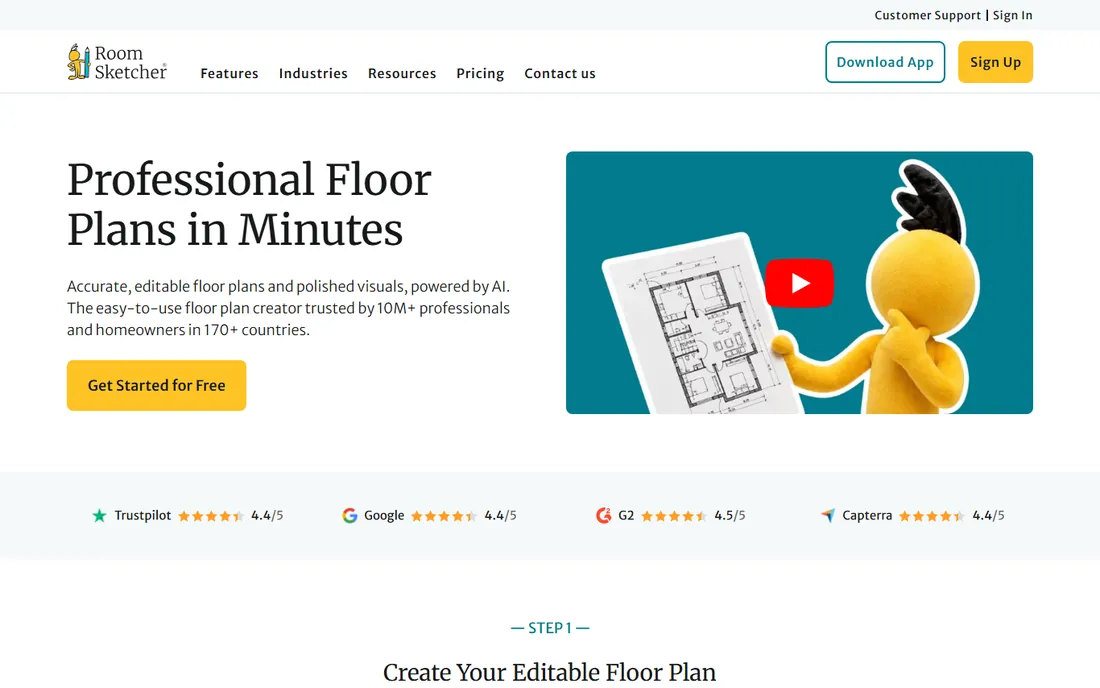
RoomSketcher is the sweet spot for bathroom remodels: draw the room to scale, drop in real fixtures from brand catalogs, and generate 3D photos that show what the finished bathroom will actually look like. The VIP plan at $49 per year includes 2D and 3D floor plans, 3D photos, 360 views and live 3D walkthroughs. For a homeowner comparing tile and fixture options, the renders settle arguments.
The honest catch is the credit model. Rendering and some exports consume credits (20 included with VIP), so heavy users buy more. Measurements and branded plans need the $99 Pro tier. For a single bathroom project, though, VIP's included credits go a long way, and the free tier lets you test the whole workflow first.
What we like- VIP at $49 per year is excellent value for 3D photos and floor plans
- Real product catalogs from actual brands
- Works on Mac, Windows, iPad and Android tablets
Watch out for- Advanced features use a credit system on top of the subscription
- Pro plan ($99 per year) needed for measurements and branding
#2
Planner 5D
Best for: Beginners who want to design a bathroom on any device
Visit planner5d.com
Starting price$59.99/year (Premium)
Free planYes
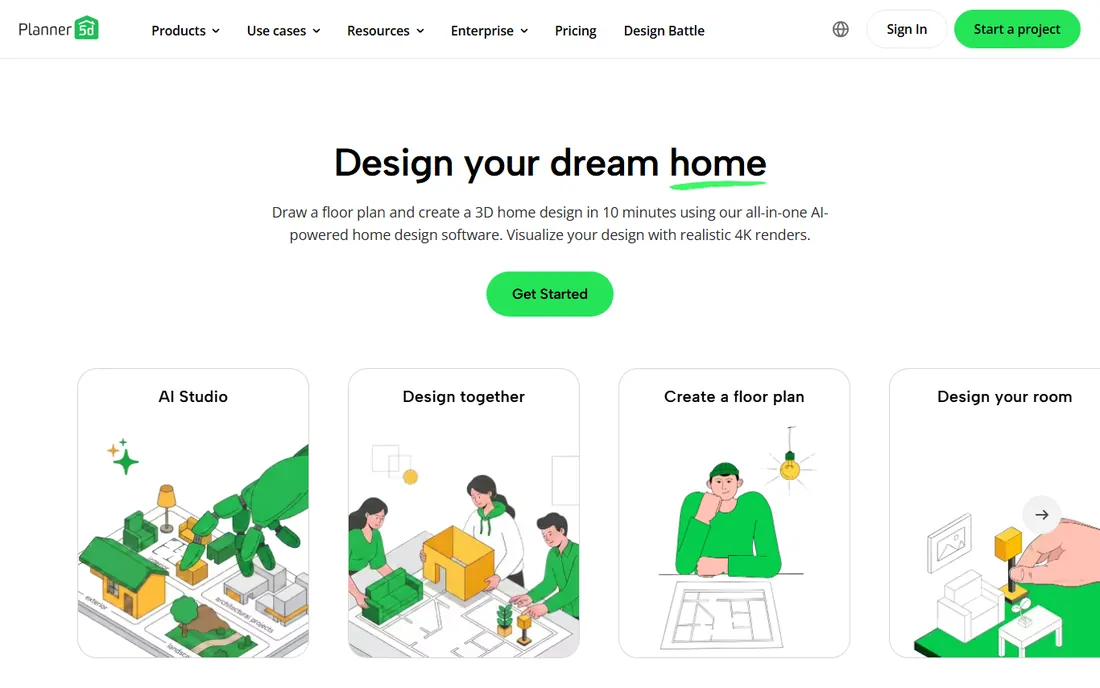
Planner 5D is the easiest on-ramp to bathroom design: the free version gives you 2D and 3D editors with unlimited projects across phone, tablet and desktop. Premium at $59.99 per year adds the full 8,400-item catalog, furniture customization and AI-assisted design. You can even scan your actual bathroom with your phone camera and start from a 3D copy of the real space.
The honest catch is the catalog gate. The free tier's limited selection frustrates once you have specific fixtures in mind, and photorealistic 4K renders sit on the Professional tier ($33.33 per month annual). For planning layouts and testing arrangements, though, Premium is fairly priced, and the cross-device sync means designing on the couch and refining at the desk.
What we like- Premium at $59.99 per year is affordable
- 8,400-plus item catalog on paid plans
- AI design generator and room scanning from your phone
Watch out for- Free catalog is limited (150-plus items)
- Advanced renders and 4K output need the pricier Professional tier
#3
HomeByMe
Best for: Homeowners wanting quick 3D bathroom concepts with real brand products
Visit homebyme.com
Starting priceSee website
Free planYes
HomeByMe, from Dassault Systemes, is built for speed: pick your room shape, drag in fixtures from brand catalogs, and view the bathroom in 3D within minutes. The interface is among the friendliest here, which matters when the "designer" is a homeowner doing their first remodel. Real-product catalogs mean the vanity you place is the vanity you can buy.
The honest catch is pricing clarity. HomeByMe runs a free tier with paid high-definition image packs rather than a simple subscription, and the current rates live on the vendor's site. Heavy render users should check costs before falling in love with a design. For quick concepting and "what if we moved the shower" experiments, the free tier is plenty.
What we like- Free to start with an intuitive drag-and-drop 3D planner
- Catalogs from real furniture and fixture brands
- Good-looking 3D renders without a learning curve
Watch out for- Vendor does not publish a simple price list
- High-definition renders are paid extras
#4
Chief Architect
Best for: Contractors, remodelers and designers producing construction documents
Visit chiefarchitect.com
Starting price$229/month or $1,995/year (Premier subscription)
Free planNo
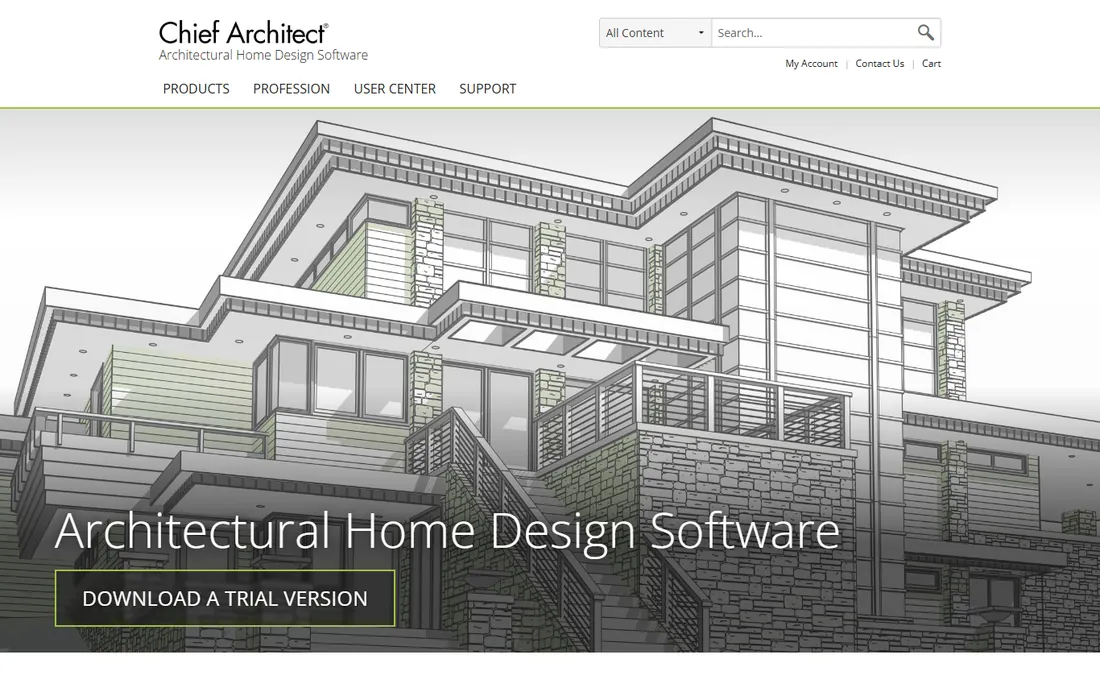
Chief Architect is professional software that happens to do bathrooms brilliantly. Its smart building tools generate the 3D model automatically as you draw walls, place cabinets and set fixtures, and the output includes construction documents, elevations and materials lists that a contractor can actually build from. Pricing is transparent: $229 per month or $1,995 per year for Premier, both published on the vendor's offers page.
The honest catch is the audience. This is overkill for picking tile: the price and the learning curve only make sense if you produce drawings for a living or manage whole-house projects. Bathroom and kitchen specialists should also look at the Interiors version. For a design-build firm, though, the automatic documentation pays for the subscription fast.
What we like- Prices published plainly on chiefarchitect.com
- Automatic building tools generate roofs, framing and dimensions as you design
- Produces real construction documents, not just pictures
Watch out for- $229 per month is serious money for a homeowner
- Learning curve is steep for non-professionals
#5
SmartDraw
Best for: Anyone who needs a fast, accurate 2D bathroom floor plan
Visit smartdraw.com
Starting price$9.95/month (billed annually, single user)
Free planFree trial (7 days)
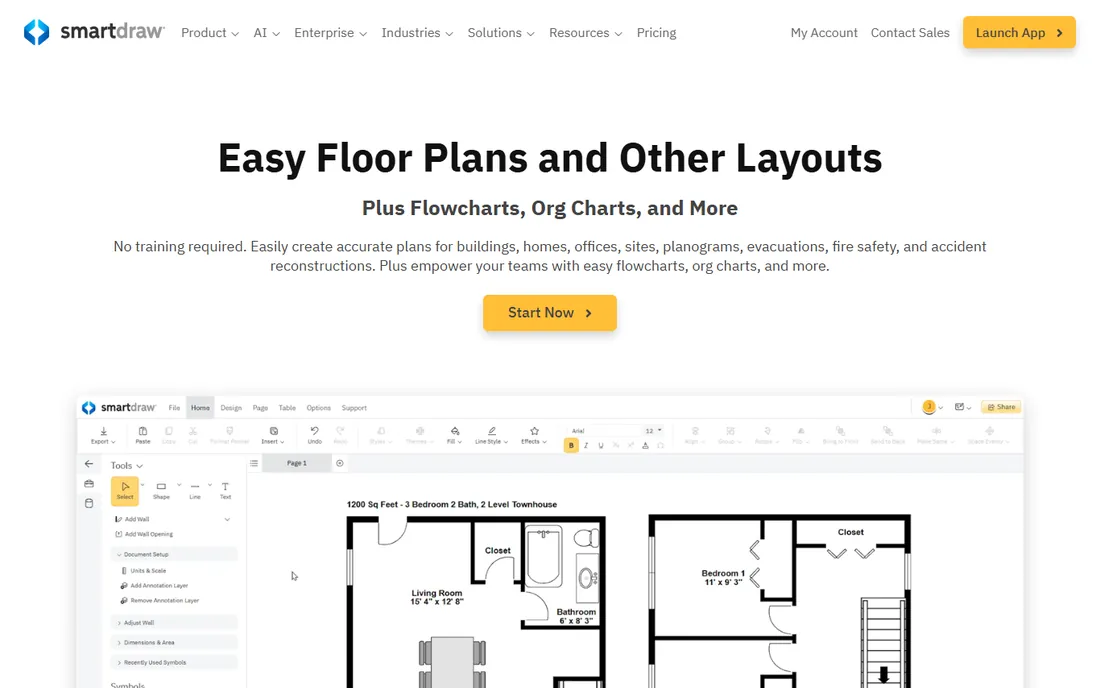
SmartDraw is the diagrammer's answer to bathroom design: start from a bathroom template, drag in fixtures and plumbing symbols, and produce a clean scaled floor plan in minutes. At $9.95 per month billed annually for a single user, it is cheap, and the same subscription covers flowcharts, org charts and every other diagram a small business needs.
The honest catch is dimensionality. SmartDraw produces excellent 2D plans but will not walk you through the bathroom in 3D or render the tile. If your goal is communicating layout to a contractor, 2D is often enough; if you need to see the finished look, pair it with a 3D tool. There is no free plan, so use the 7-day trial to confirm it fits.
What we like- Fastest path to a scaled 2D bathroom plan
- Thousands of templates and symbols beyond bathrooms
- Exports to PDF, Visio, Office and image formats
Watch out for- 2D-focused with limited 3D visualization
- No permanent free plan, only a 7-day trial
#6
Floorplanner
Best for: Quick browser-based bathroom layouts without installing anything
Visit floorplanner.com
Starting price$5/month (Plus plan)
Free planYes
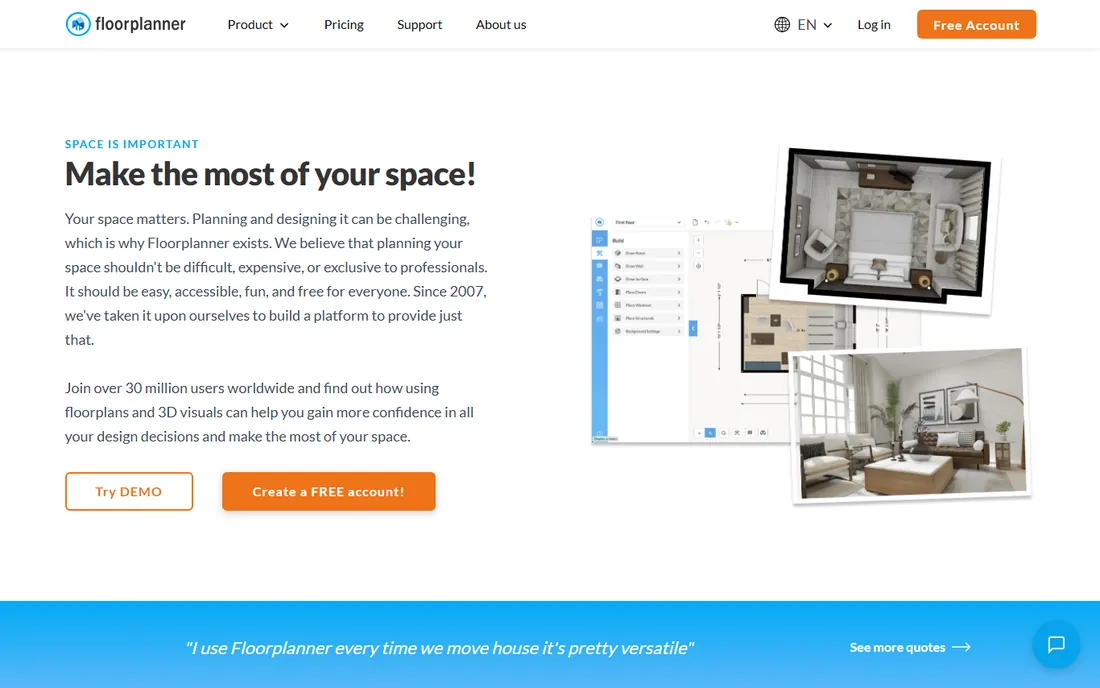
Floorplanner is the minimalist browser option: draw your bathroom, furnish it, and view it in 2D and basic 3D without installing software. The free plan handles simple layouts; Plus at $5 per month adds credits and features for regular users. For a landlord sketching a rental bathroom refresh or a homeowner testing two layouts, it is fast and frictionless.
The honest catch is visual ambition. Floorplanner's 3D output is functional rather than beautiful, and it will not sell a client on a design the way a RoomSketcher render will. It also uses a credit model that can surprise heavy users. Choose it for speed and simplicity; choose RoomSketcher or Planner 5D when the visuals matter.
What we like- Plus at $5 per month is cheap
- Runs entirely in the browser
- Simple enough for first-time users
Watch out for- 3D visualization is basic compared with RoomSketcher or Planner 5D
- Credit limits apply on paid tiers
#7
SketchUp
Best for: DIYers and designers modeling custom bathrooms, vanities and tile layouts
Visit sketchup.com
Starting price$119/year (Go plan)
Free planNo
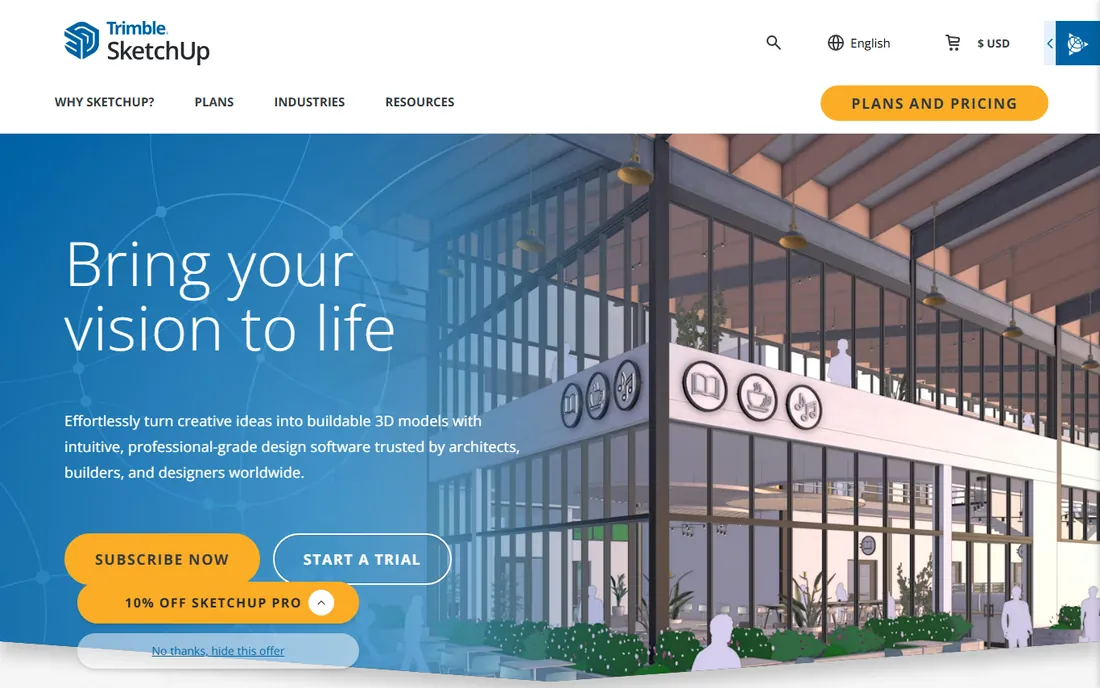
SketchUp is the tool for bathrooms that do not fit templates: angled walls, custom vanities, intricate tile layouts, built-in shelving. You model exactly what you want instead of picking from a catalog, and the 3D Warehouse provides millions of free components (fixtures, furniture, materials) to drop in. Go at $119 per year runs in the browser; Pro at $349 adds desktop power and LayOut for documents.
The honest catch is effort. SketchUp rewards learning with total control, but the first weekend is tutorials, not designing. It also will not auto-generate a bathroom the way the planners do. For standard rectangular bathrooms, the planners are faster; for everything custom, SketchUp is the only answer at this price.
What we like- Unmatched flexibility for custom geometry (niche shelving, odd angles, tile patterns)
- Huge 3D Warehouse of free models
- Go plan at $119 per year is affordable for the power
Watch out for- No free desktop version anymore
- Steeper learning curve than the drag-and-drop planners
#8
Cedreo
Best for: Design-build firms and remodelers presenting bathroom concepts to clients
Visit cedreo.com
Starting priceSee website
Free planYes (limited free plan)
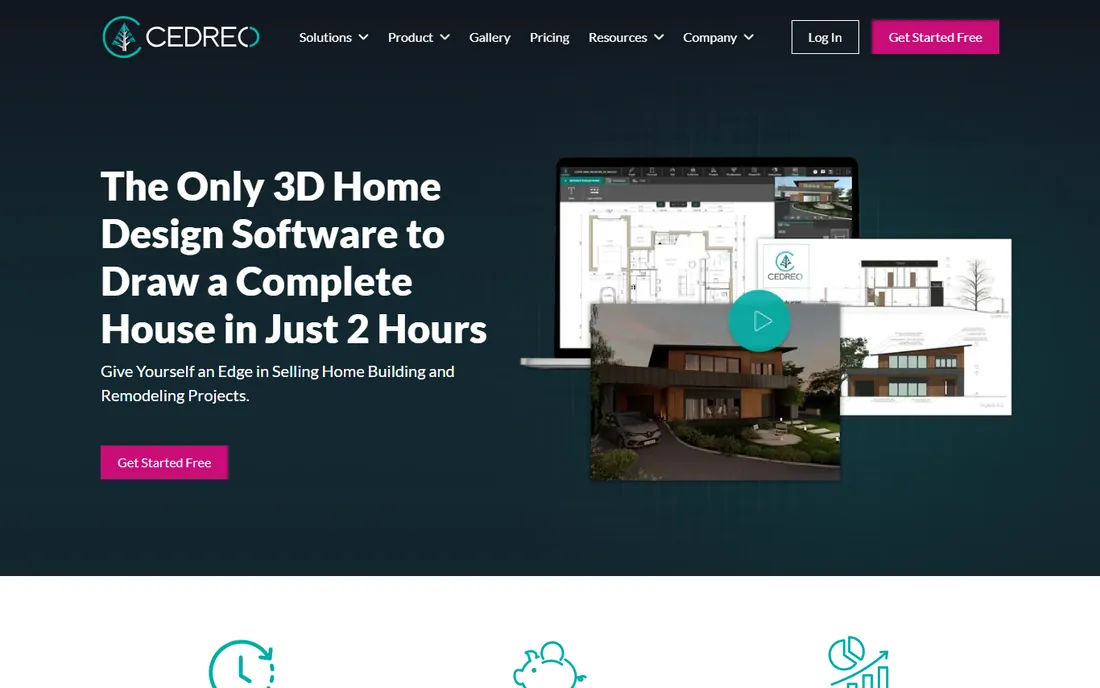
Cedreo is built for the business of bathrooms: a design-build firm walks in, draws the existing space, designs the new bathroom in 3D, and presents a proposal the homeowner can understand in one meeting. It handles blueprints, scale drawing, surface calculations and realistic rendering in a workflow tuned for selling remodels rather than hobby designing.
The honest catch is access. Pricing is not published; you talk to Cedreo's team, which tells you who the product is for. Homeowners doing one bathroom should use RoomSketcher or Planner 5D instead. For contractors doing volume, the speed from measurement to client-ready 3D is the pitch, and the vendor's own comparison content positions it directly against RoomSketcher and Floorplanner.
What we like- Built for professionals who sell remodels: fast 3D proposals clients understand
- Lighting and sun orientation tools
- Import blueprints and draw to scale
Watch out for- Vendor does not publish pricing
- Aimed at businesses, so homeowners may find it salesy
What to check before you buy
Start with your role. Homeowners remodeling one bathroom need visualization and ease: RoomSketcher, Planner 5D or HomeByMe. Designers need catalogs and presentation quality: RoomSketcher Pro or Cedreo. Contractors need documents: Chief Architect, or SketchUp Pro with LayOut for the budget-conscious.
Then check the fixture question. Tools with real brand catalogs (RoomSketcher, HomeByMe) let you specify actual products, which matters when the design becomes a purchase order. Generic libraries are fine for layout experiments but useless for final selections. If you have specific fixtures in mind, confirm they exist in the catalog before committing.
Finally, mind the render costs. Several tools here use credit systems for high-quality renders on top of subscriptions. For one bathroom you will render a handful of views; for a design business rendering daily, credits become a real line item. Price your expected render volume against the included credits before choosing.
Free vs paid: where the line sits
The free tiers in bathroom design are genuinely useful for planning: Planner 5D's free editor, RoomSketcher's free plan, HomeByMe's free concepts and Floorplanner's free layouts all let you solve the layout puzzle without paying. Pay when you need the output: realistic renders to show a spouse or client, scaled printable plans, or brand-catalog fixtures.
The paid tiers cluster in two bands: around $50 to $60 per year for homeowners (RoomSketcher VIP, Planner 5D Premium) and $100-plus per month for professionals (Chief Architect, Cedreo). SketchUp Go at $119 per year bridges them for the capable DIYer. Match the band to the stakes of the project, not to the feature list.
How we chose
We started with the searches homeowners and contractors use: bathroom design software, bathroom remodel planner, 3D bathroom design app. For each candidate we checked the vendor's own site or published comparisons for pricing and plan limits, then cross-checked features against documentation and user reviews. Where the vendor publishes no price, we wrote "See website" instead of repeating third-party figures as fact. Generic floor-plan-only tools without bathroom fixture content were deprioritized.
Frequently asked questions
What is the best free bathroom design software?
Planner 5D's free tier (2D/3D editor, unlimited projects) and RoomSketcher's free plan are the strongest free options. HomeByMe is free to start with paid HD renders. All three let you plan a full bathroom layout without paying.
Can bathroom design software show real fixtures?
Yes, on tools with brand catalogs: RoomSketcher and HomeByMe include real products from actual manufacturers. Generic tools (Floorplanner, SmartDraw) use representative symbols. If your design needs to become a shopping list, choose a catalog-based tool.
How much does bathroom design software cost?
Homeowner tools run $49 to $60 per year (RoomSketcher VIP, Planner 5D Premium). SketchUp Go is $119 per year. Professional tools start around $229 per month (Chief Architect). Most offer free tiers sufficient for planning one bathroom.
Do I need 3D, or is a 2D floor plan enough?
2D is enough for layout and communicating with a contractor. 3D matters when you need to evaluate how the finished bathroom looks and feels: sight lines, fixture scale, tile choices. For a full remodel, do both; the 3D view catches mistakes the plan hides.
Can I import my bathroom's measurements?
Yes. RoomSketcher Pro can draw from a blueprint, Planner 5D can scan your room with a phone camera, and Chief Architect and Cedreo handle measured drawings. Measure twice: wall lengths, door swings, window positions and plumbing locations.
Which software do contractors use for bathrooms?
Chief Architect is the industry standard for residential remodelers producing construction documents. Design-build firms also use Cedreo for fast client presentations. SketchUp Pro with LayOut is the budget professional alternative.
Sources we checked (3)
- https://cedreo.com/blog/roomsketcher-vs-floorplanner-vs-cedreo/
- http://www.chiefarchitect.com/offers/
- https://planner5d.com/fr/gift-card
Is your product missing or out of date?
We review this list regularly. Vendors can request a listing, send updated pricing or ask about featured placement.

Shihab Mia · Founder, Rankite
Shihab has spent more than a decade helping SaaS and e-commerce brands grow through search. He writes Rankite's software buying guides from pricing pages, documentation and public user reviews. More about Shihab.