How we make this list: we compare pricing pages, product documentation and public user reviews. Rankite is independent; if a vendor ever pays for a featured spot, that listing is clearly labeled Partner.
Key takeaways
- REimagineHome is the best pick for homeowners who want designs tied to furniture they can actually buy, with 5 free designs to start.
- DecorAI gives the most predictable budget: one $24 per month plan with unlimited image designs and commercial rights.
- Homestyler and Planner 5D are the two real floor-plan builders here; the rest are photo-based restyling tools, so do not confuse the two categories.
- If you are a designer or realtor doing client work, Spacely AI and Interior AI have the pro features (SketchUp integration, team workspaces, virtual staging) that casual apps skip.
- Free plans are genuinely useful for trying one room, but every serious tool charges once you need volume, watermark-free exports, or commercial use.
Quick comparison
| Tool | Best for | Starting price | Free plan |
|---|
 REimagineHome REimagineHome | Homeowners and agents who want designs with real products | From $14/month | Yes (5 free designs) |
 DecorAI DecorAI | Heavy users who want unlimited designs for a flat fee | $24/month | Free trial (3 designs, card required) |
 Homestyler Homestyler | DIY floor plans with real furniture models | See website | Yes |
 RoomGPT RoomGPT | The fastest possible room restyle | See website | Yes (daily free designs) |
 Interior AI Interior AI | Designers who need staging and sketch conversion | See website | No |
 Planner 5D Planner 5D | A complete DIY home design platform | See website | Yes |
 Spacely AI Spacely AI | Studios and architects needing client-ready renders | Free plan; credit packs from $9 (one-time) | Yes (free plan) |
 HomeDesigns AI HomeDesigns AI | Redesigns that keep your real room intact | See website | Yes (3 free credits per day) |
 Fotor Fotor | Budget buyers who want AI design plus general photo editing | See website | Yes |
Is your product missing or out of date?
We review this list regularly. Vendors can request a listing, send updated pricing or ask about featured placement.
The best AI interior design software
Your living room has looked the same for six years, and you cannot picture it any other way. That is the problem these tools solve. You upload a photo of the room you have, pick a style, and the AI shows you what that same room could look like with different furniture, colors, and finishes. Some tools stop there. The better ones keep your walls and windows intact, suggest products you can actually buy, or turn a sketch into a render you can hand to a contractor. The nine below cover the full range, from free one-room experiments to software that design studios use for client pitches.
Starting priceFrom $14/month
Free planYes (5 free designs)
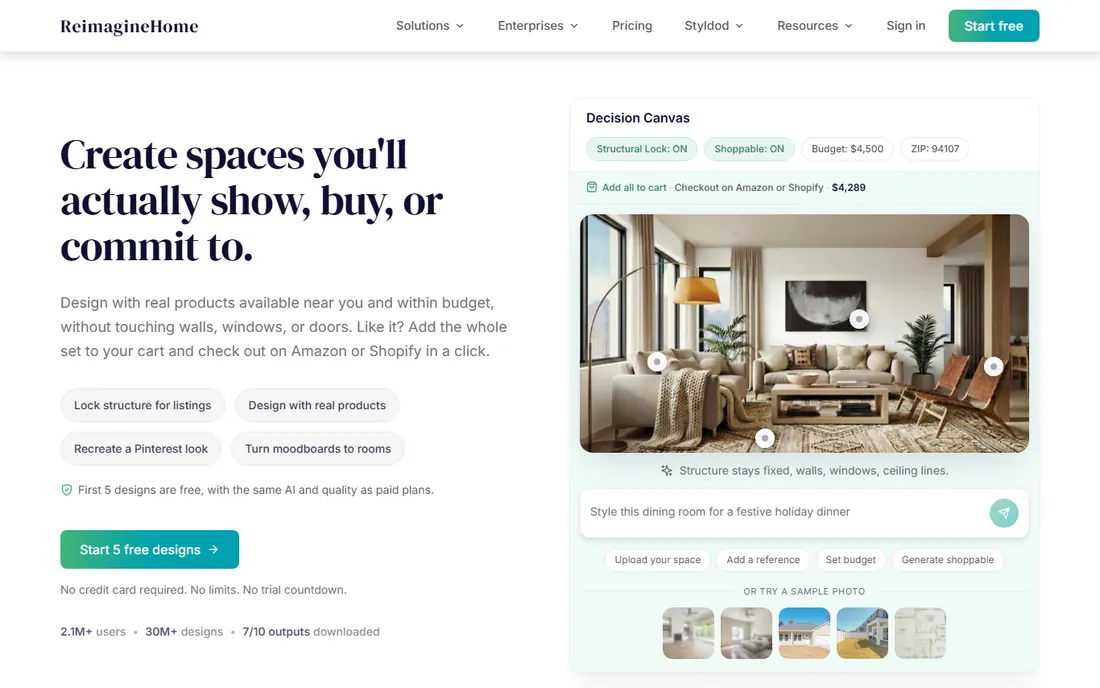
REimagineHome starts from the room you already have and works toward a decision you can act on. Upload a photo, describe the outcome you want, and the AI generates photorealistic redesigns while keeping your structure intact. What sets it apart is the shopping layer: the furniture in your renders is real, priced, and available from retailers, so a design you like can move straight to a cart.
That purchase angle makes it unusually practical for real estate agents too. The virtual staging mode fills empty rooms with furniture for listings, and batch tools handle a full set of listing photos at once. The free tier gives you five full-quality designs, enough to restyle a room or two. After that you move to a paid plan.
What we like- First 5 designs free with no card required
- Designs built around real products with prices
- Virtual staging and exterior modes included
Watch out for- Free tier ends after 5 designs
- Paid plans needed for ongoing project work
#2
DecorAI
Best for: Heavy users who want unlimited designs for a flat fee
Visit decorai.io
Starting price$24/month
Free planFree trial (3 designs, card required)
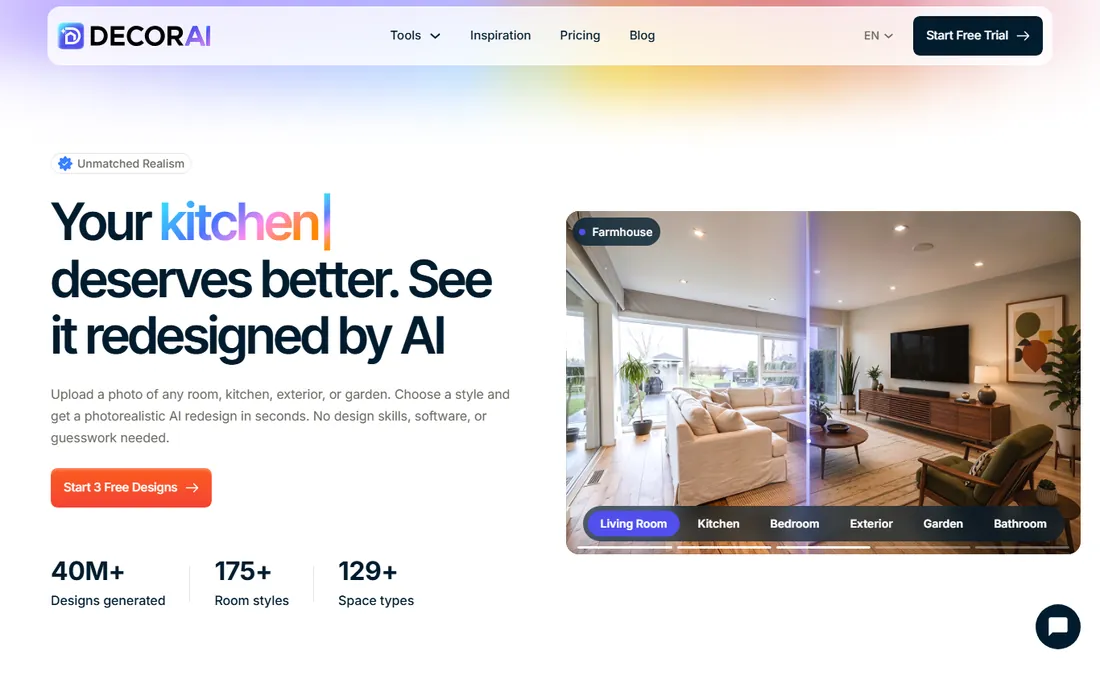
DecorAI takes the opposite pricing approach from most of this list: one plan, $24 per month, unlimited image designs, every tool included. If you are restyling multiple rooms or running a staging side business, the flat rate removes the credit-counting anxiety of pay-per-render tools. The style library is genuinely large at 175-plus options, and the AI preserves your room layout while swapping furniture, colors, and finishes. Exterior and garden redesign tools, sketch-to-render, a dedicated kitchen designer, and virtual staging all live under the same subscription. Every plan includes commercial rights, which matters if you are using the output for client work or listings. The catch is the trial: you get three full-quality designs free, but the trial asks for a card upfront and rolls into the paid plan unless you cancel. There is a 30-day money-back guarantee if you forget.
What we like- Unlimited AI image designs on the paid plan
- 175+ styles across interiors, exteriors, and gardens
- Commercial usage rights on every plan
Watch out for- Trial requires a credit card
- No pay-per-design option for occasional users
Starting priceSee website
Free planYes
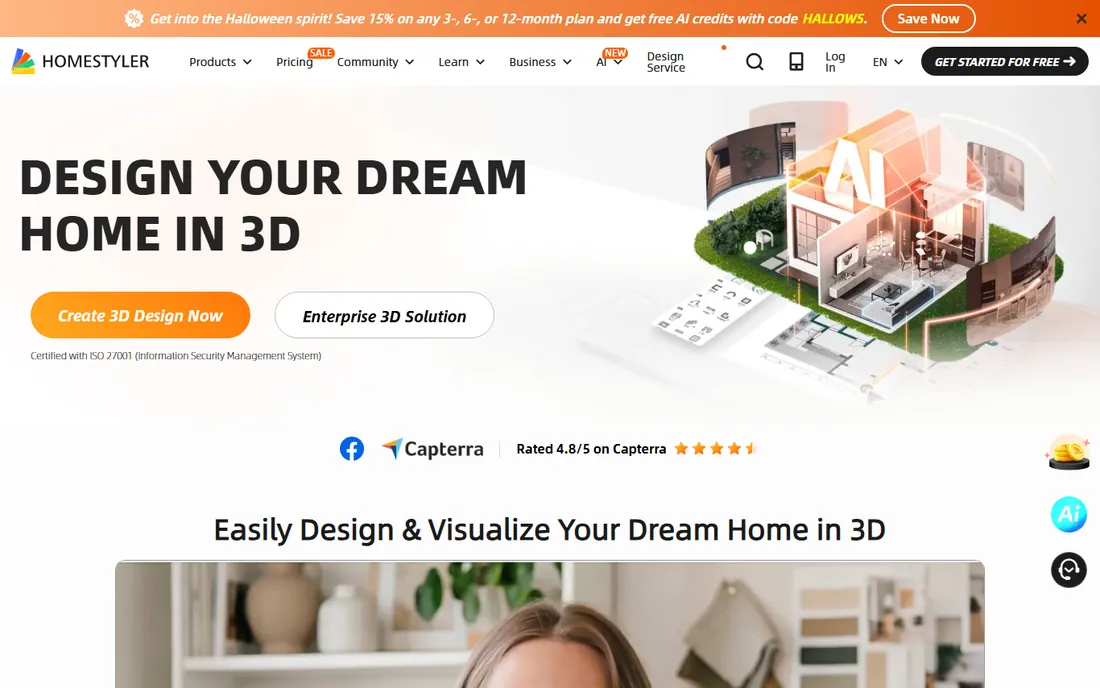
Homestyler is the builder's tool in this roundup, not a photo filter. You draw or upload a floor plan, the AI converts it into an editable 3D model, and then you furnish it yourself from a library of over 10 million branded 3D models. The result is a design you can walk through and measure, which is a different thing entirely from an AI restyle of a photo.
The free tier is generous enough for real projects. Where Homestyler lands on this list is its AI layer: floor plan recognition, auto-docking, and rendering assistance speed up the manual work, but you are still the designer. People who want one-click magic should look at RoomGPT or DecorAI instead.
What we like- Free 3D floor planning with drag-and-drop
- Library of millions of branded furniture models
- Cloud rendering built in
Watch out for- AI features are helpers, not the core product
- Advanced rendering costs extra
Starting priceSee website
Free planYes (daily free designs)

RoomGPT is the simplest tool on this list, and that is its entire selling point. There is no floor plan, no furniture catalog, no settings to learn. You upload a photo of your room, pick a style like Modern or Coastal, and the AI returns several redesigned versions of the same space within seconds.
The tradeoff for that speed is control. You cannot fine-tune individual pieces of furniture, and the items in the renders are invented by the AI rather than pulled from a catalog, so treat the output as a mood board rather than a shopping list. The free tier gives you a few designs per day, which is plenty for casual experimenting. Paid plans add higher volume for people using it for client work or content.
What we like- Upload a photo and get multiple style variations in seconds
- Very simple interface with no learning curve
- Free designs every day
Watch out for- Limited control over specific details
- Furniture in renders does not map to real products
Starting priceSee website
Free planNo

Interior AI is built for people who already do design work and want a faster visualization step. Beyond the standard photo restyle, it offers a virtual staging mode for empty rooms, a freestyle mode that generates designs from scratch, a sketch-to-image mode, and a SketchUp mode that renders screenshots from your SketchUp models.
The honest catch is the billing. There is no free tier, and the company is upfront that it cannot offer refunds because generation costs are incurred the moment you render. Payment goes through Stripe and cancellation is self-serve. If you are a homeowner restyling one bedroom, the free tools above will serve you better. If you are a designer who will render weekly, the specialized modes earn their keep.
What we like- Multiple modes including virtual staging, freestyle, and SketchUp-to-render
- Renders in about 25 seconds
- Photos stay private and are not used for training
Watch out for- No free tier or trial
- Strict no-refund policy because of GPU costs
Starting priceSee website
Free planYes
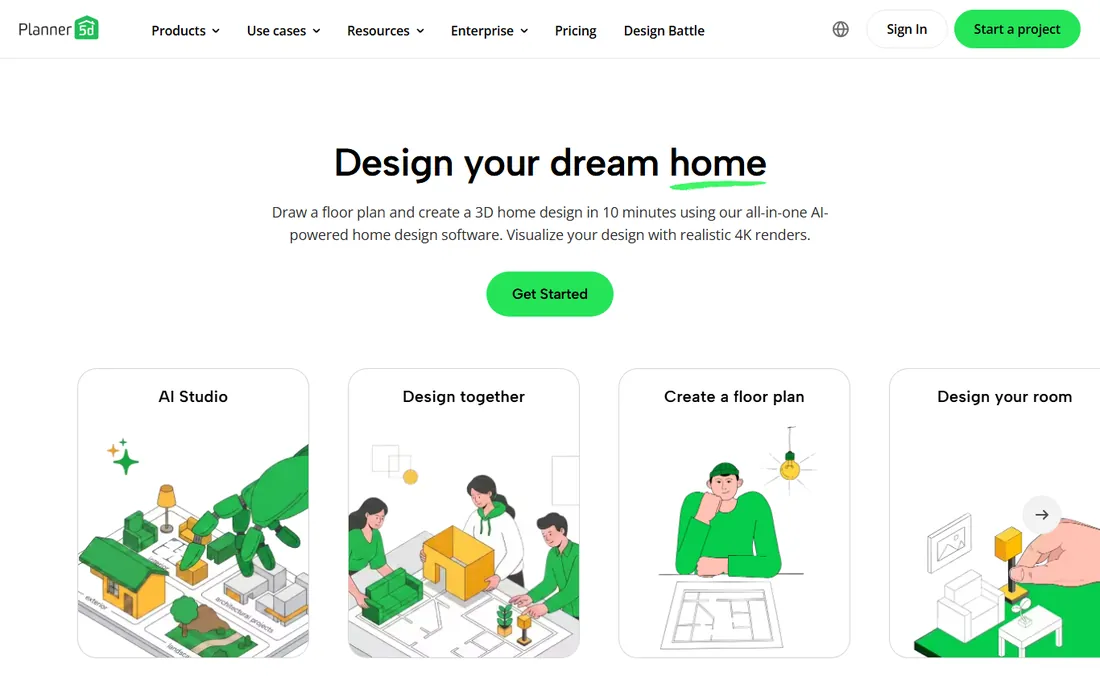
Planner 5D is the closest thing here to professional design software that a non-designer can actually use. You draw a floor plan (or have the AI recognize one from an uploaded image), furnish it from a library of more than 8,000 items, and visualize the result with 4K renders, 360-degree walkthroughs, and an AR mode that drops your design into your real room through your phone.
The AI features sit on top of a fundamentally manual tool. That is a strength if you want precision and a weakness if you wanted the software to do the designing. The free plan covers the basics; the paid tiers open the full catalog, higher-quality renders, and the pro tools.
What we like- 2D floor plans convert to 3D in minutes
- 8,000+ item library with AR preview
- Cross-platform apps for web, iOS, and Android
Watch out for- Best features sit behind paid tiers
- AI decor suggestions need your direction to look good
#7
Spacely AI
Best for: Studios and architects needing client-ready renders
Visit spacely.ai
Starting priceFree plan; credit packs from $9 (one-time)
Free planYes (free plan)
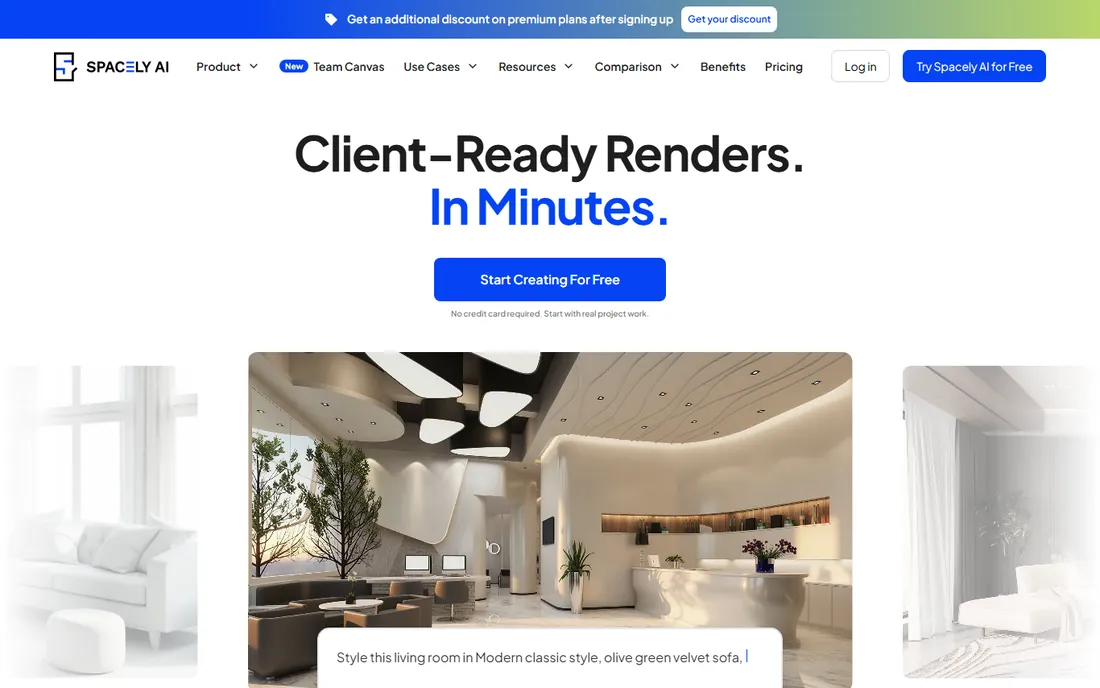
Spacely AI is aimed squarely at professionals. The headline features are the ones working designers ask about: a SketchUp extension that renders your 3D models without leaving SketchUp, integrations with Revit, AutoCAD, and Rhino, and a team canvas where multiple people can edit and render on one shared project. Renders complete in under a minute, and the system is designed to keep your original geometry and materials intact while it restyles.
Pricing is a hybrid: a free plan with access to core features, then Personal, Studio, and Agency subscriptions for seats and pro features, plus one-time credit top-ups starting at $9 that never expire. That structure suits studios with spiky workloads better than a flat monthly fee they would waste in quiet months. The free plan is genuinely usable for evaluation. The limitation to know is that the highest render quality, 4K downloads, and pro editing tools sit on the paid tiers, so budget accordingly if your deliverables are client-facing.
What we like- SketchUp, Revit, AutoCAD, and Rhino integrations
- Team canvas for live collaboration
- Free plan includes core features
Watch out for- Pro render quality and 4K downloads need paid plans
- Credit system adds up at high volume
Starting priceSee website
Free planYes (3 free credits per day)
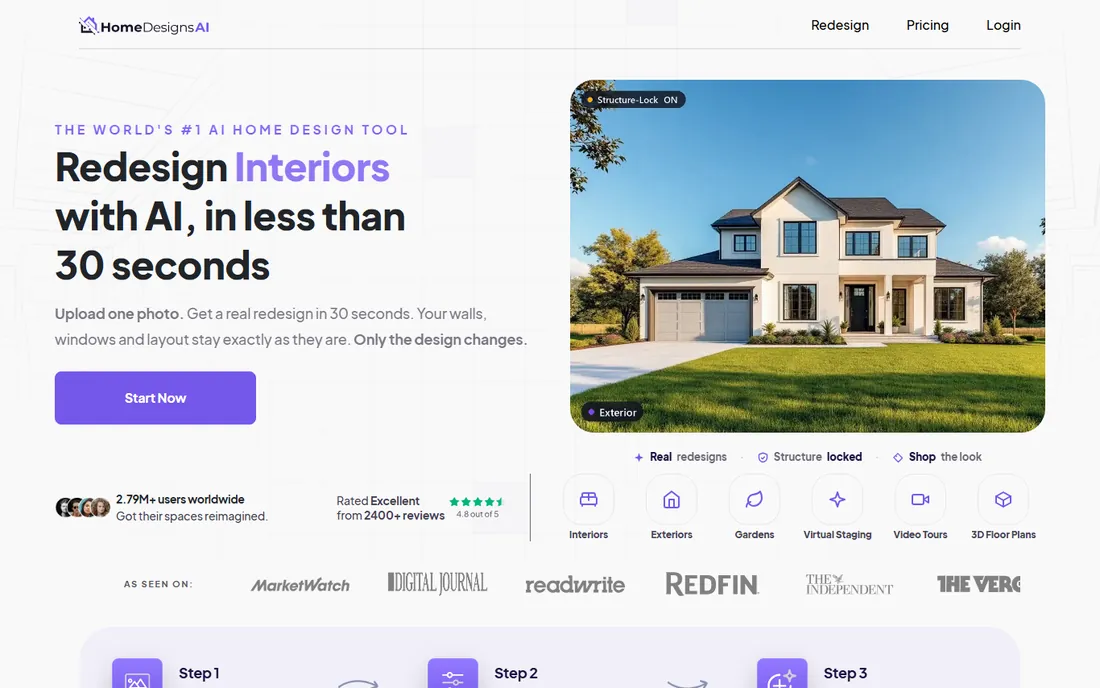
HomeDesigns AI's core promise is that it redesigns your real room instead of inventing a new one. Its structure-lock feature holds your walls, windows, and layout fixed while the AI changes only the design layer, which means the output looks like your space rather than a fantasy version of it. Around that core it bundles genuinely useful extras: one-click video walkthroughs of your redesign, 2D-to-3D floor plan generation, a budget estimator, and links to buy the furniture shown.
The platform covers interiors, exteriors, and gardens with 200-plus styles, and new users get 3 free credits that refresh every 24 hours, enough to try the workflow properly. The catch is the credit economy. Every generation spends credits, so heavy experimentation gets expensive, and the site's early-bird discount messaging pushes you toward paying before you have fully evaluated it. Take the free credits first, run them on a room you actually plan to change, and only then decide whether the paid tiers make sense.
What we like- Structure-lock keeps your actual walls, windows, and layout
- One-click video walkthroughs and 2D-to-3D floor plans
- Shop-the-look furniture links
Watch out for- Credit-based pricing penalizes experimentation
- Discount messaging creates buy-now pressure
#9
Fotor
Best for: Budget buyers who want AI design plus general photo editing
Visit fotor.com
Starting priceSee website
Free planYes
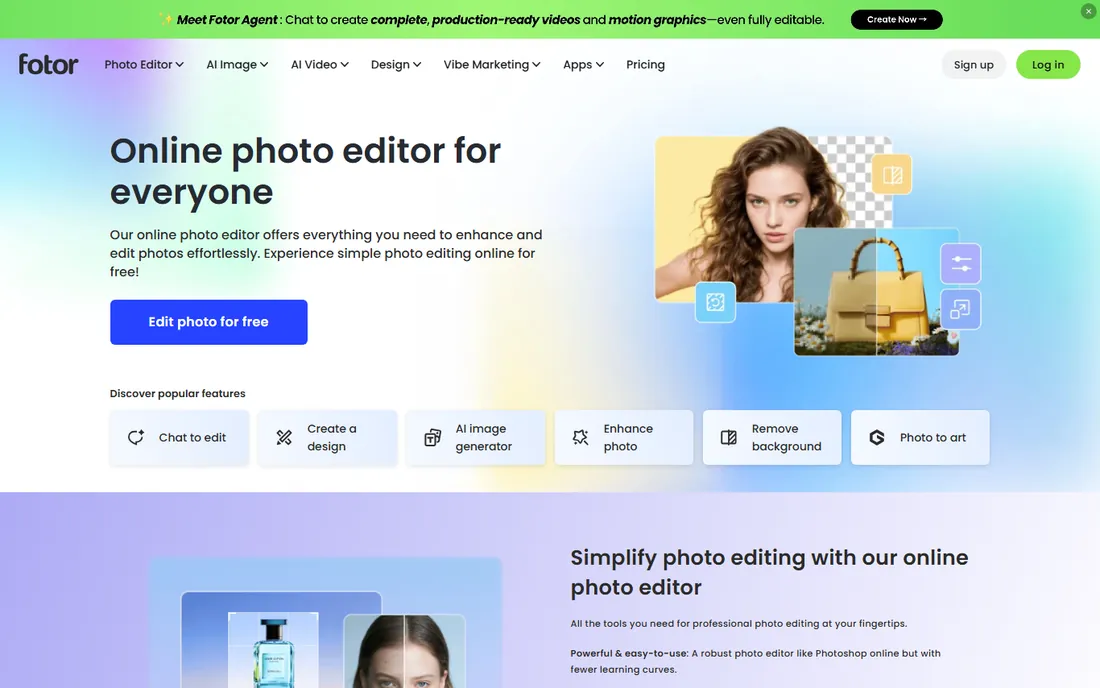
Fotor is not an interior design tool first. It is a full photo editor and design platform that happens to include an AI interior designer among its many AI features. That positioning is either a compromise or a bargain depending on your needs. If interior redesign is one of several things you want (listing photos to touch up, social graphics to make, backgrounds to remove), Fotor's Pro plan is one of the cheapest subscriptions on this list and covers all of it.
The interior design feature itself works like the photo-based tools above: upload a room photo, pick a style, get a redesign. It will not match the specialized control of Planner 5D or the staging modes of Interior AI, and AI generations draw from a monthly credit pool rather than being unlimited. But the free plan is real, exports carry no watermark, and the company has been operating since 2012, which is more track record than most AI startups on this list can claim. For a homeowner who also needs a photo editor, it is the value pick.
What we like- Free plan with no watermark on exports
- Pro plan is among the cheapest here
- Huge toolkit beyond interior design (background removal, collages, AI art)
Watch out for- Interior design is one feature among dozens, not a specialty
- AI generations consume monthly credits
What to check before you pay
Photo restylers and floor-plan builders solve different problems, so decide which category you need first. If you want to see your existing room in a new style, pick a photo-based tool like REimagineHome, DecorAI, RoomGPT, or HomeDesigns AI. If you are remodeling or need measurements, you need a builder like Homestyler or Planner 5D. Mixing these up is the most common disappointment in this category.
Next, check how the free tier actually works. "Free" ranges from five full designs with no card (REimagineHome) to a trial that asks for your card on day one (DecorAI) to daily credit drips (HomeDesigns AI). If a site demands payment details before showing you a single render, set a calendar reminder to cancel.
For professional use, verify three things before committing: commercial usage rights, whether your plan adds watermarks, and how the tool handles your photos. Interior AI states it does not train on uploads, which is worth confirming anywhere you upload client properties. Also confirm the furniture question. Only a few tools tie renders to purchasable products; most generate aspirational furniture that does not exist in any store, which is fine for inspiration and useless for procurement. Treat every render as a concept, not a construction document, and verify dimensions with a tape measure before spending real money.
How we chose
We did not test-drive these tools with a demo house. Instead we compared them the way a careful buyer would: reading each vendor's pricing page and feature documentation, checking what the free tier actually includes before a card is required, and cross-referencing public reviews on G2, Capterra, and Reddit for patterns in complaints. We favored tools that publish clear pricing, tools with a real free tier, and tools that serve distinct buyer types (homeowners, realtors, design pros) rather than listing nine versions of the same photo filter. Prices and plan details below come from the vendors' own sites, checked in October 2026; where a vendor does not publish a number, we say so instead of guessing.
Frequently asked questions
Is AI interior design software accurate enough for a real remodel?
It is accurate enough for decisions about style, color, and layout direction, but not for construction. Photo-based tools keep your room's structure approximately, not exactly, and the furniture shown is usually AI-generated rather than dimensionally real. Use them to pick a direction, then verify measurements before spending money.
Which AI interior design tool is actually free?
Homestyler, Planner 5D, RoomGPT, HomeDesigns AI, Fotor, and Spacely AI all have free tiers, and REimagineHome gives five free designs with no card. The free tiers cover trying one or two rooms. Watermark-free exports, commercial use, and higher volume require paid plans.
Can I use these tools for client work or real estate listings?
Some, with conditions. DecorAI includes commercial usage rights on every plan, and Spacely AI's paid plans include a commercial license. Always check the terms of the specific plan you buy, confirm whether your plan adds watermarks, and check the vendor's policy on photo privacy before uploading client properties.
Do these tools tell me where to buy the furniture they show?
Only a few. REimagineHome and HomeDesigns AI link renders to real, purchasable products. Most others generate aspirational furniture that does not exist in any catalog, so their output works as inspiration rather than a shopping list.
What is the difference between AI room redesign and 3D home design software?
AI room redesign starts from a photo of your existing room and restyles it in seconds. 3D home design software (Homestyler, Planner 5D) lets you build floor plans with real dimensions and place furniture yourself. The first is faster; the second is more precise.
Will AI replace hiring an interior designer?
For exploring ideas and visualizing options, these tools replace the early concept phase well. For structural changes, building codes, contractor coordination, and custom design, a human designer still earns their fee. Most professionals now use AI tools to speed up their own workflow rather than being replaced by them.
Sources we checked (11)
- https://reimaginehome.ai
- https://decorai.io/
- https://homestyler.com/
- https://roomgpt.io/
- https://interiorai.com/
- https://planner5d.com/
- https://spacely.ai/pricing
- https://homedesigns.ai/
- https://www.fotor.com/pricing
- https://medium.com/@228182wx/top-20-free-ai-room-design-tools-in-2026-50-tested-b0878bcb2fc4
- https://www.linkedin.com/pulse/best-free-ai-room-design-apps-2026-meltflex-dnhhf
Is your product missing or out of date?
We review this list regularly. Vendors can request a listing, send updated pricing or ask about featured placement.

Shihab Mia · Founder, Rankite
Shihab has spent more than a decade helping SaaS and e-commerce brands grow through search. He writes Rankite's software buying guides from pricing pages, documentation and public user reviews. More about Shihab.