How we make this list: we compare pricing pages, product documentation and public user reviews. Rankite is independent; if a vendor ever pays for a featured spot, that listing is clearly labeled Partner.
Key takeaways
- Realtime Landscaping Pro ($279 one-time) is the strongest all-rounder for homeowners who want plants, hardscaping and 3D walkthroughs without a subscription.
- PRO Landscape is built for contractors: photo imaging, CAD plans and proposals with material lists, starting at $75 a month billed annually.
- iScape at $29.99 a month puts augmented reality on your phone, so you can design over a photo of your actual yard.
- Planner 5D ($4.99 a month billed annually) and SketchUp (free) are the best budget picks for DIYers comfortable with drag-and-drop or learning a modeler.
- DreamPlan's $40 one-time home-use price is the cheapest way to own rather than rent, while Home Designer covers the house and yard in one project.
Quick comparison
| Tool | Best for | Starting price | Free plan |
|---|
 Realtime Landscaping Pro Realtime Landscaping Pro | homeowners who want the most complete design tool | $279 one-time | Free trial |
 PRO Landscape PRO Landscape | contractors who sell with visuals | $75/month (billed annually) | Free trial |
 iScape iScape | designing on your phone with AR | $29.99/month (Pro) | Yes |
 Planner 5D Planner 5D | beginners who want drag-and-drop 3D | $4.99/month (billed annually) | Yes |
 SketchUp Free SketchUp Free | DIYers comfortable learning a real 3D modeler | Free | Yes |
 SmartDraw SmartDraw | fast 2D site plans | See website | Free trial |
 DreamPlan DreamPlan | budget buyers who want to own, not rent | $40 one-time (home use) | Free trial |
 Home Designer Home Designer | house plus yard in one project | See website | Free trial |
Is your product missing or out of date?
We review this list regularly. Vendors can request a listing, send updated pricing or ask about featured placement.
The best backyard design software
Starting price$279 one-time
Free planFree trial
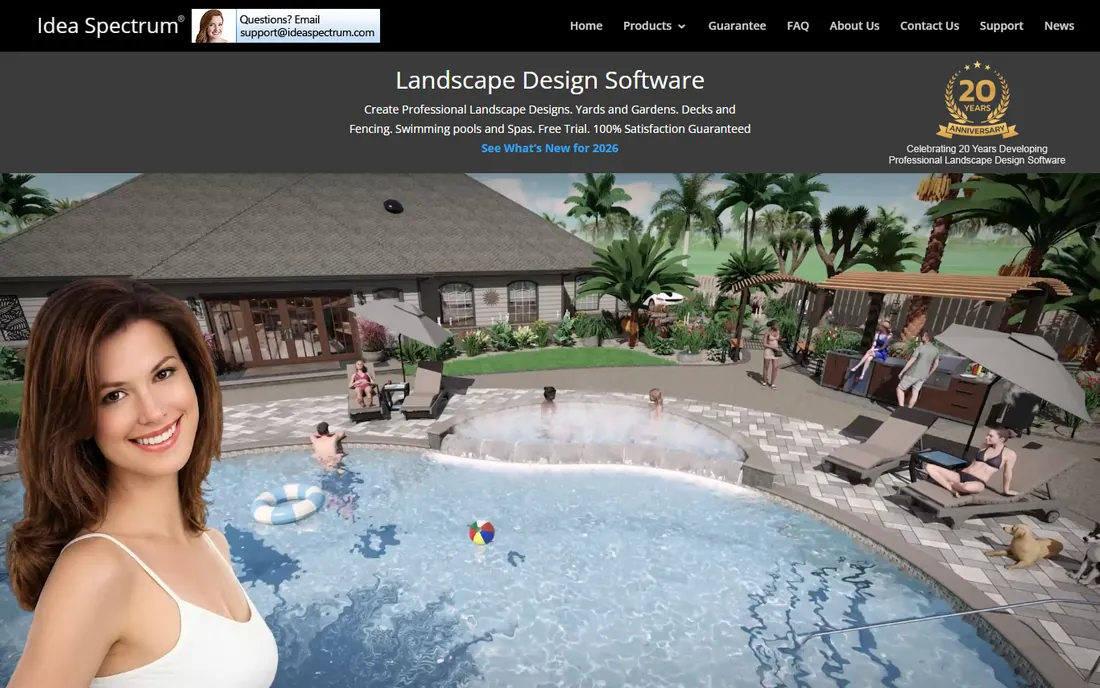
You are standing in your yard with a notebook, trying to picture where the patio goes and whether that maple will shade the deck in five years. Realtime Landscaping Pro is the tool for that moment. Idea Spectrum's flagship includes more than 6,000 plants with growth simulation, so you can see the yard at year one and year ten. You draw the house and lot, place hardscaping, drop in plants and furniture, and walk through it all in 3D with adjustable daylight.
The 2026 edition costs $279 as a one-time purchase with a 30-day money-back guarantee, which is rare in a market moving to subscriptions. A non-time-limited free trial with a watermark lets you test the full tool before buying. The honest catches: it runs on Windows 10 and 11 only, and the interface looks its age even if the results do not. For a homeowner planning one serious redesign, it is the deepest tool in this list without a monthly bill.
What we like- 6,000+ plants with growth simulation
- 3D walkthroughs with day and night lighting
- One-time purchase, no subscription
Watch out for- Windows only, no Mac or mobile version
- The plant and object library is huge but the interface is dated
- Free trial adds a watermark
Starting price$75/month (billed annually)
Free planFree trial

PRO Landscape is not really for homeowners. It is for the contractor who shows up, photographs the client's house, and renders the proposed design onto that photo before leaving the driveway. That photo-imaging feature is the selling tool: clients say yes faster when they see their own home transformed. Behind it sits full CAD planning, planting plans and proposals with material lists that turn the pretty picture into a buildable bid.
Pricing moved to subscription with PRO Landscape+, starting at $75 a month billed annually, with the classic perpetual license at $1,495 for those who want it. There is a free trial but no ongoing free tier, which tells you the audience. For a design-build firm doing regular bids, the cost is one small job a year. For a homeowner doing one yard, Realtime Landscaping Pro or Planner 5D gives you the design without the contractor-grade pricing.
What we like- Photo imaging that shows clients their actual house transformed
- CAD plans and proposals with material takeoffs
- Contractor-focused workflow from bid to build
Watch out for- Priced for businesses, steep for one-time DIY use
- Learning curve on the CAD side
- No free tier, trial only
Starting price$29.99/month (Pro)
Free planYes
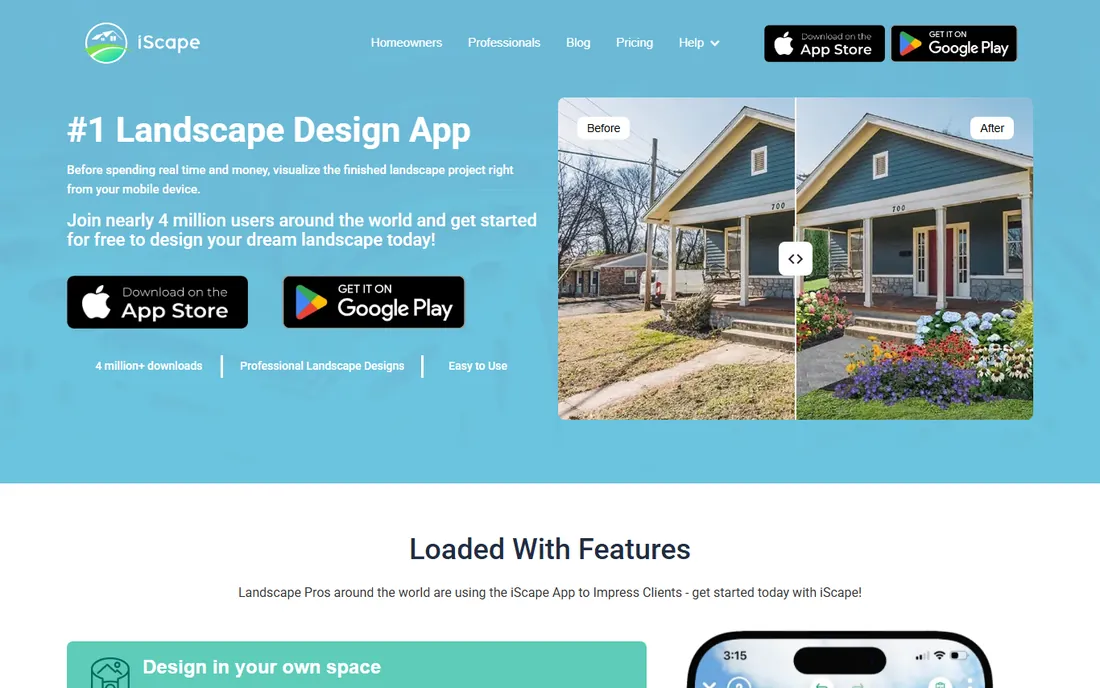
iScape takes the design to the yard. Point your phone at the space, and augmented reality places plants, pavers and furniture into the live view so you can walk around the design at full scale. It is the closest this list gets to standing inside the finished project before spending a dollar on materials. The app includes a large plant database, product inventory from local suppliers, and proposal tools, which is why many small contractors run their whole sales process on it.
The Pro plan at $29.99 a month ($299 a year) removes the limits, while the free version lets you test the concept. AR quality depends on your phone's camera and the light: it works best in daylight with clear ground references. Complex CAD-style plans are beyond it; this is a visual selling and planning tool, not a construction document generator. For homeowners who think in pictures rather than plans, and contractors who sell on the spot, iScape's approach is hard to beat.
What we like- Augmented reality overlays designs onto your real yard
- Huge plant and product database with local inventory
- Built-in proposals for contractors
Watch out for- Mobile-first means small-screen design work
- AR needs decent lighting and a steady hand
- The free version is limited
Starting price$4.99/month (billed annually)
Free planYes
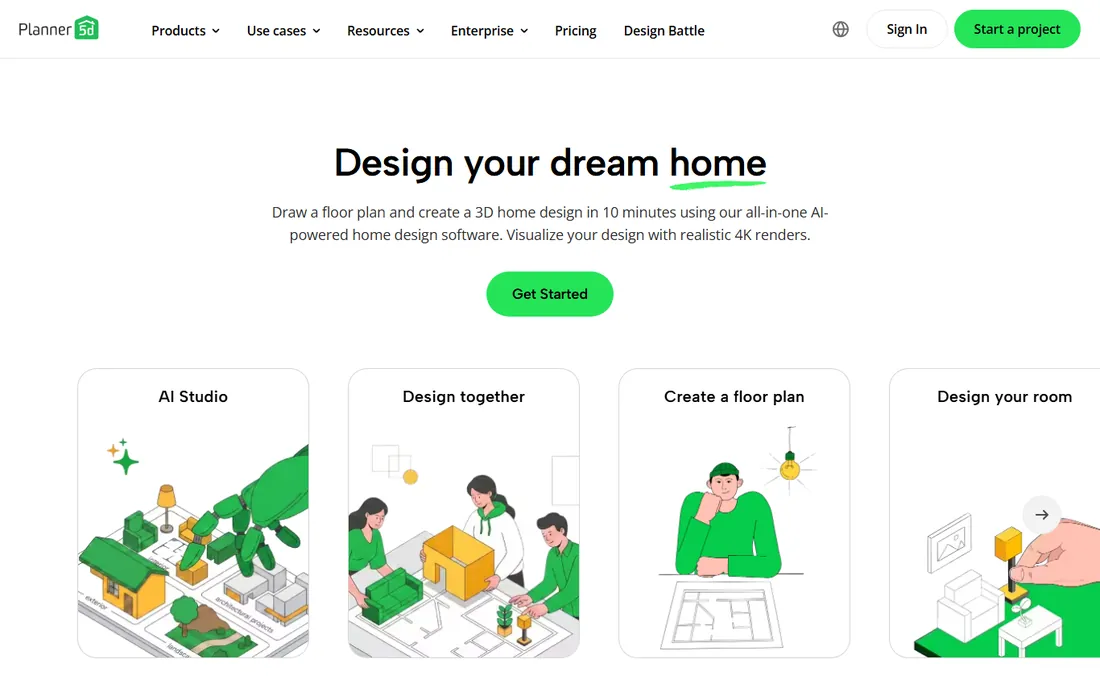
Planner 5D is the easiest way to see your backyard idea in 3D without learning anything. Draw the lot in 2D, switch to 3D, and drag plants, fences, decks and furniture from the catalog. It runs in the browser and on phones and tablets, syncs across devices, and the free tier is genuinely usable for simple projects. An AI design assistant can generate starter layouts, and the community's design battles are a good source of ideas when you are stuck.
The Premium plan at $4.99 a month billed annually ($59.99 a year) removes ads and limits and opens the full catalog. The honest trade: the catalog is stronger on interiors than on outdoor living, so picky gardeners may find the plant selection thin, and you will not get construction-grade measurements. For a quick "what if we put the pergola here" visualization before talking to a contractor, it is fast, cheap and pleasant.
What we like- Drag-and-drop 2D and 3D planning in the browser or app
- Generous free tier for basic projects
- AI designer and design battles keep it fun
Watch out for- Catalog items for outdoor spaces are thinner than indoor
- Precision tools are limited for serious plans
- Full catalog needs the Premium subscription
#5
SketchUp Free
Best for: DIYers comfortable learning a real 3D modeler
Visit sketchup.com
Starting priceFree
Free planYes
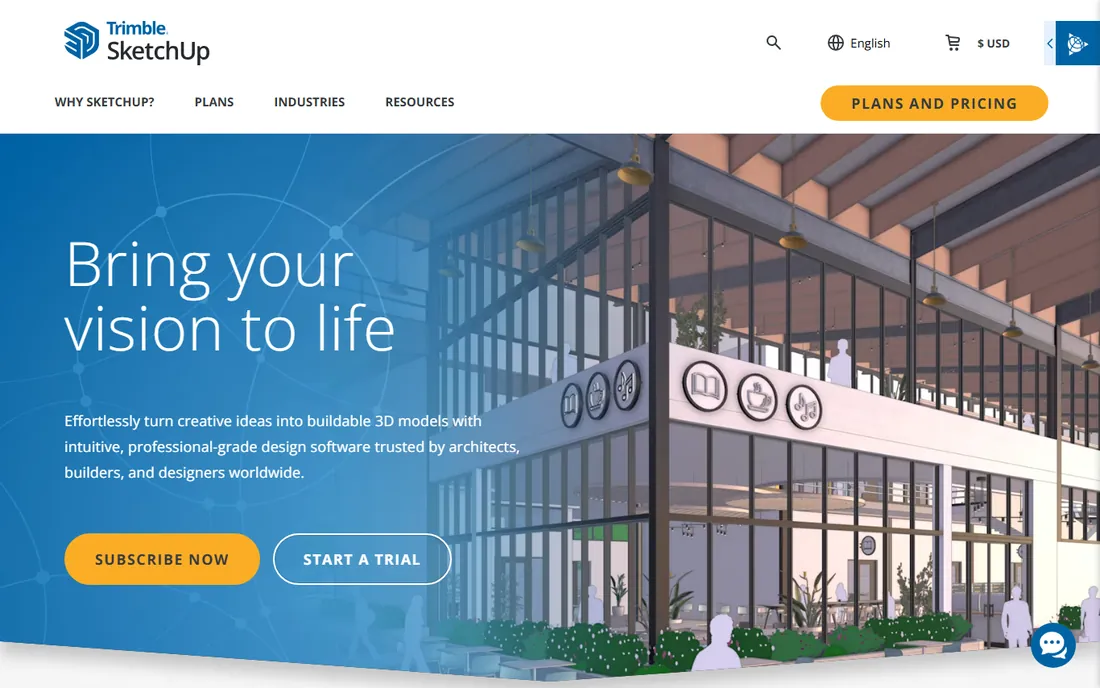
SketchUp Free is the odd one out: a general 3D modeling tool rather than a garden app, and the most powerful free option here if you learn it. You model the yard, house, deck and beds in true 3D, pull ready-made pergolas, sheds and furniture from the 3D Warehouse, and orbit around the result. It runs free in the browser with a Trimble account. When the project outgrows the free tier, Go at $10.75 a user a month billed annually adds mobile apps and more storage, and Pro at $33.25 adds the desktop app and LayOut for construction documents.
The cost is learning. SketchUp thinks in edges and faces, not in "plant a hedge," and the first weekend is tutorials, not designing. Importing an exact lot shape from a survey or satellite image takes manual tracing. But the payoff is precision and freedom: nothing in this list models a custom deck or an odd-shaped lot as accurately. For DIYers who enjoy the building process itself, and for anyone who might design more than one project, SketchUp Free is worth the learning investment.
What we like- A real 3D modeler, free in the browser
- 3D Warehouse full of decks, pergolas and sheds to drop in
- Skills transfer to the paid Go and Pro tiers
Watch out for- The learning curve is real for total beginners
- The free version is browser-only
- Importing your exact lot shape takes manual work
Starting priceSee website
Free planFree trial
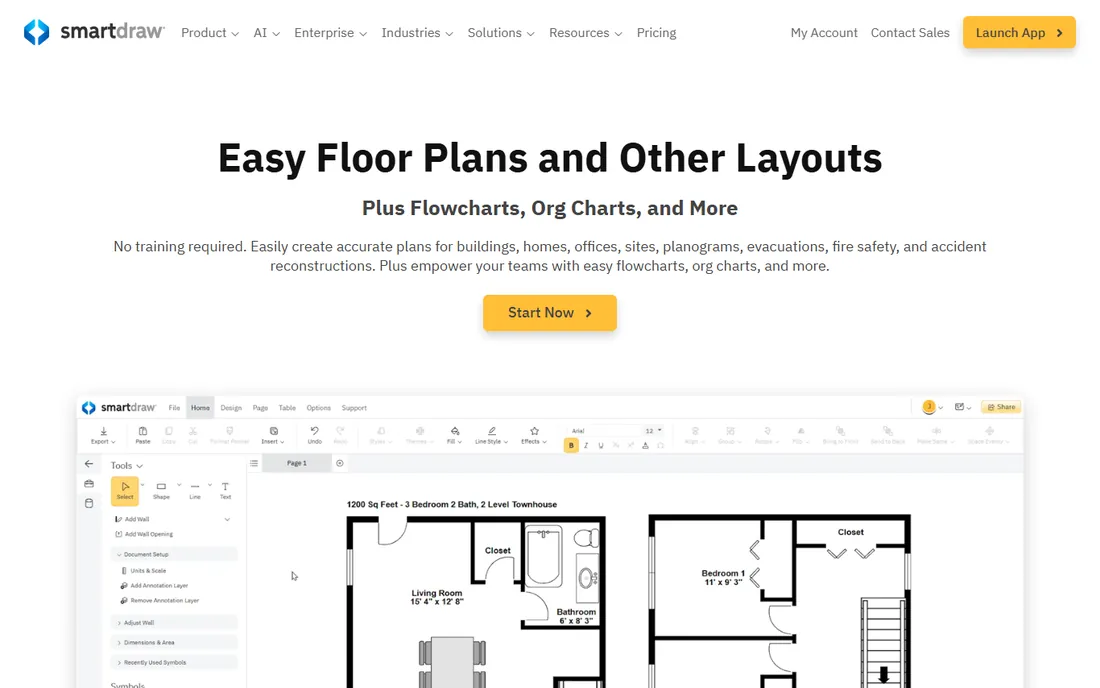
SmartDraw is a diagramming tool that happens to be good at one backyard job: the 2D plan view. Pick a site-plan or garden template, drag in beds, paths, fences and structures, and the software keeps everything aligned and measured. For a permit application, an HOA submission or a contractor bid, a clean measured plan often matters more than a pretty 3D render, and SmartDraw produces those fast.
What it will not do is show you the yard in 3D or simulate plant growth: this is plan-view software. Pricing is the one thing to verify yourself: third-party sources cite figures from $7.95 to $10.95 per user per month, and the vendor page is the authority. A free trial lets you test it on a real plan. Choose SmartDraw when the deliverable is a drawing with dimensions. Choose a 3D tool when the deliverable is a vision of the finished space.
What we like- Hundreds of templates including site and garden plans
- Intelligent formatting that keeps drawings neat
- Fast for plan-view layouts with measurements
Watch out for- 2D focus with limited 3D visualization
- Pricing varies across sources, so check the current page
- Less plant detail than dedicated garden tools
Starting price$40 one-time (home use)
Free planFree trial
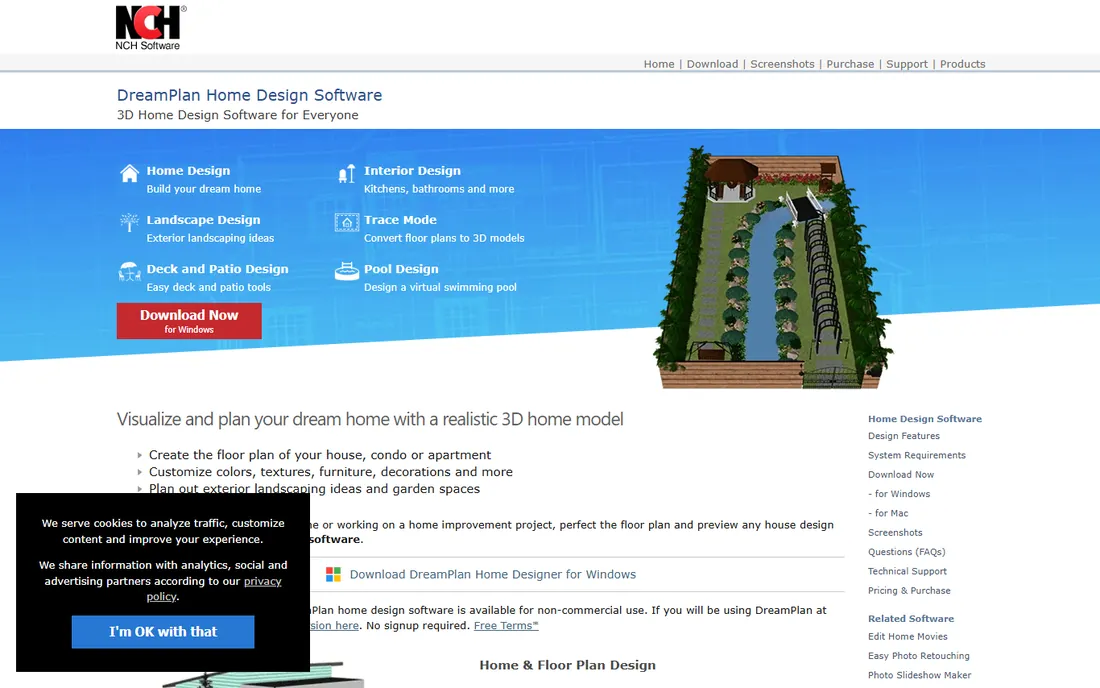
DreamPlan is the cheapest way to own backyard design software outright. NCH Software sells it as a one-time purchase: $40 for home use, $50 for the Plus edition that covers commercial use, with rental options under $3 a month for the commitment-phobic. It models the house, the yard and even interiors in 3D, so a whole-property project stays in one file. The download is small and it runs fine on older computers that choke on heavier tools.
The price shows in the visuals. Renders look dated beside Realtime Landscaping Pro or Planner 5D, and the plant library is modest. But dated does not mean useless: dimensions, layouts and sightlines are what planning needs, and DreamPlan handles those. The free version covers non-commercial use, so you can design your own yard and only pay if you want the full features or use it for clients. For a tight budget and a simple project, it is honest value.
What we like- One-time purchase starting at $40 for home use
- Covers house, yard and interior in one tool
- Light download that runs on older PCs
Watch out for- Graphics look dated next to newer 3D tools
- Plant and object library is smaller than rivals
- Commercial use needs the $50 Plus edition
Starting priceSee website
Free planFree trial
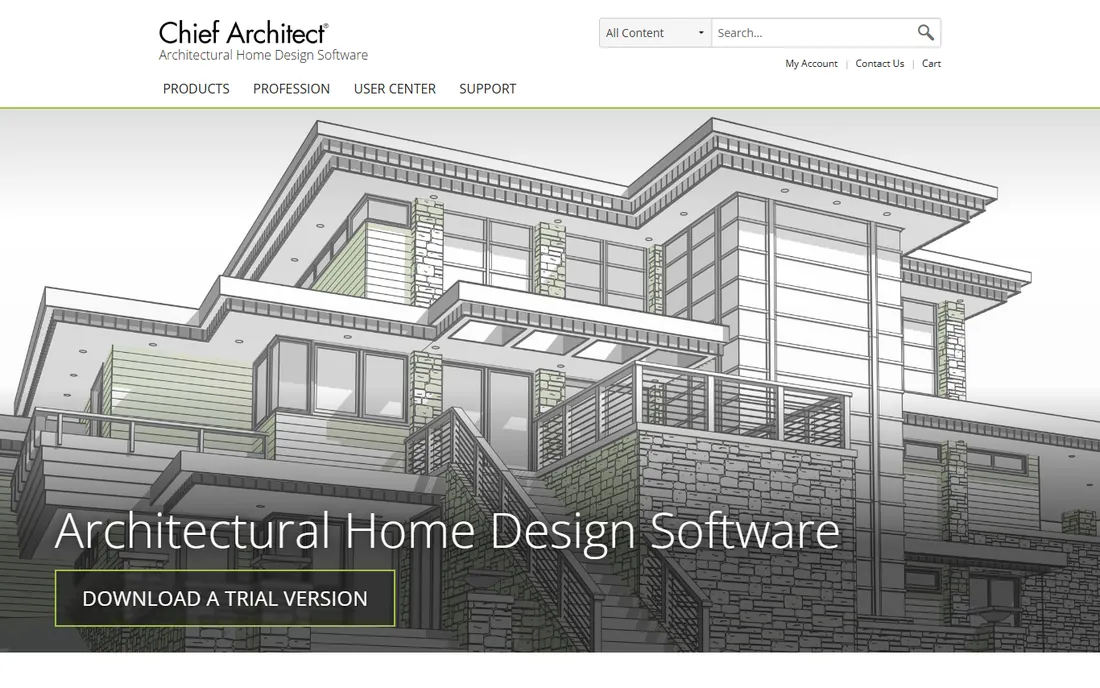
Home Designer by Chief Architect is home design software that treats the yard as part of the house, which for many projects it is. You model the house, then lay out the deck, patio, fences, beds and outdoor structures in the same project, keeping dimensions consistent between the building and the grounds. The Suite edition is the usual pick for homeowners, with deck and patio tools, plant libraries and 3D walkthroughs built in.
Pricing is the reason for "See website": the lineup spans Suite, Architectural and Pro editions with annual and monthly options, and the figures change. Third-party sources cite $495 a year for Suite, but verify the current page before budgeting. A free trial lets you test the workflow. This is the right tool when the project spans house and yard: an addition with a new patio, a remodel with regrading, a deck that ties into the kitchen. For yard-only work, a dedicated garden tool is simpler and cheaper.
What we like- Designs the house and yard together in one model
- Deck, patio and fence tools built in
- Strong construction and remodeling features
Watch out for- Pricing sits at the pro end
- The interface assumes some design experience
- Overkill if you only need the yard
How we chose
We did not claim hands-on testing. We compared each vendor's own pricing page, feature lists and documentation, plus public reviews on TechRadar, G2, Capterra and Reddit, against what a homeowner or small contractor needs: 2D planning and 3D visualization quality, plant and hardscape libraries, AR or walkthrough features, export options for contractors or permits, and honest pricing with trial terms. We checked that every product is current and supported in 2026, and we favored tools with clear published prices. Where a price could not be verified on the vendor's own page, we wrote "See website".
What to look for in backyard design software
Match the tool to the deliverable. If you need to convince yourself or a partner, 3D visualization and walkthroughs matter most: Realtime Landscaping Pro, Planner 5D and iScape sell the vision. If you need to convince a contractor, an HOA or a permit office, measured 2D plans matter most: SmartDraw and SketchUp produce drawings people can build from. Contractors who sell the job need photo imaging and proposals: PRO Landscape and iScape are built for that workflow.
Then check the practical constraints. Windows-only tools (Realtime Landscaping Pro) are a non-starter on a Mac household. Mobile AR (iScape) needs a decent phone camera. Free tiers cover simple projects but watermark or limit exports, so test the export before you commit a weekend to the design. And think about the plant library: a tool with 6,000 plants and growth simulation answers "will this shade the deck in five years," while a drag-and-drop planner answers "does the pergola look right here." Different questions, different tools.
The price gap in this list is wide: $4.99 a month at one end, contractor subscriptions at the other. The gap reflects who does the work. Pro tools like PRO Landscape and Home Designer assume you bill for the design: they produce client-facing visuals, construction documents and material lists. Their cost is a business expense against real revenue.
DIY planners like Planner 5D, DreamPlan and SketchUp Free assume you do the work once for your own home. Their cost should stay low because the value is one project. Realtime Landscaping Pro sits in the sweet spot for serious DIY: pro-grade depth at a one-time $279, cheaper than a single contractor consultation in many markets. The mistake to avoid is buying pro software for a DIY job, or expecting a $5 planner to produce permit drawings. Buy for the job you actually have.
Frequently asked questions
What is the best free backyard design software?
SketchUp Free is the most capable free option: a real 3D modeler in the browser with a huge object library, though it takes learning. Planner 5D's free tier is the easiest start for simple projects. iScape's free version lets you test AR design on your phone. DreamPlan's free non-commercial version covers basic home use. For serious planning without paying, combine SketchUp Free for modeling with Planner 5D for quick ideas.
Can I design my backyard on my phone?
Yes. iScape is built for it, with AR that overlays designs onto your real yard through the camera. Planner 5D has full-featured mobile apps for drag-and-drop 3D design. The phone is great for visualizing and for showing a contractor your ideas on site. For precise measured plans, most people still finish the work on a computer.
Do I need special software, or can I just sketch it?
A sketch is fine for your own thinking, but software earns its keep in three ways: it keeps everything to scale so the patio actually fits, it shows the design in 3D so mistakes surface before you buy materials, and it produces plans a contractor can quote from. If the project involves grading, drainage, structures or real money, software pays for itself in avoided mistakes.
How much does backyard design software cost?
From free to $279 one-time to $30 to $75 a month. Serious DIY tools cluster around $40 to $279 as one-time purchases (DreamPlan, Realtime Landscaping Pro) or $5 to $30 a month (Planner 5D, iScape). Contractor tools run $75 a month and up. Subscriptions make sense for professionals billing the cost to clients; homeowners usually do better with a one-time purchase.
Will these tools tell me which plants grow in my area?
Realtime Landscaping Pro includes hardiness zone data with its plant library, which is genuinely useful for plant selection. iScape connects to local supplier inventory. But no design tool replaces local knowledge: your county extension service and a good local nursery know your soil, pests and microclimate better than any database. Use the software for layout, and confirm plant choices locally.
Can I use these designs for a permit or HOA application?
It depends on the tool and the jurisdiction. SmartDraw and SketchUp produce measured 2D plans that suit many HOA and permit submissions. 3D visualizers like Planner 5D and iScape are better for communication than for paperwork. Always check what your city or HOA requires: some want a licensed survey for structural work, and no consumer software replaces that.
Sources we checked (14)
- https://www.ideaspectrum.com/
- https://prolandscape.com/
- https://www.iscapeit.com/
- https://planner5d.com/
- https://www.sketchup.com/
- https://www.smartdraw.com/
- https://www.nchsoftware.com/design/index.html
- https://www.chiefarchitect.com/
- https://www.techradar.com/best/best-landscape-design-software
- https://www.techradar.com/pro/software-services/idea-spectrum-realtime-landscaping-pro-review
- https://www.techradar.com/reviews/dreamplan
- https://designingidea.com/pergola-design-software/
- https://www.morningdough.com/ai-tools/iscape/
- https://www.filehorse.com/download-planner-5d/
Is your product missing or out of date?
We review this list regularly. Vendors can request a listing, send updated pricing or ask about featured placement.

Shihab Mia · Founder, Rankite
Shihab has spent more than a decade helping SaaS and e-commerce brands grow through search. He writes Rankite's software buying guides from pricing pages, documentation and public user reviews. More about Shihab.