How we make this list: we compare pricing pages, product documentation and public user reviews. Ratings come from G2, Capterra or Trustpilot, with the date we checked them.
Key takeaways
- Expect quote-based pricing from nearly every enterprise vendor: Veeam, Commvault, Cohesity, Rubrik, Druva and Veritas all sell through sales or channel partners, not a checkout page.
- Only two picks here publish usable starting prices or real entry tiers: NAKIVO is the budget pick with per-workload plans, and Veeam offers a free Community Edition for up to 10 workloads.
- Ransomware recovery is now the buying criterion, not a bonus feature: immutable copies, air-gapped storage and clean-room recovery workflows separate the leaders from the legacy tools.
- Free trials are the norm, not the exception, so never sign a multi-year contract before running a pilot restore of your own production data.
Quick comparison
| Tool | Best for | Starting price | Free plan |
|---|
 Veeam Veeam | VMware and Hyper-V heavy environments | See website (per-workload subscription, sold via channel partners) | Yes (Community Edition, up to 10 workloads) |
 Acronis Acronis | MSPs and mixed endpoint fleets | See website (per-workload pricing) | Free trial (30 days, per reviewers) |
 Commvault Commvault | Large hybrid estates with strict compliance needs | See website (custom quote) | Free trial (30 days, per reviewers) |
 Cohesity Cohesity | Consolidated data management at scale | See website (custom quote) | Free trial (30 days, per reviewers) |
 Rubrik Rubrik | Security-first teams focused on cyber recovery | See website (custom quote) | Free trial |
 Druva Druva | Cloud-only shops that want zero infrastructure | See website (custom quote) | Free trial (30 days, per reviewers) |
 Veritas NetBackup Veritas NetBackup | Massive legacy estates and tape workflows | See website (custom quote) | Free trial |
 NAKIVO NAKIVO | Budget-conscious teams protecting VMs and Microsoft 365 | See website (per-workload subscription or per-socket perpetual) | Free trial (15 days, per vendor) |
Is your product missing or out of date?
We review this list regularly. Vendors can request a listing, send updated pricing or ask about featured placement.
The best enterprise backup software
Starting priceSee website (per-workload subscription, sold via channel partners)
Free planYes (Community Edition, up to 10 workloads)
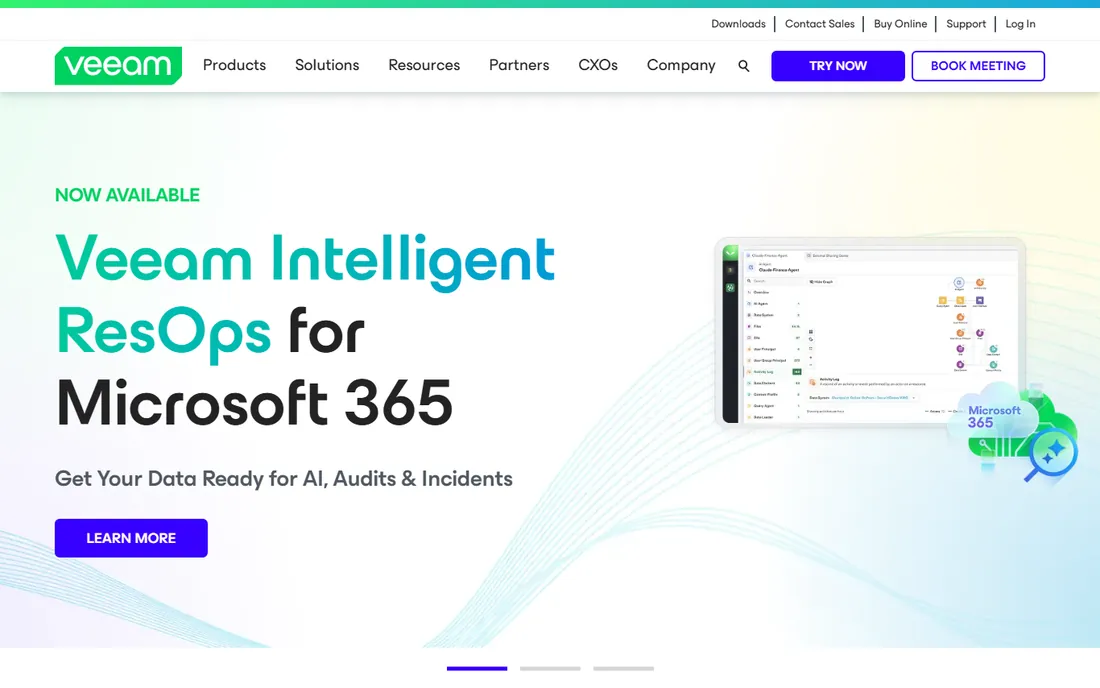
Veeam is the name most enterprise admins already know, and for good reason. It covers VMware vSphere, Microsoft Hyper-V, Nutanix, physical servers, cloud workloads and NAS in one console, which matters when your estate is not a single neat stack. The platform advertises immutable backups, instant VM recovery and recovery testing tools that verify your backups are actually restorable.
Pricing runs as a per-workload subscription sold through channel partners and resellers, so you will not find a cart button on the pricing page. That is the honest catch with Veeam: budget planning requires a quote conversation, and third-party price estimates online should be treated with suspicion. The free Community Edition supports up to 10 workloads, which is genuinely useful for a lab or a small satellite office.
Veeam fits mid-size to large IT teams that run mostly virtualized infrastructure and want one vendor for on-prem and cloud protection. If you need long-term tape archiving or very exotic workload support, compare it against Veritas before committing.
What we like- Broad workload coverage across virtual, physical, cloud and NAS
- Immutable backup options for ransomware resilience
- Large partner ecosystem and deep storage integrations
Watch out for- Pricing is quote-based and opaque
- Large deployments can need professional services to configure properly
Starting priceSee website (per-workload pricing)
Free planFree trial (30 days, per reviewers)
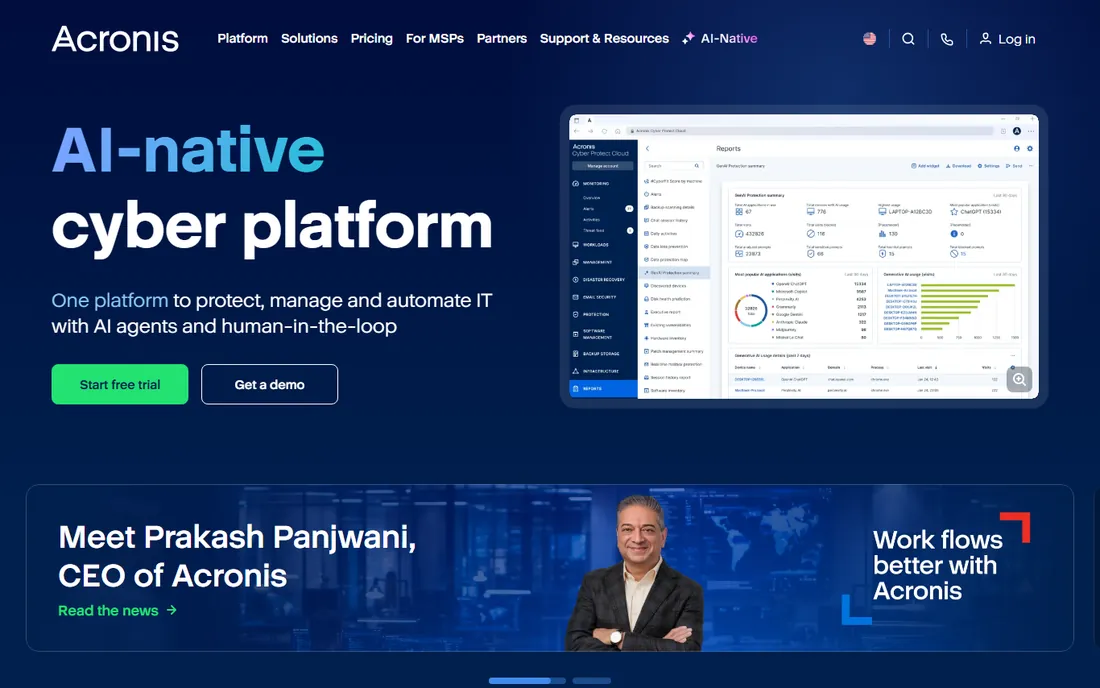
Acronis Cyber Protect Cloud bundles backup with cybersecurity in a single agent, which appeals to teams that would rather manage one console than stitch together separate products. Reviewers on G2 and Capterra note its endpoint protection and remote management strengths. It protects servers, virtual machines, Microsoft 365 and Google Workspace data alongside physical endpoints.
The pricing model is per workload and, for the Cloud edition, oriented around service providers. Enterprise buyers should expect a sales conversation and should ask specifically about per-seat versus per-workload billing for their own device counts. A 30-day trial is widely reported by reviewers, so use it to test restore speeds on your actual data before any commitment.
Acronis is a strong fit for organizations with large laptop and desktop fleets plus a few servers, especially if an MSP already manages your IT. Pure data-center teams with heavy database workloads may find Veeam or Commvault a closer match.
What we like- Combines backup with built-in anti-ransomware and security features
- Strong endpoint coverage
- Familiar to IT service providers
Watch out for- Enterprise pricing is not published
- The MSP-channel focus can complicate direct enterprise buying
Starting priceSee website (custom quote)
Free planFree trial (30 days, per reviewers)
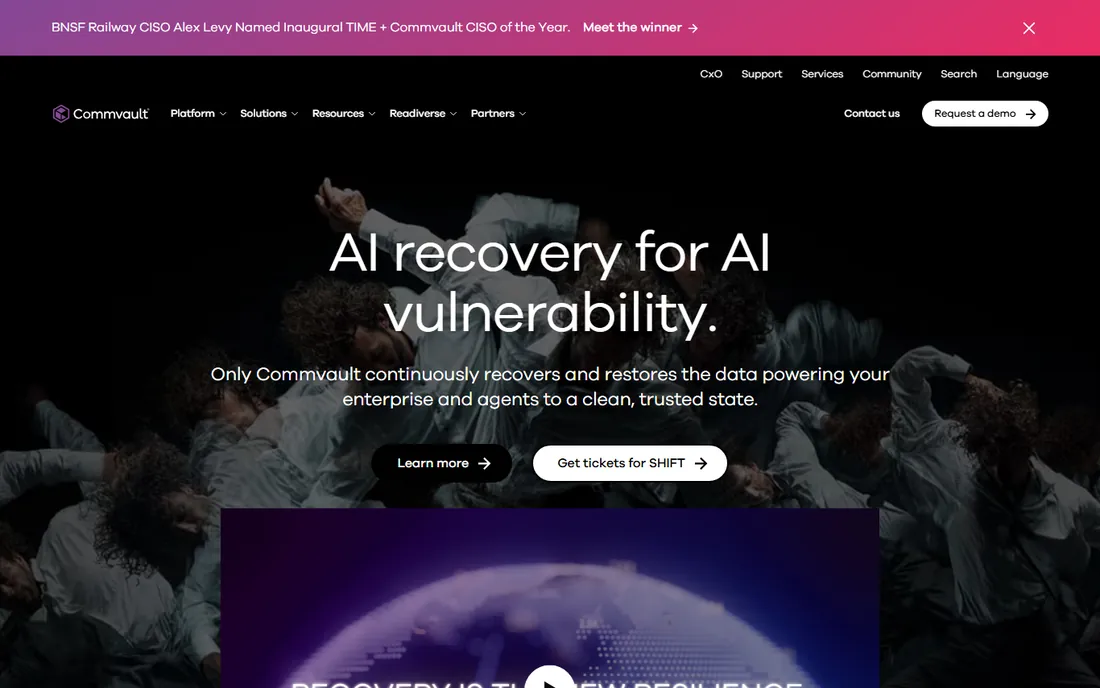
Commvault has been protecting enterprise data for decades, and its Cloud platform extends that into SaaS-delivered backup for Microsoft 365, Salesforce and cloud VMs. Public documentation describes broad support for on-prem, cloud and hybrid estates with granular recovery options. It is the kind of platform auditors like, with retention policies and compliance reporting built in.
The trade-off is complexity. Commvault is not a tool you install on Friday and trust on Monday. Reviewers consistently describe a learning curve and recommend planning for training or professional services during rollout. Pricing is entirely custom, so bring a clear inventory of workloads to the quote conversation to get an accurate number.
Choose Commvault when you run a large, mixed estate with regulated data and need one platform to cover it. Smaller teams without dedicated backup admins will likely find it heavier than they need.
What we like- Deep workload coverage including databases, SaaS and Kubernetes
- Strong compliance and eDiscovery tooling
- Flexible deployment as software or SaaS
Watch out for- Platform breadth means a real learning curve
- Enterprise sales cycle with custom quoting
Starting priceSee website (custom quote)
Free planFree trial (30 days, per reviewers)
Cohesity approaches backup as a data management problem rather than a copy problem. Its platform consolidates backups, files and objects, then layers analytics and AI-assisted search on top so you can find and restore data quickly. The vendor emphasizes immutable snapshots and clean-room recovery for ransomware scenarios.
Everything about Cohesity is enterprise-grade, including the sales process. Pricing is custom, deployment choices between appliances and cloud need planning, and you should budget for a proper proof of concept. A 30-day trial is reported by reviewers, and it is worth using to validate performance against your largest datasets.
Cohesity suits large organizations that want to collapse multiple point tools into one platform and have the team to run it. If you prefer a pure SaaS model with no infrastructure decisions, look at Druva instead.
What we like- Converges backup, file services and analytics on one platform
- AI-assisted search and threat detection
- Strong ransomware recovery tooling
Watch out for- Enterprise-only sales motion
- Architecture decisions (appliance vs cloud) need upfront planning
#5
Rubrik
Best for: Security-first teams focused on cyber recovery
Visit rubrik.com
Starting priceSee website (custom quote)
Free planFree trial
Rubrik built its reputation on the idea that backup is a security product. Its platform stores data in immutable formats, monitors for ransomware behavior and offers recovery workflows designed for the day an attack succeeds. Management is policy-driven, which reduces the day-to-day operational burden compared with older tools.
The catch is cost and positioning. Rubrik sits at the premium end of the market, and pricing is quote-based, so smaller teams often find it out of reach. It also focuses on modern workloads, so shops with unusual legacy systems should verify coverage during evaluation.
Pick Rubrik when the board asks about ransomware readiness and you need a defensible answer backed by immutable copies and tested recovery. Budget-conscious teams should weigh NAKIVO or Veeam first.
What we like- Immutable backups with a security-first design
- Automated ransomware detection and recovery workflows
- Simple policy-driven management
Watch out for- Premium pricing tier
- Fewer legacy workload options than decades-old incumbents
#6
Druva
Best for: Cloud-only shops that want zero infrastructure
Visit druva.com
Starting priceSee website (custom quote)
Free planFree trial (30 days, per reviewers)
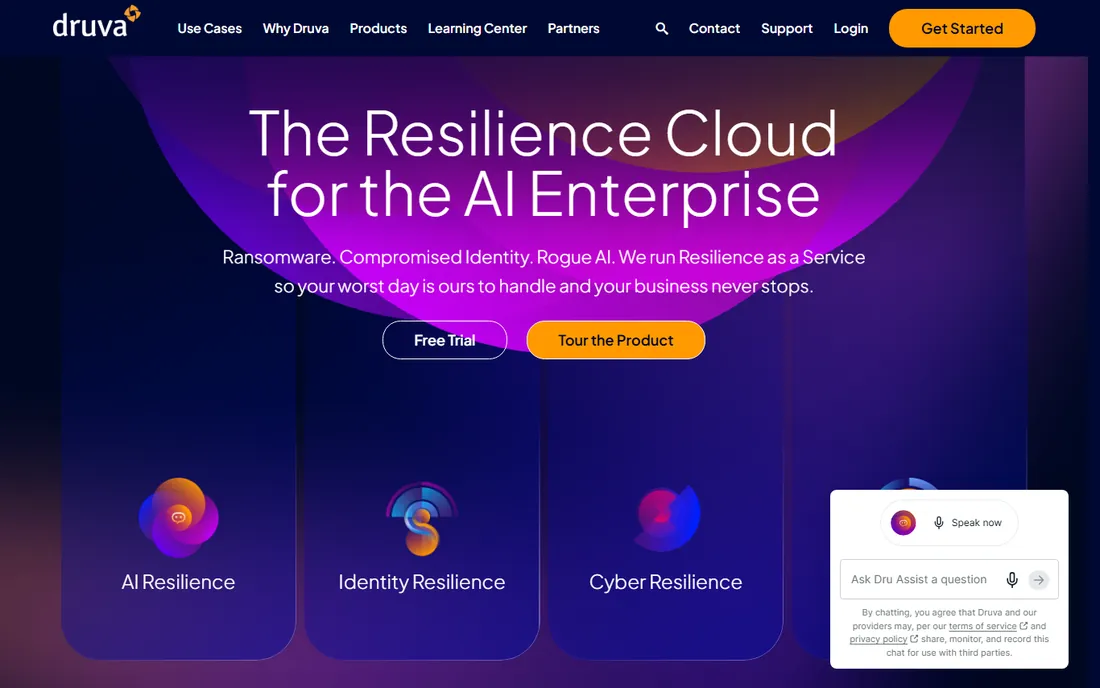
Druva takes the opposite approach from the appliance vendors: there is nothing to install except lightweight agents, and all backup infrastructure lives in Druva's cloud. That makes deployment fast and eliminates hardware refresh cycles. Its global deduplication reduces storage consumption across sites, which matters for distributed teams.
The honest limitation is the model itself. If your compliance rules require data to stay on premises, Druva does not fit. Restores of large datasets travel over your internet connection, so verify bandwidth and understand potential egress costs before signing. Pricing is custom and quote-based, with a 30-day trial reported by reviewers.
Druva fits cloud-forward companies, remote-first teams and organizations that want backup without a backup team. Infrastructure-heavy data centers belong elsewhere on this list.
What we like- 100 percent SaaS with no backup servers to maintain
- Global deduplication across the estate
- Covers endpoints, Microsoft 365, Salesforce and cloud workloads
Watch out for- SaaS-only model means no on-prem option
- Large restores depend on your bandwidth and cloud egress costs
#7
Veritas NetBackup
Best for: Massive legacy estates and tape workflows
Visit veritas.com
Starting priceSee website (custom quote)
Free planFree trial
NetBackup is the veteran of this list, trusted for decades in the largest data centers on earth. It handles tape libraries, mainframes and long retention schedules that newer tools treat as afterthoughts. Note that Veritas announced its data protection business is moving under Cohesity ownership, which the vendor discloses on its own site, so roadmap questions are fair game during evaluation.
The platform shows its age in places. Reviewers describe a steeper learning curve and a less modern interface than cloud-native competitors. Pricing is custom and enterprise-oriented, and implementations at scale typically involve professional services.
Choose NetBackup when you manage petabytes, rely on tape, or run workloads that only a legacy-savvy platform understands. For a greenfield cloud estate, it is probably not the first call.
What we like- Proven at enormous scale with deep legacy workload support
- Mature tape and long-term retention handling
- Extensive enterprise integrations
Watch out for- Dated management experience by modern standards
- Ownership changes add uncertainty to the roadmap
#8
NAKIVO
Best for: Budget-conscious teams protecting VMs and Microsoft 365
Visit nakivo.com
Starting priceSee website (per-workload subscription or per-socket perpetual)
Free planFree trial (15 days, per vendor)
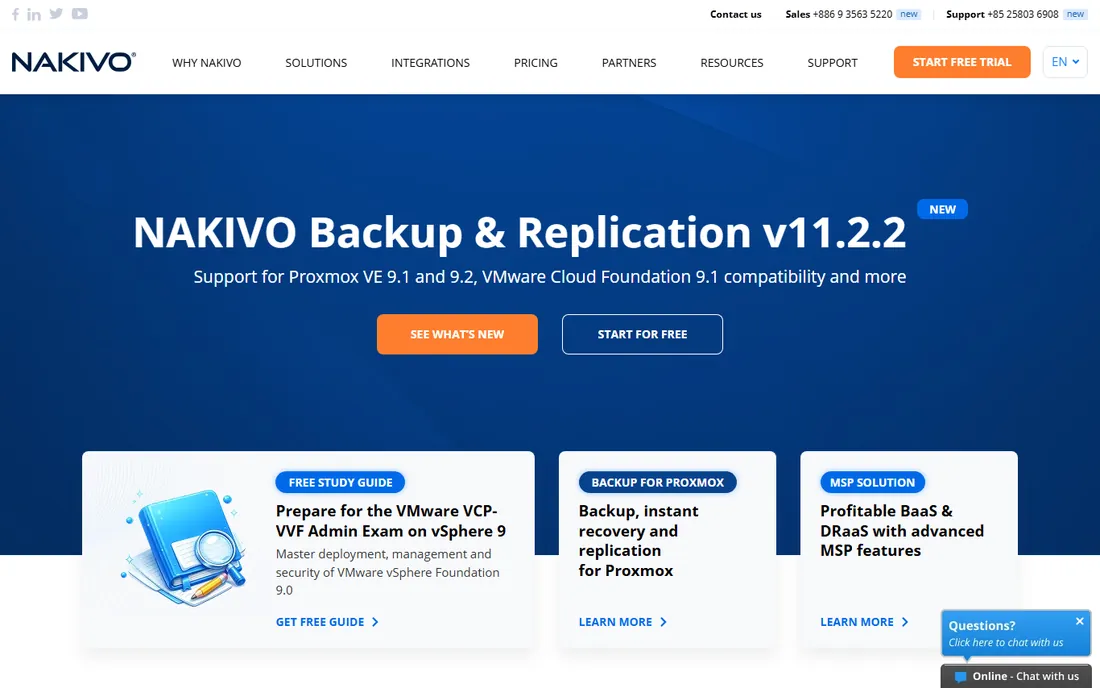
NAKIVO is the value pick. It protects virtual machines, physical servers and Microsoft 365 data at a price point far below the enterprise incumbents, with both subscription and perpetual licensing models available. Deployment is quick, the interface is approachable, and the vendor publishes a 15-day free trial.
The trade-offs are scale and ecosystem. NAKIVO does not have the sprawling integration marketplace or the dedicated compliance tooling of Commvault or Veritas. Very large or heavily regulated environments will outgrow it. For a small IT team protecting a few dozen VMs, that hardly matters.
Pick NAKIVO when budget is the binding constraint and your workloads are mainstream virtualization plus Microsoft 365. It delivers the fundamentals without the enterprise sales overhead.
What we like- Affordable entry point for SMB and midmarket
- Fast deployment with modest hardware needs
- Covers VMware, Hyper-V, Microsoft 365 and physical machines
Watch out for- Smaller partner ecosystem than the big four
- Fewer advanced compliance features for regulated industries
How we chose
We started with the vendors that appear most often in enterprise backup shortlists on G2, Capterra and Reddit sysadmin threads, then filtered for products that exist and are actively sold today. For each one, we opened the vendor's own website and pricing page to check what is actually published: plan names, billing models, free tiers and trial terms. Where pricing was not published, we wrote "See website" rather than repeating third-party estimates. Feature claims come from vendor documentation and product pages, and gaps come from patterns in public user reviews, not from lab testing we did not perform.
What enterprise backup pricing actually looks like
Almost nobody in this category publishes a price list. Expect three common models: per-workload subscriptions (Veeam, NAKIVO), per-terabyte or consumption pricing (Druva and the SaaS offerings), and custom enterprise agreements (Commvault, Cohesity, Rubrik, Veritas). Channel partners and resellers sit between you and the vendor at several of these companies, which adds a quote step but can also open the door to bundled discounts.
Plan for total cost, not the license line. Implementation services, training, additional storage and egress fees for cloud restores all add up. Ask every vendor the same five questions: what exactly counts as a billable workload, what the minimum commit is, how renewals escalate, what support hours the base price includes, and how you export your data if you leave. Get the answers in the contract, not the demo.
A practical buying checklist
Match the platform to your workloads first
List what you actually protect: hypervisors, databases, SaaS apps, endpoints, Kubernetes, mainframes. A tool that is perfect for VMware shops can be a poor fit for a Microsoft 365-heavy company. Shortlist only vendors that cover your full inventory natively, not through bolt-on agents.
Test a restore before you sign anything
Every vendor on this list offers a trial or a proof of concept. Use it to restore a real production VM or database and time the result. Marketing recovery speeds are measured in ideal conditions. Your numbers come from your data, your network and your team.
Plan ransomware recovery, not just backup
Ask how each platform proves a backup is clean before restore, where immutable copies live, and whether recovery can run isolated from your production network. These are the questions that matter at 2 a.m.
Frequently asked questions
How much does enterprise backup software cost?
Most enterprise vendors do not publish prices, so expect custom quotes. Per-workload subscriptions at the value end start in the low hundreds of dollars per workload per year, while large enterprise agreements run into six figures annually. NAKIVO is the most affordable pick on this list. Always get competing quotes, because discounting is common.
What is the 3-2-1 backup rule?
Keep three copies of your data, on two different media types, with one copy offsite or offline. Modern versions add an immutable or air-gapped copy to survive ransomware. Every platform here supports some version of this strategy, so ask each vendor how they implement the offline copy specifically.
How long does implementation take?
Cloud-delivered tools like Druva can protect endpoints within days. Platform products like Commvault, Cohesity or NetBackup typically need weeks to months, including design, policy configuration and testing. Budget for professional services on the larger platforms.
Should we back up to the cloud or keep it on premises?
Most enterprises now do both: local copies for fast recovery and cloud or tape copies for disaster resilience. Your compliance requirements decide the mix. Regulated industries should confirm data residency options before choosing a SaaS-only vendor.
How do we know our backups will actually restore?
Run scheduled recovery tests, not just backup jobs. Several platforms here include automated recovery verification. At minimum, perform a full test restore quarterly and document the time it takes, because that number is your real recovery time objective.
Sources we checked (8)
- https://veeam.com/
- https://acronis.com/
- https://commvault.com/
- https://www.cohesity.com/
- https://rubrik.com/
- http://www.druva.com/
- https://veritas.com/
- https://nakivo.com/
Is your product missing or out of date?
We review this list regularly. Vendors can request a listing, send updated pricing or ask about featured placement.

Shihab Mia · Founder, Rankite
Shihab has 5+ years in B2B and SaaS SEO. He writes Rankite's software buying guides from pricing pages, documentation and public user reviews. More about Shihab.