How we make this list: we compare pricing pages, product documentation and public user reviews. Rankite is independent; if a vendor ever pays for a featured spot, that listing is clearly labeled Partner.
Key takeaways
- The best bare metal backup software creates full system images you can restore to different hardware, not just file copies.
- Veeam is the enterprise standard for server and VM imaging with generous free tiers, while Macrium Reflect is the specialist pick for fast, reliable Windows system imaging.
- AOMEI Backupper, EaseUS Todo Backup and Paragon Hard Disk Manager offer free editions that cover home and small-office imaging without a subscription.
- NovaBACKUP and Iperius Backup add server, VM and database backup at fixed prices that small businesses can budget for.
Quick comparison
| Tool | Best for | Starting price | Free plan |
|---|
 Veeam Veeam | servers, VMs and endpoints at any scale | Free (Agent and Community Edition); paid per workload | Yes |
 Acronis Cyber Protect Acronis Cyber Protect | backup plus built-in cybersecurity | See website | Free trial |
 Macrium Reflect Macrium Reflect | fast, dependable Windows system imaging | See website | Free trial |
 AOMEI Backupper AOMEI Backupper | affordable imaging for Windows PCs | Free (Standard edition); Pro from $39.95 | Yes |
 EaseUS Todo Backup EaseUS Todo Backup | one-click backup for home and small office | Free (free version); paid editions available | Yes |
 NovaBACKUP NovaBACKUP | Windows servers and endpoints for SMBs | From $99.95/year (PC); Server from $399.95/year | Free trial |
 Paragon Hard Disk Manager Paragon Hard Disk Manager | disk imaging plus partition management | Free (basic); advanced functionality from $79.95 | Yes |
 Iperius Backup Iperius Backup | flexible backup for servers, VMs and cloud | From $30 (one-time); free edition available | Yes |
Is your product missing or out of date?
We review this list regularly. Vendors can request a listing, send updated pricing or ask about featured placement.
Starting priceFree (Agent and Community Edition); paid per workload
Free planYes
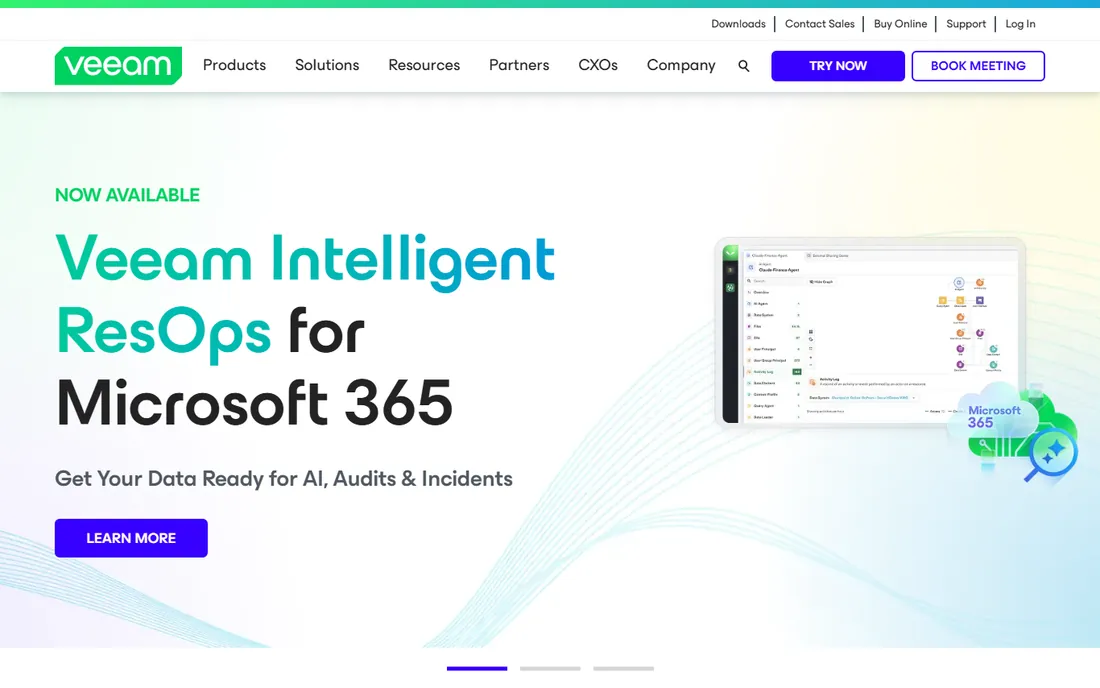
An IT admin restoring a failed Hyper-V host needs image-level recovery in minutes. A home user wants their laptop back exactly as it was. Veeam serves both ends, which is why it leads the data protection market.
The free Veeam Agent covers image, volume and file backup for one Windows PC, while Backup and Replication Community Edition protects up to 10 workloads, VMs, servers, laptops or NAS devices, free with no support contract. Paid tiers add instant recovery, immutable repositories that ransomware cannot alter, continuous data protection with seconds-level recovery points, and verified clean restores that scan backups for malware before recovery.
The honest catch is complexity. The full Data Platform is enterprise software with per-workload licensing and a quote-based sales process. Home users and tiny offices will use only a fraction of it. But the free tiers are genuinely useful, not crippled demos, making Veeam the rare tool that scales from one laptop to a whole datacenter.
What we like- Free agent for one PC and Community Edition for 10 workloads
- Instant recovery
- Immutable ransomware-proof backups
Watch out for- Paid tiers are quote-based
- Full platform is more than a home user needs
#2
Acronis Cyber Protect
Best for: backup plus built-in cybersecurity
Visit acronis.com
Starting priceSee website
Free planFree trial
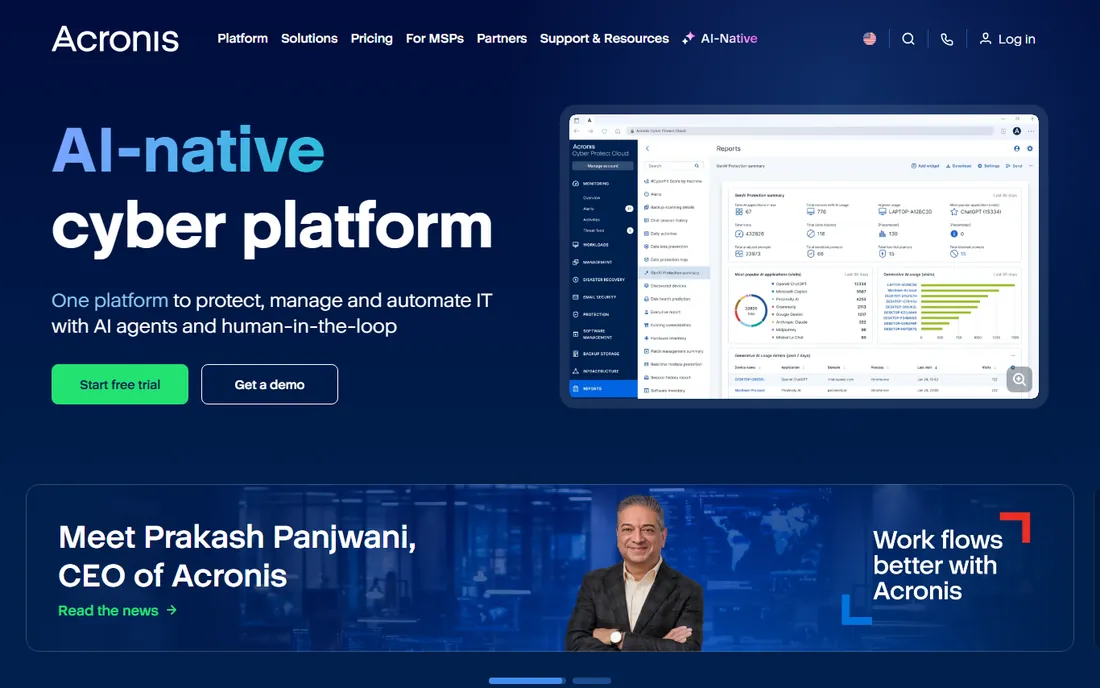
Where most backup tools stop at copying data, Acronis starts with the assumption that the backup itself is under attack. Cyber Protect combines full-image backup with AI-powered anti-malware, vulnerability assessment and URL filtering in one agent, so ransomware gets blocked before it can encrypt the files you were counting on to restore.
Full disk imaging with bare-metal restore to dissimilar hardware is the core, supported by cloud and local destinations, blockchain-based backup authentication and automated disaster recovery runbooks. The Home Office edition (formerly True Image) covers personal devices, while the business platform scales to service providers and enterprises with centralized management.
Pricing for the business side runs through quotes and service providers, so small buyers should start with the consumer edition or a trial. The combined agent also demands more system resources than a pure imaging tool. But for businesses that want backup and endpoint security from one console, the integration is the selling point.
What we like- Backup and anti-malware in one agent
- AI ransomware detection
- 750,000+ businesses protected
Watch out for- Pricing is quote-based for business
- Single agent can be heavy on old machines
#3
Macrium Reflect
Best for: fast, dependable Windows system imaging
Visit macrium.com
Starting priceSee website
Free planFree trial
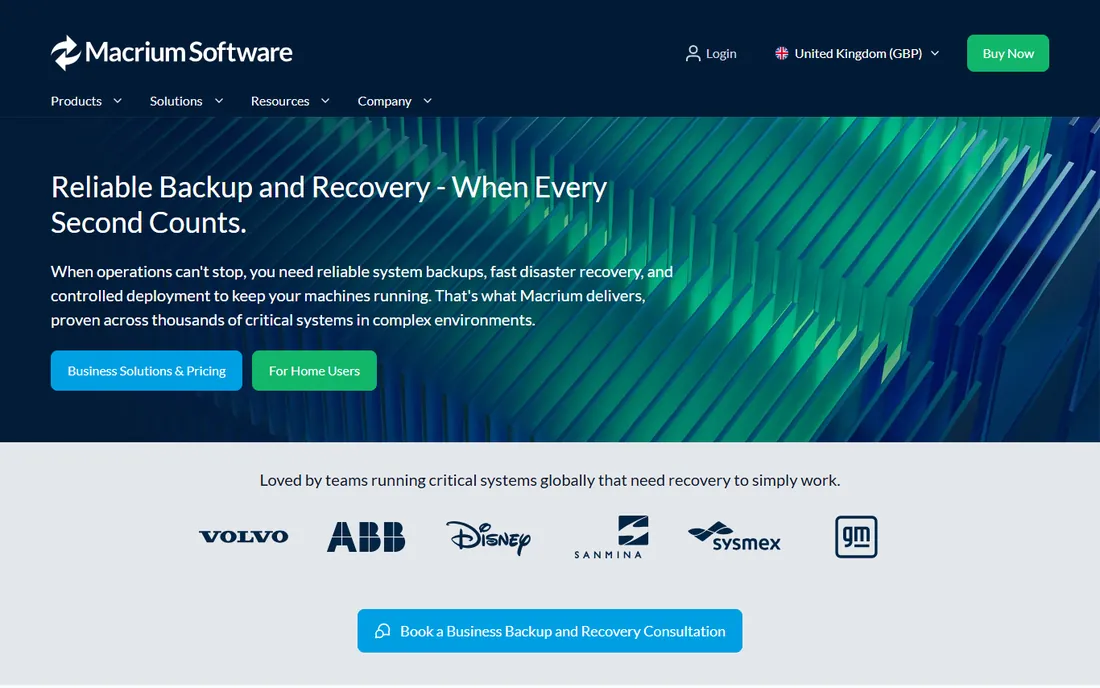
Macrium has spent two decades doing one thing: making system images that restore exactly as expected. The Reflect imaging engine creates complete, reliable images and recovers them fast, with rapid delta restore that only writes the blocks that changed, cutting recovery time dramatically on large systems.
It thrives in the environments other tools struggle with: aging hardware, legacy Windows versions back to XP, air-gapped sites with no internet, mixed fleets that cannot be standardized. Business editions cover servers and critical endpoints, while home editions protect personal PCs. Deployment can run fully offline, which matters for secure and remote sites.
The trade-off is focus and platform. There is no Mac version, no built-in cloud backup service, and pricing requires a quote or store visit rather than a published page. For Windows system imaging where recovery simply has to work, though, Macrium's reputation among IT professionals is the strongest in this list.
What we like- Rapid delta restore
- Proven imaging engine
- Works offline and on legacy systems
Watch out for- Pricing not published on homepage
- Windows-only
Starting priceFree (Standard edition); Pro from $39.95
Free planYes
AOMEI Backupper is the budget-friendly workhorse of Windows imaging. The free Standard edition handles system backup, disk and partition backup, file backup and cloning, which covers disaster recovery for most home PCs and small offices. The Pro edition, from $39.95, adds scheduled backups with more triggers, image merging, dynamic volume backup and universal restore to different hardware.
Cloning is a particular strength: migrate a system to a new SSD, upgrade a disk, or move Windows to different hardware without reinstalling. File sync keeps an exact copy of folders as a secondary backup. Server and Technician editions extend the same engine to businesses and MSPs with centralized management.
The interface is functional rather than beautiful, and the marketing leans on discounts and giveaways that can make pricing feel slippery. But the core product is solid, the free edition is genuinely free, and the Pro license is a one-time purchase rather than a subscription, which many buyers prefer.
What we like- Free Standard edition
- One-time Pro license
- System, disk and partition backup plus cloning
Watch out for- Advanced server features cost much more
- Interface feels utilitarian
#5
EaseUS Todo Backup
Best for: one-click backup for home and small office
Visit easeus.com
Starting priceFree (free version); paid editions available
Free planYes
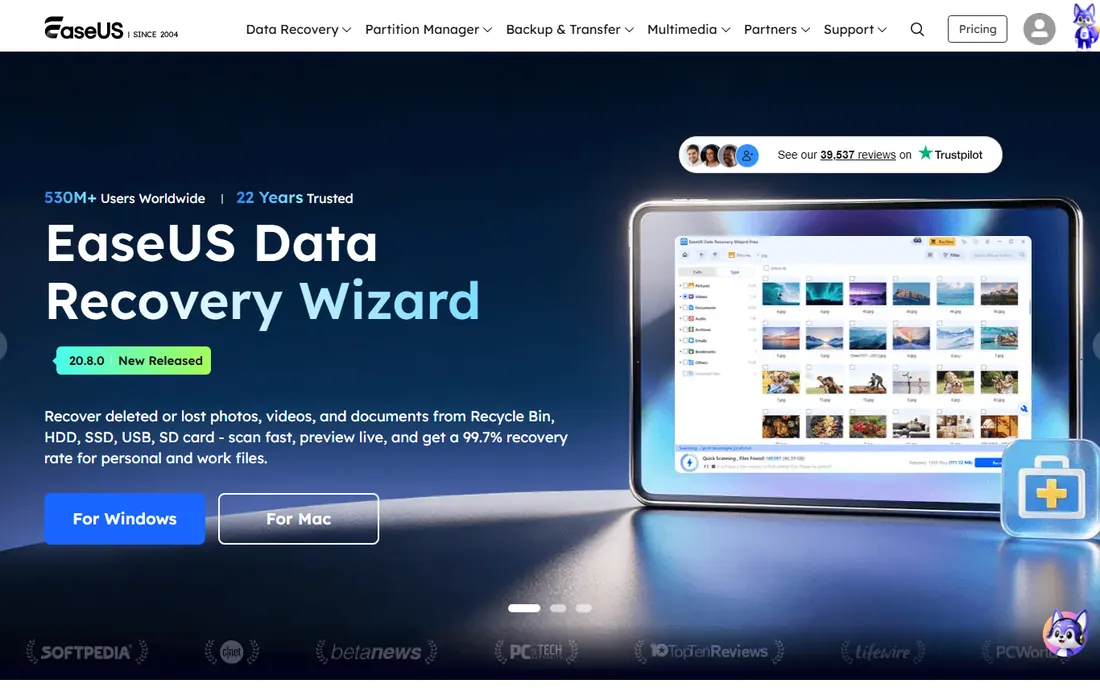
EaseUS has been in the backup business since 2004, and Todo Backup shows it: one-click system backup, disk and partition imaging, file backup and disk cloning in an interface a non-technical user can follow. Smart backup options keep protection running automatically once configured.
The free version covers basic backup and recovery for home users, with paid Home, Workstation and Server editions adding scheduled backups, Outlook backup, system transfer to new PCs and centralized management. Bare-metal recovery restores a full system image to a new or repaired machine.
EaseUS's store and upsell tactics are the main complaint: pricing lives behind product pages and the free version nudges toward paid upgrades. The product itself is capable and widely used, with over 20 million users across the company's tools. For a home user or tiny office that wants imaging without a learning curve, it gets the job done.
What we like- Very easy one-click backup and recovery
- Free version for basic imaging
- 20+ years of development
Watch out for- Paid pricing requires a store visit
- Upsells can be aggressive
Starting priceFrom $99.95/year (PC); Server from $399.95/year
Free planFree trial
NovaBACKUP is built for the small business with Windows servers and no full-time backup specialist. The Server edition at $399.95 per year covers Windows Server backup with file and image-level recovery, Hyper-V with unlimited virtual machines and no per-VM licensing, plus SQL Server backup, all in one subscription. Cloud storage can be added or you can use any NAS, USB drive or S3-compatible storage you already own.
Bare-metal restore works through a boot disk that restores an image backup even when Windows will not start. Incremental-forever technology means one backup job with no fragile chains of full and differential schedules to manage. A managed backup-as-a-service option lets MSPs monitor multiple clients from one dashboard.
The limits are clear: Windows only, no Linux agents, no full tape library management. But for a Windows-centric small business, the flat pricing and US-based support are refreshing in a category full of per-workload metering and offshore queues.
What we like- Flat annual pricing with no per-VM fees
- Bare-metal restore
- US-based support
Watch out for- Windows-only
- No Linux support or full tape library management
Starting priceFree (basic); advanced functionality from $79.95
Free planYes
Paragon Hard Disk Manager is the Swiss army knife of this list: full backup and restore, OS migration to new disks, partition management, and secure disk wiping with industry-grade sanitization algorithms, all in one package. Back up an entire PC in three clicks, restore disks, partitions or individual files, and migrate Windows to a new SSD with partition alignment handled automatically.
The free basic tier covers core backup and restore, with advanced functionality at $79.95 opening up the full toolset. Business and Technician licenses extend coverage to corporate endpoints with bootable media that can service machines without installation. Paragon has been in storage software since 1994, and that depth shows in edge cases like dissimilar hardware restore and legacy file systems.
The product lineup can confuse: multiple editions, home versus business, version numbers that change the offer. Buyers should confirm exactly which tier they are getting. But for someone who wants imaging, partitioning and wiping from one vendor, Paragon covers all three competently.
What we like- Combines backup with partitioning and disk wiping
- Free basic tier
- Decades of storage expertise
Watch out for- Product line is confusing
- Business editions are quote-based
Starting priceFrom $30 (one-time); free edition available
Free planYes
Iperius Backup is the value pick for technical users who want a lot of backup for very little money. Perpetual licenses start around $30 one-time, with a free edition covering basic backup. Behind that price is a surprisingly complete tool: drive image backup with bare-metal restore, Hyper-V and VMware backup, SQL Server, MySQL and PostgreSQL backup, Microsoft 365 backup, and offsite backup to Amazon S3, Google Drive, Azure, Dropbox, FTP or the vendor's own storage.
Ransomware protection includes immutable backups on S3 with object lock, air-gap strategies and file analysis during backup. The software is lightweight and can run portably, which suits technicians who carry it between client sites. Advanced editions add tape backup, disk cloning and centralized management.
The interface looks like it has not changed in a decade, and English documentation sometimes lags the Italian original. But for the price, nothing else on this list covers servers, VMs, databases and cloud destinations with perpetual licensing. Budget-conscious IT admins should take the free edition for a spin.
What we like- Very affordable perpetual licenses
- Drive image plus VM, database and cloud backup
- Lightweight
Watch out for- Interface is dated
- Documentation can be thin in English
How we chose
We reviewed vendor product pages, documentation and public customer reviews on G2, Capterra and Reddit to compare imaging capabilities, restore options, supported platforms and pricing models. We looked at what each tool does best, who it is priced for, and where buyers commonly hit limits. We did not run hands-on tests or restores, and prices above come from vendor pricing pages or published listings current at the time of writing.
File backup copies your documents, photos and folders. Bare metal backup, also called system image backup, captures the entire machine: operating system, applications, settings, boot partitions and data, as a block-level image. When a drive dies or ransomware strikes, you restore the image to the same or a different machine and boot back into a working system, often in under an hour.
That difference decides which tool you need. If you only care about documents, file backup or cloud sync is enough. If downtime costs you money, if reinstalling and reconfiguring a server takes a day, or if you manage machines you cannot afford to rebuild by hand, you need imaging with bare-metal restore. Every tool on this list does it; the differences are in speed, hardware flexibility, automation and price.
Test the restore before you need it. Create a recovery USB or boot disk, restore an image to a spare drive or virtual machine, and time the process. A backup you have never restored is a hope, not a plan. The best tools make this test painless: Veeam's instant recovery, Macrium's rapid delta restore and NovaBACKUP's boot disk all exist to make the drill routine rather than heroic.
Finally, follow the 3-2-1 rule: three copies of your data, on two different media, with one offsite. An image on the same machine it protects is not a backup. Pair local imaging with cloud or offsite copies, which is why tools with built-in cloud destinations like Acronis, NovaBACKUP and Iperius earn their keep.
Why restore testing matters more than backup speed
Backup vendors compete on speed: faster imaging, faster incrementals, faster everything. But speed is the least important number in disaster recovery. What matters is whether the restore works, how long it takes, and whether anyone on your team can run it under pressure at 2 a.m.
Schedule restore tests quarterly. Pick a machine, restore its image to different hardware or a virtual machine, and verify that it boots, applications run, and data is current to the last backup. Document each step, because the person running the real restore may not be the person who set up the backup.
Watch for the common failure modes. Images stored on the protected machine itself, recovery media that was never created, backup jobs that have been failing silently for weeks, and encryption passwords nobody wrote down. Every one of these turns a working backup product into a useless one. The tools here all include email notifications and verification features; turn them on and actually read them.
Frequently asked questions
What is bare metal backup software?
Bare metal backup software creates a complete image of a computer's hard drive, including the operating system, applications, settings and data. If the hardware fails or the system is corrupted, you restore the image to the same machine or different hardware and boot back into a working system, without reinstalling anything.
How is it different from regular file backup?
File backup copies selected files and folders, which protects your documents but not your system. Bare metal backup captures everything at the block level, so a restore returns the entire machine to its previous state. Businesses that cannot afford downtime use image backup; file backup is fine for protecting documents alone.
Can I restore a bare metal backup to different hardware?
Yes, with most modern tools. Veeam, Acronis, Macrium Reflect, AOMEI, Paragon and Iperius all support restore to dissimilar hardware, injecting the right drivers during recovery. This is essential when the original machine is dead and the replacement has different components.
Is there free bare metal backup software?
Yes. Veeam's free Agent covers one PC and its Community Edition covers up to 10 workloads. AOMEI Backupper Standard, EaseUS Todo Backup Free, Paragon's basic tier and Iperius's free edition all do system imaging at no cost. Free editions usually lack scheduling depth, centralized management and support, which paid tiers add.
How often should I take a full system image?
Take a full image when the system changes meaningfully: after initial setup, after major software installs, and before big updates. Between full images, run scheduled incremental or differential backups daily or weekly. Servers and critical workstations deserve daily incrementals; a home PC is usually fine with weekly.
What is the 3-2-1 backup rule?
Keep three copies of your data, on two different types of media, with one copy offsite. For bare metal backup this means: the live system, a local image on an external drive or NAS, and an offsite copy in the cloud or at another location. Tools with built-in cloud destinations make the offsite copy automatic.
Sources we checked (9)
- https://www.veeam.com
- https://acronis.com/
- https://macrium.com/
- https://aomeitech.com/
- https://www.easeus.com
- https://novabackup.com/
- https://paragon-software.com/
- https://iperiusbackup.com/
- https://www.novabackup.com/blog/backup-exec-end-of-life
Is your product missing or out of date?
We review this list regularly. Vendors can request a listing, send updated pricing or ask about featured placement.

Shihab Mia · Founder, Rankite
Shihab has spent more than a decade helping SaaS and e-commerce brands grow through search. He writes Rankite's software buying guides from pricing pages, documentation and public user reviews. More about Shihab.