How we make this list: we compare pricing pages, product documentation and public user reviews. Rankite is independent; if a vendor ever pays for a featured spot, that listing is clearly labeled Partner.
Key takeaways
- Browse AI and Axiom.ai are the browser-first scrapers, letting non-developers record automations that run on a schedule.
- n8n and Make are the workflow platforms, connecting scraped data to the rest of the stack through thousands of integrations.
- PhantomBuster and TexAu are the prospecting specialists, built for extracting and enriching lead data from social platforms.
- Bardeen runs scraping inside the browser as an extension, with AI agents and a plan from $10 a month.
- Apify, Zapier and Hexomatic cover the full spectrum from full-stack crawling platform to simple workflow trigger.
Quick comparison
| Tool | Best for | Starting price | Free plan |
|---|
 Apify Apify | Teams that want a full-stack crawling and automation platform | See website | No |
 n8n n8n | Technical teams that want workflow automation they fully control | See website | Yes |
 Make Make | Visual workflow automation with serious app coverage | See website | Yes |
 Bardeen Bardeen | In-browser AI agents that scrape and act on what they find | From $10/month | Yes |
 Axiom.ai Axiom.ai | No-code browser automation for scraping and repetitive tasks | See website | Yes |
 PhantomBuster PhantomBuster | Extracting lead data from LinkedIn and other social platforms | From $56/month | No |
 Browse AI Browse AI | No-code scraping robots that adapt when sites change | From $19/month (billed annually) | Yes |
 Zapier Zapier | Routing scraped data into 9,000-plus apps with no code | From $19.99/month | Yes |
 TexAu TexAu | Pay-on-match lead scraping without building workflows | From $99/month | Free trial |
 Hexomatic Hexomatic | Scraping plus ready-made work automations in one tool | See website | No |
Is your product missing or out of date?
We review this list regularly. Vendors can request a listing, send updated pricing or ask about featured placement.
#1
Apify
Best for: Teams that want a full-stack crawling and automation platform
Visit apify.com
Starting priceSee website
Free planNo
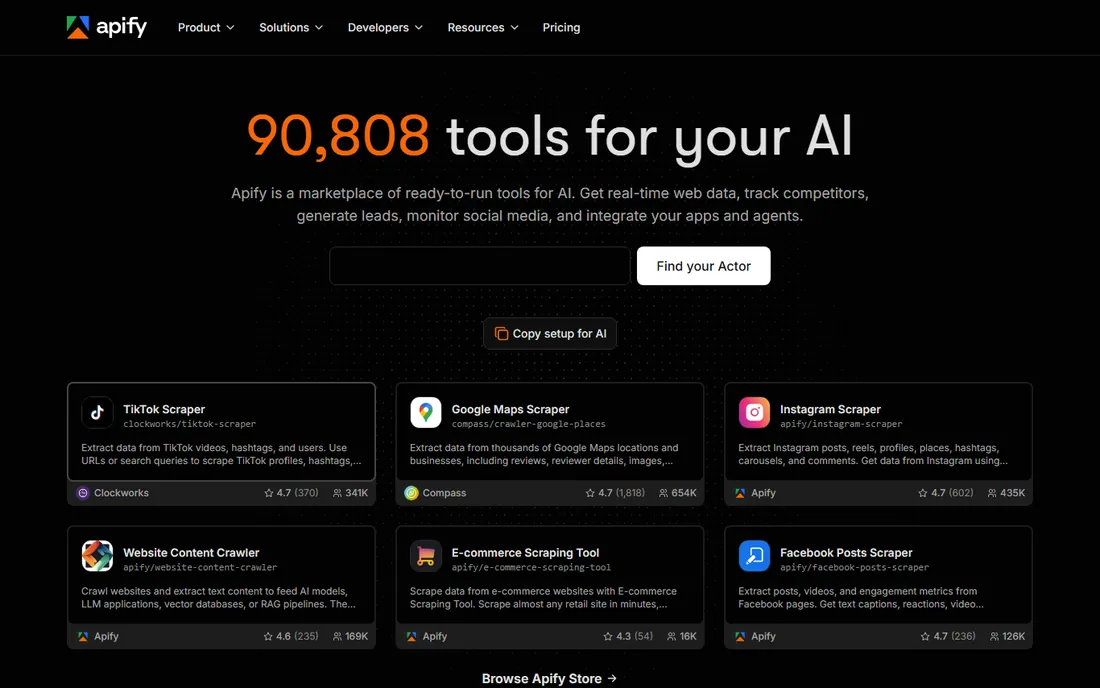
Apify is the platform play in this list. Actors are reusable serverless programs that scrape, automate browser workflows or process data, and the marketplace offers thousands of pre-built ones for common sites. Scheduling, proxy rotation, dataset storage and integrations are all native, so a scraping workflow can run end to end without other tools.
The strength is also the trade-off. Apify is a platform to learn, not a recorder you point at a page. For the marketer in our intro, it is more than she needs; for a data team building a recurring scraping program, it is the most complete foundation here. We could not verify plan rates from Apify's public pages during this check.
What we like- Marketplace of ready-made actors
- Built-in scheduling, storage and proxies
- Strong developer ecosystem
Watch out for- Pricing page did not render publicly in our check, so costs need the vendor site or a call to confirm
#2
n8n
Best for: Technical teams that want workflow automation they fully control
Visit n8n.io
Starting priceSee website
Free planYes

n8n is the workflow automation platform developers actually like. The visual builder covers the pipeline, but any step can drop into JavaScript or Python, and the inputs and outputs sit right next to each step's settings. For scraping, that means HTTP requests, HTML parsing and data cleaning live inside the same workflow that pushes results to a database, a CRM or Slack.
The self-hosted option is genuinely free and open source, which is why technical teams adopt it. The catch for scraping is that n8n is an automation platform, not a scraper: browser rendering, CAPTCHAs and proxy rotation need extra nodes or services. It is the best choice when scraping is one step in a larger automated pipeline you own.
What we like- Open source with full self-hosting
- Write JavaScript or Python inside any workflow
- Strong AI and agent nodes
Watch out for- Pricing page did not render plan rates publicly
- Scraping itself still needs HTTP nodes or custom code
#3
Make
Best for: Visual workflow automation with serious app coverage
Visit make.com
Starting priceSee website
Free planYes
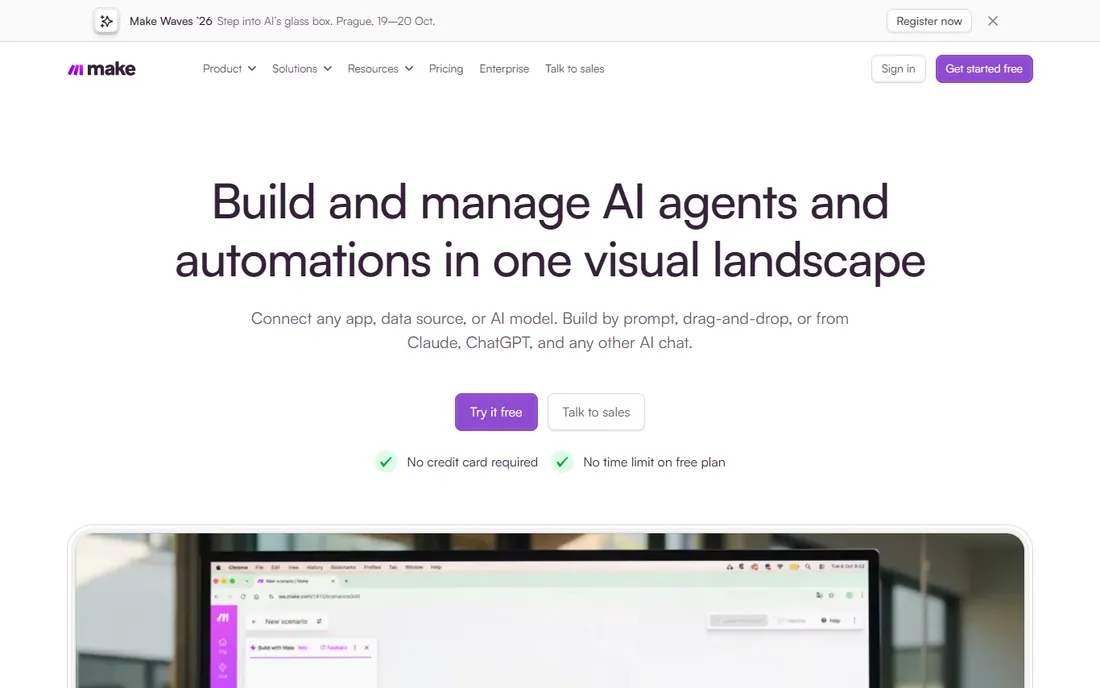
Make, formerly Integromat, is the visual automation platform that grew up. Scenarios connect apps, transform data and run on schedules, and the 3,500-plus integrations cover almost everything a scraped dataset needs to flow into. The homepage confirms a free plan with no credit card and no time limit, which makes it easy to prototype a scraping pipeline.
Like n8n, Make does not scrape by itself. You pull data with HTTP modules, a scraping app integration or a webhook from a dedicated scraper, then Make does the automation around it: deduplication, enrichment, routing and delivery. It is the glue between a scraping source and the business systems that need the data.
What we like- Free plan with no card and no time limit
- 3,500-plus app integrations
- Visual scenario builder
Watch out for- Pricing page did not render plan rates publicly
- Scraping modules depend on third-party apps or HTTP calls
#4
Bardeen
Best for: In-browser AI agents that scrape and act on what they find
Visit bardeen.ai
Starting priceFrom $10/month
Free planYes
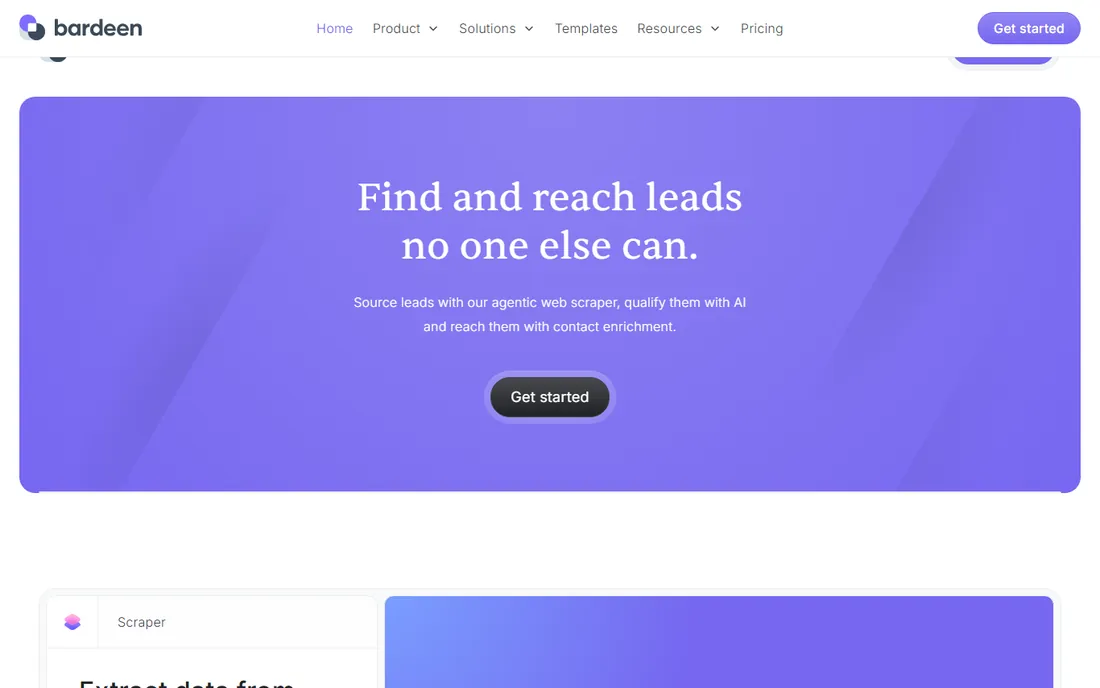
Bardeen lives in the browser. Its AI agents scrape pages, qualify leads, enrich contacts and push results to CRMs and sheets, all from an extension that works where you already work. The credit model is simple: each row an action creates costs one credit, enrichment rows cost three, and you always get 100 credits free.
Pricing is public: the Basic plan runs $10 a month billed monthly, with Premium and Enterprise above it. Bardeen's pitch is that lead sourcing, enrichment and outreach happen in one place without a Clay-sized budget or a workflow canvas to learn. For prospecting teams, that focus is the point. For site-wide data collection, look at a crawling platform instead.
What we like- Runs as a browser extension where the work happens
- AI agents for lead sourcing and enrichment
- 100 free credits always
Watch out for- Credit costs add up for heavy scraping
- Browser-based by design, so no server-side crawling
#5
Axiom.ai
Best for: No-code browser automation for scraping and repetitive tasks
Visit axiom.ai
Starting priceSee website
Free planYes
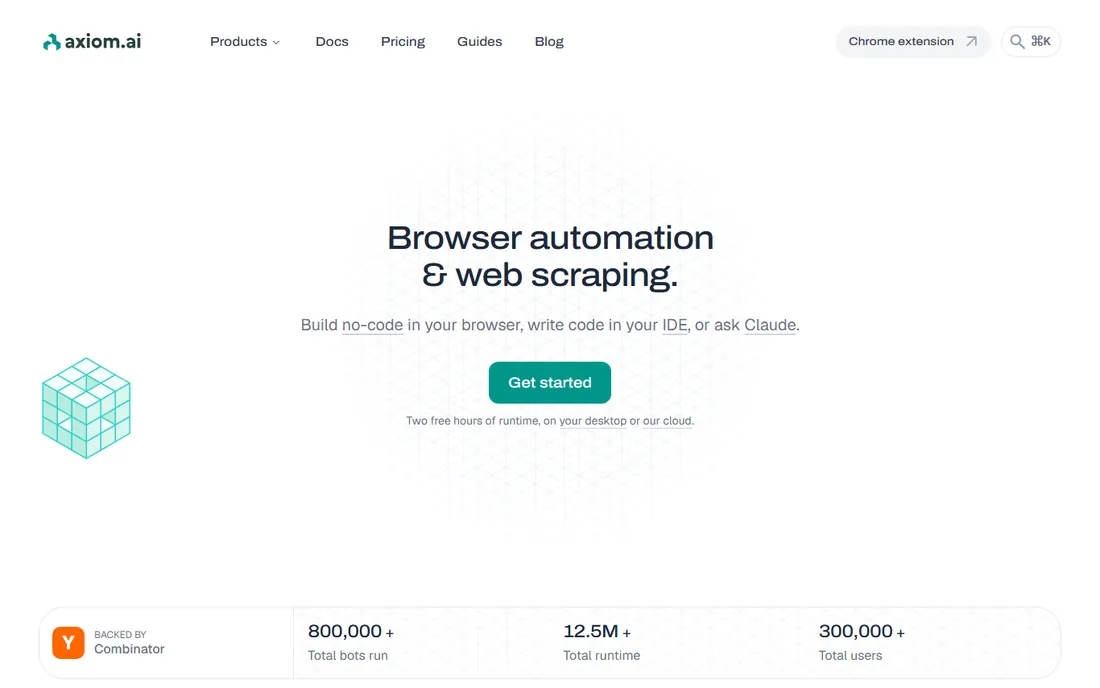
Axiom.ai is browser automation without code: record or build bots that scrape pages, fill forms, monitor changes and move data into sheets. It runs as a browser extension with desktop and cloud runners, and developers can extend it with JavaScript, APIs and webhooks. The pricing page confirms it is free to install, with 2 hours of runtime to start and no card required.
The developer angle is a differentiator here: Puppeteer and Playwright can drive Axiom's cloud browsers, and an MCP server lets AI assistants trigger and build automations. Pricing tiers run Starter through Ultimate, but the rates did not render publicly in our check. Axiom fits teams that want to automate what a human does in a browser, scraping included.
What we like- Free to install with 2 hours of runtime
- Point-and-click scraper plus developer APIs
- Desktop and cloud runners
Watch out for- Pricing page did not render plan rates publicly
- Runtime-based pricing needs modeling for heavy use
Starting priceFrom $56/month
Free planNo
PhantomBuster is the prospecting specialist. Pre-built phantoms extract data from LinkedIn, Twitter, Instagram, Facebook and more than ten other platforms, then enrich, score and push the leads toward outreach. The pitch is real-time sourcing: live profile data and engagement signals instead of a purchased database going stale.
Pricing is public and plan-based: Start at $56 a month, Grow at $128, Scale at $352, with automation slots, execution hours, email credits and AI credits scaling per tier. It is purpose-built for sales prospecting workflows, which makes it the wrong tool for general web data collection but one of the best for its niche.
What we like- 15-plus platforms with pre-built phantoms
- Real-time data rather than stale databases
- MCP server for AI tools
Watch out for- Automation slots and execution hours cap usage on lower plans
- Focused on prospecting, not general web data
#7
Browse AI
Best for: No-code scraping robots that adapt when sites change
Visit browse.ai
Starting priceFrom $19/month (billed annually)
Free planYes
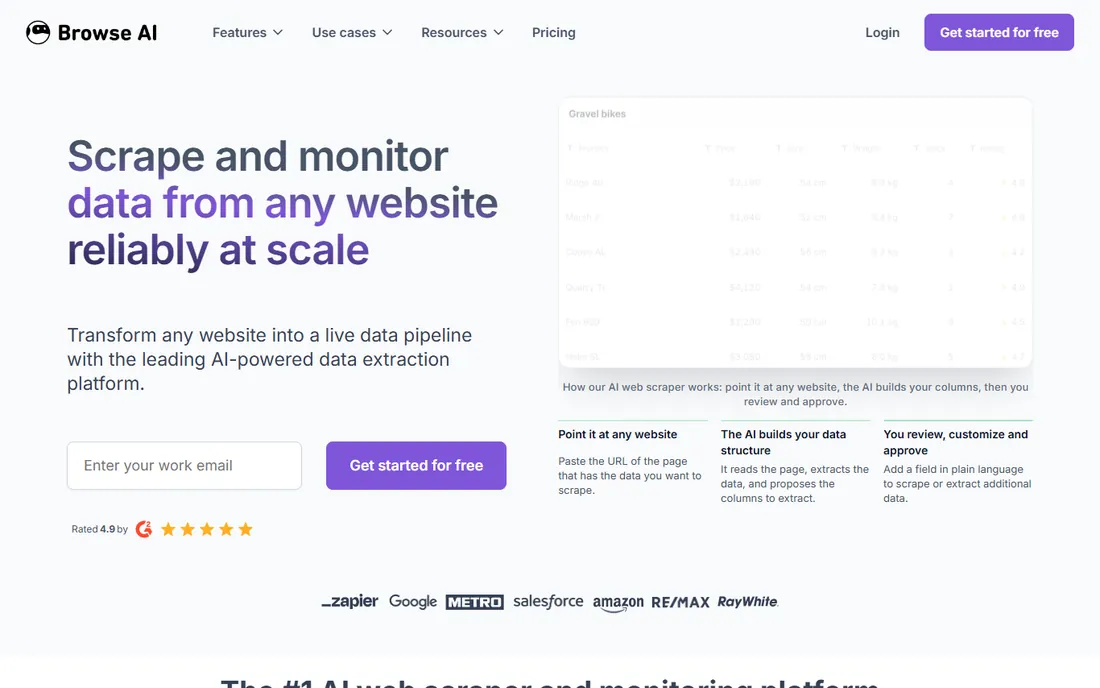
Browse AI is the closest thing in this list to the marketer's dream: point it at a page, train a robot by clicking, and it extracts the data, monitors the page for changes and adapts when the site redesigns. Prebuilt robots cover common sites, and the platform handles proxies, CAPTCHAs and scheduling behind the scenes.
Pricing is published: a Free plan forever, Personal at $19 a month billed annually ($48 monthly), Professional at $69 billed annually ($87 monthly), and managed Premium from $500 a month billed annually. The credit model charges per rows extracted, and premium sites cost extra. For recurring monitoring of specific pages, Browse AI is one of the easiest tools here to actually get running.
What we like- AI adapts robots when site layouts change
- 250-plus prebuilt robots
- Free plan forever with no card
Watch out for- Credits reset each cycle without rollover
- Premium sites cost extra credits per run
#8
Zapier
Best for: Routing scraped data into 9,000-plus apps with no code
Visit zapier.com
Starting priceFrom $19.99/month
Free planYes
Zapier does not scrape, and that is exactly why it belongs on this list. Most scraping projects fail at the last mile: the data sits in a CSV nobody opens. Zapier takes scraped data, whether from a webhook, a scraper API or a scheduled export, and routes it into CRMs, sheets, databases and notification channels across 9,000-plus integrations.
The free plan covers 100 tasks a month, Professional starts at $19.99 a month, Team at $69, and the new 14-day trial of Professional needs no credit card. Pair Zapier with Browse AI, Axiom.ai or a scraping API and you have a complete scrape-to-action pipeline with almost no code.
What we like- Real free plan
- The largest app integration catalog
- MCP connects AI tools to your workflows
Watch out for- Not a scraper, it needs a data source
- Task-based pricing adds up at high volume
#9
TexAu
Best for: Pay-on-match lead scraping without building workflows
Visit texau.com
Starting priceFrom $99/month
Free planFree trial
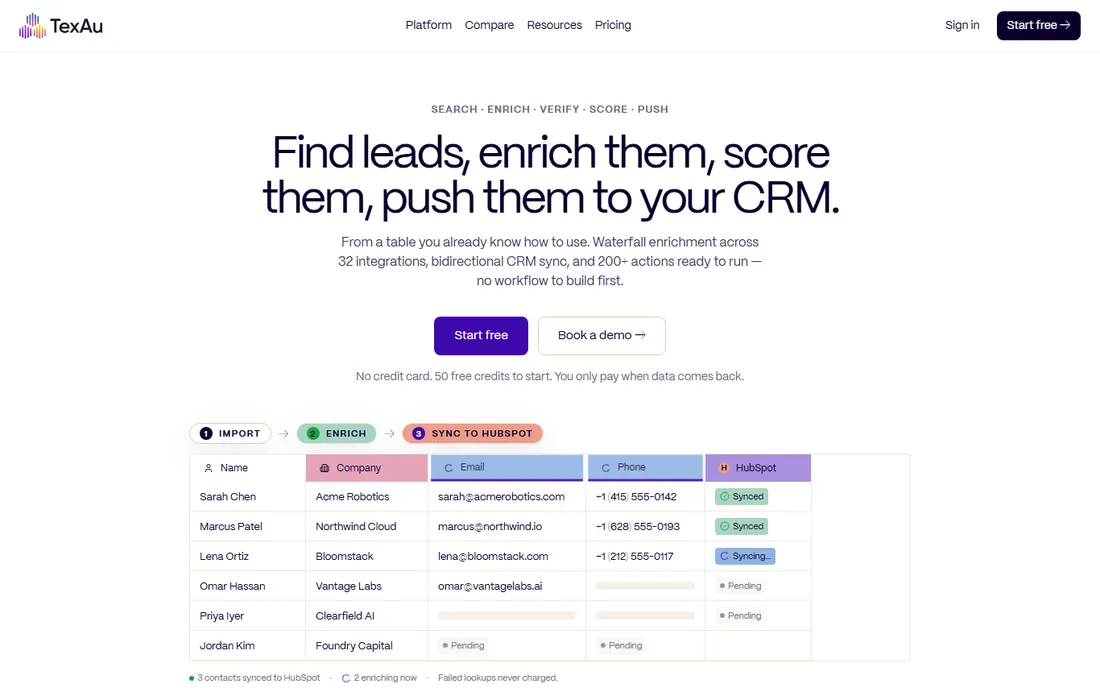
TexAu rebuilt itself as a GTM platform that runs the work: search people, enrich companies, verify emails, score leads and push them to the CRM, all from a spreadsheet-like table with no workflow to build first. The pricing model is the honest part: pay-on-match credits, one credit per successful action, with failed lookups costing nothing and unused credits rolling over on Starter and above.
The homepage publishes the key numbers: plans from $99 a month for Solo with 2,500 credits, 50 free credits on signup with no card, and a 14-day trial with every feature enabled. TexAu is for GTM operators who want lists enriched and pushed without learning a canvas. General-purpose scraping is not its job.
What we like- Pay only for successful matches, failed lookups cost zero
- 50 free credits with no card
- 14-day trial with full features
Watch out for- Plans start at $99 a month, steep for casual use
- Focused on GTM data rather than general scraping
#10
Hexomatic
Best for: Scraping plus ready-made work automations in one tool
Visit hexomatic.com
Starting priceSee website
Free planNo
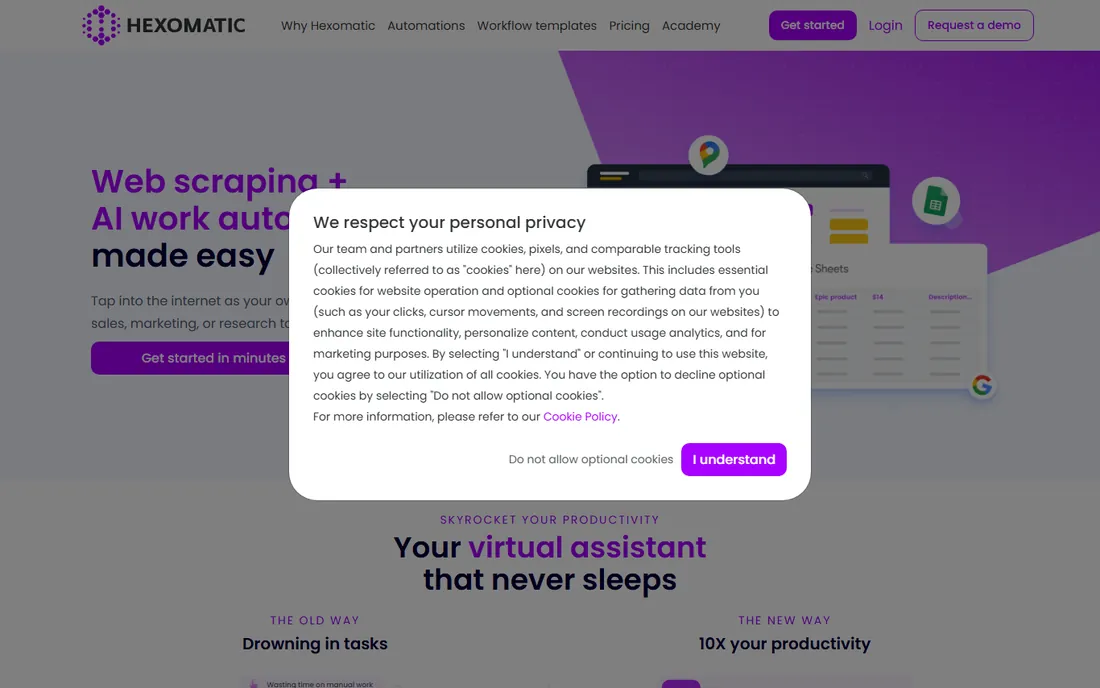
Hexomatic combines no-code web scraping with a library of over 100 work automations: capture contact details, validate emails, run AI tasks on the data, all in workflows that run on autopilot. The pitch is productivity for sales, marketing and research teams that need data plus the busywork around it.
The pricing page confirmed a premium credit add-on from $999 a month for features like residential proxies and enrichment, but the core plan rates did not render publicly in our check, so confirm pricing on the vendor site. Hexomatic suits teams that want scraping and the follow-up automations in one subscription rather than two tools.
What we like- 100-plus ready-made automations beyond scraping
- No-code recipe builder
- 1-click scrapers for popular sites
Watch out for- Pricing page did not render plan rates publicly
- Premium add-on features start at $999 a month
The scraping-specific checklist
Scraping automations have failure modes that ordinary workflows do not, so evaluate these tools on scraping criteria, not just automation polish. First, check what happens when the target site changes. Browse AI's AI-powered adaptation is the headline feature here precisely because broken scrapers are the number one reason these projects die. Ask every vendor how they detect layout changes and what it costs you when they happen.
Second, check the access layer. Proxies, CAPTCHA solving, browser rendering and rate limiting decide whether your scraper works at all on protected sites. Axiom.ai offers its own proxies and a Turnstile bypass mode. PhantomBuster automates through your own account, which keeps things compliant but ties throughput to your account limits. The browser-first tools here handle more of this than the workflow platforms.
Third, check the data handoff. A scraper that cannot deliver clean data to your systems creates manual work that defeats the purpose. Browse AI's 7,000-plus integrations, Axiom.ai's webhooks and API, and Zapier and Make as the routing layer all solve this differently. Decide where the data needs to land, then work backward to the scraper.
Fourth, respect the target. Check robots.txt and the site's terms of service, keep request rates reasonable, and understand the regulations that apply to the data you collect. The prospecting tools here, PhantomBuster and TexAu, are explicit about using your own accounts and following platform guidelines. Whatever tool you choose, scraping responsibly keeps your accounts and your data source alive.
How we chose
We shortlisted the automation platforms that teams actually use for web scraping: browser automation tools, no-code scrapers, prospecting specialists and workflow platforms that route scraped data. For each one we opened the live homepage, checked the vendor's own pricing page for current plans and entry rates, reviewed the 2026 product positioning, and scanned user reviews for recurring complaints about reliability, credit costs and support. We did not run hands-on scrapes. Apify's site was unreachable from our research environment, so it carries "See website" pricing and is flagged in our report.
What to check before you buy
Start with the shape of the job. Ongoing page monitoring is Browse AI or Axiom.ai territory. Lead extraction from social platforms is PhantomBuster or TexAu. Scraping as one step in a bigger pipeline is n8n or Make with a scraper feeding it. Full-stack crawling programs are Apify. Buying a workflow platform when you need a scraper, or a scraper when you need a platform, is the expensive mistake.
Then model the pricing unit. Credits per row, runtime hours, automation slots, tasks per month and pay-on-match credits all price the same workload differently. Bardeen's per-row credits, Axiom.ai's runtime hours, PhantomBuster's automation slots and TexAu's pay-on-match model reward different usage patterns. Estimate your monthly rows or runs before you compare sticker prices.
Check the no-code ceiling honestly. Recorded automations cover the happy path; logins, pagination, popups and anti-bot walls are where they break. Axiom.ai's custom code option, n8n's JavaScript steps and Bardeen's AI agents extend the ceiling, but each step up the ladder costs more skill. Pilot on your hardest target page, not your easiest.
Finally, confirm scheduling and monitoring. Scraping is a recurring job, and a scraper that fails silently is worse than no scraper. Check the scheduler options, failure alerts and run history before you commit, and make sure someone owns the pipeline when it breaks.
Frequently asked questions
What is the difference between these tools and web crawling platforms?
Crawling platforms like the ones in our companion guide are built for discovering and visiting pages at scale. The tools here are automation platforms: they scrape specific pages as part of workflows, monitor changes, or extract leads, and they focus on what happens to the data afterward.
How much do automation tools for web scraping cost?
Entry points range from free plans at Browse AI, Make, Zapier and n8n to Bardeen at $10 a month, Browse AI Personal at $19 a month billed annually, PhantomBuster at $56 a month and TexAu at $99 a month. Heavy usage, credits, runtime hours or task volume pushes the real number up, so model your workload first.
Do I need to know how to code?
Not for most of these. Browse AI, Axiom.ai, Bardeen and Hexomatic are built for non-developers. n8n and Make are no-code friendly but reward technical users. Apify and PhantomBuster sit in the middle: usable without code, more powerful with it.
Which tool is best for scraping LinkedIn data?
PhantomBuster and TexAu are the specialists here, built specifically for extracting and enriching data from LinkedIn and similar platforms. Both automate through your own accounts and include compliance guardrails, which matters because LinkedIn actively resists scraping.
Can these tools handle JavaScript-heavy sites?
The browser-first tools, Browse AI, Axiom.ai, Bardeen, Hexomatic, render pages like a real browser, so they handle dynamic content well. n8n and Make rely on HTTP modules or external scrapers for that. Apify handles it through its actor ecosystem.
How do I keep scrapers from breaking?
Pick tools with change detection like Browse AI, set up failure alerts, and monitor run history. Schedule a regular review of your most important scrapes. No tool eliminates maintenance entirely; the honest ones just make it visible.
Sources we checked (9)
- https://n8n.io/pricing/
- https://www.make.com/en/pricing
- https://www.bardeen.ai/pricing
- https://axiom.ai/pricing
- https://phantombuster.com/pricing
- https://browse.ai/pricing
- https://zapier.com/pricing
- https://texau.com/
- https://hexomatic.com/pricing/
Is your product missing or out of date?
We review this list regularly. Vendors can request a listing, send updated pricing or ask about featured placement.

Shihab Mia · Founder, Rankite
Shihab has spent more than a decade helping SaaS and e-commerce brands grow through search. He writes Rankite's software buying guides from pricing pages, documentation and public user reviews. More about Shihab.