How we make this list: we compare pricing pages, product documentation and public user reviews. Rankite is independent; if a vendor ever pays for a featured spot, that listing is clearly labeled Partner.

#1
Zapier
Best for: Connecting the apps you already use without code
Visit zapier.com
Starting price$19.99 per month (billed annually)
Free planYes (100 tasks per month)
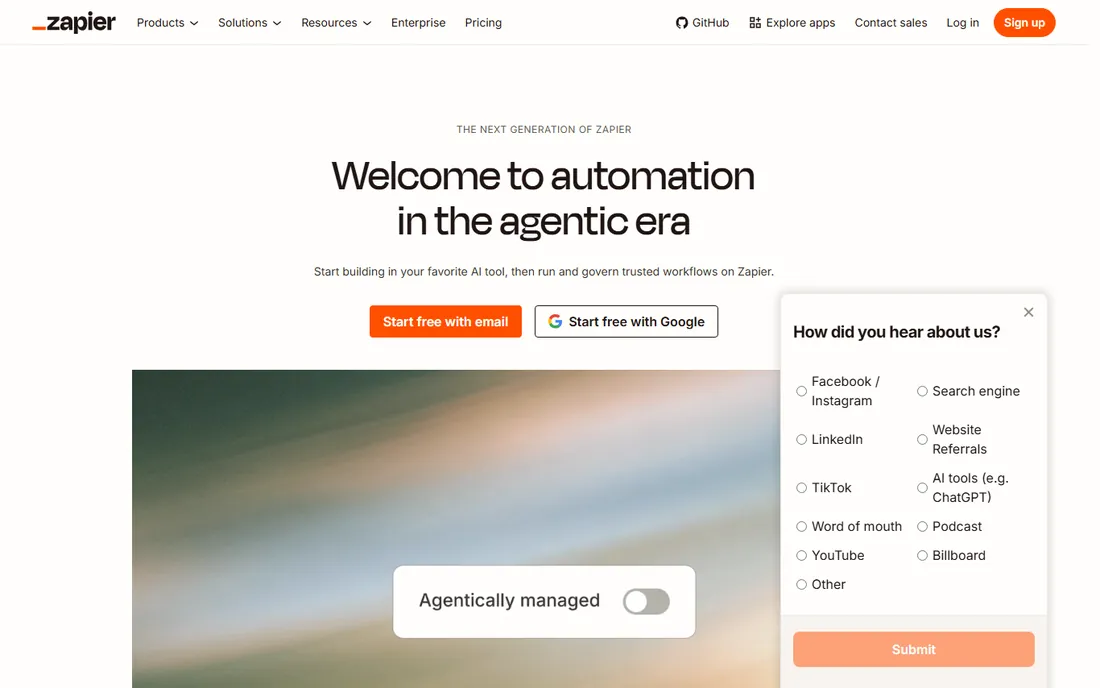
Zapier is the connective tissue of a one-person business. When your booking tool, email platform, spreadsheet, and payment processor need to share data, Zapier moves it between them with no code. A new Calendly booking can create a Notion task, add the client to your email list, and message you on Slack while you sleep.
The free tier covers 100 tasks a month, enough to automate one or two core flows while you validate the setup. Watch the billing unit: every action step counts as a task, so a five-step workflow that runs daily consumes 150 tasks a month on its own. For a solo founder with simple needs, Zapier remains the fastest path from manual to automatic.
What we like- 9,000+ app integrations
- Easiest no-code builder
- AI agents added in 2026
Watch out for- Per-task pricing adds up fast
- Complex branching is clunky
- No self-hosting

#2
Notion
Best for: Notes, tasks, and a lightweight client database in one place
Visit notion.com
Starting price$10 per month (Plus, billed annually; $12 month-to-month)
Free planYes
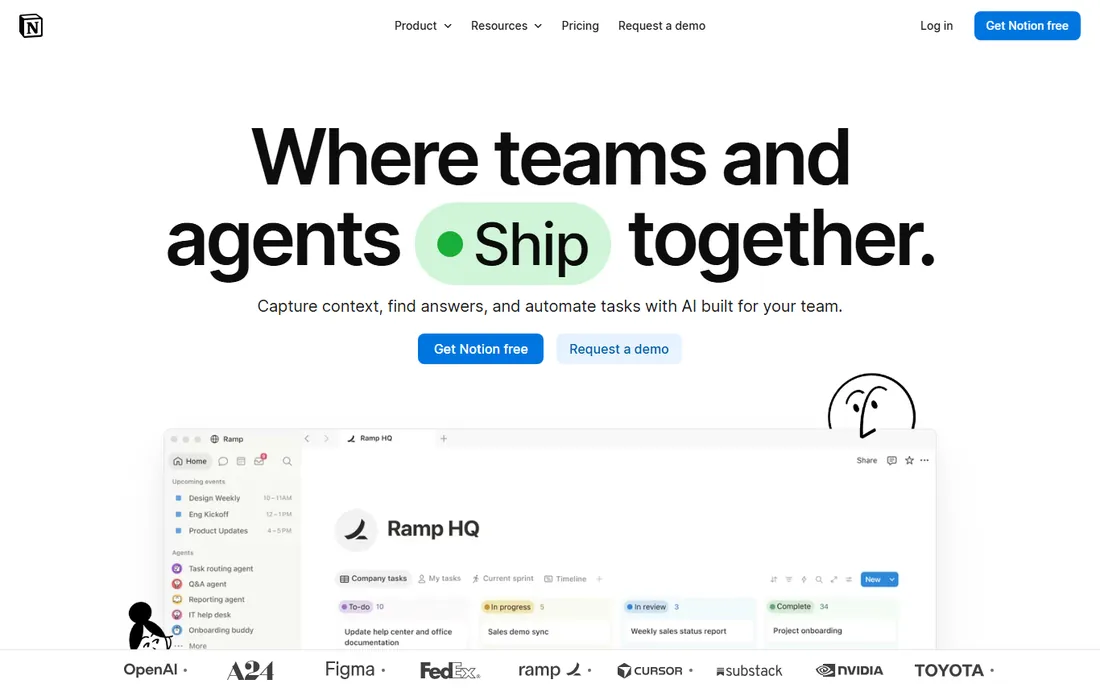
Notion replaces the pile of apps most solo founders accumulate: the notes app, the to-do list, the content calendar, and the spreadsheet of clients. Databases link together, so a client record can show its projects, invoices, and meeting notes in one view. The free plan is generous enough that many one-person businesses never pay.
The Plus plan at $10 a month adds unlimited file uploads, longer version history, and more automation runs. The real cost of Notion is not money but setup time: without a simple structure, it becomes a second job. Start with one database for clients and one for tasks, and resist the urge to build a second brain before you have a first income.
What we like- Extremely flexible
- Huge template gallery
- Automations built in
Watch out for- Gets messy without discipline
- Offline access is limited
- Easy to over-build
Starting price$10 per seat per month (Standard, billed annually)
Free planYes (one active event type)
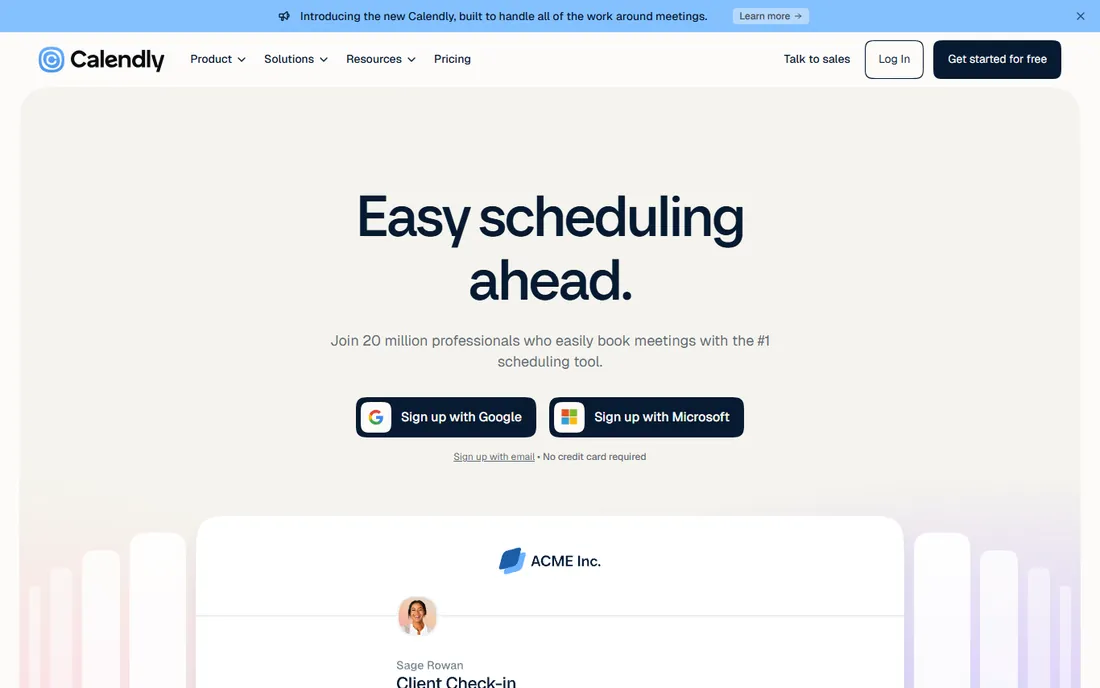
Every "what time works for you" email thread is unpaid admin work. Calendly ends it: you share a link, the client picks a slot, and the meeting lands on your calendar with reminders attached. For coaches, consultants, and freelancers, that single link often pays for itself in the first week.
The free plan covers one event type, which is enough for a standard 30-minute call. The $10 Standard plan adds multiple event types, group bookings, and integrations with tools like Stripe for paid sessions. Solo founders rarely need more than Standard.
What we like- Kills scheduling email threads
- Reminders cut no-shows
- Embeds on your site
Watch out for- Calendly branding on the free plan
- Routing forms need pricier tiers

#4
Kit
Best for: Creators building an email list that earns money
Visit kit.com
Starting price$39 per month (Creator; $33 billed annually, at 1,000 subscribers)
Free planYes (up to 10,000 subscribers)
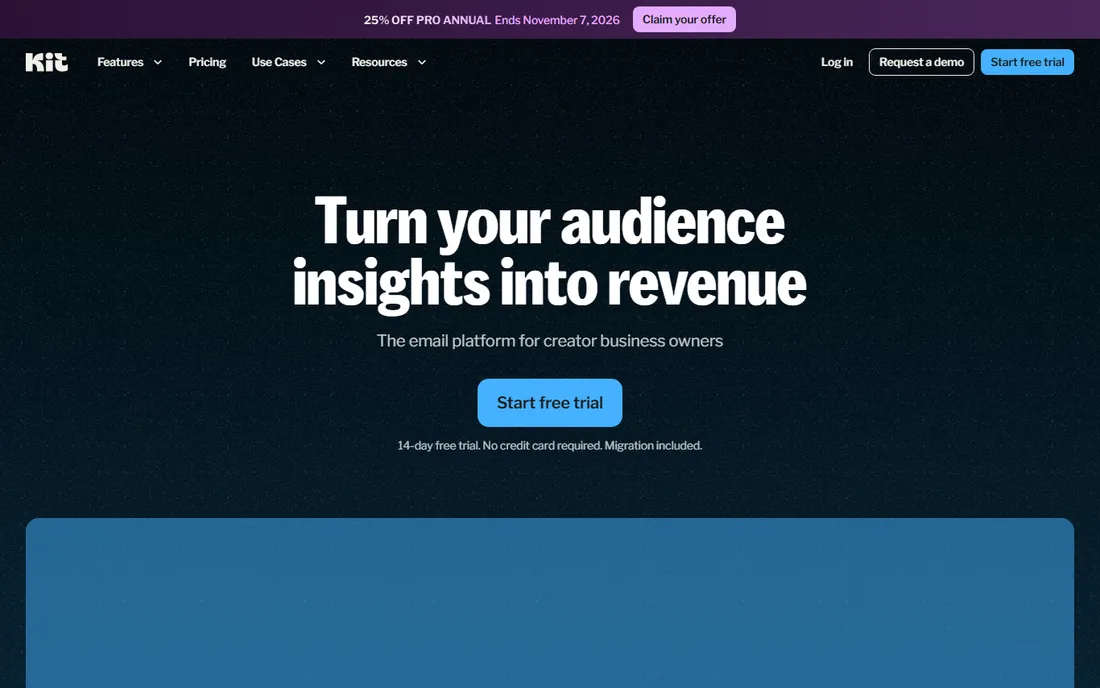
Kit, formerly ConvertKit before its 2024 rebrand, is email marketing built for creators rather than marketing teams. The free plan supports up to 10,000 subscribers with unlimited broadcasts, which means most solo founders can grow an audience for a long time before paying anything. Landing pages and forms are included, so you can start collecting emails on day one.
The paid Creator plan adds unlimited visual automations and sequences, plus commerce features for selling digital products. Watch the subscriber-based pricing: costs rise with your list, so model the price at the list size you expect in a year, not the one you have today.
What we like- Huge free tier
- Visual automations
- Built-in digital product sales
Watch out for- Plain email templates
- Price climbs steeply as your list grows

#5
Buffer
Best for: Scheduling social posts across channels on a budget
Visit buffer.com
Starting price$5 per channel per month (Essentials, billed annually; $6 month-to-month)
Free planYes (3 channels)
Posting consistently is how solo founders stay visible, and Buffer makes a week of posts take an hour. Connect your accounts, load the queue, and Buffer publishes on schedule across Facebook, Instagram, LinkedIn, TikTok, and more. The per-channel pricing is the fairest in the category: you pay for what you use, not for seats you do not need.
The free plan covers three channels, enough to test whether scheduled posting actually moves the needle for you. Essentials at $5 per channel per month adds analytics and engagement tools. If social media is your main acquisition channel, this is one of the cheapest serious tools on the list.
What we like- Cheap per-channel pricing
- Clean scheduling queue
- Solid analytics
Watch out for- Engagement features are lighter than rivals
- Best AI tools are paid

#6
Canva
Best for: Fast, good-looking graphics without hiring a designer
Visit canva.com
Starting price$18 per month (Pro; $144 per year, which works out to $12 per month)
Free planYes
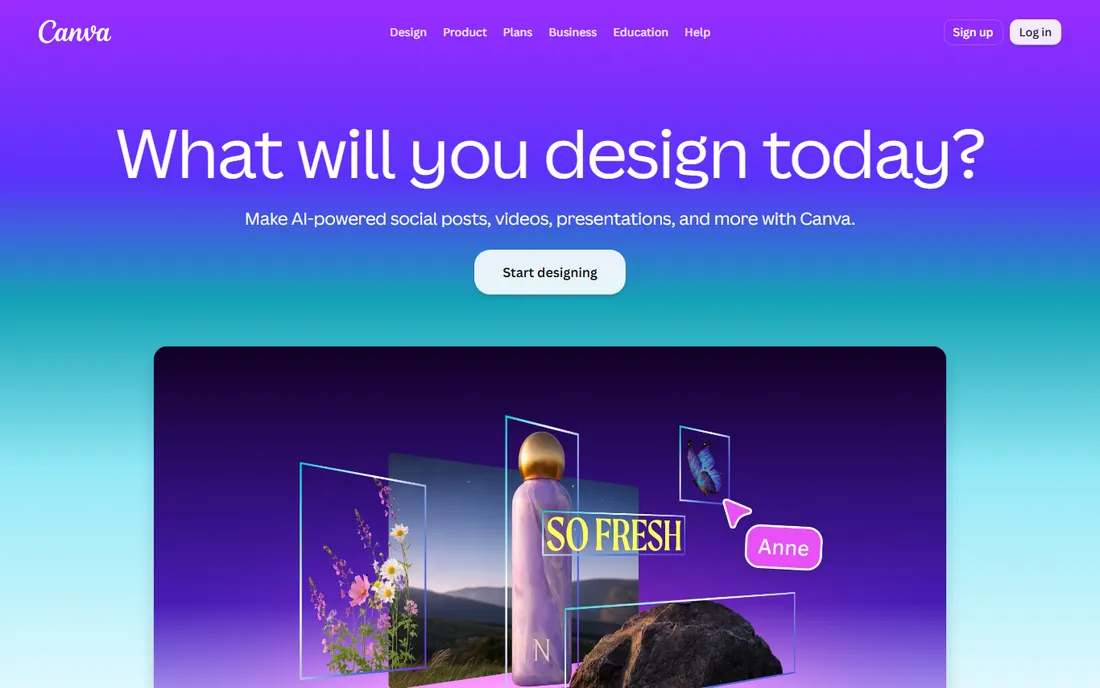
Thumbnails, social graphics, pitch decks, lead magnets, invoices that look professional: Canva handles the visual work that used to require a designer or a week of learning Photoshop. The free plan covers an enormous template library, and most solo founders can produce client-ready work within an hour of signing up.
Pro at $18 a month adds the Brand Kit (your fonts, colors, and logos in one click), background removal, and premium stock. The annual plan at $144 brings the effective price to $12 a month. If design is a daily task rather than an occasional one, Pro pays for itself in saved time.
What we like- Templates for everything
- Brand Kit on Pro
- Very easy to learn
Watch out for- Not a substitute for a real designer
- Most AI features need Pro

#7
Airtable
Best for: Tracking clients, content, and inventory in a smarter spreadsheet
Visit airtable.com
Starting price$20 per seat per month (Team, billed annually; $24 month-to-month)
Free planYes
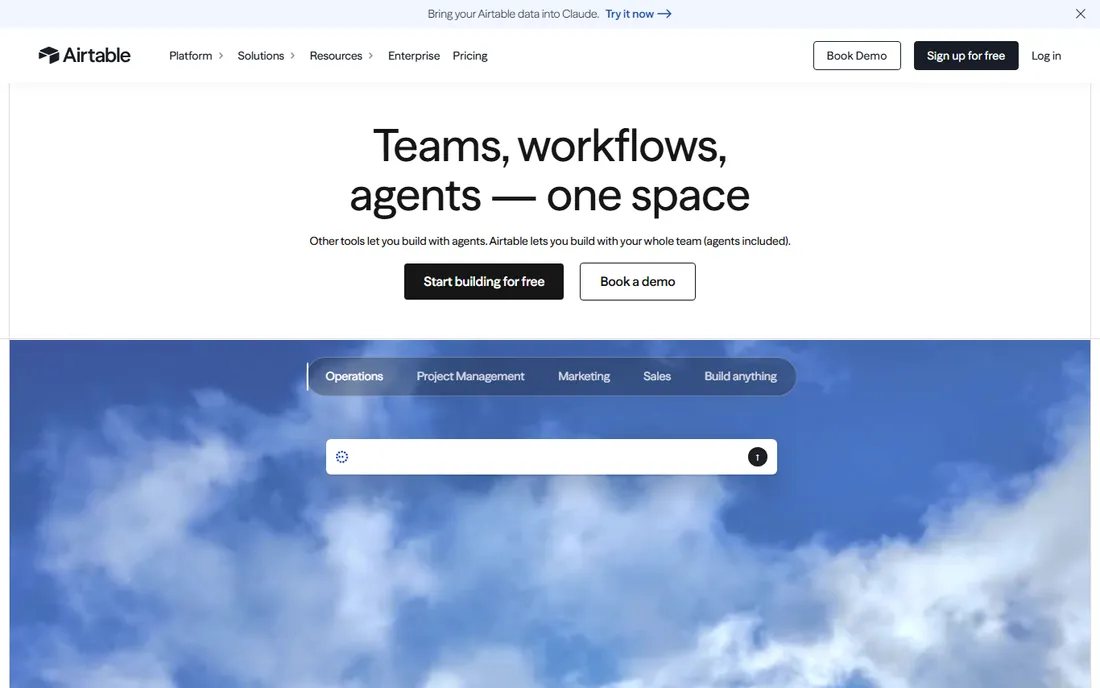
Airtable looks like a spreadsheet and behaves like a lightweight database. Solo founders use it as a CRM, a content pipeline, an inventory tracker, or all three, with views that turn the same data into a kanban board, a calendar, or a gallery. Automations can move records between stages and send alerts without a separate tool.
The free plan is workable for small bases. The Team plan at $20 per seat per month adds more automation runs and advanced features. One note for 2026: Airtable was acquired by Bending Spoons, though it continues to operate under its own name. Pricing is per seat, so it stays cheap while you are a team of one.
What we like- Kanban, calendar, and gallery views
- Built-in automations
- Shareable interfaces
Watch out for- Per-seat pricing adds up
- Takes time to learn properly
Starting price2.9% + $0.30 per successful card transaction (no monthly fee)
Free planNo (pay per transaction, no subscription)
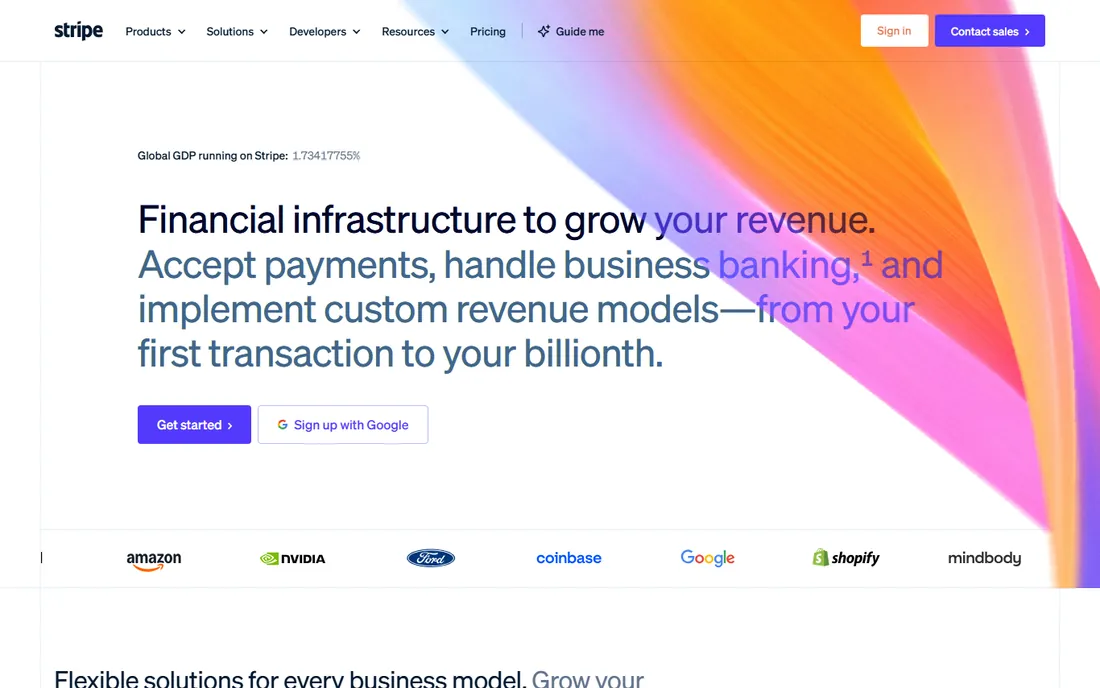
Stripe is how most solo businesses take money: cards, digital wallets, and bank payments through checkout pages or simple payment links you can send in an email. There is no monthly fee and no setup cost, so it costs nothing until you earn something, which is exactly the pricing a new founder needs.
The standard US rate is 2.9% plus 30 cents per successful card charge. Payment links mean you can invoice and collect without building anything. The tradeoff is that Stripe, like any processor, can hold funds during reviews, so keep a cash buffer and read the payout schedule for your country.
What we like- No monthly cost
- Payment links need no code
- Works in 135+ currencies
Watch out for- Disputes and holds can hurt
- Payouts take a few days
Starting price$23 per month (Lite)
Free planFree trial (30 days)
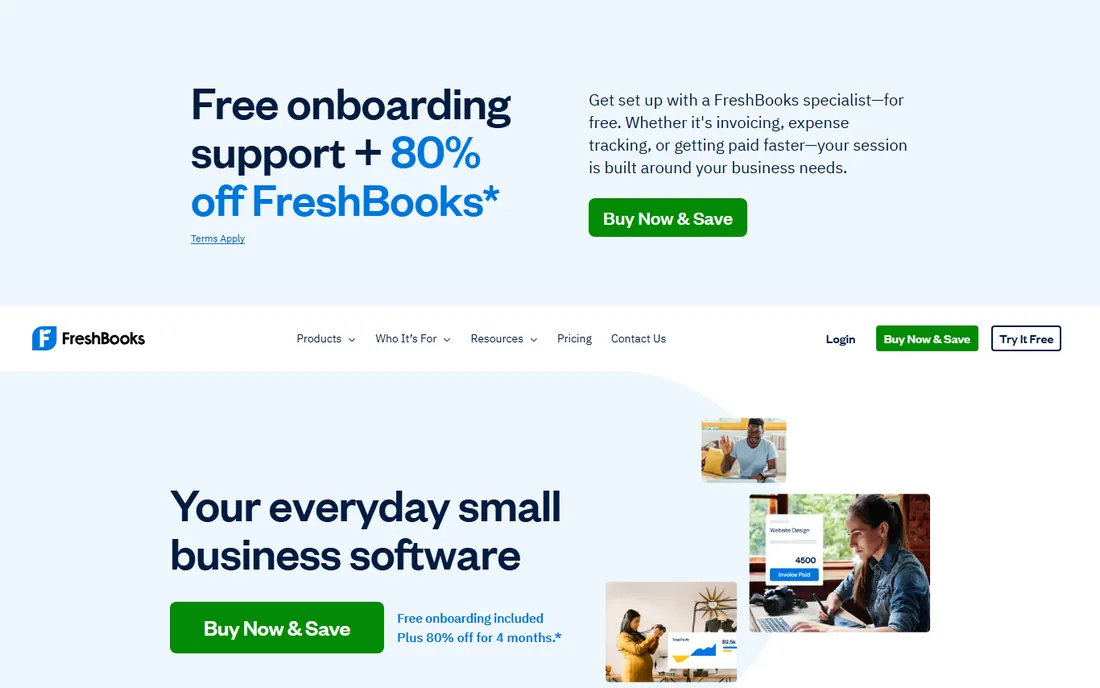
FreshBooks is built for people who bill by the project or the hour. Invoices look professional, clients can pay online, and late-payment reminders go out automatically. Time tracking ties hours directly to invoices, which removes the end-of-month scramble to remember what you worked on.
Lite at $23 a month covers up to five billable clients; Plus and Premium raise the cap. There is no free plan, only a 30-day trial, so FreshBooks makes sense once you have steady clients. If you are pre-revenue, start with Wave below and switch when invoicing becomes a weekly task.
What we like- Excellent invoicing
- Time tracking built in
- Professional client-facing look
Watch out for- No free plan
- Each tier caps the number of billable clients
Starting priceFree (Starter plan; Pro is $19 per month)
Free planYes
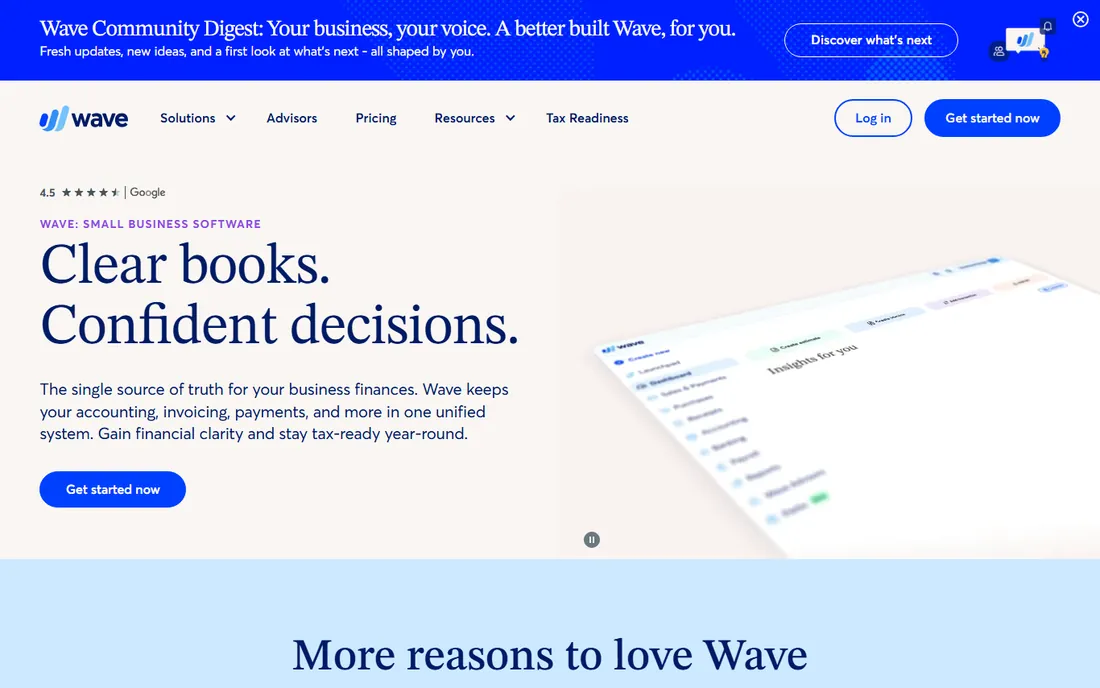
Wave is the rare tool whose free plan is the real product. Accounting, invoicing, and receipt handling cost nothing on the Starter plan, which is why it is the default recommendation for freelancers and brand-new businesses. You can send unlimited invoices and track expenses without entering a credit card.
The $19 Pro plan adds automatic bank transaction imports, receipt scanning, and faster support. Payment processing and payroll cost extra as add-ons. Wave lacks the depth of paid accounting suites, but for a solo founder with straightforward books, free is hard to argue with.
What we like- Core accounting genuinely free
- Unlimited invoices
- Easy for non-accountants
Watch out for- Automatic bank imports need Pro
- Customer support is limited
Quick comparison
| Tool | Best for | Starting price | Free plan |
|---|
| Zapier | Connecting the apps you already use without code | $19.99 per month (billed annually) | Yes (100 tasks per month) |
| Notion | Notes, tasks, and a lightweight client database in one place | $10 per month (Plus, billed annually; $12 month-to-month) | Yes |
 Calendly Calendly | Client booking without the email back-and-forth | $10 per seat per month (Standard, billed annually) | Yes (one active event type) |
| Kit | Creators building an email list that earns money | $39 per month (Creator; $33 billed annually, at 1,000 subscribers) | Yes (up to 10,000 subscribers) |
| Buffer | Scheduling social posts across channels on a budget | $5 per channel per month (Essentials, billed annually; $6 month-to-month) | Yes (3 channels) |
| Canva | Fast, good-looking graphics without hiring a designer | $18 per month (Pro; $144 per year, which works out to $12 per month) | Yes |
| Airtable | Tracking clients, content, and inventory in a smarter spreadsheet | $20 per seat per month (Team, billed annually; $24 month-to-month) | Yes |
 Stripe Stripe | Taking payments online with no monthly fee | 2.9% + $0.30 per successful card transaction (no monthly fee) | No (pay per transaction, no subscription) |
 FreshBooks FreshBooks | Invoicing and bookkeeping for service businesses | $23 per month (Lite) | Free trial (30 days) |
 Wave Wave | Free accounting and invoicing for new businesses | Free (Starter plan; Pro is $19 per month) | Yes |
Is your product missing or out of date?
We review this list regularly. Vendors can request a listing, send updated pricing or ask about featured placement.
How we chose
We picked tools a single person can run without hiring help: entry pricing under $50 a month or a usable free tier, no team administration required, and an established user base. Prices were checked against vendor pricing pages and vendor-verified sources on 2026-10-14. We excluded enterprise platforms and anything that only makes sense with a team to operate it.
What to check before you commit
Start with the free tier, not the feature list
Seven of the ten tools above have genuinely usable free plans. Run your business on them for a month before paying for anything. You will learn which workflows actually matter, and you will only pay for the tools that earn their place.
Count the real monthly cost
Per-seat, per-channel, per-subscriber, and per-transaction pricing behave very differently as you grow. Kit and Airtable get more expensive with success; Stripe only costs money when you make money. Model each tool's price at the size you expect in twelve months, not the size you are today.
Pick tools that connect to each other
A solo stack lives or dies on integrations. Before committing, check that your booking tool talks to your email platform and your payment tool talks to your books. Zapier fills most gaps, but native integrations are more reliable and do not consume tasks.
Watch the caps that force upgrades
Free plans end where the vendor says they end: Calendly's one event type, Kit's single automation, FreshBooks' five clients. Read the limits before you build your workflow around a tool, so the upgrade bill does not arrive as a surprise.
Automate in this order
When everything needs doing at once, sequence matters more than the tool list. Start with money: Stripe costs nothing until you earn, so set up payments first. Then booking (Calendly's free tier) and the books (Wave's free tier), because unpaid admin is what actually sinks solo founders. Then the growth tools: Kit for the email list, Buffer for social consistency. Add Zapier once you have two tools that should talk to each other. Design (Canva) and data tracking (Airtable, Notion) fit around the edges wherever they hurt most. The founders who drown are usually the ones who automated their content calendar before their invoicing.
Frequently asked questions
What is the cheapest way to automate a one-person business?
Run the free tiers: Wave for books, Kit for email up to 10,000 subscribers, Buffer for three social channels, Calendly for one booking type, and Notion for notes and tasks. Add Stripe for payments, which has no monthly fee. That stack costs nothing per month until you choose to upgrade something.
Do I need Zapier if my tools already integrate with each other?
Not at first. Most of these tools connect natively for common flows, like Calendly to Google Calendar or Stripe to Wave. Zapier earns its subscription when you need a custom flow no native integration covers, or when you want one place to manage all your automations instead of settings scattered across six apps.
Which tool should a solo founder buy first?
The one tied to revenue. If clients book calls, that is Calendly. If you sell products, that is Stripe plus Kit. If late invoices are the problem, that is FreshBooks. Buy the tool that shortens the distance between work and payment; everything else can wait for the free tier.
Is it safe to run my books on a free plan?
For straightforward freelance income and expenses, yes. Wave's free accounting handles invoicing, expense tracking, and basic reports, and its data security standards match paid tools. When you hire, add inventory, or face complex taxes, that is the signal to move to a paid plan and involve an accountant.
When should I upgrade from free to paid?
When a free limit costs you money or time every week. One Calendly event type becomes a problem the day you need separate booking links for sales calls and support. Kit's free tier ends when you need more than one automation. Upgrade at the constraint, not before; most solo founders upgrade two or three tools in their first year and leave the rest free.
Sources we checked (9)
- https://zapier.com/pricing
- https://www.notion.com/pricing
- https://stripe.com/pricing
- https://www.freshbooks.com/pricing
- https://support.waveapps.com/hc/en-us/articles/208621296-Is-Wave-free
- https://www.emailtooltester.com/en/reviews/calendly/pricing/
- https://www.emailtooltester.com/en/reviews/buffer/pricing/
- https://www.emailtooltester.com/en/reviews/convertkit/pricing/
- https://getomnichannel.com/email-marketing/kit-review/
Is your product missing or out of date?
We review this list regularly. Vendors can request a listing, send updated pricing or ask about featured placement.

Shihab Mia · Founder, Rankite
Shihab has spent more than a decade helping SaaS and e-commerce brands grow through search. He writes Rankite's software buying guides from pricing pages, documentation and public user reviews. More about Shihab.