How we make this list: we compare pricing pages, product documentation and public user reviews. Rankite is independent; if a vendor ever pays for a featured spot, that listing is clearly labeled Partner.
Key takeaways
- Zapier remains the safest first pick for a true beginner: the largest app library, the most templates, and a setup flow that gets a working automation live in minutes.
- If you want the lowest cost per automation, Pabbly Connect and Integrately undercut the big names significantly, with Pabbly even offering one-time lifetime plans.
- IFTTT is the simplest of all for personal and mobile automations, while Make gives beginners a visual canvas that stays useful as their workflows get more complex.
- Microsoft Power Automate is the obvious choice if your team already lives in Microsoft 365, and n8n suits beginners who want room to grow into code later.
Quick comparison
| Tool | Best for | Starting price | Free plan |
|---|
 Zapier Zapier | first-timers wanting the biggest app library and template collection | See website | Yes |
 Make Make | visual thinkers who want to see their whole workflow on a canvas | See website | Yes |
 IFTTT IFTTT | simple personal automations across phone, home, and web apps | See website | Yes |
 Pabbly Connect Pabbly Connect | budget-conscious buyers who want Zapier-style workflows at a fraction of the cost | See website | Yes |
 Integrately Integrately | beginners who want working automations in one click, not a building project | See website | Yes |
 Microsoft Power Automate Microsoft Power Automate | teams already running on Microsoft 365, Teams, and SharePoint | See website | Free trial |
 n8n n8n | beginners who want a free start and room to grow into code later | See website | Free trial |
Is your product missing or out of date?
We review this list regularly. Vendors can request a listing, send updated pricing or ask about featured placement.
#1
Zapier
Best for: first-timers wanting the biggest app library and template collection
Visit zapier.com
Starting priceSee website
Free planYes
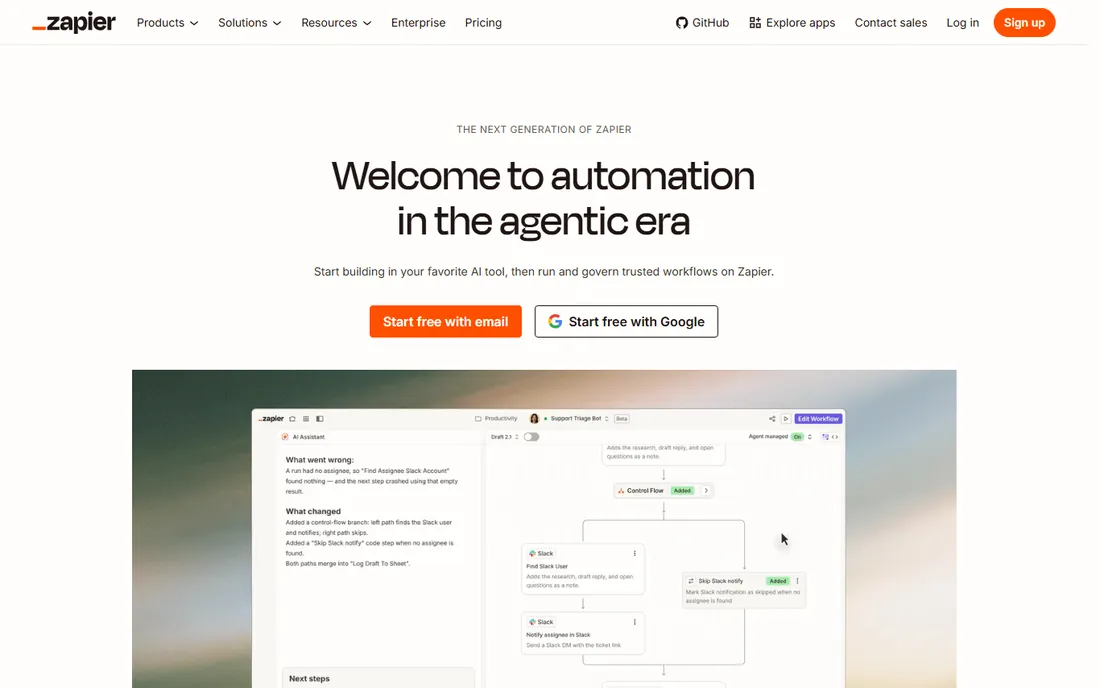
Nobody has to explain what Zapier does anymore, which is exactly why it tops a beginner list. You pick a trigger (something happens in app A), add one or more actions (do things in apps B and C), and the Zap runs on its own from then on. The template gallery covers the automations most small businesses actually need: new leads to CRM, form responses to spreadsheets, order notifications to Slack. Setup is genuinely a matter of clicking through authenticated connections, and the free plan lets you prove the concept before spending anything.
The honest catch is the bill. Zapier counts tasks, and a five-step Zap that runs a thousand times a month burns through task quotas fast. Beginners also hit a ceiling when they need branching logic, loops, or data transformation; those exist, but they are paid features and clunkier than in visual-first rivals. Start with Zapier to learn what automation can do for you, then re-evaluate once you know your monthly volume.
What we like- Connects 9,000+ apps with 66,000+ triggers and actions
- Thousands of prebuilt templates
- A Zap can go live in under ten minutes with no code
Watch out for- Task-based pricing gets expensive as volume grows
- Multi-step logic and branching cost more and feel bolted on
#2
Make
Best for: visual thinkers who want to see their whole workflow on a canvas
Visit make.com
Starting priceSee website
Free planYes
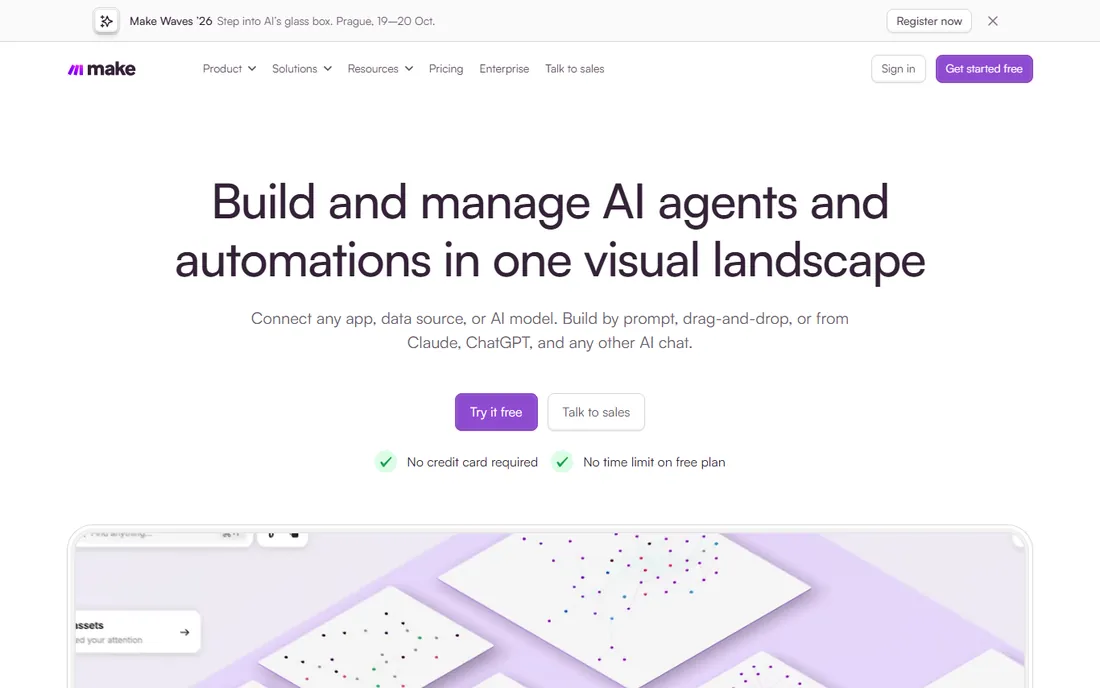
Make, formerly Integromat, draws your automation as a flowchart instead of a list. Each app is a bubble on a canvas, and you watch sample data move through the scenario as you build it. For beginners who think in diagrams, this clicks faster than Zapier's step list, and it stays useful longer: routers, filters, iterators, and error handlers are first-class citizens rather than premium add-ons. The free plan is generous enough to run real automations, with no credit card required and no trial clock ticking.
The trade is a steeper first hour. Where Zapier holds your hand through a linear setup, Make hands you a blank canvas and expects you to understand triggers, modules, and data mapping. Most beginners get there in an afternoon, but the very first scenario feels harder. Pricing counts operations rather than tasks, which is usually cheaper, though high-frequency scenarios with many steps can still add up. If you enjoy seeing how things connect, Make rewards the small extra learning investment.
What we like- Drag-and-drop visual builder shows data flowing between steps
- Free plan requires no credit card and has no time limit
- 3,500+ app integrations
Watch out for- The visual canvas takes longer to learn than Zapier's linear flow
- Operations-based pricing can surprise heavy users
#3
IFTTT
Best for: simple personal automations across phone, home, and web apps
Visit ifttt.com
Starting priceSee website
Free planYes
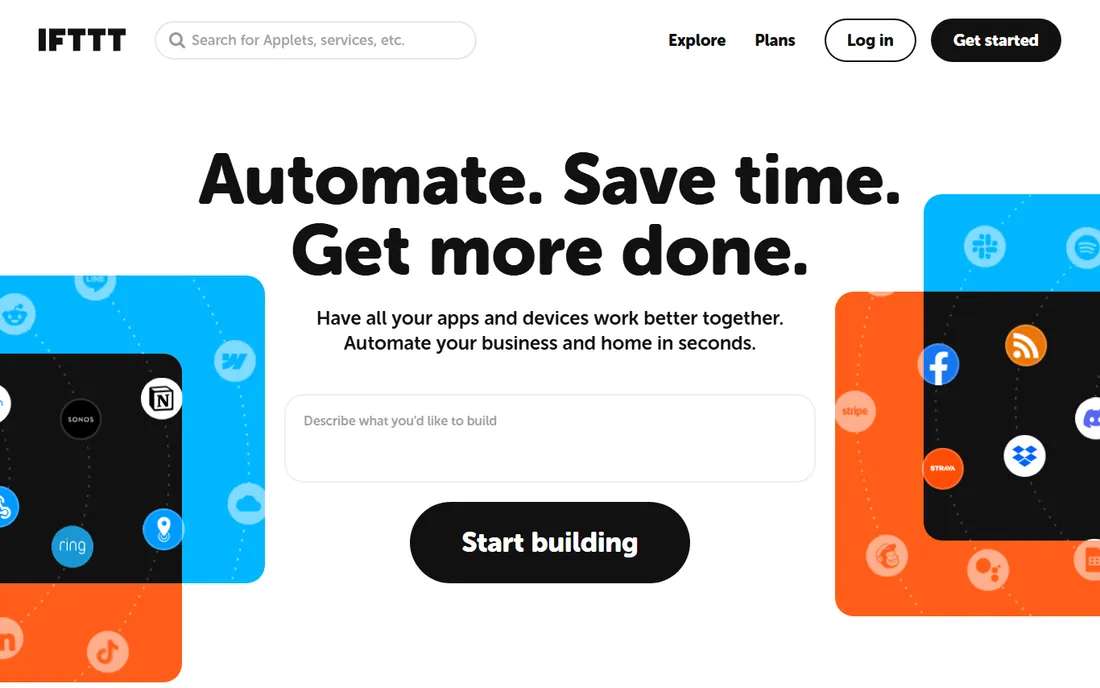
IFTTT is the least intimidating automation tool ever made. Its Applets are single-purpose recipes: if this happens, do that. Post Instagram photos to Dropbox, get a text when a stock moves, turn on the porch light at sunset. The mobile apps are first-class, which matters because half of IFTTT's value is personal productivity and smart-home control rather than business workflows. Over 32 million people use it, and the newest Chat Create feature lets you describe an automation in plain language and get a working Applet back.
The simplicity is also the ceiling. IFTTT does not do multi-step branching, data transformation, or complex business logic; when your needs grow past "when X, do Y," you will outgrow it. The free tier limits the number of Applets you can create, pushing serious users to a paid plan. Think of IFTTT as the gateway: perfect for automating your own life and small team routines, not for running business operations.
What we like- Applets go live in about a minute from 100,000s of ready-made options
- Excellent mobile apps for iOS and Android
- Connects smart-home devices alongside web apps
Watch out for- Limited to relatively simple trigger-action logic
- The free tier caps how many Applets you can run
#4
Pabbly Connect
Best for: budget-conscious buyers who want Zapier-style workflows at a fraction of the cost
Visit pabbly.com
Starting priceSee website
Free planYes
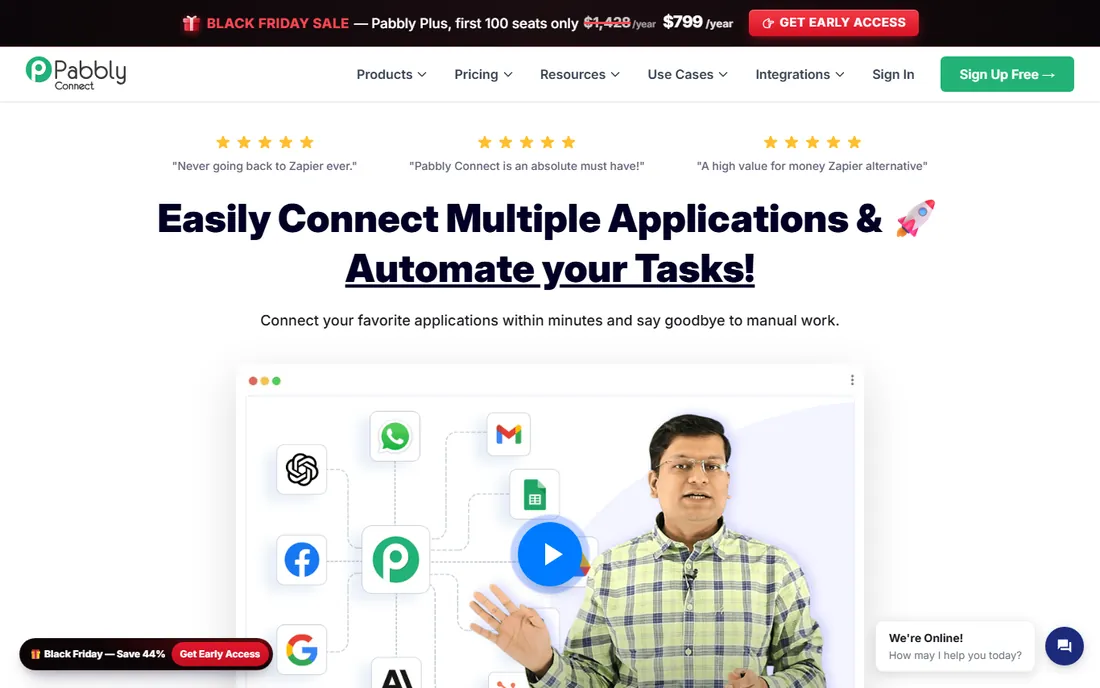
Pabbly Connect's pitch is blunt: the same trigger-action workflows as the big names, far cheaper. The pricing model is where it wins. Triggers and internal utility steps (filters, formatters, routers) are free and do not count against your task quota; only actions on external apps consume tasks. The free tier gives you 100 tasks a month without a credit card, and paid plans include a one-time lifetime payment option, which no major competitor offers. For a small business running a few hundred automations a month, the savings versus Zapier are dramatic.
The compromise is ecosystem depth. With 2,000+ integrations, Pabbly covers the popular apps but will miss the long tail of niche tools Zapier and Make support. The builder works well but lacks the polish of its pricier rivals, and community resources like templates and tutorials are thinner. If your stack is mainstream (Google Workspace, CRMs, email marketing, WooCommerce) and cost matters more than catalog size, Pabbly is the value play.
What we like- Free plan includes 100 tasks a month with no credit card
- Triggers and internal steps do not consume tasks
- One-time lifetime payment plans available
Watch out for- 2,000+ integrations trail Zapier's catalog
- The interface feels less refined than the market leaders
#5
Integrately
Best for: beginners who want working automations in one click, not a building project
Visit integrately.com
Starting priceSee website
Free planYes
Integrately removes the building step almost entirely. Instead of constructing workflows, you search its library of 20 million-plus ready automations, click once, connect your accounts, and it runs. SmartConnect handles the account linking automatically, and if the automation you need does not exist, their team will create it for you free of charge. With 42,000+ customers and top ease-of-use ratings on G2, it has earned its reputation as the lowest-friction option in the category.
That convenience comes with boundaries. When you need custom branching, API calls, or unusual data handling, Integrately's ready-made approach runs out of road faster than Make or Zapier. It is the best tool here for common, well-trodden automations (lead capture, notifications, record syncing) and the weakest for novel ones. Beginners who know exactly which routine tasks they want gone, and do not want to learn a builder, should start here.
What we like- 20 million+ ready-made automations across 1,500+ apps
- One-click activation with SmartConnect
- The team will build custom automations for you at no extra cost
Watch out for- Less suited to complex custom logic
- Smaller brand means fewer third-party tutorials
Starting priceSee website
Free planFree trial
If your company already pays for Microsoft 365, Power Automate is probably already available to you, which makes it the path of least resistance. The template library covers the classics: save email attachments to OneDrive, post Teams messages for Planner updates, approve requests from a mobile notification. Because it is part of the Power Platform, flows can pull in data from Dynamics 365, SharePoint, and Excel with permissions handled by your existing Microsoft identity. Desktop flows extend automation to old Windows applications that have no API, a trick none of the pure-cloud tools here can match.
The catch is ecosystem gravity. Outside Microsoft's world, the connector catalog and template quality drop off, and Google Workspace shops will be happier with Zapier or Make. Licensing is the other complaint: per-user, per-flow, and bundled-with-365 options overlap in confusing ways, so confirm what your current Microsoft plan already includes before buying anything. For Microsoft-centric teams, though, the setup advantage is decisive: no new vendor, no new logins, automations running the same afternoon.
What we like- 1,400+ connectors with deep Microsoft 365 integration
- Hundreds of templates for common scenarios
- Desktop flows add RPA for legacy apps without APIs
Watch out for- Shines inside the Microsoft ecosystem and feels thinner outside it
- Licensing tiers confuse first-time buyers
#7
n8n
Best for: beginners who want a free start and room to grow into code later
Visit n8n.io
Starting priceSee website
Free planFree trial

n8n is the odd one out here, and deliberately so. It is a visual workflow builder like Make, but every step can also run custom JavaScript or Python, and the entire platform can be self-hosted for free under a fair-code license. That combination attracts a particular kind of beginner: someone automating today who suspects they will want code, data control, or AI-agent workflows tomorrow. The cloud version removes the server hassle with a free trial, while the community around its 200,000-plus GitHub stars produces templates and help at a remarkable pace.
Honesty requires saying it is the hardest tool on this list to start with. Self-hosting means Docker, updates, and backups; even the cloud version exposes more concepts (credentials, expressions, error workflows) than Zapier or IFTTT ever will. Beginners without any technical background will move slower here. But if the idea of outgrowing your automation tool in a year bothers you, n8n is the one pick here you are unlikely to outgrow.
What we like- Visual builder plus real JavaScript or Python in any step
- Self-hosting option is free and keeps data in-house
- 200,000+ GitHub stars signal a healthy community
Watch out for- Steeper learning curve than the no-code-first tools
- Self-hosting requires technical comfort with servers or Docker
How we chose
We focused on tools a non-technical person can realistically set up without hired help: template libraries, guided setup flows, free tiers or trials, and documentation written for beginners rather than developers. For each product we opened the vendor's homepage, checked the current plan structure and free-tier terms, and reviewed the integration catalog for the apps small businesses actually use. We cross-checked ease-of-use claims against G2 and Capterra reviews and Reddit threads where new users describe their first-week experience. We excluded enterprise-only platforms and developer frameworks with no visual builder. No vendor paid for placement, and we did not claim hands-on testing; this reflects published product information as of October 2026.
Match the tool to the job, not the hype. If your automations are simple connections between popular apps (new Shopify order to Google Sheets, form fill to Slack message), Zapier, Pabbly, or Integrately will have you running today. If you need branching, filters, or multi-step logic, Make's visual canvas handles it more naturally. Personal and phone-based routines belong on IFTTT. Microsoft shops should default to Power Automate, and anyone who might eventually self-host or write code should look at n8n.
Then check the free tier against your real volume. Count how many times your automations will actually run per month, and multiply by the steps in each workflow, because task and operation limits are where free plans end. A five-step Zap running 500 times a month is 2,500 tasks on Zapier but fewer billable operations on Make, and nearly free on Pabbly since triggers and internal steps do not count. Run your heaviest workflow on the free plan for two weeks before committing to anything paid.
Mistakes beginners make
The most common one is automating a broken process. If your lead follow-up is inconsistent because nobody owns it, an automation will just make the inconsistency faster and harder to see. Fix the process on paper first: who does what, in which order, with what information. Then automate the handoffs.
The second mistake is building without error handling. Every automation fails eventually: an API goes down, a field comes back empty, a login expires. The tools here all offer some form of failure notification or fallback path, but beginners skip it and discover the gap when a month of orders silently stops syncing. Turn on failure alerts from day one and check them weekly.
The third is letting automations sprawl. It starts with one Zap, then twelve, then nobody remembers what half of them do or who owns them. Name every workflow clearly, add a one-line description of its purpose, and review the full list quarterly. Ten maintained automations beat fifty forgotten ones.
Frequently asked questions
How long does it take to set up my first automation?
With templates, most beginners get a working automation in 15 to 30 minutes on Zapier, Integrately, or IFTTT. Make and n8n take longer the first time, typically an hour or two, because the visual canvas has more concepts to learn. Connecting your apps (OAuth logins) is usually the slowest step.
Do I need to know how to code?
No. Every tool on this list is usable without code: triggers, actions, templates, and plain-language setup cover the vast majority of small-business automations. n8n and Make optionally let you add code later, which is a growth path, not a requirement.
What is the difference between tasks, operations, and runs?
Vendors count usage differently. Zapier counts each action step as a task. Make counts operations, which include some steps Zapier would not bill the same way. Pabbly only counts external action steps, making triggers and internal tools free. Always map the vendor's unit to your actual monthly volume before comparing prices.
Can these tools replace hiring an operations person?
They replace repetitive data movement, not judgment. Automations move leads, sync records, send notifications, and file documents reliably. They do not decide which leads matter, write the follow-up that closes deals, or notice when a process stops making sense. Expect to save hours per week, not headcount.
Is my data safe with these tools?
The established vendors carry SOC 2, GDPR, and similar certifications, and connections use OAuth rather than stored passwords. The practical risks are scope creep (granting broader app permissions than needed) and forgotten automations still running with old credentials. Review connected apps and permissions every few months, and prefer self-hosting with n8n if data residency is a hard requirement.
Sources we checked (7)
- https://zapier.com
- http://make.com/
- https://ifttt.com/
- https://www.pabbly.com/connect/
- https://integrately.com/
- https://powerautomate.microsoft.com/
- https://n8n.io/
Is your product missing or out of date?
We review this list regularly. Vendors can request a listing, send updated pricing or ask about featured placement.

Shihab Mia · Founder, Rankite
Shihab has spent more than a decade helping SaaS and e-commerce brands grow through search. He writes Rankite's software buying guides from pricing pages, documentation and public user reviews. More about Shihab.