How we make this list: we compare pricing pages, product documentation and public user reviews. Rankite is independent; if a vendor ever pays for a featured spot, that listing is clearly labeled Partner.
Key takeaways
- Kapwing and VEED are the best all-round picks for teams that caption a steady stream of marketing videos, with generous subtitle limits and full browser editors attached.
- Submagic and Captions win for short-form creators who want the animated, word-by-word caption style that performs on TikTok and Reels, though both price by video quota rather than time.
- Rev and Happy Scribe fit buyers who need subtitle files and transcripts for compliance or long-form content, with pay-as-you-go options and human services on the side.
- CapCut is the only option with genuinely usable free auto captions, while Descript is the one to beat if you want to fix mistakes by editing the transcript instead of the timeline.
- Prices start at $0 for limited free tiers and climb to about $24 per month for serious creator plans; watch whether a plan caps minutes, videos or credits.
Quick comparison
| Tool | Best for | Starting price | Free plan |
|---|
 Kapwing Kapwing | Marketing teams captioning video together | $16 per member/month (billed annually) | Yes |
 VEED VEED | Accurate subtitles plus full browser editing | $19/month (Lite, billed monthly) | Yes |
 Submagic Submagic | Viral-style animated short-form captions | $19/month (Starter, billed monthly) | Free trial |
 Captions Captions | Phone-first creators who film and post fast | $9.99/month (Pro) | Free trial |
 Rev Rev | Compliance-grade captions with a human option | $0.25 per minute (AI captions, pay-as-you-go) | Yes |
 Descript Descript | Editing video through the transcript | $24/month (Hobbyist, billed monthly) | Yes |
 CapCut CapCut | Free auto captions inside a free editor | $19.99/month (Pro) | Yes |
 Zubtitle Zubtitle | Simple captioned social clips with resizing | $19/month (Guru) | Yes |
 Happy Scribe Happy Scribe | Multilingual subtitles and subtitle files | $17/month (Basic, billed monthly) | Yes |
Is your product missing or out of date?
We review this list regularly. Vendors can request a listing, send updated pricing or ask about featured placement.
The best auto caption software
Starting price$16 per member/month (billed annually)
Free planYes
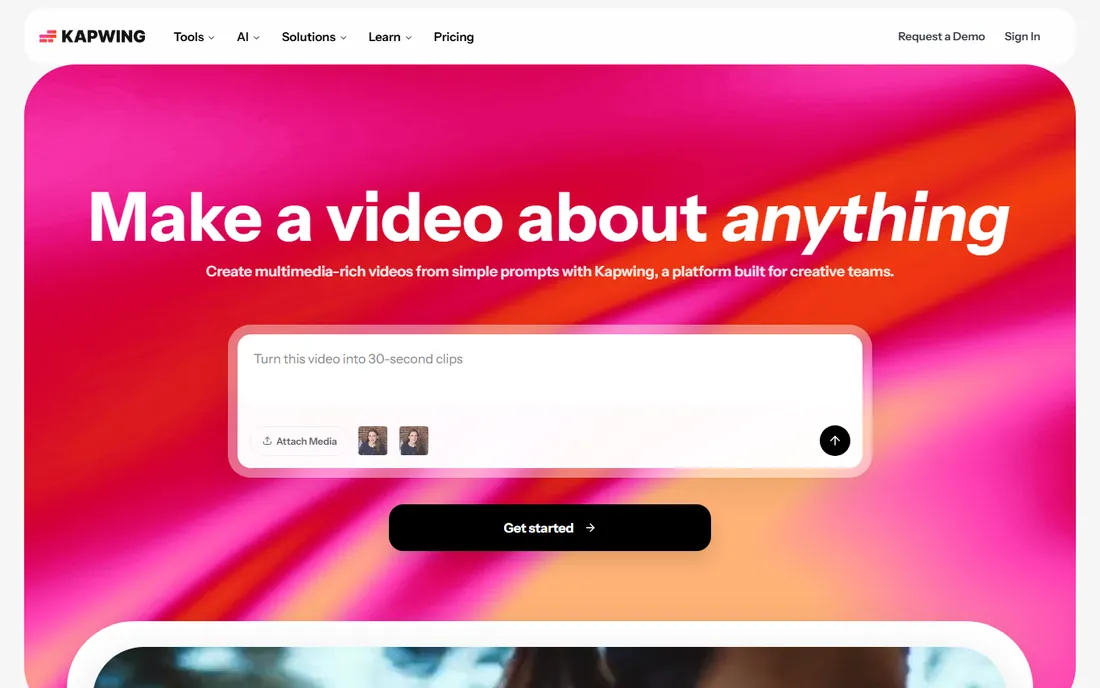
Kapwing suits a marketing team that produces video in a browser and wants captions as one step in a shared workflow. Auto-subtitles run across 155 language variants, teammates can comment on drafts and fix misheard words in the transcript, and a brand kit keeps every client video styled the same. Pro's 1,000 monthly subtitle minutes are generous, and SRT, VTT and TXT export covers YouTube, course platforms and ad managers without retyping.
Everything happens in a tab, so long timelines and 4K projects can feel sluggish next to a desktop editor. The free plan allows only 10 minutes of auto-subtitling a month and exports carry a watermark, which makes it a trial rather than a tool. Solo creators who only need captions may find the collaboration features wasted on them.
What we like- 1,000 auto-subtitle minutes a month on Pro
- Shared workspace with comments and brand kit
- 100+ caption preset styles and subtitle file export
Watch out for- Browser performance dips on long projects
- Free exports carry a watermark
- Video length caps on lower plans
#2
VEED
Best for: Accurate subtitles plus full browser editing
Visit veed.io
Starting price$19/month (Lite, billed monthly)
Free planYes
VEED has quietly become the default online editor for social teams, and subtitles are the feature most people actually pay for. The auto-subtitles support 125+ languages with speaker detection, and the style gallery includes animated caption templates built for vertical video. For a social media manager handling several clients, the fact that the editor runs entirely in the browser means any contractor can open a project from any computer and keep working.
Pricing is per editor, which keeps it predictable. Lite at $19 a month removes the watermark and adds 1080p, while Pro at $49 adds the AI toolkit with dubbing in 50+ languages and 4K export. The 30,000 annual AI credits on Pro do not roll over, so heavy AI users should budget one tier above what the feature list suggests.
What we like- Among the most accurate online auto-subtitles, per multiple 2026 reviews
- Subtitle export in SRT, VTT and TXT
- Translation and dubbing on higher plans
Watch out for- Lite omits AI avatars and text-to-video generation
- AI credits reset annually on Pro
- Free exports are watermarked at 720p
Starting price$19/month (Starter, billed monthly)
Free planFree trial
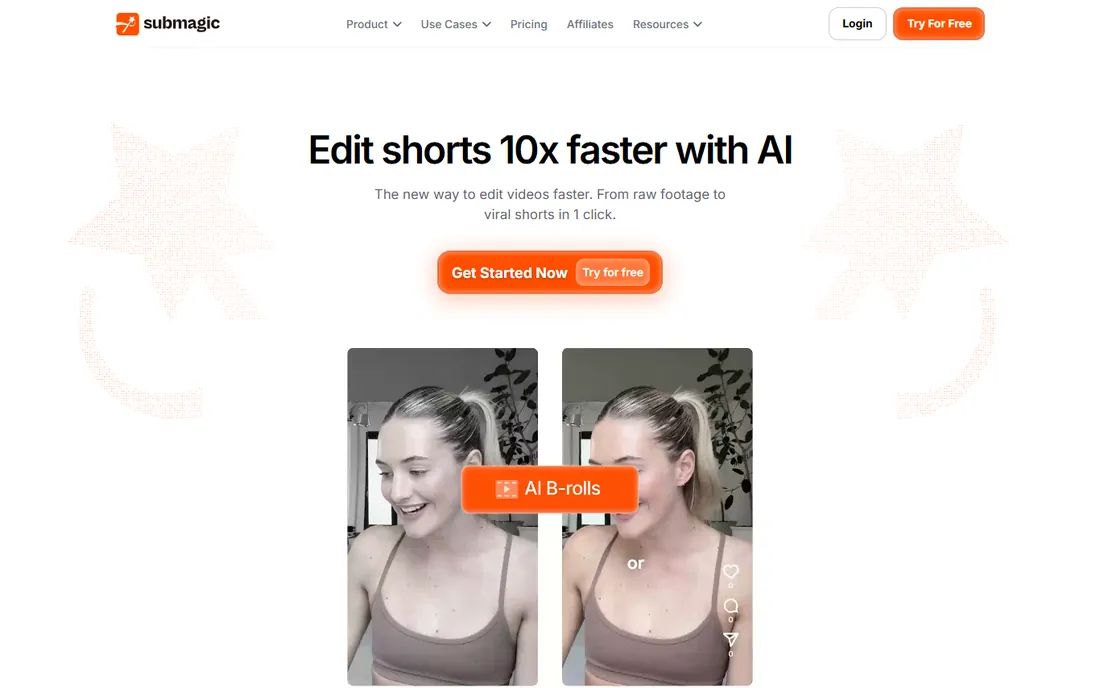
Submagic is built for one job: turning raw talking-head footage into a polished short-form video with animated captions, emojis and B-roll in about a minute. The templates are modeled on the caption styles of large creators, so a small business can get that look without designing it. Plans also include AI hook titles, auto descriptions and hashtags, which removes a surprising amount of the posting friction that slows teams down.
Plans are priced per user and quota'd by video count, with Starter allowing only 15 videos of up to 2 minutes each per month. If you publish longer videos or need SRT files for accessibility, Submagic is the wrong shape. For coaches and small brands posting a few shorts a week, Starter at $19 a month ($12 with annual billing) is cheaper than a freelancer and faster than captioning by hand.
What we like- One-click caption templates modeled on viral creators
- Auto emojis, B-roll and silence removal included
- 123 supported languages
Watch out for- No permanently free plan
- Starter caps videos at 2 minutes and 15 videos a month
- No subtitle-file export for YouTube or courses
Starting price$9.99/month (Pro)
Free planFree trial
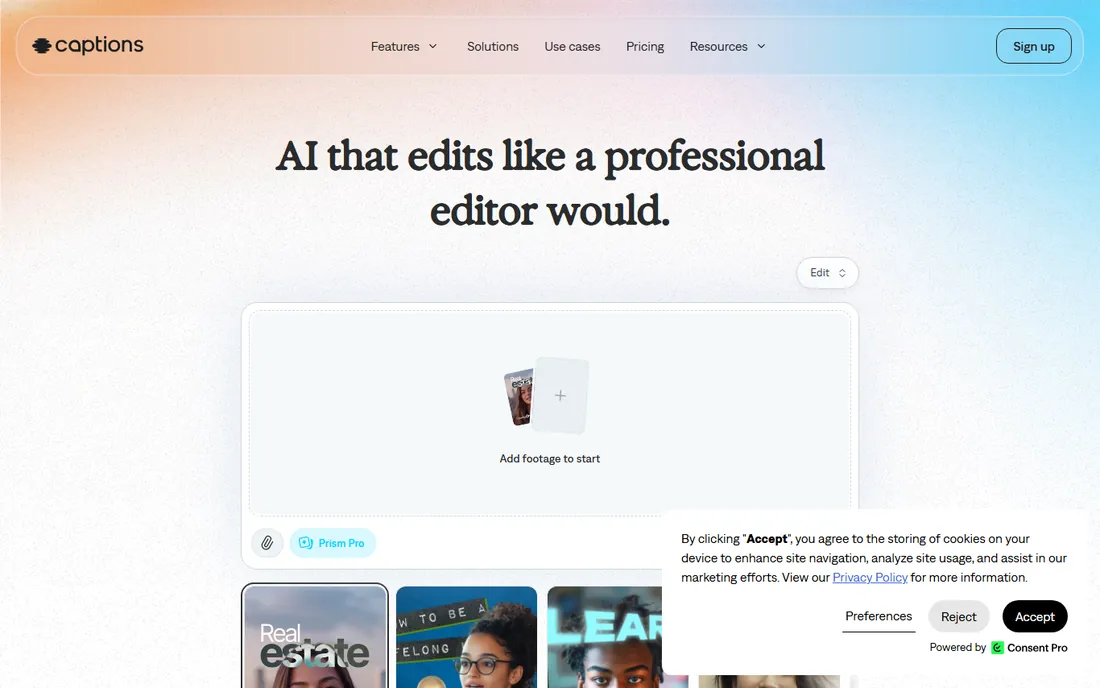
Captions is the app for creators who film on a phone and post the same day. The auto caption generator reaches high accuracy on clean audio, and the styling options are genuinely good for a mobile app: fonts, colors and positioning that hold up on small screens. Extras like AI eye contact correction and noise removal mean a talking-head video shot in a noisy office can still look intentional, which is exactly the problem most solo creators have.
There is no free tier, only a trial, so expect to pay from day one. Pro at $9.99 a month covers most creators, while Max at $24.99 and Scale at $69.99 add capacity for high-volume posters. It is a weaker fit for desktop teams or anyone needing subtitle files for long-form video.
What we like- Studio-grade auto captions with brand styling
- AI eye contact correction and background noise removal
- 28 supported languages
Watch out for- No permanently free plan
- Mobile-centric workflow limits desktop editors
- Costs stack across Max and Scale tiers as needs grow
#5
Rev
Best for: Compliance-grade captions with a human option
Visit rev.com
Starting price$0.25 per minute (AI captions, pay-as-you-go)
Free planYes
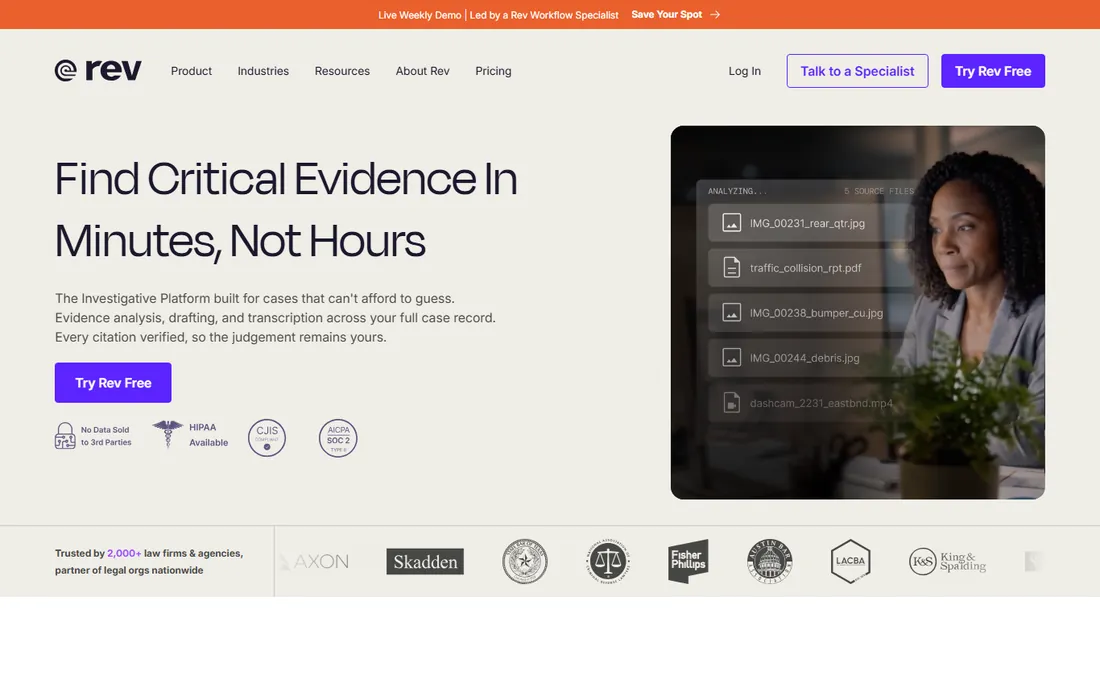
Rev is a transcription company first, which makes it the unusual pick in this list and the right one for a specific buyer. If your captions need to meet ADA, FCC or WCAG standards, automated captions alone will not do, and Rev lets you step up from $0.25-a-minute AI captions to human-generated captions with a review process built for compliance. That ladder, from cheap automation to certified human work, is something none of the creator-focused apps offer.
For casual use, the free plan includes 45 AI minutes a month, and pay-as-you-go keeps costs near zero if you caption occasionally. Rev is not a caption generator in the creative sense: no animated templates, brand kits or B-roll. You upload, you get a caption file back. For training libraries, webinars and course content where correctness beats style, the combination of AI pricing and human backup is hard to beat.
What we like- Human caption services available when accuracy is legally required
- 45 free AI minutes a month
- Direct integrations with YouTube, Vimeo and Zoom
Watch out for- AI caption accuracy trails specialist caption apps
- Per-minute costs climb fast at volume
- No video editor or styling tools attached
Starting price$24/month (Hobbyist, billed monthly)
Free planYes
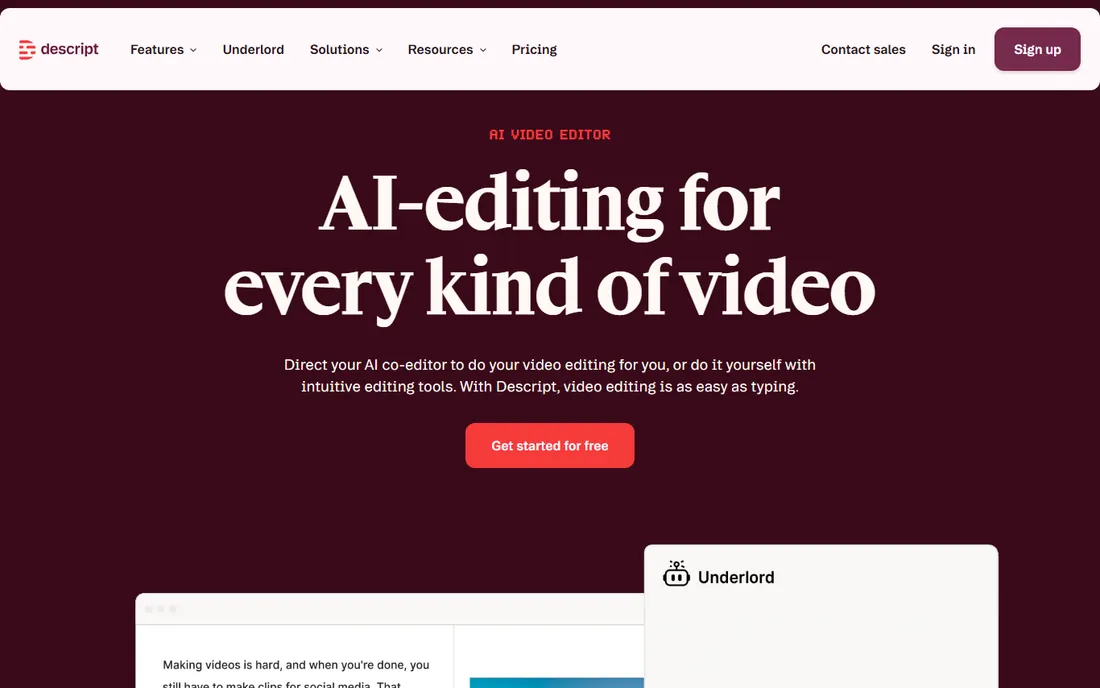
Descript flips the workflow: you edit the transcript and the video follows. Fixing a misheard word means retyping it, and every text cut keeps captions in sync automatically. Built-in Studio Sound cleanup and filler-word removal save a round trip to an audio tool.
Plans are per seat and metered by media hours, which count every minute you upload whether you caption it or not. Hobbyist at $24 a month ($16 annual) includes 10 media hours and 1080p export; Creator at $35 adds 4K and more hours. There is no mobile app. If your real job is editing spoken-word video and captions are the byproduct, Descript is the strongest tool here; if captions are the whole job, it is more software than you need.
What we like- Fix caption errors by editing text, not the timeline
- Studio Sound and filler-word removal included
- Captions stay synced automatically after edits
Watch out for- Media-hour metering counts every uploaded minute, edited or not
- Desktop only, no mobile app
- Overkill if captions are all you need
Starting price$19.99/month (Pro)
Free planYes
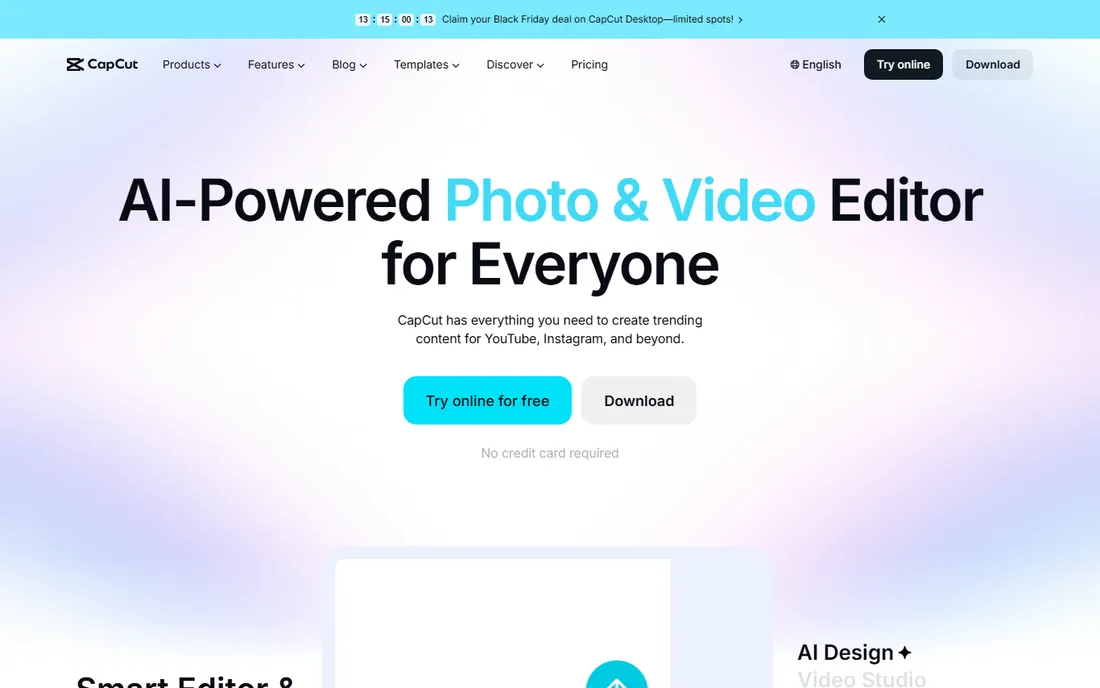
CapCut earns its place because it is the only serious option that captions videos for free. The free editor includes auto captions, a full timeline, filters, transitions and 1080p export, which covers everything a casual creator or small business needs for social video. Paid-feature creep is real, though: premium templates, effects and the complete AI caption suite require Pro, and the exact price you see can vary by region, device and whether you buy through an app store.
Pro at $19.99 a month (or $179.99 a year) adds 4K export, the full AI toolkit including AI-translated subtitles, 1TB of cloud storage and 1,200 monthly AI credits, plus a Team plan for agencies. CapCut is the pragmatic pick for solo creators and small businesses posting a few videos a week. Teams that need brand consistency, review workflows and compliance exports should spend the money on Kapwing or VEED instead.
What we like- Free tier includes usable auto captions with no watermark on plain edits
- Huge template and effect library
- Works on mobile, desktop and web
Watch out for- Advanced caption features and 4K sit behind Pro
- Pricing varies by region and platform
- No real team workspace or brand controls
Starting price$19/month (Guru)
Free planYes
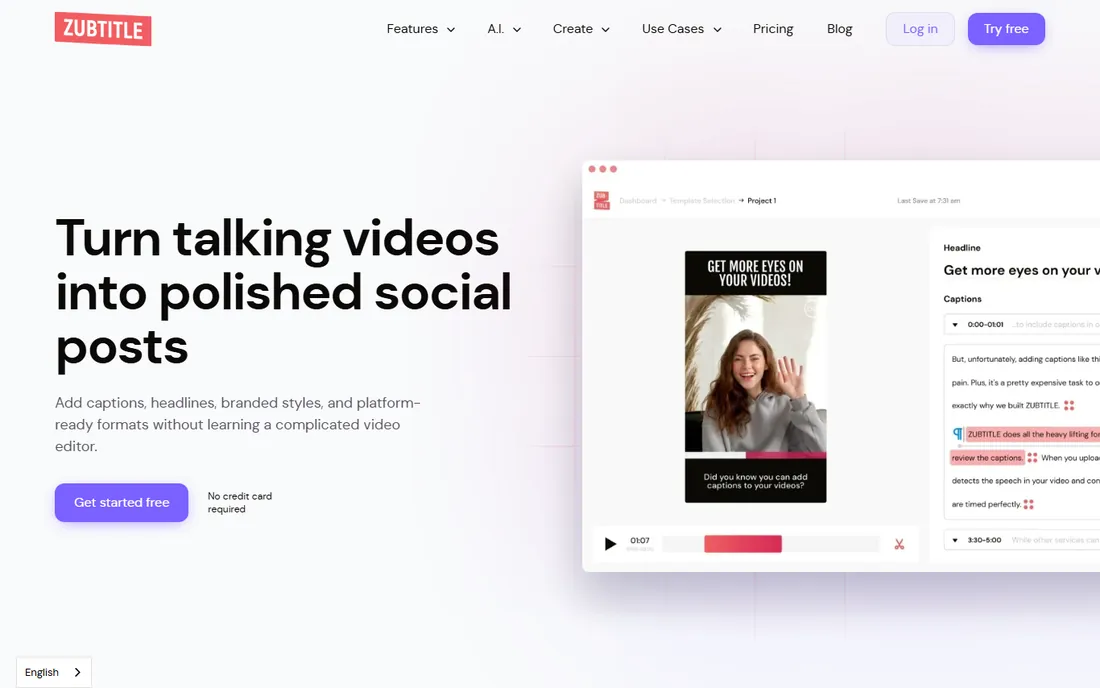
Zubtitle has been doing one thing since 2018: adding captions to social video quickly. The workflow is upload, auto-transcribe, style, resize for the platform, export. For coaches, real estate agents and local businesses repurposing one talking-head video into square, vertical and widescreen cuts, that simplicity is the entire appeal. Branded headlines and custom fonts keep the output looking like your business rather than a template.
Pricing is straightforward: a free Bootstrapper plan with 2 videos a month, Guru at $19 for 10 videos with watermark-free 4K export, and Agency at $49 for 30 videos. It is not the most modern tool here, and the styles cannot match the viral short-form look. But Zubtitle is stable, affordable and honest about its limits.
What we like- Dead-simple caption and resize workflow built for social formats
- Branded headlines, logos and custom fonts
- Free plan for testing
Watch out for- Smaller feature set than newer caption apps
- Limited language and styling range
- Per-video quotas on every plan
Starting price$17/month (Basic, billed monthly)
Free planYes
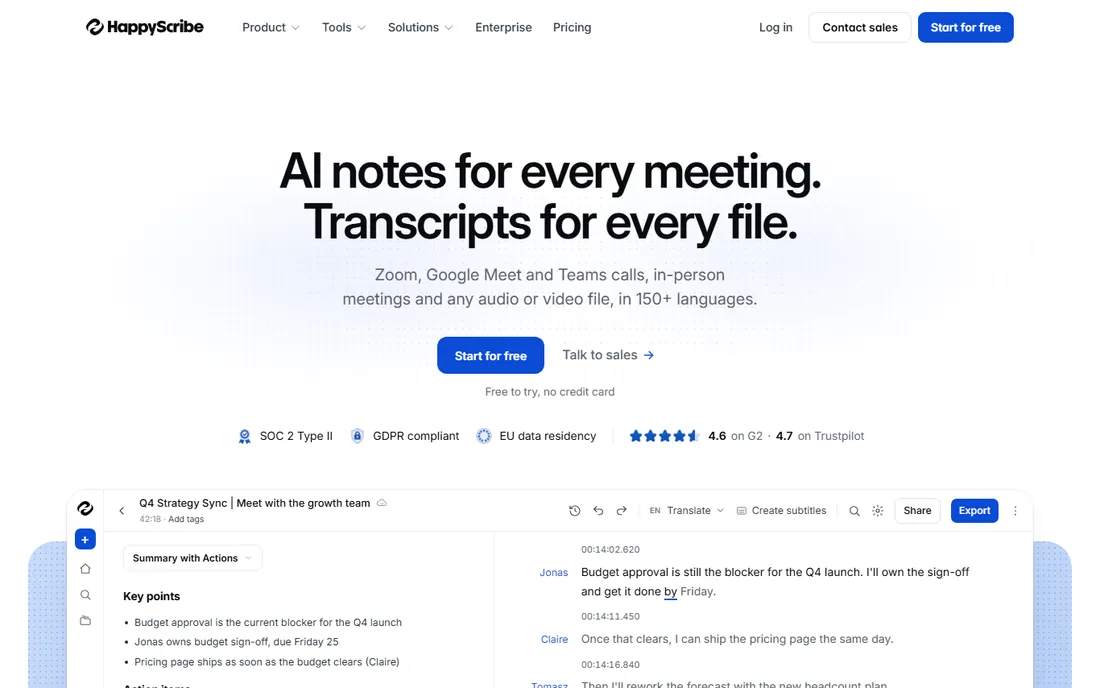
Happy Scribe sits between the creative caption apps and the compliance services, and that middle ground suits a lot of businesses. The AI generates subtitles in 60+ languages, you review them in an interactive editor, and you export clean subtitle files for YouTube, Vimeo, courses and internal training libraries. A free forever plan with limited monthly minutes makes it easy to test on real footage before paying.
Basic starts at $17 a month ($10 annual), with Pro and Business at $29 and $49 for more minutes. Human-made transcripts and subtitles are a paid add-on from about $1.75 a minute. Happy Scribe will not give you the animated TikTok caption look, and the editor expects a review pass. For teams producing multilingual subtitled content, that trade is usually right.
What we like- 60+ languages with interactive subtitle editor
- Clean SRT, VTT and TXT export
- Human transcription services available as an add-on
Watch out for- Less short-form styling than caption-first apps
- Interactive editor needs manual review passes
- Pro and Business tiers climb quickly
How we chose
We shortlisted candidates from public reviews on G2, Capterra and Trustpilot, Reddit threads from working creators, and the tools' own documentation and pricing pages. Every price was checked against the vendor's pricing page or a recent pricing review, and where we could not confirm a figure we wrote See website instead of guessing. We favored tools that exist today, serve US small and mid-size businesses, and generate captions from spoken audio automatically.
What to check before you buy
Plans differ in ways that decide your real cost. First, find the meter. Some tools charge by minutes of video, some by video count, and some by credits, and a plan that looks cheap can get expensive if your videos run long. Match the meter to your output before you compare the price.
Second, decide what the captions are for. Short-form social video wants burned-in, styled, animated captions that hold attention with the sound off. YouTube, courses and training libraries want accurate subtitle files in SRT or VTT format. Compliance and legal work needs human-reviewed captions, which only a few of these tools offer. Buying a viral-caption app for compliance work, or a transcription service for TikTok, wastes money either way.
Third, check the workflow around the captions. Can more than one person review a draft? Does the tool translate captions or only transcribe them? Can you export subtitle files, or only videos with captions burned in? Is there a brand kit so client work looks consistent? Finally, test accuracy on your own footage. Clean studio audio captions well everywhere; accents, crosstalk and background noise separate the good tools from the average ones. Every tool here has a free plan or trial, so run the same five-minute clip through two or three of them before you commit.
Caption quotas: the pricing trap to watch
The biggest surprise buyers report is how fast quotas run out, and the quota shape differs by tool. Kapwing, VEED and Descript meter by minutes or hours of media, which favors short, frequent videos and punishes long webinars. Submagic, Captions and Zubtitle meter by video count, which favors long videos and punishes high posting frequency. Rev and Happy Scribe charge per minute, cheapest for irregular use and priciest for daily volume.
Do the math for a typical month before you buy. Ten 60-second shorts a month fit almost any Starter plan; one weekly 45-minute webinar does not. Also check whether unused allowances roll over. They almost never do, and on some plans the credit pool resets annually rather than monthly, which changes the economics if you buy a year up front. When in doubt, start monthly, measure a full month of real usage, then switch to annual billing for the discount.
Frequently asked questions
Do auto captions really work, or will I spend hours fixing them?
On clean, single-speaker audio they work well, with most tools producing captions that need only light fixes for names and jargon. Accents, crosstalk, music and background noise increase the error rate everywhere. Run your own footage through a free trial before judging, because accuracy depends more on your audio than on the tool.
What is the difference between auto caption software and closed captioning software?
Auto caption software generates captions from speech using AI, usually with styling aimed at social video. Closed captioning software focuses on standards-compliant subtitle files for accessibility, broadcast and legal requirements, often with human review. Some tools, like Rev and Happy Scribe, cover both; most pick a side.
Can I get auto captions for free?
Yes. CapCut includes usable auto captions on its free plan, and Kapwing, VEED, Descript, Zubtitle and Happy Scribe all have free tiers with monthly limits. Free plans usually add watermarks, cap video length or limit subtitle minutes, so they work for testing and light use rather than production.
Which auto caption software is best for TikTok and Reels?
Submagic and Captions are built for that animated, word-by-word caption style and need no editing skill. CapCut is the free alternative with a huge template library. If you post across platforms and also need subtitle files, Kapwing or VEED give you styling plus proper exports.
Do these tools support languages other than English?
Most do. VEED and Submagic support well over 100 languages, Kapwing covers 155 language variants, and Happy Scribe handles 60+. Accuracy varies by language, so test with your actual content rather than trusting the count on a features page.
Can I export captions as SRT or VTT files?
Kapwing, VEED, Rev, Happy Scribe and Descript all export standard subtitle files. Submagic, Captions and CapCut are built around burned-in captions for social video, so check the specific plan if subtitle files are a requirement. Zubtitle exports captioned video with resizing for each platform.
Sources we checked (9)
- https://www.kapwing.com/pricing
- https://fluxnote.io/guides/veed-io-pricing-2026
- https://ciroapp.com/software/submagic
- https://www.fahimai.com/heygen-vs-captions-ai
- https://www.notta.ai/en/blog/happy-scribe-vs-rev/
- https://www.jellypod.com/blog/descript-pricing
- https://costbench.com/software/video-editing/capcut/
- https://sendshort.ai/guides/zubtitle-review/
- https://www.vendr.com/marketplace/rev
Is your product missing or out of date?
We review this list regularly. Vendors can request a listing, send updated pricing or ask about featured placement.

Shihab Mia · Founder, Rankite
Shihab has spent more than a decade helping SaaS and e-commerce brands grow through search. He writes Rankite's software buying guides from pricing pages, documentation and public user reviews. More about Shihab.