How we make this list: we compare pricing pages, product documentation and public user reviews. Rankite is independent; if a vendor ever pays for a featured spot, that listing is clearly labeled Partner.
Key takeaways
- Unity is the default development platform for serious AR applications, with the only transparent pro pricing here.
- ARKit and ARCore are free and mandatory if you ship native AR on iPhones or Android phones.
- Vuforia suits industrial AR with its model targets and PTC ecosystem ties.
- 8th Wall went open source and free in 2026, making it the cheapest serious WebAR option.
- Zappar, Blippar, and Wikitude serve marketing teams that want AR campaigns without developers.
- Scope AR and TeamViewer Frontline target frontline workers: guided instructions and remote assistance.
Quick comparison
Is your product missing or out of date?
We review this list regularly. Vendors can request a listing, send updated pricing or ask about featured placement.
The best augmented reality software
Starting price$2,040/year (Pro)
Free planYes
Unity is where most professional AR gets built. Its AR Foundation framework lets developers target ARKit and ARCore from one codebase, and the engine handles the hard parts: 3D rendering, physics, occlusion, and device tracking. The free Personal tier covers individuals and small companies, while Pro at $2,040 a year per seat adds the full feature set for larger teams.
The engine's power is also its weight. A simple AR marketing effect does not need Unity, and the learning curve is real for teams coming from web development. But for anything beyond a demo, training simulations, industrial visualization, complex games, Unity's tooling, community, and hiring pool make it the default choice.
What we like- Dominant real-time 3D engine with deep AR framework support
- Huge asset store and developer community
- Free Personal tier for small teams
Watch out for- Pro pricing is per seat and adds up for teams
- Overkill for simple marketing AR
Starting priceSee website
Free planNo
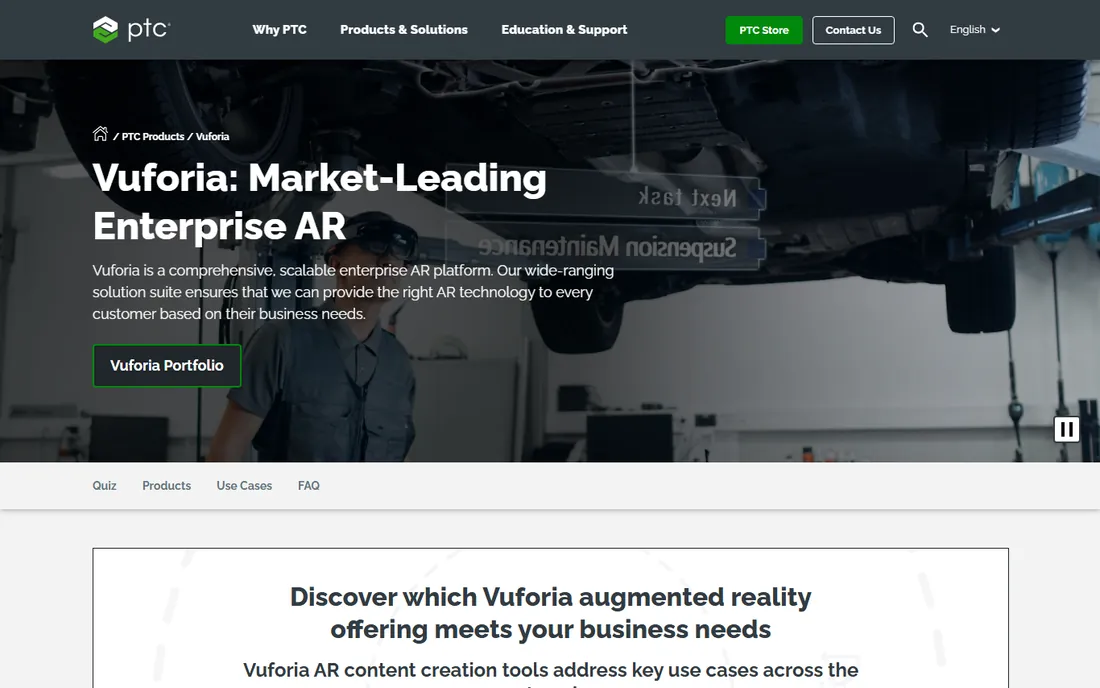
Vuforia is the industrialist's AR SDK. Its standout capability is recognizing real objects, machinery, parts, whole environments, and anchoring digital content to them precisely. A technician points a tablet at a pump and sees the maintenance procedure overlaid on the actual equipment. As part of PTC, it connects naturally to Creo CAD models and ThingWorx IoT data, so the AR view can reflect live machine state.
This is enterprise software with enterprise pricing and sales process. Consumer-facing marketing teams will find it heavy and expensive for their needs. But for manufacturers building AR into service, training, and operations, Vuforia's tracking quality and industrial integrations are the benchmark.
What we like- Excellent model targets and object recognition for industrial use
- Tight integration with PTC's CAD and IoT products
- Proven in manufacturing deployments
Watch out for- Quote-based enterprise pricing
- Less suited to consumer marketing AR
Starting priceFree
Free planYes
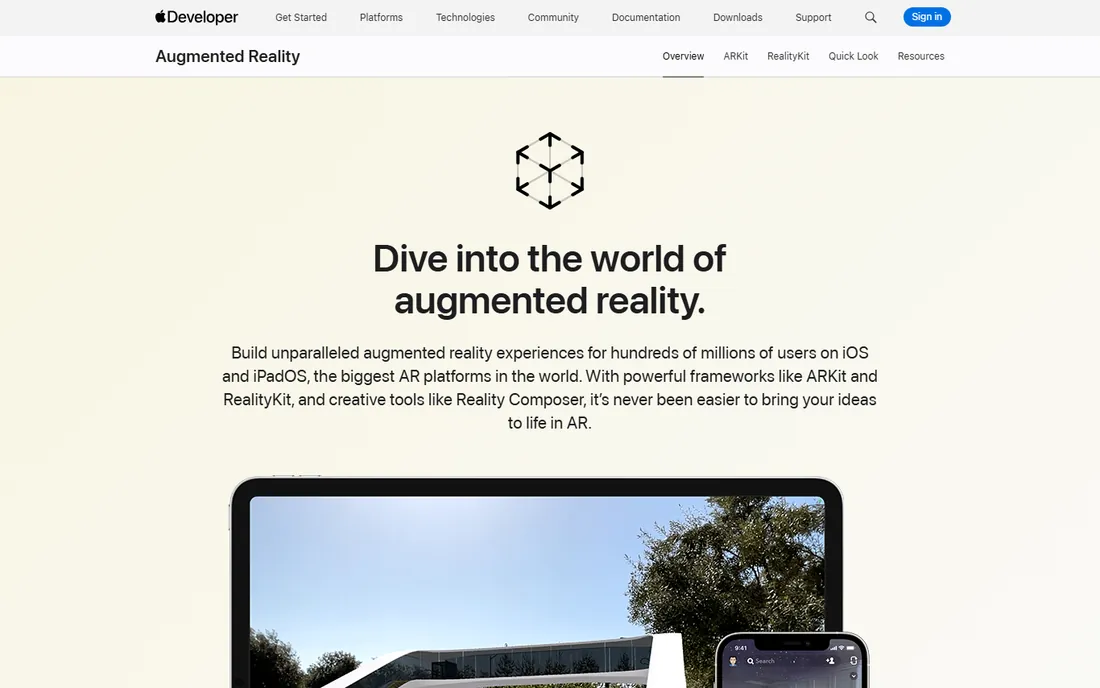
If your AR app runs on iPhones, you will use ARKit. Apple's framework provides world tracking, plane detection, face tracking, and object capture, all free with the iOS SDK and tuned to the hardware. The installed base of AR-capable iPhones is enormous, which is why so many consumer AR experiences are iOS-first.
ARKit is a framework, not a finished product: it gives developers the tracking and rendering primitives, and your team builds the experience. Android needs a separate solution, which is why cross-platform teams pair ARKit with ARCore through Unity or a web approach. For Apple-only projects, there is no decision to make.
What we like- Free and deeply integrated with iOS
- Best-in-class motion tracking and face tracking
- Huge installed base of capable iPhones and iPads
Watch out for- Apple devices only
- You still need to write the app around it
Starting priceFree
Free planYes
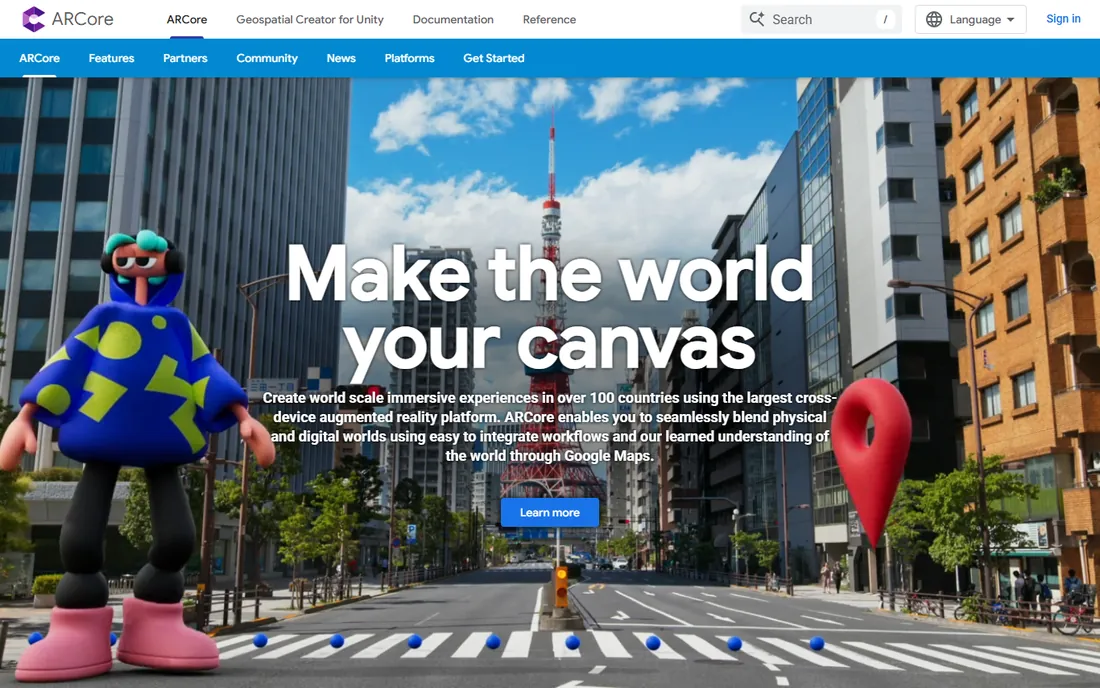
ARCore is Google's answer to ARKit: motion tracking, plane detection, and light estimation for Android apps, free with the SDK. Its Geospatial API is a differentiator, letting developers anchor AR content to real-world locations using Google Maps' visual positioning data, which powers location-based AR at city scale.
Android's fragmentation is the eternal caveat: AR capability varies across the thousands of Android devices in the wild, so testing matrices are painful. Most serious AR teams build for both platforms through Unity's AR Foundation rather than writing native ARCore code directly. But the framework itself is free, capable, and the only native path on Android.
What we like- Free native AR for the Android ecosystem
- Solid motion tracking and environmental understanding
- Geospatial API anchors content to real places
Watch out for- Android fragmentation means inconsistent device capability
- IOS needs a separate path
Starting priceFree
Free planYes
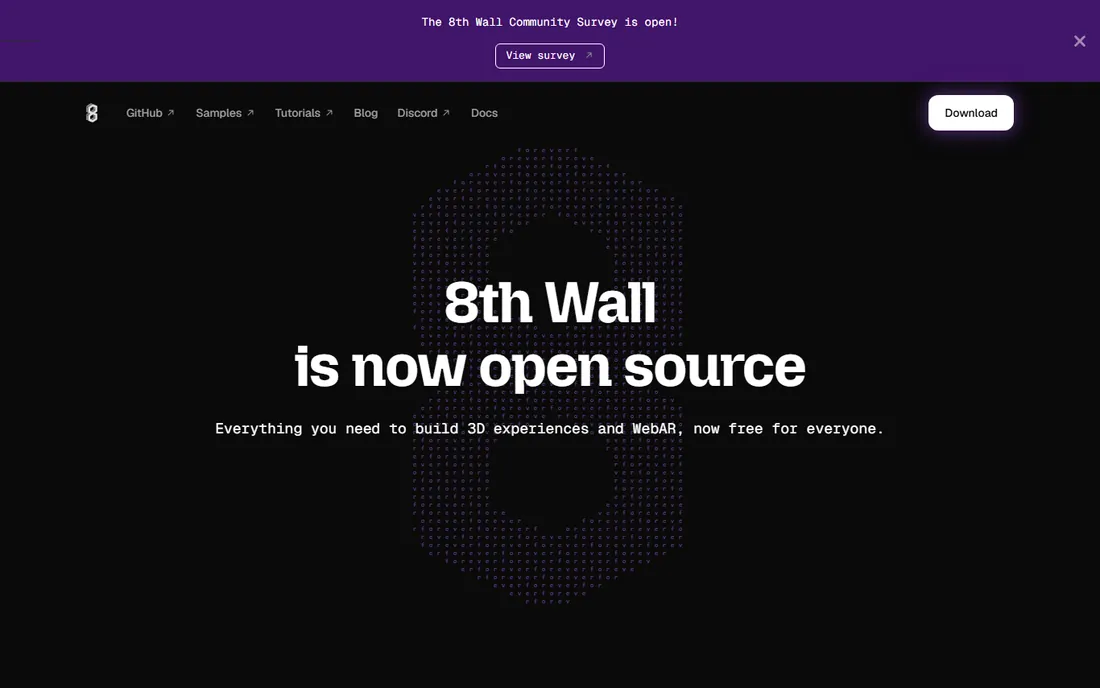
8th Wall pioneered WebAR: augmented reality that runs in the phone's browser, no app install required. That one property made it the favorite for marketing campaigns, retail try-ons, and events, because every removed install step multiplies participation. In early 2026 Niantic retired the hosted platform and released the tools as open source, free for everyone including commercial use.
The change is good for budgets and requires adjustment in workflow: there is no more managed hosting or dashboard, so teams download the tools from GitHub and host experiences themselves. Browser-based AR still cannot match native apps for tracking quality or performance. But for reach-first campaigns where the link matters more than the fidelity, free WebAR is now unbeatable.
What we like- AR that runs in a mobile browser with no app download
- Now open source and free after the 2026 platform change
- Image targets, face effects, and world effects
Watch out for- The hosted platform was retired in February 2026, so you self-host now
- Browser AR is less powerful than native
Starting priceSee website
Free planNo
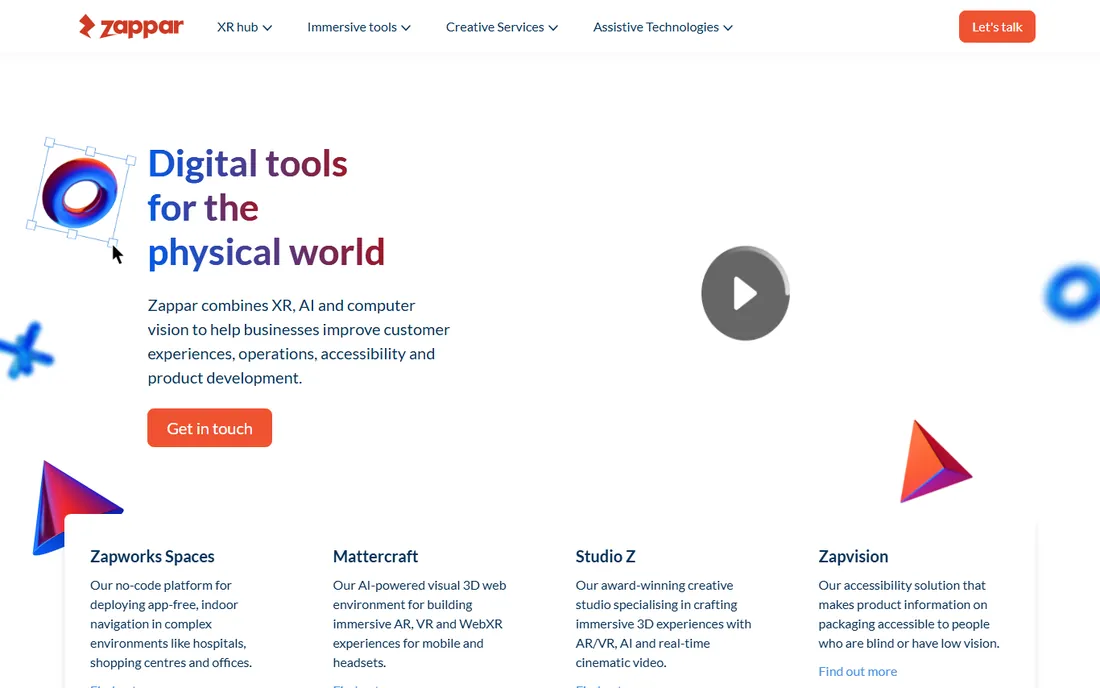
Zappar exists so marketing teams can ship AR without hiring Unity developers. Its tools turn packaging, print ads, and displays into AR triggers: point your phone at the cereal box and the mascot comes alive. The company has run thousands of such campaigns and offers the creative and technical support to get them live.
Developers will find it constraining, and pricing goes through sales. But the target buyer is a brand manager with a campaign deadline, not an engineer, and for that buyer the trade is correct. If your AR need is "make our packaging interactive for the holiday campaign," Zappar is purpose-built for exactly that.
What we like- Designer-friendly tools for building AR without coding
- Strong in packaging and print-to-AR campaigns
- Managed campaign support
Watch out for- Quote-based pricing
- Aimed at marketers, not developers
Starting priceSee website
Free planNo
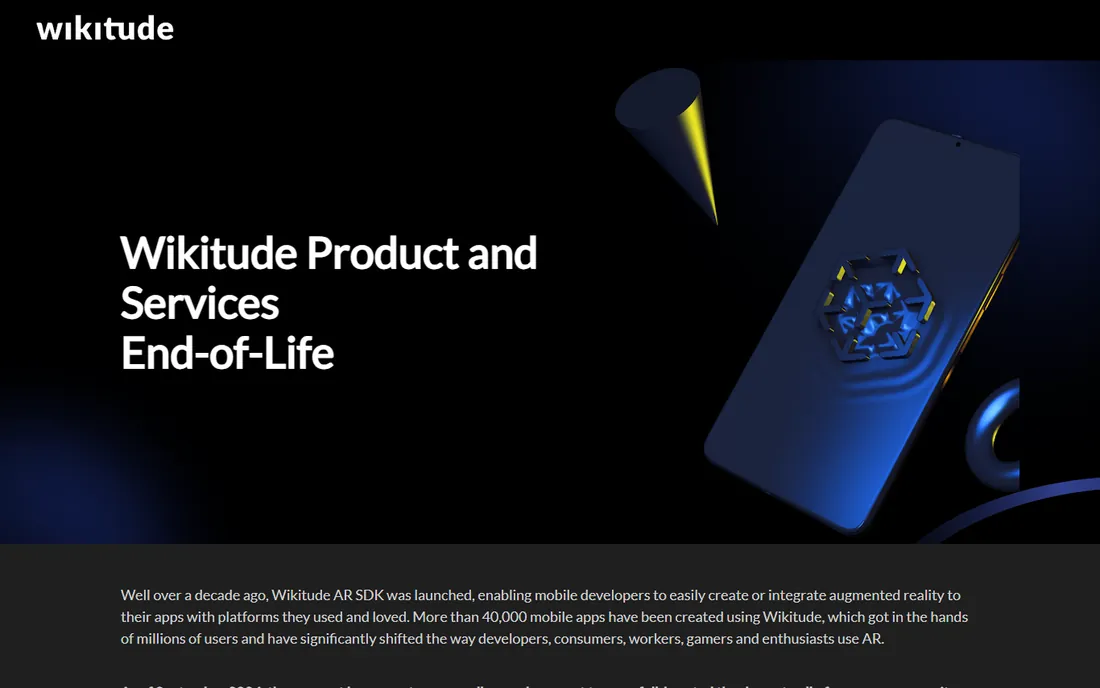
Wikitude is one of the oldest AR SDK companies, and its toolkit covers the standard tracking modes: images, objects, scenes, and geo-location. For developers who want an SDK without committing to Unity, it provides the AR engine to embed in native apps across iOS and Android.
The honest question every buyer should ask is what Wikitude adds over free ARKit and ARCore. The answer is cross-platform unity from one SDK, plus some specialized tracking, but the gap has narrowed as the native frameworks improved. Teams already building natively may not need it. Teams wanting one SDK for both platforms with support should evaluate it against Unity's AR Foundation.
What we like- Mature SDK with image, object, and geo tracking
- Works across mobile platforms
- Long track record in the AR industry
Watch out for- Pricing is quote-based
- Faces stiff competition from free native frameworks
Starting priceSee website
Free planNo
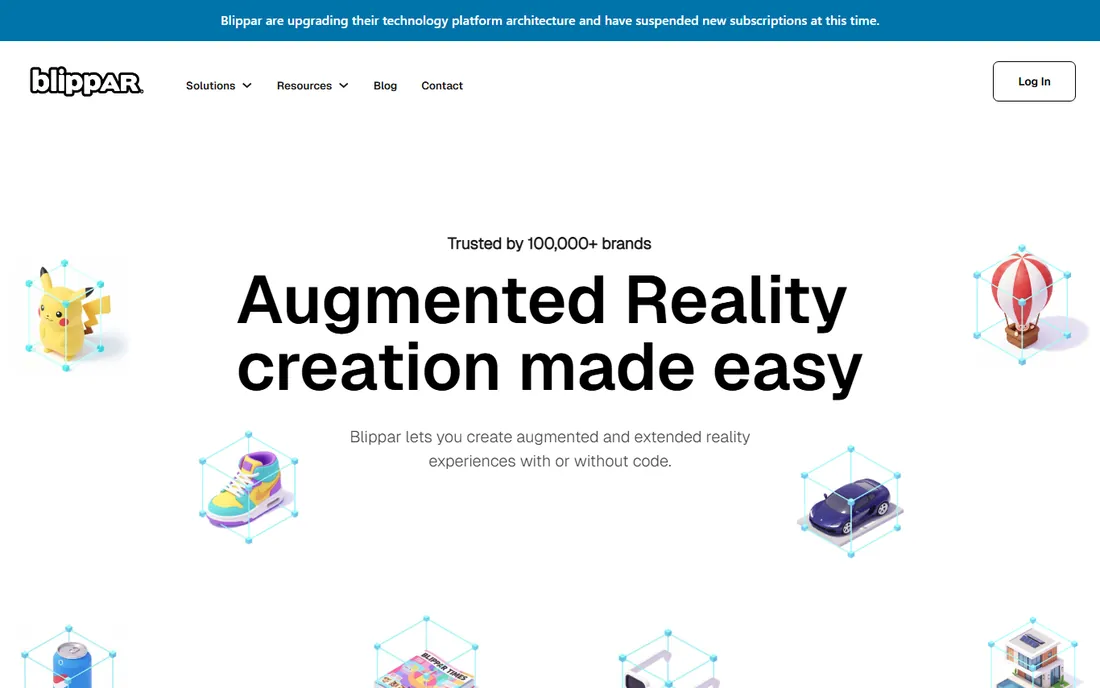
Blippar's studio lets creators build WebAR experiences in a browser-based editor: drag, drop, publish, share a link or QR code. Publishers use it to make print interactive, educators for immersive learning materials, brands for campaigns. The viewer needs nothing but a phone browser, which keeps friction near zero.
Power users will hit the ceiling of a template-driven studio quickly; this is not a tool for custom computer vision or complex 3D. And serious volume goes through a sales conversation. For content teams that think in campaigns rather than code, though, Blippar shortens the path from idea to live AR considerably.
What we like- Self-service studio for creating WebAR experiences
- Strong in publishing and education use cases
- No app download needed for viewers
Watch out for- Less developer control than SDK approaches
- Pricing through sales
Starting priceSee website
Free planNo
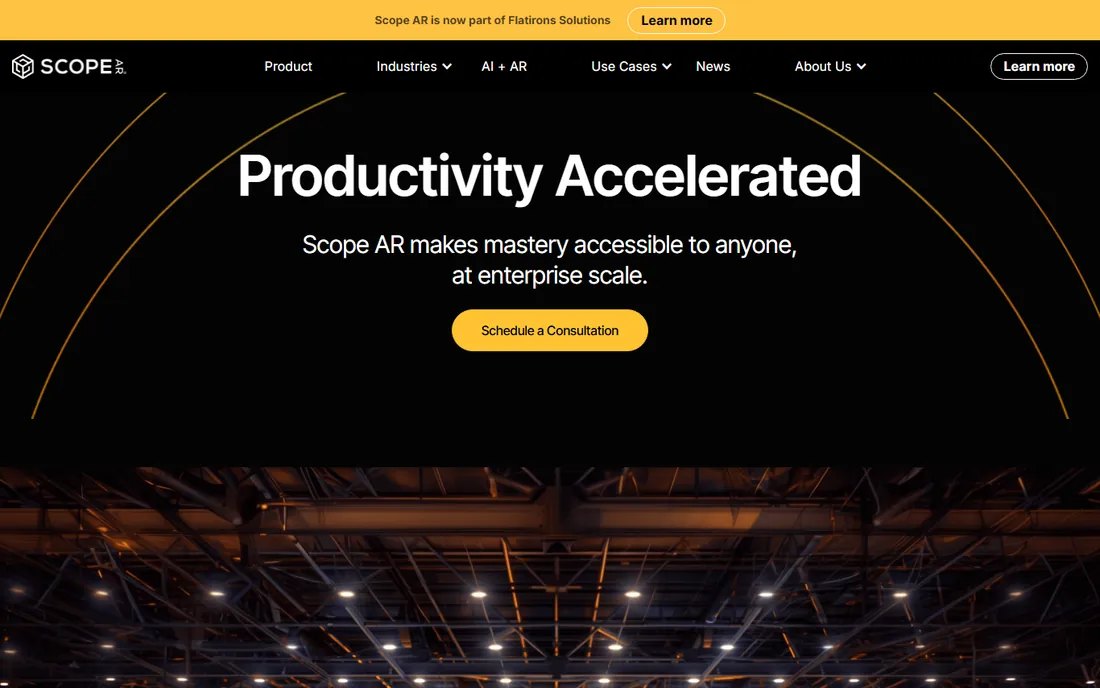
Scope AR's WorkLink platform turns CAD files into step-by-step AR work instructions that technicians follow on tablets or headsets. The use cases are concrete: assembly guidance, maintenance procedures, and training, with customers in aerospace, manufacturing, and energy. Authors build content in a web browser without coding, which matters because the experts who know the procedure are rarely developers.
This is sold to enterprises, with pilots, professional services, and the pricing to match. It has no consumer or marketing story. But for the specific problem of getting expert knowledge into frontline workers' hands, with measured ROI in reduced errors and training time, WorkLink is one of the most proven platforms available.
What we like- Purpose-built for industrial work instructions and training
- No-code content creation from CAD files
- Used by major manufacturers and aerospace firms
Watch out for- Enterprise pricing and sales cycle
- Focused on industry, not consumers
Starting priceSee website
Free planNo
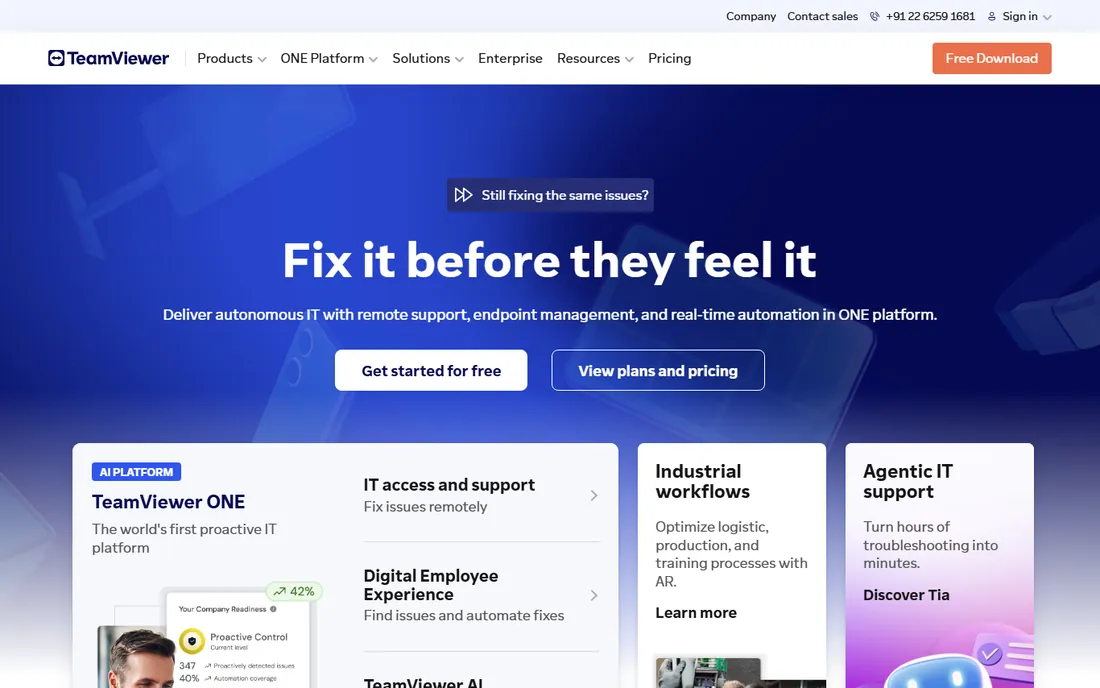
TeamViewer Frontline applies AR to the oldest industrial problem: the expert is not where the problem is. With xAssist, a remote specialist sees the field technician's camera view and draws AR annotations onto it: circle this valve, turn that wrench. xPick brings similar guidance to warehouse logistics with vision picking. It is remote support, upgraded from phone calls to shared sight.
The platform makes most sense for organizations already using TeamViewer or standardizing remote support at scale. Pricing is enterprise and quoted. For companies whose service costs are dominated by expert travel and downtime waiting for expertise, the ROI case writes itself; for everyone else, it is a specialized tool.
What we like- Remote experts see what the worker sees and guide them with AR annotations
- Builds on TeamViewer's remote support DNA
- XAssist and xPick cover assistance and logistics
Watch out for- Quote-based enterprise pricing
- Tied to the TeamViewer ecosystem
Which AR approach fits your project
The category confusion disappears once you sort by distribution.
Native app AR
You are building an app users install. Use Unity with AR Foundation, targeting ARKit on iOS and ARCore on Android. Vuforia joins the stack for industrial object recognition. This path gives the best tracking and performance at the cost of development time and the app-install barrier.
WebAR
You want maximum reach with no install. Use 8th Wall's open-source tools, Zappar, or Blippar, and distribute via link or QR code. Tracking is weaker than native, but for marketing, retail, and events, reach beats fidelity.
Enterprise frontline AR
You are guiding workers, not delighting consumers. Scope AR WorkLink for authored work instructions, TeamViewer Frontline for remote expert assistance. Buy on pilot ROI, measured in error reduction and travel saved, not on feature lists.
How we chose
We segmented AR software by real buying patterns: developer platforms, WebAR and marketing tools, and enterprise frontline systems. We verified each product's current status through official sites and documentation, which caught 8th Wall's 2026 shift to open source. We checked pricing pages for published prices and marked the rest as See website. Developer sentiment came from GitHub activity, Stack Overflow, Reddit's AR communities, and G2, weighting documentation quality, tracking performance, and production deployments over marketing claims.
What AR projects really cost
The software is often the smallest line item. A Unity Pro seat is $2,040 a year, but the 3D artists and developers building the experience cost far more. WebAR campaigns through Zappar or Blippar price by campaign scope and volume. Enterprise platforms like Scope AR and TeamViewer Frontline price by users and modules, with pilots and professional services on top.
The free options have changed the entry math. ARKit, ARCore, and now 8th Wall cost nothing, so prototyping is cheap. Budget instead for content: 3D models, CAD conversion, and instruction authoring dominate real project costs. A pilot that proves ROI on one use case, one assembly line, one training module, is how smart buyers start before committing to platform licenses.
Frequently asked questions
What is the best AR software for beginners?
For no-code marketing AR, Zappar or Blippar. For free WebAR development, 8th Wall's open-source tools. For learning real AR development, Unity's free Personal tier with AR Foundation. Pick based on whether you want campaigns or applications.
Do I need a headset for augmented reality?
No. Most AR today runs on phones and tablets: ARKit, ARCore, and WebAR all target mobile. Headsets like HoloLens 2 and Apple Vision Pro matter for industrial and high-end use cases, and enterprise platforms like Scope AR support them, but phone AR covers the majority of projects.
What is the difference between ARKit and ARCore?
They are the native AR frameworks for iOS and Android respectively. Both are free and provide motion tracking, plane detection, and environmental understanding. Developers targeting both platforms typically use Unity's AR Foundation to write once and deploy to both.
Is 8th Wall really free now?
Yes. In February 2026 the hosted platform was retired and the tools were released as open source, free for everyone including commercial use. You download from GitHub and host experiences yourself; there is no paid tier anymore.
How much does enterprise AR software cost?
Quote-based, typically scaling with users, devices, and modules. Pilots often start in the tens of thousands of dollars including services. Measure ROI in concrete terms: reduced training time, fewer errors, less expert travel, and faster task completion.
Can AR work without an app download?
Yes, through WebAR: AR experiences that run in the mobile browser. 8th Wall, Zappar, and Blippar all support browser-based AR distributed via link or QR code. It trades some tracking quality for dramatically wider reach.
Sources we checked (10)
- https://unity.com
- https://www.vuforia.com
- https://developer.apple.com/augmented-reality/
- https://developers.google.com/ar
- https://8thwall.com/
- https://www.zappar.com
- https://www.wikitude.com
- https://www.blippar.com
- https://scopear.com/
- https://www.teamviewer.com
Is your product missing or out of date?
We review this list regularly. Vendors can request a listing, send updated pricing or ask about featured placement.

Shihab Mia · Founder, Rankite
Shihab has spent more than a decade helping SaaS and e-commerce brands grow through search. He writes Rankite's software buying guides from pricing pages, documentation and public user reviews. More about Shihab.
 Unity
Unity Vuforia (PTC)
 ARKit (Apple)
 ARCore (Google)
 8th Wall
 Zappar
 Wikitude
 Blippar
 Scope AR (WorkLink)
 TeamViewer Frontline